
Thumbly
Thumbly is an AI-powered YouTube thumbnail generator designed to analyze high-performing visual trends and automatically generate high-CTR thumbnails tailored for content creators, vloggers, and digital marketers.
What is Thumbly?
Thumbly is an AI-driven thumbnail creation platform engineered to help video creators generate eye-catching, high-converting YouTube thumbnails in seconds. By analyzing top-performing visual trends and video topics, Thumbly produces customized graphic layouts optimized to improve click-through rates (CTR).
Thumbly eliminates design bottlenecks by allowing video creators to transform titles and concepts into scroll-stopping thumbnails with minimal effort.
- Developer / Publisher: Thumbly AI
- Platform Availability: Web
Use Cases:
- Generating custom YouTube thumbnails from video titles and simple prompts
- Optimizing video click-through rates (CTR) by analyzing top visual trends in specific niches
- Creating branded, consistent thumbnail styles across entire YouTube channels
- A/B testing multiple visual concepts quickly without manual graphic design work
Technology:
- Generative image AI models trained on YouTube visual performance dataset
- Computer vision face and subject extraction for instant background replacement
- Automated text placement and visual hierarchy algorithms for readability
- Niche trend analyzer mapping high-CTR color schemes and font choices
Target Users:
- YouTubers and Content Creators wanting faster thumbnail production workflows
- Digital Marketers & Media Agencies managing multiple video publishing channels
- Educators and Course Creators designing structured, readable cover graphics
- Vloggers needing fast thumbnail variants without hiring expensive graphic designers
Acquisition: Operates as an independent platform
Key features of Thumbly
Thumbly's key features are
- AI Thumbnail Generation: Turn text descriptions, video transcripts, or titles into ready-to-use YouTube graphics.
- CTR Trend Analysis: Generates designs based on viral visual patterns and high-converting niche trends.
- Face Swap & Cutout Tool: Seamlessly integrates creator portraits and expression cutouts into AI backgrounds.
- Customizable Text Styles: Add bold, high-contrast typography optimized for mobile screens.
- Multi-Variant Generation: Create multiple design angles simultaneously for easy A/B testing.
- Channel Branding Presets: Save preferred fonts, color palettes, and logos to maintain channel visual identity.
Thumbly Pricing
Thumbly operates on a Freemium credit-based subscription model for casual creators and high-volume video producers.
Free Plan:
- $0 / month
- Includes initial free credits to generate and test thumbnail outputs with basic templates
Starter / Pro Plan:
- ~$17 - $35 / month
- Unlocks high-resolution downloads, fast rendering speeds, custom creator face integration, and hundreds of monthly generation credits
Disclaimer: For the latest and most accurate pricing information, please visit the official Thumbly website.
Who is using Thumbly?
Thumbly is designed for video creators and teams, including
- YouTube Creators: Streamlining post-production workflows to post videos faster
- Social Media Managers: Managing cover art across multiple client YouTube channels
- Podcast Producers: Converting long audio podcasts into visual YouTube covers
- E-Learning Instructors: Designing clean, authoritative tutorial preview images
Best Thumbly Alternatives
Some of the top Thumbly alternatives include
Pros and Cons of Thumbly
Pros
- Fast thumbnail generation saving hours of manual graphic editing
- Data-driven designs focused on boosting click-through rates (CTR)
- Easy integration of custom creator faces and facial expressions
- Multiple variation options simplify A/B thumbnail testing
- User-friendly web editor requiring zero design experience
Cons
- AI-generated text inside graphics may occasionally require manual correction
- Free credit allocations can be limited for channels publishing daily videos
- Niche-specific designs may require manual fine-tuning for exact brand alignment
Why Choose Thumbly?
Thumbly stands out by focusing directly on YouTube CTR optimization rather than simple static templates. By combining generative visual assets with automated cutout capabilities and niche trend insights, Thumbly provides creators with higher click conversion potential without the expense of a professional graphic designer.
- Convert video titles into clickable YouTube thumbnails in minutes
- Incorporate creator face cutouts into dynamic AI-generated scenes
- Test multiple cover variants to identify top-performing visual hooks
- Maintain visual branding across all channel uploads
Thumbly vs. Competitors
The primary difference between Thumbly, Canva, and Pikzels lies in design automation and focus. While Canva is a general graphic design suite relying on static templates, Thumbly and Pikzels focus specifically on generative AI tailored to YouTube algorithm trends and high-CTR visual strategies.
| Feature / Tool | Thumbly | Pikzels | Canva | Thumbmagic |
|---|---|---|---|---|
| Core Focus | AI CTR thumbnail generation | AI YouTube cover art & thumbnails | All-in-one manual graphic design | Dedicated AI thumbnail generator |
| AI Scene Generation | Yes | Yes | Partial (Magic Media) | Yes |
| Automated Cutouts | Yes | Yes | Yes (Pro) | Yes |
| Ease of Use | Very High | High | High | High |
| Best For | YouTubers seeking fast, high-CTR AI covers | Creators wanting heavy AI scene generation | General creators editing manual templates | High-volume YouTube channels |
How do we rate Thumbly?
| Parameter | Rating (out of 5) |
|---|---|
| Thumbnail Quality & Resolution | 4.7 |
| Ease of Use & Workflow | 4.8 |
| AI Generation Speed | 4.7 |
| Customization & Editing | 4.5 |
| Value for Money | 4.6 |
| Overall Score | 4.66 |
Thumbly Review
Thumbly provides a fast, efficient solution for YouTube creators looking to elevate their video cover art. By bridging the gap between generative AI images and high-CTR visual structures, it enables channels to create professional, scroll-stopping thumbnails with minimal effort.
Conclusion
Thumbly empowers video creators to streamline post-production graphic design. Its automated cutout features, trend-aligned designs, and quick rendering make it an effective tool for improving channel click-through rates.
FAQ
What is Thumbly?
Thumbly is an AI-powered thumbnail creation tool designed for YouTube, TikTok, and other social platforms. It can generate attention-grabbing thumbnails from video URLs, uploaded videos, prompts, or reference images, helping creators produce professional visuals without advanced design skills.
What can Thumbly be used for?
Thumbly can be used to create YouTube thumbnails, TikTok covers, Shorts thumbnails, and other social-media visuals. It also offers features such as AI editing, multiple style presets, face libraries, reference-image support, and thumbnail scoring to help creators improve their designs.
Can Thumbly generate thumbnails from a YouTube or TikTok video?
Yes. Users can provide a YouTube or TikTok URL or upload a video file, and Thumbly can analyze the content to generate thumbnail options. It supports different formats, including landscape, portrait, square, and custom aspect ratios.
Does Thumbly support AI thumbnail editing?
Yes. Thumbly includes AI editing tools that allow users to modify specific elements using natural-language instructions. Users can make changes such as adjusting text, backgrounds, expressions, or other visual elements without recreating the entire thumbnail.
Can I use my own images with Thumbly?
Yes. Thumbly allows users to upload reference images to guide the AI's generation. Its Face Library can also store reference photos so creators can use their own likeness in generated thumbnails, while reference images can help control the subject, framing, and overall visual direction.
Is Thumbly free to use?
Thumbly offers free access or trial options depending on the version and plan available. The Futurepedia listing currently categorizes it as a Free Trial tool, while Thumbly's current site offers 10 free credits on its creator-focused platform. Paid options are also available for users who need additional generations and features.
Who should use Thumbly?
Thumbly is particularly useful for YouTubers, TikTok creators, influencers, marketers, social media managers, and video teams that regularly need high-quality thumbnails. Its automated generation, style controls, AI editing, and thumbnail scoring features can help creators produce and optimize multiple designs more quickly.
User Reviews
No reviews yet for Thumbly.
Featured Tools
Featured AI tools from TechShark

Melody Genie
MelodyGenie is an AI-powered music generator that creates original songs from simple text prompts. Users can choose styles, moods, and genres, then instantly generate melodies and full tracks, making it easy for creators, marketers, and hobbyists to produce custom music without musical expertise.
Freemium

Kimi AI
Kimi AI is an advanced AI assistant developed by Moonshot AI that helps you chat, research, write, code, and automate tasks in one place. It supports web search, file analysis, and multimodal inputs, and can even run autonomous “agent” workflows to complete complex tasks end-to-end.
Freemium

Fashion Diffusion AI
Fashion Diffusion is an AI-powered fashion design platform that helps brands and designers create clothing designs, virtual try-ons, AI models, product photos, and marketing visuals faster and cost-effectively.
Paid

Veo 4
Veo 4 AI is an AI video creation platform that generates dramatic videos from text, images, audio, and video prompts using realistic motion and synchronized sound.
Paid
Alternatives
Alternatives to Thumbly
The best Thumbly alternatives include Thumbmagic, Pikzels, Thumbnail AI, Canva, Visme, and VEED.io. These tools offer automated AI thumbnail generation, manual design templates, and visual editing tools for video creators.
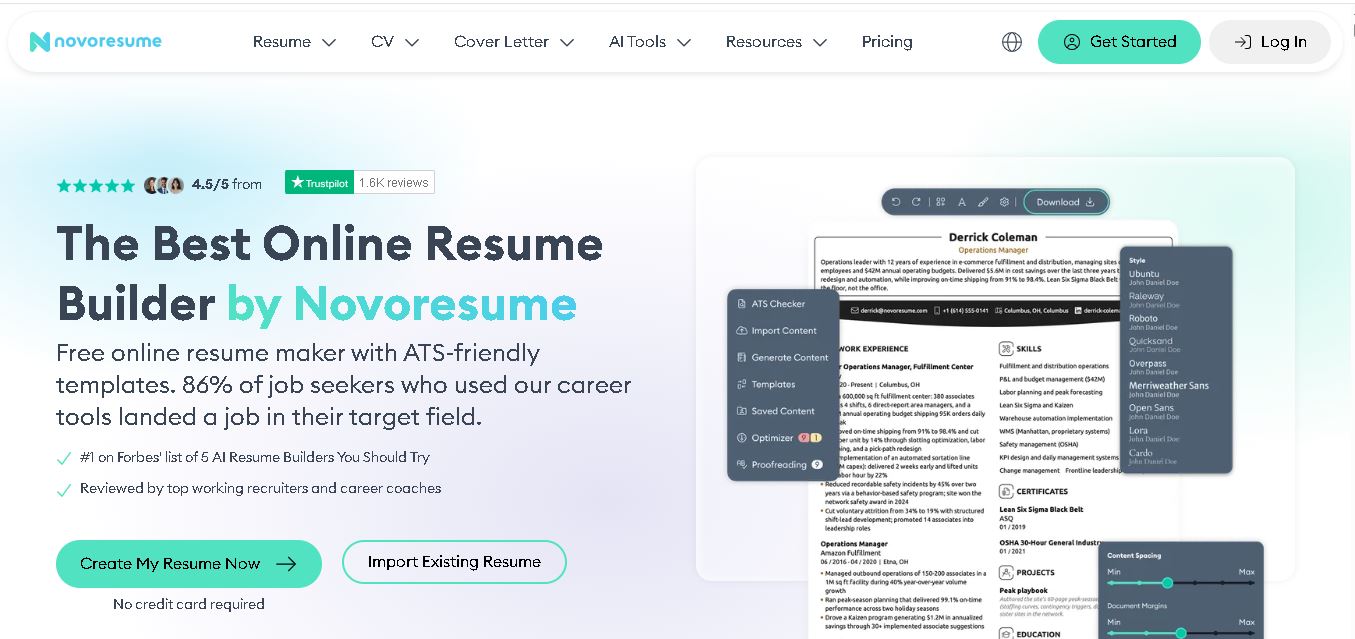 4.7
4.7Novoresume
Resume
Novorésumé is an online resume and CV builder for creating professional, ATS-friendly job application documents. It offers free templates, premium customization, AI-assisted suggestions, cover letters, PDF downloads, and career tools. With multiple layouts and mobile browser support, it helps students, graduates, and experienced professionals build polished resumes efficiently today online.
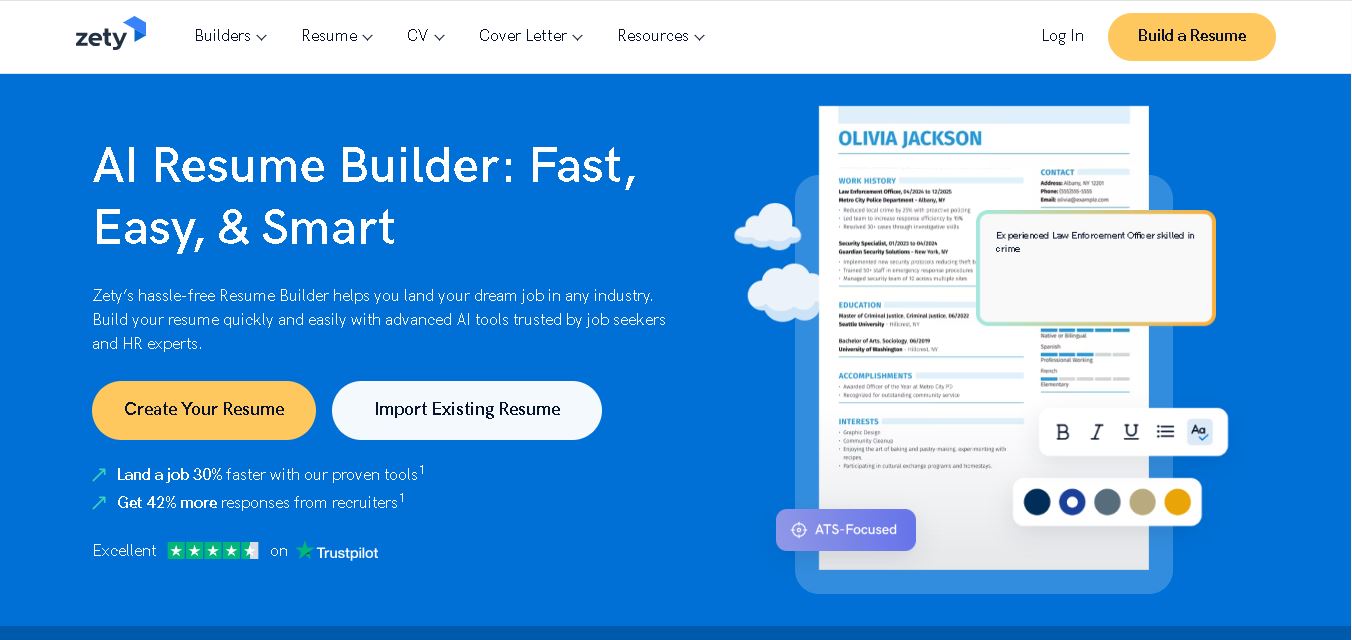 4.6
4.6Zety
Resume
Zety is a career-building platform for creating resumes, CVs, and cover letters. It provides professionally designed templates, ready-made content suggestions, ATS-focused guidance, resume checking tools, and career advice. Users can customize their documents for different industries and experience levels, then download them in supported formats for job applications.
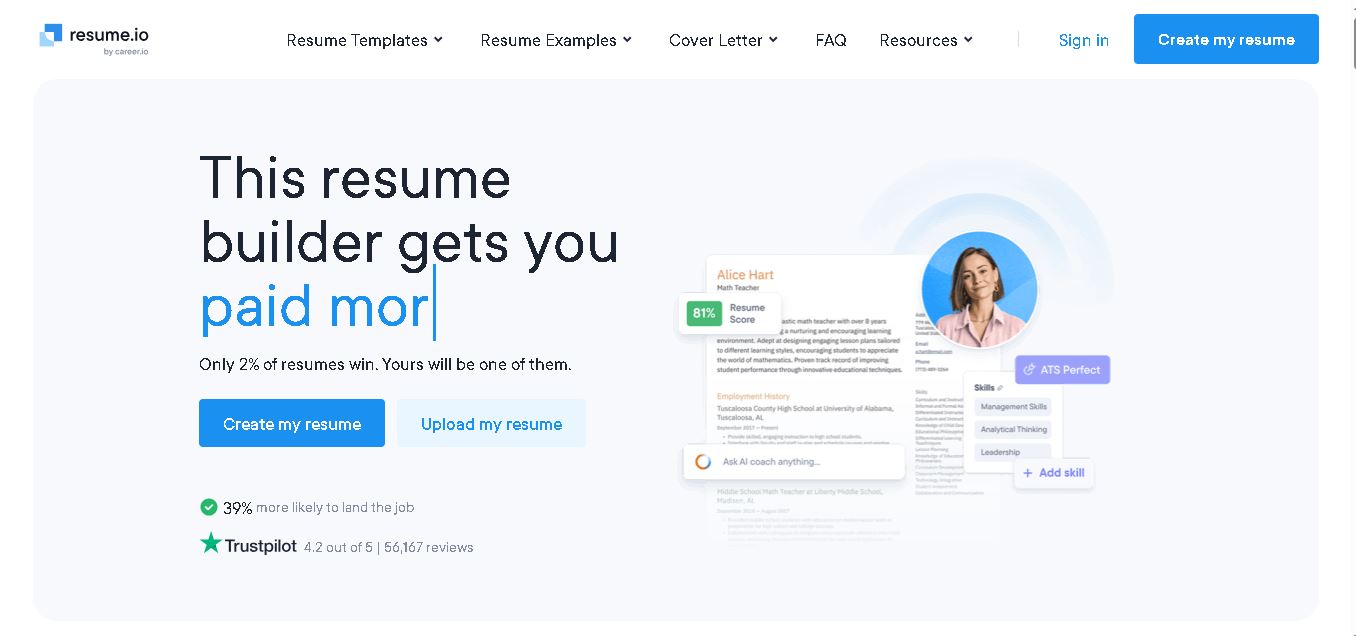 4.4
4.4Resume.io
Resume
Resume.io helps job seekers build resumes and cover letters with guided editing, customizable templates, AI-assisted writing, and career resources. Users can start with examples or create documents from scratch, then tailor applications for different roles. Its free and premium options support different needs, from resume creation to broader job-search tools.
 4.9
4.9MatchBuilt
Resume
MatchBuilt is a specialized homebuilding executive search firm that connects residential builders with experienced leadership talent. It recruits executives and senior professionals across construction, land acquisition, sales, purchasing, finance, marketing, and operations. The company serves national, regional, private, luxury, custom, land-development, and build-to-rent organizations throughout the United States.
 4.8
4.8ResumeWriting.com
Resume
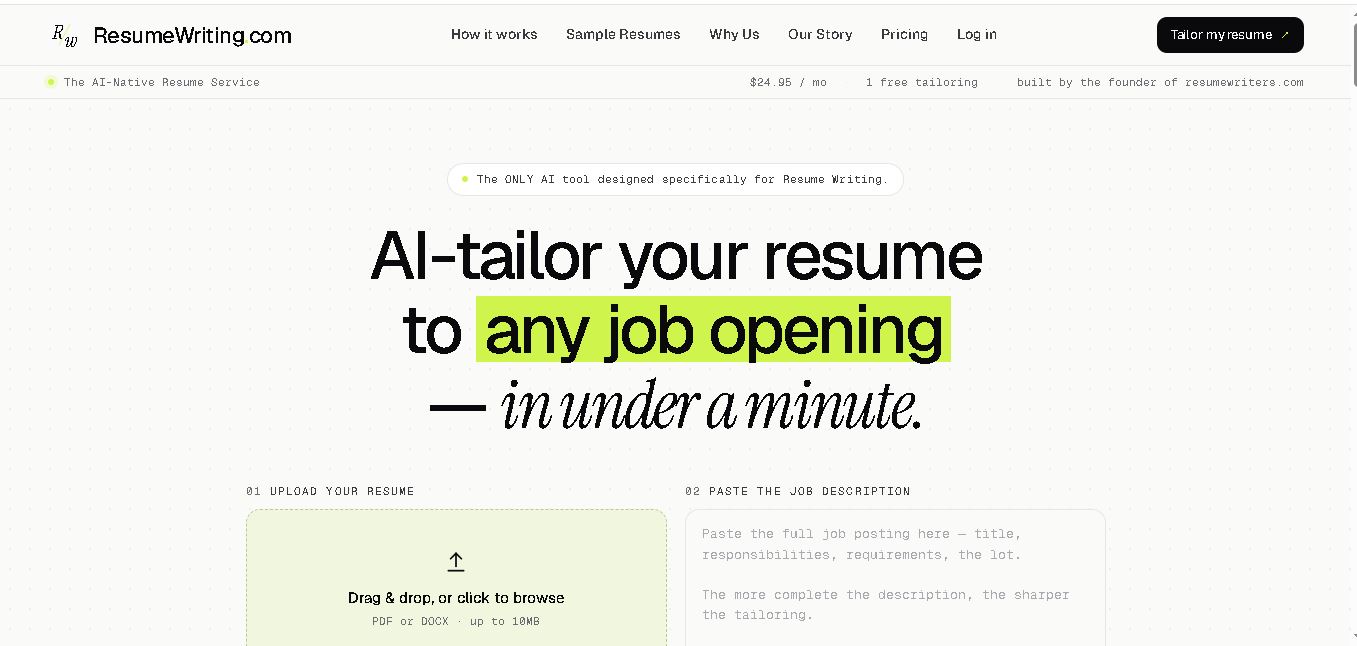
ResumeWriting.com helps job seekers tailor resumes to specific job descriptions in under a minute. Upload a resume, paste the role requirements, and receive rewritten bullets aligned with the opportunity. It offers a free lifetime tailoring, Core subscriptions, multiple templates, iterative rewrites, and PDF or DOCX exports designed for use.
 4.8
4.8PitchMe AI
Resume
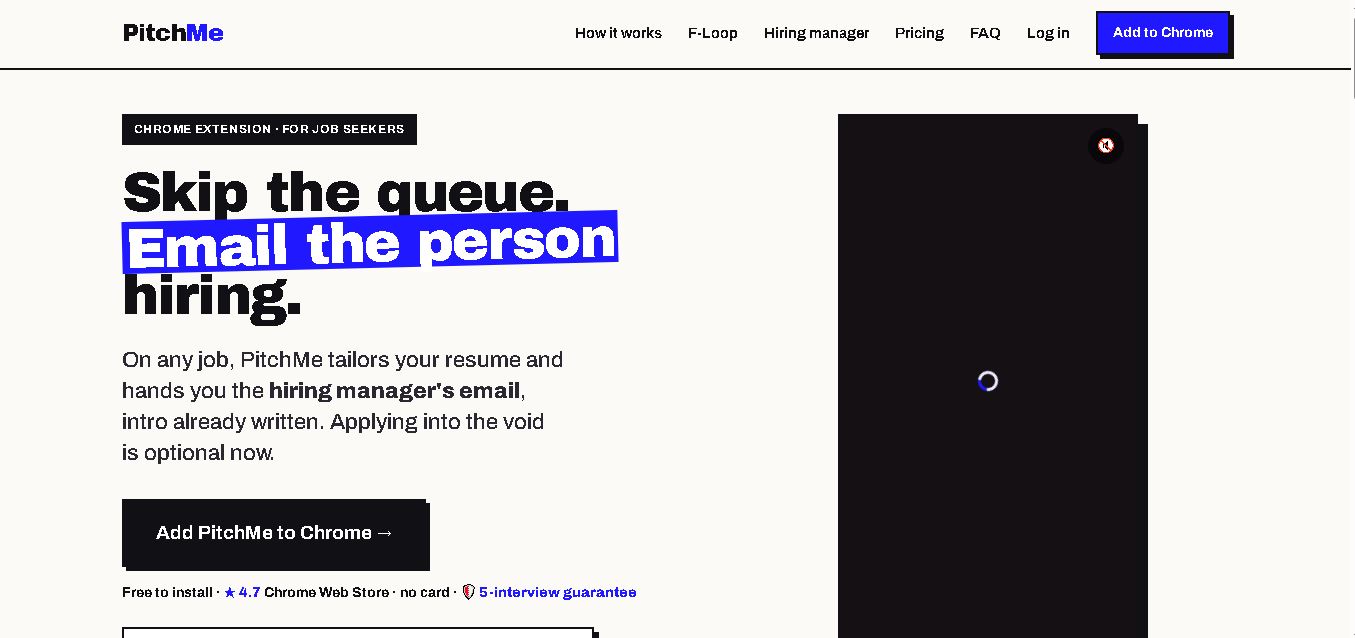
PitchMeAI helps job seekers personalize resumes, discover hiring managers, and prepare direct outreach for specific job openings. Its Chrome extension works across major job sites, while its broader workflow supports resume tailoring and application assistance. Users can start free, test the service, and upgrade to unlimited features when needed today.
 4.4
4.4Resume Now
Resume
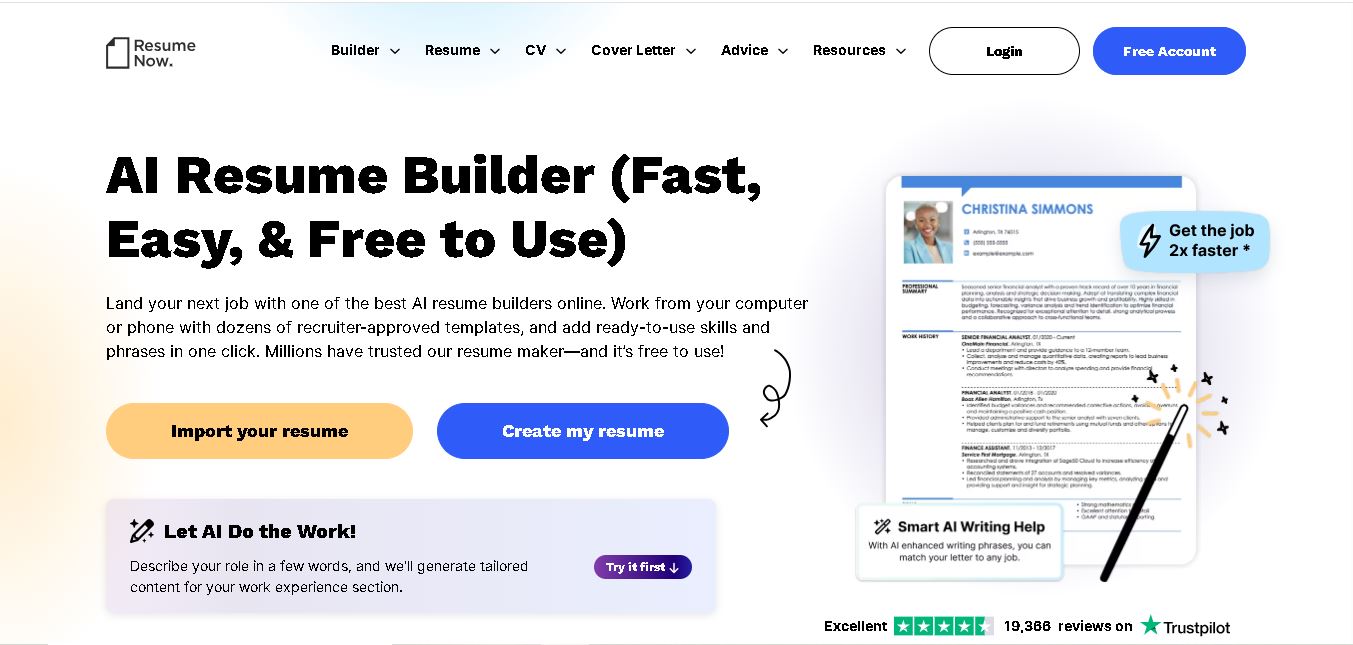
Resume Now is a resume and career-building platform for creating resumes, cover letters, job application materials. It provides customizable templates, AI-assisted writing suggestions, ATS-friendly designs, resume checking, career guidance, downloadable formats. Job seekers can build documents quickly while tailoring content to specific roles industries. It suits students, professionals, career changers, seekers.
 4.7
4.7VMock
Resume
VMock helps students and job seekers improve resumes through automated, personalized feedback. Upload a resume to receive guidance on content, formatting, competencies, and presentation. The platform is designed to support career preparation by identifying areas for improvement and helping users refine application materials before sharing them with recruiters or employers.
 4.6
4.6Resumaker.ai
Resume
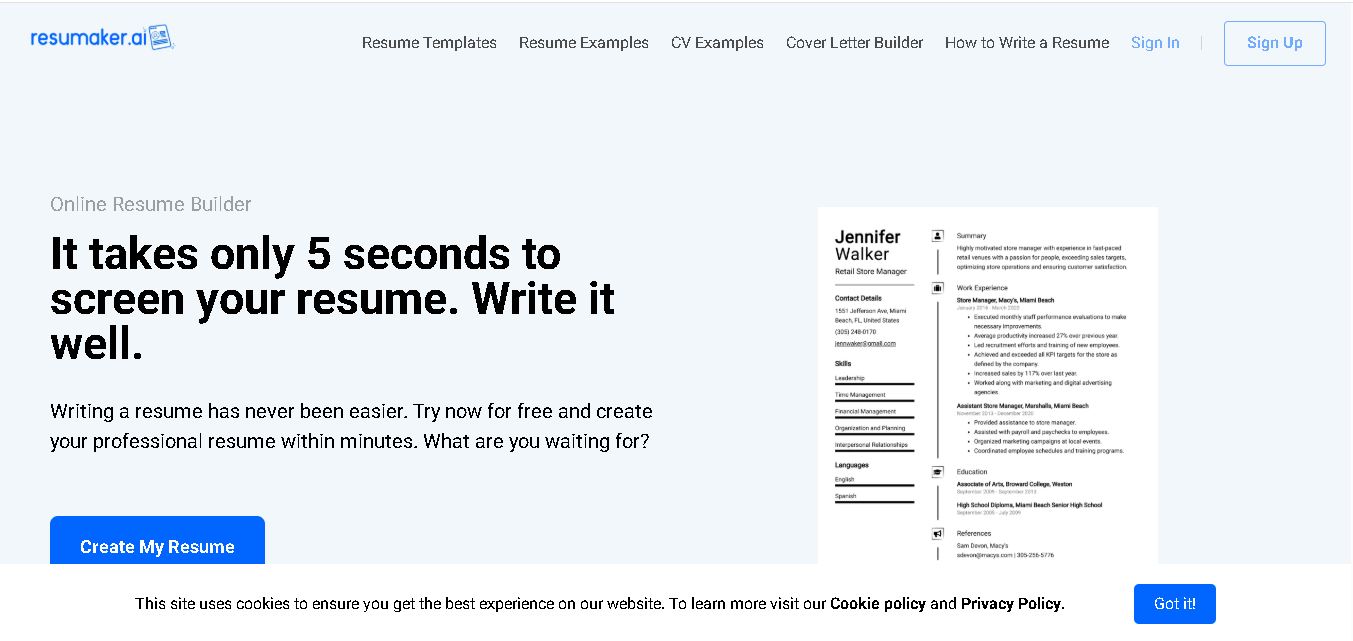
Resumaker.ai helps job seekers build professional resumes online with customizable templates, an AI engine, career guidance, spell checking, and cover-letter tools. Users can create, edit, and download application documents while choosing layouts designed for recruiter readability. It is useful for students, experienced professionals, career changers, and anyone updating their resume.