Studio D-ID
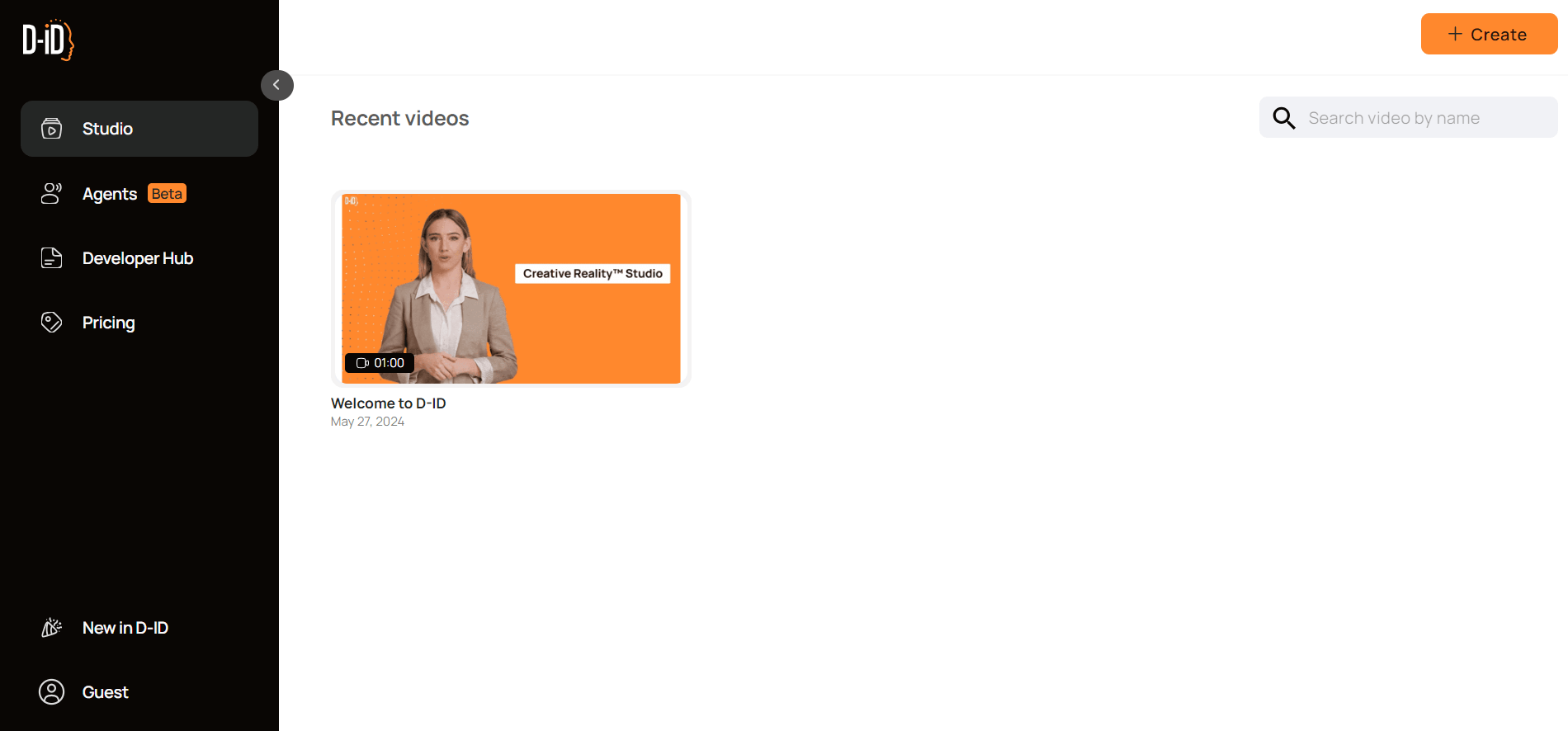
D-ID Studio is an AI video platform that transforms text, images, and audio into lifelike talking avatars. Create engaging videos with digital presenters for marketing, training, and content creation—quickly, easily, and without production skills.
What is Studio D-ID?
Studio D-ID is an AI-powered video creation platform that transforms text, images, or audio into realistic talking videos. It uses advanced deep learning and facial animation technology to generate human-like avatars that can speak in multiple languages. Widely used for marketing, education, and content creation, Studio D-ID helps users create professional videos without cameras or actors. It saves time, reduces production costs, and enables scalable video content for businesses, creators, and educators across various industries.
The platform supports over 100 languages and multiple AI voice options, making it ideal for global content creation. Businesses widely use Studio D-ID for marketing, e-learning, and training. It can reduce video production time by up to 80% and significantly lower costs, making it a scalable solution for modern content needs.
- Founder: Gil Perry (CEO)
- Launch: Early 2020s (founded in 2017, product gained popularity in early 2020s)
- Use Cases: AI video creation, marketing videos, e-learning content, training videos, personalized video messages
- Technology: AI-driven facial animation, deep learning, text-to-video generation, synthetic media
- Target Users: Content creators, marketers, educators, enterprises, businesses
- Acquisition: No major public acquisition reported
Studio D-ID Key Features
Studio D-ID key features are:
- Text-to-Video: With Studio D-ID, you simply type your script, and the AI turns it into a video where a digital avatar speaks your words. It’s perfect for creating educational videos, marketing content, or even personalized messages quickly.
- Custom Avatars: The platform lets you create avatars that look like real people. You can use these avatars across different videos to maintain a consistent and professional look.
- Speech Synthesis: Studio D-ID can generate natural-sounding voices from text, making the avatar sound more human and engaging rather than robotic.
- Facial Animation: The tool uses advanced animation technology to sync facial expressions and lip movements with speech, making the videos feel more realistic.
- Backgrounds and Environments: You can easily change backgrounds and settings to match your content, helping your videos look more relevant and visually appealing.
- Ease of Use: The platform is simple and beginner-friendly, allowing anyone to create professional videos in just a few clicks without technical skills.
Studio D-ID Pricing
Studio D-ID offers flexible pricing plans designed for different types of users, from individuals to businesses. The platform typically provides a free trial or demo so users can test the features before committing. Paid plans are usually subscription-based and may include Starter, Professional, and Enterprise options, depending on usage needs.
Pricing generally depends on factors like video length, number of credits, and advanced features such as premium avatars, voice options, and API access. Basic plans suit content creators and small teams, while higher-tier plans serve businesses that need large-scale video production and customization.
For exact and updated pricing, users are encouraged to check the official Studio D-ID website.
Is Studio D-ID free?
Yes, Studio D-ID offers a free trial, allowing users to explore its features before upgrading.
How much does D-ID cost?
Pricing varies based on usage, video credits, and features. Paid plans typically include:
- More video generation credits
- Higher quality exports
- Advanced customization options
Disclaimer: For the latest and most accurate pricing information, please visit the official Studio D-ID website.
Who is Using Studio D-ID?
A diverse range of users and organizations utilize Studio D-ID.
- Content Creators: Create engaging videos for YouTube, social media, and online platforms.
- Marketers: Use it for ads, promotional videos, and personalized marketing campaigns.
- Educators & Trainers: Develop e-learning content, tutorials, and training materials.
- Businesses & Enterprises: Use it for internal communication, onboarding, and customer engagement.
- Social Media Managers: Quickly produce video content without needing advanced editing skills.
- Agencies & Teams: Create scalable video content for clients and multiple campaigns.
What are the best Studio D-ID alternatives?
Some Studio D-ID alternatives are:

Pros and Cons
Pros
- Easy-to-use interface, beginner-friendly
- Fast video creation from text
- Realistic AI avatars and facial animations
- Supports multiple languages and voices
- No need for camera, actors, or editing skills
- Scalable for businesses and content teams
Cons
- Limited customization in lower plans
- Advanced features can be expensive
- Avatars may still feel slightly artificial
- Requires internet connection to use
- Not ideal for highly complex video editing
Why Choose Studio D-ID?
Studio D-ID is a powerful AI video creation tool designed to simplify and speed up the process of making professional videos. It allows users to turn simple text into engaging videos with realistic avatars, eliminating the need for cameras, actors, or complex editing skills. Whether you're a marketer, educator, or content creator, the platform helps you produce high-quality videos quickly and cost-effectively while reaching a global audience.
- Fast Content Creation: Create videos in minutes from simple text inputs
- Cost-Effective: No need for expensive production setups
- Realistic Avatars: Human-like facial expressions and voice output
- Global Reach: Supports multiple languages and audiences
- Easy to Use: Beginner-friendly interface with minimal learning curve
- Scalable: Suitable for individuals, teams, and enterprises
- Versatile: Ideal for marketing, education, training, and social media
Studio D-ID vs Competitors
| Feature / Tool | Studio D-ID | Synthesia | HeyGen | Colossyan | Elai.io |
|---|---|---|---|---|---|
| Ease of Use | Very Easy | Easy | Easy | Moderate | Easy |
| AI Avatars | Realistic | Highly Realistic | Realistic | Good | Good |
| Text-to-Video | Yes | Yes | Yes | Yes | Yes |
| Voice Options | Multiple | Advanced | Multiple | Multiple | Multiple |
| Custom Avatars | Yes | Limited | Yes | Limited | Yes |
| Pricing | Moderate | High | Moderate | Moderate | Moderate |
| Best For | Marketing, Training | Enterprise Videos | Social Content | Corporate Training | Content Creation |
| API Access | Yes | Yes | Yes | Limited | Yes |
| Language Support | 100+ | 120+ | 100+ | 70+ | 75+ |
| Video Quality | High | Very High | High | Good | Good |
How Do We Rate Studio D-ID?
We evaluate Studio D-ID using a structured rating system that focuses on performance, usability, and overall value. Our goal is to provide a balanced and practical assessment that helps users understand how well the tool performs in real-world scenarios.
| Category | Rating (Out of 5) |
|---|---|
| AI Video Quality | 4.5 |
| Ease of Use | 4.7 |
| Features & Capabilities | 4.4 |
| Speed & Efficiency | 4.6 |
| Value for Money | 4.3 |
| Flexibility | 4.5 |
| Innovation | 4.6 |
| Support & Community | 4.2 |
| Overall Rating | 4.5 / 5 |
Studio D-ID Review
Studio D-ID is an AI video creation tool that makes it incredibly easy to turn simple text into engaging videos. Instead of dealing with cameras, actors, or complex editing software, you can just type your script and let the platform generate a realistic talking avatar that delivers your message. It feels like having your own virtual presenter ready anytime.
What makes Studio D-ID stand out is how natural the avatars look and how quickly you can create content. Whether you're making marketing videos, training materials, or social media content, it helps you save time while still producing professional results. It’s a great choice for anyone who wants to create videos at scale without the usual hassle.
Conclusion
Studio D-ID is a smart and efficient AI video creation tool that simplifies how videos are made. It allows users to turn text into engaging, professional-looking videos with minimal effort. With realistic avatars, fast processing, and easy usability, it is ideal for marketers, educators, and content creators. While it may have some limitations, its benefits in speed, cost, and scalability make it a strong choice. Overall, Studio D-ID is a valuable solution for anyone looking to create video content quickly and effectively.
People are also reading:
FAQ
Is Studio D-ID free to use?
Studio D-ID offers a free trial, but most features are available through paid subscription plans.
Who can use Studio D-ID?
Studio D-ID is used by marketers, educators, content creators, businesses, and social media managers.
Does Studio D-ID support multiple languages?
Studio D-ID supports 100+ languages and various AI voice options.
Do I need video editing skills to use Studio D-ID?
No, Studio D-ID is beginner-friendly and requires no advanced editing skills.
What are the main use cases of Studio D-ID?
Studio D-ID is used for marketing videos, training content, e-learning, and social media videos.
Are there any alternatives to Studio D-ID?
Yes, alternatives to Studio D-ID include Synthesia, HeyGen, and Colossyan.
User Reviews
No reviews yet for Studio D-ID.
Featured Tools
Featured AI tools from TechShark

Melody Genie
MelodyGenie is an AI-powered music generator that creates original songs from simple text prompts. Users can choose styles, moods, and genres, then instantly generate melodies and full tracks, making it easy for creators, marketers, and hobbyists to produce custom music without musical expertise.
Freemium

Kimi AI
Kimi AI is an advanced AI assistant developed by Moonshot AI that helps you chat, research, write, code, and automate tasks in one place. It supports web search, file analysis, and multimodal inputs, and can even run autonomous “agent” workflows to complete complex tasks end-to-end.
Freemium

Fashion Diffusion AI
Fashion Diffusion is an AI-powered fashion design platform that helps brands and designers create clothing designs, virtual try-ons, AI models, product photos, and marketing visuals faster and cost-effectively.
Paid

Veo 4
Veo 4 AI is an AI video creation platform that generates dramatic videos from text, images, audio, and video prompts using realistic motion and synchronized sound.
Paid
Alternatives
Alternatives to Studio D-ID
Several alternatives to Studio D-ID include Synthesia, HeyGen, Colossyan, Elai.io, and DeepBrain AI. These platforms also offer AI-powered video creation with avatars, text-to-video features, and voiceovers. Each tool varies in pricing, customization, and realism, allowing users to choose based on their specific content creation and business needs.
 4.5
4.5character gpt
Video Enhancer
CharacterGPT is an AI platform that creates interactive digital characters with unique personalities, appearances, and identities using natural-language descriptions and generative AI.
 4.3
4.3MokSa.AI
AI-Detection
MokSa.ai is an AI-powered video intelligence platform that helps businesses improve security, monitor operations, detect theft, and generate real-time surveillance analytics.
 4.7
4.7HitPaw Edimakor
Video Editing
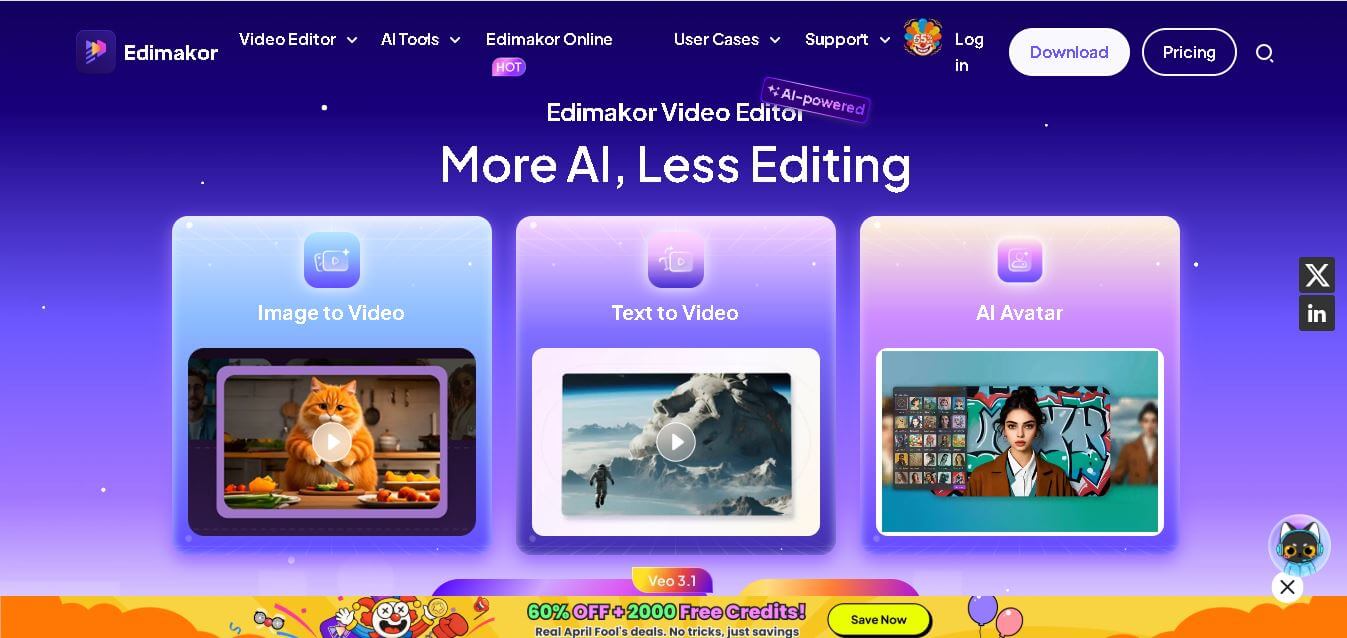
Edimakor is an AI-powered video editing tool that simplifies content creation with automated subtitles, voiceovers, and smart editing features for creators, marketers, and beginners. Sec 2: 35-word description
 4.5
4.5UniFab Video Enhancer
Video Enhancer
UniFab AI Video Enhancer improves video quality using AI, enhancing resolution, clarity, and detail to deliver sharper, professional-grade visuals from low-quality or old footage.
 4.5
4.5Prism Videos
Video Generator
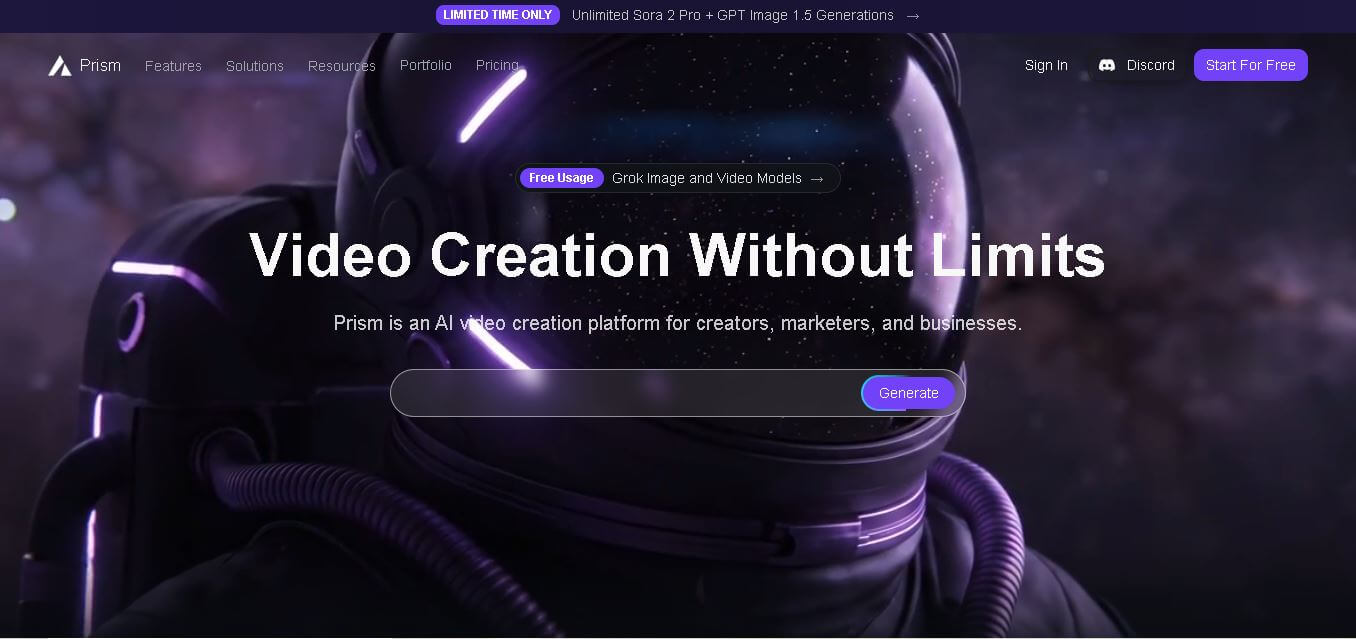
Prism Videos is an AI-powered video platform that creates professional videos from scripts, templates, and prompts with automated captions, music, and editing tools for social creators and marketers.
 4.5
4.5PowerDirector
Video Editing
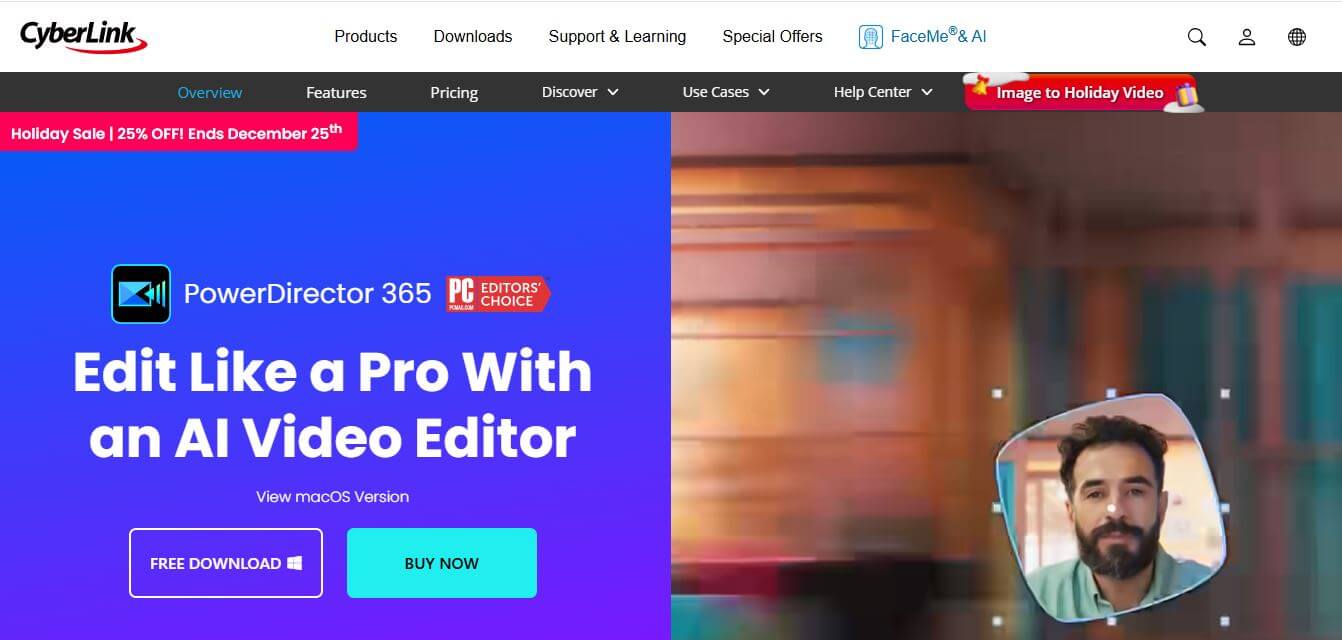
PowerDirector is an advanced video editing software by CyberLink that blends AI tools, creative effects, and professional features to create stunning videos effortlessly.
 4.6
4.6Fineshare FineCam
Productivity
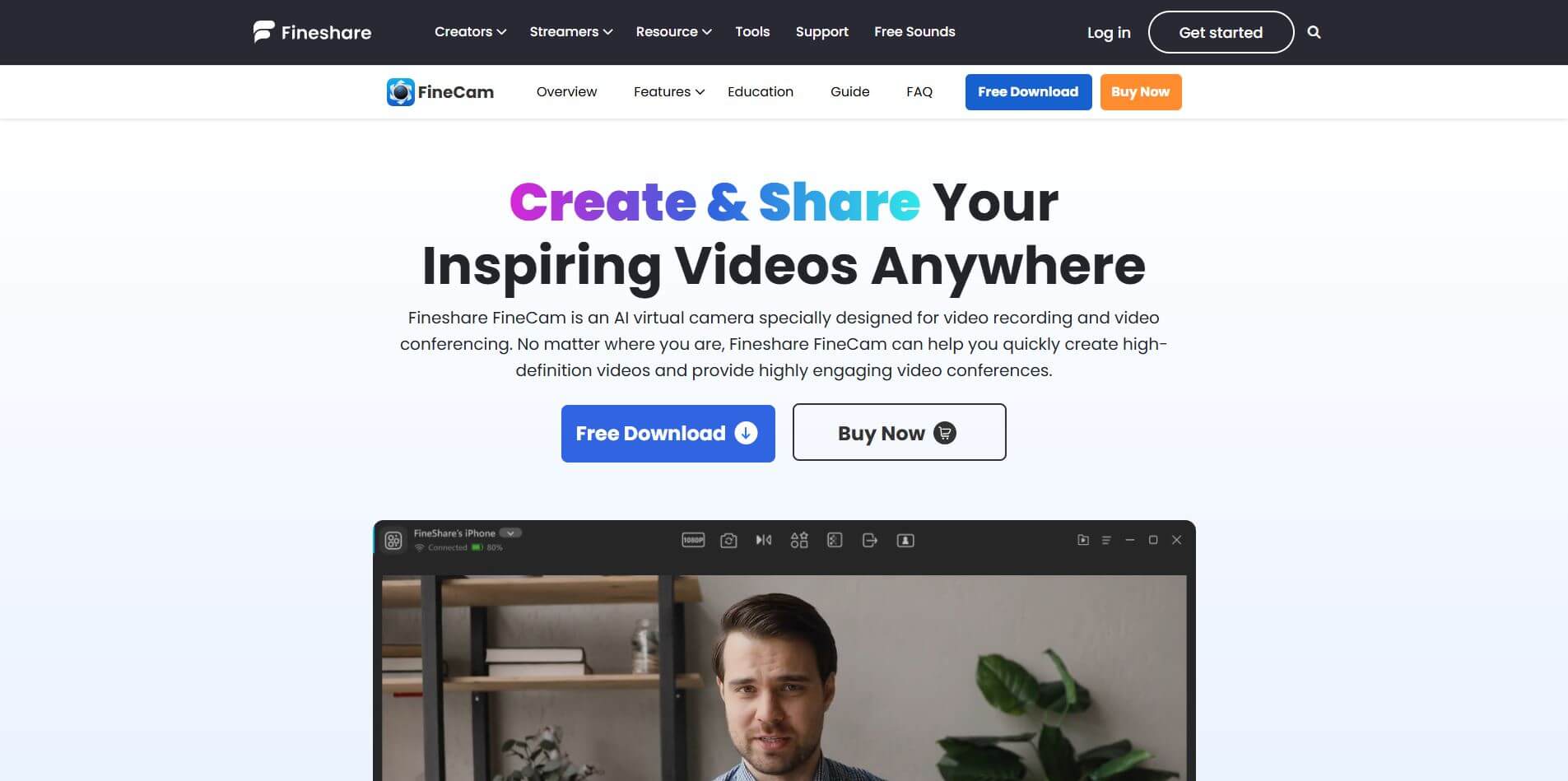
FineCam is an AI-powered virtual camera platform that enhances video quality for meetings, streams, and recordings.
 4.3
4.3Winxvideo AI
Video Enhancer
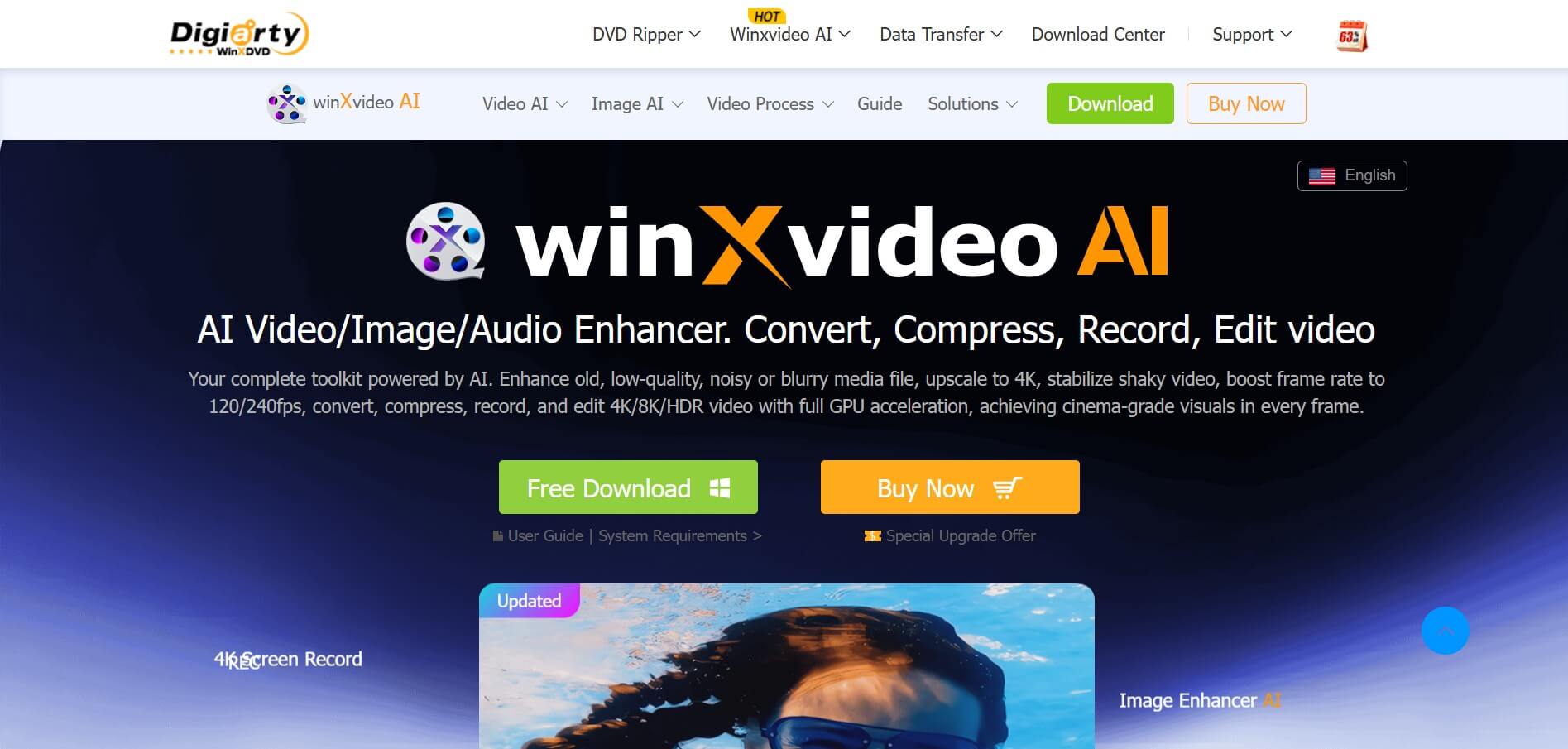
Winxvideo AI is an AI-powered video enhancer that enhances videos, images, and audio using AI, improving quality, stabilizing footage, removing noise, and upscaling to 4K, with conversion and editing features.
 4.2
4.2VideoProc Converter AI
Video Editing
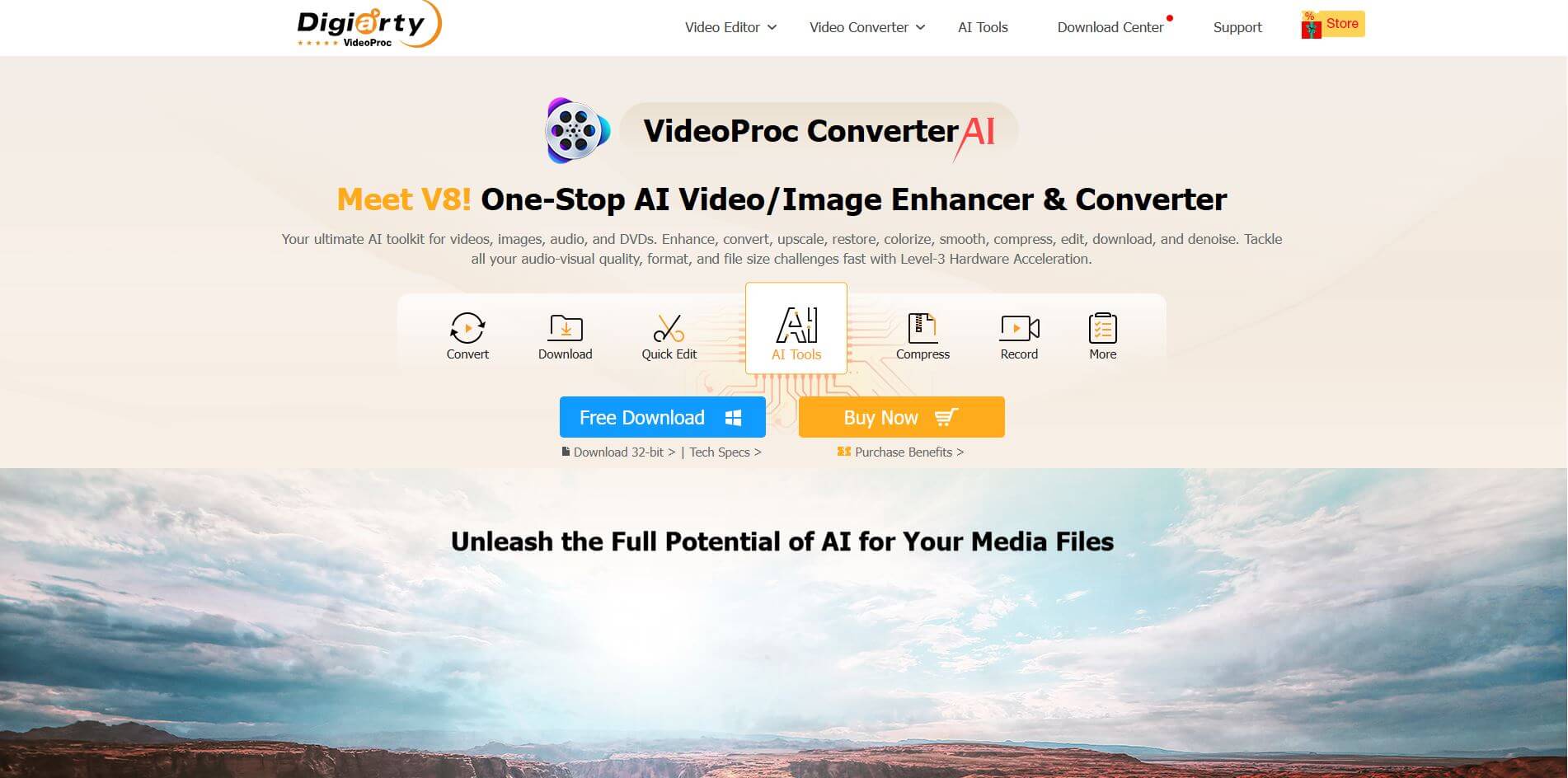
VideoProc Converter AI is an AI video tool with AI enhancements, fast GPU-accelerated conversion, editing, recording, and downloading, making multimedia processing simple, efficient, and high-quality.