
Skyvern
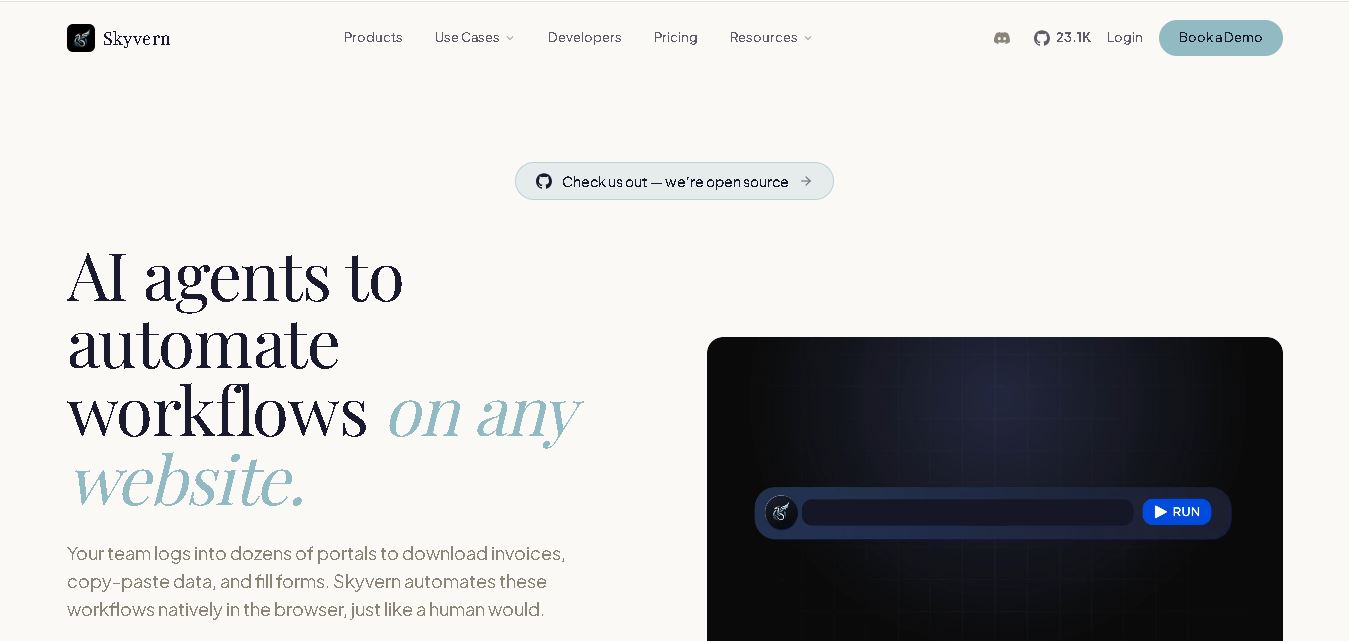
Skyvern helps teams automate repetitive browser tasks without building separate scripts for every website. You can create workflows using natural language, visual tools, browser recording, or code, then automate actions such as form filling, document downloads, data extraction, authentication, and testing. It also supports integrations, APIs, webhooks, and self-hosted deployment.
What is Skyvern?
Skyvern is a browser automation tool designed to execute repeatable workflows across websites using visual understanding, reasoning, and executable browser actions. It helps users automate tasks such as logging in, filling forms, downloading documents, extracting structured information, and navigating multi-step processes. Workflows can be created through natural-language instructions, SOP uploads, browser recording, a visual builder, or developer SDKs. Skyvern supports cloud deployment and self-hosting, giving teams flexibility over infrastructure, integrations, credentials, and operational control.
Skyvern reports 30,000+ users and customers, 23,000+ GitHub stars, 500+ enterprise users, 10M+ workflows run, and a 99.9% uptime SLA on its website. The platform supports Python and TypeScript SDKs, self-hosting through Docker, webhooks, MCP readiness, CAPTCHA handling, 2FA/TOTP, structured JSON or CSV extraction, and visual workflow building. Its January 2026 pricing announcement lists Free Hobby at $29/month, Pro at $149/month, and Enterprise at custom pricing, with credits used for browser execution. Enterprise plans add advanced security, support, and infrastructure options.
- Platform Role: AI Browser Agent Framework, Open-Source Web Automation & Data Extraction Engine
- Developer & Organization: Ikonomos Inc. / Y Combinator
- Cross-Platform Access: Web Cloud Portal, Python & TypeScript SDKs, REST APIs, Self-Hosted Docker Containers, and Model Context Protocol (MCP) integrations
Use Cases:
- Automating Accounts Payable (AP) workflows by logging into vendor portals behind 2FA to download invoices and receipt PDFs
- Extracting real-time structured data (pricing, inventory, job listings, public records) into JSON or CSV formats without custom APIs
- Filling out complex multi-step forms, registration flows, government portals, and compliance filings at scale
- Automating web outreach, lead enrichment, document processing, OCR classification, and dynamic routing
- Executing visual browser QA testing that automatically adapts to UI modifications without breaking code pipelines
Technology:
- Computer vision combined with LLM reasoning to parse web pages visually rather than relying on brittle HTML/DOM XPaths
- Native CAPTCHA solving, 2FA/TOTP handling, and proxy network targeting (country, state, and zip-code level)
- Self-hostable Docker architecture with Python and TypeScript SDK support for full code-first developer flexibility
- Enterprise-grade security framework featuring SOC 2 Type II compliance, HIPAA compliance, and end-to-end encrypted credential vaults
Target Users:
- Software engineering and AI agent development teams needing robust, maintenance-free web automation
- Operations and finance teams spending manual hours copying data, downloading PDFs, or navigating portal logins
- Healthcare, fintech, insurance, and HR tech platforms operating across sites lacking standardised APIs
- Open-source developers building intelligent web scraping, workflow orchestration, or LLM browser tools
Acquisition: Open-source platform maintained and operated by Ikonomos Inc., San Francisco, CA (skyvern.com)

What are the key features of Skyvern?
Skyvern's key platform features are
- Vision-Based Web Navigation: Uses visual AI context to click, type, scroll, and navigate sites, ensuring automations do not break when HTML selectors or UI layouts update.
- Native Authentication & CAPTCHA Solving: Handles login flows, 2FA/TOTP verification codes, and CAPTCHAs out of the box without requiring external third-party solving services.
- AI Copilot & SOP Import: Allows users to generate multi-step browser workflows using natural language prompts, uploading Standard Operating Procedures (SOPs), or recording browser interactions.
- Structured Data Extraction: Automatically parses unstructured web content into clean CSV or JSON schemas using vision-assisted OCR and document processing engines.
- Explainable AI & Observability: Provides step-by-step audit logs, execution summaries, and visual screenshots explaining why the AI took each specific action.
- Developer SDKs & Self-Hosting: Run agentic workflows via Python/TypeScript SDKs or self-host the entire infrastructure locally using Docker and open-source models.
How much does Skyvern cost?
Skyvern is open-source and free for self-hosting on GitHub, while offering managed cloud credits and enterprise SLA plans for team deployments.
Open Source Tier:
- $0 / Community Plan: Free open-source software (GitHub), self-hostable via Docker, full access to the core agentic engine and community support.
Skyvern Cloud & Enterprise Tiers:
- Pay-As-You-Go Cloud: Usage-based credit pricing for managed cloud browser instances, hosted proxy networks, and managed CAPTCHA solving.
- Enterprise Custom Tier: Customized SLAs, high-concurrency cloud browser infrastructure, dedicated support, SOC 2 / HIPAA compliance agreements, and custom integration pipelines.
Disclaimer: Open-source self-hosting is completely free. Cloud infrastructure usage, proxy bandwidth, and managed AI model executions scale with usage tiers.
Who should use Skyvern?
Skyvern is designed for developers, technical operations teams, and enterprises, including
- Developers & AI Engineers: Teams tired of constantly repairing broken Playwright/Selenium scrapers due to minor DOM updates.
- Finance & Accounts Payable Teams: Organizations needing to pull invoices, statements, and tax forms automatically across hundreds of vendor portals.
- Data & Market Intelligence Operations: Businesses requiring automated, structured data extraction from public directories and competitor platforms lacking public APIs.
What are the best alternatives to Skyvern?
Some of the strongest Skyvern alternatives include
What are the pros and cons of Skyvern?
What are the pros of Skyvern?
- Open-source transparency with the option for 100% self-hosted, air-gapped deployments via Docker
- Vision-based architecture dramatically reduces script maintenance caused by UI changes
- Built-in 2FA, TOTP, CAPTCHA solving, and proxy routing without requiring external plugin stacks
- Native integration with modern automation tools like Zapier, Make, n8n, and Model Context Protocol (MCP)
What are the cons of Skyvern?
- LLM vision processing can incur higher latency and compute costs compared to basic DOM scrapers
- Requires technical familiarity with Python/TypeScript or Docker for complex self-hosted configurations
Why should you choose Skyvern?
Traditional web automation relies on brittle DOM selectors that break whenever a website updates its design, creating endless maintenance overhead for engineering teams. Skyvern solves this by combining computer vision with LLM reasoning, allowing browser agents to operate adaptively like humans. By natively managing logins, CAPTCHAs, 2FA, and proxies without requiring dedicated APIs, Skyvern transforms complex web interactions into reliable, automated background jobs.
How does Skyvern compare to competitors?
The primary distinction between Skyvern, traditional scraping libraries (Playwright), legacy RPA tools (UiPath), and prompt-only AI agents lies in reliability, adaptability, and visual reasoning. While Playwright relies heavily on fixed code selectors and prompt-only agents often fail at complex logins, Skyvern fuses vision, LLM planning, and code execution for resilient real-world automations.
| Feature / Platform | Skyvern | Playwright / Selenium | Legacy RPA (e.g. UiPath) | Prompt-Only AI Agents |
|---|---|---|---|---|
| Core Mechanism | Computer Vision + LLM Reasoning + Code | DOM Selectors & Hardcoded Scripts | Rule-based macros & desktop recording | Pure LLM prompting |
| UI Resilience | High (adapts to visual changes automatically) | Low (breaks when class names or DOM update) | Low/Moderate (Requires manual remapping) | Moderate (Prone to hallucinations) |
| 2FA & CAPTCHA Handling | Native built-in handling | Requires custom code or third-party APIs | Requires human-in-the-loop steps | Fails frequently on auth flows |
| Deployment Flexibility | Open-Source Docker / Cloud SDKs | Code library (self-hosted) | Proprietary enterprise cloud/on-prem | Hosted SaaS only |
| Best For | Adaptive AI browser automation without API constraints | Simple, deterministic testing on controlled sites | Legacy desktop enterprise system workflows | Basic single-step prompt exploratory tasks |
How do we rate Skyvern?
| Parameter | Rating (out of 5) |
|---|---|
| Visual AI Navigation & Adaptability | 4.9 |
| Authentication & CAPTCHA Resilience | 4.8 |
| Developer Experience & SDK Support | 4.7 |
| Open Source & Self-Hosting Flexibility | 5.0 |
| Value for Money | 4.8 |
| Overall Score | 4.84 |
What is our review and verdict on Skyvern?
Skyvern represents a major advancement in web scraping and browser automation. By leveraging computer vision and LLM intelligence to handle dynamic UIs, CAPTCHAs, and complex authentication flows, it eliminates the constant maintenance cycle required by traditional selector scripts. With robust SDK support and open-source transparency, Skyvern is an essential tool for modern AI automation infrastructure.
Conclusion
Skyvern is designed for teams that need dependable browser automation across websites where APIs may be unavailable or workflows can change. Its combination of visual understanding, workflow building, authentication support, structured extraction, developer tools, and deployment choices makes it adaptable to different operational needs. Before adopting it, evaluate your target websites, security requirements, automation volume, integrations, and preferred cloud or self-hosted setup to determine whether its capabilities match your workflow.
FAQ
What can you use Skyvern for?
Skyvern is useful when your work happens inside websites rather than clean APIs. You can describe tasks such as logging in, downloading invoices, filling forms, extracting records, or submitting applications. It combines browser interaction, vision, reasoning, and workflow execution, helping teams automate repetitive processes across changing websites without maintaining selectors.
What types of workflows can Skyvern automate?
Skyvern can automate many browser-based workflows, including document processing, accounts payable, data extraction, form filling, lead generation, outreach, testing, and QA. It can also work with authenticated applications. For example, you could automate downloading vendor invoices, collecting product information, submitting forms, or gathering data from dashboards that require login securely.
Does Skyvern support 2FA and authentication?
Yes. Skyvern supports authentication workflows involving two-factor authentication and TOTP, according to its website. Its credential vault can securely store passwords, 2FA codes, and payment information, while integrations include services such as Bitwarden and 1Password. This makes Skyvern suitable for workflows that cannot operate through publicly accessible webpages alone directly.
Can Skyvern be self-hosted?
Skyvern offers both managed cloud and self-hosted deployment options. Cloud users can start without managing browser infrastructure, while self-hosting provides source-code access, infrastructure control, and the option to bring your own LLM. The self-hosted edition is listed as AGPL-3.0, making the deployment choice dependent on your technical, security, and operational requirements.
Can Skyvern extract data from websites?
Skyvern can return extracted workflow data in structured formats such as JSON or CSV. That is useful when you need information from product catalogs, pricing pages, public records, dashboards, or websites and want to send results into downstream systems. It also supports webhooks, SDKs, and integrations for connecting automation with workflows.
How can you build workflows with Skyvern?
Skyvern provides several ways to create workflows, including natural-language instructions, uploaded standard operating procedures, browser recording, a visual builder, and native SDKs. Developers can use Python or TypeScript, while nontechnical users can work with visual tools. This lets teams choose an approach based on their technical skills and process complexity.
User Reviews
No reviews yet for Skyvern.
Featured Tools
Featured AI tools from TechShark

Melody Genie
MelodyGenie is an AI-powered music generator that creates original songs from simple text prompts. Users can choose styles, moods, and genres, then instantly generate melodies and full tracks, making it easy for creators, marketers, and hobbyists to produce custom music without musical expertise.
Freemium

Kimi AI
Kimi AI is an advanced AI assistant developed by Moonshot AI that helps you chat, research, write, code, and automate tasks in one place. It supports web search, file analysis, and multimodal inputs, and can even run autonomous “agent” workflows to complete complex tasks end-to-end.
Freemium

Fashion Diffusion AI
Fashion Diffusion is an AI-powered fashion design platform that helps brands and designers create clothing designs, virtual try-ons, AI models, product photos, and marketing visuals faster and cost-effectively.
Paid

Veo 4
Veo 4 AI is an AI video creation platform that generates dramatic videos from text, images, audio, and video prompts using realistic motion and synchronized sound.
Paid
Alternatives
Alternatives to Skyvern
The best Skyvern alternatives include MultiOn, Browserbase, Axiom.ai, and traditional frameworks like Playwright. While Skyvern provides an open-source, vision-driven browser automation platform capable of navigating complex sites without selector scripts, alternatives like Browserbase offer headless cloud browser hosting, and Axiom.ai provides no-code browser extensions for business users.
 4.8
4.8Greenlite
Automation
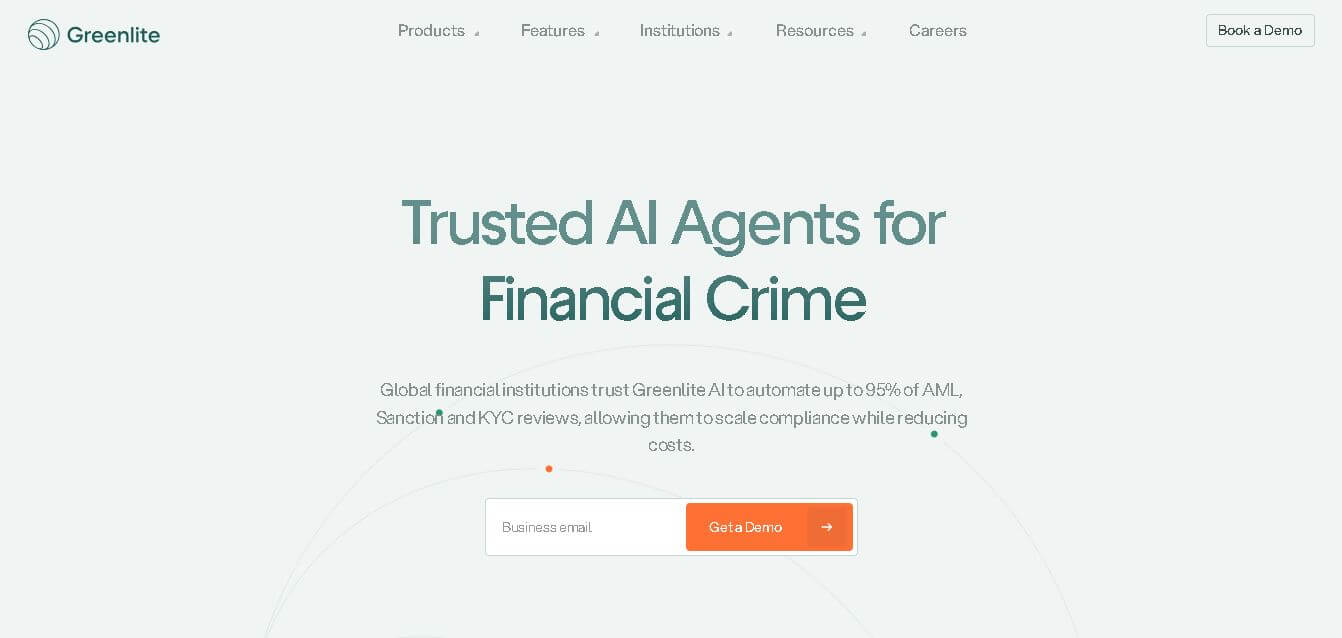
Greenlite helps financial institutions automate compliance and financial crime workflows using AI. It supports alert handling, AML reviews, due diligence, customer investigations, and documentation while maintaining evidence trails. The solution is designed for regulated organizations that need greater operational efficiency, scalable review capacity, consistent analysis, and audit-ready outputs without relying entirely on additional compliance staff.
 4.7
4.7Octoparse AI
Automation
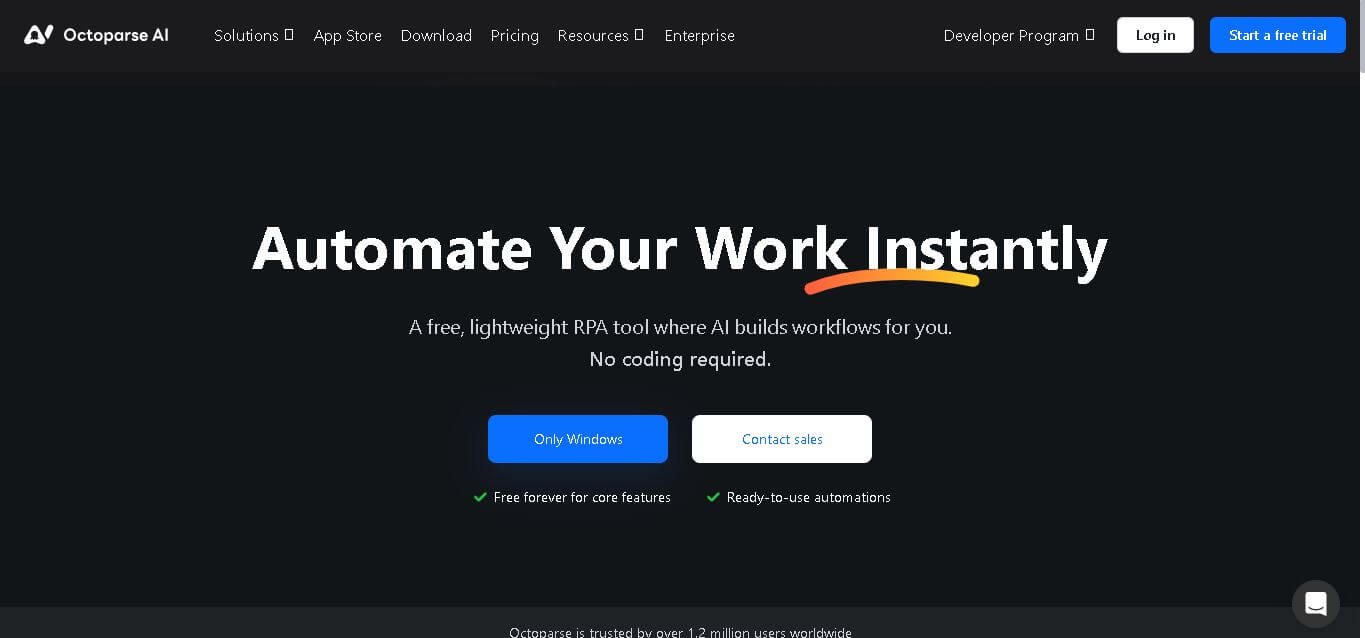
Octoparse AI helps individuals and teams automate repetitive work across websites, Windows apps, Excel, and data files. Its no-code workflow builder, AI Copilot, bots, OCR, and ready-made apps make automation accessible without programming. It is especially useful for data extraction, lead generation, data transfer, productivity, and recurring operational tasks efficiently.
 4.8
4.8Rossum
Automation
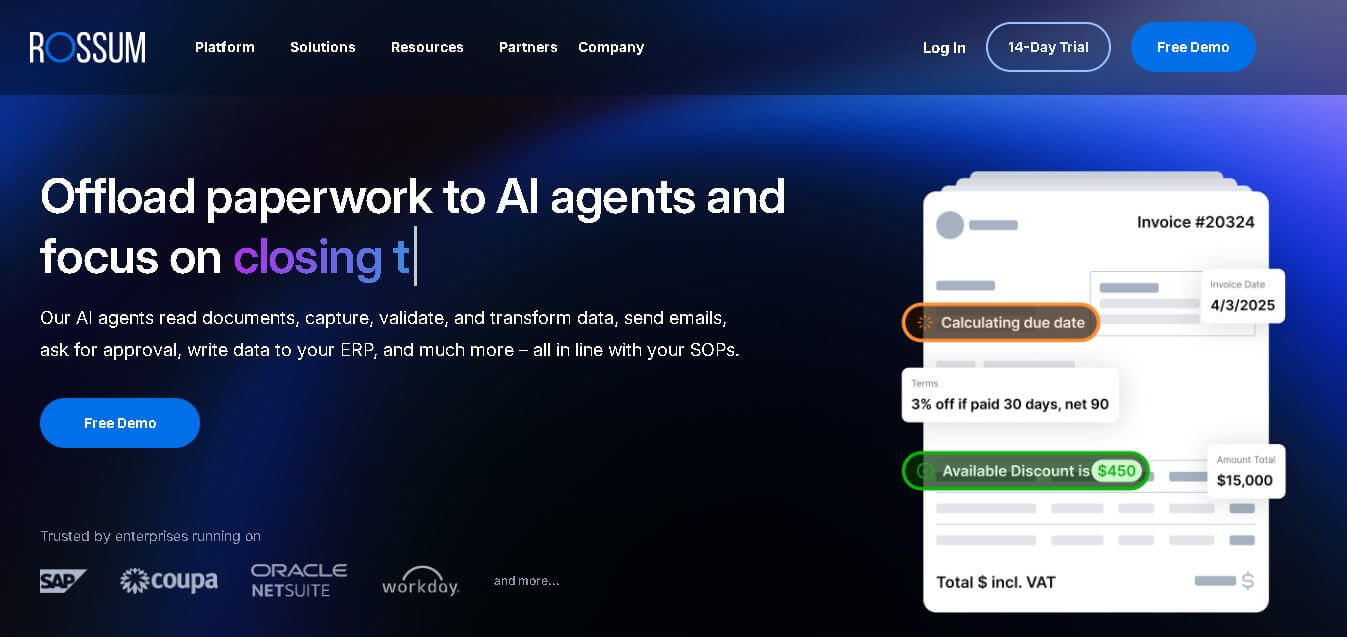
Rossum helps businesses automate transactional document workflows, including invoice and purchase-order processing. It receives documents from multiple channels, extracts and validates data, applies business rules, manages exceptions, and connects with downstream systems. Its AI agents support approvals, communications, and reporting for faster, more consistent business operations with less manual effort.
 4.7
4.7Rocket Sender
Automation
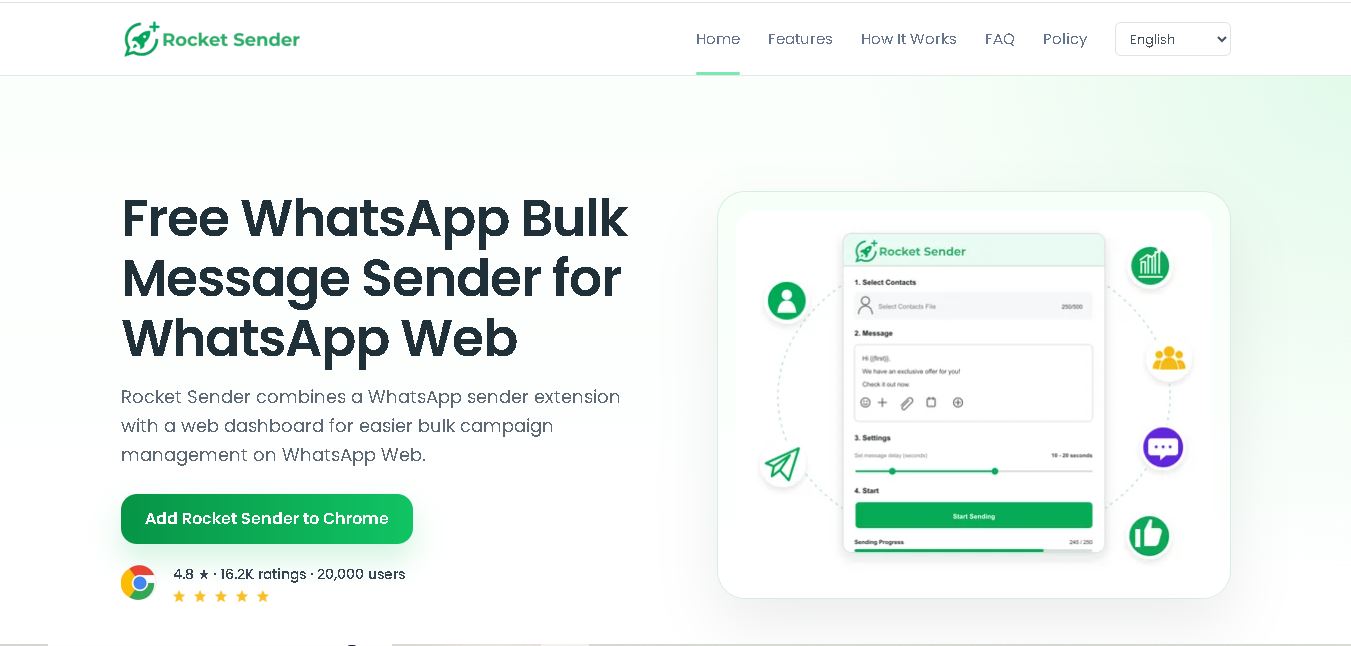
Rocket Sender is a free WhatsApp Web bulk messaging tool for organizing personalized outreach. It supports Excel contact imports, customized messages, attachments, sending intervals, pause and resume controls, and campaign progress tracking, making repetitive WhatsApp communication easier to manage directly through your browser and existing WhatsApp Web workflow.
 4.7
4.7BrowserAct
Automation
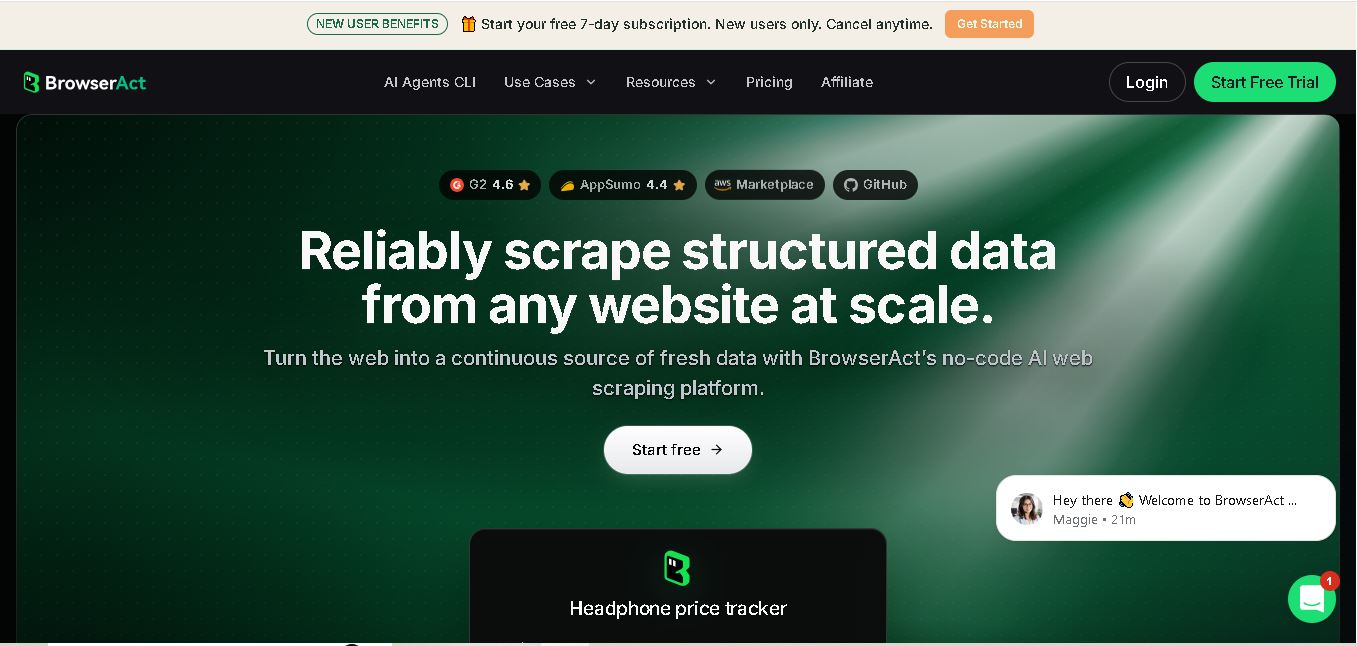
BrowserAct is a no-code web scraping and browser automation tool that turns natural-language instructions into reusable Bots. It helps users collect structured web data, handle dynamic pages and CAPTCHAs, schedule cloud runs, reuse browser sessions, and export results through CSV, JSON, APIs, webhooks, and popular workflow integrations without coding easily.
 4.8
4.8Pairaphrase
Automation
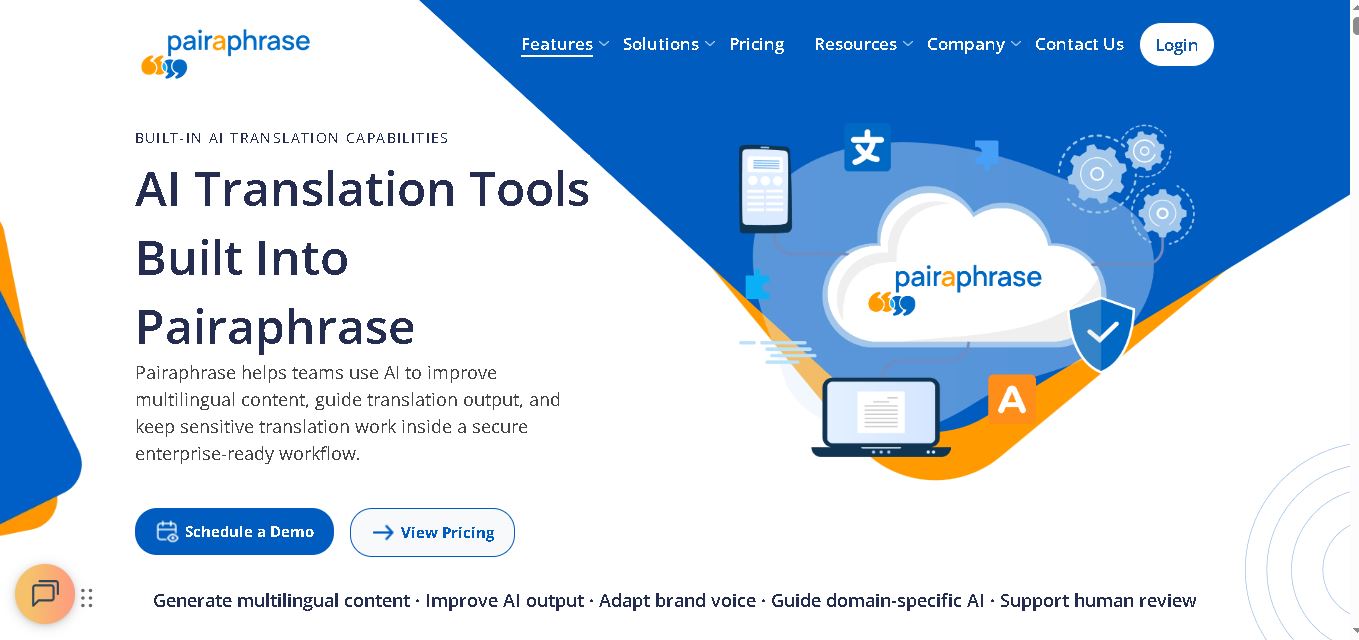
Pairaphrase helps teams translate documents, multimedia, and business content through a secure, centralized workflow. It combines multiple translation engines, formatting preservation, Translation Memory, glossaries, collaboration, and review tools. With support for 160+ languages and numerous file formats, it suits organizations managing recurring, sensitive, or high-volume multilingual translation projects more efficiently.
 4.6
4.6Chatzy AI
Automation
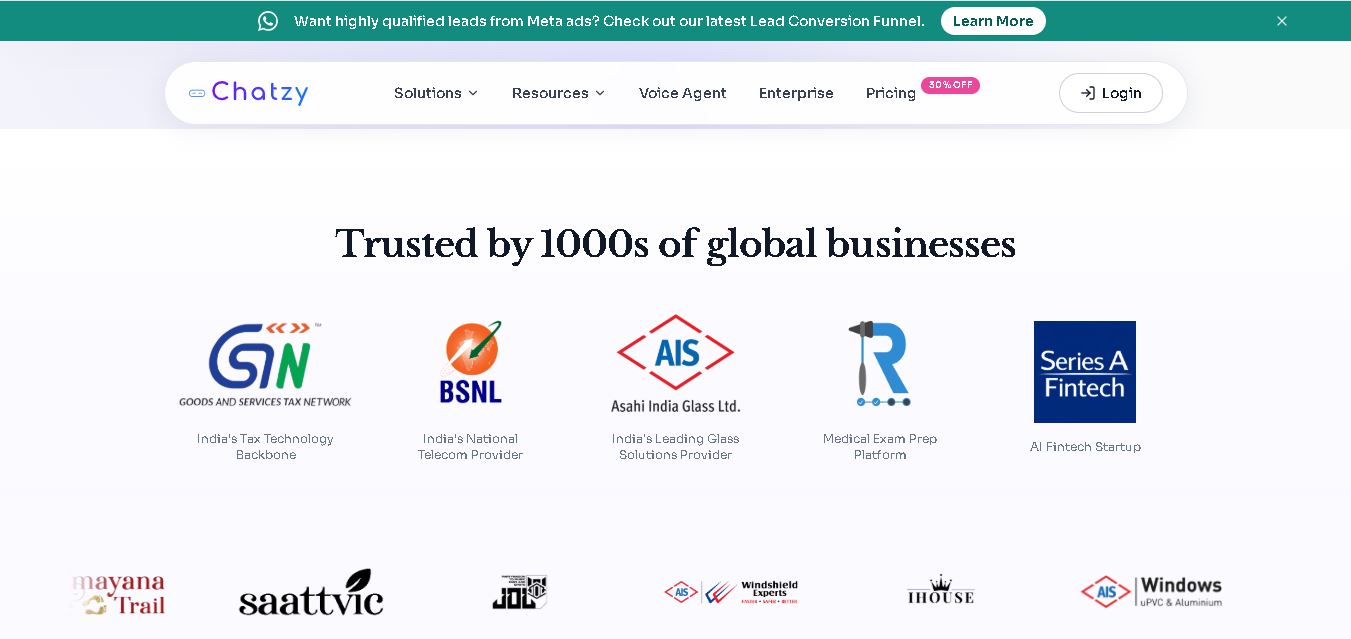
Chatzy AI helps businesses automate sales, customer support, lead qualification, and everyday conversations using intelligent AI agents. Teams can engage customers through WhatsApp, voice, websites, Instagram, Messenger, and other channels from one unified inbox. It also supports business knowledge sources, automation journeys, human handoffs, and multilingual customer interactions.
 4.7
4.7LinkedAPI
Automation
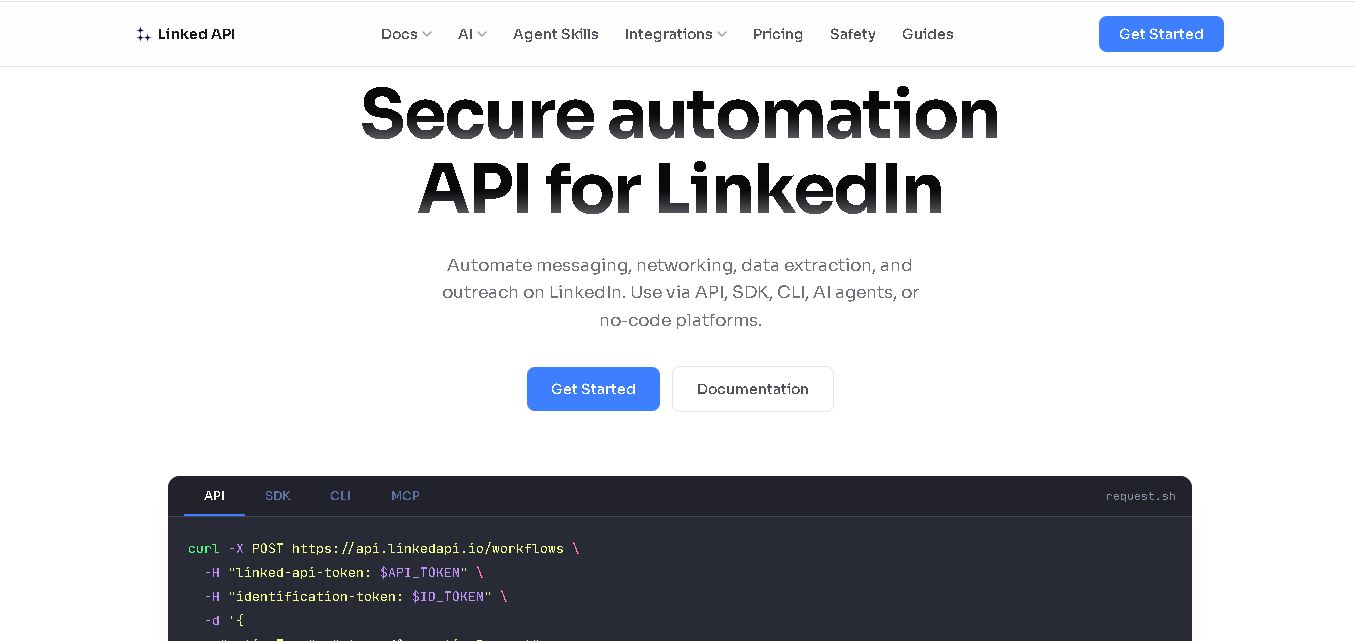
Linked API helps businesses, developers, and AI agents automate LinkedIn workflows without manually performing repetitive activities. Users can search profiles, collect data, send connection requests, manage messaging, and integrate LinkedIn activities into external workflows. It supports API, SDK, CLI, MCP, n8n, Make, and other automation environments for scalable operations.
 4.8
4.8Capgo
Automation
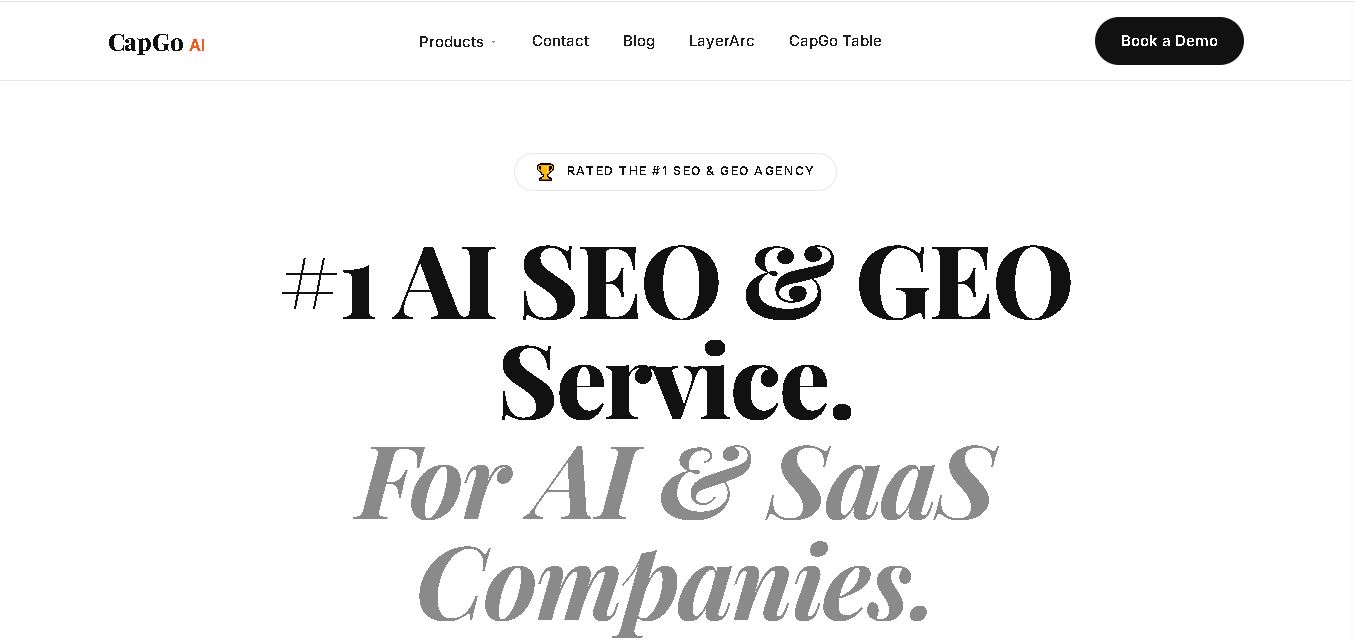
CapGo AI helps AI and SaaS businesses increase organic and AI search visibility through SEO, GEO, programmatic SEO, and content automation. Its spreadsheet-based CapGo Table supports research, large-scale page creation, optimization, and publishing workflows, helping marketing teams transform company data into searchable content for Google and AI assistants more efficiently.