
Refraction
Refraction is a developer-focused coding assistant that helps programmers automate repetitive software development tasks such as code refactoring, unit test generation, documentation, debugging, and code explanation. It supports multiple programming languages and integrates with popular IDEs, enabling developers to improve code quality, reduce manual effort, and accelerate development workflows.
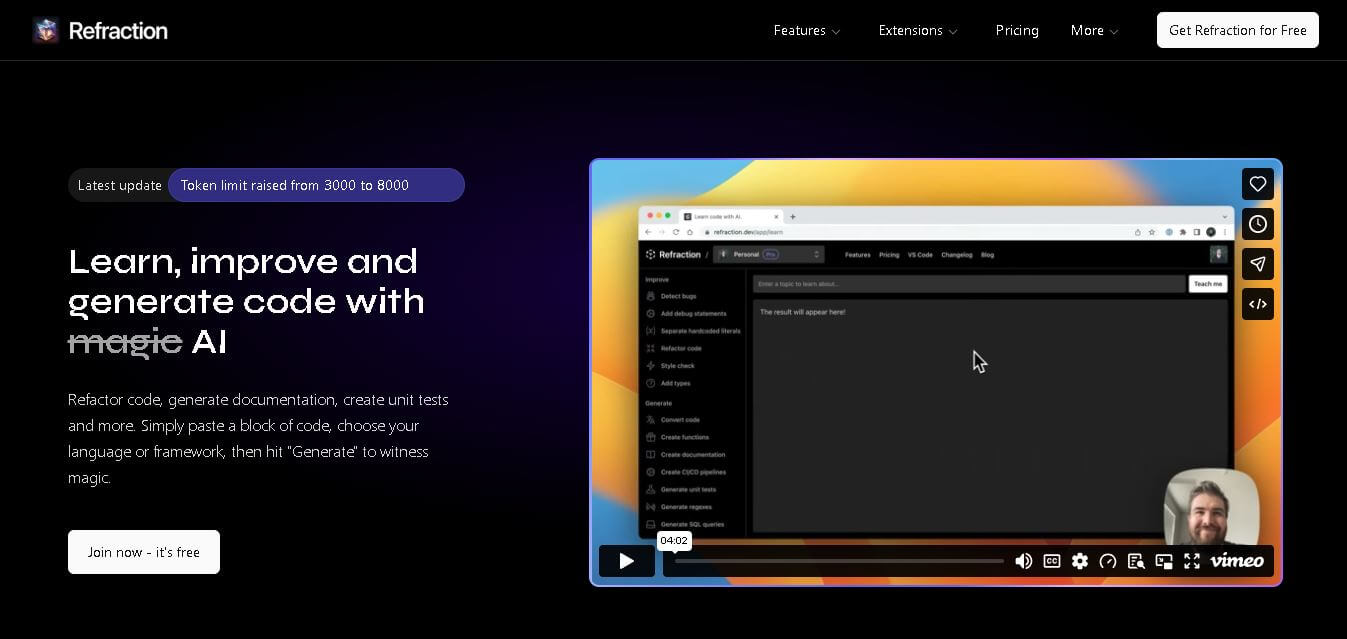
What is Refraction?
Refraction is a software development tool designed to simplify coding by automating repetitive programming tasks with artificial intelligence. It enables developers to generate unit tests, explain existing code, create documentation, detect bugs, refactor code, convert programming languages, and improve code quality, all from a single workspace. The platform supports dozens of programming languages and integrates with popular editors, making it suitable for individual developers, startups, and enterprise engineering teams. By reducing manual coding effort and speeding up routine development activities, Refraction allows programmers to spend more time building features, solving complex problems, and maintaining high-quality software projects.
Refraction offers a freemium pricing structure with a Free plan (or free trial) for testing basic code utilities. Paid plans start at $20 to $29 per month, providing expanded language support, higher request limits, automated test suite generation, and team collaboration features.
- Core Focus: AI Code Refactoring, Unit Test Generation, Documentation Automation, and Polyglot Code Conversion
- Launch Year: 2021
Use Cases:
- Generating robust unit test suites for functions, classes, and APIs in seconds
- Refactoring messy, legacy, or complex code to improve readability and performance
- Automatically creating detailed code documentation, docstrings, and inline comments
- Translating code snippets between programming languages (e.g., Python to TypeScript, C++ to Rust)
Technology:
- LLM-backed code transformation engine trained on multi-language code bases
- Static analysis and prompt-based syntax translation for 50+ programming languages
- Web-based developer workspace and integration API ecosystem
Target Users:
- Software engineers looking to eliminate boilerplate coding tasks
- QA engineers automating the generation of unit test cases
- Development teams maintaining multi-language codebases and legacy systems
Ecosystem: Features a clean browser-based code workspace, multi-language prompt selector, unit test builder, refactoring engine, and developer API options.

Key features of Refraction
Refraction's key features are
- Automated Unit Test Generation: Instantly generate comprehensive test cases for frameworks like Jest, PyTest, JUnit, and Mocha.
- AI Code Refactoring: Optimize existing code structures to improve clean code practices, reduce complexity, and boost execution performance.
- Multi-Language Code Conversion: Translate functions and modules seamlessly across 50+ languages, including Python, JavaScript, TypeScript, C++, Java, and Rust.
- Documentation Builder: Automatically generate clear docstrings, README sections, and API parameter descriptions for undocumented code.
- Bug Detection & Quality Audit: Scan code blocks to spot potential runtime bugs, security vulnerabilities, and logic flaws.
- Language & Framework Versatility: Native support for over 50 programming languages and major frontend/backend frameworks.
Refraction Pricing
Refraction operates on a tiered subscription pricing model, offering entry-level access for individual developers up to dedicated team plans.
Free / Starter Tier:
- $0/month
- Includes basic code refactoring, limited test generations per month, and standard language support.
Pro Plan:
- Starts at $20 to $29/month
- Includes unlimited code transformations, full test suite generation, access to all 50+ programming languages, and advanced bug detection models.
Team Plan:
- Starts at $40/month per user
- Includes centralized team billing, shared code snippet repositories, higher API rate limits, and priority developer support.
Disclaimer: For the latest and most accurate pricing information, please visit the official Refraction AI website.
Is Refraction Worth It?
Refraction is well worth it for developers and software engineering teams who want to save hours on mundane code maintenance. By automating unit testing, refactoring, and documentation across 50+ languages, it allows developers to focus on architecture and core business logic rather than writing repetitive boilerplate code.
Real-World Use Cases
- Test Coverage Expansion: Engineering teams paste legacy functions to instantly obtain full unit test suites, raising code test coverage.
- Code Base Migration: Developers translate legacy C++ or Python codebases into modern TypeScript or Go implementations efficiently.
- Documentation Overhaul: Teams generate automated inline comments and API docs across undocumented microservices.
- Code Quality Auditing: Senior engineers refactor complex nested functions to align with clean code standards during code reviews.
Who is using Refraction?
Refraction is designed for a wide range of software development professionals, including
- Full-Stack Developers: Streamlining repetitive coding, testing, and commenting tasks
- QA & Test Engineers: Accelerating the production of unit and integration test scripts
- DevOps & System Engineers: Converting and refactoring scripts across shell, Python, Go, and infrastructure code
- Engineering Managers: Enforcing consistent code documentation and higher test coverage standards
Best Refraction Alternatives
Some of the strongest Refraction alternatives include
Pros and Cons of Refraction
Pros
- Broad support for over 50 programming languages and popular frameworks
- Automates time-consuming tasks like unit test creation and documentation
- Intuitive interface for instant code refactoring and language conversion
- Helps maintain code quality and expand test coverage effortlessly
- Flexible pricing options starting with free/trial access
Cons
- Generated code and test cases may occasionally require manual fine-tuning
- Focused primarily on utility-based transformations rather than full multi-file autonomous editing
- Paid plans scale up for larger team deployments
Why Choose Refraction?
Refraction stands out by focusing directly on high-friction maintenance tasks—refactoring, unit testing, language translation, and documentation—rather than trying to replace the full editor experience. Its specialized utilities and broad 50+ language compatibility make it a lightweight yet powerful productivity multiplier for any software team.
- Generate complete unit test suites in seconds without writing manual assertions
- Refactor legacy code into clean, readable, optimized implementations
- Translate code across 50+ languages with minimal manual re-architecting
- Maintain thorough codebase documentation automatically
How Refraction Works
- 1. Paste Your Code: Input your code snippet or function into the Refraction editor window.
- 2. Select Language & Goal: Choose your target programming language and select the desired action (e.g., generate unit tests, refactor, add docs, or convert language).
- 3. Generate & Review: Click generate to let the AI process the code and produce formatted, updated output.
- 4. Copy & Integrate: Copy the generated tests, documentation, or refactored code directly into your codebase.
Refraction vs. Competitors
The main difference between Refraction, Cursor, and CodeRabbit is that Refraction specializes in targeted task-based code transformations (testing, docs, refactoring) across 50+ languages, while Cursor operates as a full standalone IDE and CodeRabbit focuses specifically on automated pull request reviews.
| Feature | Refraction | Cursor | CodeRabbit |
|---|---|---|---|
| Primary Focus | Code Refactoring & Test Generation | AI-Native IDE & Code Editor | Automated PR Code Reviews |
| Language Support | 50+ Programming Languages | All major languages | All major languages |
| Starting Price | Free / $20 per month | Free / $20 per month | Free / $15 per month |
| Unit Test Generator | Yes (dedicated tool) | Yes (via AI chat/composer) | Yes (in pull requests) |
| Code Conversion | Yes (multilingual translation) | Yes (via chat) | No |
How do we rate Refraction?
| Parameter | Rating (out of 5) |
|---|---|
| Ease of Use | 4.7 |
| Code Quality & Accuracy | 4.6 |
| Language Support & Versatility | 4.8 |
| Value for Money | 4.6 |
| Speed & Efficiency | 4.7 |
| Overall Score | 4.7 |
Refraction Review
Refraction is an exceptional utility platform for developers who want to automate repetitive maintenance tasks, such as writing unit tests, refactoring complex methods, generating documentation, and translating code across languages. By streamlining these crucial steps, it boosts productivity and code quality across individual and team workflows.
Conclusion
Refraction is a practical development assistant for programmers looking to automate repetitive coding tasks without compromising code quality. From generating unit tests and documentation to detecting bugs, refactoring applications, and explaining complex code, it provides a comprehensive toolkit that supports faster software development. Its compatibility with 56 programming languages, integration with popular IDEs, and flexible pricing options make it suitable for beginners, professional developers, and enterprise teams alike. Whether you are building new applications or maintaining existing projects, Refraction helps streamline development workflows, improve productivity, and reduce the manual effort involved in everyday programming tasks.
FAQ
What is Refraction used for?
Refraction is primarily used to automate time-consuming software development tasks. Developers can generate unit tests, improve existing code, create documentation, explain complex code, detect bugs, write SQL queries, and refactor applications, all without spending hours on repetitive work. It helps programmers improve productivity while maintaining cleaner, well-documented, and more reliable code across multiple programming languages.
Is Refraction free to use?
Yes, Refraction offers a free plan for users who are keen to explore its capabilities. The free version includes 10 code generations, making it suitable for testing the platform. Users who need unlimited generations, editor extensions, and additional collaboration features can upgrade to Pro, Team, or Enterprise plans based on their development requirements.
Which programming languages does Refraction support?
Refraction supports 56 programming languages, including Python, Java, JavaScript, TypeScript, C++, C#, Go, PHP, Rust, Swift, SQL, HTML, CSS, Kotlin, Ruby, and many others. This broad language support allows developers working on different projects and technology stacks to use the platform without switching between multiple coding assistants.
Can Refraction generate unit tests automatically?
Yes. Refraction can automatically generate unit tests for your preferred testing framework by analyzing your existing source code. Instead of writing repetitive test cases manually, developers receive AI-generated test suggestions that can be reviewed, customized, and integrated into their projects, helping improve software quality while significantly reducing development time.
Who should use Refraction?
Refraction is ideal for software developers, engineering teams, freelance programmers, startup founders, coding students, and DevOps professionals. Whether you are maintaining legacy applications, creating new software, or improving documentation, the platform helps automate repetitive programming tasks and enables you to focus more on solving technical challenges and building innovative applications.
User Reviews
No reviews yet for Refraction.
Featured Tools
Featured AI tools from TechShark

Melody Genie
MelodyGenie is an AI-powered music generator that creates original songs from simple text prompts. Users can choose styles, moods, and genres, then instantly generate melodies and full tracks, making it easy for creators, marketers, and hobbyists to produce custom music without musical expertise.
Freemium

Kimi AI
Kimi AI is an advanced AI assistant developed by Moonshot AI that helps you chat, research, write, code, and automate tasks in one place. It supports web search, file analysis, and multimodal inputs, and can even run autonomous “agent” workflows to complete complex tasks end-to-end.
Freemium

Fashion Diffusion AI
Fashion Diffusion is an AI-powered fashion design platform that helps brands and designers create clothing designs, virtual try-ons, AI models, product photos, and marketing visuals faster and cost-effectively.
Paid

Veo 4
Veo 4 AI is an AI video creation platform that generates dramatic videos from text, images, audio, and video prompts using realistic motion and synchronized sound.
Paid
Alternatives
Alternatives to Refraction
The best Refraction alternatives include CodeRabbit, Cursor, AskCodi, Tabnine, and Codeium. CodeRabbit automates pull request code reviews and quality feedback. Cursor is an AI-native code editor designed for multi-file editing and codebase interaction. AskCodi offers AI coding assistance, syntax generation, and debugging inside popular IDEs. Tabnine delivers intelligent private code completions for enterprise engineering teams, while Codeium provides free, high-speed multi-language code completion and chat tools.
 4.9
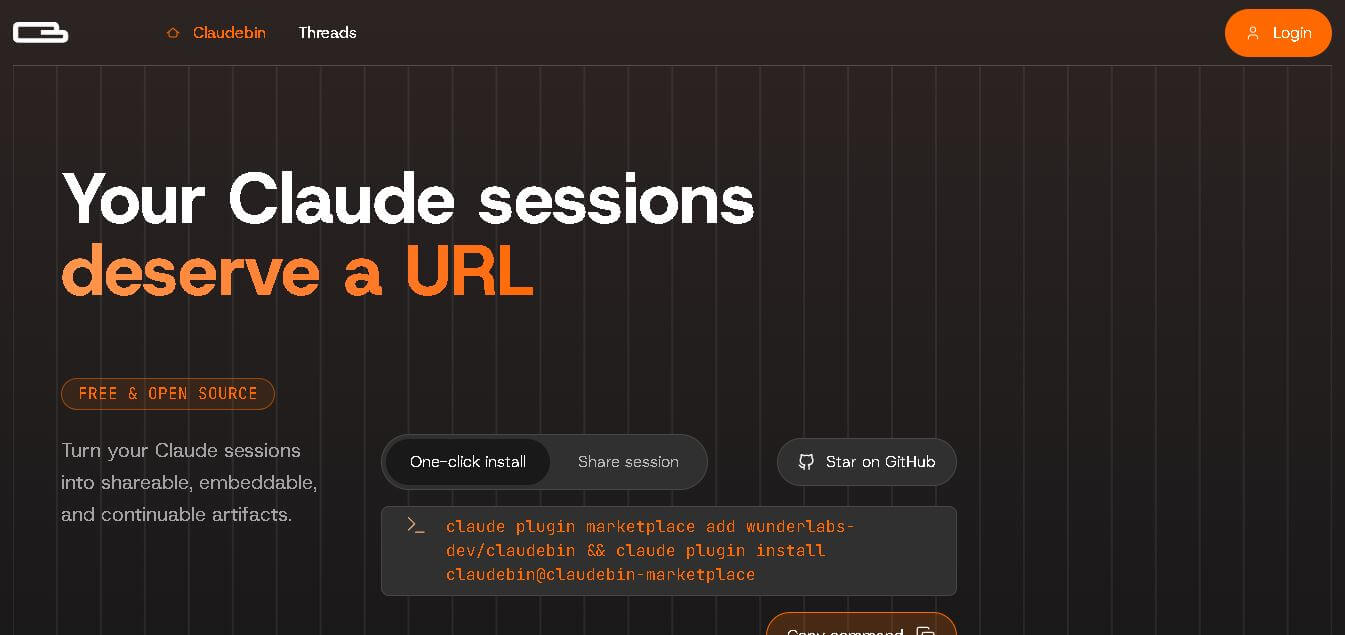
4.9Claudebin
Code Assistant
Claudebin is an open-source tool for sharing Claude Code sessions through structured, accessible web links. It captures conversations, file operations, terminal commands, and tool calls, helping developers explain their coding workflows. With session viewing and embedding capabilities, it simplifies technical documentation, collaboration, debugging discussions, and knowledge sharing across development projects.
 4.9
4.9GitFluence
Code Assistant
GitFluence is an AI-powered Git command generator that helps developers turn plain-English instructions into exact Git commands. It eliminates the need to memorize syntax, speeds up version control workflows, and lets users quickly copy accurate commands for tasks like branching, merging, and fixing commits.
 4.9
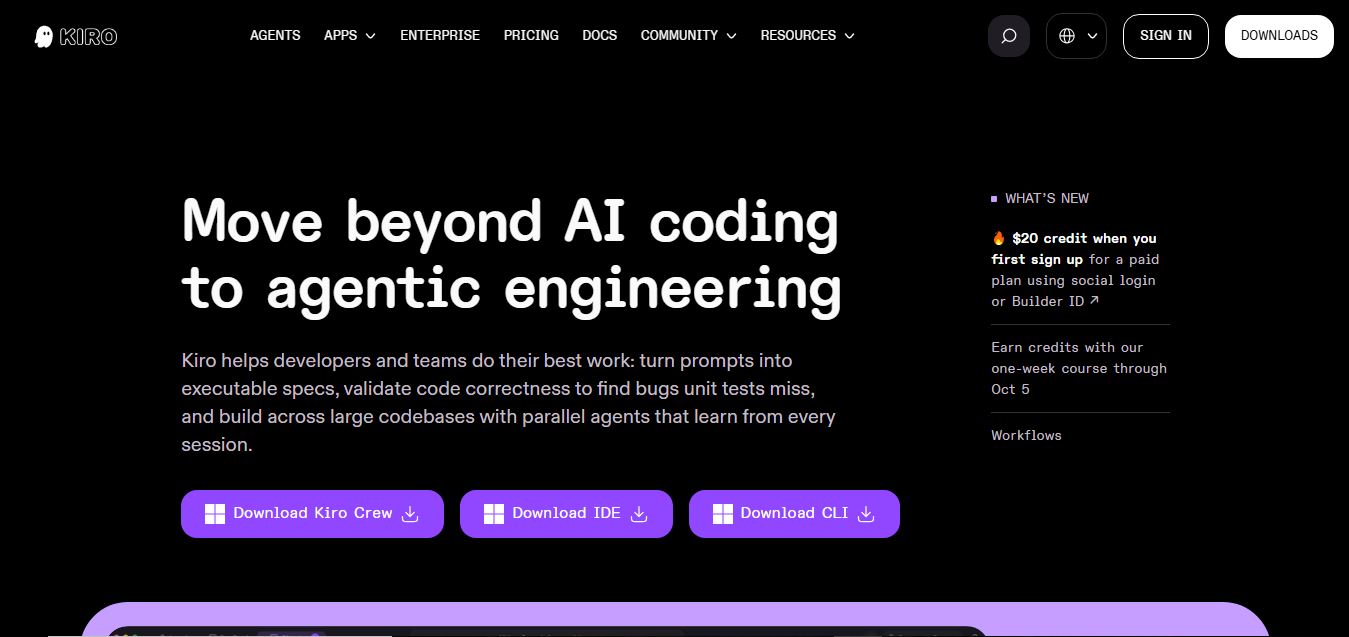
4.9Kiro
Vibe Coding
Kiro is an AI-powered developer platform that helps teams plan, build, and ship software using autonomous agents. It turns prompts into structured specs, writes and tests code, and automates workflows across IDE, CLI, and cloud, enabling faster, reliable development from prototype to production.
 4.8
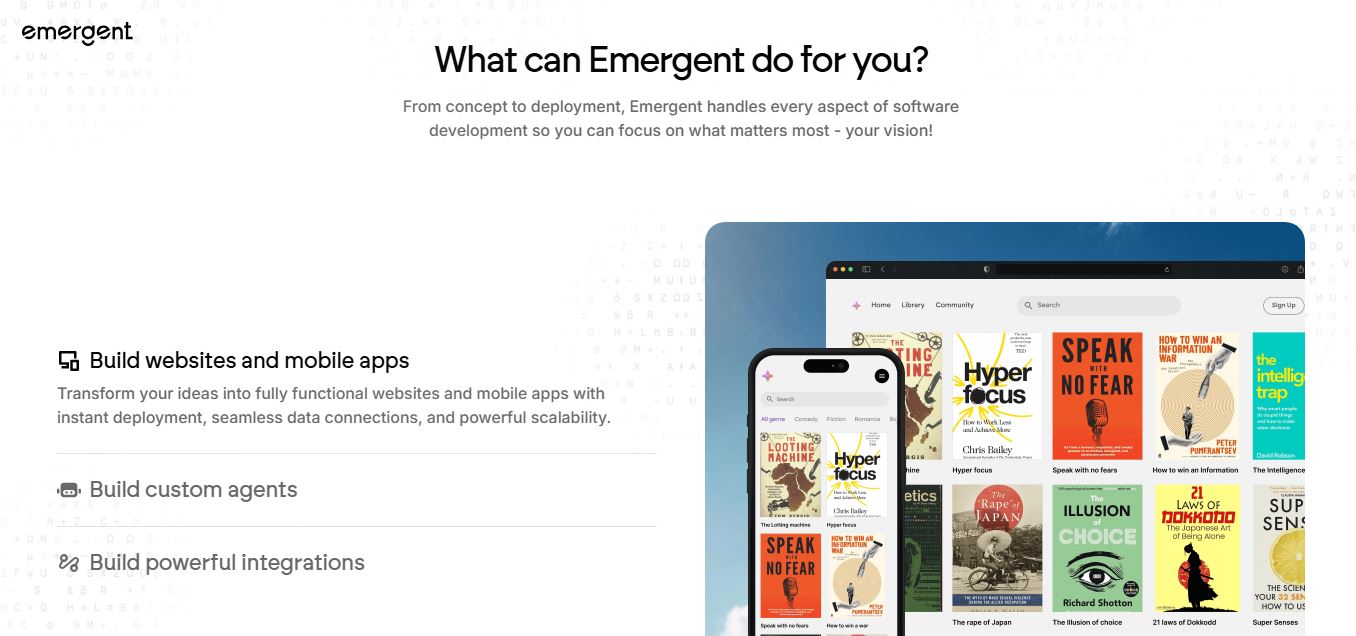
4.8Emergent
Vibe Coding
Emergent is an AI-powered app builder that lets users create full-stack web and mobile applications by simply describing their idea. It uses autonomous agents to plan, code, test, and deploy apps, handling everything from backend to hosting without requiring traditional programming skills.
 4.7
4.7Amazon Q Developer
Code Assistant
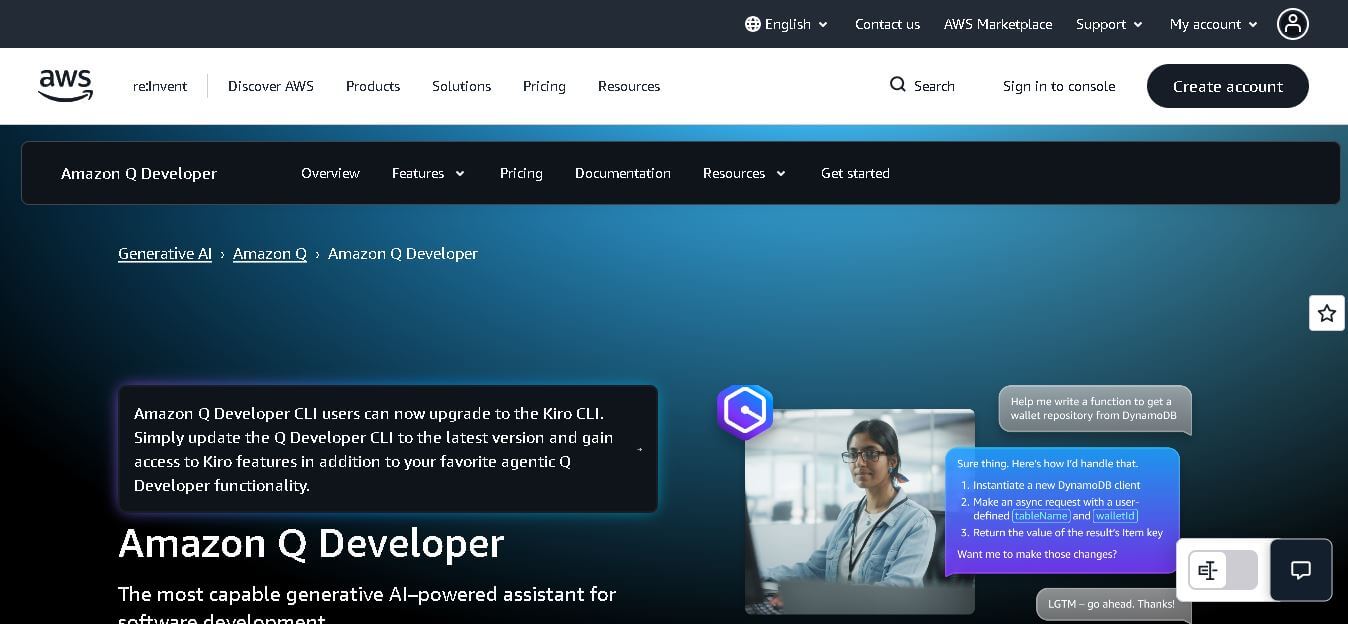
Amazon Q Developer helps developers write, explain, test, refactor, secure, and troubleshoot code while working with AWS services. It provides conversational assistance, inline suggestions, agentic coding, and cloud guidance across supported IDEs, command-line environments, and AWS interfaces. Its goal is to reduce repetitive work and help teams move from ideas to deployable software.
 4.9
4.9GitLab
Code Assistant
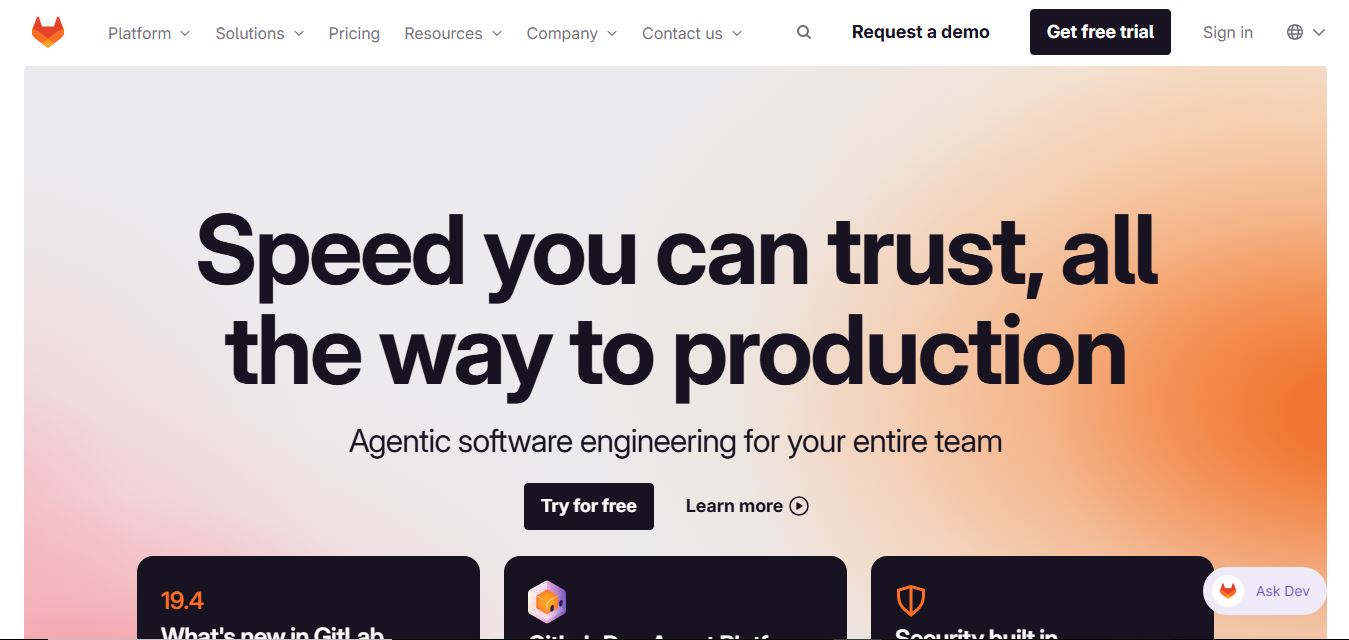
GitLab is a DevOps platform that provides a complete suite for planning, coding, testing, and deploying software in one place. It combines version control, CI/CD, security, and collaboration tools, helping teams streamline development workflows and deliver software faster and more efficiently.
 4.9
4.9CodeRabbit
Code Assistant
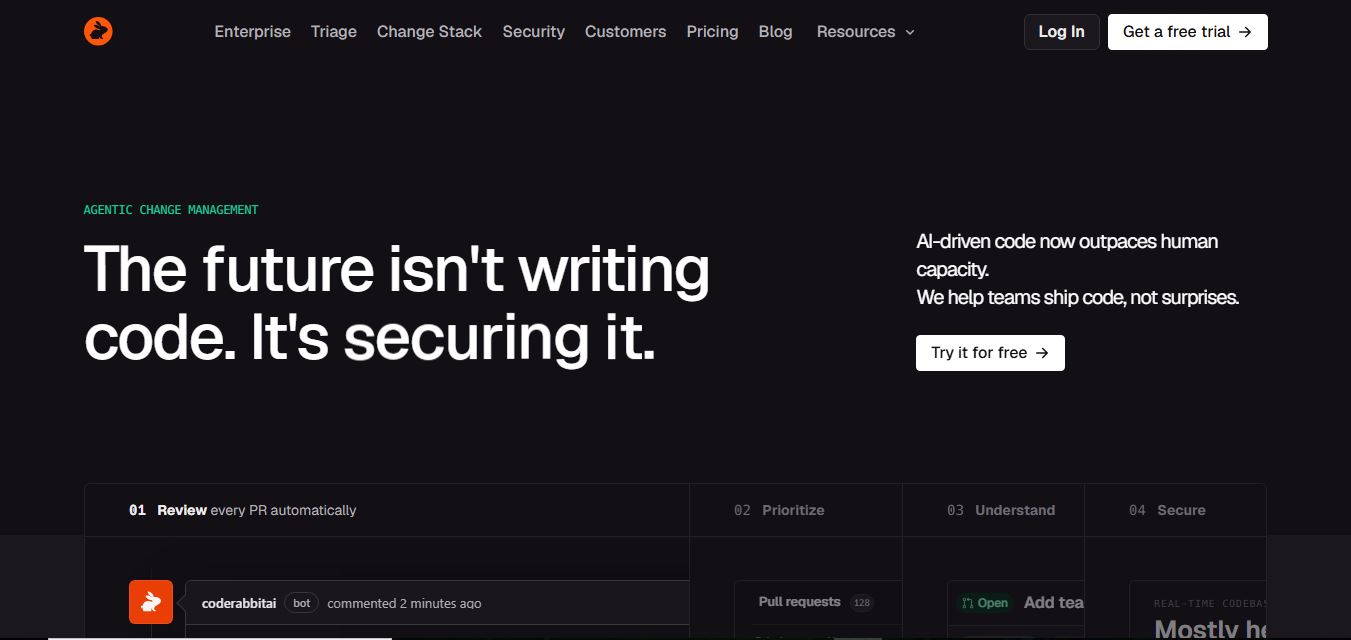
CodeRabbit is an AI-powered code review assistant that helps developers catch bugs, improve code quality, and speed up pull requests. It analyzes code changes in real time, provides actionable feedback, and integrates with Git workflows to make reviews faster and more efficient.
 4.9
4.9Sourcery
Code Assistant
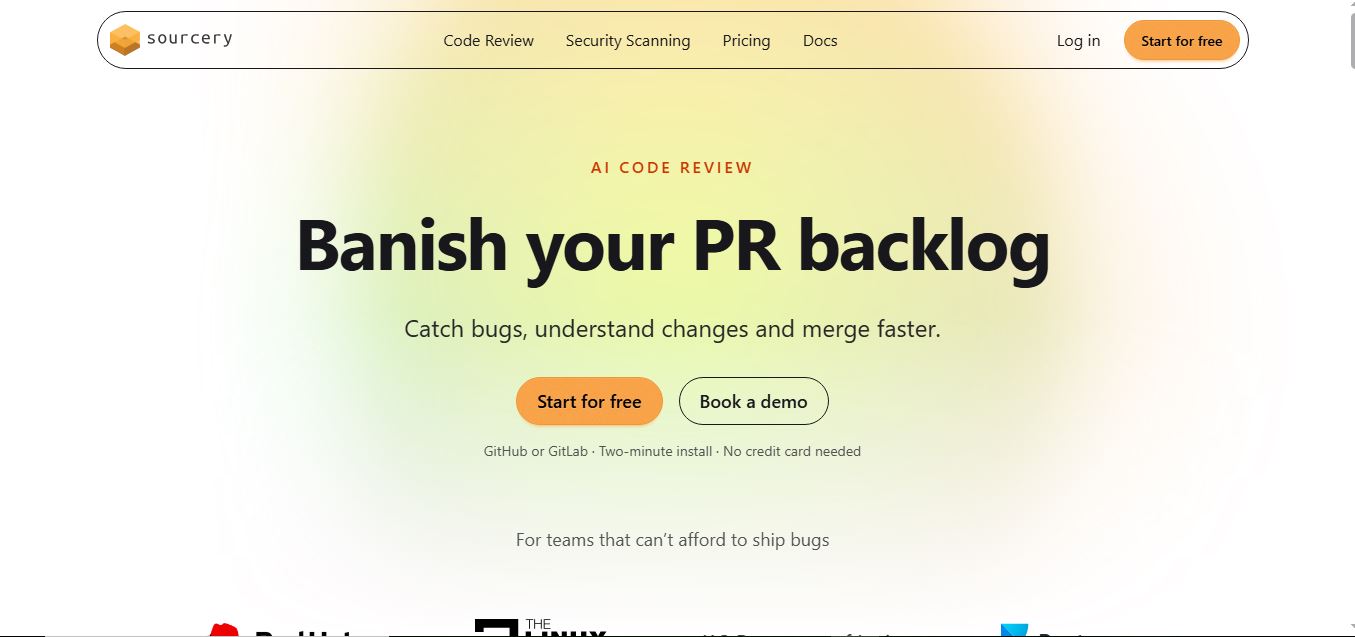
Sourcery is an AI-powered code refactoring tool that helps developers automatically improve Python code quality. It analyzes code, suggests cleaner and more efficient alternatives, and applies refactors instantly, making code more readable, maintainable, and aligned with best practices.
Tenki Cloud
Code Assistant
Tenki Cloud is a high-performance, cost-efficient cloud infrastructure platform offering disposable sandboxes for AI agents, self-hosted GitHub Actions runners, and automated AI code review.