
QApilot
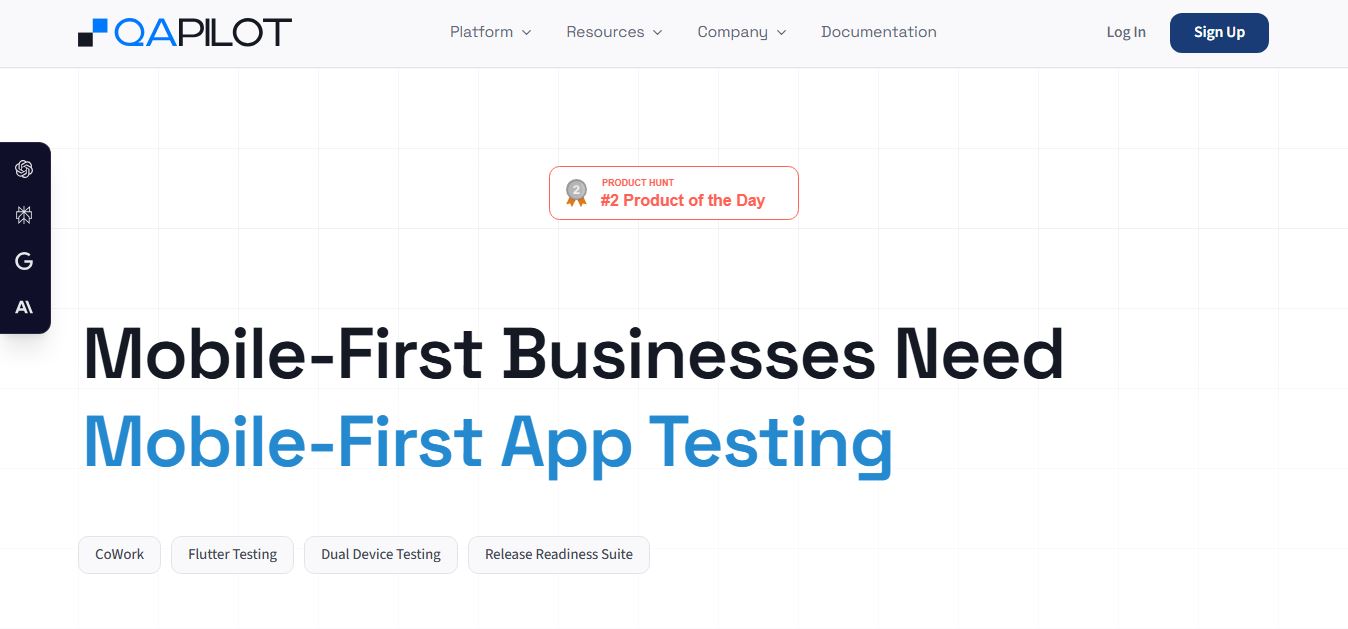
QApilot is an AI-powered mobile app testing and QA automation platform that uses autonomous app crawlers, synchronized dual-device testing, self-healing test execution, and CI/CD integrations to test iOS, Android, Flutter, and React Native builds without manual scripting.
What is QApilot?
QAPilot is an AI-powered mobile app testing platform designed to automate quality assurance without relying on manual scripts. Instead of writing and maintaining test cases, it uses AI agents to explore your app like a real user, build a “knowledge graph” of how it works, and automatically generate, run, and update tests as the app changes. It also detects bugs, adapts to UI updates with self-healing, and integrates into CI/CD pipelines, helping teams ship faster with less testing effort and more reliable releases.
Designed around autonomous crawler exploration, multi-device journey synchronization, and self-healing automation, QApilot shifts mobile QA from brittle script authoring to intent-driven verification. By constructing a dynamic knowledge graph of an application's navigation paths, UI trees, and state transitions directly from APK, AAB, or iOS builds, QApilot executes zero-touch sanity passes, complex multi-user transactions, and biometric/OTP-gated flows at scale.
- Platform Role: AI Mobile App QA Platform, Autonomous Test Crawler & Dual-Device Automation Suite
- Core Target Ecosystem: Native Android (Kotlin/Java), Native iOS (Swift/Objective-C), Flutter, and React Native applications
- Key Testing Modules: Autonomous Mobile App Crawler, CoWork Agent, Dual Device Testing, AI Self-Healing Engine, and Release Readiness Suite
Use Cases:
- Automating end-to-end multi-user interactions across two devices simultaneously (e.g., rider-driver matching, marketplace chat, field-force ticketing)
- Performing zero-touch sanity and regression testing on newly compiled builds without writing manual Appium or Espresso test scripts
- Validating OTP logins, biometric authentication, and complex multi-factor banking journeys with automated test steps
- Eliminating test maintenance overhead by letting AI self-healing algorithms adapt to UI label shifts, ID modifications, and layout refactors
- Triggering massively parallel test runs directly within CI/CD pipelines (Jenkins, GitHub Actions, GitLab) and syncing defect logs to Jira and TestRail
Technology:
- Post-build binary analysis engine operating directly on compiled mobile packages without requiring proprietary SDK injection
- Autonomous crawler mapping application screens into an interconnected knowledge graph to discover navigation bottlenecks and dead ends
- Computer vision and heuristic locator matching models that self-heal broken selectors dynamically during test playback
- Synchronized dual-device orchestration runtime coordinating cross-device transactions in real time as single test units
Target Users:
- Mobile Quality Engineering (QE) leads scaling test coverage across fast sprint cycles without ballooning headcount
- Mobile developers looking for quick sanity validation on release builds before submitting to the App Store or Google Play
- Release managers needing audit-proof release readiness reports and regression sign-offs
- Fintech, marketplace, and messaging engineering teams managing two-sided, multi-device mobile workflows
Acquisition: Specialized mobile testing platform
What are the key features of QApilot?
QApilot's key platform features are
- Autonomous App Crawler: Upload your app binary to automatically explore screens, construct an application Knowledge Graph, and generate sanity coverage without writing code.
- Dual Device Testing: Test two-sided transactions (such as sender-receiver chat, payment transfers, or ride booking) across two synchronized devices in real time.
- AI Self-Healing Tests: Automatically detects and adapts to UI modifications, swapped element IDs, and dynamic layout changes to prevent false test failures.
- CoWork QE Collaboration: Empowers QE teams to record, modify, and expand complex test journeys using plain English instructions and visual playback.
- Framework-Agnostic Validation: Tests compiled Android APK/AAB and iOS builds seamlessly across Flutter, React Native, and native architectures.
- Release Readiness Suite: Provides unified quality dashboards displaying pass/fail trends, performance stability, and go/no-go release recommendations.
- Ecosystem Integrations: Connects natively with Jira, TestRail, Xray, Slack, BrowserStack, LambdaTest, Sauce Labs, and standard CI/CD engines.
How much does QApilot cost?
QApilot operates on an enterprisa custom pricing model for enterprises that is mobile application scope, testing frequency, and parallel device execution volume.
Pricing Plans:
- Interactive Demo / Free Assessment ($0): Test drive the platform through interactive guided demos and run an initial quality evaluation on your mobile app build.
- Growth & Enterprise Tiers (Custom Quotation): Tailored packages based on parallel test execution capacity, automated dual-device testing slots, CI/CD pipeline triggers, custom integrations, and dedicated enterprise support.
Disclaimer: Pricing depends on application complexity, required parallel device concurrency, and cloud device grid integrations. Request a custom quote and book a live walkthrough at qapilot.io.
Who should use QApilot?
QApilot is designed for mobile-first product and engineering organizations, including
- Digital Banking & Fintech Apps: Automating complex identity verification, biometric logins, and OTP-gated transactional workflows.
- Marketplaces & On-Demand Platforms: Validating two-sided real-time communications between consumers and service providers simultaneously.
- Cross-Platform Flutter & React Native Teams: Maintaining unified automated test suites across both iOS and Android binaries from a single platform.
- Fast-Shipping Mobile Startups: Slashing manual regression cycles from multi-day bottlenecks down to automated hour-long runs.
What are the best alternatives to QApilot?
Some of the strongest QApilot alternatives include
- Appium
- Maestro (mobile.dev)
- Testsigma
- BrowserStack App Automate
- Katalon Studio
- Soflyy / Repeato
What are the pros and cons of QApilot?
What are the pros of QApilot?
- Autonomous mobile app crawler generates zero-touch sanity coverage without writing boilerplate code
- Native dual-device testing solves two-sided workflows like real-time chat, dispatch, and peer-to-peer payments
- AI self-healing locators reduce test maintenance overhead by up to 90% when UI layouts change
- Tests real compiled binaries post-build without requiring invasive SDKs or code modifications
- Plugs directly into existing device cloud grids like BrowserStack, LambdaTest, and Sauce Labs
What are the cons of QApilot?
- Specialized exclusively for mobile applications rather than broad desktop browser web testing
- Enterprise pricing requires booking a demo and consultation rather than self-service credit card checkout
- Highly unique custom canvas animations or gaming engines may require additional manual test guidance
Why should you choose QApilot?
Traditional mobile test automation frameworks like Appium are notoriously fragile: minor UI label changes break test runs, writing cross-platform scripts takes weeks, and testing interactions between two users requires complex custom harnesses. QApilot eliminates these headaches. By combining an autonomous crawler that understands app structure with self-healing execution and built-in dual-device testing, QApilot lets teams achieve reliable mobile test automation 3x faster with their existing QE staff.
- Generate test coverage automatically from compiled binaries using an AI app crawler
- Validate synchronized real-time interactions across two mobile devices as a single transaction
- Eliminate flaky tests with self-healing locators that adapt to UI redesigns automatically
- Integrate tests into CI/CD pipelines to shorten release cycles from days to hours
How does QApilot compare to competitors?
While Appium requires manual script authoring and continuous locator maintenance, and Maestro simplifies declarative UI testing via YAML, QApilot offers autonomous exploratory crawling, AI self-healing, and coordinated dual-device testing as standard.
| Feature / Platform | QApilot | Appium | Maestro | Testsigma |
|---|---|---|---|---|
| Scripting Requirement | Codeless / Autonomous crawler | Code-heavy (Java, Python, JS) | Declarative YAML workflows | Low-code / Plain English |
| Dual Device Testing | Yes (Synchronized real-time testing) | Complex custom script setup | No (Single-device focus) | Limited multi-device flows |
| Self-Healing Mechanism | Yes (AI visual & tree healing) | No (Manual selector fixing) | Basic tolerance matching | Yes (AI self-healing) |
| Knowledge Graph Crawler | Yes (Explores & maps screens) | No | No | No |
| Pricing Structure | Custom enterprise quotation | 100% Free & Open Source | Open-source CLI / Cloud pricing | From $349/month |
| Best For | Autonomous mobile QA & dual-device testing | Custom code-based mobile frameworks | Lightweight developer mobile sanity tests | Unified web and mobile test teams |
How do we rate QApilot?
| Parameter | Rating (out of 5) |
|---|---|
| Autonomous App Crawling & Discovery | 4.9 |
| Dual Device Synchronization | 4.9 |
| Self-Healing & Maintenance Reduction | 4.8 |
| Cross-Framework Support (Flutter/React Native) | 4.8 |
| Value for Money | 4.7 |
| Overall Score | 4.82 |
What is our review and verdict on QApilot?
QApilot solves the primary friction points of modern mobile test engineering: excessive maintenance, locator fragility, and complex two-sided journey testing. Its autonomous Knowledge Graph crawler provides rapid visibility into app sanity right after build upload, while its dual-device testing capability addresses real-world consumer scenarios that other tools struggle to automate. For mobile-first engineering organizations shipping releases weekly on iOS and Android, QApilot is a powerful, high-velocity quality assurance platform.
Conclusion
QAPilot helps teams speed up software testing by using AI to generate test cases, identify issues, and streamline QA workflows. Instead of relying entirely on manual testing, it automates repetitive tasks while improving coverage and consistency. This allows teams to release updates faster without compromising quality. Overall, QAPilot makes testing more efficient and scalable, helping developers and QA teams deliver more reliable software with less effort.
FAQ
What does QApilot actually do?
QApilot is an AI-powered mobile app testing platform that automates the entire QA process without requiring manual scripts. Instead of writing test cases, teams upload their app, and QApilot explores it like a real user, generates test coverage, executes tests, and reports issues automatically. This helps teams validate app quality much faster and ship releases with more confidence.
How is QApilot different from traditional QA automation tools?
Traditional QA tools rely heavily on manual scripting or record-and-playback workflows, which often break when the UI changes. QApilot takes a different approach with autonomous testing, where the system discovers user journeys, generates test cases, and maintains them automatically. This reduces maintenance effort and eliminates the need to constantly fix broken tests.
How does QApilot work in practice?
In practice, teams upload a mobile app build (Android, iOS, Flutter, etc.), and QApilot’s AI crawler navigates the app to understand flows and interactions. It builds a knowledge graph of the app, generates test cases, runs them across devices, and continuously updates tests as the app evolves. The entire process—from build upload to release readiness—is automated inside a single pipeline.
What features does QApilot offer?
QApilot includes features like autonomous test generation, AI self-healing tests, dual-device testing, intelligent bug detection, and CI/CD integration. It also captures logs, screenshots, and network traces to help debug failures faster. Advanced capabilities like OCR-based element detection and dynamic test data generation further improve coverage for complex mobile apps.
Can QApilot test different types of mobile apps?
Yes, QApilot supports native, hybrid, and cross-platform apps, including Android, iOS, Flutter, and React Native. It works post-build, meaning it tests real app behavior regardless of how the app was developed, making it flexible for modern mobile tech stacks.
Who should use QApilot?
QApilot is best suited for QA engineers, developers, product teams, and QA leaders working on mobile apps. It’s especially valuable for teams that want to reduce manual testing, speed up release cycles, and improve test coverage without increasing QA headcount.
What problems does QApilot solve?
QApilot solves major QA challenges like flaky tests, high maintenance overhead, slow regression cycles, and limited test coverage. By automating exploration, test creation, and execution, it allows teams to focus more on product quality instead of managing test scripts, ultimately improving release speed and reliability.
User Reviews
No reviews yet for QApilot.
Featured Tools
Featured AI tools from TechShark

Melody Genie
MelodyGenie is an AI-powered music generator that creates original songs from simple text prompts. Users can choose styles, moods, and genres, then instantly generate melodies and full tracks, making it easy for creators, marketers, and hobbyists to produce custom music without musical expertise.
Freemium

Kimi AI
Kimi AI is an advanced AI assistant developed by Moonshot AI that helps you chat, research, write, code, and automate tasks in one place. It supports web search, file analysis, and multimodal inputs, and can even run autonomous “agent” workflows to complete complex tasks end-to-end.
Freemium

Fashion Diffusion AI
Fashion Diffusion is an AI-powered fashion design platform that helps brands and designers create clothing designs, virtual try-ons, AI models, product photos, and marketing visuals faster and cost-effectively.
Paid

Veo 4
Veo 4 AI is an AI video creation platform that generates dramatic videos from text, images, audio, and video prompts using realistic motion and synchronized sound.
Paid
Alternatives
Alternatives to QApilot
The best QApilot alternatives include Appium, Maestro, Testsigma, and BrowserStack App Automate. While QApilot provides autonomous exploratory app crawling, synchronized dual-device journey testing, and AI self-healing across Flutter, React Native, iOS, and Android builds, alternatives like Appium require manual script programming and maintenance, and Maestro focuses on declarative single-device YAML test flows.
 4.9
4.9Testomat.io
Testing
Testomat.io is an AI-powered test management platform that helps teams create, organize, and run manual and automated tests in one place. It uses AI agents to generate test cases, analyze failures, and provide real-time insights, enabling faster releases and more reliable software quality.
 4.9
4.9Momentic AI
Testing
Momentic is an AI-powered test automation platform that helps teams create, run, and maintain end-to-end tests for web and mobile apps using plain English. Its AI agents simulate user behavior, auto-heal tests, and detect real bugs, enabling faster releases and more reliable software.
 4.9
4.9BrowserStack
Testing
BrowserStack is a cloud-based testing platform that helps developers test websites and mobile apps across real devices, browsers, and operating systems. It offers manual and automated testing, real-time debugging, and AI-driven insights, enabling teams to release high-quality, bug-free software faster.
 4.9
4.9Katalon
Testing
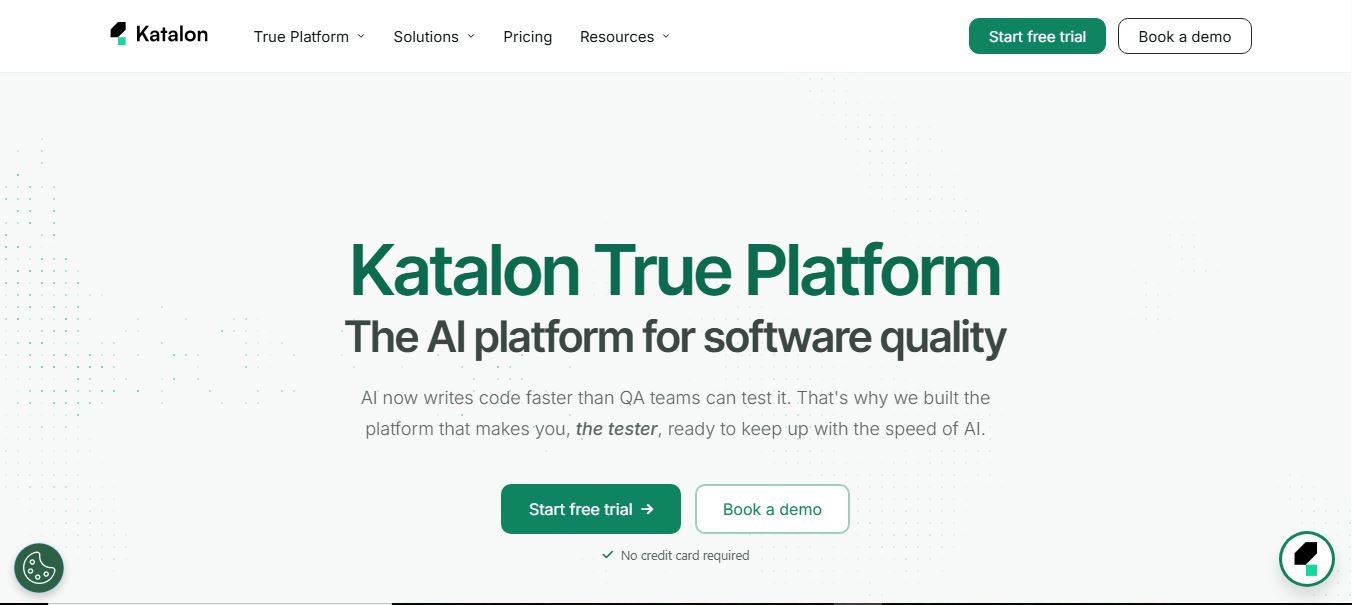
Katalon is an AI-powered software testing platform that helps teams create, run, and manage tests for web, mobile, API, and desktop applications. It unifies test automation, execution, and analytics in one system, using AI to generate tests, heal failures, and improve release quality.
 4.9
4.9Testsigma
Testing
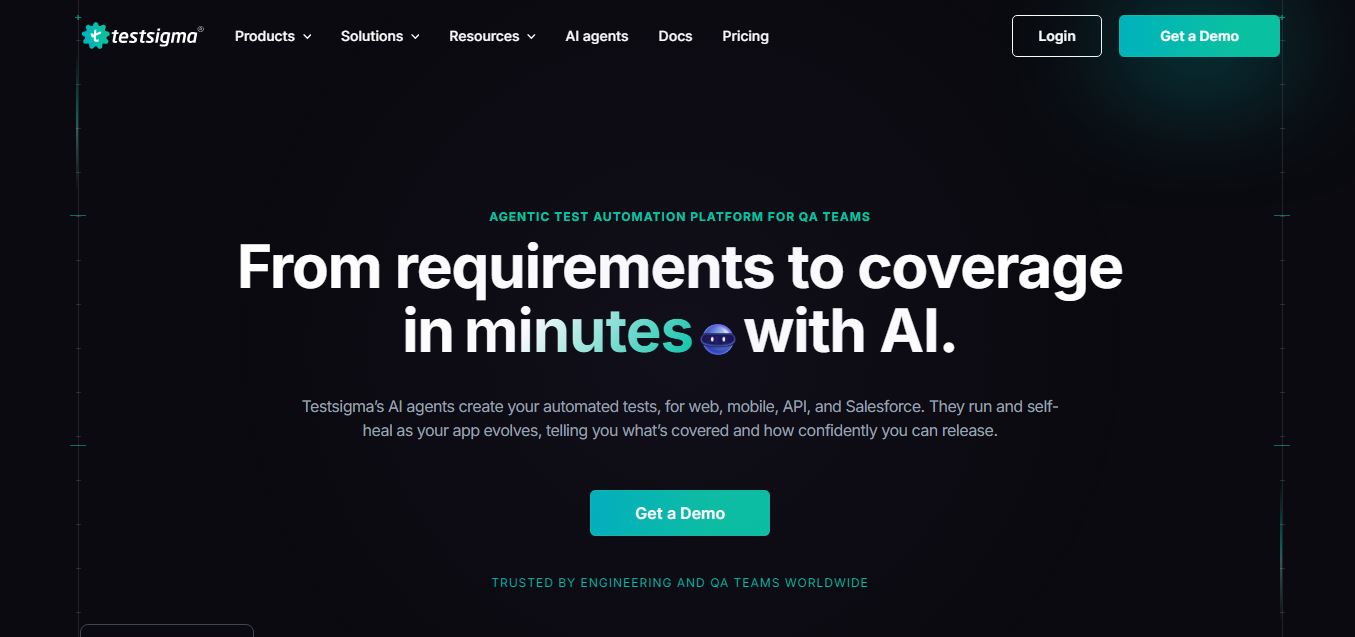
Testsigma is an AI-powered test automation platform that helps teams generate, run, and maintain end-to-end tests for web, mobile, APIs, and enterprise apps. It uses AI agents to create tests, self-heal failures, and analyze results, enabling faster releases and reliable software quality.
 4.9
4.9Cypress
Testing
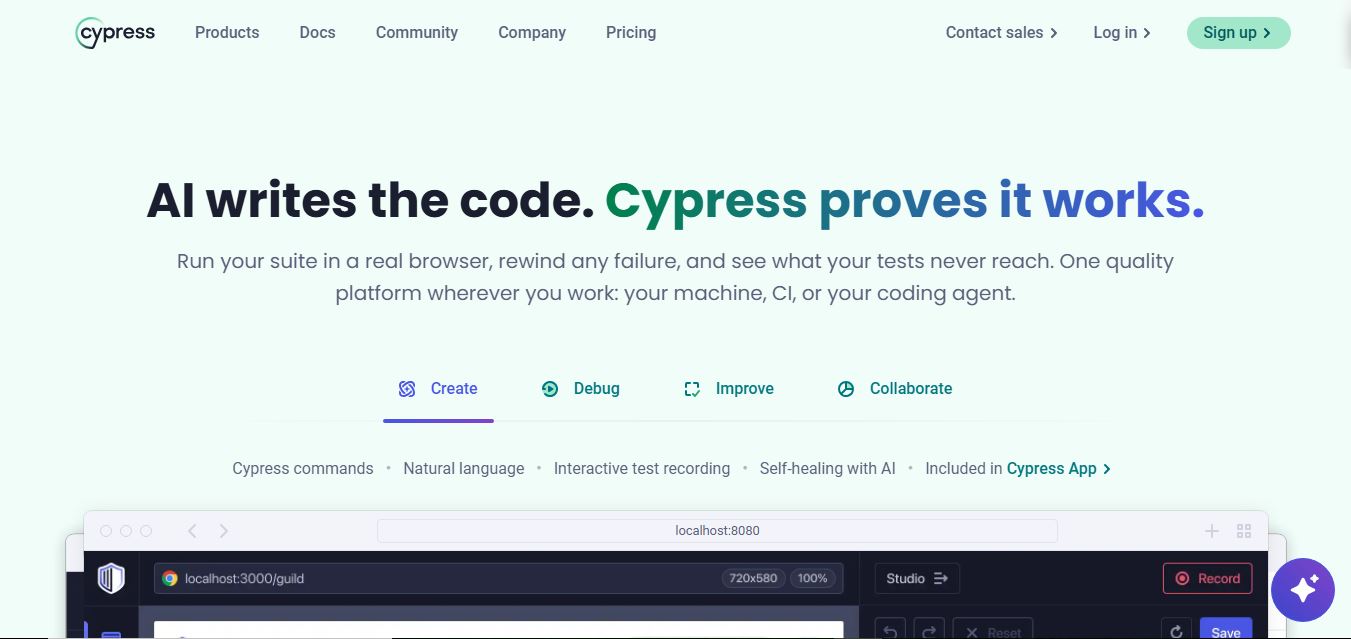
Cypress is an open-source end-to-end testing framework that helps developers test web applications directly in the browser. It enables writing, running, and debugging tests in real time, supports component testing, and integrates with CI pipelines, allowing teams to catch issues early and ship reliable software faster.
 4.9
4.9Playwright
Testing
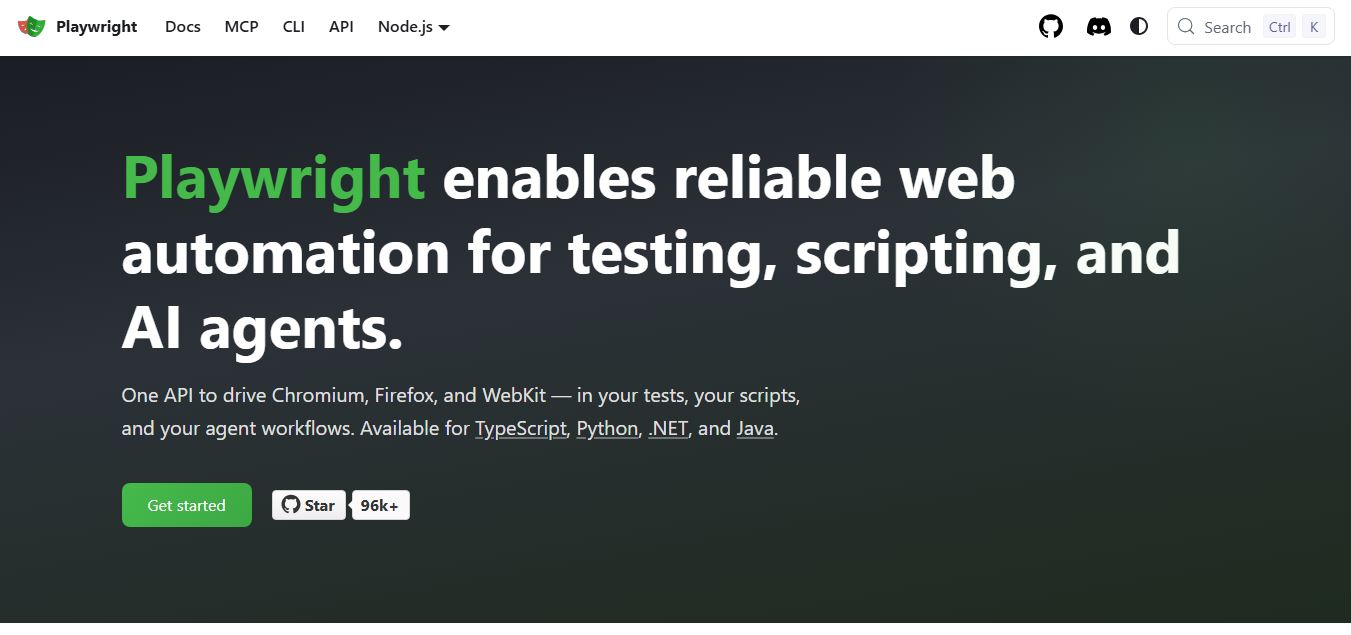
Playwright is an open-source web testing and automation framework by Microsoft that helps developers test web apps across Chromium, Firefox, and WebKit using a single API. It supports end-to-end testing, parallel execution, and auto-waiting, enabling reliable, fast, and scalable testing across modern browsers.
 4.9
4.9Testim
Testing
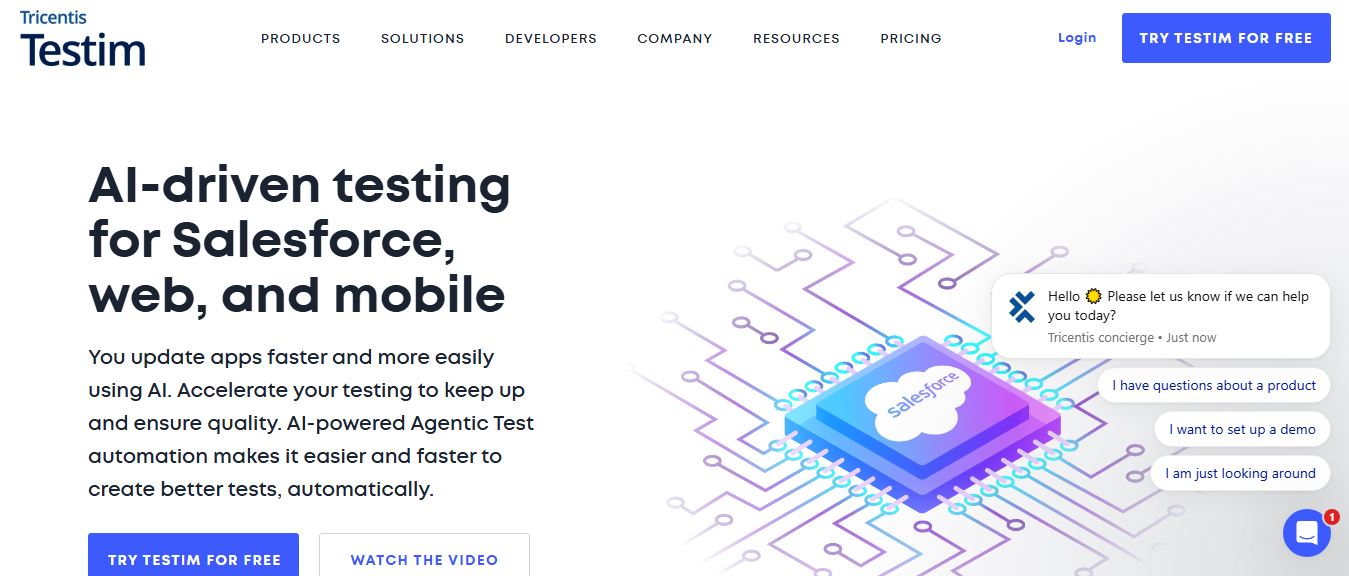
Testim is an AI-powered test automation platform that helps teams create, run, and maintain end-to-end tests for web, mobile, and Salesforce apps. It uses machine learning to generate stable tests, self-heal failures, and integrate with CI/CD, enabling faster releases and improved software quality.
 4.9
4.9mabl
Testing
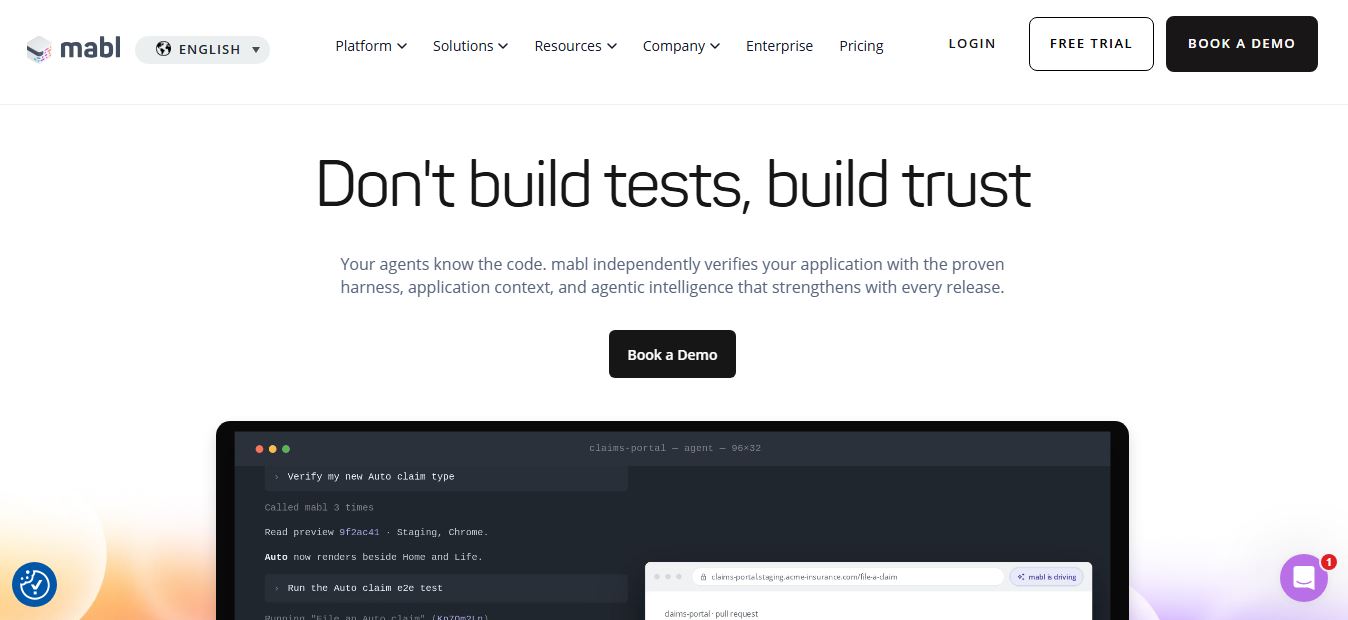
mabl is an AI-powered test automation platform that helps teams create, run, and maintain end-to-end tests for web, mobile, and APIs. It uses AI to generate tests, auto-heal failures, and analyze results, enabling faster releases and reliable software quality without heavy manual QA effort.