
Proactor AI
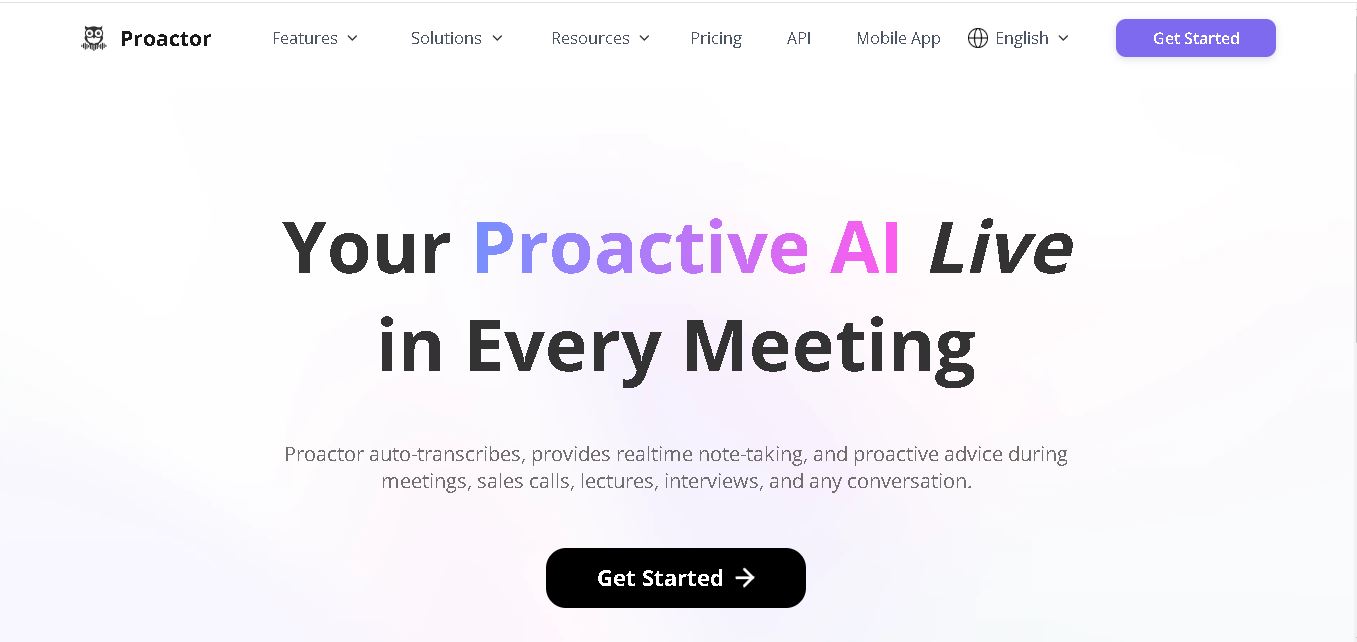
Proactor is a proactive conversation assistant that records, transcribes, summarizes, and organizes meetings, calls, interviews, lectures, and voice notes. It can identify important points, extract action items, provide contextual suggestions, and make previous conversations searchable. Its AI chat feature helps users quickly retrieve information from their recorded discussions and meeting history.
What is Proactor AI?
Proactor is a real-time meeting and conversation assistant designed to capture spoken information, understand context, and turn discussions into actionable knowledge. It provides live transcription, automatic summaries, key takeaways, task detection, and context-aware AI suggestions. Its built-in AI chat can also search across previous conversations, helping users retrieve decisions, details, and follow-ups without manually reviewing transcripts.
Proactor combines transcription, conversation analysis, memory, and proactive assistance in one workflow. Its features include real-time transcription, AI summaries, task extraction, smart meeting Wiki pages, AI chat, and cross-conversation search. The free Basic plan currently provides 60 minutes of transcription and 200 AI credits on the pricing page, while Pro provides 1,350 minutes and 3,400 credits monthly. Business provides 3,600 minutes and 9,100 credits monthly. Proactor also supports 20+ languages through its API transcription service.
- Platform Role: Real-Time AI Meeting Agent, Transcription Engine & Knowledge Assistant
- Deployment Environments: Web-based app, iOS app, Android app, and direct media uploads
- Integrations: Connects with conferencing tools like Google Meet and Zoom
Use Cases:
- Generating real-time meeting minutes, key takeaways, and structured meeting wikis for team synchronization
- Providing live advice, objection handling, and competitor insights for sales executives during discovery calls
- Automatically extracting action items and assigning to-dos during project management and sprint meetings
- Capturing and clarifying complex academic concepts during lectures or educational discussions
- Transcribing voice memos, interviews, audio files, and video links (YouTube, TikTok) into formatted text
Technology:
- Real-time speech-to-text processing engine with sub-second live display capabilities
- Proactive semantic reasoning engine for continuous insight streams and auto-task generation
- Cross-session memory and semantic vector search layer for querying past decisions across meetings
- Multi-media converter supporting audio, video, and social media link transcriptions
Target Users:
- Sales teams, account managers, and business development leads conducting discovery calls
- Project managers, product managers, and team leaders running regular operational check-ins
- Journalists, researchers, and content creators capturing live interviews and audio notes
- Students and educators seeking automated lecture notes and instant conceptual clarification
Acquisition: Accessible via proactor.ai, mobile app stores (iOS & Android), and web dashboards
What are the key features of Proactor AI?
Proactor AI's core capabilities include
- Live Insight Stream: Continuously streams evolving summaries, key takeaways, and advice as the conversation unfolds.
- Proactive AI Advice: Offers real-time contextual suggestions, objection handling, and clarification during calls without explicit user prompts.
- Automated Task Extraction: Identifies action items and commitments mentioned in dialogue and builds structured to-do lists automatically.
- Cross-Session Global Memory: Retains conversation history across past meetings, allowing users to query past decisions via AI chat.
- Multi-Format Converter: Transcribes live speech, audio/video file uploads, and web links (YouTube, TikTok, Twitter, Instagram).
- Structured Meeting Wiki: Auto-formats post-meeting recaps into skimmable sections (Overview, Conclusion, Key Points, To-Dos).
How much does Proactor AI cost?
Proactor AI operates on a freemium model with flexible tier options depending on transcription minutes and AI feature access.
Pricing & Tier Overview:
- Basic Plan (Free): Includes 30–60 minutes of live transcription, 100 AI credits, basic meeting summaries, and core search.
- Pro Plan ($19.99/month or $15.99/mo billed yearly): 1,350 transcription minutes/month, 3,400 AI credits, and full access to Proactive AI Advice.
- Business Plan ($49.99/month or $39.99/mo billed yearly): 3,600 transcription minutes/month, 9,100 AI credits, and priority customer support.
- Enterprise Plan (Custom): Custom transcription volume, dedicated account management, custom integrations, and team-wide usage.
Disclaimer: Prices and feature allocations are provided by Proactor AI and are subject to change over time.
Who should use Proactor AI?
Proactor AI is best suited for professionals and teams seeking active meeting support, including
- Sales & Account Executives: Professionals needing real-time objection assistance and automatic follow-up task generation during client calls.
- Product Managers & Team Leaders: Leaders wanting searchable long-term memory of team decisions across weekly sprint cycles.
- Students & Researchers: Individuals capturing detailed lecture transcripts, voice memos, and auto-summarized study guides.
What are the best alternatives to Proactor AI?
The leading alternatives to Proactor AI include
What are the pros and cons of Proactor AI?
What are the pros of Proactor AI?
- Functions proactively during meetings instead of acting strictly as a post-meeting transcription tool
- Automatically converts spoken commitments into actionable to-do lists without manual tagging
- Cross-session memory allows users to query past discussions and retrieve historical project decisions
- Supports multiple input types, including web links, video uploads, audio files, and live microphone capture
What are the cons of Proactor AI?
- Free tier transcription limits (30-60 minutes) are relatively tight for frequent meeting hosts
- Proactive advice features consume AI credits faster during lengthy multi-party discussions
- Continuous background listening requires consistent network connectivity for optimal live accuracy
Why should you choose Proactor AI?
While traditional meeting transcription tools wait until a call ends before generating notes, Proactor AI actively participates during the meeting. Its ability to surface real-time insights, auto-generate task lists, and retain global memory across sessions makes it an effective digital assistant for high-stakes calls, complex project planning, and fast-paced team environments.
How does Proactor AI compare to competitors?
The primary distinction between Proactor AI and traditional AI notetakers lies in its proactive real-time execution model versus passive post-call transcription.
| Feature / Platform | Proactor AI | Otter.ai | Read AI. |
|---|---|---|---|
| Primary Execution Model | Proactive real-time advice & live insight stream | Passive live transcription & post-call summaries | Post-meeting analytics & Search Copilot |
| Action Item Extraction | Real-time autonomous task detection | Post-meeting summary tags | Post-meeting automated action item lists |
| Cross-Session Memory | Built-in semantic memory chat across past meetings | Transcript search across meeting history | Unified search across meetings, emails, and chats |
| Multi-Media Inputs | Live audio, file upload, video, and URL links | Live audio and audio file uploads | Calendar integrations and video call bots |
| Best For | Users wanting live meeting advice & proactive task tracking | Teams needing basic searchable meeting transcripts | Organizations needing meeting analytics & compliance |
How do we rate Proactor AI?
| Parameter | Rating (out of 5) |
|---|---|
| Ease of Use & Onboarding | 4.8 |
| Real-Time Processing & Accuracy | 4.6 |
| Proactive Advice & Feature Depth | 4.7 |
| Task Detection & Cross-Session Memory | 4.8 |
| Value for Money | 4.6 |
| Overall Score | 4.70 |
What is our review and verdict on Proactor AI?
Proactor AI offers a modern, intelligent alternative to traditional static meeting notetakers. By incorporating proactive real-time advice, instant task detection, and long-term conversation memory, Proactor AI acts like an attentive chief of staff during conversations. It significantly lowers the cognitive load required to manage discussions and follow up on commitments.
Conclusion
Proactor goes beyond basic speech transcription by combining real-time conversation capture with summaries, task extraction, contextual suggestions, memory-based search, and AI chat. It can support professionals, students, sales teams, interviewers, and organizations that regularly work with spoken information. With a free Basic plan and paid options for higher usage, Proactor provides a structured way to turn conversations into searchable information and actionable follow-ups.
FAQ
What is Proactor used for?
Proactor is designed for capturing and understanding conversations without requiring users to take detailed notes manually. You can use it for meetings, interviews, lectures, calls, sales discussions, and voice memos. It transcribes conversations, identifies important information, creates summaries, extracts action items, and helps you revisit previous discussions through contextual search and AI chat.
Can Proactor transcribe meetings in real time?
Yes. Proactor provides real-time transcription that displays spoken words as you talk, with its website describing a delay of less than one second for calls, lectures, and captions. Transcripts include timestamps and can be searched later. This allows you to stay engaged in conversations instead of continuously writing down everything being discussed.
What features does Proactor provide?
Proactor includes live transcription, AI-generated summaries, key takeaways, to-do lists, task detection, Meeting Wiki pages, AI chat, smart search, voice recording, audio-to-text conversion, and video-to-text conversion. Its proactive AI features can also provide contextual suggestions and potential next steps during conversations. The exact availability of premium features depends on your subscription plan.
Can Proactor automatically create meeting summaries?
Yes. Proactor can automatically organize conversations into structured summaries after a session. Its Meeting Wiki can include an overview, main points, conclusions, key takeaways, and to-do items. This is useful when you need to quickly understand what happened during a long meeting without replaying or manually reviewing the entire conversation afterward.
Does Proactor identify action items?
Yes. Proactor can identify potential tasks and action items from natural conversation. According to its documentation, it can detect implicit tasks, associate people and deadlines with tasks, and organize these items in its to-do system and Wiki. This can help you turn meeting discussions into clearer follow-up work without maintaining a separate manual task list.
Does Proactor offer an AI chat assistant?
Yes. Proactor includes an AI chat assistant called Potor. You can ask questions about current or previous conversations, such as retrieving information about decisions, pricing discussions, or client concerns. Its memory-based search works across meetings, allowing you to find context without manually opening and reviewing individual transcripts.
User Reviews
No reviews yet for Proactor AI.
Featured Tools
Featured AI tools from TechShark

Melody Genie
MelodyGenie is an AI-powered music generator that creates original songs from simple text prompts. Users can choose styles, moods, and genres, then instantly generate melodies and full tracks, making it easy for creators, marketers, and hobbyists to produce custom music without musical expertise.
Freemium

Kimi AI
Kimi AI is an advanced AI assistant developed by Moonshot AI that helps you chat, research, write, code, and automate tasks in one place. It supports web search, file analysis, and multimodal inputs, and can even run autonomous “agent” workflows to complete complex tasks end-to-end.
Freemium

Fashion Diffusion AI
Fashion Diffusion is an AI-powered fashion design platform that helps brands and designers create clothing designs, virtual try-ons, AI models, product photos, and marketing visuals faster and cost-effectively.
Paid

Veo 4
Veo 4 AI is an AI video creation platform that generates dramatic videos from text, images, audio, and video prompts using realistic motion and synchronized sound.
Paid
Alternatives
Alternatives to Proactor AI
The top Proactor AI alternatives include Otter.ai, Read AI, Supernormal, Notta, and Jamie AI. While Proactor AI provides proactive real-time advice and task detection during live calls, alternatives focus primarily on post-meeting transcripts and automated calendar recording bots.
TheInterviews.ai
AI Agent
TheInterviews.ai (theinterviews.ai) is an AI-powered mock interview and career credentialing platform that conducts real-time, voice-based AI interviews, grades performance against published rubrics, and issues a verified recruiter-ready Profile Card.
Equip
AI Agent
Equip (equip.co) is a pay-per-use pre-employment skills assessment and AI-native Applicant Tracking System (ATS) platform offering multi-skill quizzes, proctored coding challenges, CEFR communication tests, psychometric profiling, and one-way or conversational AI video interviews.
 4.7
4.7Spark Hire
AI Agent
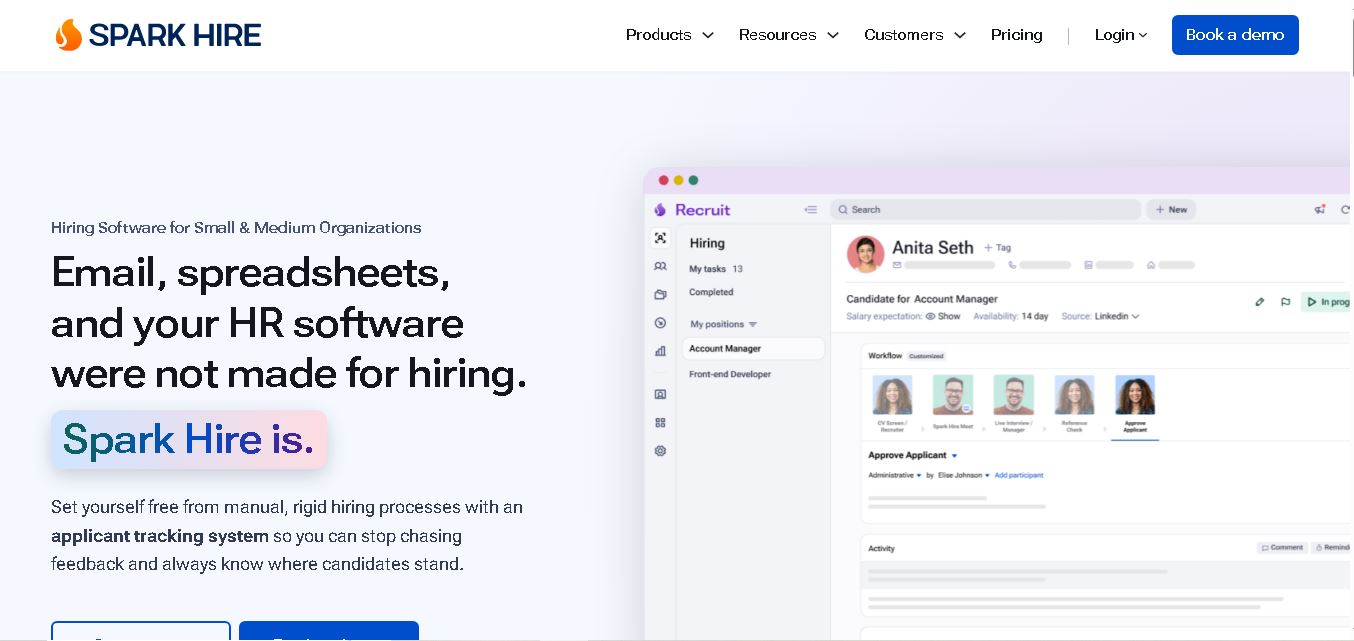
Spark Hire helps recruitment teams simplify hiring through one-way video interviews, live interviews, applicant tracking, and candidate evaluations. It enables employers to screen applicants remotely, collaborate with hiring managers, and organize recruitment workflows. Its AI-assisted features support interview transcription, summaries, and candidate review while maintaining human involvement in hiring decisions.
 4.9
4.9Materiom
AI Agent
Materiom helps researchers, designers, and businesses discover and develop sustainable materials using renewable ingredients. Its resources include biomaterial recipes, material datasets, ingredient information, and AI-assisted research. By supporting experimentation and knowledge sharing, Materiom encourages innovation in bio-based packaging, textiles, and other products while helping users explore alternatives to conventional plastic materials.
 4.9
4.9Talkwalker
AI Agent
Talkwalker is a consumer intelligence and social listening solution that helps brands track online mentions, analyze audience sentiment, monitor competitors, and discover emerging trends. It combines social media analytics, media monitoring, customer feedback, and AI-powered insights to support marketing, public relations, reputation management, and data-driven business decisions across global markets.
 5.0
5.0AI4K12
AI Agent
AI4K12 is an educational initiative focused on bringing artificial intelligence into K–12 classrooms. It provides grade-level learning guidelines, curated teaching resources, and the Five Big Ideas framework. Designed for educators and curriculum developers, AI4K12 supports age-appropriate AI instruction and helps students understand how intelligent technologies work and affect society.
Kommunicate
AI Agent
Kommunicate (kommunicate.io) is an AI-powered customer service automation and live chat platform that unites no-code generative AI agents, Kompose chatbot builder, seamless human escalation, voice AI, and omnichannel messaging across WhatsApp, web, and mobile apps.
Text
AI Agent
Text is an AI-powered customer service platform that combines live chat, help desk ticketing, AI agents, and workflow automation. It helps businesses manage customer conversations, automate repetitive support tasks, answer questions, engage website visitors, and turn customer interactions into sales opportunities through a unified communication workspace.
DocsBot AI
AI Agent
DocsBot AI is an AI chatbot and agent platform that turns websites, documents, knowledge bases, and support tickets into conversational assistants. Businesses can use it to automate customer support, answer questions, share internal knowledge, connect workflows, and provide information through website widgets and supported integrations.