
Podsqueeze
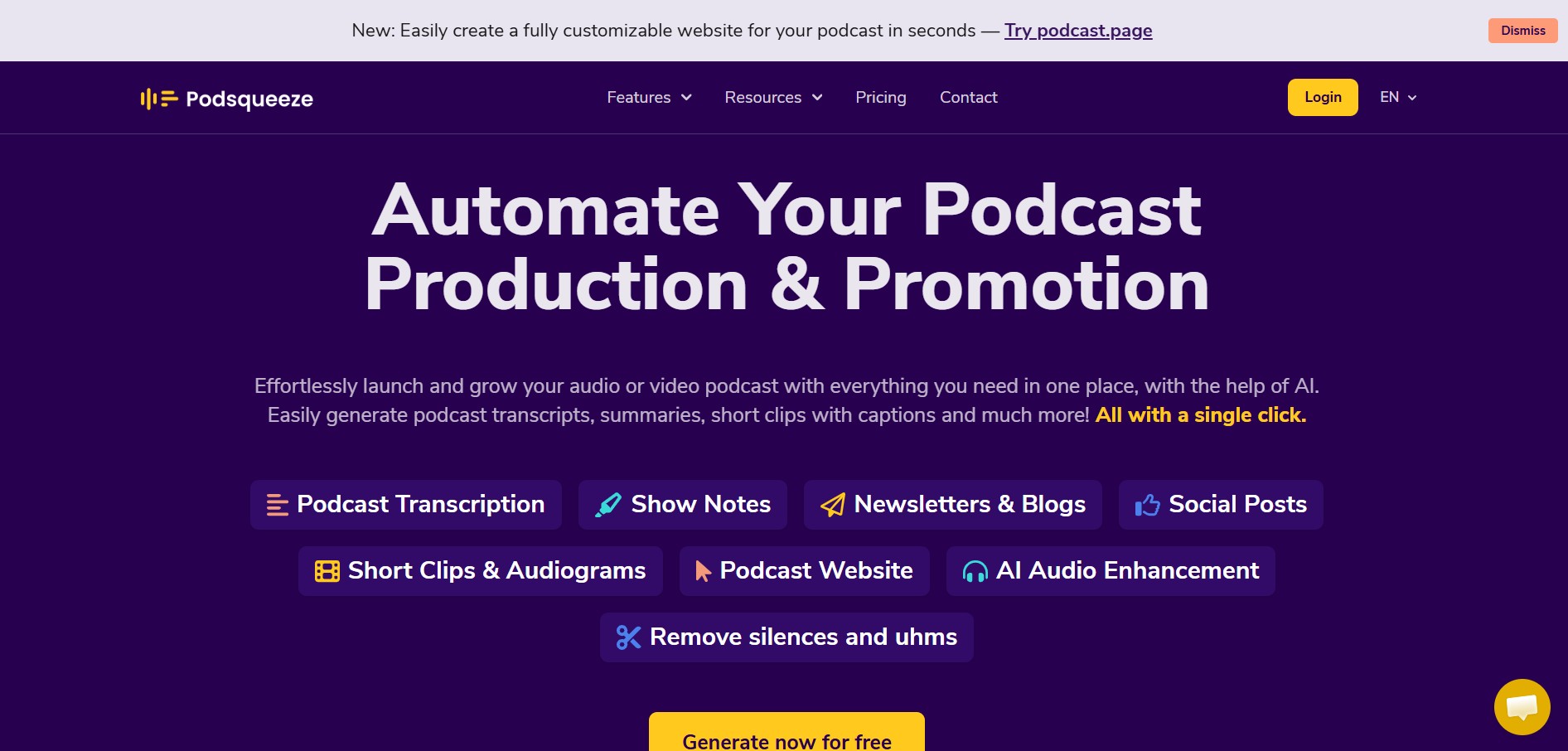
Podsqueeze helps podcasters turn episodes into transcripts, show notes, blogs, newsletters, social posts, clips, audiograms, and other promotional content. It also provides AI audio enhancement and branded podcast websites, helping creators reduce repetitive production work and repurpose each episode across multiple content channels.
What is Podsqueeze?
Podsqueeze is a podcast content creation and repurposing tool designed to turn audio and video episodes into ready-to-use content. It can generate transcripts, show notes, summaries, blog posts, newsletters, social media posts, captions, clips, and audiograms. It also includes AI audio enhancement for removing silences and filler words, plus a branded podcast website with SEO-optimized episode pages.
Podsqueeze brings podcast production and promotion into one workflow, supporting transcription, content generation, clip creation, audio enhancement, and podcast websites. The platform says it is used by 70,000 content creators and podcast professionals. Its AI can create short clips of around 60 seconds, while transcripts can include speaker labeling and SRT subtitle files. Podsqueeze also states that its affiliate program provides 25% commission for 15 months on qualifying sales and renewals.
- Platform Role: AI Podcast Content Generator, Automated Transcriber & Video Clip Creator
- Developer & Organization: USERQUEST LDA (Co-founded by Tiago and João)
- Cross-Platform Access: Web Browser App (zero-install cloud SaaS across Chrome, Safari, Edge, and Firefox)
Use Cases:
- Generating speaker-labeled episode transcripts, SRT subtitle files, and detailed show notes with timestamps
- Automatically editing and extracting under-60-second video clips and audiograms for TikTok, Instagram Reels, and YouTube Shorts
- Repurposing podcast episodes into long-form SEO blog posts, ready-to-send newsletters, and quote graphics
- Cleaning up audio recordings by automatically removing background noise, filler words ("uhms"), and awkward silences
- Publishing branded, SEO-optimized podcast landing pages featuring interactive embedded episode players
Technology:
- Speech-to-text machine learning models powering accurate transcriptions with dynamic speaker identification
- Customizable generative AI prompts tailored to match specific podcast tone, style, and host personality
- Text-based audio and video editor allowing users to trim recordings and edit clips by editing underlying subtitles
- Cloud-based computational AI audio algorithms for background noise suppression and voice clarity enhancement
Target Users:
- Solo podcasters and independent audio creators seeking to save hours on weekly post-production
- Podcast production agencies and media managers handling multiple client shows and branding voices
- Video podcasters looking to repurpose YouTube recordings into multi-platform short clips
- Content marketers utilizing audio assets to drive SEO traffic, newsletter subscriptions, and social reach
Acquisition: Native SaaS product operated by USERQUEST LDA (podsqueeze.com)

What are the key features of Podsqueeze?
Podsqueeze's key platform features are
- Automated Transcripts & Subtitles: Generates speech-to-text transcriptions with speaker recognition, downloadable as text or SRT caption files.
- Show Notes & Timestamps: Automatically summarizes key topics, guest mentions, and click-to-play timestamps in one click.
- Short Clips & Audiogram Generator: Cuts 60-second video shorts or audiograms tailored for TikTok, Reels, and Shorts using customizable visual templates.
- Text-Based Video Editing: Enables precise clip trimming and subtitle edits directly by altering the text transcript.
- AI Audio Enhancement: Filters out hums and noise while removing silences and filler words for clean, professional sound.
- SEO Blogs & Newsletter Writer: Transforms episode talking points into structured articles, social media posts, and subscriber newsletters.
- Branded Podcast Landing Pages: Builds no-code, SEO-optimized episode pages with embedded audio players.
- Custom AI Prompts & Voices: Fine-tunes generated text to retain consistent host tone and formatting across multiple managed shows.
How much does Podsqueeze cost?
Podsqueeze offers a freemium pricing structure that includes a free tier for testing, along with scalable monthly and annual subscription options based on processing minutes and clip generation needs.
Free Tier:
- $0 / Free Plan: Up to 50 minutes of podcast processing per month to generate core transcripts, summaries, and show notes without requiring a credit card.
Paid Commercial Tiers (Billed Monthly or Annually):
- Starter Plan (From ~$8.99 - $15/month): Provides ~120 to 160 minutes of podcast time per month, video clips/audiograms, quote images, rollover minutes, and file uploads of up to 4GB.
- Pro Plan (From ~$29 - $49/month): Includes ~320 minutes per month, 20+ video clips or audiograms, custom AI voice prompts, audio enhancement, file uploads up to 10GB, and customized landing pages.
- Agency / Enterprise Tier (From ~$89/month): Tailored for agencies managing multiple client shows, featuring extended monthly minutes, custom clip limits, folder organization, priority support, and team collaboration tools.
Disclaimer: Minute limits and feature allocations reset monthly. Annual billing options offer up to 30% savings over standard monthly rates.
Who should use Podsqueeze?
Podsqueeze is designed for audio creators, video podcasters, and digital marketing teams, including
- Indie Podcasters: Creators looking to automate post-production administrative work like writing timestamps, newsletters, and blog posts.
- Podcast Production Agencies: Service providers needing centralized client workspace folders, reusable custom prompts, and rapid short-form video generation.
- Social Media Managers: Marketing specialists who need to extract viral quotes and short video clips from long-form audio/video episodes.
- YouTube Content Creators: Video hosts who want to generate subtitles, chapter descriptions, and blog summaries effortlessly.
What are the best alternatives to Podsqueeze?
Some of the strongest Podsqueeze alternatives include
- Castmagic
- Descript
- Opus Clip
- Headliner
- Riverside.fm
- Swell AI
What are the pros and cons of Podsqueeze?
What are the pros of Podsqueeze?
- Comprehensive all-in-one repurposing: transcripts, show notes, blogs, newsletters, and video clips in one platform
- Intuitive text-based editor for trimming audio and editing video captions simultaneously
- Custom prompt saving ensures multi-show agencies maintain unique, consistent brand voices
- Generous free entry plan allowing creators to process up to 50 minutes per month at no cost
- Built-in audio cleaning tools to eliminate filler words and background noise without dedicated DAW software
What are the cons of Podsqueeze?
- Video editing controls are simple compared to full-featured video suites like Descript or Adobe Premiere
- Transcription and clip extraction quality heavily depend on clear initial recording audio quality
- Heavy video clip generation requires higher-tier Pro or Agency plans
Why should you choose Podsqueeze?
Manually transcribing hours of raw audio, logging timestamps, writing blog summaries, and formatting social posts can easily consume more time than recording the podcast itself. Podsqueeze streamlines this post-production bottleneck into a single-click cloud workflow. By combining accurate transcription, generative writing, and automated video clip creation under one roof, Podsqueeze enables creators to maximize their reach across channels while saving up to 90% of manual effort.
How does Podsqueeze compare to competitors?
The primary distinction between Podsqueeze, Castmagic, Descript, and Opus Clip lies in workflow specialization. While Descript functions as a heavy full-track audio/video editing workspace and Opus Clip focuses primarily on short-form video extraction, Podsqueeze delivers a balanced, browser-native suite that combines transcript-driven writing, audio cleanup, and visual clip creation.
| Feature / Platform | Podsqueeze | Castmagic | Descript | Opus Clip |
|---|---|---|---|---|
| Core Focus | Podcast Content Repurposing & Clips | AI Prompts & Written Content Extraction | Full Audio/Video Editor & Overdub | Viral Short-Form Video Reframing |
| Installation Barrier | 100% Web Browser (Zero-Install) | 100% Web Browser (Zero-Install) | Desktop App (Windows / macOS) | 100% Web Browser (Zero-Install) |
| Free Plan Availability | Yes (50 minutes/mo free) | Free Trial Only | Yes (1-hour video export/mo) | Yes (limited monthly credits) |
| Audio Cleaning / Editing | Noise/silence removal & text-based edits | Text assets only (no direct audio editing) | Studio Sound AI & multi-track editing | Basic auto-captioning & layout adjustment |
| Podcast Website Builder | Yes (includes automated landing pages) | No | No | No |
| Best For | Podcasters needing written assets, video shorts & landing pages | Creators prioritizing deep written marketing copy | Producers who want complete timeline audio/video editing | Creators focusing solely on TikTok/Reels clip viral potential |
How do we rate Podsqueeze?
| Parameter | Rating (out of 5) |
|---|---|
| Transcription Accuracy & Speed | 4.8 |
| Content Generation Variety (Show Notes, Blogs, Social) | 4.9 |
| Short Clip & Audiogram Creation | 4.6 |
| Ease of Use & Browser Interface | 4.9 |
| Value for Money | 4.8 |
| Overall Score | 4.80 |
What is our review and verdict on Podsqueeze?
Podsqueeze is one of the most versatile and user-friendly podcast repurposing tools on the market. By transforming single episode uploads into transcripts, blogs, newsletters, timestamps, and social video shorts, it eliminates the administrative pain of podcast promotion. Its custom AI prompt tuning and audio enhancement features make it an essential asset for both solo creators and high-volume media agencies.
Conclusion
Podsqueeze brings transcription, podcast content generation, short-form clips, audio enhancement, and podcast website creation into one workflow. For creators, podcast managers, and agencies, its main value is reducing repetitive work involved in turning one recording into multiple content formats. Features such as speaker-labeled transcripts, show notes, social posts, newsletters, audiograms, and SEO-oriented episode pages can support a broader podcast publishing strategy.
FAQ
What is Podsqueeze used for?
Podsqueeze is used to simplify podcast production and content repurposing. You can upload or process an episode and generate transcripts, show notes, summaries, social posts, blogs, newsletters, clips, and audiograms. It also provides audio enhancement and podcast website features, making it useful when you want to turn one episode into multiple content assets.
Can Podsqueeze transcribe podcast episodes?
Yes, Podsqueeze can automatically transcribe podcast episodes and YouTube videos. Its transcription feature includes speaker labeling and can provide an SRT subtitle file. This can save you from manually converting long recordings into text and gives you source material that can be reused for show notes, articles, social content, captions, and other promotional formats.
Can Podsqueeze generate podcast show notes?
Yes, Podsqueeze can generate podcast show notes from your episodes. The generated content can include summaries, timestamps, bullet points, and mentions. This is particularly useful when you want structured episode information without manually listening through the entire recording again. You can then review and customize the generated notes before publishing them.
Does Podsqueeze create blog posts from podcasts?
Yes, Podsqueeze can turn podcast episodes into actionable blog content based on the episode's material. It can also generate newsletters containing key takeaways. This makes the tool useful for creators who want to extend the reach of an episode beyond podcast platforms and build additional written content around conversations, interviews, and discussions.
Can Podsqueeze create social media posts?
Yes, Podsqueeze can generate short social media posts and bite-sized insights from podcast episodes. Instead of manually searching through an episode for shareable ideas, you can use the generated content as a starting point for promotion. You can then edit the posts to match your brand voice, preferred platform, audience, and campaign requirements.
Does Podsqueeze create short podcast clips?
Yes, Podsqueeze includes tools for creating short podcast clips and audiograms. You can select a chapter from an episode, choose a template, and customize the result. Its one-click Shorts feature can shorten chapters to under approximately 60 seconds, making the content suitable for formats such as YouTube Shorts and TikTok.
User Reviews
No reviews yet for Podsqueeze.
Featured Tools
Featured AI tools from TechShark

Melody Genie
MelodyGenie is an AI-powered music generator that creates original songs from simple text prompts. Users can choose styles, moods, and genres, then instantly generate melodies and full tracks, making it easy for creators, marketers, and hobbyists to produce custom music without musical expertise.
Freemium

Kimi AI
Kimi AI is an advanced AI assistant developed by Moonshot AI that helps you chat, research, write, code, and automate tasks in one place. It supports web search, file analysis, and multimodal inputs, and can even run autonomous “agent” workflows to complete complex tasks end-to-end.
Freemium

Fashion Diffusion AI
Fashion Diffusion is an AI-powered fashion design platform that helps brands and designers create clothing designs, virtual try-ons, AI models, product photos, and marketing visuals faster and cost-effectively.
Paid

Veo 4
Veo 4 AI is an AI video creation platform that generates dramatic videos from text, images, audio, and video prompts using realistic motion and synchronized sound.
Paid
Alternatives
Alternatives to Podsqueeze
The best Podsqueeze alternatives include Castmagic, Descript, Opus Clip, Headliner, and Swell AI. While Podsqueeze offers an all-in-one browser solution combining transcription, show notes, blog posts, audio enhancement, and short video clips, tools like Descript provide complete multi-track video timeline editing and Castmagic focuses heavily on custom written AI prompts.
Maestra AI
Transcriber
Maestra is an AI-powered platform for transcription, translation, and voiceover generation. It converts audio and video into text, subtitles, and dubbed content in multiple languages, helping creators and businesses localize content, improve accessibility, and streamline media workflows quickly and efficiently.
 4.9
4.9HappyScribe
Transcriber
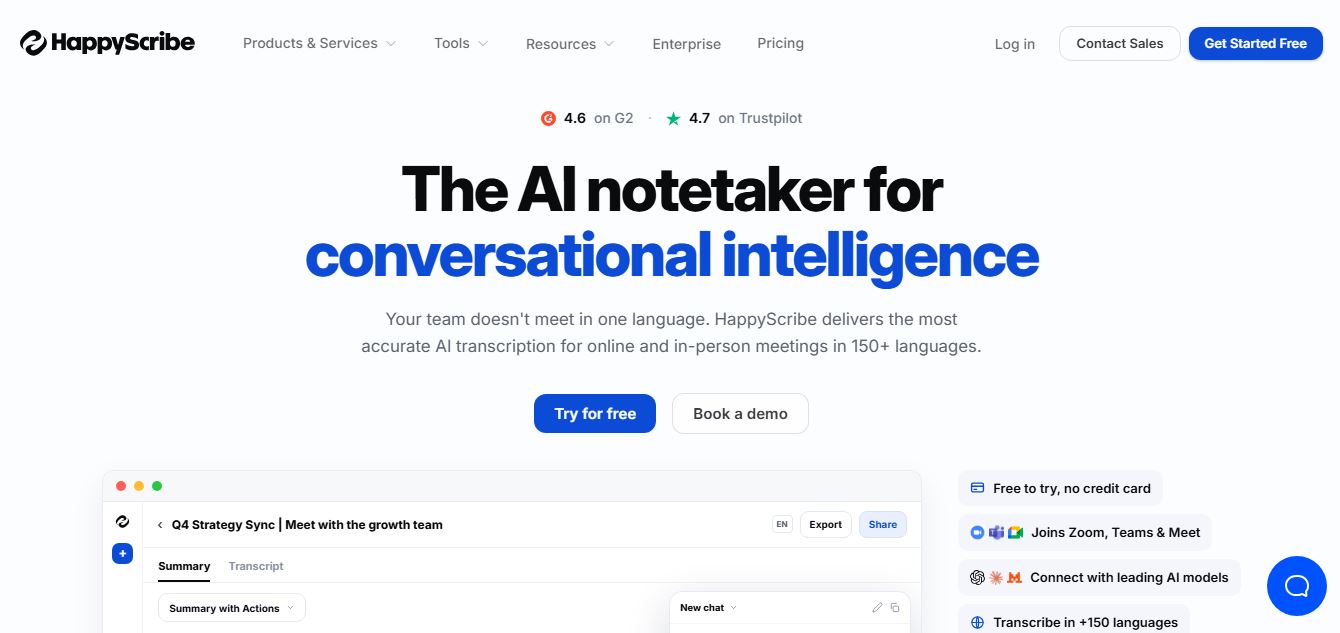
HappyScribe is an AI-powered transcription and subtitle platform that converts audio and video into accurate text. It offers automatic and human-made transcripts, translations, and subtitle editing tools, helping creators, businesses, and media teams save time and make content more accessible and globally ready.
 4.7
4.7Whisper Memos
Transcriber
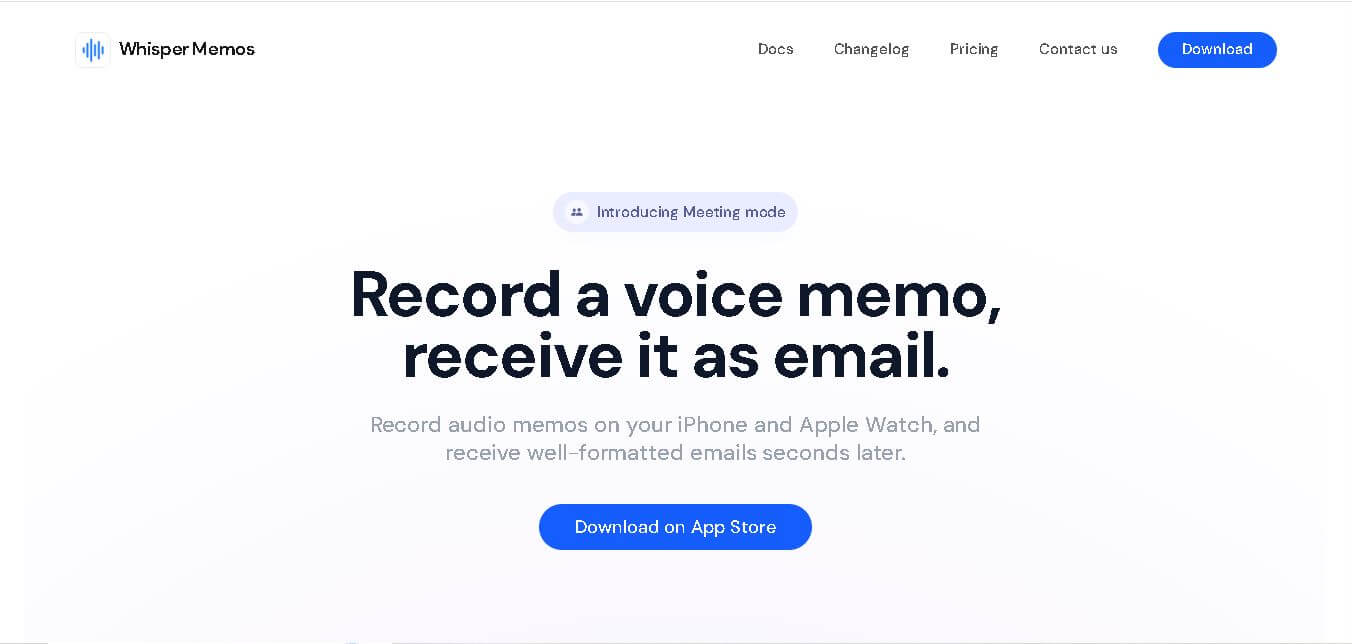
Whisper Memos helps you capture spoken ideas and instantly transforms them into organized text, summaries, and actionable notes. Instead of typing everything manually, you can record on your iPhone or Apple Watch and receive formatted transcripts through email. It also integrates with productivity apps, making voice-based note-taking faster and more convenient.
 4.9
4.9Hoocs AI
Transcriber
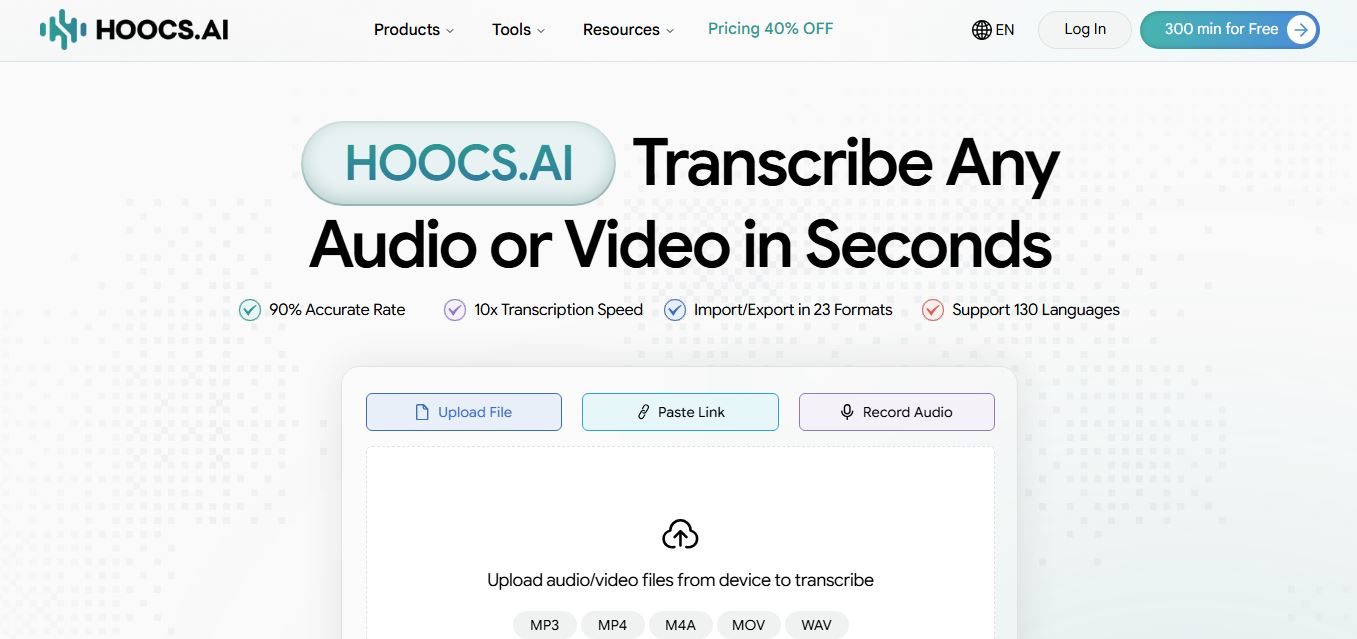
Hoocs AI is an AI-powered audio and video transcription, subtitle generation, and knowledge-extraction platform that converts media files and cloud links into searchable transcripts, editable subtitles (SRT/VTT), structured AI summaries, and visual mind maps across 130+ languages at 10x real-time processing speed.
 4.9
4.9WhisperAI
Transcriber
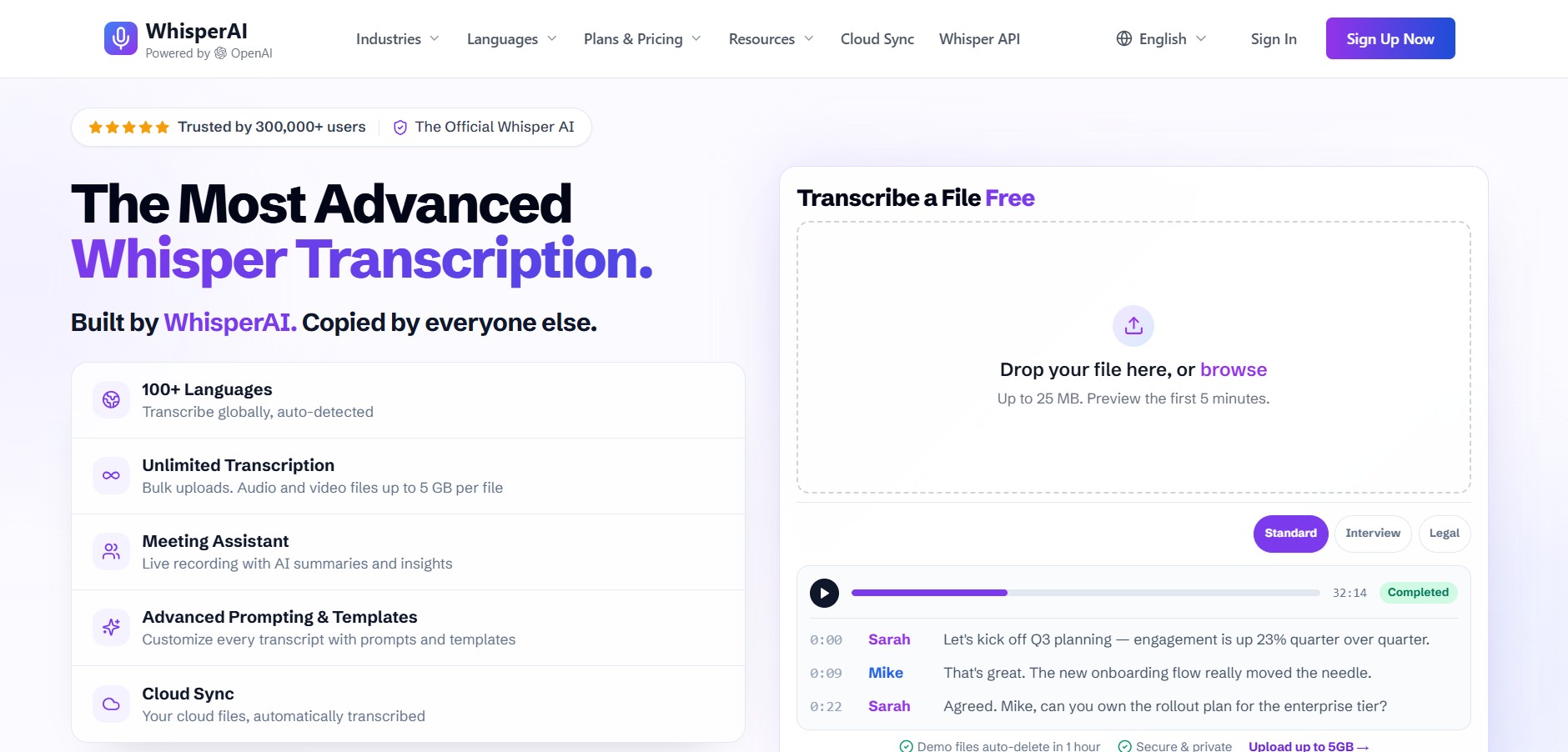
Whisper AI is a speech recognition platform that converts audio into accurate text using advanced AI models. It supports multiple languages, handles noisy audio well, and is widely used for transcription, subtitles, and voice-based apps, helping developers and creators process speech quickly and reliably.
 4.8
4.8Speak AI
Transcriber
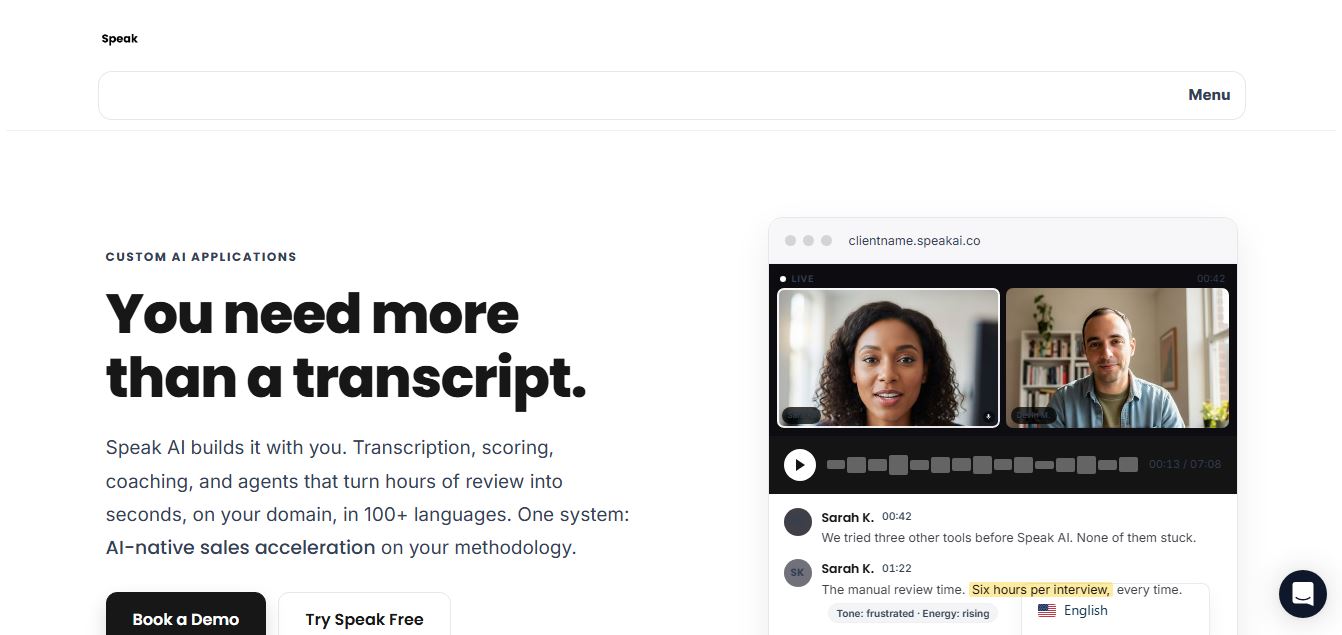
Speak AI is an AI-powered audio transcription, qualitative research, and NLP analysis platform that converts unstructured speech, video recordings, and text into searchable transcripts, sentiment insights, and multi-model AI summaries.
 4.9
4.9Cockatoo
Transcriber
Cockatoo is an AI-powered transcription and note-taking platform that converts audio and video into accurate text within minutes. It supports multiple languages, generates summaries, and exports files in various formats, helping users turn meetings, lectures, and interviews into structured, searchable content quickly and efficiently.
 4.9
4.9Carepatron
Health
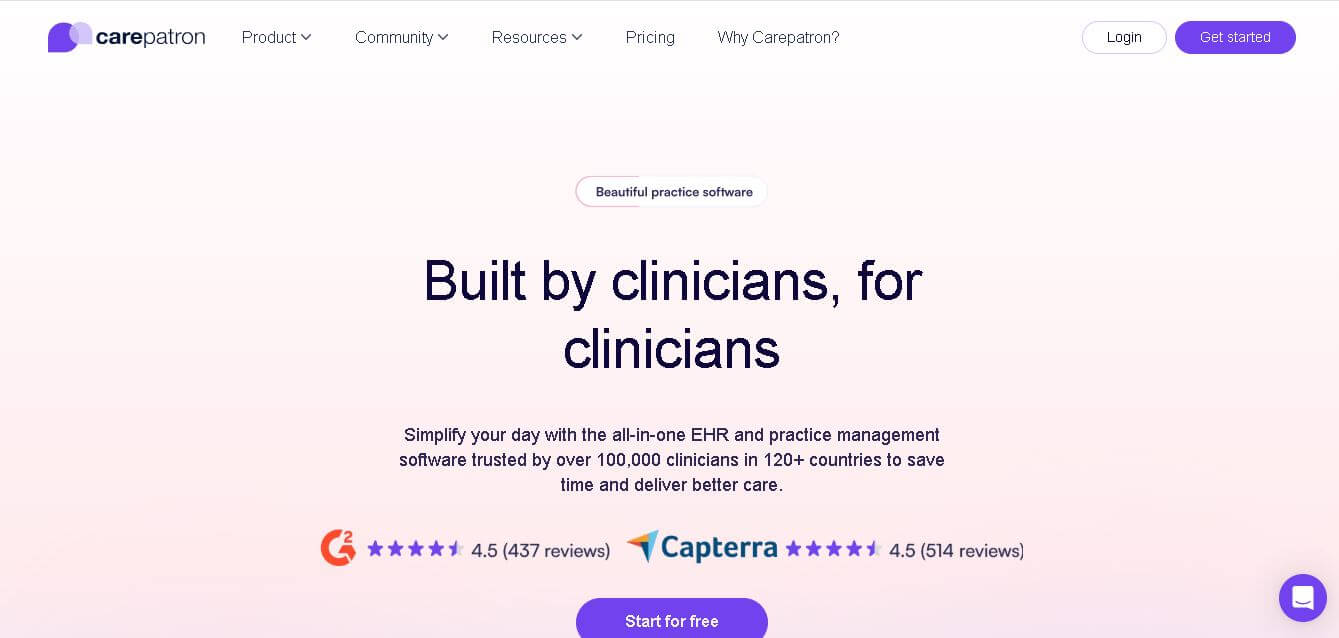
Carepatron is an all-in-one healthcare practice management platform that helps clinicians manage scheduling, telehealth, clinical notes, billing, and client communication in one place. It includes AI-powered documentation tools to automate admin work, allowing healthcare professionals to save time and focus more on patient care.
 4.8
4.8Goodmeetings
Sales
Goodmeetings is an AI-powered conversation intelligence and meeting automation platform that records, transcribes, and analyzes video sales calls to generate actionable summaries, sync CRM notes, and surface deal-closing coaching insights.