
Pincel
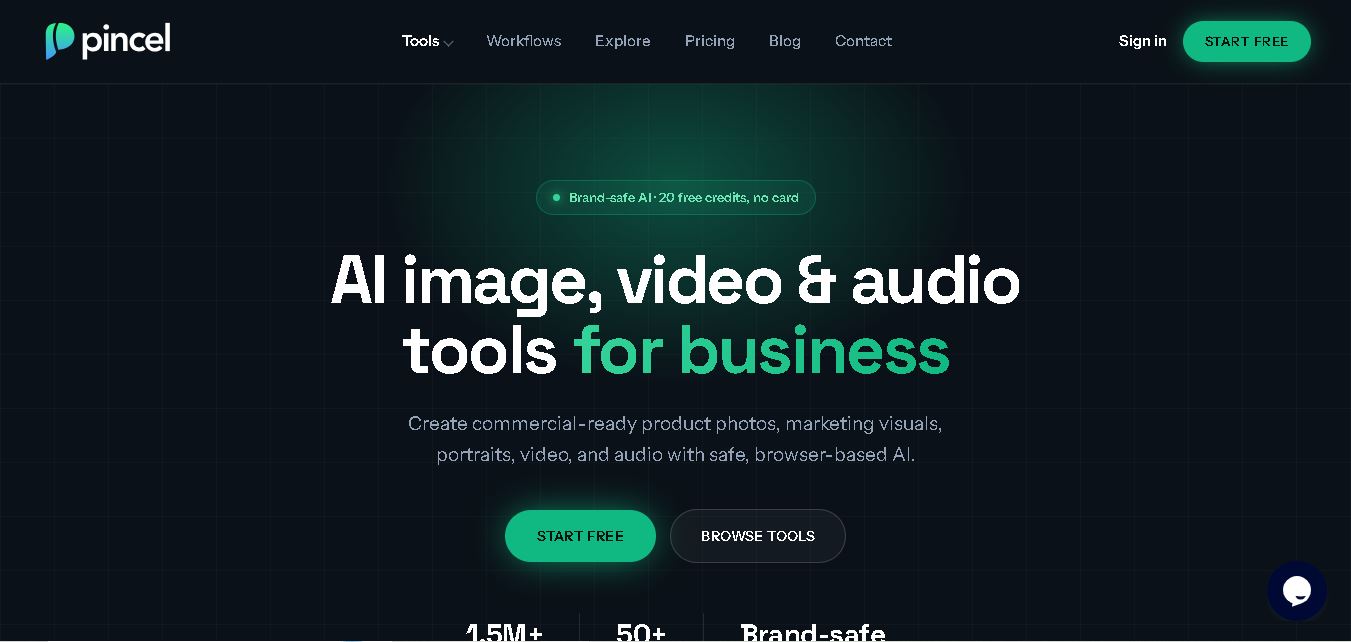
Pincel AI makes photo editing and visual content creation easier through AI-powered tools. Users can remove unwanted objects, change backgrounds, generate portraits, modify clothing, enhance image quality, and create marketing visuals. Its browser-based interface simplifies creative workflows for individuals, social media creators, designers, and businesses without requiring advanced editing skills.
What is Pincel?
Pincel AI is a browser-based creative editing suite that helps users transform photographs and generate visual content through artificial intelligence. It offers tools for object removal, background replacement, image enhancement, AI portraits, virtual clothing changes, and generative editing. Users can describe desired changes using text prompts instead of relying on complicated manual editing techniques. Pincel is designed for creators, designers, marketers, and businesses seeking accessible visual production.
Pincel AI was founded by Martim Ramos, who created the platform to simplify traditional photo editing. It offers more than 50 browser-based AI tools for image editing, portraits, videos, and creative content. New web users receive 20 free credits without providing credit card details. Its Creator plan costs $19 monthly for 1,000 credits, while Premium costs $79 for 5,000 credits. The platform also supports commercial image usage, object removal, background editing, virtual try-on, and image enhancement.
- Core Focus: AI Photo Editing, Generative Fill, Object & Background Removal, AI Portraits, and E-Commerce Product Photography
- Platform Availability: Web-based application accessible across desktop, tablet, and mobile web browsers
Use Cases:
- Retouching portraits, swapping outfits, and altering hairstyles or expressions with text prompts
- Removing unwanted background elements, people, and visual clutter from photos seamlessly
- Generating high-resolution product photography scenes, background swaps, and virtual try-ons for e-commerce listings
- Creating professional headshots and creative artistic variations from reference photo uploads
Technology:
- Inpainting and outpainting generative diffusion models guided by natural language prompts
- Computer vision and segmentation pipelines for precise automatic edge detection and element isolation
- Browser-native cloud rendering engine providing real-time interactive previews without client-side installation
Target Users:
- E-commerce sellers and store owners scaling product catalog imagery and background scenes
- Social media managers, digital marketers, and content creators needing fast visual retouching
- Photographers and graphic designers seeking rapid object removal and concept mockups
- Content creators using writing tools to draft blog intros, rewrite marketing copy, and optimize social media posts
Corporate Entity: Operates as Pincel (pincel.app)

Key features of Pincel
Pincel's key features are
- AI Photo Editor & Retoucher: Modifies clothing, hair, lighting, and visual elements using text descriptions.
- Generative Fill & Inpainting: Seamlessly replaces or adds objects inside existing images while blending light and textures.
- Background Eraser & Replacer: Removes backgrounds automatically and swaps in custom Studio or outdoor environments.
- AI Portrait & Headshot Generator: Transforms casual reference photos into polished business portraits and artistic headshots.
- Product Photography Suite: Creates studio-quality product backgrounds, shadow effects, and commercial visual mockups.
- Browser-Native Workspace: Operates entirely in modern web browsers without requiring software downloads or GPU hardware.
Pincel Pricing
Pincel operates on a freemium model offering starter testing credits alongside credit-based monthly subscriptions and top-up packages.
Free Trial:
- $0 / Starter trial allocation (typically 20 free credits upon sign-up)
- Requires no credit card to test basic editor, background removal, and generative fill tools
Monthly Subscription Tiers:
- Creator Plan: Starts at approximately $19 per month for ~1,000 monthly credits.
- Pro / Agency Tiers: Scale from around $79 to $199 per month for high-volume commercial production (e.g., 5,000+ credits, faster processing, and priority queues).
Credit Rollover & Top-Ups:
- Subscription credits roll over to following months as long as the account remains active. Pay-as-you-go top-up credit packs are also available without expiration.
Disclaimer: Credit costs per edit tool and subscription plan details can vary over time. For exact current pricing structures, visit pincel.app/pricing.
Who is using Pincel?
Pincel is designed for creators, marketers, and sellers, including
- E-Commerce Sellers: Creating clean product visuals, try-on concepts, and lifestyle backgrounds
- Social Media Managers: Editing promotional photos and removing unwanted background objects quickly
- Freelancers & Designers: Mocking up visual concepts and touching up portrait photography
- Content Creators: Using writing tools to draft blog intros, rewrite marketing copy, and optimize social media posts
Best Pincel Alternatives
Some of the strongest Pincel alternatives include
- Canva AI (Magic Edit)
- Photoroom
- Adobe Photoshop (Generative Fill)
- Clipdrop (by Stability AI)
- Pixlr AI
- Fotor
Pros and Cons of Pincel
Pros
- Text-guided photo editing makes complex retouching accessible without manual masking skills
- Tailored product photography tools help e-commerce sellers avoid expensive photo shoots
- Browser-native accessibility works on desktop and mobile devices without installation
- Unused subscription credits roll over as long as plans remain active
- Free starter credits allow users to test features before subscribing
Cons
- Free credit pool (20 credits) is consumed quickly during multi-step edit testing
- Extremely complex text prompts can occasionally produce unexpected visual artifacts requiring re-renders
- Lacks layer-based advanced graphic composition tools found in professional software like Photoshop
Why Choose Pincel?
Pincel is an excellent choice for creators and e-commerce sellers seeking a browser-based, text-prompted AI photo editing studio that eliminates manual retouching friction.
- Simplifies object removal, element additions, and clothing changes using natural prompts
- Provides dedicated e-commerce product tools for clean lifestyle backgrounds and try-ons
- Operates entirely online without requiring heavy software installations or high-end graphic cards
- Offers flexible credit rollover policies for consistent image editing workflows
Pincel vs. Competitors
The main difference between Pincel, Photoroom, and Adobe Photoshop Generative Fill is that Pincel focuses on an intuitive, web-first interface combining text-guided retouching with product photography staging ($19–$199/mo), whereas Photoroom specializes heavily in automated mobile background removal, and Adobe Photoshop targets desktop layer editing with professional graphic design tools. Pincel stands out for its accessible prompt-driven browser workflow.
| Feature / Tool | Pincel (pincel.app) | Photoroom | Adobe Photoshop (Generative Fill) | Clipdrop |
|---|---|---|---|---|
| Core Focus | AI Prompt Photo Editing & Product Visuals | Mobile Product Background Removal | Professional Desktop Layer Editing & AI | AI Image Editing & Cleanup Utilities |
| Prompt-Guided Editing | Yes (Natural text prompts for edits) | Limited | Yes (Firefly powered) | Yes |
| Product Photography Tools | Yes (Backgrounds, try-ons & scenes) | Yes (Core specialization) | Manual / AI hybrid | Yes |
| Starting Price Range | Free trial / From ~$19/mo | Free tier / From ~$9.99/mo | From ~$22.99/mo subscription | Free tier / Paid plans |
| Best For | Browser AI photo retouching & product scenes | Quick mobile product photo background swaps | Professional graphic designers & artists | Quick AI utility cleanups & background removal |
How do we rate Pincel?
| Parameter | Rating (out of 5) |
|---|---|
| AI Photo Retouching & Editing Quality | 4.6 |
| Product Photography & Scene Tools | 4.7 |
| Ease of Use & Prompt Interface | 4.8 |
| Generative Fill & Object Removal | 4.6 |
| Value for Money & Credit Rollover | 4.5 |
| Overall Score | 4.64 |
Pincel Review
Pincel offers an intuitive, versatile web platform for creators and e-commerce merchants looking to streamline photo editing. By replacing manual selection tools with natural language text prompts, it allows users to perform object additions, outfit swaps, background replacements, and product photography staging effortlessly inside web browsers. With flexible credit rollover features and free starter testing credits, Pincel is a compelling visual editing solution in 2026.
Conclusion
Pincel AI is a versatile creative tool for anyone looking to simplify photo editing, image generation, and visual content production. Its 50+ AI tools, prompt-based editing, portrait creation, object removal, and background replacement make it useful for creators, designers, marketers, and businesses. The free credits provide an opportunity to explore its capabilities before upgrading. Overall, Pincel is worth considering for users seeking faster, accessible, and flexible image editing solutions.
FAQ
What can you use Pincel AI for?
Pincel AI helps you edit photographs, create portraits, remove unwanted objects, replace backgrounds, and generate creative visuals. You can also experiment with hairstyles, clothing, lighting, and image enhancements. It is useful for social media content, product photography, marketing campaigns, personal projects, and professional visual presentations without advanced editing knowledge.
How does Pincel AI work?
Pincel AI works by allowing you to upload an image, select an editing tool, and describe the changes you want. Its AI processes your instructions and generates an edited result. Depending on the feature, you can modify backgrounds, add objects, enhance portraits, or transform clothing with simple text prompts.
Does Pincel AI offer free credits?
Yes, Pincel AI provides 20 free credits to new web users without requiring credit card details. These credits allow you to explore its editing features and test different creative workflows. Once your credits are exhausted, you can purchase additional credits or choose a suitable subscription plan.
What are the pricing plans available on Pincel AI?
Pincel AI offers four web pricing options: Starter at $0 with 20 credits, Creator at $19 monthly with 1,000 credits, Premium at $79 with 5,000 credits, and Restless at $199 with 15,000 credits. Additional credit packs are also available for users requiring more editing capacity.
Can Pincel AI remove unwanted objects from photos?
Yes, Pincel AI includes an object removal feature that helps eliminate unwanted elements from photographs. You can select distracting objects and let the AI reconstruct the surrounding area. This feature is useful for cleaning product images, removing background distractions, improving portraits, and preparing professional-looking photographs.
Is Pincel AI suitable for professional designers and marketers?
Pincel AI can support designers, marketers, and content creators who regularly produce visual materials. Its editing, image generation, background replacement, and enhancement features help accelerate creative workflows. It is particularly useful for preparing promotional graphics, product photography, social media visuals, and advertising materials without depending entirely on manual editing.
User Reviews
No reviews yet for Pincel.
Featured Tools
Featured AI tools from TechShark
Klap
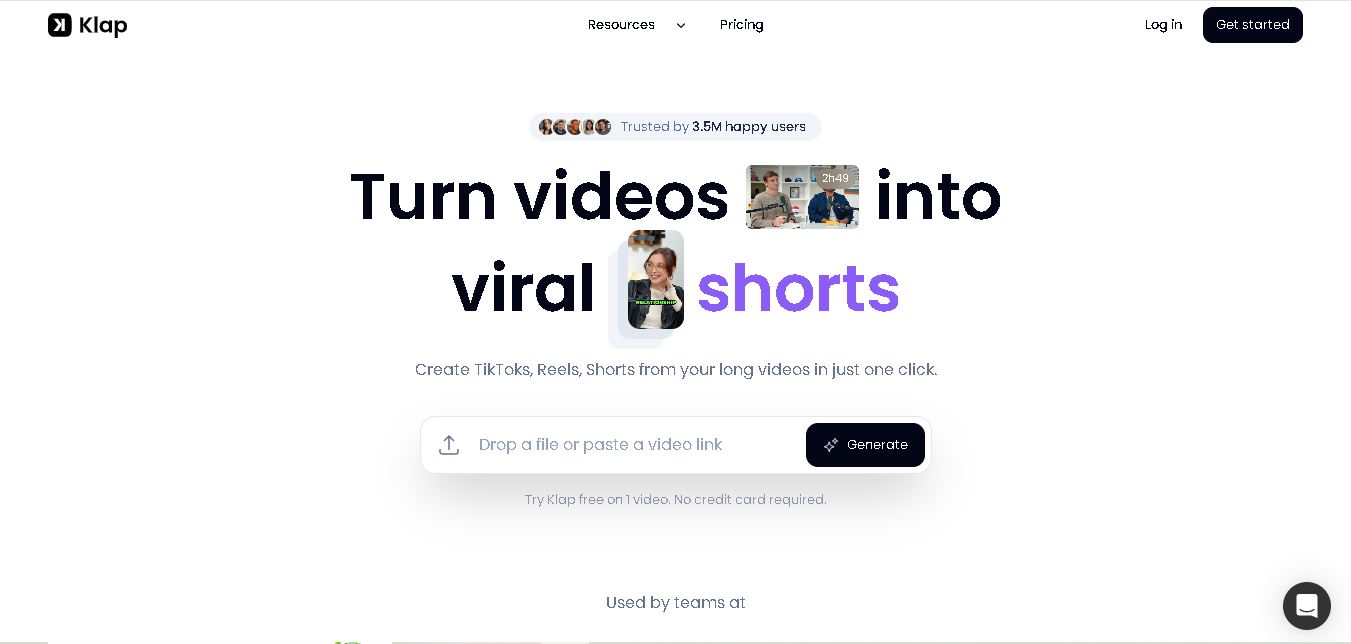
Klap is an AI video clipping platform that transforms long videos into short-form social media content. It automatically identifies highlights, creates captions, reframes speakers, and schedules clips, helping creators, podcasters, and marketing teams repurpose existing videos with less manual editing.
Free
Melody Genie
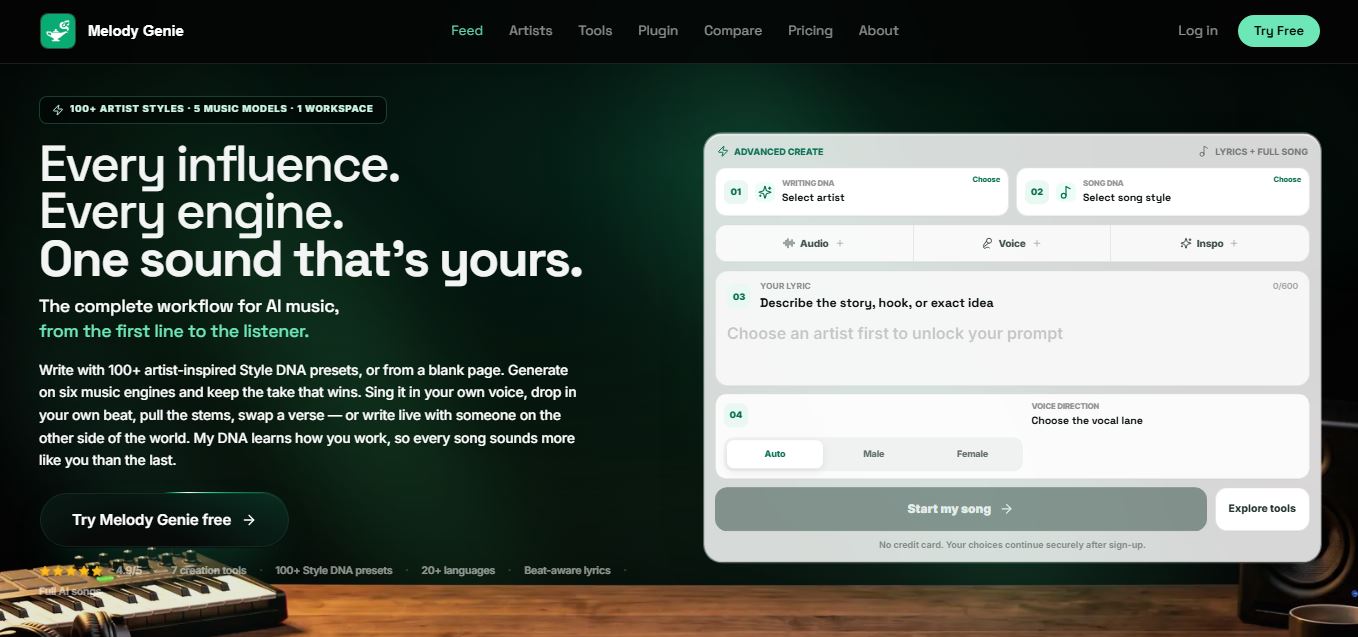
MelodyGenie is an AI-powered music generator that creates original songs from simple text prompts. Users can choose styles, moods, and genres, then instantly generate melodies and full tracks, making it easy for creators, marketers, and hobbyists to produce custom music without musical expertise.
Freemium
Fashion Diffusion AI
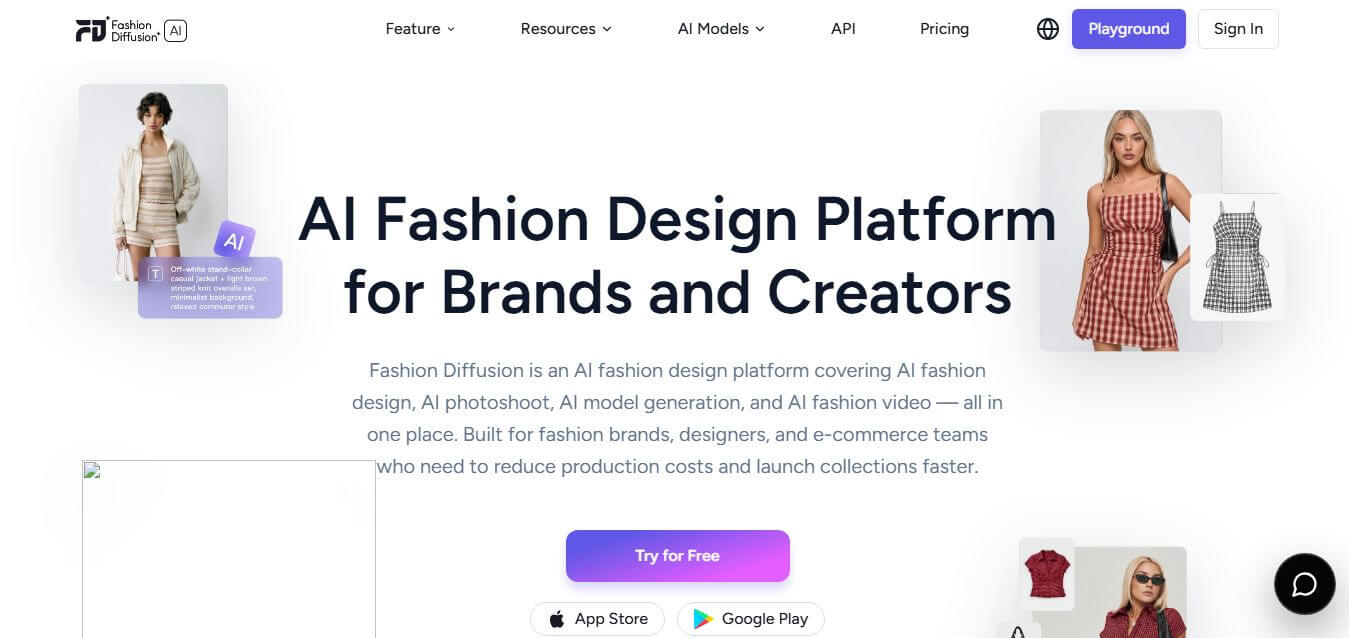
Fashion Diffusion is an AI-powered fashion design platform that helps brands and designers create clothing designs, virtual try-ons, AI models, product photos, and marketing visuals faster and cost-effectively.
Paid
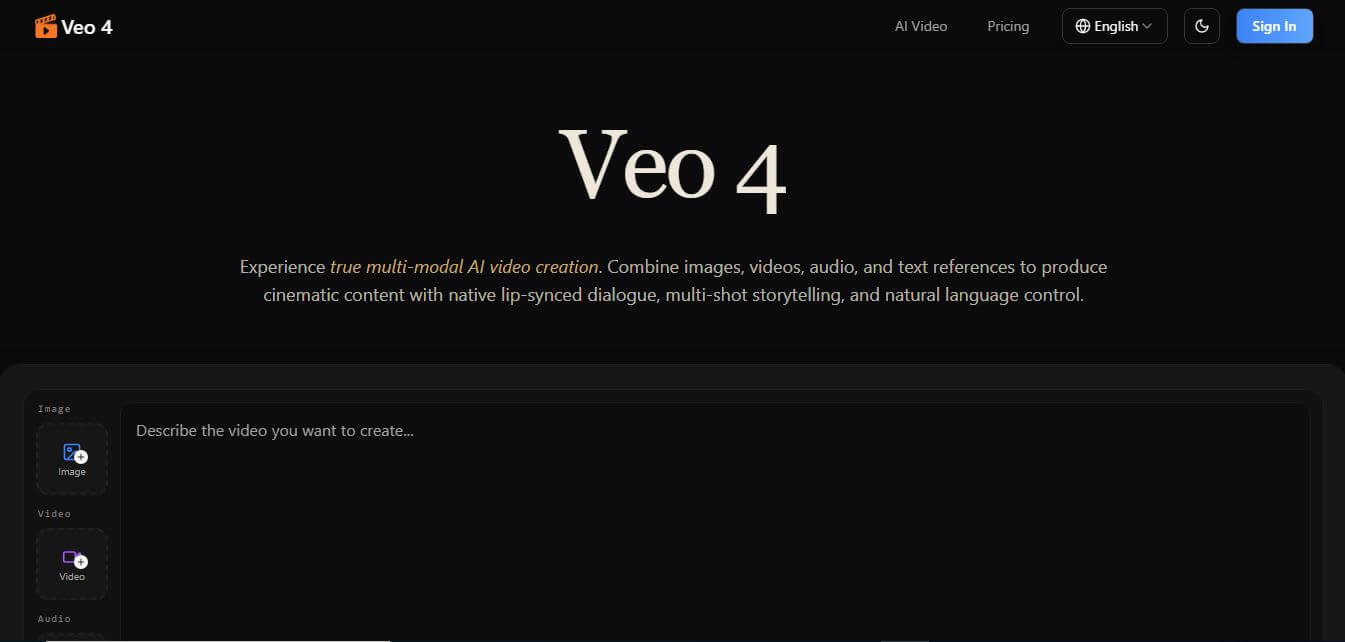
Veo 4
Veo 4 AI is an AI video creation platform that generates dramatic videos from text, images, audio, and video prompts using realistic motion and synchronized sound.
Paid
Alternatives
Alternatives to Pincel
The best Pincel alternatives include Canva AI, Photoroom, Adobe Photoshop (Generative Fill), Clipdrop, Pixlr AI, and Fotor. These platforms provide AI photo retouching, background removal, and product media creation workflows. While Pincel excels at providing a text-prompted browser photo editor with credit rollover for e-commerce product scenes ($19–$199/mo), alternatives like Photoroom focus heavily on mobile app background removal, and Photoshop offers full desktop layer control. Choosing the right tool depends on whether you prefer prompt-guided browser editing or traditional layer-based design software.
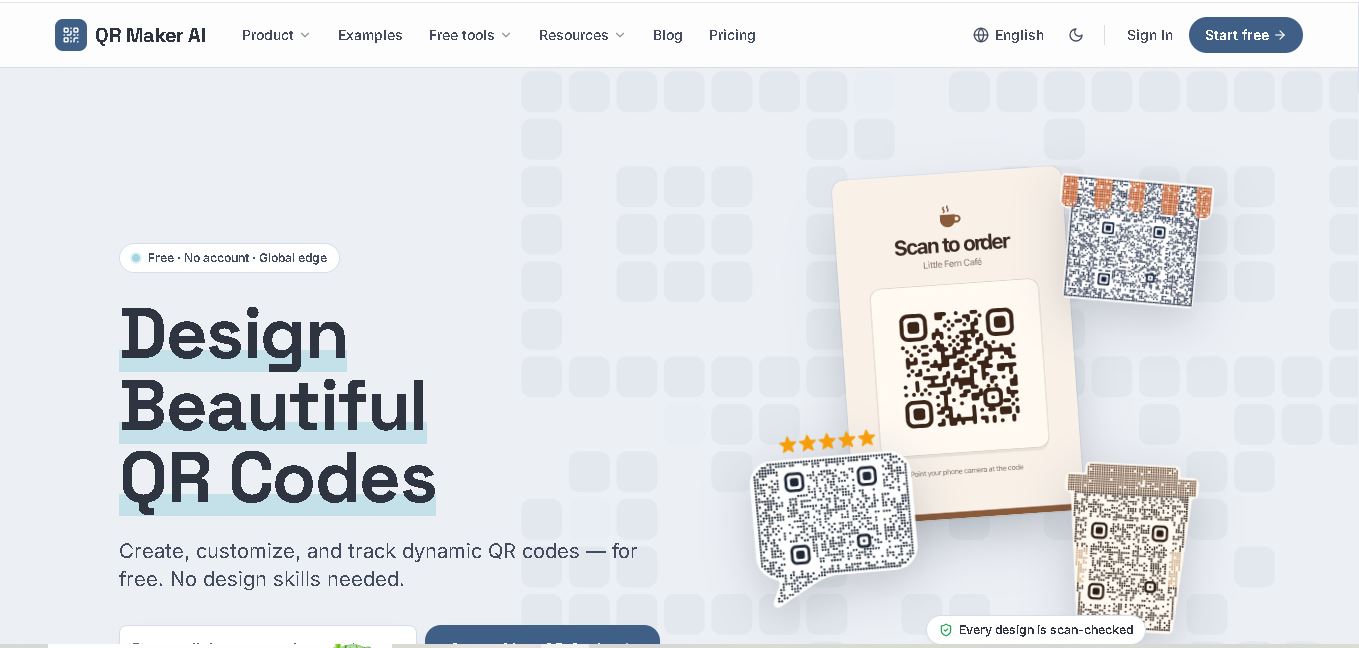 4.7
QR Maker
QR Code
QR Maker AI is a QR code creation and management tool designed for businesses, marketers, and individuals. It offers customizable QR designs, dynamic links, scan analytics, and multiple QR code formats. Users can create branded codes, monitor engagement, and update destinations without replacing printed QR codes.
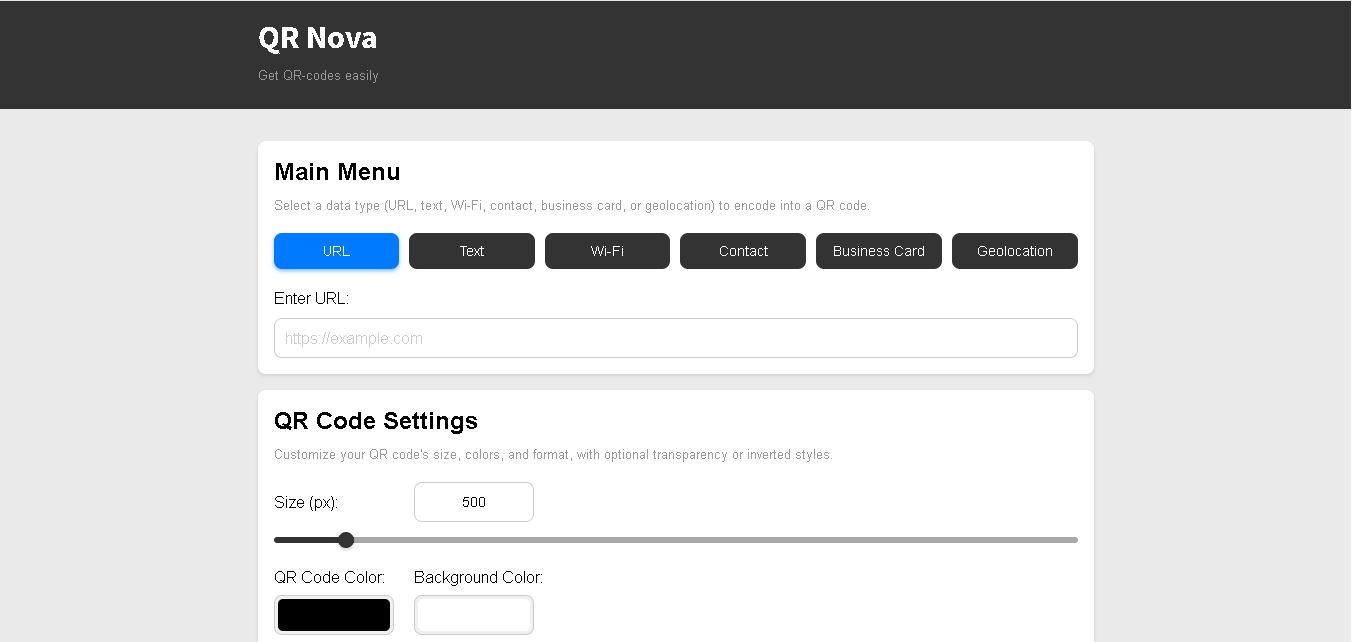 4.8
QR Nova
QR Code
QR Nova is a QR code generator that allows users to create, customize, and manage QR codes for business and personal use. It supports static and dynamic codes, editable destinations, scan analytics, and multiple QR formats. Its free plan makes basic QR code creation accessible without requiring registration.
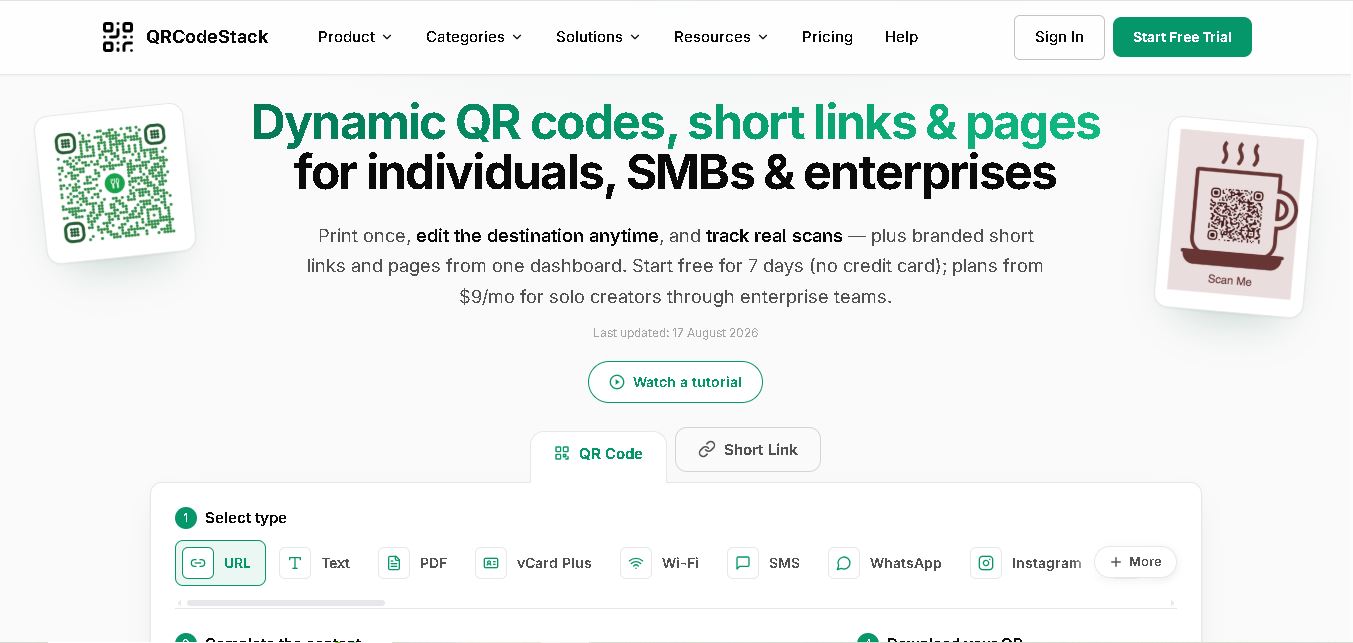 4.7
QRCodeStack
QR Code
QRCodeStack lets you create branded QR codes, dynamic links, and trackable short URLs from one dashboard. Choose from 37+ QR types, customize colors and logos, update destinations after printing, and review scan or click analytics. It suits creators, small businesses, marketers, agencies, and teams managing campaigns across multiple locations.
 4.7
BulkQR
QR Code
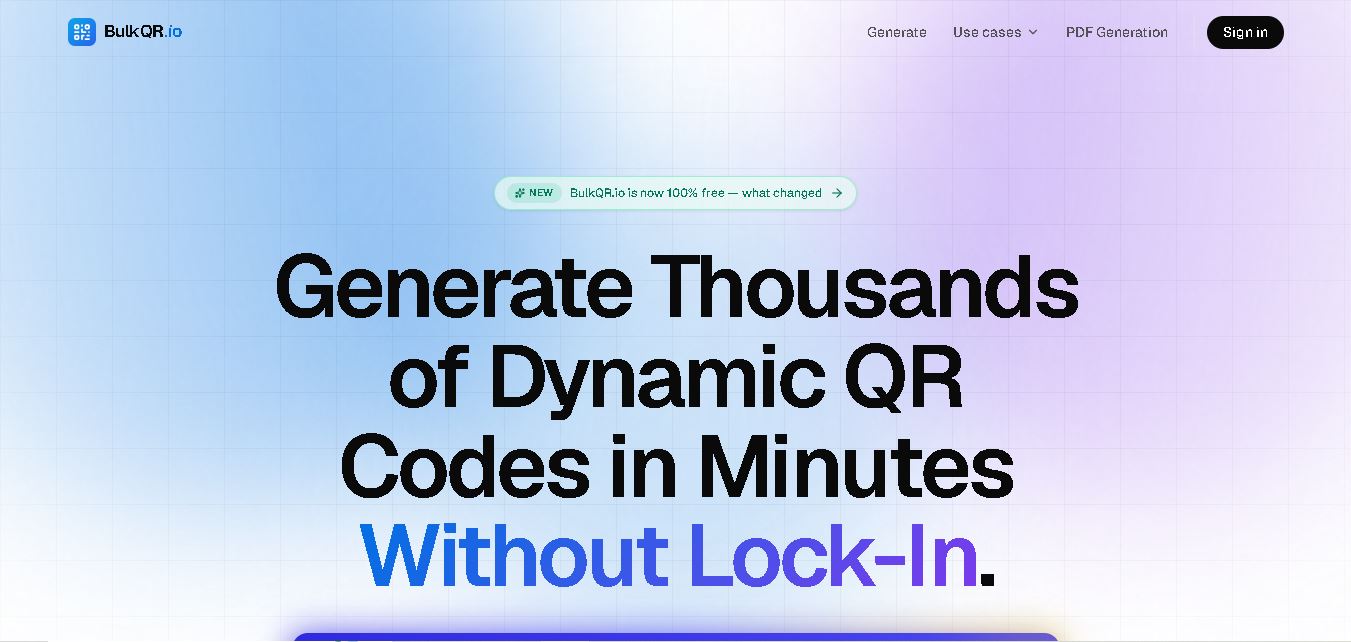
BulkQR is a bulk QR code generator that transforms Excel, CSV, and text data into unique QR codes. It offers customizable colors, sizes, and filenames, along with convenient ZIP downloads. Supporting PNG and SVG exports through different plans, it helps businesses simplify large-scale QR code creation and management.
 4.7
OpenQR
QR Code
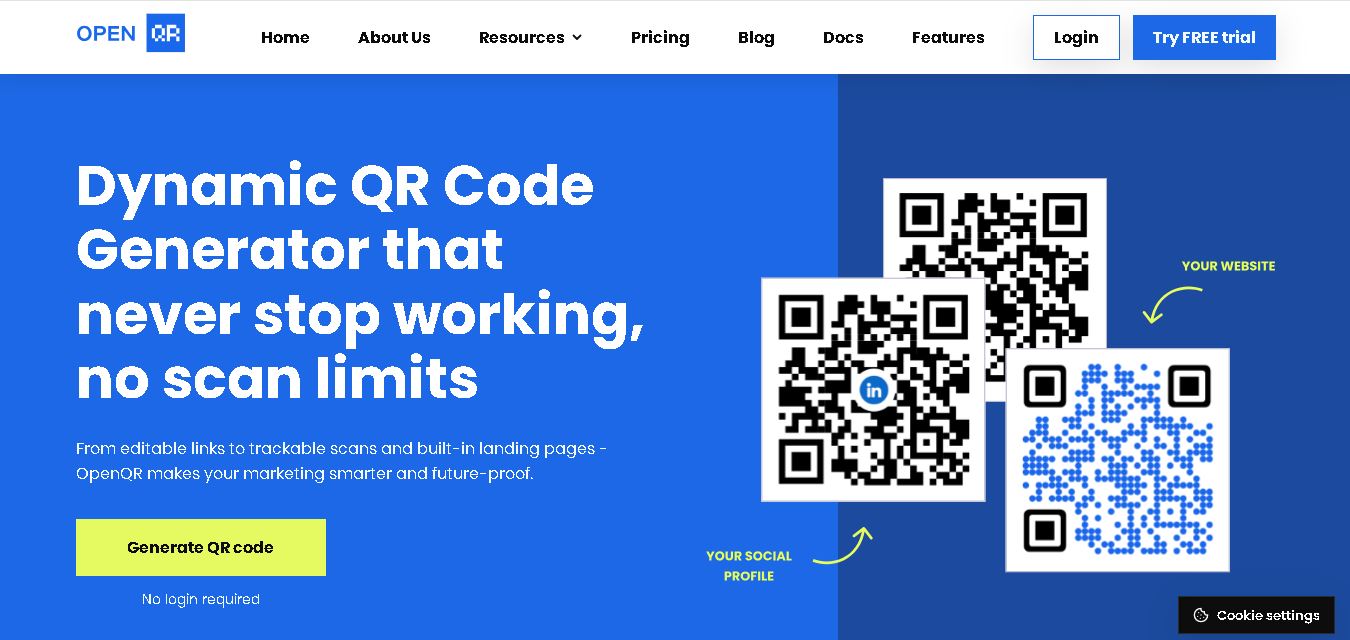
OpenQR.io is a versatile QR code generator for creating customized, trackable, and editable QR codes. It supports website links, PDFs, Wi-Fi, contact information, and event details. With dynamic QR codes, scan analytics, branding options, API integration, and unlimited scans, it helps businesses simplify information sharing and marketing campaigns.
 4.8
Pageloot
QR Code
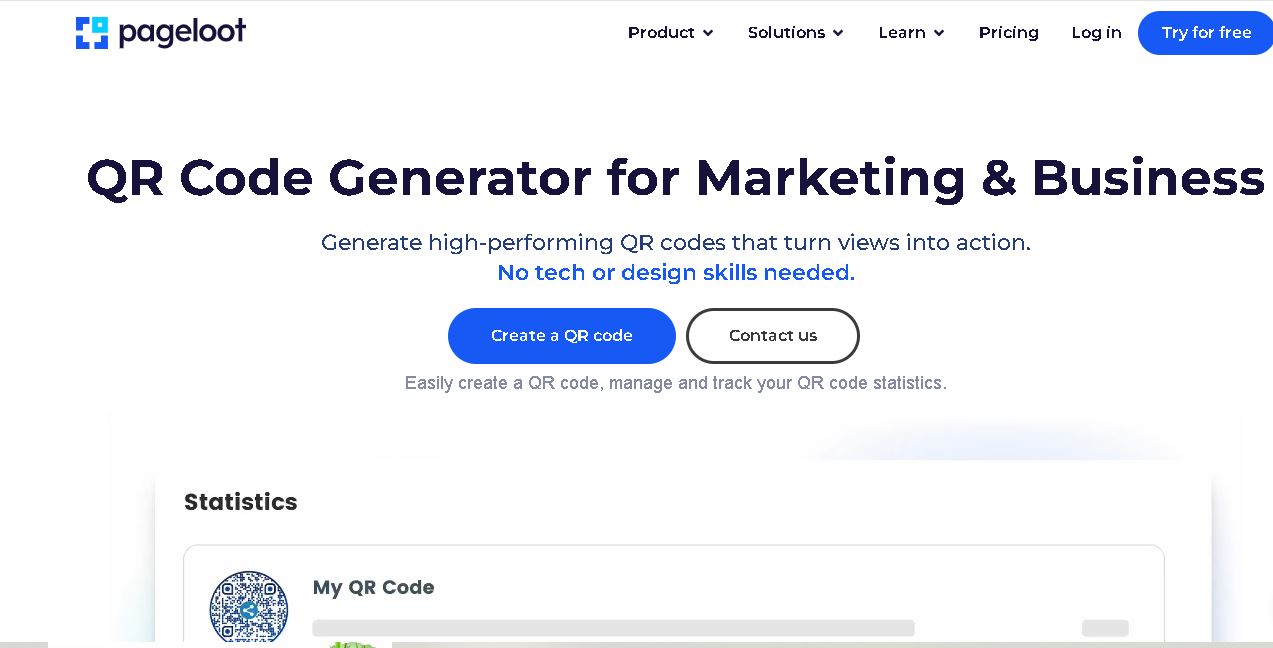
Pageloot is a QR code generator that helps users create, customize, and track QR codes for websites, files, social media, business cards, and marketing campaigns. It offers dynamic QR codes, branding options, scan analytics, and centralized code management, making digital information sharing easier for businesses and individuals.
 4.6
QR Chameleon
QR Code
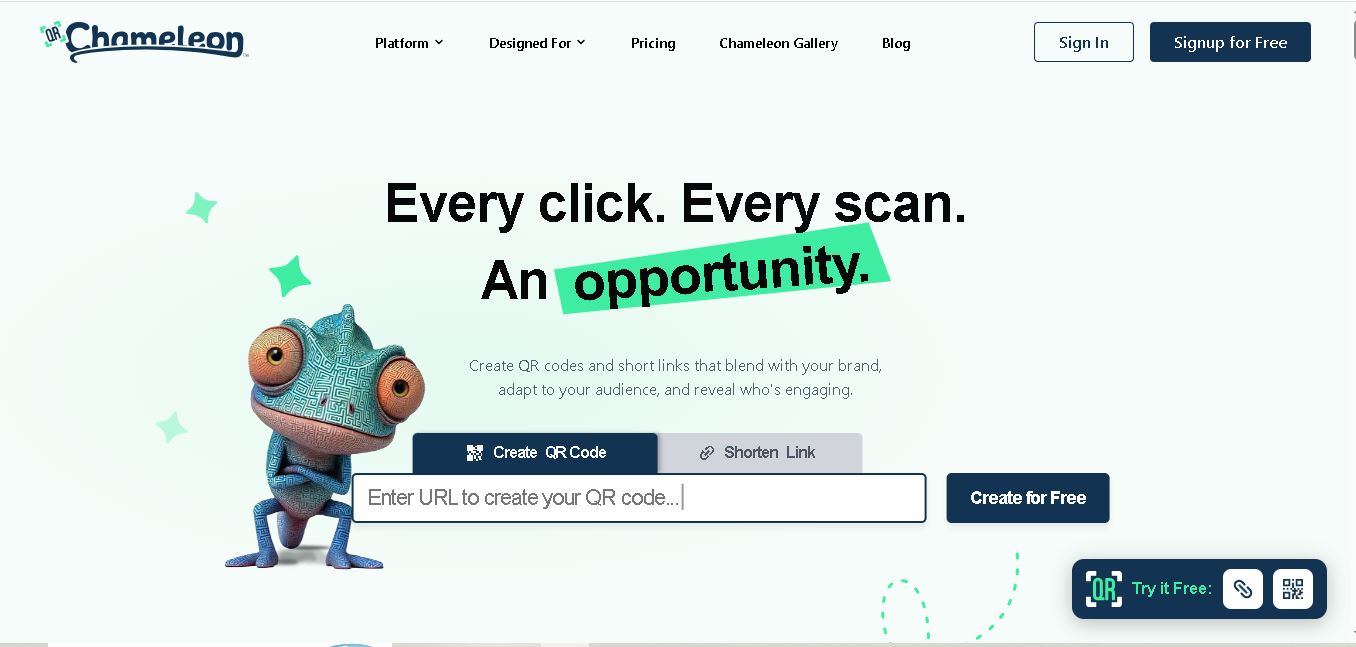
QR Chameleon helps businesses create customized dynamic QR codes and branded short links for marketing campaigns. It offers logo placement, color customization, link tracking, scan analytics, and campaign management. Users can update destinations without reprinting codes, making it useful for restaurants, retailers, marketers, agencies, and event organizers managing digital engagement.
 4.5
Kaywa QR Code
QR Code
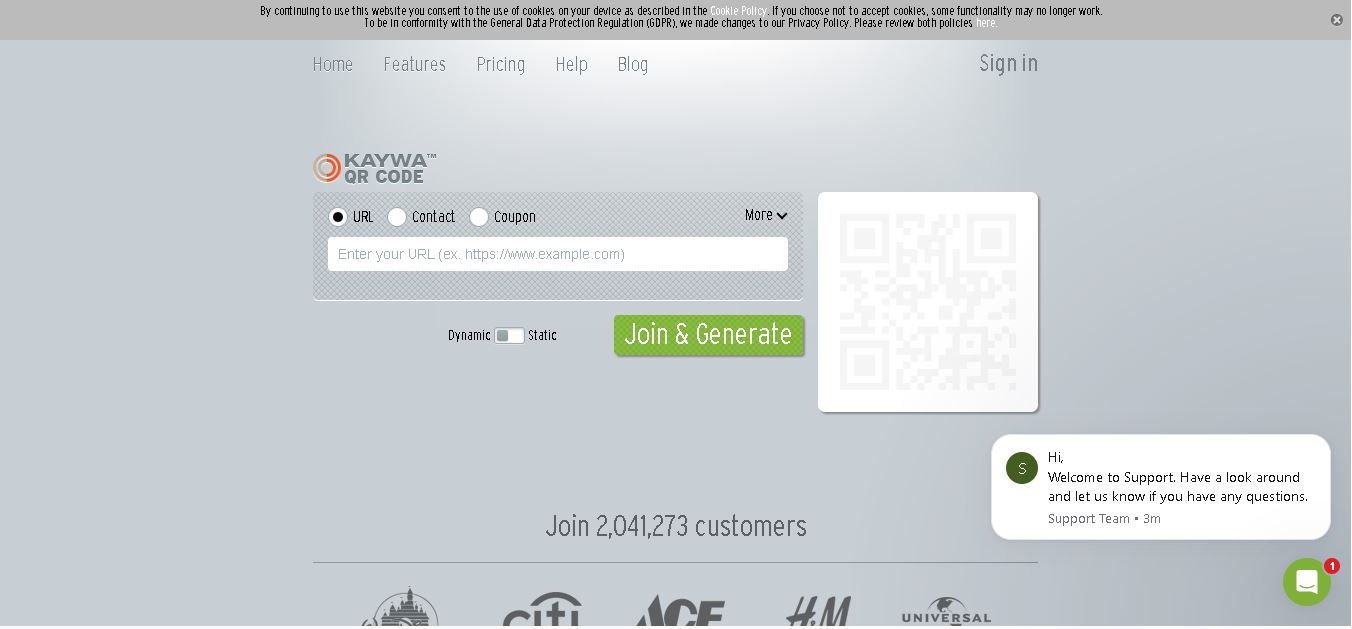
Kaywa QR Code Generator helps individuals and businesses create QR codes for websites, contact information, coupons, and text. It offers static and dynamic QR code options, customization, scan tracking, and campaign analytics. Its management features make it useful for marketers, retailers, event organizers, and businesses connecting customers with digital experiences.
 4.6
Unitag
QR Code
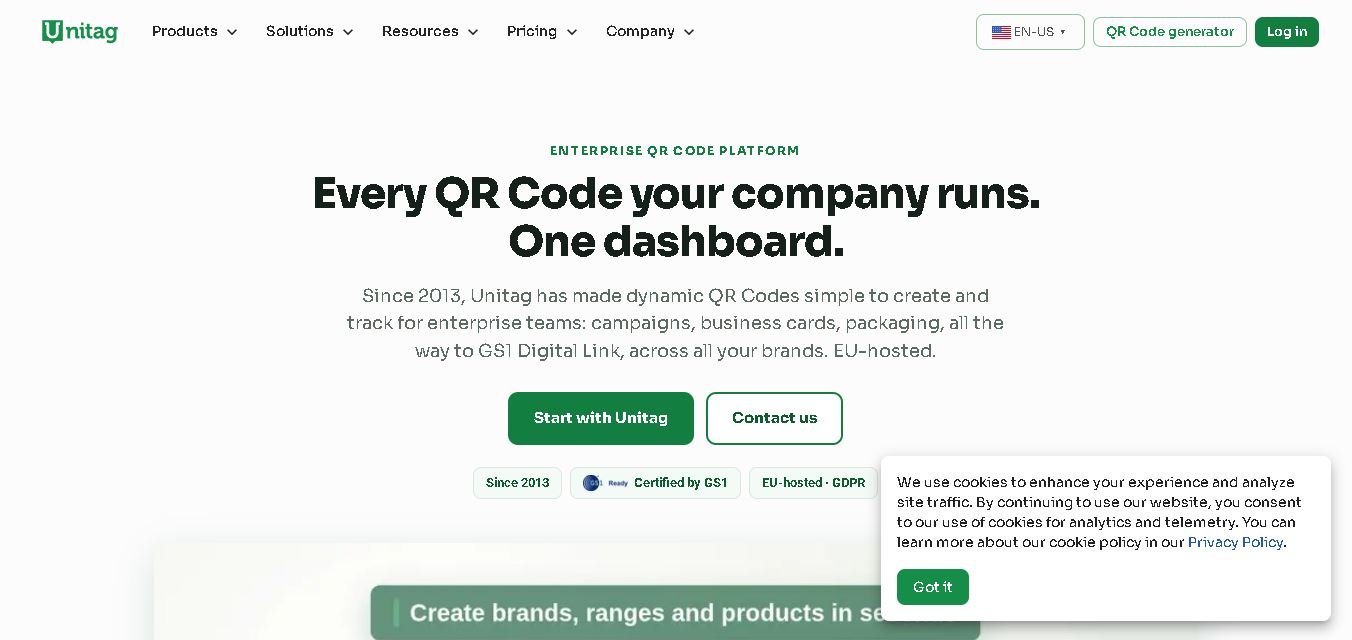
Unitag helps users create, customize, and manage QR codes for marketing, business, and personal purposes. It supports dynamic QR codes, branded designs, scan tracking, and campaign management. Users can connect websites, contact information, documents, and other digital content through scannable codes while monitoring engagement and updating destinations when necessary.