
PicFix.AI
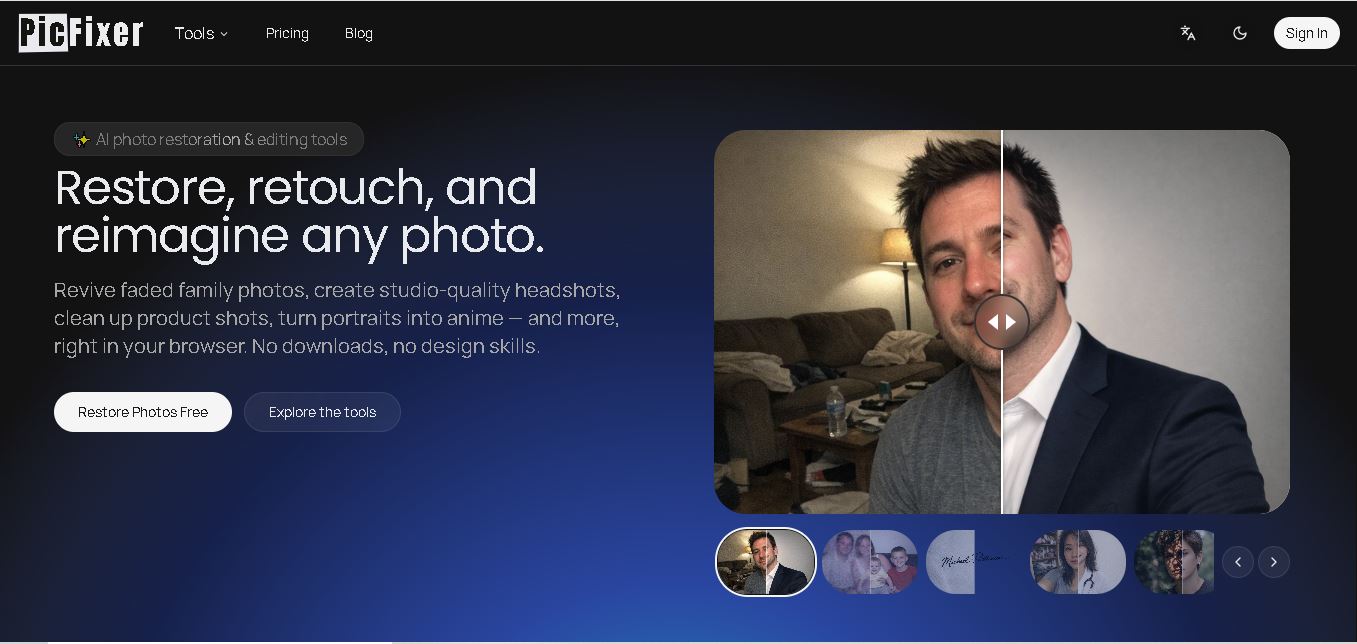
PicFix.AI is an online AI photo editing toolkit for enhancing, restoring, generating, and transforming images. Users can remove backgrounds and unwanted elements, create professional headshots, restore older photos, change hairstyles, combine images, upscale low-resolution visuals, and generate new images. It is designed for creators, photographers, businesses, and everyday users.
What is PicFix.AI?
PicFix. AI is an online photo editing and image enhancement tool designed to help users create, restore, enhance, and transform images with AI. It offers tools for image generation, background removal, professional headshots, hair-style changes, watermark removal, image restoration, image combination, object removal, and home design. PicFix. AI also provides dedicated enhancement and upscaling workflows for improving image clarity and resolution. Its browser-based approach makes these editing capabilities accessible without requiring traditional desktop editing software.
PicFix. AI brings together 10+ AI image tools covering generation, enhancement, restoration, editing, and creative transformations. Its official website lists tools including AI Image Generator, Hair Style, Professional Headshot, Text/Watermark Removal, Re-imagine, Combine Images, Restore Image, Remove Background, Home Designer, and AI Image Edit. Its published enhancement guide also describes 2x–4x upscaling, while selected advanced workflows can offer higher enlargement options. PicFix.AI provides free-to-try functionality alongside additional AI processing capabilities.
- Platform Role: AI Photo Editor, Image Enhancer & Generative Design Platform
- Developer & Organization: PicFix.AI (picfix.ai)
- Cross-Platform Access: Web Browser (zero-install accessibility across Chrome, Safari, Edge, Firefox, and mobile browsers)
Use Cases:
- Restoring low-resolution, blurred, faded, or damaged legacy family photographs
- Converting casual self-portraits into polished, corporate-ready AI headshots
- Removing unwanted backgrounds, text overlays, and watermarks from marketing graphics
- Generating high-resolution AI artwork and realistic promotional imagery from simple text prompts
- Combining subjects from separate images into a natural-looking unified photo frame
Technology:
- Advanced deep learning diffusion models (e.g., Flux 2 Pro, Pruna AI) for AI image generation and re-imagining
- Computer vision and neural network object segmentation for clean background and watermark extraction
- AI portrait beautification, upscaling, and noise-reduction algorithms for high-definition facial restoration
- Cloud-based computational pipelines for real-time rendering and fast asset export
Target Users:
- Content creators, social media managers, and marketers needing fast visual assets
- E-commerce sellers requiring clean product photos with background removals
- Job seekers and professionals in need of quick business headshots for LinkedIn
- Everyday users wanting to restore, unblur, and digitize vintage physical photos
Acquisition: Self-serve web application operated at picfix.ai

What are the key features of PicFix.AI?
PicFix. AI's key platform features are
- AI Image Generator: Transforms natural language prompts into high-quality visual art, landscapes, and realistic portraits using top AI generation models.
- Photo Restoration & Repair: Automatically repairs damaged, scratched, pixelated, or faded photos to crisp, high-definition quality.
- Professional AI Headshots: Converts standard mobile photos into polished corporate headshots with balanced studio lighting and background setups.
- Background & Watermark Removal: Isolates foreground subjects and cleans unwanted text or watermark overlays in seconds.
- Combine Images: Blends subjects from multiple photos into a single frame with natural lighting and proportion alignment.
- Hairstyle & Re-Imagine Tools: Allows users to change hair color/style or completely re-imagine portraits in dynamic stylized settings.
How much does PicFix.AI cost?
PicFix. AI operates on a freemium model with free web editing access and premium subscription plans for high-resolution processing and advanced AI generation models.
Pricing Overview:
- Free Online Tier ($0): Free access to fundamental editing tools, basic background removal, and standard image generation credits.
- Pro Subscription / Credit Packs: Unlocks high-speed cloud processing, access to premium generation engines (such as Flux 2 Pro), batch downloading, and full HD photo restoration exports.
Disclaimer: Basic enhancement tools are accessible for free online. Full high-resolution exports and unlimited access to advanced generative models require paid credits or a premium subscription.
Who should use PicFix.AI?
PicFix. AI is designed for digital creators, professionals, and general users, including
- Digital Marketers & Designers: Professionals needing quick asset cleanup, watermark removal, and custom promotional image generation.
- Job Seekers & Freelancers: Individuals looking to build professional profile pictures and AI headshots without booking commercial photo shoots.
- Family Historians & Archival Enthusiasts: Anyone digitizing legacy photo albums and restoring degraded black-and-white or damaged photos.
What are the best alternatives to PicFix.AI?
Some of the strongest PicFix. AI alternatives include
- Remini
- Photoroom
- Canva AI Photo Editor
- VanceAI
- Let's Enhance
- Clipdrop by Stability AI
What are the pros and cons of PicFix.AI?
What are the pros of PicFix.AI?
- Comprehensive suite combining restoration, background removal, and generative AI in one platform
- Completely browser-based with zero software downloads required
- Fast automated processing suitable for quick social media and professional profile assets
- Supports top-tier generation models like Flux 2 Pro for realistic AI image creation
What are the cons of PicFix.AI?
- Free usage limits require upgrading to paid subscriptions for high-volume editing
- Extreme photo damage may require manual graphic touching beyond automated AI capability
- Requires stable internet connectivity to process high-resolution cloud renders
Why should you choose PicFix.AI?
Editing photos and fixing low-quality visuals usually requires complex desktop applications and tedious manual masking. PicFix. AI streamlines this workflow by putting powerful AI models into a browser-based interface. Whether you need to restore old family memories, isolate product photos, or create AI-generated art from scratch, PicFix. AI delivers clean, professional output with just a few clicks.
How does PicFix.AI compare to competitors?
The primary distinction between PicFix. AI, Remini, Photoroom, and VanceAI lies in functional scope. While Remini focuses almost exclusively on mobile face sharpening, and Photoroom specializes in e-commerce product cutouts, PicFix. AI provides a broader all-in-one suite combining generative text-to-image AI, photo restoration, watermark removal, and subject composition under a single platform.
| Feature / Platform | PicFix.AI | Remini | Photoroom | VanceAI |
|---|---|---|---|---|
| Core Focus | All-in-One AI Photo Editing & Image Generation | AI Face Enhancing & Photo Unblurring | E-Commerce Background Removal & Product Editing | Deep Learning Image Upscaling & Restoration |
| Text-to-Image AI Generation | Supported (Flux 2 Pro / Pruna AI) | Limited (Focuses on face filters & avatars) | Supported (AI product backgrounds) | Supported (Basic AI art generator) |
| Photo Restoration | High (scratch, blur, and color restoration) | Very High (industry leader in face sharpening) | Moderate (Focused on modern product shots) | High (Specialized desktop & web restoration tools) |
| Watermark & Object Removal | Supported | Not primary focus | Supported | Supported |
| Best For | Users wanting a versatile browser toolkit for editing, generation & restoration | Mobile users fixing facial detail in blurry old portraits | Online sellers creating clean product catalogs | Photographers needing heavy batch upscaling and denoising |
How do we rate PicFix.AI?
| Parameter | Rating (out of 5) |
|---|---|
| Ease of Use & Interface | 4.8 |
| Photo Restoration & Enhancement Quality | 4.7 |
| AI Image Generation Capabilities | 4.6 |
| Background & Object Extraction Accuracy | 4.7 |
| Value for Money | 4.5 |
| Overall Score | 4.66 |
What is our review and verdict on PicFix.AI?
PicFix. AI is an impressive, web-first platform for anyone seeking quick AI image manipulation. By gathering features like headshot generation, photo repair, object removal, and AI artwork synthesis into one accessible interface, it eliminates the need to jump between multiple single-purpose tools. It is a reliable solution for both personal photo preservation and daily digital content creation.
Conclusion
PicFix.AI combines image generation, enhancement, restoration, and creative editing in one online workspace. Its collection includes background removal, professional headshots, object and watermark removal, image combination, hairstyle changes, restoration, upscaling, and AI image generation. For users who regularly work with photographs, the platform can reduce the need to switch between multiple specialized editing tools. Its free-to-try approach also provides an accessible way to explore different image-editing workflows before deciding which features fit specific creative or professional requirements.
FAQ
What can PicFix.AI be used for?
PicFix. AI can be used for many image editing and enhancement tasks. You can generate images, restore damaged photos, remove backgrounds, erase text or watermarks, create professional headshots, change hairstyles, combine images, remove objects, and reimagine photos. It also supports image enhancement and upscaling for improving clarity and resolution.
Can PicFix.AI enhance low-quality photos?
Yes, PicFix. AI can enhance low-quality images by improving sharpness, reducing noise, increasing resolution, and restoring visual details. Its published guide recommends using enhancement, denoising, restoration, and AI upscaling depending on the image problem. Results naturally depend on the quality and amount of recoverable information in the original photo.
Can PicFix.AI restore old or damaged photos?
Yes, PicFix. AI includes a dedicated Restore Image tool designed to automatically restore old or damaged photographs. This can be useful for improving faded, scratched, or low-detail images. For severely damaged photographs, results may vary because AI cannot always accurately reconstruct information that is completely missing from the original image.
Does PicFix.AI support background removal?
Yes, PicFix. AI provides a Remove Background feature that separates the main subject from its background. This can help users prepare product images, portraits, social media graphics, and other visuals. The tool is part of PicFix. AI’s collection of image-editing models is accessible through its online AI editing environment.
Can PicFix.AI create professional headshots?
Yes. PicFix.AI includes a Professional Headshot tool that converts an existing photo into a professional-looking headshot. This can be useful for profiles, personal branding, professional pages, and business-related visuals. Users can start with an existing photograph rather than creating the complete image manually through conventional photo-editing software.
Can PicFix.AI generate images from scratch?
Yes. PicFix.AI includes an AI Image Generator designed to create new images using AI. The platform presents image generation alongside its editing, restoration, and enhancement tools, allowing users to handle different visual-creation tasks in one environment. This makes it useful for people who need both generated and edited visual content.
User Reviews
No reviews yet for PicFix.AI.
Featured Tools
Featured AI tools from TechShark

Melody Genie
MelodyGenie is an AI-powered music generator that creates original songs from simple text prompts. Users can choose styles, moods, and genres, then instantly generate melodies and full tracks, making it easy for creators, marketers, and hobbyists to produce custom music without musical expertise.
Freemium

Kimi AI
Kimi AI is an advanced AI assistant developed by Moonshot AI that helps you chat, research, write, code, and automate tasks in one place. It supports web search, file analysis, and multimodal inputs, and can even run autonomous “agent” workflows to complete complex tasks end-to-end.
Freemium

Fashion Diffusion AI
Fashion Diffusion is an AI-powered fashion design platform that helps brands and designers create clothing designs, virtual try-ons, AI models, product photos, and marketing visuals faster and cost-effectively.
Paid

Veo 4
Veo 4 AI is an AI video creation platform that generates dramatic videos from text, images, audio, and video prompts using realistic motion and synchronized sound.
Paid
Alternatives
Alternatives to PicFix.AI
The best PicFix.AI alternatives include Remini, Photoroom, VanceAI, and Clipdrop. While PicFix.AI provides an all-in-one browser tool combining photo restoration, watermark removal, headshot generation, and text-to-image models, alternatives like Remini excel in mobile facial sharpening and Photoroom specializes in e-commerce product backdrop cutouts.
 4.6
4.6AIApply
HR
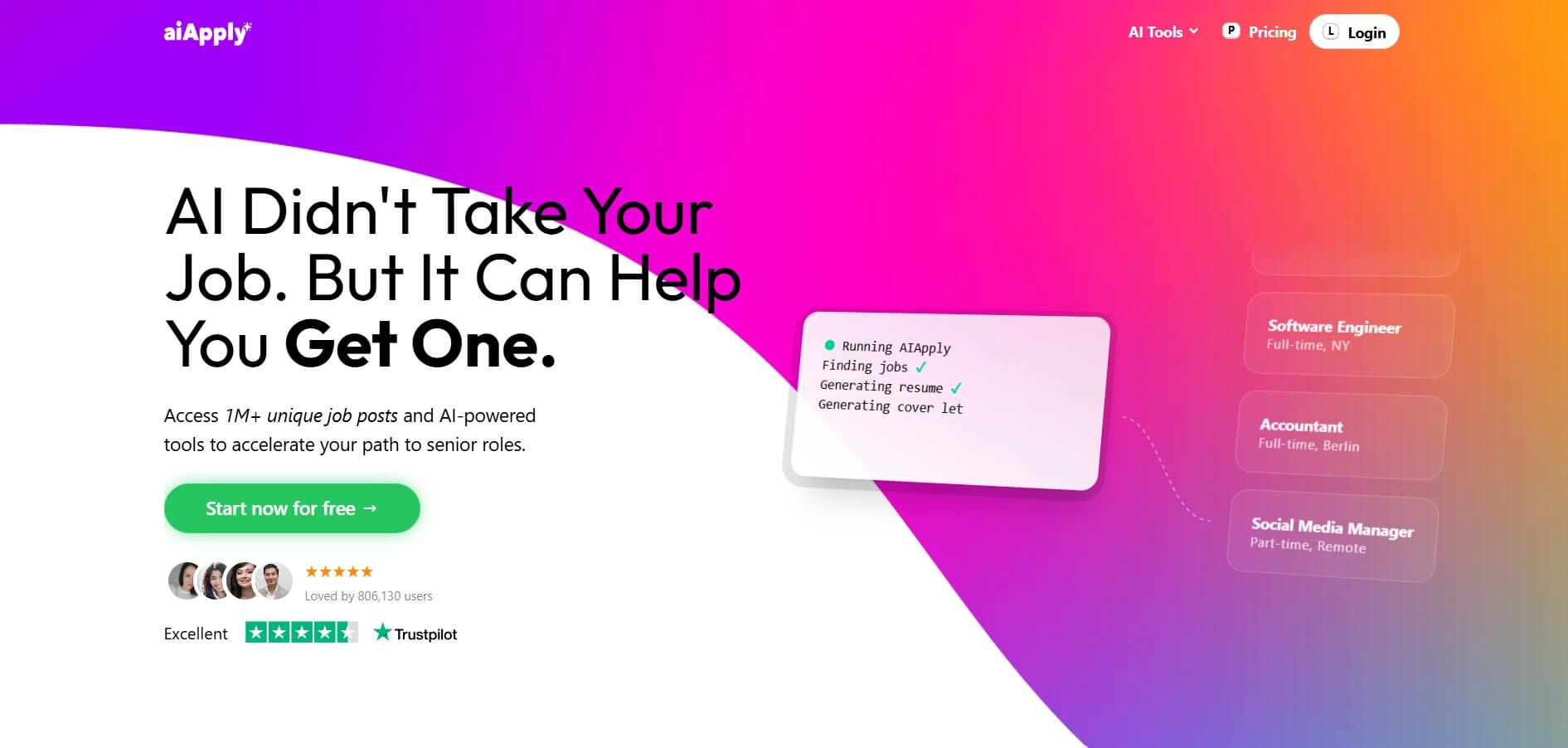
AIApply is an AI-powered job search automation platform that helps users find matching roles, tailor resumes and cover letters, and apply automatically at scale. It also offers interview coaching and optimization tools, enabling job seekers to increase response rates and land interviews faster with less manual effort.
 4.6
4.6Cover Letter AI
HR
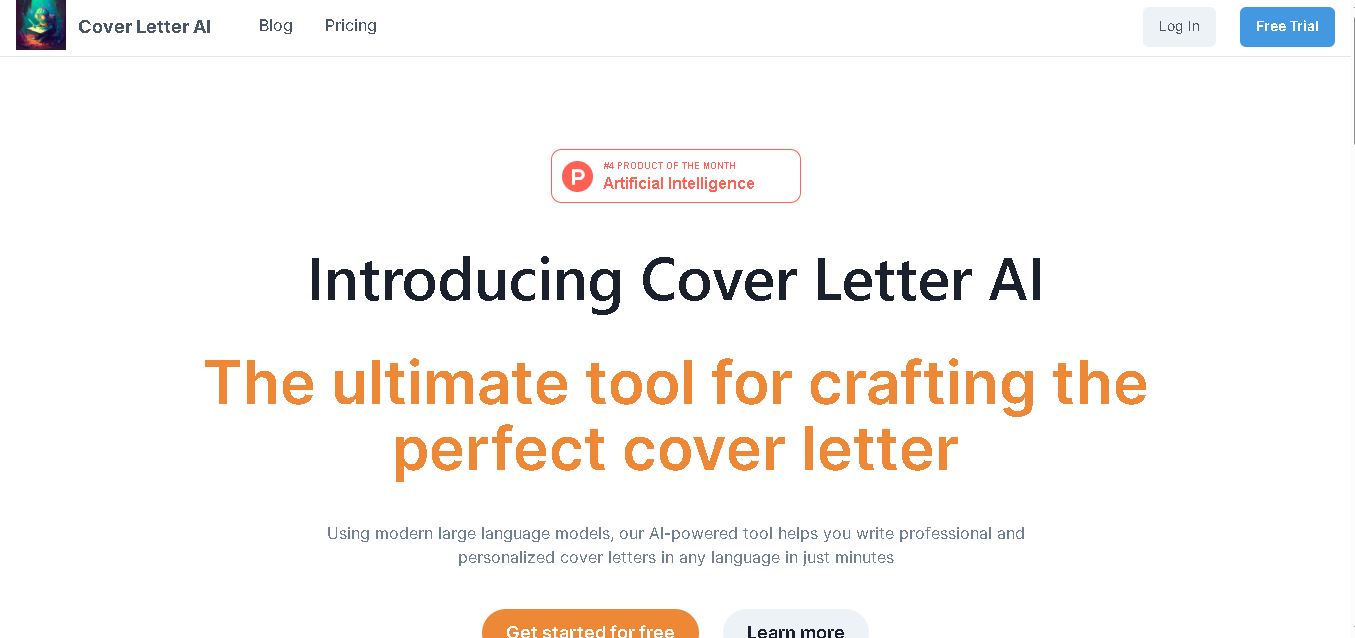
Cover Letter AI helps job seekers create personalized cover letters using their CV, job description, company information, preferred writing style, and selected skills. It can generate multiple versions, allowing users to compare, edit, and refine their letters before applying. The tool also supports cover-letter creation in multiple languages.
 4.6
4.6MajorGen
HR
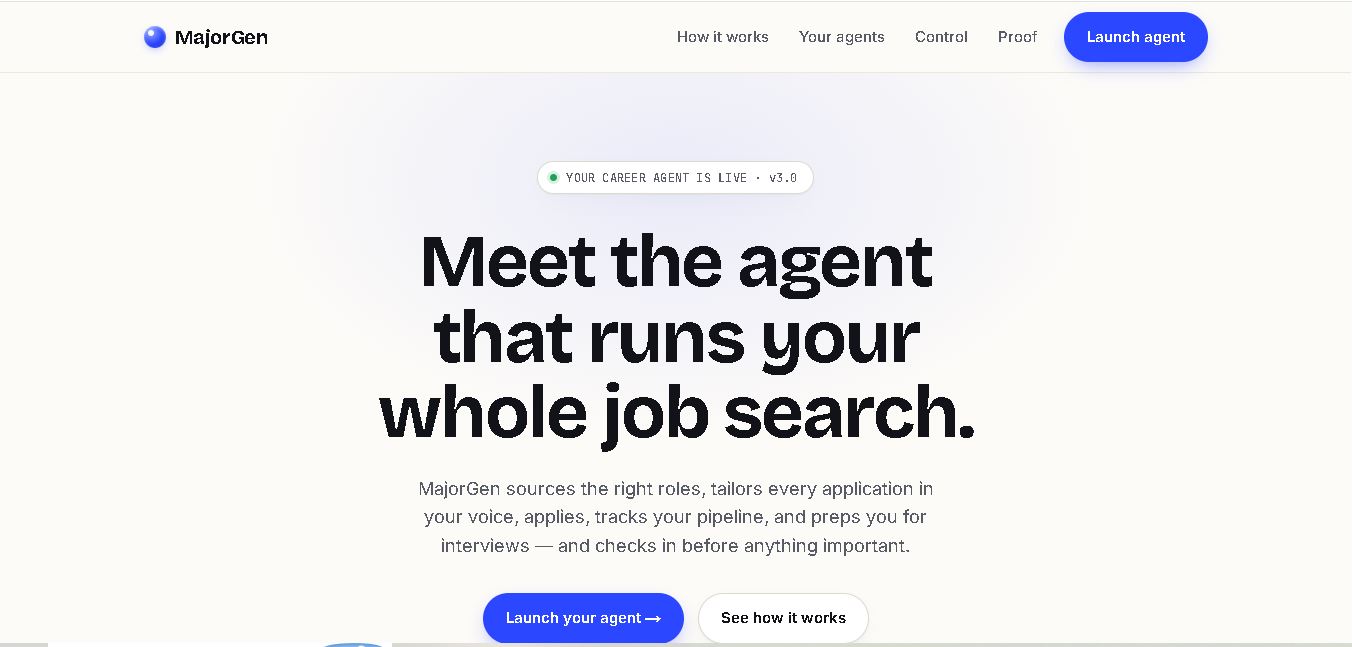
MajorGen helps job seekers create personalized, ATS-optimized resumes and cover letters for different job applications. Users can provide a job description and their existing resume or LinkedIn profile, then generate tailored documents quickly. Its dashboard helps organize applications, while credit-based pricing lets users pay only when they need document generation.
 4.8
4.8PyjamaHR
HR
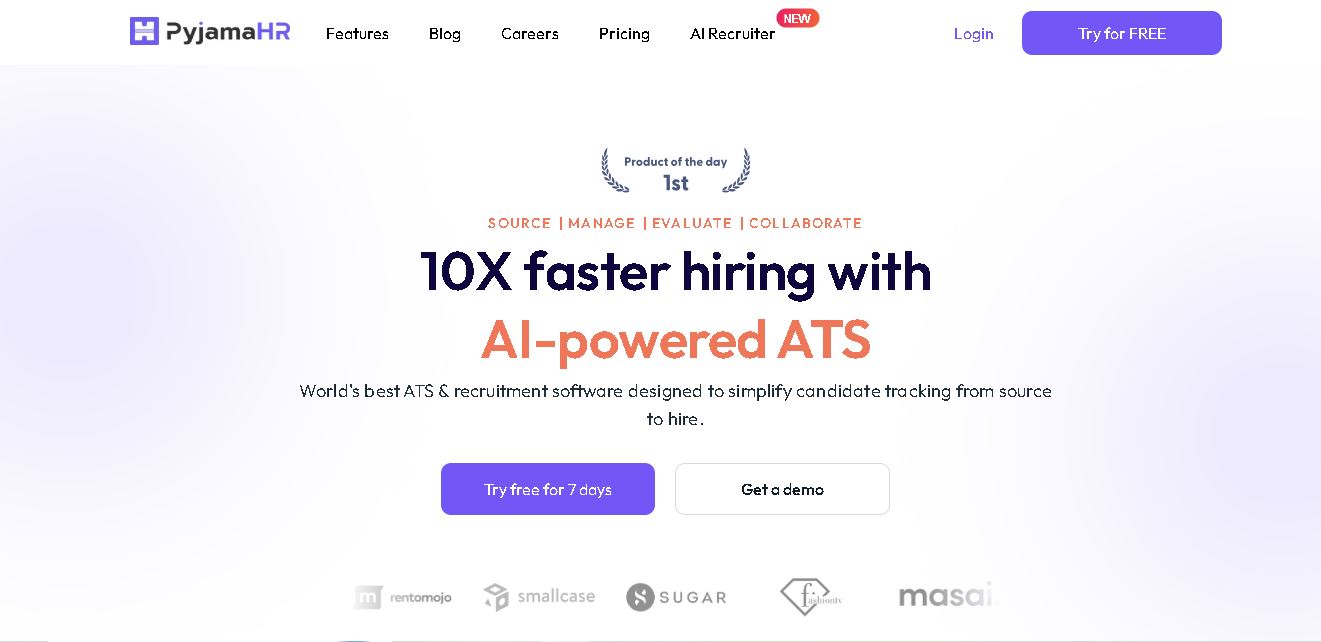
PyjamaHR is recruitment software built to simplify candidate sourcing, screening, evaluation, and hiring. It combines applicant tracking, job distribution, talent pools, interview scheduling, AI resume matching, automated screening, collaboration, analytics, and integrations in one workspace. With mobile apps and customizable career pages, recruiters can manage hiring workflows more conveniently efficiently.
 4.7
4.7ResumeCheck.net
HR
ResumeCheck helps job seekers create, review, and improve resumes with structured checks for keywords, grammar, impact, formatting, length, missing sections, and ATS compatibility. You can upload an existing resume, import LinkedIn information, or start from scratch. Free editing and checking are available, while PDF and Word exports require a one-time payment.
 4.7
4.7Canyon
HR
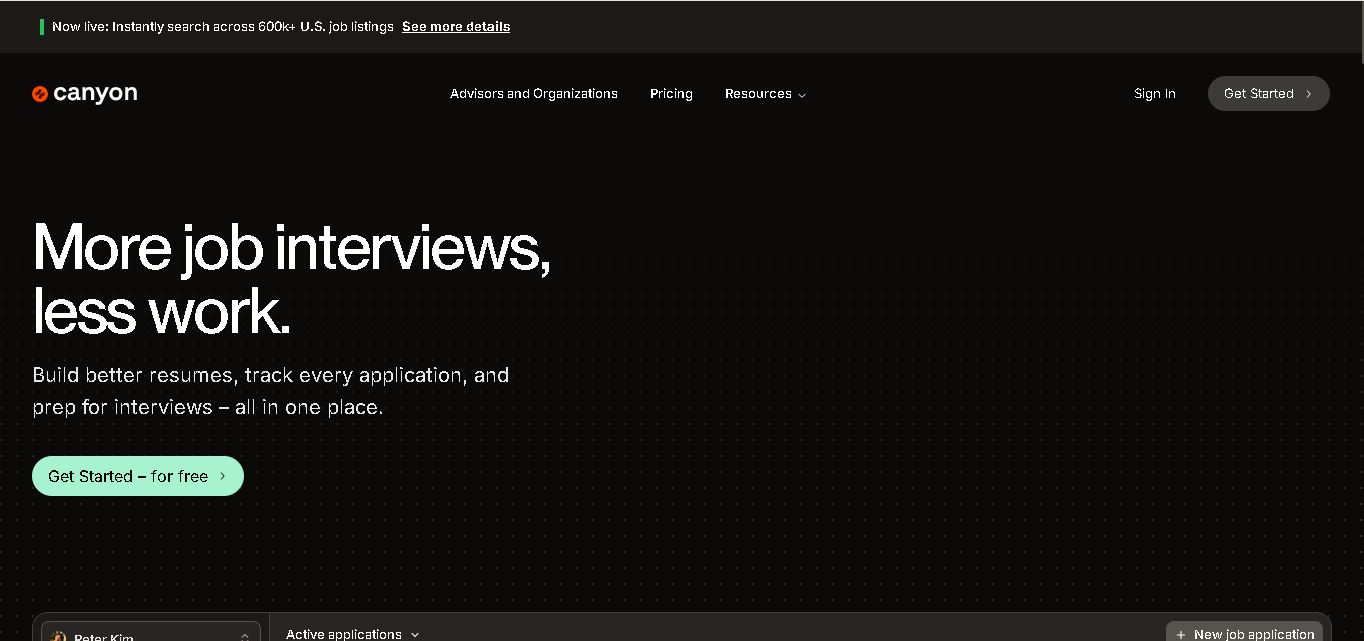
Canyon is an all-in-one career platform that helps job seekers create stronger resumes, discover relevant opportunities, manage applications, prepare for interviews, generate cover letters, and improve professional networking. Its AI-assisted features are designed to reduce repetitive job-search tasks while helping users personalize materials for individual positions and organize their entire application journey in one place.
 4.6
4.6NexGenTeam
HR
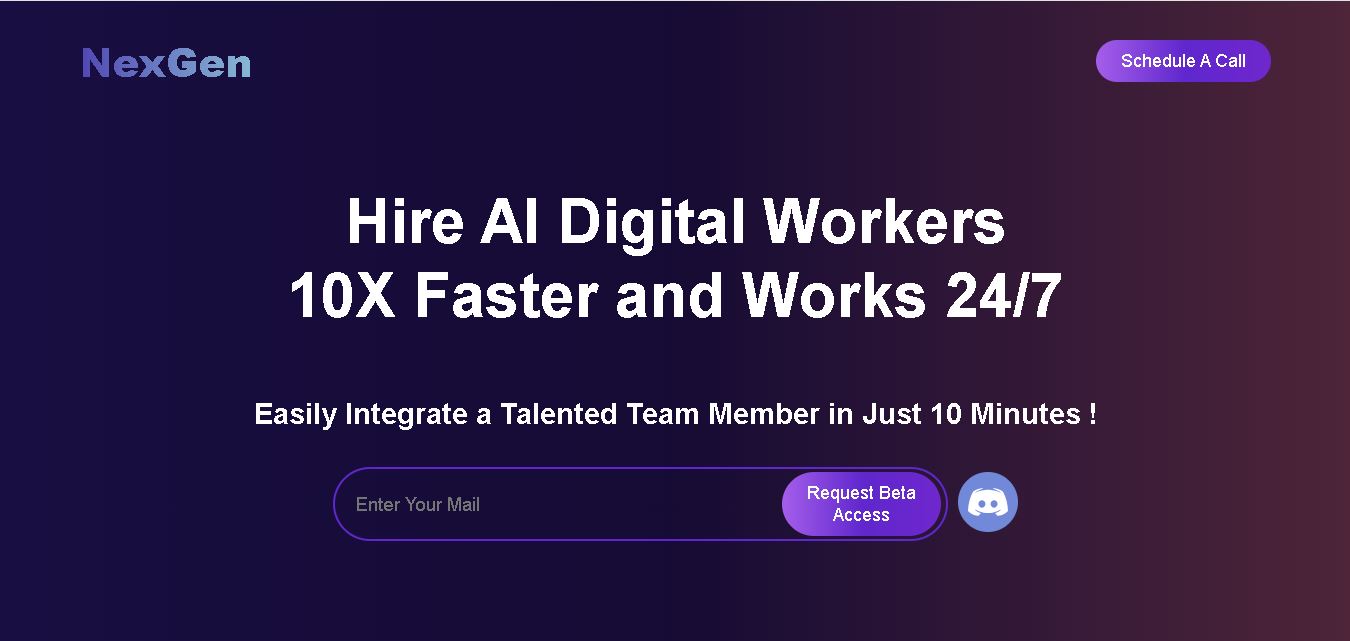
NexGenTeam provides specialized AI digital workers designed to support business operations across sales, content creation, social media, graphic design, and video production. Its documented team includes Sophia, Ethan, and Nathan, with each worker focused on different responsibilities. The service is positioned around continuous assistance and business productivity.
 4.7
4.7Potis AI
HR
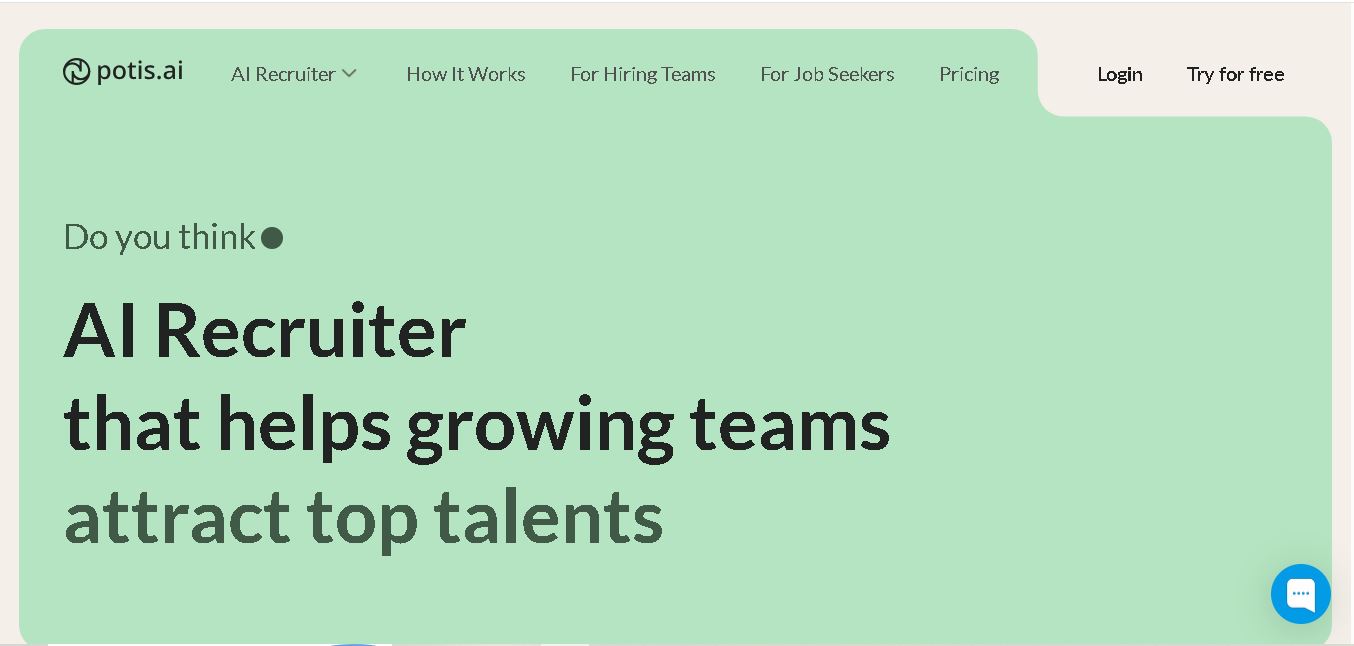
Potis AI is an AI-powered recruiting and screening platform that automates behavioral interviews, video assessments, and candidate evaluations using real-world job scenarios to evaluate actual skills and minimize hiring bias.
 4.6
4.6Todo.is
HR
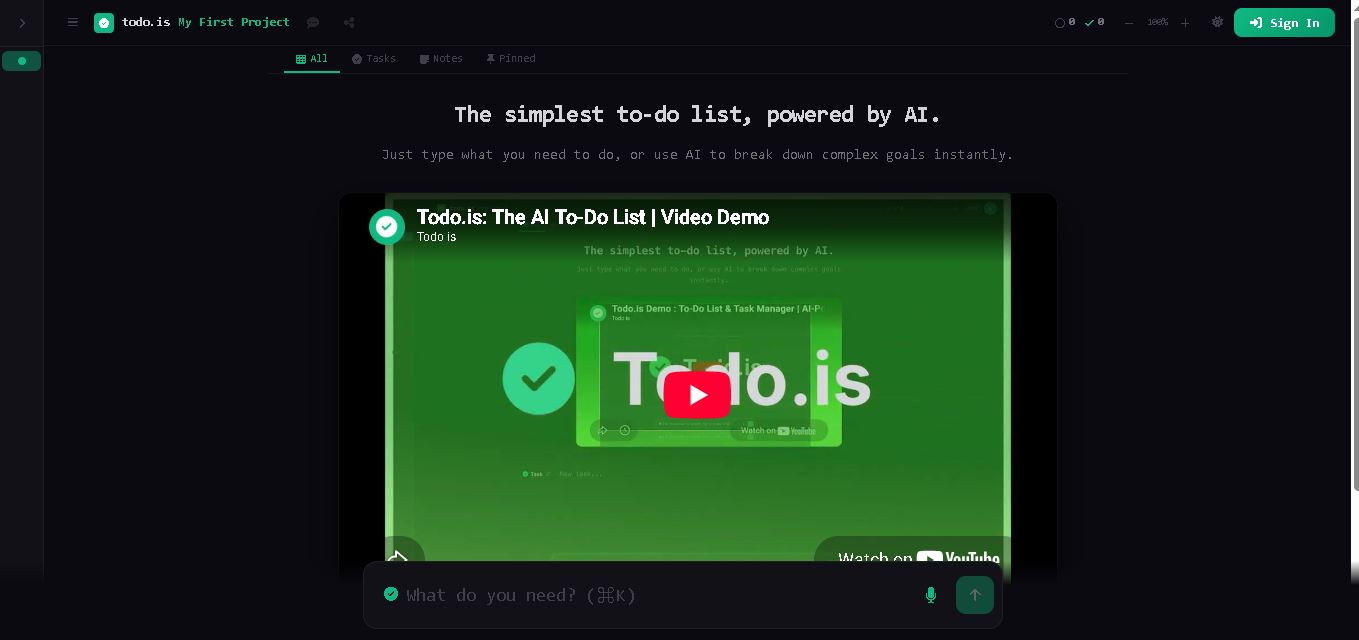
Todo.is is an online task management tool that combines a simple to-do list with AI-assisted planning. Users can enter tasks, organize projects, break complex goals into smaller actions, and use voice input on paid plans. It is designed for people seeking a straightforward way to manage personal tasks and projects.