
Perfect Wiki
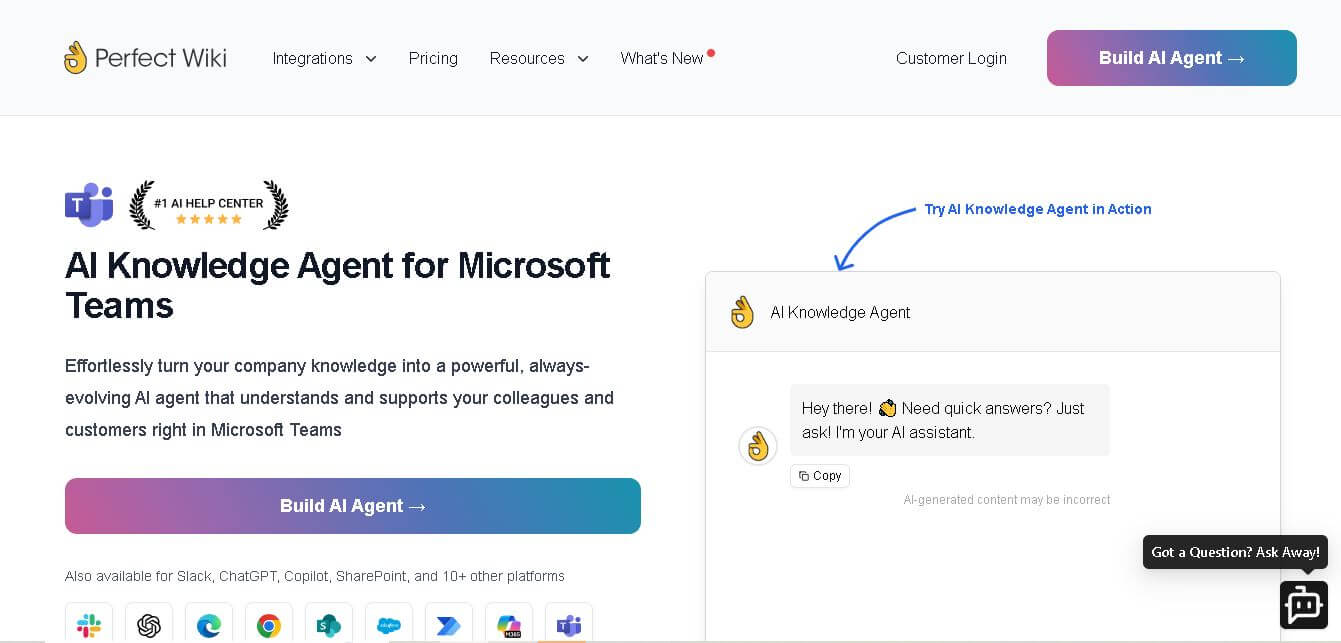
Perfect Wiki for Teams is an AI-powered platform that is for Microsoft Teams, enabling seamless documentation, secure collaboration, and improved organizational knowledge sharing.
What is Perfect Wiki?
- Founders: Developed by Perfect Wiki Inc.
- Launch: Introduced in 2020 to enhance documentation workflows in Microsoft Teams.
- Use Cases:
- Centralized team documentation
- Employee onboarding and training
- Internal knowledge base and company policies
- Project management and collaboration notes
- Technology:
- Built on Microsoft Azure infrastructure
- Integrates seamlessly with Microsoft Teams
- AI-based content organization and search
Perfect Wiki for Teams is an AI-powered AI chatbot tools platform enhanced by AI technology to optimize knowledge management directly within Microsoft Teams. Teams can easily create, categorize, and publish internal documents without exiting the Teams platform. Perfect Wiki has been created for ease-of-use with Teams, allowing companies to be more productive and collaborative in knowledge management. It provides a central location for company knowledge, FAQs, policies, and projects. With AI-based search and content templates, it allows employees to stay informed about work updates and easily access company information. Perfect Wiki's clean and friendly interface ensures all employees can view and contribute to company information in a timely manner, facilitating communication in the shared workplace.
Key Features
Perfect Wiki key features are
- Complete integration with Teams
- AI search and intelligent categorization
- Rich-text editor with templates and formatting options
- Tracking of version history and limited access for security
- Offline access and ability to export
- Multilanguage support and encryption of data
- Real-time collaboration and instant updates
Pricing
- Publisher plan
- Pro annual plan
- Premium enterprise plan
- Custom enterprise pricing
Disclaimer: For the latest and most accurate pricing information, please visit the official Perfect Wiki website.
Who is using it?
A wide range of users and organizations are using Perfect Wiki
- IT support teams
- Operations managers
- Business analysts
- Department heads
- Remote teams
Alternatives
Some Perfect Wiki alternatives are
- Notion
- Confluence
- Slite
- Guru
- SharePoint
Conclusion
Perfect Wiki for Teams has become the go-to knowledge-sharing tool for Microsoft Teams users. Its AI-powered features improve documentation, collaboration, and productivity, all while integrating with Microsoft 365. Perfect Wiki for Teams provides a single source of truth for small teams or global organizations, organizing, making accessible, and protecting all knowledge generated by the organization.
People are also reading
FAQ
Is Perfect Wiki free to use?
Yes, it offers a free version with limited features and paid plans for extended functionality.
Does it work outside Microsoft Teams?
Perfect Wiki is designed specifically for Microsoft Teams, providing native integration for best performance.
Can multiple users edit pages simultaneously?
Yes, real-time collaboration allows multiple users to edit and update content together.
Is data stored securely?
All data is stored on Microsoft Azure with enterprise-grade encryption and compliance.
Does it support exporting documents?
Yes, you can export wiki pages in multiple formats for offline access or sharing.
User Reviews
No reviews yet for Perfect Wiki.
Featured Tools
Featured AI tools from TechShark

Melody Genie
MelodyGenie is an AI-powered music generator that creates original songs from simple text prompts. Users can choose styles, moods, and genres, then instantly generate melodies and full tracks, making it easy for creators, marketers, and hobbyists to produce custom music without musical expertise.
Freemium

Kimi AI
Kimi AI is an advanced AI assistant developed by Moonshot AI that helps you chat, research, write, code, and automate tasks in one place. It supports web search, file analysis, and multimodal inputs, and can even run autonomous “agent” workflows to complete complex tasks end-to-end.
Freemium

Fashion Diffusion AI
Fashion Diffusion is an AI-powered fashion design platform that helps brands and designers create clothing designs, virtual try-ons, AI models, product photos, and marketing visuals faster and cost-effectively.
Paid

Veo 4
Veo 4 AI is an AI video creation platform that generates dramatic videos from text, images, audio, and video prompts using realistic motion and synchronized sound.
Paid
Alternatives
Alternatives to Perfect Wiki
Perfect Wiki for Teams is an AI-powered platform that is designed for Microsoft Teams. It helps organizations centralize documentation, enhance collaboration, and improve team productivity with secure, easy-to-use, and fully integrated features.
Text
AI Agent
Text is an AI-powered customer service platform that combines live chat, help desk ticketing, AI agents, and workflow automation. It helps businesses manage customer conversations, automate repetitive support tasks, answer questions, engage website visitors, and turn customer interactions into sales opportunities through a unified communication workspace.
SiteGPT AI
AI Agent
SiteGPT is an AI chatbot platform that helps businesses automate customer support using their website content, documents, and knowledge sources. It answers visitor questions, supports lead generation, and integrates into websites, allowing teams to handle repetitive inquiries, improve customer experiences, and provide assistance around the clock.
 4.7
4.7Breyta
Customer Support
Breyta helps creators and businesses build, automate, package, and sell AI workflows and agents. It supports LLM, HTTP, code, database, storage, webhook, approval, and notification steps. Users can publish workflows as apps, HTTP endpoints, MCP tools, or reusable components while Breyta manages hosting, execution, billing, customer installations, and payouts.
 4.9
4.9HubSpot
Marketing
HubSpot is an AI-powered customer platform that helps businesses manage marketing, sales, customer service, and content in one place. It offers a free CRM, automation tools, analytics, and AI features, enabling teams to attract leads, close deals, and deliver better customer experiences at scale.
 4.6
4.6AIApply
HR
AIApply is an AI-powered job search automation platform that helps users find matching roles, tailor resumes and cover letters, and apply automatically at scale. It also offers interview coaching and optimization tools, enabling job seekers to increase response rates and land interviews faster with less manual effort.
 4.9
4.9Attio
Customer Support
Attio is an AI-native CRM platform designed to help teams manage leads, build pipelines, and automate sales workflows. It uses AI agents to enrich data, qualify prospects, and move deals forward, enabling faster decisions and more efficient revenue growth across the entire sales process.
 4.9
4.9Zoho CRM
Customer Support
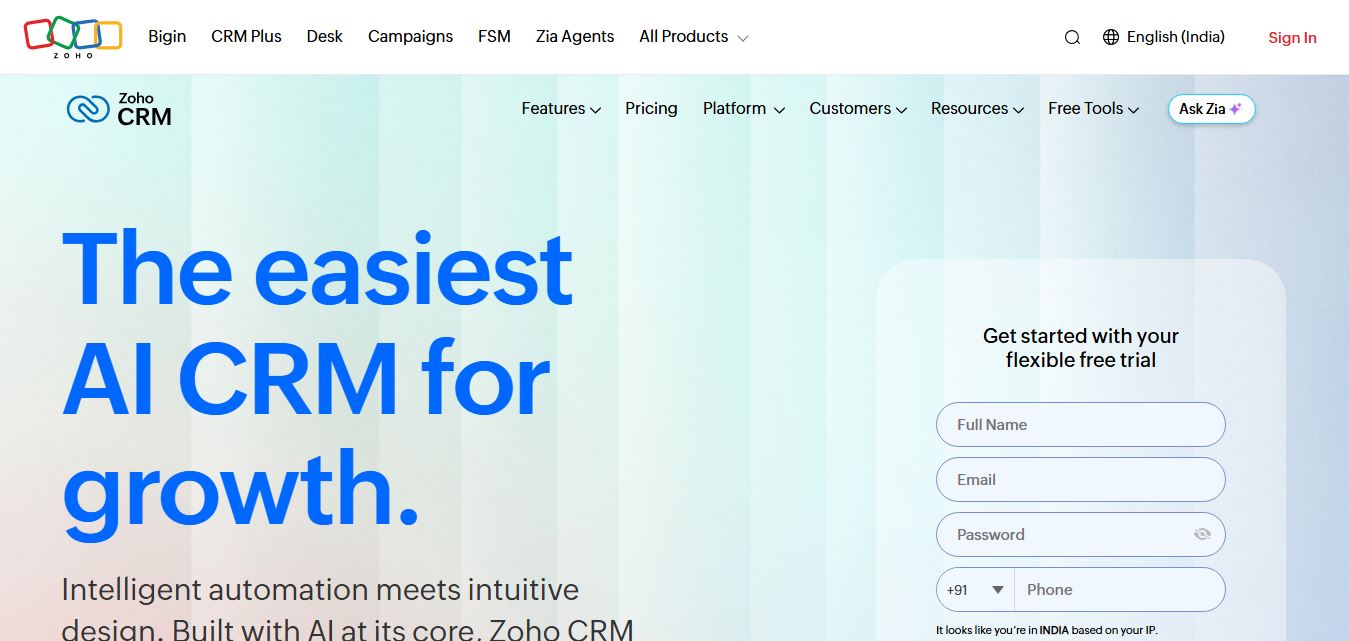
Zoho CRM is an enterprise-grade, cost-effective customer relationship management platform that automates sales pipelines, lead scoring, and omnichannel customer interactions using Zia AI, visual process Blueprints, and drag-and-drop Canvas interface customization.
 4.8
4.8PyjamaHR
HR
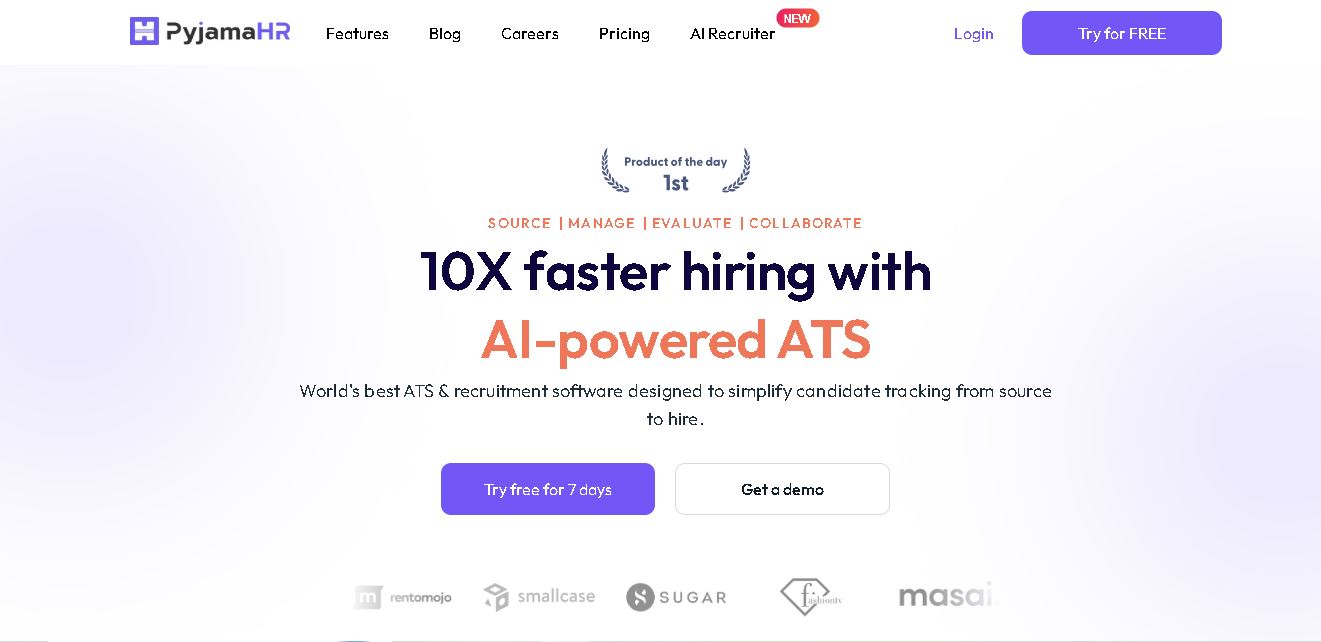
PyjamaHR is recruitment software built to simplify candidate sourcing, screening, evaluation, and hiring. It combines applicant tracking, job distribution, talent pools, interview scheduling, AI resume matching, automated screening, collaboration, analytics, and integrations in one workspace. With mobile apps and customizable career pages, recruiters can manage hiring workflows more conveniently efficiently.
 4.7
4.7ResumeCheck.net
HR
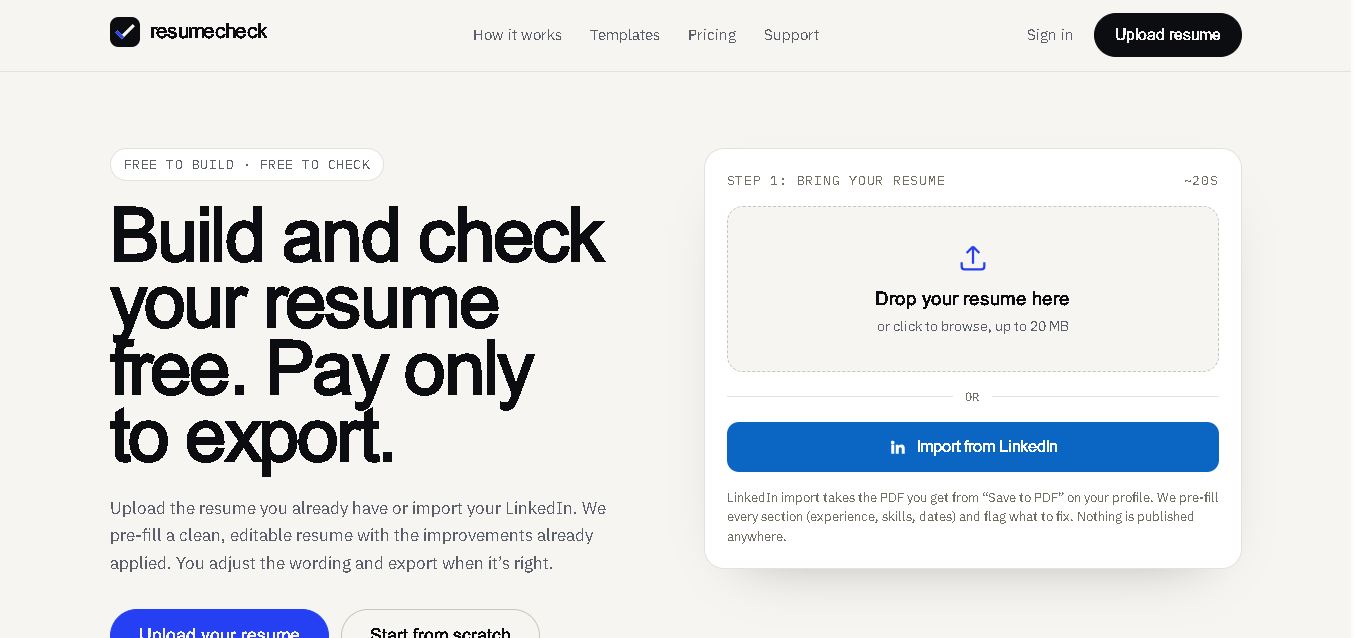
ResumeCheck helps job seekers create, review, and improve resumes with structured checks for keywords, grammar, impact, formatting, length, missing sections, and ATS compatibility. You can upload an existing resume, import LinkedIn information, or start from scratch. Free editing and checking are available, while PDF and Word exports require a one-time payment.