PDF Pals
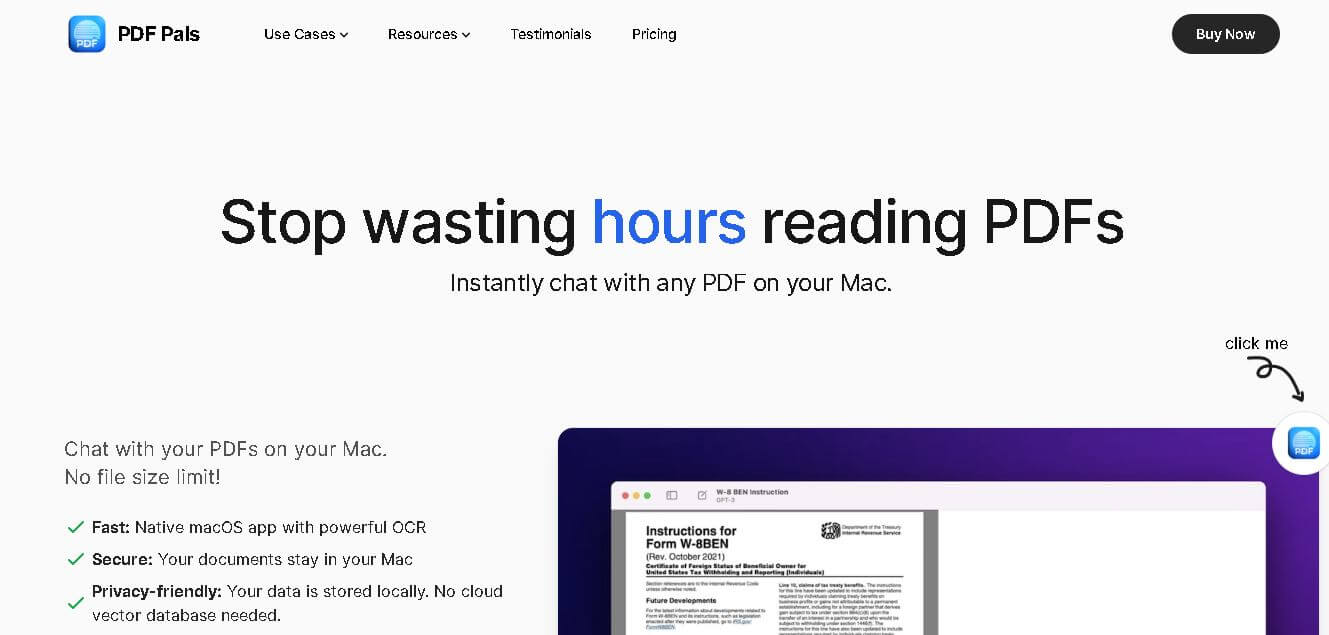
PDFPals is an AI-powered platform that lets you chat with your PDFs locally, summarize documents instantly, and extract insights securely without uploading files online.
What is PDF Pals AI?
- Founders: Daniel Nguyen
- Launch: Released as a native macOS application with updates for better precision and OCR functionality
Uses:
- Academics summarize scientific journal articles and similar studies.
- Lawyers reviewing contracts and extracting important clauses
- Business analysts and higher-up employees are reading reports or proposals.
- Technical employees, engineers, and programmers are responsible for reading documentation, specifications, and other related materials.
- Content writers summarize or cite long documents.
Technology:
- Works entirely offline, with local document processing
- Uses OCR (Optical Character Recognition) for scanned PDFs
- Can integrate with OpenAI, Azure, or OpenRouter's strange APIs
- Can adjust several settings for the AI controls, including the model, temperature, and response style
PDFPals is an AI powered research platform that is powered by artificial intelligence that redefines user interaction with PDF documents. Instead of the burdensome chore of either searching through multiple documents or reading lengthy reports, PDFPals enables the user to chat with their PDFs. The platform summarizes, extracts, and analyzes information directly as if in conversation and privately thanks to processing on macOS. PDFPals' built-in OCR means the platform can even accommodate scanned documents or forms. You, the user, can either bring your key to the integration or rent one, which makes the platform flexible and entirely up to the user. PDFPals is designed for researchers, professionals, and teams to streamline the task of document analysis, with privacy, performance, and accuracy all in one seamless experience.
Key Features
PDF Pals AI key features are
- Conversational AI can chat directly with your PDFs.
- OCR support for scanned documents and image documents
- Full functionality offline—no internet uploads needed
- No file size limit, no page limit.
- API integrations to different AI providers (you can bring your API key)
- Parameter modifications of AI models for adaptable output
- Safe for local storage—no cloud services
- Answers can include citations.
- Markdown, LaTeX, and code highlighting support
- Clean and simple macOS interface, with the ability to use dark mode
Pricing
- Basic Plan
- Pro Plan
- Team Plan
Disclaimer: For the latest and most accurate pricing information, please visit the official PDF Pals AI website.
Who's using it?
A wide range of users and organizations are using PDF Pals AI
- Researchers and Academics
- Lawyers and legal teams
- Business professionals
- Software engineers
- Writers and journalists
- Teams and enterprises
Alternatives
Some PDF Pals AI alternatives are
- ChatPDF
- Adobe Acrobat with AI Assistant
- PDFelement
- OpenRead
- Foxit PDF Editor
Conclusion:
PDFPals is a strong, AI-supported PDF companion for MacOS customers that place a premium on privacy and performance. With offline processing and full OCR support, it strikes a good compromise between security and functionality, whether the user is a researcher, lawyer, or businessperson. With PDFPals, users can save time by communicating right with the documents instead of going back and forth to find the information the user needed. PDFPals provides a one-time purchase, local processing, and an intuitive user interface that builds productivity while securing user data.
People are also reading
FAQ
Does PDFPals upload my PDFs online?
No. PDFPals processes all files locally on your Mac, ensuring 100% data privacy.
Can it handle scanned or image-based PDFs?
Yes. PDFPals includes built-in OCR to extract text from scanned documents and forms.
Do I need an API key?
You can bring your API key or rent one directly within the app.
Is there a file size limit?
No. PDFPals supports unlimited file sizes and large multi-page documents.
What devices support PDFPals?
PDFPals is currently available exclusively for macOS users.
How is it priced?
PDFPals offers a one-time purchase model with no subscription fees.
Does it support multiple AI providers?
Yes. It supports OpenAI, Azure, and OpenRouter integrations.
Who benefits most from using PDFPals?
Researchers, lawyers, analysts, writers, and teams who regularly work with PDF documents.
User Reviews
No reviews yet for PDF Pals.
Featured Tools
Featured AI tools from TechShark

Melody Genie
MelodyGenie is an AI-powered music generator that creates original songs from simple text prompts. Users can choose styles, moods, and genres, then instantly generate melodies and full tracks, making it easy for creators, marketers, and hobbyists to produce custom music without musical expertise.
Freemium

Kimi AI
Kimi AI is an advanced AI assistant developed by Moonshot AI that helps you chat, research, write, code, and automate tasks in one place. It supports web search, file analysis, and multimodal inputs, and can even run autonomous “agent” workflows to complete complex tasks end-to-end.
Freemium

Fashion Diffusion AI
Fashion Diffusion is an AI-powered fashion design platform that helps brands and designers create clothing designs, virtual try-ons, AI models, product photos, and marketing visuals faster and cost-effectively.
Paid

Veo 4
Veo 4 AI is an AI video creation platform that generates dramatic videos from text, images, audio, and video prompts using realistic motion and synchronized sound.
Paid
Alternatives
Alternatives to PDF Pals
PDFPals is an AI powered platform that allows you to interact conversationally with any PDF document using AI. It supports OCR for scanned files, processes data locally, and delivers fast, accurate answers.
 4.9
4.9Manupatra AI
Legal
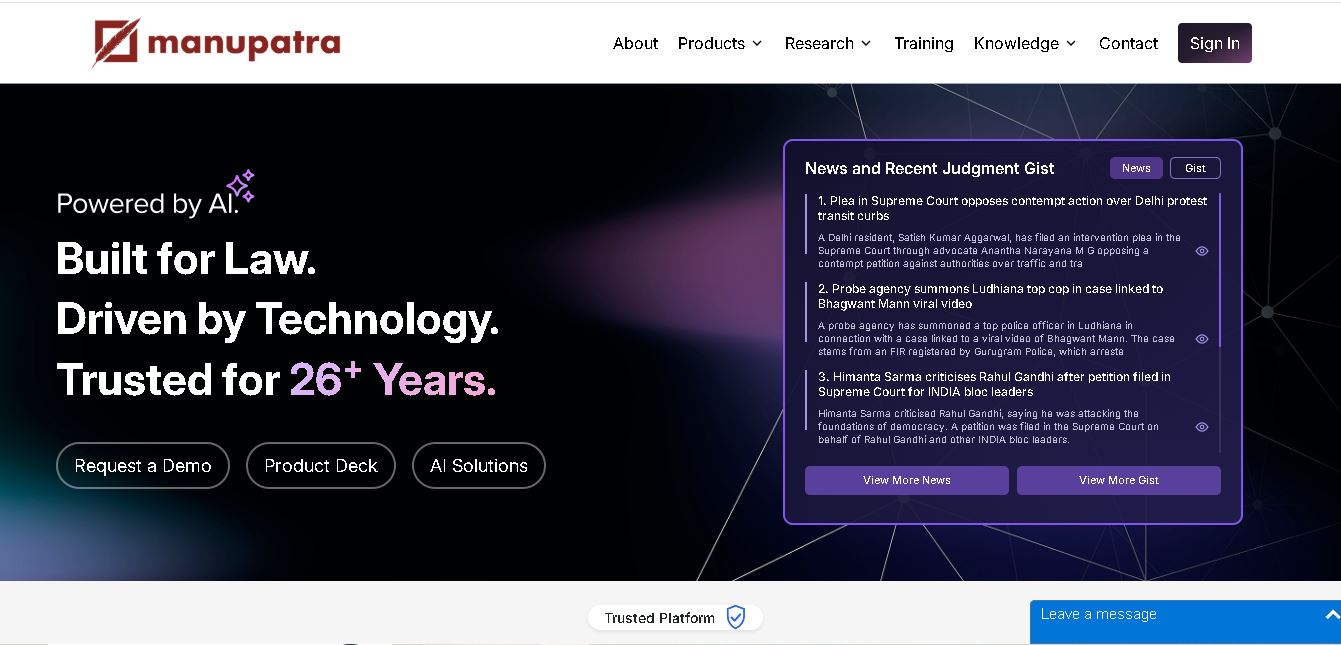
Manupatra AI is a legal technology solution that helps lawyers, law firms, students, and researchers conduct legal research and analyze documents. It offers AI-assisted search, judgment summaries, document comparison, OCR, translation, and drafting tools. Its broader ecosystem also supports case management, compliance, and contract workflows for legal professionals and businesses.
 4.9
4.9LegitQuest
Legal
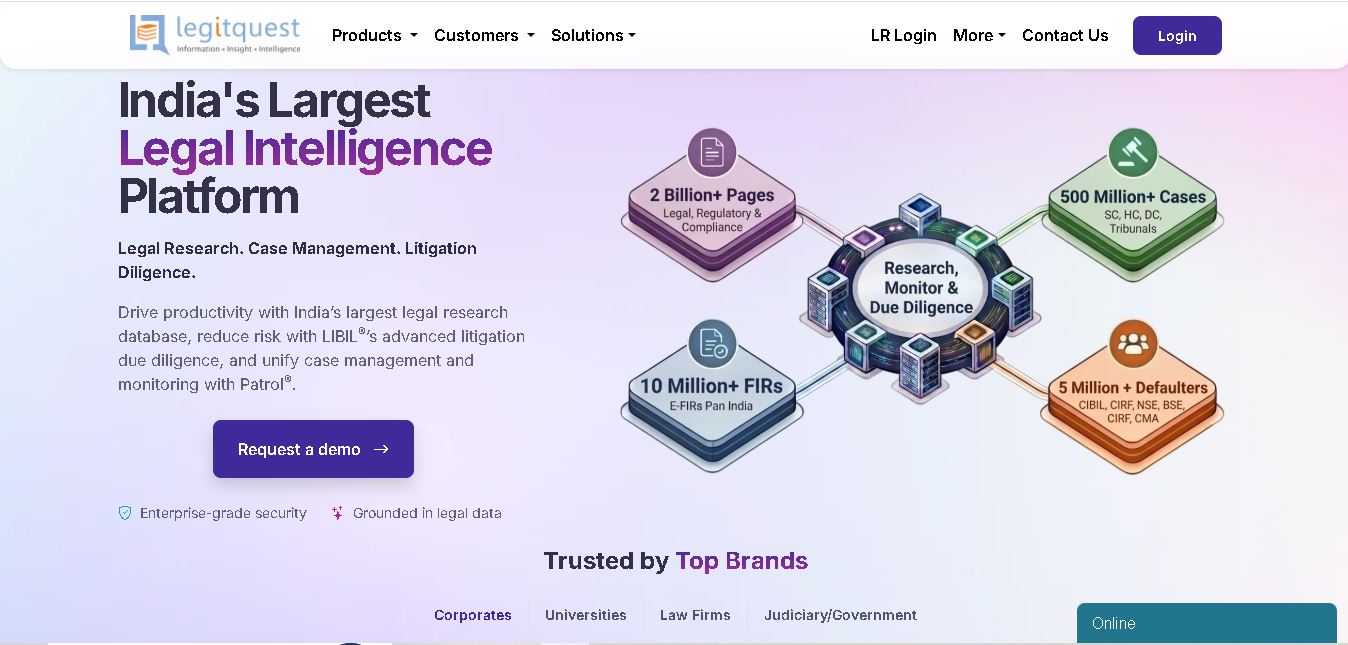
LegitQuest is an Indian legal technology platform offering AI-assisted legal research, litigation management, and due diligence solutions. Its tools help lawyers, researchers, and businesses explore judgments, analyse case decisions, track legal matters, and investigate litigation risks. The platform combines legal information and workflow capabilities to support informed professional decision-making.
 4.8
4.8Jhana AI
Legal
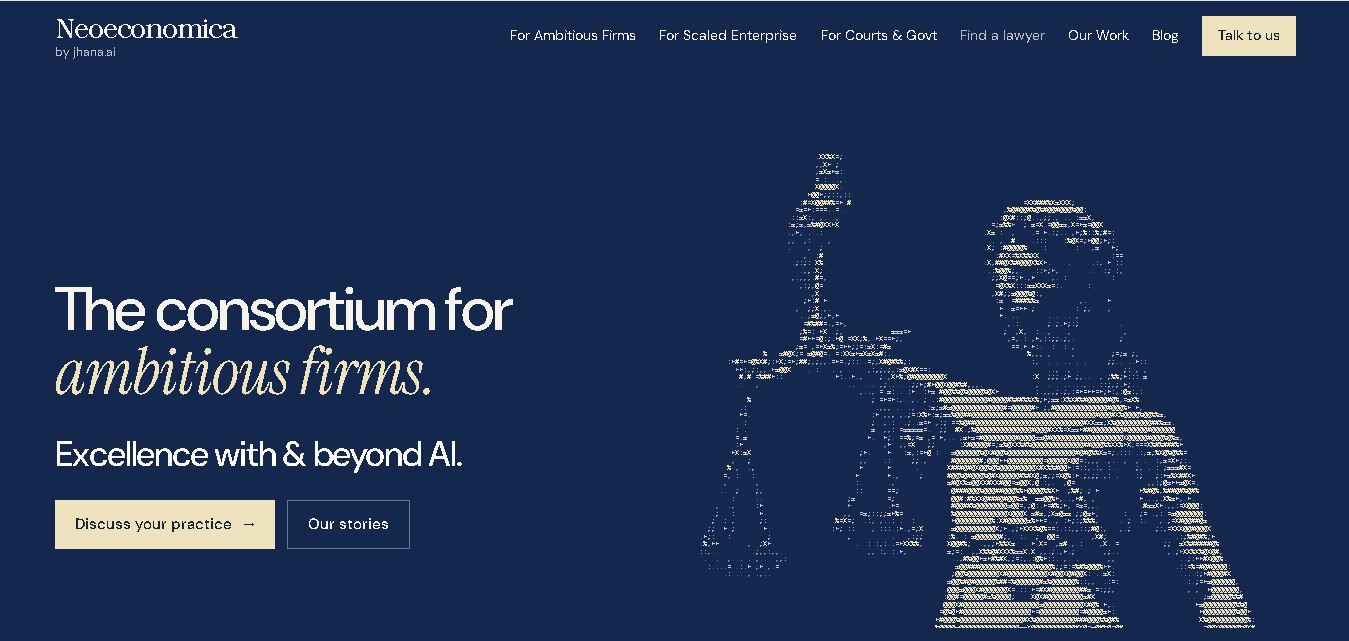
Jhana AI is a legal intelligence tool for lawyers and legal teams. It supports legal research, document analysis, contract review, due diligence, and professional drafting. With source-linked workflows and document verification, it helps users organize complex matters and review legal information more efficiently, while keeping qualified professionals responsible for decisions.
 4.9
4.9Lysa
Legal
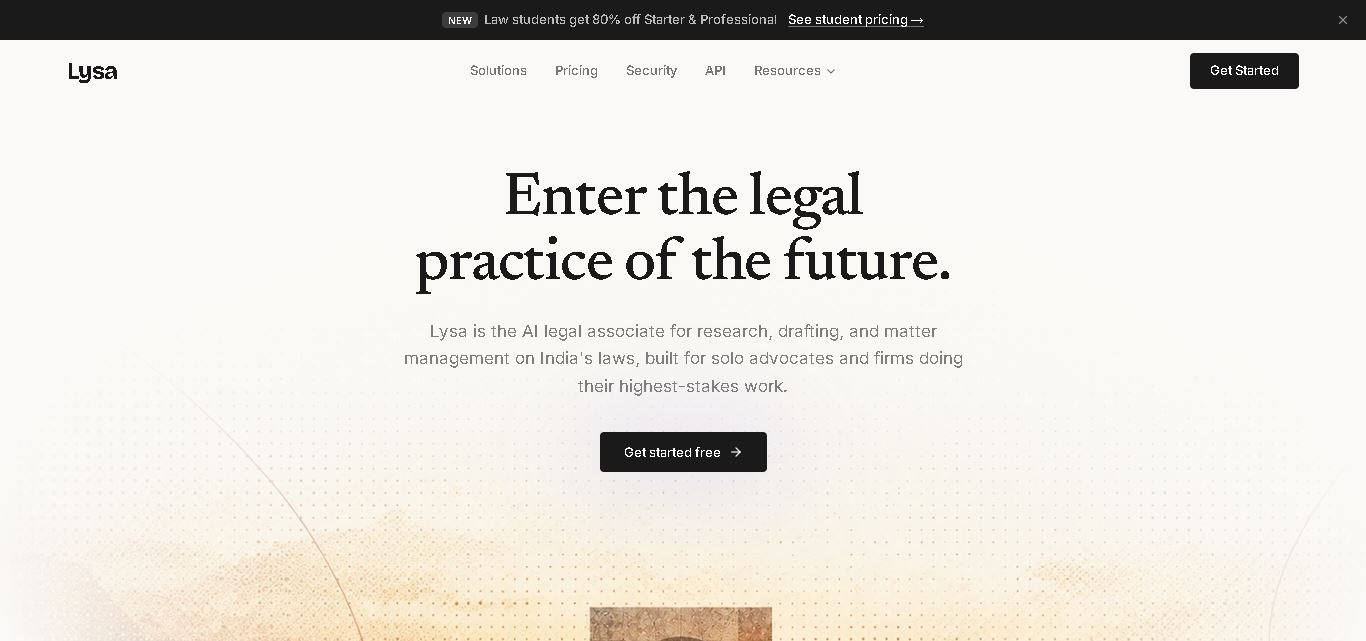
Lysa Legal is an AI-assisted legal research and practice management tool for Indian advocates, law firms, and legal teams. It helps users find cited legal information, draft documents, review contracts, monitor regulatory updates, and organize client matters. Its goal is to reduce routine administrative work and support more efficient legal workflows.
 4.9
4.9LegalInk AI
Legal
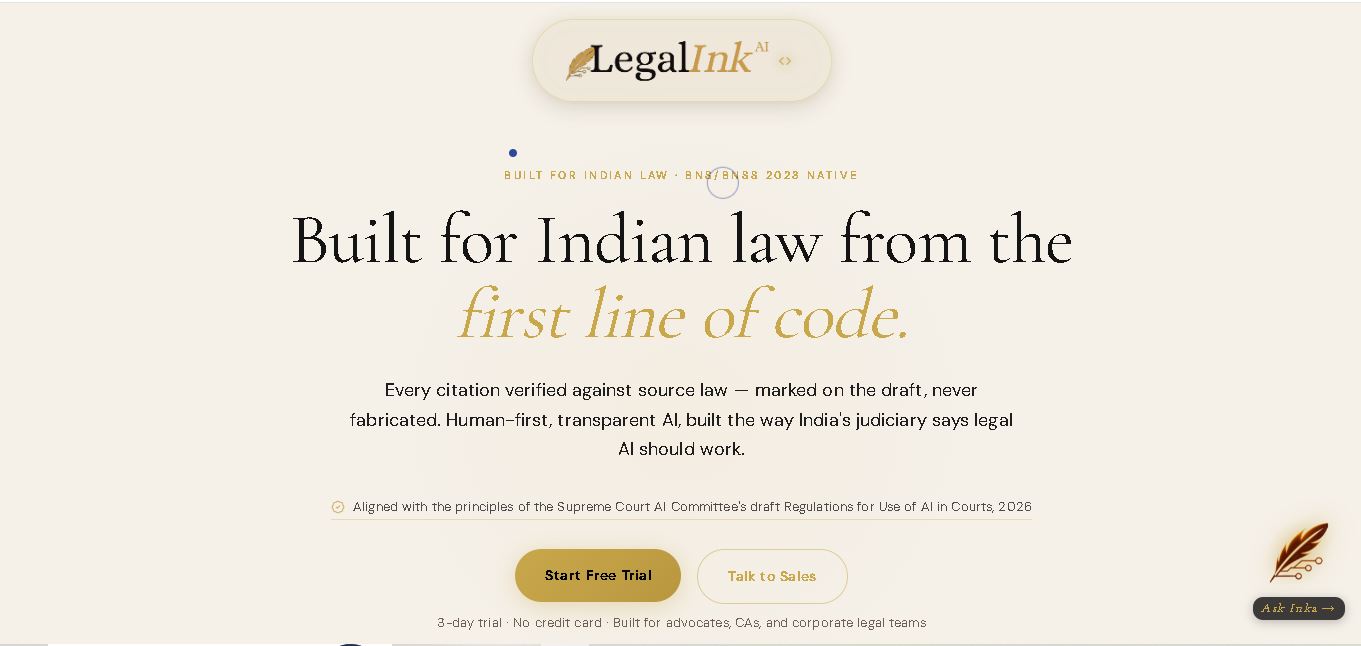
LegalInk AI helps Indian legal professionals and individuals draft documents, review contracts, research judgments, and prepare legal notice replies. With BNS/BNSS templates, Hindi and English support, and case analysis tools, it streamlines routine legal work. Users can export drafts and use research assistance, while qualified professionals should verify important outputs.
 4.8
4.8Josef
Legal
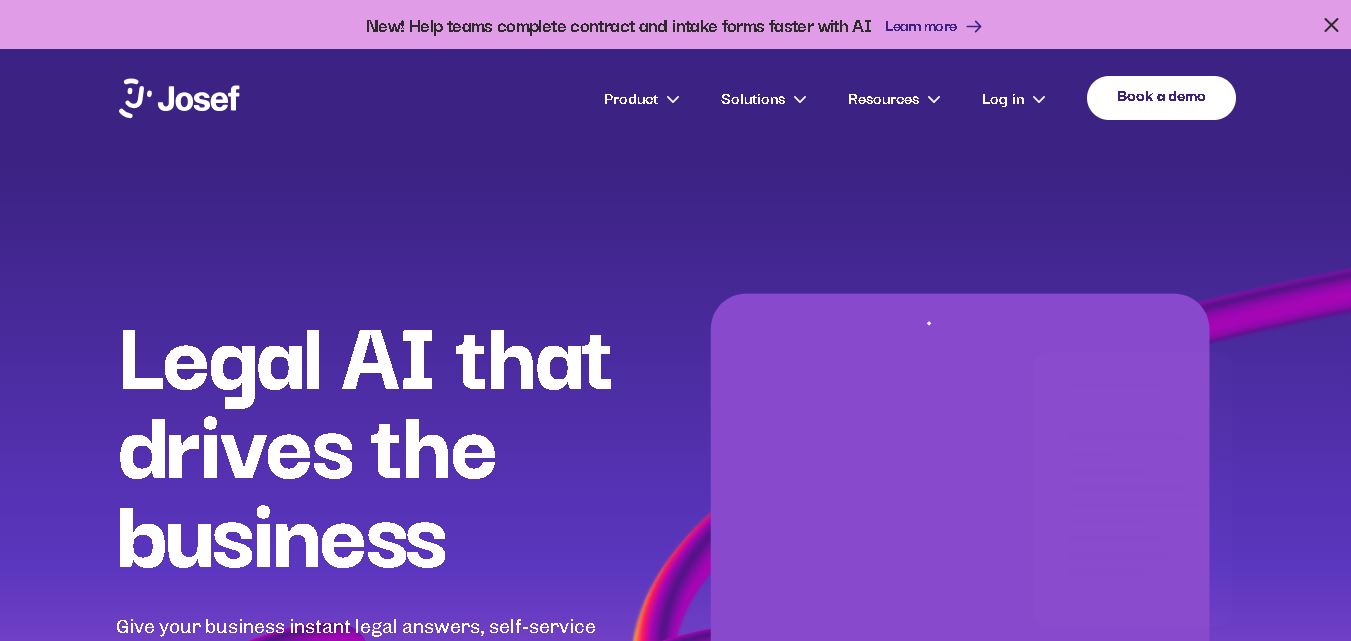
Josef is a legal automation platform that helps law firms and legal teams streamline everyday tasks. It offers AI-powered question answering, contract generation, document automation, and workflow management. With its no-code approach, organizations can create self-service legal tools, improve operational efficiency, and make legal information easier for employees and clients to access.
 4.9
4.9Ontra
Legal
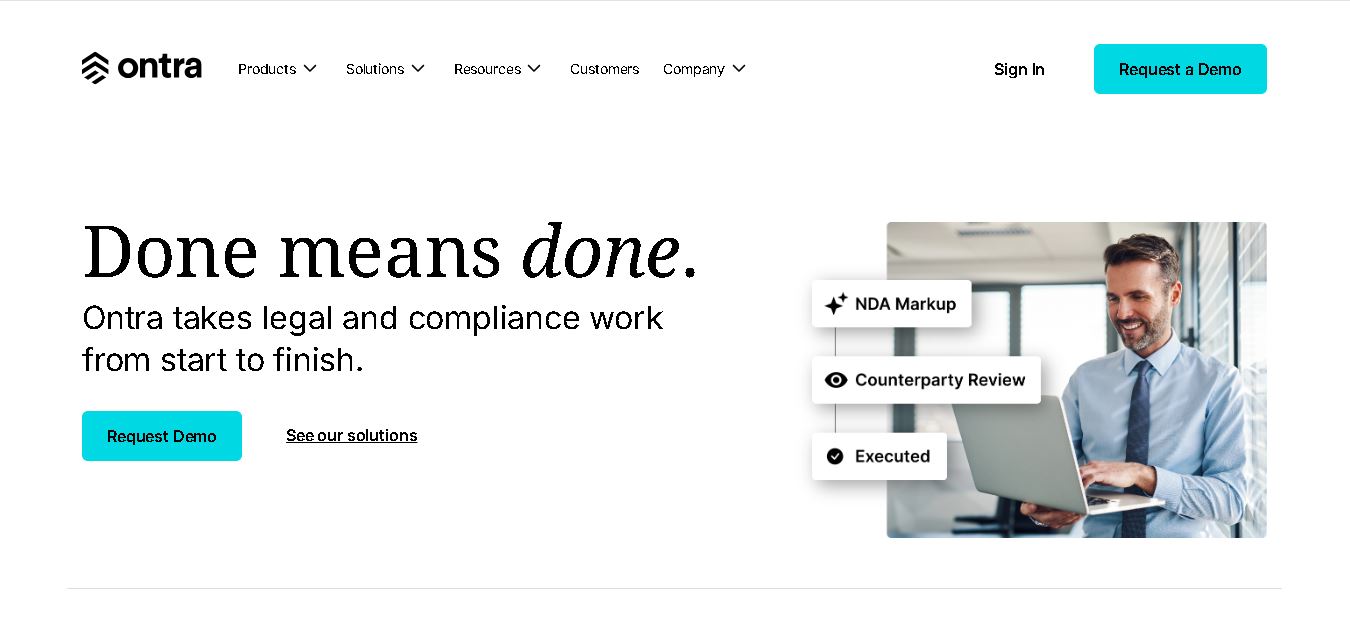
Ontra helps private equity firms, investment managers, and other private market organizations streamline legal and compliance operations. Its solutions support contract automation, fund obligation management, entity governance, due diligence questionnaires, and reverse KYC. By combining AI technology with legal expertise, Ontra helps teams improve efficiency, maintain consistency, and manage complex documentation.
 4.9
4.9Smokeball
Legal
Smokeball is legal practice management software that helps law firms manage cases, automate documents, track billable hours, organize client communications, and simplify invoicing. With Microsoft integrations, customizable workflows, reporting tools, and Archie AI assistance, it helps legal professionals reduce administrative workloads, improve organization, and focus more time on delivering quality client service.
 4.9
4.9MyCase
Legal
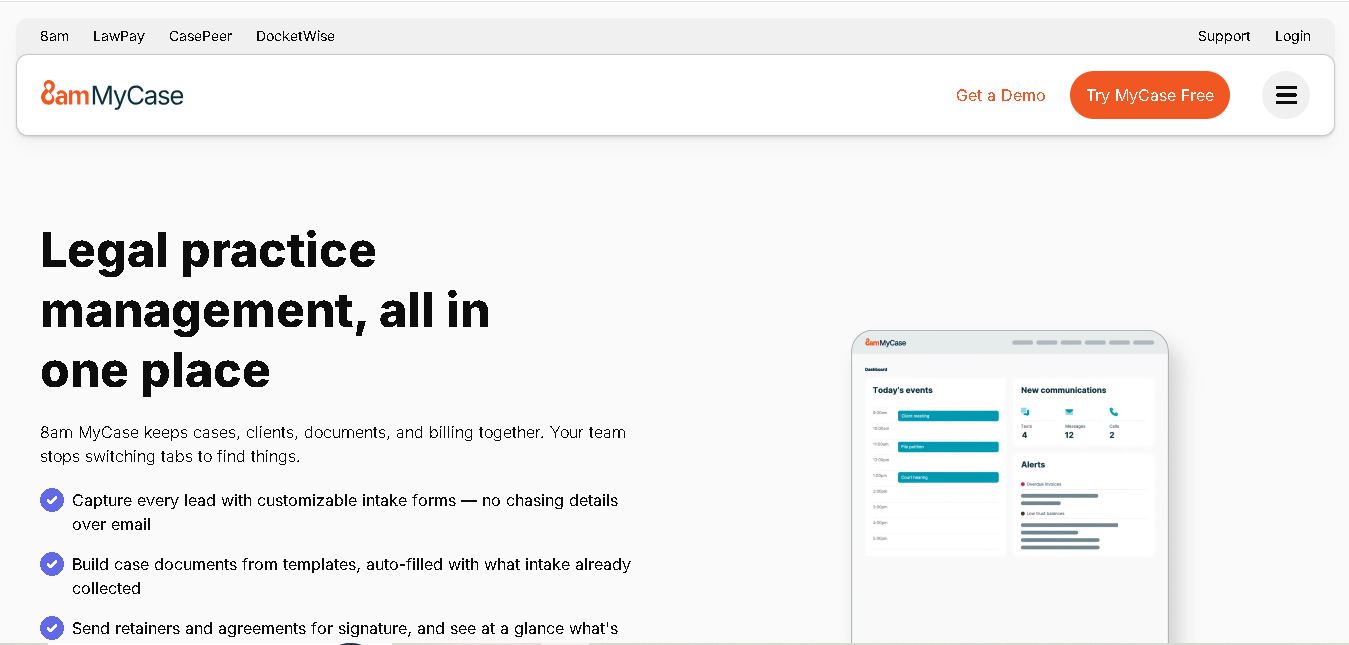
MyCase is legal practice management software that helps law firms manage cases, organize documents, communicate with clients, track billable time, and process payments. With client portals, electronic signatures, workflow automation, reporting, and AI-assisted case management, it supports more organized legal operations while helping attorneys reduce repetitive administrative work and improve client service.