
Smokeball
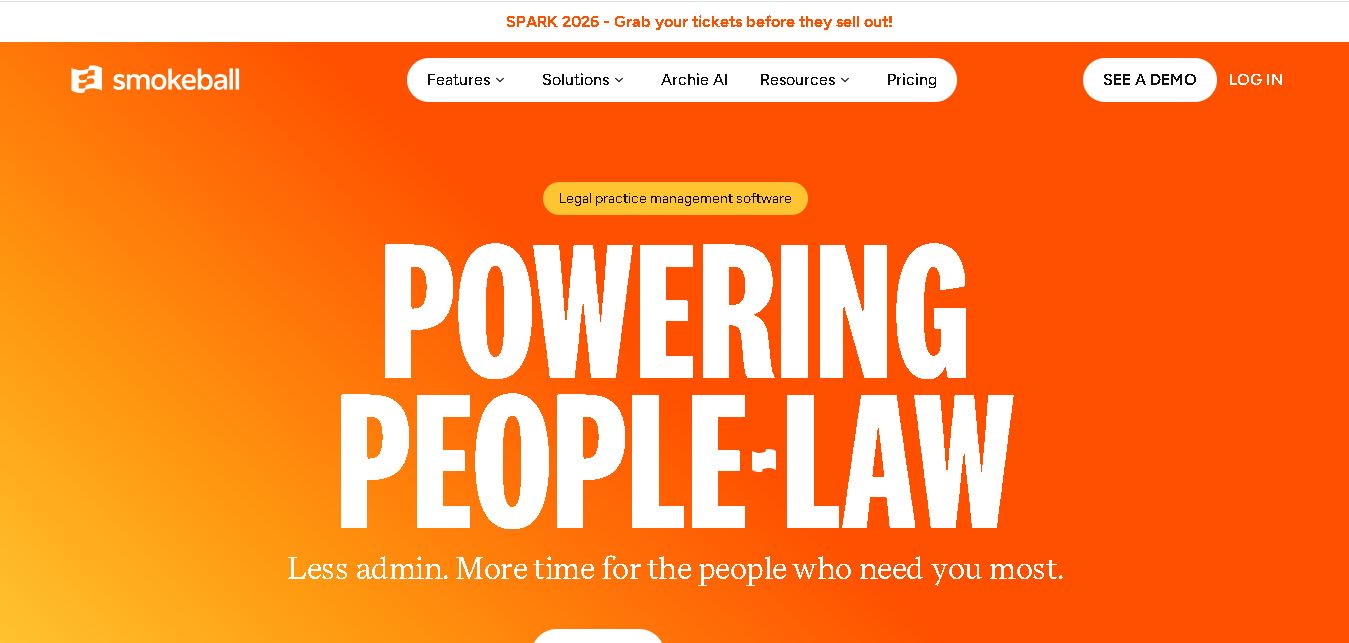
Smokeball is legal practice management software that helps law firms manage cases, automate documents, track billable hours, organize client communications, and simplify invoicing. With Microsoft integrations, customizable workflows, reporting tools, and Archie AI assistance, it helps legal professionals reduce administrative workloads, improve organization, and focus more time on delivering quality client service.
What is Smokeball?
Smokeball is legal practice management software designed to help law firms organize cases, manage client relationships, automate legal documents, track billable time, and handle invoicing. It brings essential legal workflows into one system, with integrations for Microsoft Word and Outlook. Its AI assistant, Archie, helps legal professionals review matter information, summarize documents, and draft content, enabling lawyers and their teams to reduce repetitive administrative work and focus more effectively on client service.
Smokeball is a legal practice management solution trusted by more than 34,000 legal professionals worldwide. Its features include case management, document automation, billing, time tracking, client intake, and reporting. The platform offers 4 plans: Bill, Boost, Grow, and Prosper+. Its TemplateLab library includes more than 20,000 legal templates. Smokeball also integrates with Microsoft Word and Outlook and provides Archie AI assistance. Pricing is customized according to firm requirements, selected features, and contract terms, with quotes available directly from Smokeball.
- Core Focus: Legal Practice Management, Automatic Time Tracking & Document Automation
- Platform Type: Hybrid Cloud Software & Microsoft Office Integration Suite
Use Cases:
- Automatically capturing every billable minute spent drafting contracts, checking emails, and managing case files
- Generating court-ready legal forms and documents using an extensive pre-built legal form library
- Tracking firm profitability, fee earner performance, and matter margins using Smokeball Insights analytics
- Managing trust accounting, legal invoicing, and online client payments through integrated billing portals
Technology:
- Automated passive activity monitoring engine integrating natively with Microsoft Office and Windows/Mac OS
- Smokeball AI legal assistant for automated document summaries and email drafting
- Hybrid cloud architecture providing offline desktop access alongside instant cloud database synchronization
Target Users:
- Solo Practitioners, Small Law Firms, and Family Law, Personal Injury, and Estate Planning Attorneys
- Law Firm Administrators, Legal Assistants, and Legal Bookkeepers
- Litigators seeking automated court form assembly and deadline tracking
- Content creators using writing tools to draft legal practice guides, law firm profitability checklists, and client onboarding workflows
Corporate Entity: Smokeball Inc. (Chicago, IL, USA / Sydney, Australia)

Key features of Smokeball
Smokeball's key features are
- Automatic Time & Activity Tracking: Silently logs all work performed in Microsoft Word, Outlook, and case files without requiring manual timers.
- Deep Microsoft Office Integration: Operates natively inside Microsoft Word and Outlook for seamless document assembly and email archiving.
- Extensive Legal Form Library: Access thousands of pre-populated, court-compliant legal forms and automated templates across state and federal jurisdictions.
- Smokeball Billing & Trust Accounting: Integrated invoicing, LEDES billing, credit card processing, and compliant trust accounting.
- Communicate Client Portal & Messaging: Secure messaging app allowing real-time chat, document sharing, and status updates with clients.
- Firm Insights & Analytics: Track realization rates, profit margins per practice area, and attorney productivity through real-time dashboards.
Smokeball Pricing
Smokeball operates on a tiered monthly or annual subscription model scaled by feature requirements, practice area specialization, and user headcount.
Demo & Scoping:
- Personalized platform demonstration and firm productivity assessment available upon request
- No credit card required for initial consultation
Tiered Subscriptions:
- Bill & Grow Tiers: Essential practice management, manual/automatic time tracking, invoicing, and trust accounting for solo/small practices
- Prosper & Enterprise Tiers: Custom quotes including full automatic time tracking, advanced document assembly library, Smokeball AI, and deep firm analytics
Disclaimer: Pricing varies based on firm size and feature modules selected. Visit smokeball.com for current tier information and demo bookings.
Who is using Smokeball?
Smokeball is designed for small law firms, solo practitioners, and legal support staff, including
- Solo Practitioners & Small Law Firms: Maximizing billable hours effortlessly with passive time tracking
- Family Law & Estate Planning Attorneys: Leveraging pre-built court forms and automated document assembly
- Law Firm Managing Partners: Analyzing firm profitability, fee earner efficiency, and matter realization rates
- Content Creators: Using writing tools to draft legal productivity guides, practice management manuals, and billing best practices
Best Smokeball Alternatives
Some of the top Smokeball alternatives include
- Clio (Manage & Grow)
- MyCase
- PracticePanther
- LEAP Legal Software
- Filevine
- CosmoLex
Pros and Cons of Smokeball
Pros
- Automatic time tracking captures lost billable time without manual effort or stopwatch timers
- Industry-best native integration with Microsoft Word and Outlook
- Massive pre-built court form library speeds up document creation across practice areas
- Hybrid cloud architecture provides offline working capabilities with automatic cloud sync
Cons
- Desktop application dependency means full features are best experienced on Windows OS
- Higher-tier plans are required to unlock complete automatic time tracking and advanced document libraries
- Requires initial staff setup to align custom templates with firm preferences
Why Choose Smokeball?
Smokeball is the ultimate practice management software for small law firms seeking to automatically capture every billable hour and streamline document creation directly within Microsoft Office.
- Captures up to 30% more billable time automatically through background activity tracking
- Integrates seamlessly into Microsoft Word and Outlook for everyday legal drafting
- Provides a massive library of court-compliant forms and automated templates
- Delivers deep firm productivity insights to increase profitability
Smokeball vs. Competitors
The main difference between Smokeball, Clio, and MyCase is that Smokeball features automated background activity tracking that records work done in Word and Outlook without manual timers, alongside a hybrid desktop/cloud setup and deep form automation, whereas Clio and MyCase are browser-first platforms relying primarily on manual timers or user-triggered time entries. Smokeball stands out for its revenue-capturing automatic tracking and Microsoft Office integration.
| Feature / Tool | Smokeball (smokeball.com) | Clio Manage | MyCase | LEAP Legal |
|---|---|---|---|---|
| Core Focus | Automatic Time Tracking & Hybrid Cloud Practice Management | Browser-Based Legal Management & Integrations | All-in-One Law Practice Management & Payments | Automated Legal Forms & Accounting |
| Time Tracking Method | Automatic Passive Tracking (Word/Outlook/Cases) | Manual Timers / User Entries | Manual Timers / User Entries | Automated & Manual Tracking |
| MS Office Integration | Native Desktop & Cloud (Word/Outlook) | Add-in Integrations | Add-in Integrations | Native Office Integration |
| Form Library | Extensive Pre-Built Court Forms | Clio Draft Add-on | Standard Document Templates | Built-in Legal Forms |
| Starting Price Range | Tiered Subscriptions / Custom Quotes | ~$39–$129+ per user/mo | ~$39–$89+ per user/mo | Per-User Subscription Tiers |
| Best For | Small law firms wanting to capture billable hours automatically in Word & Outlook | Firms seeking a massive web-based app ecosystem | Small practices wanting an easy out-of-the-box web hub | Firms needing deep accounting and integrated court forms |
How do we rate Smokeball?
| Parameter | Rating (out of 5) |
|---|---|
| Automatic Time & Activity Tracking | 5.0 |
| Microsoft Office Integration & UX | 4.9 |
| Pre-Built Court Form Library | 4.8 |
| Billing, Trust Accounting & Insights | 4.8 |
| Value for Money | 4.8 |
| Overall Score | 4.86 |
Smokeball Review
Smokeball is a game-changing practice management platform for small law firms and solo attorneys. Its standout automatic time tracking technology solves the universal problem of unbilled work by capturing activity passively across Word, Outlook, and case files. Combined with an extensive pre-built court form library, hybrid cloud reliability, and robust billing analytics, Smokeball helps firms operate with far greater efficiency and profitability. For law practices looking to stop leaving money on the table in 2026, Smokeball is an outstanding software solution.
Conclusion
Smokeball is a practical option for law firms seeking to streamline case management, automate document preparation, improve billing accuracy, and organize client communications. Its Microsoft integrations, legal templates, workflow tools, and Archie AI assistant support more efficient daily operations. However, firms should compare subscription plans, available integrations, and additional costs before committing. For solo attorneys and growing legal teams, Smokeball may be worth evaluating when administrative efficiency, accurate time recording, and centralized matter management are priorities.
FAQ
What features does Smokeball offer for law firms?
Smokeball offers case management, document automation, time tracking, legal billing, client intake, calendar management, and reporting. If you manage several cases simultaneously, these tools help keep documents, deadlines, and communications organized. Microsoft Word and Outlook integrations further simplify everyday legal tasks, helping your team spend less time on administration.
How much does Smokeball cost?
Smokeball uses customized pricing rather than publishing fixed subscription prices for its plans. Costs depend on your firm's size, selected features, contract terms, and additional services. You can compare Bill, Boost, Grow, and Prosper+ before requesting a personalized quote. Ask about onboarding, migration, and add-on costs before choosing your subscription.
Is Smokeball suitable for small law firms?
Yes, Smokeball is designed for solo attorneys, small law firms, and growing legal teams. If you manage client matters with limited administrative support, its document automation, billing, and time-tracking tools can reduce repetitive tasks. Your ideal plan depends on your practice area, team size, budget, and preferred workflow.
Does Smokeball provide AI-powered legal assistance?
Yes, Smokeball offers Archie AI, an assistant designed to help legal professionals work with matter information, summarize documents, draft content, and find relevant details. If your firm handles substantial paperwork, these capabilities may streamline routine work. Lawyers should still verify AI-generated information, check legal accuracy, and exercise professional judgment before relying on outputs.
Can Smokeball automate legal documents?
Yes, Smokeball supports document automation through customizable templates and matter information. Its TemplateLab library includes more than 20,000 templates, helping legal teams prepare recurring documents efficiently. If you regularly create letters, forms, or agreements, automation can reduce repetitive data entry. Review generated documents carefully to ensure accuracy and compliance.
Does Smokeball support time tracking and legal billing?
Yes, Smokeball provides time tracking, invoicing, expense management, and trust accounting features, depending on your plan. AutoTime can capture work activity to help firms record billable time more accurately. If you frequently forget manual time entries, automated tracking may help. Always review recorded activities before generating client invoices.
User Reviews
No reviews yet for Smokeball.
Featured Tools
Featured AI tools from TechShark

Melody Genie
MelodyGenie is an AI-powered music generator that creates original songs from simple text prompts. Users can choose styles, moods, and genres, then instantly generate melodies and full tracks, making it easy for creators, marketers, and hobbyists to produce custom music without musical expertise.
Freemium

Kimi AI
Kimi AI is an advanced AI assistant developed by Moonshot AI that helps you chat, research, write, code, and automate tasks in one place. It supports web search, file analysis, and multimodal inputs, and can even run autonomous “agent” workflows to complete complex tasks end-to-end.
Freemium

Fashion Diffusion AI
Fashion Diffusion is an AI-powered fashion design platform that helps brands and designers create clothing designs, virtual try-ons, AI models, product photos, and marketing visuals faster and cost-effectively.
Paid

Veo 4
Veo 4 AI is an AI video creation platform that generates dramatic videos from text, images, audio, and video prompts using realistic motion and synchronized sound.
Paid
Alternatives
Alternatives to Smokeball
The best Smokeball alternatives include Clio (Manage & Grow), MyCase, PracticePanther, LEAP Legal Software, Filevine, and CosmoLex. These tools offer cloud case management, legal billing, and time tracking. While Smokeball excels with its automatic passive time tracking technology in Word and Outlook, alternatives like Clio provide a broader web-based integration ecosystem.
 4.9
4.9Manupatra AI
Legal
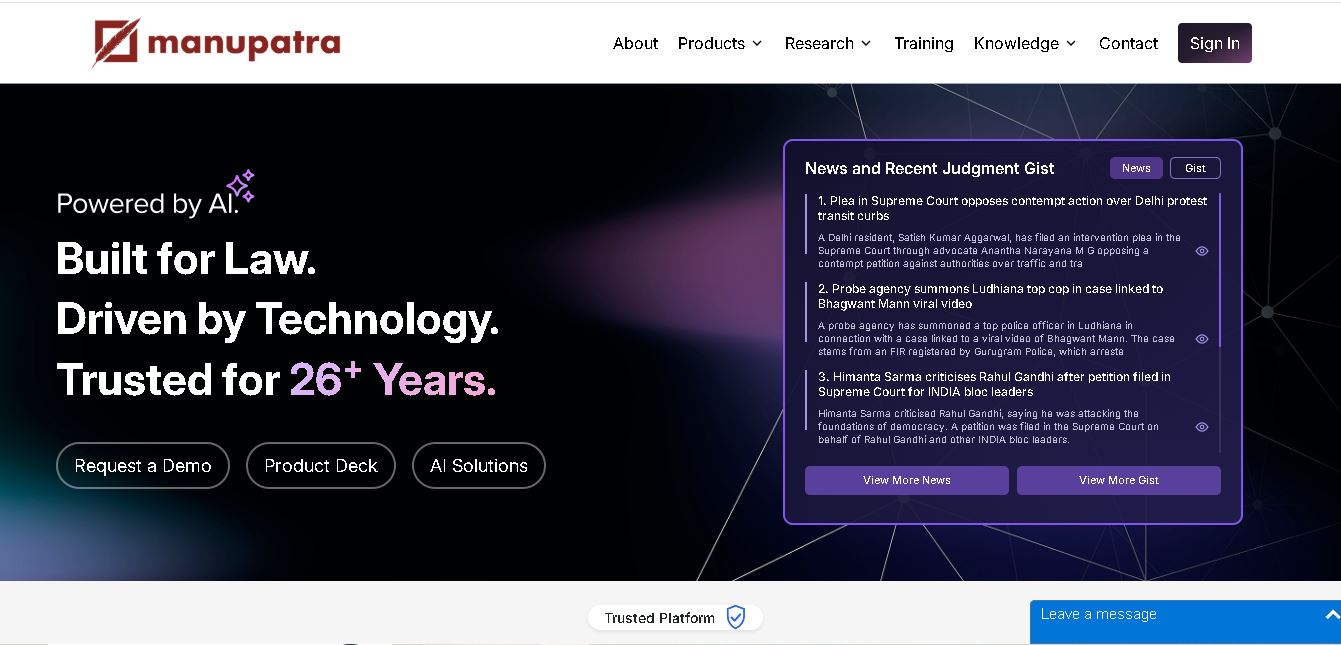
Manupatra AI is a legal technology solution that helps lawyers, law firms, students, and researchers conduct legal research and analyze documents. It offers AI-assisted search, judgment summaries, document comparison, OCR, translation, and drafting tools. Its broader ecosystem also supports case management, compliance, and contract workflows for legal professionals and businesses.
 4.9
4.9LegitQuest
Legal
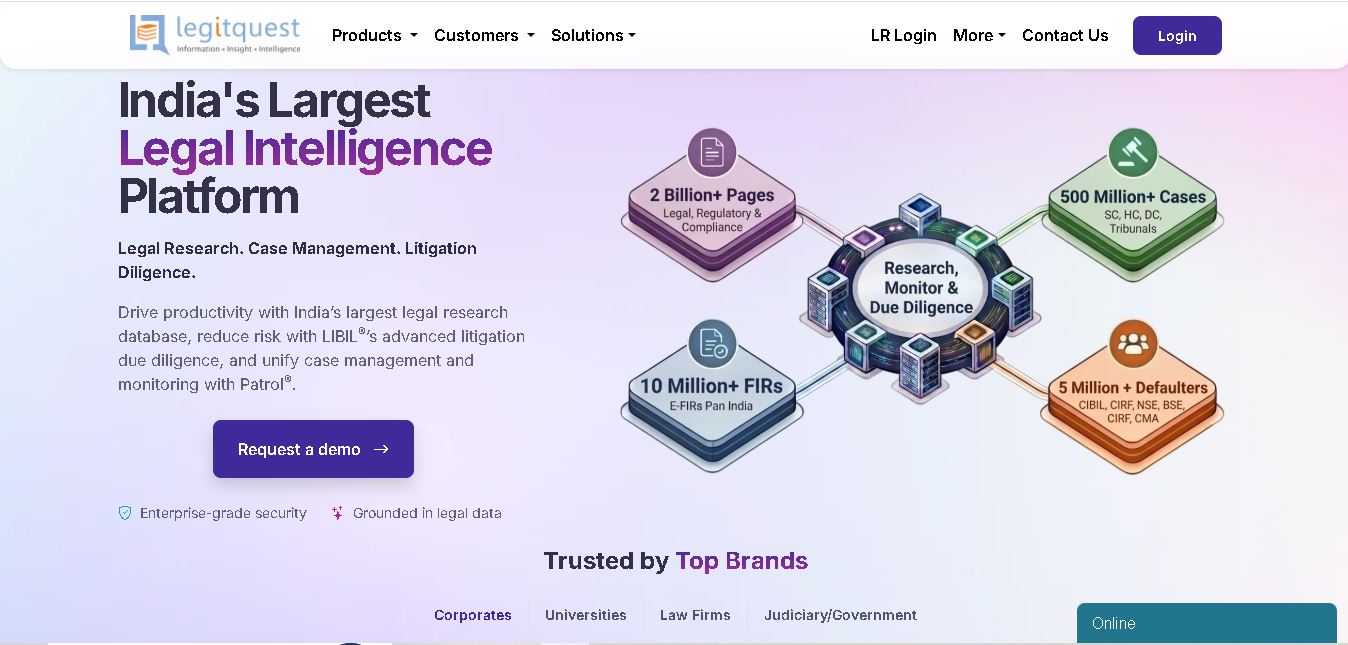
LegitQuest is an Indian legal technology platform offering AI-assisted legal research, litigation management, and due diligence solutions. Its tools help lawyers, researchers, and businesses explore judgments, analyse case decisions, track legal matters, and investigate litigation risks. The platform combines legal information and workflow capabilities to support informed professional decision-making.
 4.8
4.8Jhana AI
Legal
Jhana AI is a legal intelligence tool for lawyers and legal teams. It supports legal research, document analysis, contract review, due diligence, and professional drafting. With source-linked workflows and document verification, it helps users organize complex matters and review legal information more efficiently, while keeping qualified professionals responsible for decisions.
 4.9
4.9Lysa
Legal
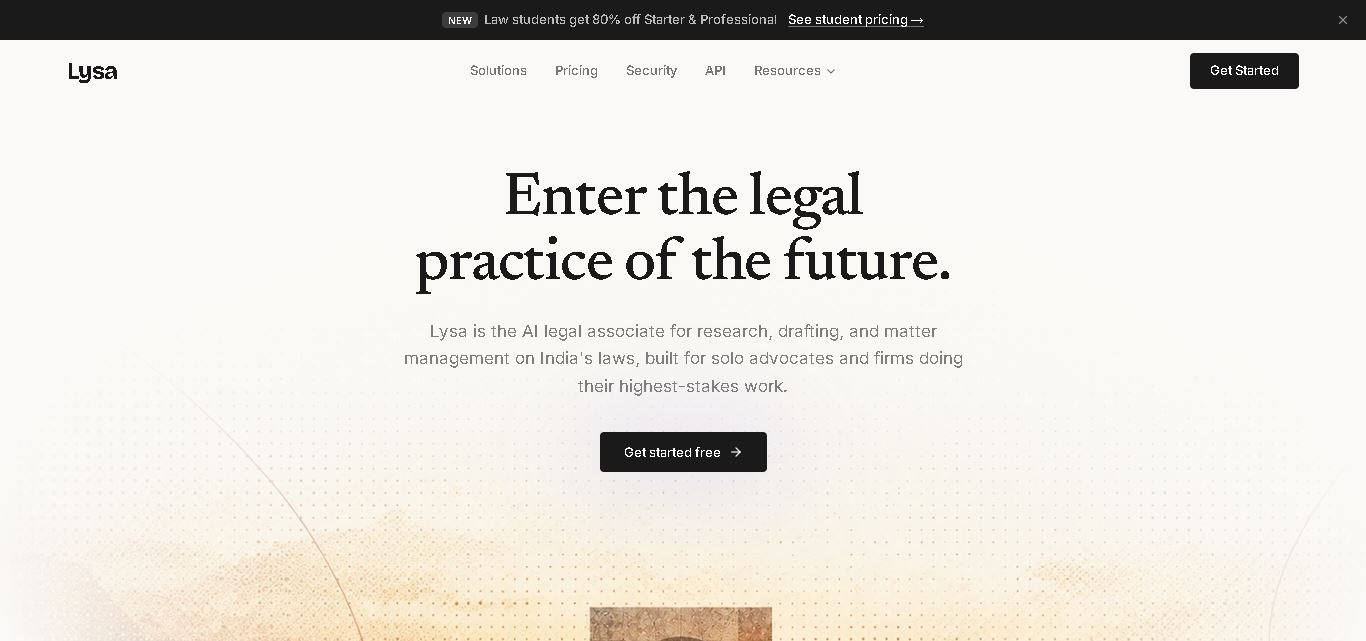
Lysa Legal is an AI-assisted legal research and practice management tool for Indian advocates, law firms, and legal teams. It helps users find cited legal information, draft documents, review contracts, monitor regulatory updates, and organize client matters. Its goal is to reduce routine administrative work and support more efficient legal workflows.
 4.9
4.9LegalInk AI
Legal
LegalInk AI helps Indian legal professionals and individuals draft documents, review contracts, research judgments, and prepare legal notice replies. With BNS/BNSS templates, Hindi and English support, and case analysis tools, it streamlines routine legal work. Users can export drafts and use research assistance, while qualified professionals should verify important outputs.
 4.8
4.8Josef
Legal
Josef is a legal automation platform that helps law firms and legal teams streamline everyday tasks. It offers AI-powered question answering, contract generation, document automation, and workflow management. With its no-code approach, organizations can create self-service legal tools, improve operational efficiency, and make legal information easier for employees and clients to access.
 4.9
4.9Ontra
Legal
Ontra helps private equity firms, investment managers, and other private market organizations streamline legal and compliance operations. Its solutions support contract automation, fund obligation management, entity governance, due diligence questionnaires, and reverse KYC. By combining AI technology with legal expertise, Ontra helps teams improve efficiency, maintain consistency, and manage complex documentation.
 4.9
4.9MyCase
Legal
MyCase is legal practice management software that helps law firms manage cases, organize documents, communicate with clients, track billable time, and process payments. With client portals, electronic signatures, workflow automation, reporting, and AI-assisted case management, it supports more organized legal operations while helping attorneys reduce repetitive administrative work and improve client service.
 4.8
4.8Filevine
Legal
Filevine is legal practice management software designed to help law firms manage cases, documents, deadlines, billing, and client communication. Its connected workflows and LOIS legal intelligence tools support AI-assisted drafting, document analysis, and information retrieval. Filevine helps legal teams organize complex workloads, improve collaboration, and streamline everyday legal operations.