
Microsoft Bing
Microsoft Bing is an AI-powered search and answer engine that combines traditional web indexing with generative AI, Copilot conversational assistance, Image Creator, Visual Search, and Microsoft Rewards integration.
What is Microsoft Bing?
Microsoft Bing is an AI-powered search engine developed by Microsoft that helps users discover information across the web quickly and efficiently. It goes beyond traditional search by combining web results with intelligent features like AI-generated answers, image and video search, maps, and shopping tools. With the integration of Copilot, Bing can provide summarized responses, suggestions, and conversational assistance to make searching more interactive and insightful. Users can search using text, voice, or even images, making it a versatile tool for everyday queries. Designed to organize and present relevant information from billions of webpages, Bing aims to deliver accurate, high-quality results while enhancing the overall search experience with modern AI capabilities.
Originally launched in 2009 under CEO Steve Ballmer and continuously evolved under Satya Nadella and Microsoft AI, Bing transformed modern web exploration by natively embedding large language models and generative search experiences. Today, Bing powers search across Windows 11, Microsoft Edge, and mobile platforms, offering 100% free web search alongside optional Copilot Pro expansions.
- Founder / Leadership: Microsoft Leadership (Satya Nadella, CEO)
- Launch Year: 2009 (AI & Copilot Search modernized in 2023–2026)
- Use Cases:
- Getting synthesized AI-generated overviews with cited sources for research queries instead of clicking through dozens of links
- Generating high-resolution AI illustrations and graphics using integrated Image Creator powered by DALL-E
- Performing visual searches by snapping photos or uploading images to find products, landmarks, and plant species
- Summarizing long-form web articles, PDF reports, and video transcripts directly within Microsoft Edge
- Earning daily Microsoft Rewards points on everyday web browsing redeemable for gift cards and sweepstakes
- Technology:
- Advanced generative LLM search synthesis (Copilot Search) paired with Microsoft's Prometheus search orchestration model
- Deep web indexing, knowledge graph entity mapping, and real-time news retrieval pipelines
- Multi-modal computer vision and speech-to-text engines for image and voice-based queries
- Target Users:
- Everyday internet users, students, and researchers looking for concise, summarized answers
- Windows and Microsoft 365 users wanting seamless AI search across their operating system
- Digital marketers, content creators, and designers seeking fast visual generation and web discovery
- Value-conscious shoppers tracking price drops, coupons, and cash-back rewards
- Acquisition: Proprietary flagship service developed and operated by Microsoft Corporation

Key features of Microsoft Bing
Microsoft Bing's key features are
- Copilot Search & Generative Summaries: Synthesizes real-time web results into readable, magazine-style answers with interactive links and explicit source citations.
- AI Image Creator (Designer): Transforms natural text prompts into stunning digital artwork, realistic photos, and icons directly from the search bar.
- Visual & Voice Search: Enables users to search using uploaded images, camera feeds, or natural spoken voice commands without typing.
- Deep Search Capabilities: Expands complex, multi-layered queries to explore intent and deliver nuanced, in-depth research answers.
- Integrated Microsoft Rewards: Rewards users with points for daily searches and activities, redeemable for Xbox passes, gift cards, and charity donations.
- Smart Shopping & Price Tracking: Automatically discovers coupons, tracks historical price drops, and suggests alternative retail deals.
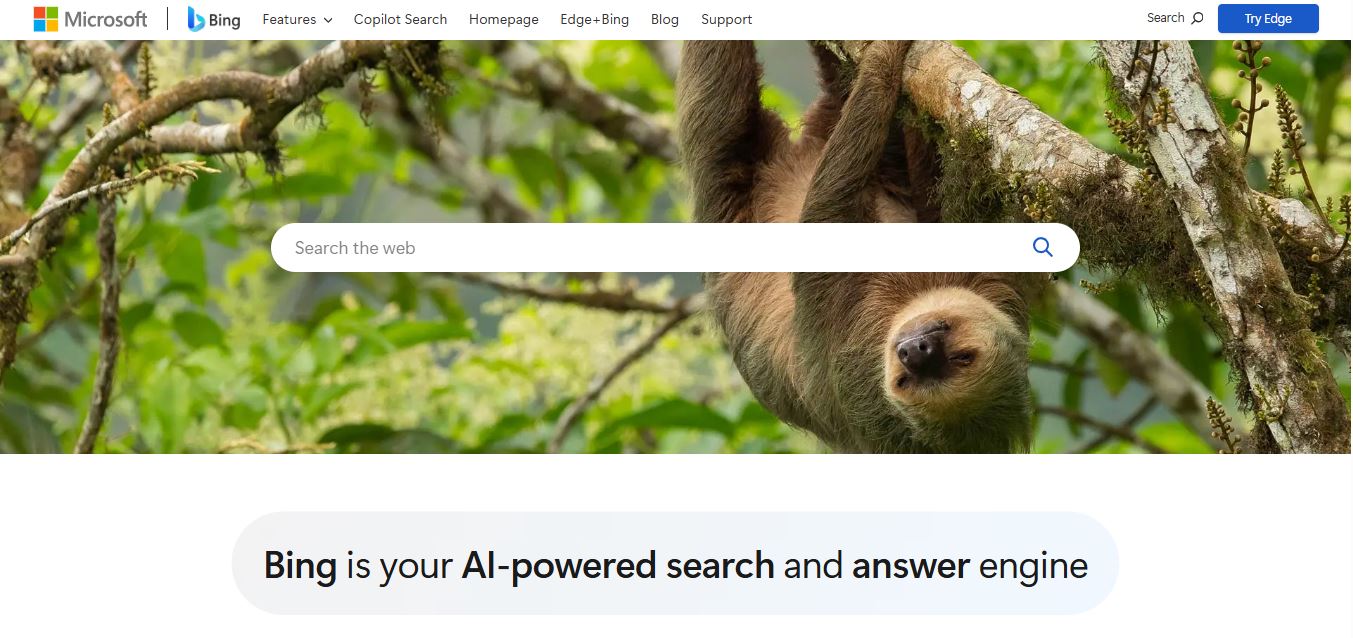
- Daily Dynamic Wallpapers: Features high-resolution nature and travel photography on the homepage with interactive geographical educational tidbits.
- Ecosystem Synchronization: Natively integrates with the Windows 11 taskbar, Microsoft Edge browser sidebars, and mobile apps for iOS and Android.
Microsoft Bing Pricing
Microsoft Bing is completely free for general search and AI queries, with optional premium upgrades available through Microsoft Copilot Pro.
Free Tier (Bing & Standard Copilot):
- 100% free with no subscription required
- Full access to web search, Copilot AI summaries, visual search, and Bing Image Creator boosts
- Microsoft Rewards accumulation on PC and mobile searches
Copilot Pro ($20.00 / user / month):
- Priority access to advanced OpenAI models during peak traffic times
- 100 daily image generation boosts with higher output resolution
- Integration into Microsoft 365 apps (Word, Excel, PowerPoint, Outlook) for subscribers with personal/family plans
Disclaimer: For the latest feature rollouts and regional updates, please visit the official Microsoft Bing portal at bing.com.
Who is using Microsoft Bing?
Microsoft Bing is used daily by hundreds of millions of searchers worldwide, including
- Everyday Web Searchers: Getting quick answers, localized weather, travel schedules, and breaking news
- Students & Academics: Utilizing AI generative summaries to outline complex topics with source footnotes
- Windows & Edge Power Users: Enjoying unified search and AI assistance baked directly into their operating system and browser
- Creators & Visual Marketers: Generating rapid image concepts and mood boards with built-in AI art tools
- Savvy Online Shoppers: Uncovering automatic promo codes, cashback incentives, and price comparison matrices
Best Microsoft Bing Alternatives
Some of the strongest Microsoft Bing alternatives include
- Google Search (with AI Overviews)
- Perplexity AI
- DuckDuckGo
- Brave Search
- You.com
- Ecosia
Pros and Cons of Microsoft Bing
Pros
- Seamless integration of real-time conversational AI and web search results in a single unified feed
- High-quality free AI image generation built directly into the search bar via Image Creator
- Generous Microsoft Rewards program that pays you back in gift cards for everyday searches
- Exceptional integration across Windows 11, Microsoft Edge, and Microsoft 365 apps
- Transparent source attribution and clickable reference cards in AI summaries
Cons
- Homepage can feel busy with news widgets and trending topics compared to minimalist search engines
- Niche developer coding queries may occasionally deliver fewer technical community forum links than Google
- Ad placements within search and shopping results can sometimes be heavy on commercial queries
Why Choose Microsoft Bing?
If you want a modern search experience that does the reading and synthesizing for you, Microsoft Bing offers one of the best AI-assisted browsing hubs on the web.
- Bridges the gap between traditional web search links and conversational AI synthesis
- Provides free access to advanced image generation and creative writing tools
- Syncs effortlessly across your desktop, browser, and smartphone
- Turns your regular everyday search habits into tangible gift cards and rewards
Microsoft Bing vs. Competitors
The main difference between Microsoft Bing, Google Search, Perplexity AI, and DuckDuckGo is balance and ecosystem. While Google focuses on algorithmic index supremacy with AI Overviews, Perplexity acts as a dedicated research engine, and DuckDuckGo emphasizes strict tracking privacy, Microsoft Bing provides a rich, multi-feature ecosystem combining search, creative tools, Microsoft Rewards, and deep Windows/Edge integration.
| Feature / Tool | Microsoft Bing (bing.com) | Google Search | Perplexity AI | DuckDuckGo |
|---|---|---|---|---|
| Core Focus | AI Search, Copilot & Rewards | Global Search Index & AI Overviews | Direct Answer & Deep Research Engine | Privacy-First Web Search |
| AI Generative Answers | Yes (Copilot Search synthesis) | Yes (AI Overviews / Gemini) | Yes (Native multi-source synthesis) | Yes (DuckAssist summaries) |
| AI Image Generation | Yes (Integrated Image Creator) | Limited (Gemini / Workspace) | Pro tier only | No |
| Rewards Program | Yes (Microsoft Rewards) | No (Google Play points only) | No | No |
| Best For | Windows/Edge users & rewarded search | Comprehensive general web lookup | Technical research & cited synthesis | Users prioritizing zero data tracking |
How do we rate Microsoft Bing?
| Parameter | Rating (out of 5) |
|---|---|
| AI Search & Answer Quality | 4.7 |
| Visual Tools & Image Creation | 4.9 |
| Ecosystem Integration (Windows/Edge) | 4.9 |
| User Interface & Discovery | 4.5 |
| Value for Money & Rewards | 5.0 |
| Overall Score | 4.80 |
Microsoft Bing Review
Microsoft Bing has reinvented itself from a conventional search alternative into a powerhouse AI discovery platform. By fusing natural language processing with reliable real-time web search, Bing transforms how we find information—saving users the hassle of digging through endless ad-heavy links to find straightforward answers. Its built-in DALL-E image generation, handy shopping tools, and rewarding loyalty system make it one of the most versatile and enjoyable search engines on the web today.
Conclusion
Microsoft Bing is a powerful and evolving AI-powered search engine that goes beyond traditional web search to deliver a richer, more interactive experience. By combining fast indexing of billions of web pages with advanced AI features like Copilot search, image generation, and voice or visual search, it helps users find information more efficiently and creatively. Its biggest strength lies in versatility—whether you’re researching, creating visuals, exploring maps, or staying updated with news, Bing brings everything into a unified ecosystem.
While search accuracy and personalization depend on algorithms and user context, Bing continues to improve with machine learning and AI integration. Bing is a modern search platform that blends information discovery with AI-driven assistance, making it a strong alternative for both everyday browsing and advanced research.
FAQ
What is Microsoft Bing?
Microsoft Bing is a web search engine developed by Microsoft that helps users find information, websites, images, videos, and more on the internet. It has evolved into an AI-powered search and answer engine that delivers both traditional search results and summarized answers.
How does Bing work?
Bing works by crawling billions of web pages, indexing them, and then ranking results using advanced algorithms and machine learning. When you search, it matches your query with relevant content and displays the most useful results.
What makes Bing different from other search engines?
Bing stands out because it combines traditional search with AI-powered features like Copilot search, which provides summarized answers with sources. It also includes tools like image generation, visual search, and integrated news, shopping, and maps experiences.
What can you do with Bing?
With Bing, you can search the web, generate AI images, get summarized answers, explore maps, compare products, read news, and even use voice or image search. It also offers tools for research, math solving, and learning.
Does Bing use AI?
Yes, Bing is accessible via mobile browsers and apps for iOS and Android.
Can Bing generate images?
Yes, Bing includes an AI Image Creator that allows users to generate images from text prompts. You can simply describe what you want, and Bing will create visuals using AI models like DALL·E.
Is Bing free to use?
Yes, Bing is completely free to use. Users can access its search features, AI tools, and services without any cost, though some features may require a Microsoft account for full access.
Does Bing support voice and image search?
Yes, Bing supports both voice and visual search. You can speak your query or upload an image to find related information, identify objects, or explore similar content.
User Reviews
No reviews yet for Microsoft Bing.
Featured Tools
Featured AI tools from TechShark

Melody Genie
MelodyGenie is an AI-powered music generator that creates original songs from simple text prompts. Users can choose styles, moods, and genres, then instantly generate melodies and full tracks, making it easy for creators, marketers, and hobbyists to produce custom music without musical expertise.
Freemium

Kimi AI
Kimi AI is an advanced AI assistant developed by Moonshot AI that helps you chat, research, write, code, and automate tasks in one place. It supports web search, file analysis, and multimodal inputs, and can even run autonomous “agent” workflows to complete complex tasks end-to-end.
Freemium

Fashion Diffusion AI
Fashion Diffusion is an AI-powered fashion design platform that helps brands and designers create clothing designs, virtual try-ons, AI models, product photos, and marketing visuals faster and cost-effectively.
Paid

Veo 4
Veo 4 AI is an AI video creation platform that generates dramatic videos from text, images, audio, and video prompts using realistic motion and synchronized sound.
Paid
Alternatives
Alternatives to Microsoft Bing
The best Microsoft Bing alternatives include Google Search, Perplexity AI, DuckDuckGo, Brave Search, You.com, and Ecosia. These search platforms provide web indexing, AI-powered answer summaries, and privacy-focused browsing. While Microsoft Bing specializes in a rich AI search experience with Copilot summaries, built-in Image Creator, and Microsoft Rewards, alternatives like Google provide comprehensive search index coverage, Perplexity specializes in deep academic research citations, and DuckDuckGo focuses strictly on zero-tracking privacy.
 4.9
4.9DuckDuckGo
Search Engine
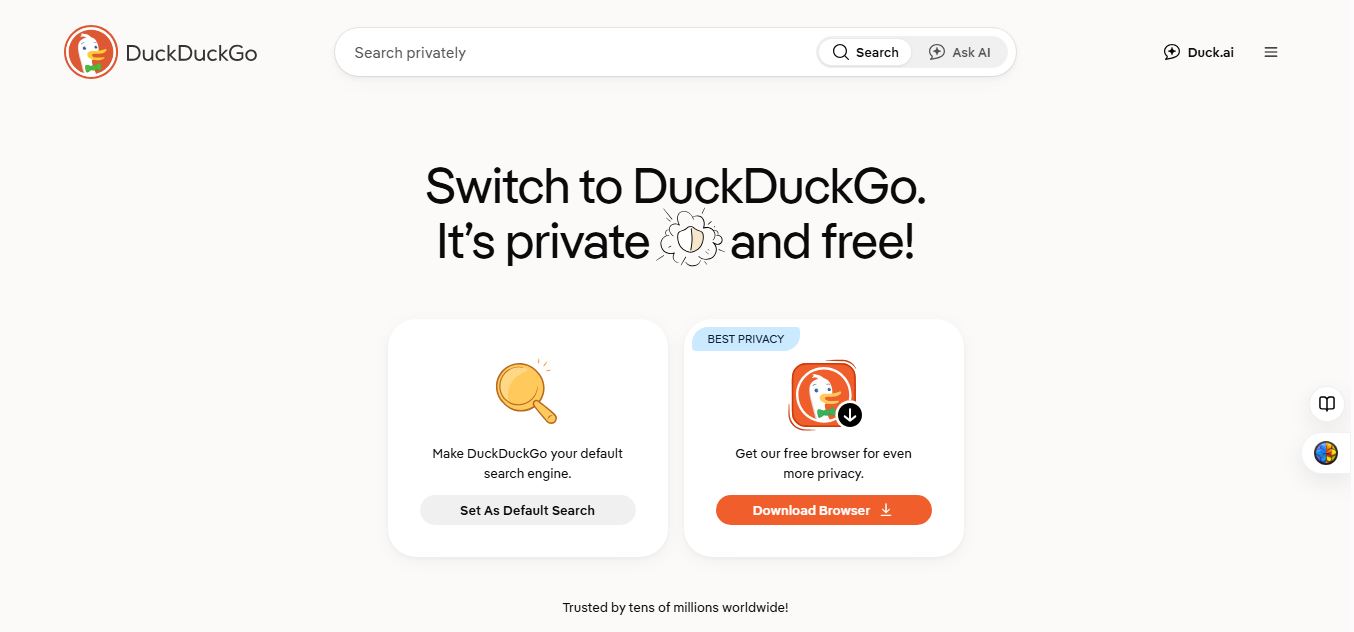
DuckDuckGo is a privacy-focused search engine and browser that helps users search the web without tracking their searches or browsing history. It blocks ads, trackers, and cookies while offering private AI features through Duck.ai, giving users a more secure and privacy-friendly alternative to traditional search and browsing.
 4.9
4.9SearchTools AI
Search Engine
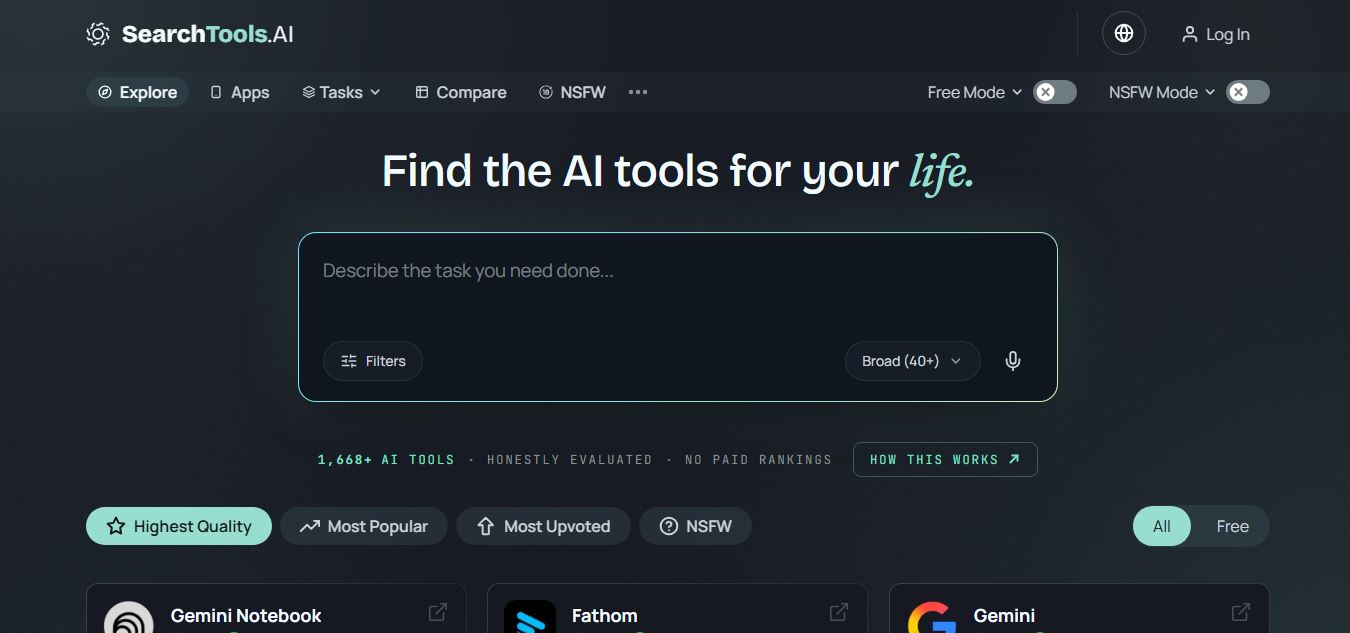
SearchTools.ai is an AI tools discovery platform that helps users find, compare, and evaluate AI software across hundreds of categories. It ranks tools based on real reviews, usage signals, and adoption data, enabling faster research and better decisions without paid placements or biased rankings.
 4.8
4.8Genspark
AI Agent
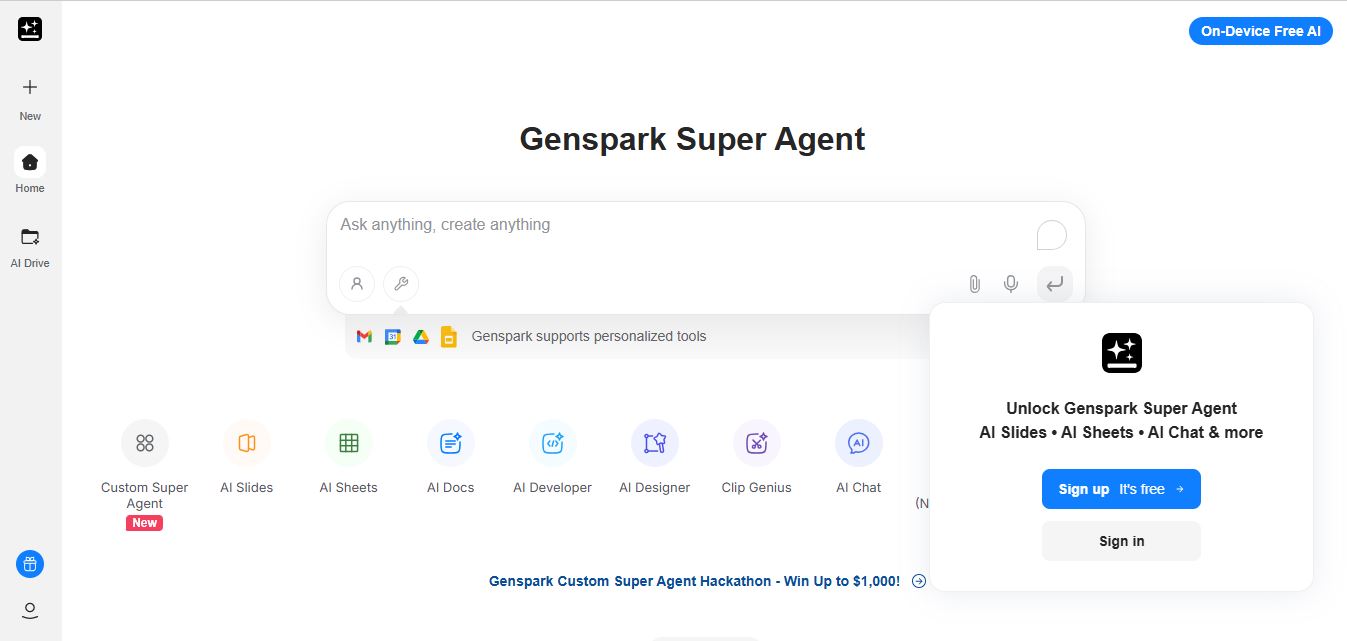
Genspark is an AI-powered all-in-one workspace built around autonomous agents that can research, write, analyze data, and create content from a single prompt. Its “Super Agent” plans and executes tasks across tools, delivering complete outputs like presentations, reports, code, and media automatically.
 4.7
4.7Refsee
Search Engine
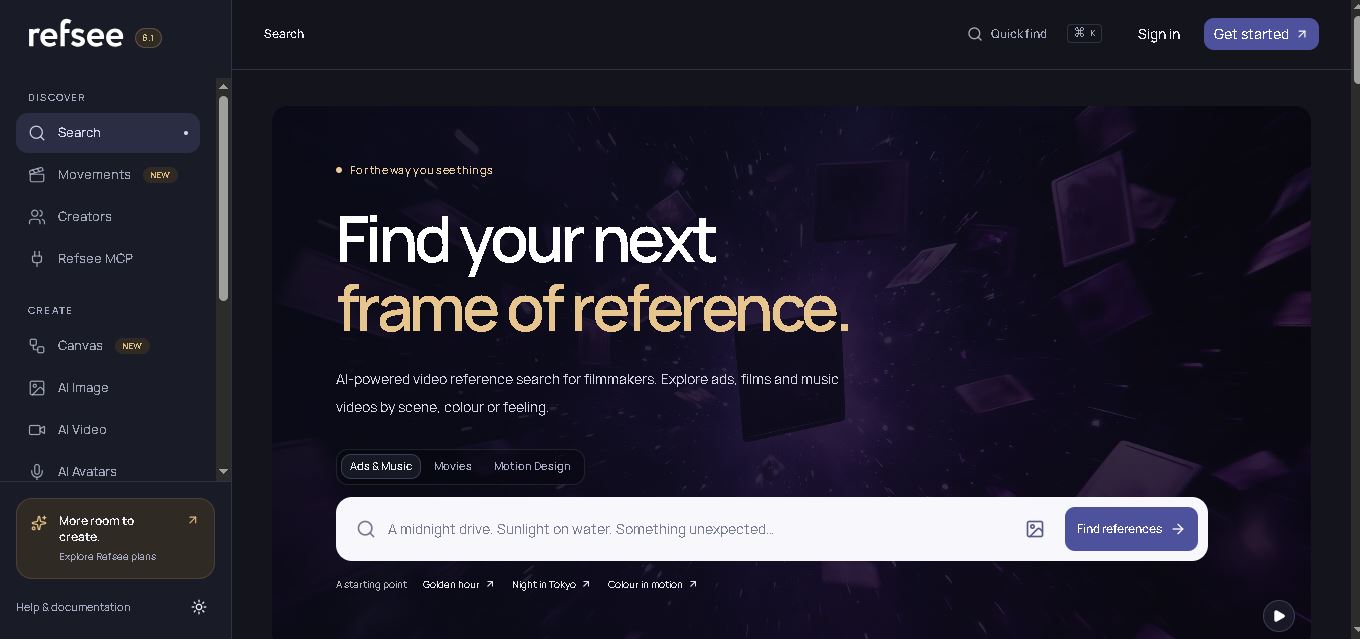
Refsee is a visual research and creative workspace for discovering video references by scene, color, framing, title, or feeling. It helps filmmakers and creative professionals find relevant frames, organize inspiration into moodboards, and transform visual references into original creative concepts using AI-powered image, video, avatar, and editing features.
 4.9
4.9SearchGPT (ChatGPT Search)
Search Engine
SearchGPT is OpenAI's AI-powered web search and real-time retrieval engine integrated into ChatGPT, delivering conversational, up-to-date web answers with in-line source citations, interactive maps, weather, financial widgets, and publisher attribution links.
 4.8
4.8GigaBrain
Search Engine
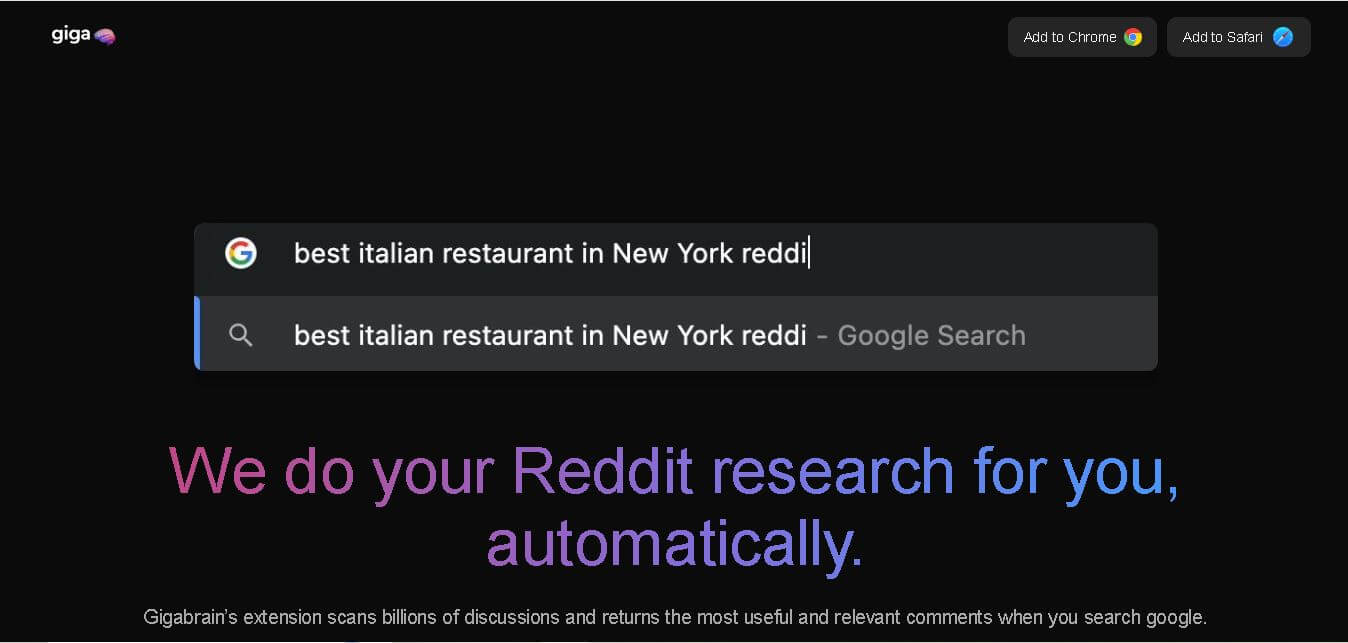
GigaBrain is a Reddit research and discovery tool built to surface useful community opinions, summarize discussions, and reduce repetitive browsing. Its browser extension brought Reddit insights into Google, Bing, and DuckDuckGo searches, while additional products supported deeper research, conversational follow-ups, product discovery, and Reddit trend monitoring for everyday users.
 4.7
4.7Brave Leo AI
Search Engine
Brave Leo is a privacy-focused AI assistant built directly into the Brave browser that helps you summarize webpages, generate content, translate text, and answer questions without leaving your tab. It doesn’t store chats or require an account, keeping your interactions secure and anonymous.
 4.8
4.8iAsk AI
Search Engine
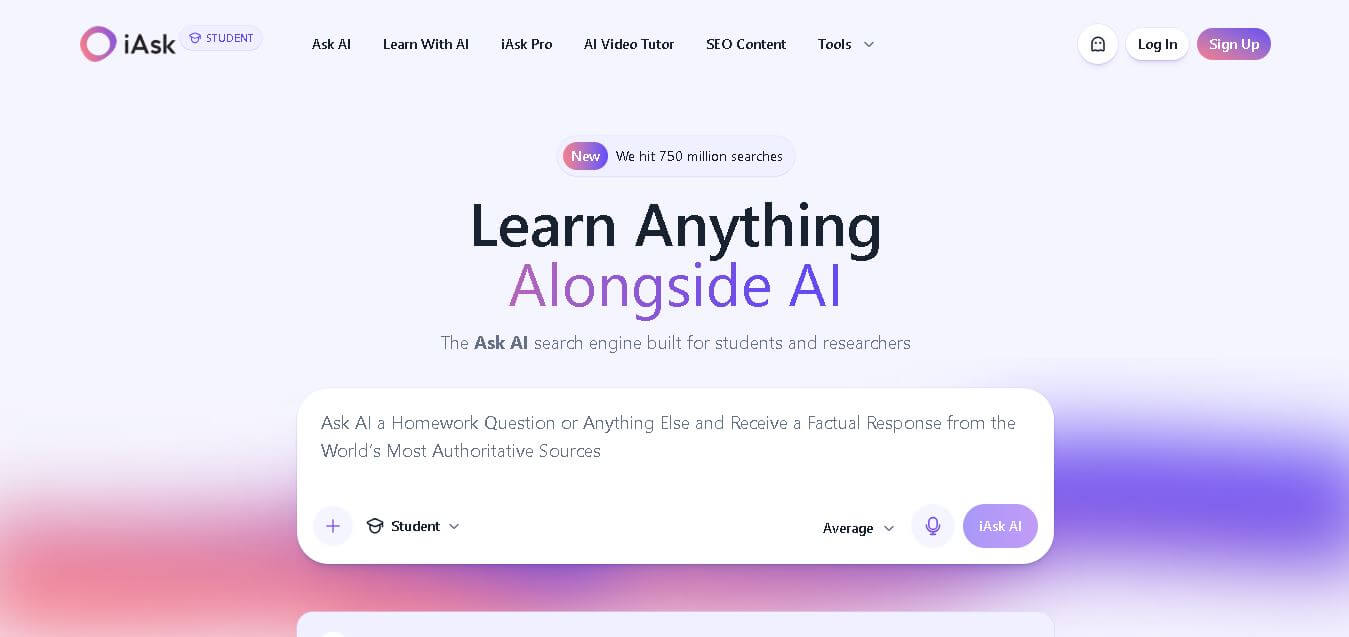
iAsk is an AI search and learning tool designed for students, researchers, and everyday users who want direct answers with traceable sources. It supports natural-language questions, homework guidance, summaries, document analysis, and research workflows, helping users find useful information without navigating through multiple search results today.
 4.5
4.5Findtube.AI
Search Engine
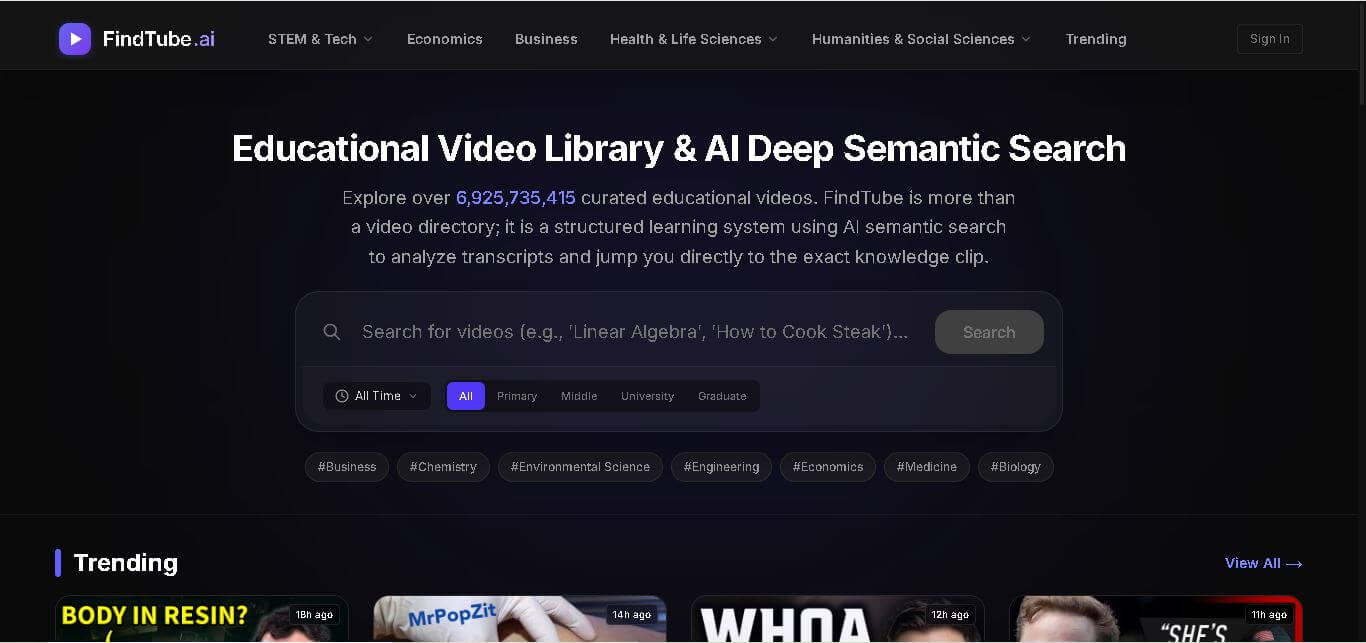
FindTube AI is an AI-powered educational video search platform that helps learners discover relevant YouTube content, locate exact knowledge segments, and build structured learning paths with semantic search.