
PaintShop Pro
PaintShop Pro is a powerful photo editing and graphic design software offering advanced tools, AI features, and creative flexibility for photographers, designers, and digital artists.

What is PaintShop Pro AI?
- Founder: Originally developed by Jasc Software, later acquired by Corel Corporation
- Launch: First released in 1990
- Use Cases:
- Photo editing and retouching
- Graphic design and digital art
- Social media content creation
- Marketing visuals and branding materials
- Batch image processing
- Technology:
- AI-powered image enhancement
- Layer-based editing system
- RAW image processing engine
- Machine learning tools for upscaling and noise reduction
PaintShop Pro is an AI-powered image editing platform that enables users to easily create professional graphics while performing precise photo editing work. The software provides photographers and designers and content creators with tools that include AI-powered enhancements and layer-based editing and advanced retouching tools. The software offers users a budget-friendly solution that delivers professional results through its non-subscription pricing model. The PaintShop Pro software allows users to create visually impressive content from basic images through its easy-to-use interface and strong functionality. The software package delivers complete design capabilities which allow users to work at their preferred skill level while maintaining high performance and full creative control.
Key Features
PaintShop AI's key features are
- AI-Powered Photo Enhancement
Automatically improves image quality with AI tools like upscaling, denoise, and artifact removal, saving time while maintaining professional results. - Advanced Layer Editing
Offers full control over image composition with layers, blend modes, masks, and adjustment layers for non-destructive editing workflows. - RAW Image Processing
Provides robust support for RAW files, allowing photographers to fine-tune exposure, color balance, and details without losing quality. - Graphic Design Tools
Includes text tools, templates, brushes, and vector editing features to create logos, banners, and creative designs effortlessly. - Batch Processing
Enables users to edit multiple images simultaneously, making it highly efficient for professionals handling large volumes of photos. - Selection and Retouching Tools
Features precise selection tools, background removal, and retouching options for flawless edits and professional finishes. - User-Friendly Interface
Customizable workspace with beginner-friendly options and advanced controls for experienced users.
Pricing
- One-time purchase model
- No subscription fees
- Affordable professional plan
- Occasional upgrade cost
Disclaimer: For the latest and most accurate pricing information, please visit the official PaintShop AI website.
Who is using it?
Disclaimer: For the latest and most accurate pricing information, please visit the official PaintShop AI website.
- Professional photographers
- Graphic designers
- Digital artists
- Marketing professionals
- Social media managers
- Small business owners
- Content creators and bloggers
Alternatives
Some PaintShop AI alternatives are
- Adobe Photoshop
- Affinity Photo
- GIMP
- Canva
- Luminar Neo
How We Rated PaintShop Pro?
- Creative Accuracy: 8.5/10
- User Experience: 8/10
- Tools & Capabilities: 8.7/10
- Speed & Efficiency: 8.3/10
- Creative Freedom: 8.6/10
- Trust & Transparency: 8/10
- Help & Community: 7.8/10
- Value for Money: 9/10
- Ecosystem Fit: 7.9/10
- Overall Score: 8.4/10
Conclusion
PaintShop Pro functions as a dependable yet affordable photo editing and design software solution which serves both novice users and expert designers. The software provides an appealing option because it combines artificial intelligence tools with advanced editing capabilities and its single payment system, which competes with subscription services. The software performs exceptionally well in image improvement and graphic design work and batch processing, which helps users complete their projects with both speed and inventive potential. The product lacks the extensive ecosystem found in competing products but provides users with better value because of its lower cost and flexible options. PaintShop Pro functions as an excellent option for users who want to create professional-grade visuals without incurring ongoing expenses.
People are also reading
FAQ
Is PaintShop Pro good for beginners?
Yes, it offers an intuitive interface and learning tools that make it suitable for beginners while still supporting advanced users.
Does PaintShop Pro use AI?
Yes, it includes AI-powered features like image upscaling, noise reduction, and artifact removal.
Is PaintShop Pro free?
No, it is a paid software but follows a one-time purchase model instead of a subscription.
Can it replace Photoshop?
For many users, yes. It offers similar features at a lower cost, though Photoshop has a larger ecosystem.
What platforms support PaintShop Pro?
PaintShop Pro is primarily available for Windows users.
User Reviews
No reviews yet for PaintShop Pro.
Featured Tools
Featured AI tools from TechShark

Melody Genie
MelodyGenie is an AI-powered music generator that creates original songs from simple text prompts. Users can choose styles, moods, and genres, then instantly generate melodies and full tracks, making it easy for creators, marketers, and hobbyists to produce custom music without musical expertise.
Freemium

Kimi AI
Kimi AI is an advanced AI assistant developed by Moonshot AI that helps you chat, research, write, code, and automate tasks in one place. It supports web search, file analysis, and multimodal inputs, and can even run autonomous “agent” workflows to complete complex tasks end-to-end.
Freemium

Fashion Diffusion AI
Fashion Diffusion is an AI-powered fashion design platform that helps brands and designers create clothing designs, virtual try-ons, AI models, product photos, and marketing visuals faster and cost-effectively.
Paid

Veo 4
Veo 4 AI is an AI video creation platform that generates dramatic videos from text, images, audio, and video prompts using realistic motion and synchronized sound.
Paid
Alternatives
Alternatives to PaintShop Pro
PaintShop Pro is a versatile image editing platform that combines AI-powered tools, photo enhancement, graphic design features, and batch processing capabilities, making it ideal for professionals and beginners seeking creative control and efficiency.
 4.7
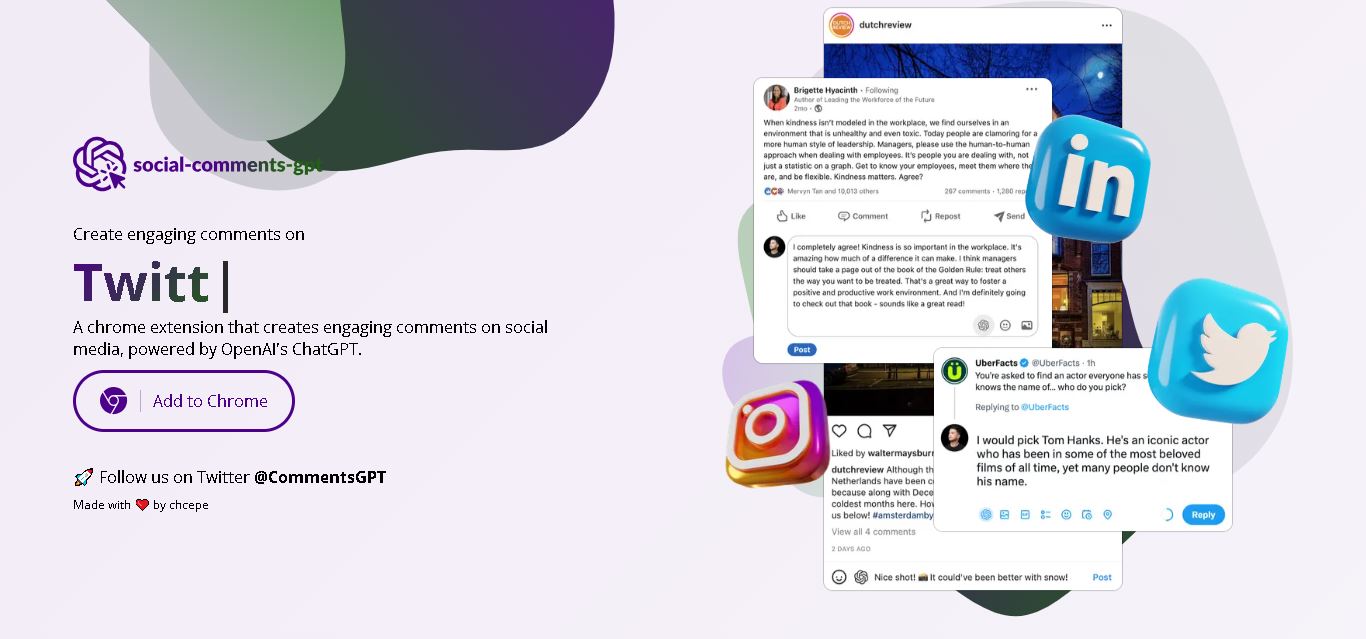
4.7Social Comments GPT
Social Media
Social Comments GPT helps users draft engaging social media comments with ChatGPT through a Chrome extension. It is useful for professionals, influencers, creators, and marketers who want to respond to posts more efficiently. By generating comment suggestions within supported social networks, it simplifies everyday engagement while leaving users in control of their final replies.
 4.7
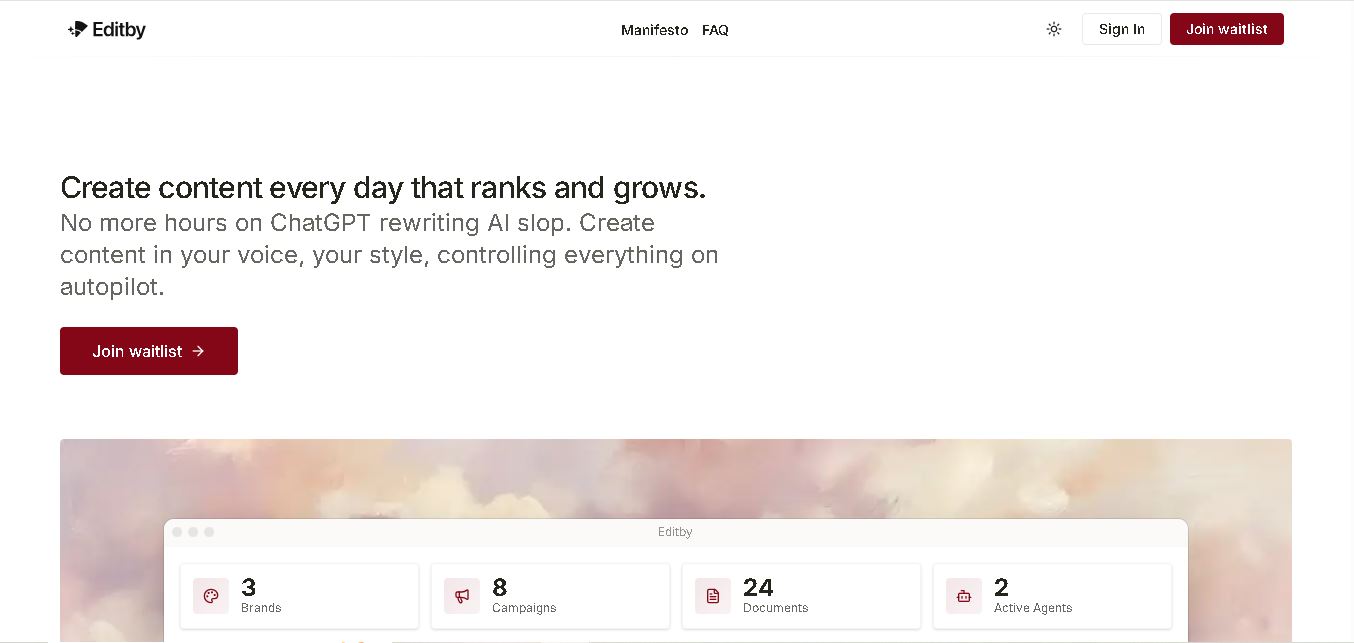
4.7Editby
Social Media
Editby helps marketers, businesses, and creators produce brand-consistent content using AI-assisted writing, research, and automation. It supports blogs, social media posts, newsletters, and press releases while offering customizable brand voices, scheduled content generation, and team collaboration. Its organized campaign workflows help users streamline content planning and maintain a consistent publishing strategy.
 4.8
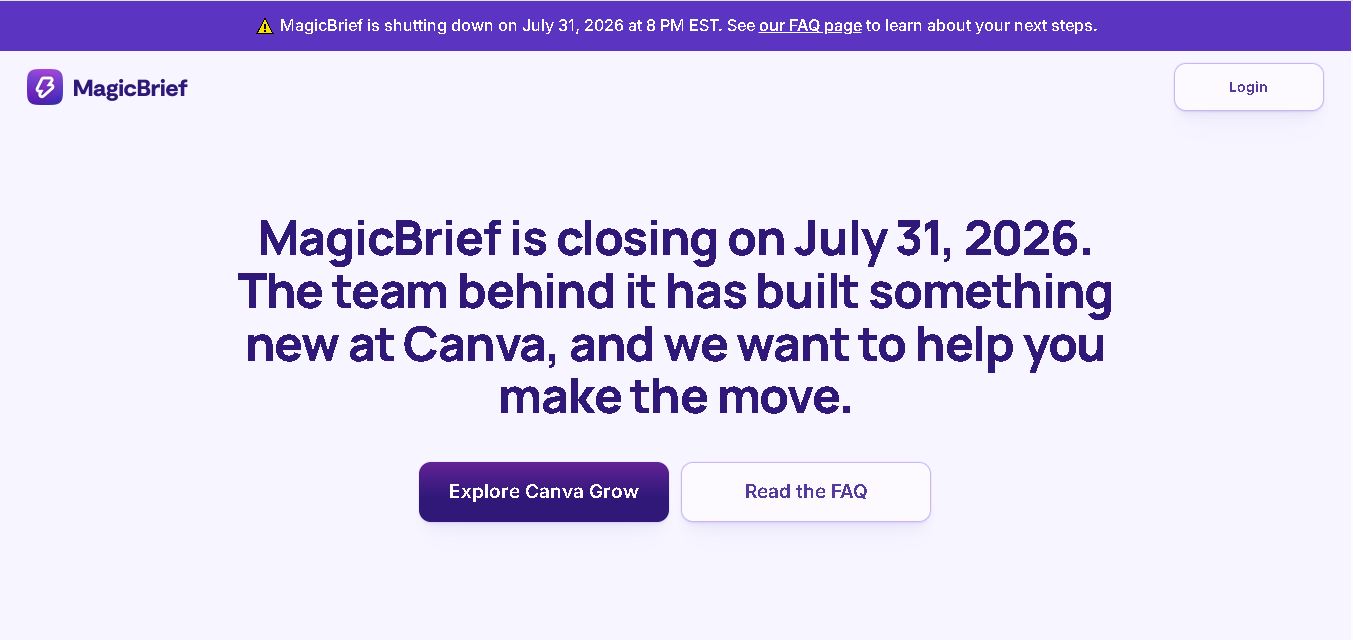
4.8MagicBrief
Social Media
MagicBrief was an advertising creative research and collaboration tool that helped marketers discover inspiring ads, analyze competitors, build storyboards, and organize campaign briefs. It offered AI-assisted video analysis, creative performance insights, and team collaboration. Following its announced shutdown in July 2026, users seeking similar workflows can explore Canva Grow, its successor direction.
 4.7
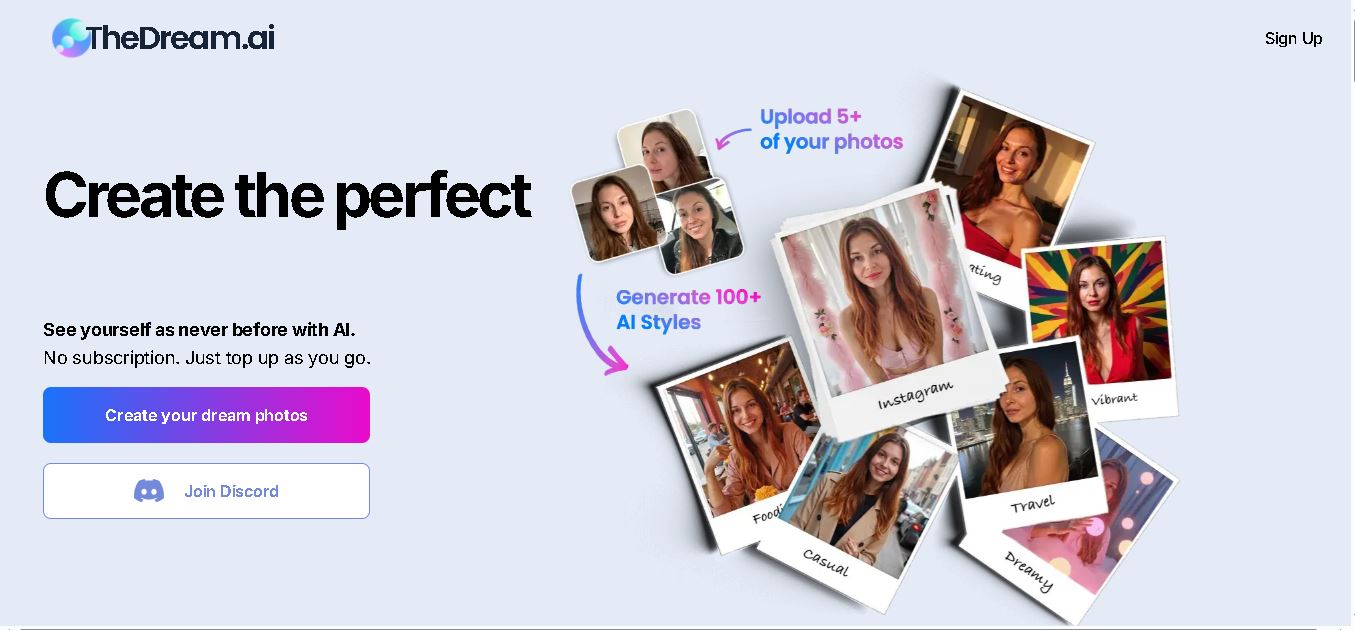
4.7The Dream AI
Social Media
TheDream.ai helps users create personalized AI portraits, profile pictures, and photoshoot-style images from their own photographs. It offers more than 200 styles covering professional, fashion, dating, fitness, and travel themes. Its pay-as-you-go model requires no subscription, making it an option for individuals seeking distinctive digital portraits and creative profile images.
 4.7
4.7TweetEmote
Social Media
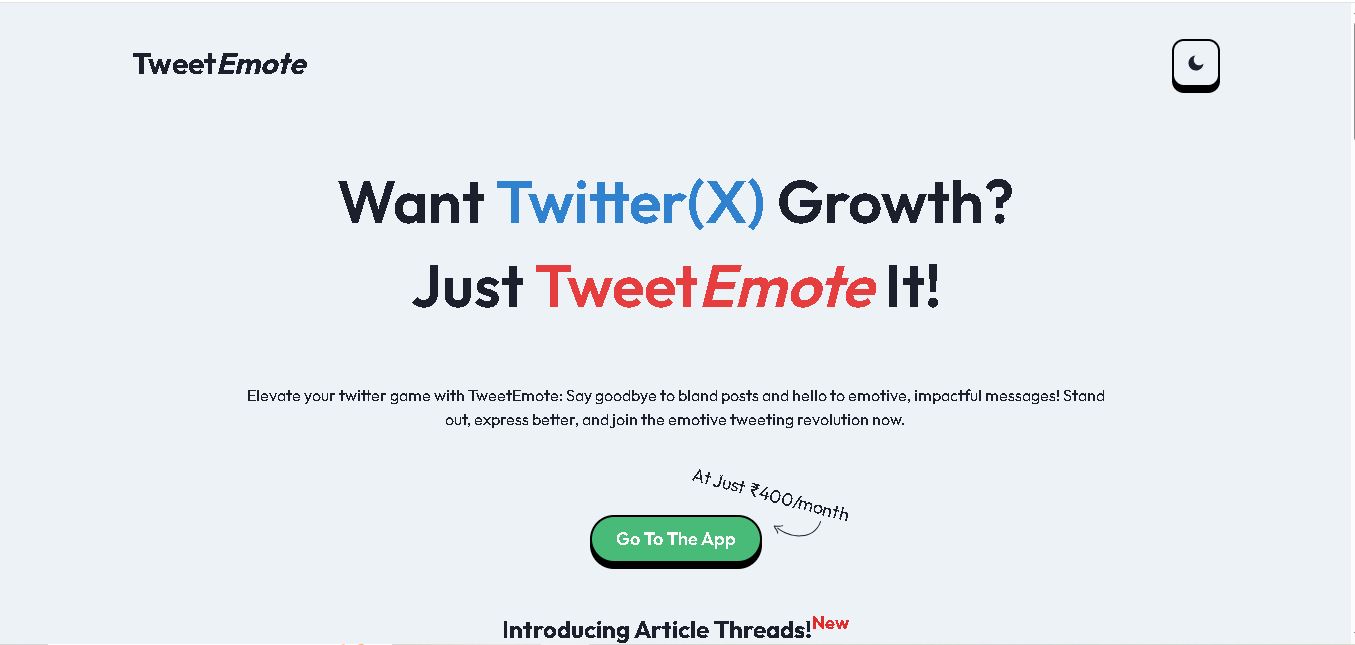
TweetEmote helps users generate engaging tweets, replies, and article threads using customizable emotions and writing styles. It is designed for influencers, marketers, content creators, and professionals who want to communicate more expressively on X. Its AI writing features simplify content creation, save time, and help users develop varied social media messages.
 4.8
4.8Devi AI
Social Media
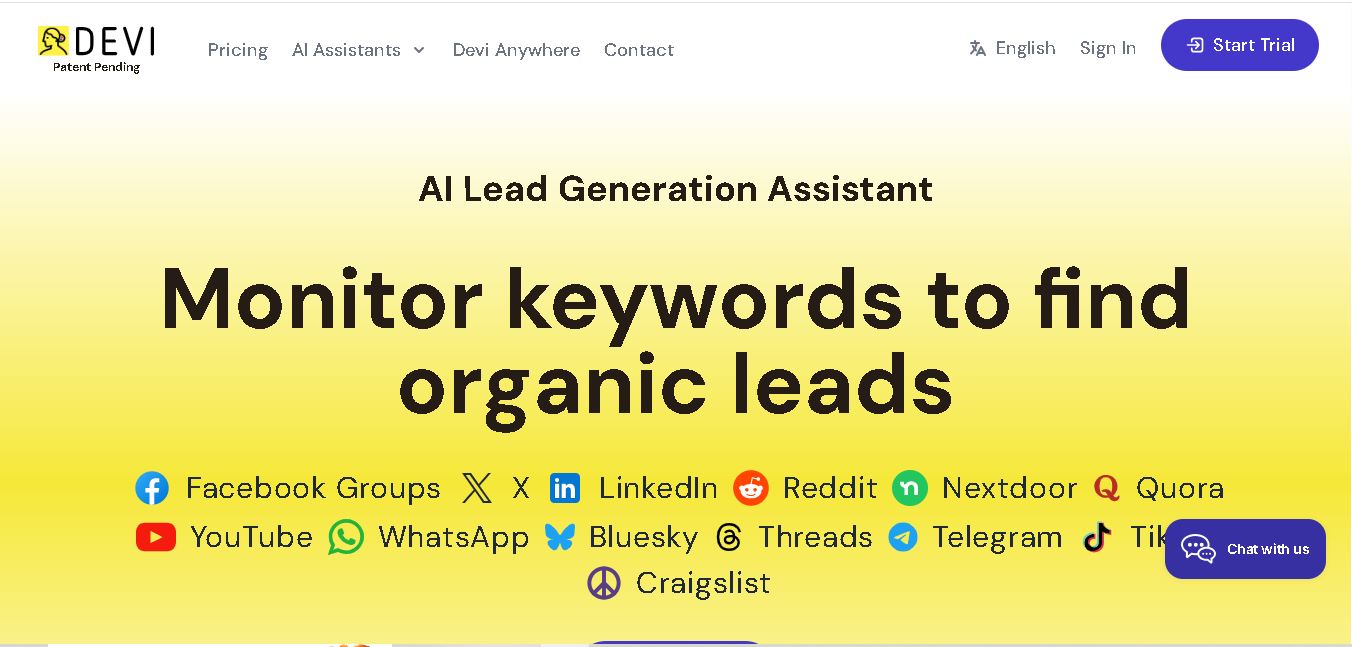
Devi AI helps businesses find potential customers through social media monitoring, keyword tracking, and AI-based buying-intent detection. It generates personalized replies, flags complaints, and supports content creation and scheduling. Designed for marketers, sales professionals, entrepreneurs, and agencies, Devi simplifies lead discovery, outreach, and social media management from a centralized workflow.
 4.7
4.7Social Studio AI
Social Media
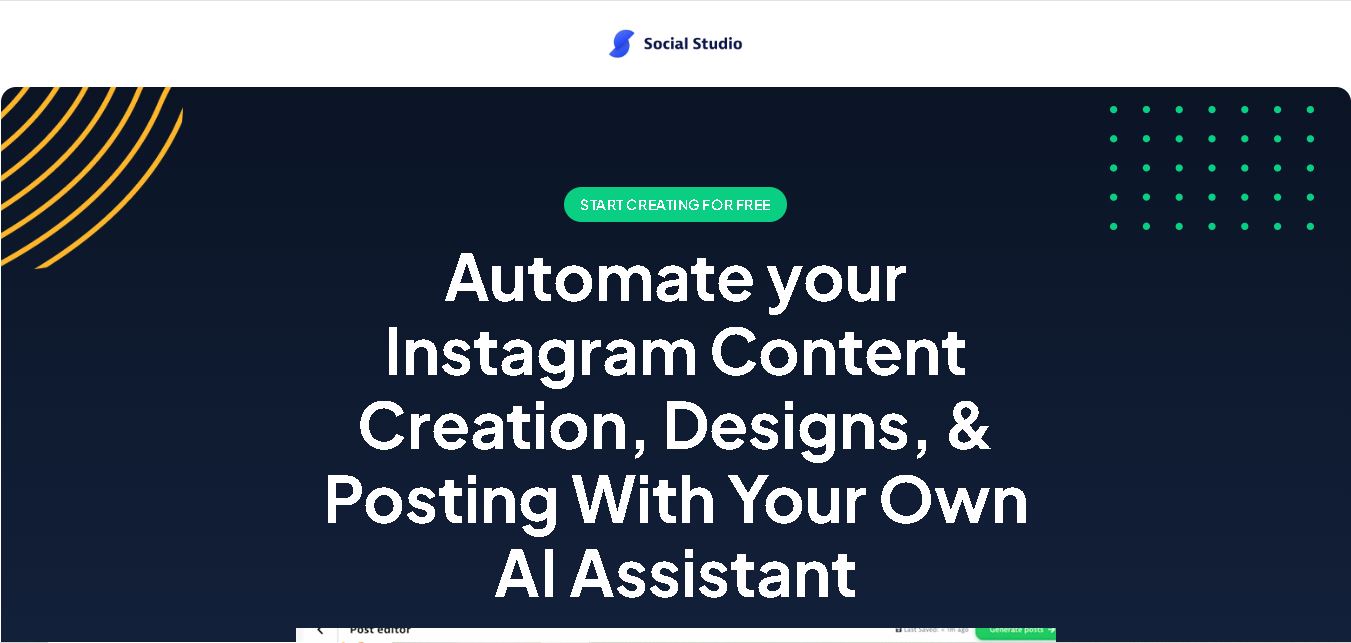
Social Studio AI helps creators, businesses, and marketers generate Instagram content, design posts, write captions, and discover relevant hashtags. Its built-in editor supports brand customization, while scheduling features help users organize publishing in advance. The tool simplifies content planning and reduces repetitive work for individuals and agencies managing Instagram marketing activities.
 4.7
4.7Rizz AI
Social Media
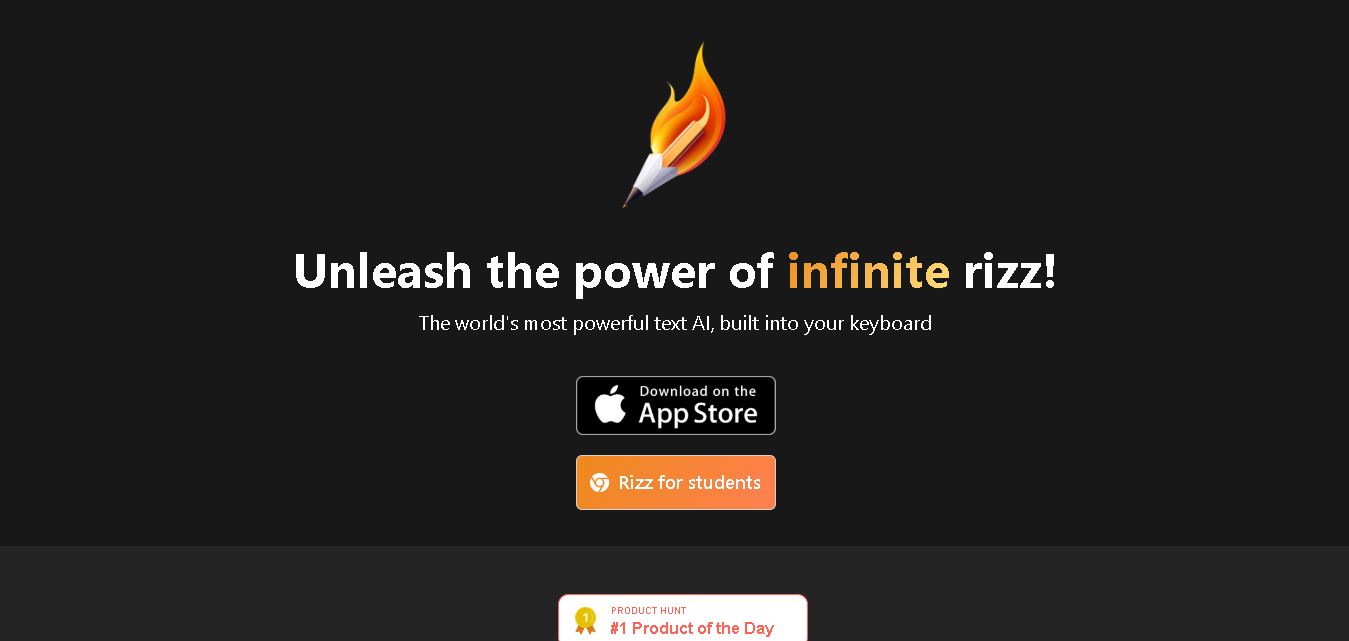
Rizz AI is a text-writing assistant that helps users generate messages, improve replies, and communicate more naturally online. Its keyboard-focused approach makes AI writing assistance convenient during everyday conversations. Whether you are drafting a message or looking for a creative response, Rizz AI aims to make digital communication faster and more expressive.
 4.7
4.7Creasquare
Social Media
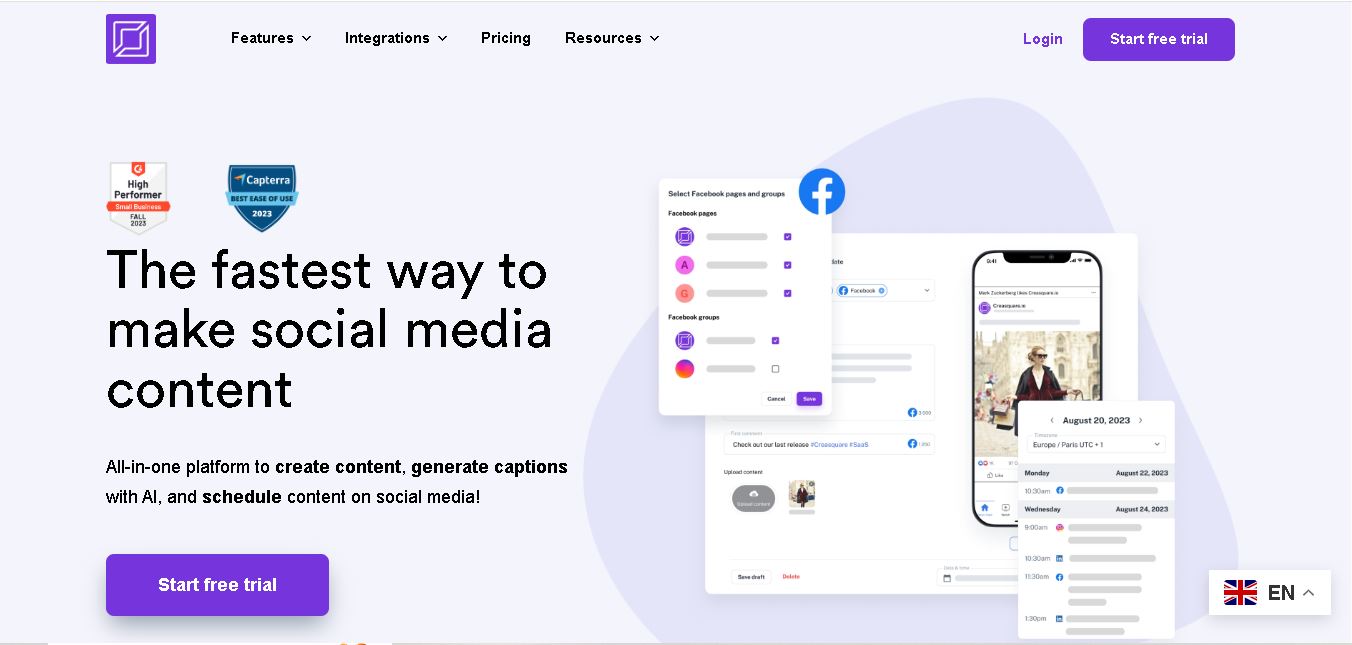
Creasquare helps creators, marketers, and businesses simplify social media management with AI-generated captions, graphic design tools, video creation, and post scheduling. Its Creative Studio, customizable templates, brand kits, and content calendar support organized publishing across multiple social networks. It is useful for maintaining brand consistency and streamlining everyday content workflows.