
MyLens AI
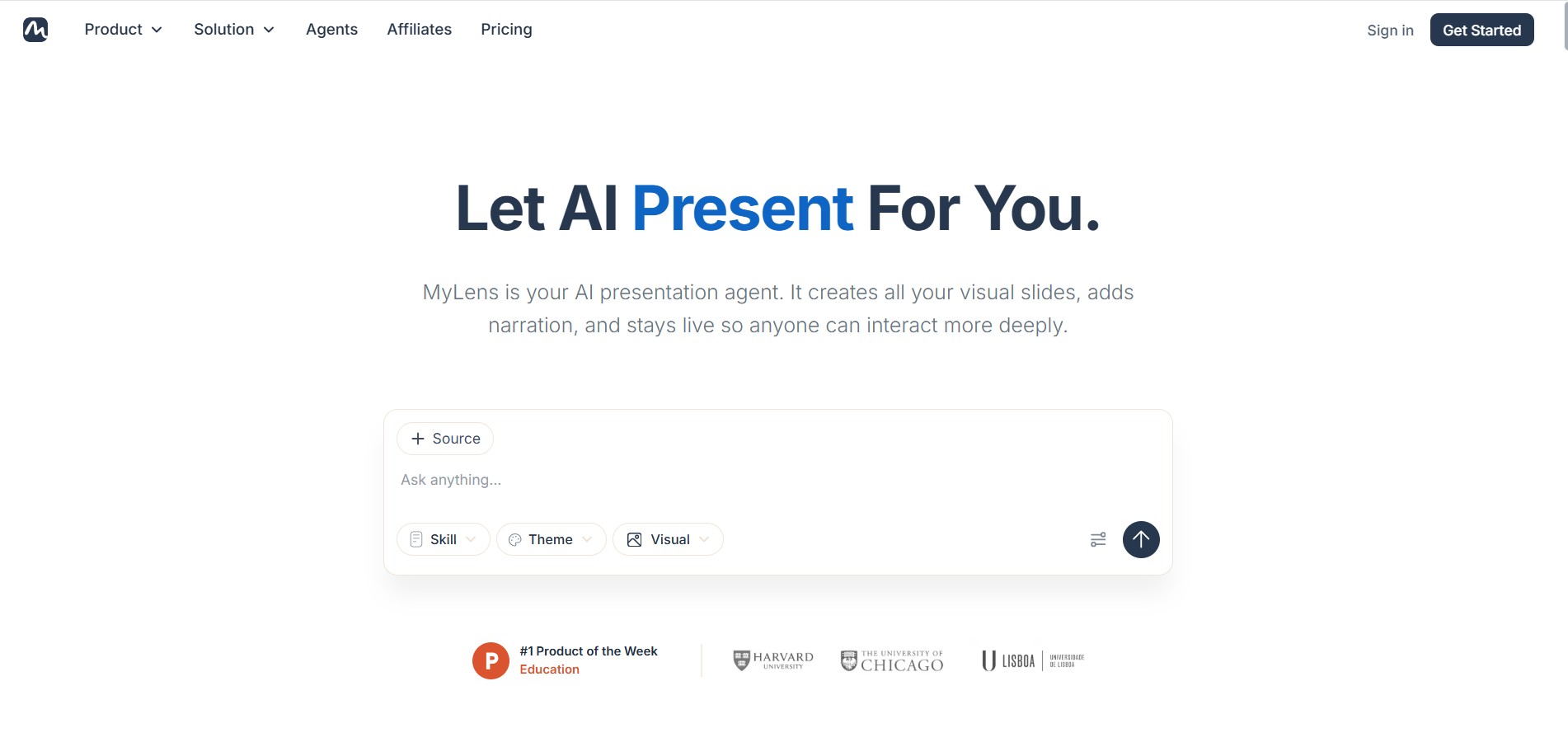
MyLens is an intelligent visual knowledge tool that transforms documents, webpages, presentations, videos, spreadsheets, and ideas into interactive visual stories. It helps users organize complex information into mind maps, timelines, charts, and presentations with AI narration, making learning, research, collaboration, and business communication faster, clearer, and more engaging.
What is MyLens AI?
MyLens is a visual knowledge and presentation solution that converts information from multiple sources into interactive diagrams and presentations. Instead of manually creating slides or charts, users can upload documents, PDFs, spreadsheets, videos, webpages, or plain text to generate structured visual content. Every visualization remains interactive, allowing viewers to explore more profound explanations, source references, and AI-generated insights. The platform also supports AI narration, editable presentations, and collaborative sharing, making it suitable for education, business, research, consulting, and content creation. MyLens simplifies complex information into visually understandable formats, helping individuals and teams communicate ideas with greater clarity and efficiency.
MyLens enables users to transform content from 10+ supported source formats, including PDFs, Word files, PowerPoint presentations, spreadsheets, webpages, YouTube videos, images, and text. The free plan includes 15 AI credits per month, while business users receive 2,000 monthly AI credits and support for 100,000 source limits. The Chrome extension has 10,000+ users, and the platform supports content creation in 60+ languages, making it suitable for professionals, educators, students, researchers, and enterprises worldwide.
- Founder: Ardalan Mirshani
- Launch Year: 2023
Use Cases:
- Converting YouTube videos into interactive visual timelines with video timestamp citations
- Summarizing PDFs, CSVs, articles, and raw notes into clear mind maps and flowcharts
- Creating interactive visual presentations for pitch decks, lectures, and business meetings
- Mapping historical events, socio-political developments, and project roadmaps
Technology:
- Generative multi-modal AI models tailored for visual layout structuring
- Automated document parser supporting PDFs, CSV/Excel, web links, and YouTube URLs
- Privacy-first architecture guaranteeing zero AI training on user uploads
Target Users:
- Educators, students, and academic researchers digesting long study materials
- Content creators, podcasters, and marketers summarizing video content
- Product managers and executives building quick process flowcharts and presentations
Ecosystem: Features an interactive presentation studio, multi-format export capabilities, and a browser-accessible web workspace.

Key features of MyLens AI
MyLens AI's key features are
- Multi-Format Visual Generation: Instantly generates mindmaps, timelines, flowcharts, tables, quadrants, and funnel diagrams from simple text or uploaded files.
- YouTube to Timeline Converter: Transforms long YouTube videos into clickable, interactive timelines with exact video timestamps and contextual summaries.
- Document & Link Import: Accepts PDFs, CSV/Excel sheets, web URLs, and images as direct inputs for visual synthesis.
- Interactive Presentation Mode: Converts generated visual diagrams into interactive, drill-down slides suitable for live presentations.
- Strict Data Privacy: Built with enterprise privacy standards, ensuring uploaded documents and generated content are never stored or used for public AI training.
- Drill-Down AI Exploration: Allows users to click on any node, branch, or timeline point to expand details or ask follow-up questions.
MyLens AI Pricing
MyLens AI offers a freemium model with accessible free tier credits and premium upgrades for heavy users.
Free Plan:
- $0/month
- Includes free visual generation credits, access to mindmap and timeline generators, and standard web viewing
Pro Plan:
- $10 - $12 per month
- Unlocks unlimited visual generations, high-resolution exports, advanced YouTube video summarization, and priority AI processing
Disclaimer: For the latest and most accurate pricing information, please visit the official MyLens AI website.
Is MyLens AI Worth It?
MyLens AI is extremely worth it for students, educators, and professionals who frequently work with complex information and long-form video content. Its ability to extract key narrative structures and transform them into interactive visual formats saves hours of manual summarization and slide deck creation.
Real-World Use Cases
- YouTube Video Skimming: Researchers paste long educational video links to jump straight to relevant key moments via an interactive timeline.
- Lecture and Study Material Prep: Teachers transform dense textbook chapters or research PDFs into structured mind maps for classroom slides.
- Business Process Mapping: Operations managers outline project timelines and workflow flowcharts directly from meeting notes.
- Competitive Analysis: Marketers generate visual matrix quadrants and comparison tables to summarize market research.
Who is using MyLens AI?
MyLens AI is designed for visual learners and information workers, including
- Students & Academics: Visualizing complex historical timelines, scientific processes, and research papers
- Content Creators & Editors: Turning video transcripts and long interviews into quick visual outlines
- Product Managers & Strategists: Designing workflow charts, funnels, and feature roadmaps
- Educators & Trainers: Building interactive, bite-sized presentation materials for students
Best MyLens AI Alternatives
Some of the strongest MyLens AI alternatives include
Pros and Cons of MyLens AI
Pros
- Turns text, PDFs, and YouTube links into clear interactive visuals in seconds
- The YouTube timeline feature jumps directly to cited video moments
- Supports multiple visual formats (mindmaps, timelines, flowcharts, funnels, tables)
- Guarantees that user content is never used to train AI models
- Generates drill-down interactive slides for presentations
Cons
- Free version has usage credit caps for high-volume users
- Very specialized custom diagram styling requires Pro export features
- Extremely niche technical diagrams may require extra manual prompt refinement
Why Choose MyLens AI?
MyLens AI stands out by focusing specifically on interactive visual comprehension rather than basic text summaries. Its unique integration with YouTube videos and multi-format diagram generation allows users to transform dense, chaotic information into clear visual mental models.
- Saves time by digesting long documents and videos into structured visual formats
- Interactive drill-down nodes allow deep exploration without overwhelming the user
- Strict privacy commitment keeps proprietary documents and notes confidential
- Flexible outputs range from timeline graphics to full interactive slide presentations
How MyLens AI Works
- Enter Topic or Upload File: Paste a text prompt, YouTube URL, web link, or upload a PDF/CSV file.
- Select Visual Layout: Choose whether you want a mind map, visual timeline, flowchart, table, or quadrant matrix.
- AI Generation & Interaction: MyLens AI extracts key insights and builds an interactive diagram with clickable branches and video timestamps.
- Present or Export: Present directly in the browser or export the visual for reports and social sharing.
MyLens AI vs. Competitors
The key difference between MyLens AI, Mapify, and Canva is that MyLens AI specializes in turning multi-modal sources—especially YouTube videos and documents—into interactive timeline and mind map presentations. While Mapify focuses strictly on mind map creation and Canva provides traditional graphic design templates, MyLens AI automates data strthe generation of data visualizersw unstructured media.
| Feature | MyLens AI | Mapify | Canva |
|---|---|---|---|
| Primary Focus | AI Interactive Visuals & Timelines | AI Mind Mapping | Graphic Design & Templates |
| YouTube Video to Timeline | Native with Timestamps | Text Summary Only | No |
| Diagram Variety | Timelines, Maps, Flowcharts, Tables | Mind maps primarily | Manual Design Templates |
| Data Privacy Guarantee | No AI Model Training | Standard Privacy Terms | Standard Privacy Terms |
| Starting Price | Free / ~$10/mo Pro | Freemium | Free tier / $15/mo |
How do we rate MyLens AI?
| Parameter | Rating (out of 5) |
|---|---|
| Ease of Use | 4.8 |
| Visual Quality & Clarity | 4.7 |
| Feature Set | 4.6 |
| Value for Money | 4.6 |
| Data Privacy | 4.8 |
| Overall Score | 4.6 |
MyLens AI Review
MyLens AI is an outstanding productivity tool for anyone looking to convert dense information into intuitive visual structures. By automating the creation of timelines, mind maps, and flowcharts directly from documents or YouTube URLs, it significantly reduces cognitive friction. Its commitment to data privacy and interactive presentation design makes it an essential visual assistant for modern workflows.
Conclusion
MyLens offers a practical way to convert complex information into interactive, visually engaging presentations without spending hours designing slides manually. Its support for multiple content sources, AI narration, editable visuals, and collaborative sharing makes it valuable for professionals, educators, students, researchers, and businesses. Strong privacy practices, interactive storytelling, and flexible pricing further increase its appeal for everyday use. Whether you're explaining research, presenting business insights, or simplifying educational material, MyLens helps organize information into formats that are easier to understand, remember, and share. It is an excellent choice for anyone seeking smarter visual communication and knowledge management.
FAQ
What is MyLens used for?
MyLens helps users transform complex information into interactive visual presentations, mind maps, timelines, charts, and diagrams. It accepts documents, webpages, videos, spreadsheets, and text, then organizes the information into easy-to-understand visuals. It is widely used for learning, business presentations, research, project planning, and knowledge sharing across teams.
Who should use MyLens?
MyLens is designed for educators, students, researchers, consultants, marketers, business professionals, founders, analysts, and teams handling large amounts of information. Anyone who wants to explain ideas visually, create engaging presentations, simplify reports, or improve audience understanding can benefit from using the platform regardless of technical expertise.
Can I create presentations from existing documents?
Yes. MyLens allows you to upload PDFs, Word documents, PowerPoint files, spreadsheets, webpages, YouTube videos, images, and plain text. It automatically analyzes the content, extracts key insights, and converts them into interactive presentations with AI narration, editable visuals, and clickable references that make presentations more engaging and informative.
Does MyLens keep my uploaded data secure?
Yes. MyLens states that uploaded files remain private by default and are encrypted during storage and transfer. The company also confirms that customer content is not used to train AI models. Workspace access controls, secure authentication, and cloud infrastructure help protect user information throughout the platform.
Is there a free version of MyLens?
Yes. MyLens offers a free plan that includes 15 AI credits every month, one storyboard source, AI narration, and basic visualization capabilities. Users can upgrade to paid plans for additional AI credits, larger source limits, advanced editing features, branding options, and business-focused collaboration tools.
Can I customize the presentations generated by MyLens?
Absolutely. Every presentation remains editable after generation. Users can modify text, replace visuals, update layouts, apply custom themes, add branding elements, and refine sections with AI assistance. This flexibility allows presentations to match personal preferences, business branding, or educational requirements without starting from scratch.
User Reviews
No reviews yet for MyLens AI.
Featured Tools
Featured AI tools from TechShark

Melody Genie
MelodyGenie is an AI-powered music generator that creates original songs from simple text prompts. Users can choose styles, moods, and genres, then instantly generate melodies and full tracks, making it easy for creators, marketers, and hobbyists to produce custom music without musical expertise.
Freemium

Kimi AI
Kimi AI is an advanced AI assistant developed by Moonshot AI that helps you chat, research, write, code, and automate tasks in one place. It supports web search, file analysis, and multimodal inputs, and can even run autonomous “agent” workflows to complete complex tasks end-to-end.
Freemium

Fashion Diffusion AI
Fashion Diffusion is an AI-powered fashion design platform that helps brands and designers create clothing designs, virtual try-ons, AI models, product photos, and marketing visuals faster and cost-effectively.
Paid

Veo 4
Veo 4 AI is an AI video creation platform that generates dramatic videos from text, images, audio, and video prompts using realistic motion and synchronized sound.
Paid
Alternatives
Alternatives to MyLens AI
The best MyLens AI alternatives include Mapify, mymap.ai, Canva, Preceden, and Timeline JS. Mapify and mymap.ai excel at turning complex text into structured mind maps. Canva offers comprehensive visual design and presentation capabilities. Preceden and Timeline JS specialize in interactive timeline creation and project roadmapping.
 4.9
4.9Edubrain AI
Education
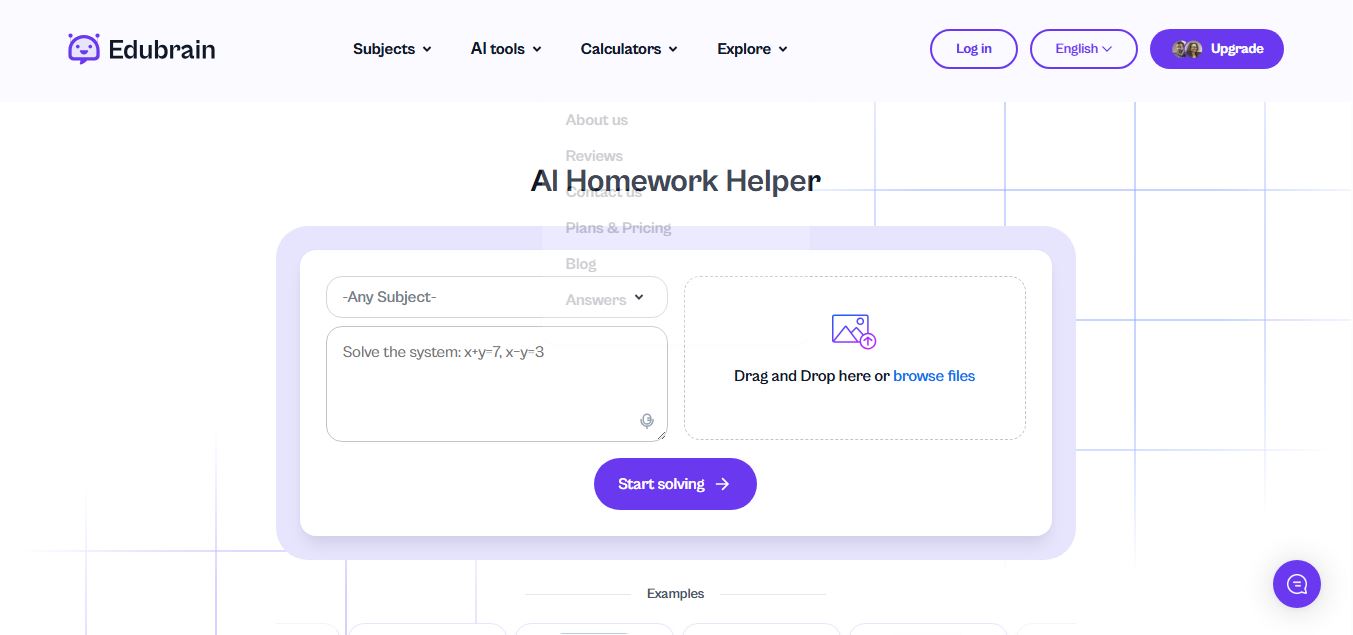
Edubrain is an AI-powered homework assistant that helps students solve questions across 90+ subjects using text, images, PDFs, or audio. It provides step-by-step explanations, adapts to learning styles, and works without sign-up, enabling faster understanding, exam prep, and personalized study support.
 4.8
4.8Math AI
Education
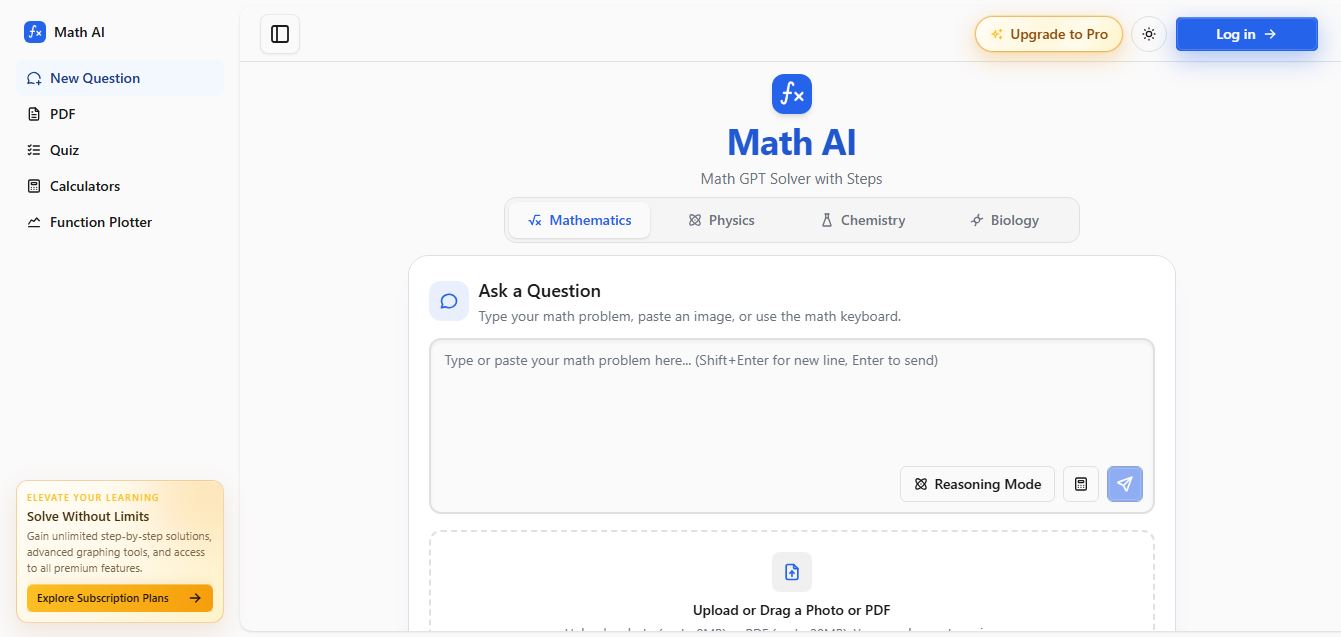
Math AI is an AI-powered math learning platform that helps users solve problems using text or images with step-by-step explanations. It supports algebra, calculus, and more, offering quizzes, graphs, and personalized tutoring to improve understanding and make studying, homework, and exam preparation easier.
 4.9
4.9ThetaWise
Education
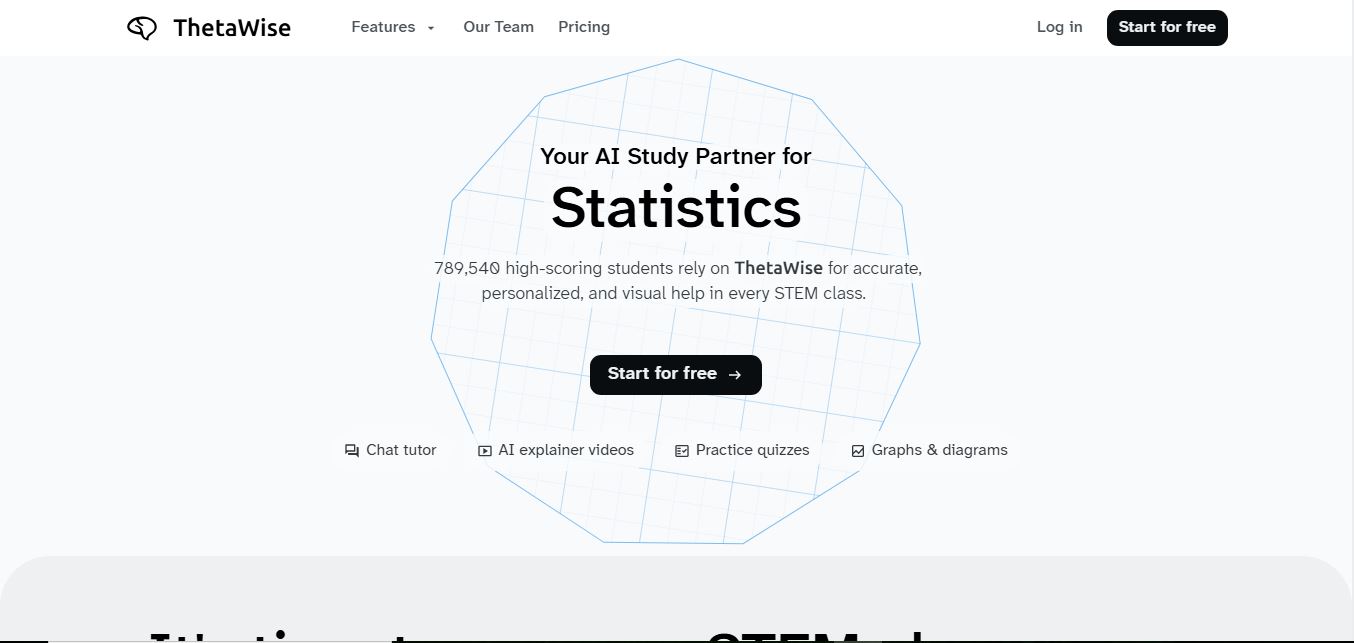
ThetaWise is an AI-powered STEM learning platform that helps students solve math and science problems with step-by-step explanations, video lessons, and practice quizzes. It acts like a 24/7 tutor, adapting to learning styles and improving understanding, test performance, and concept mastery.
 4.9
4.9Mathos AI
Education
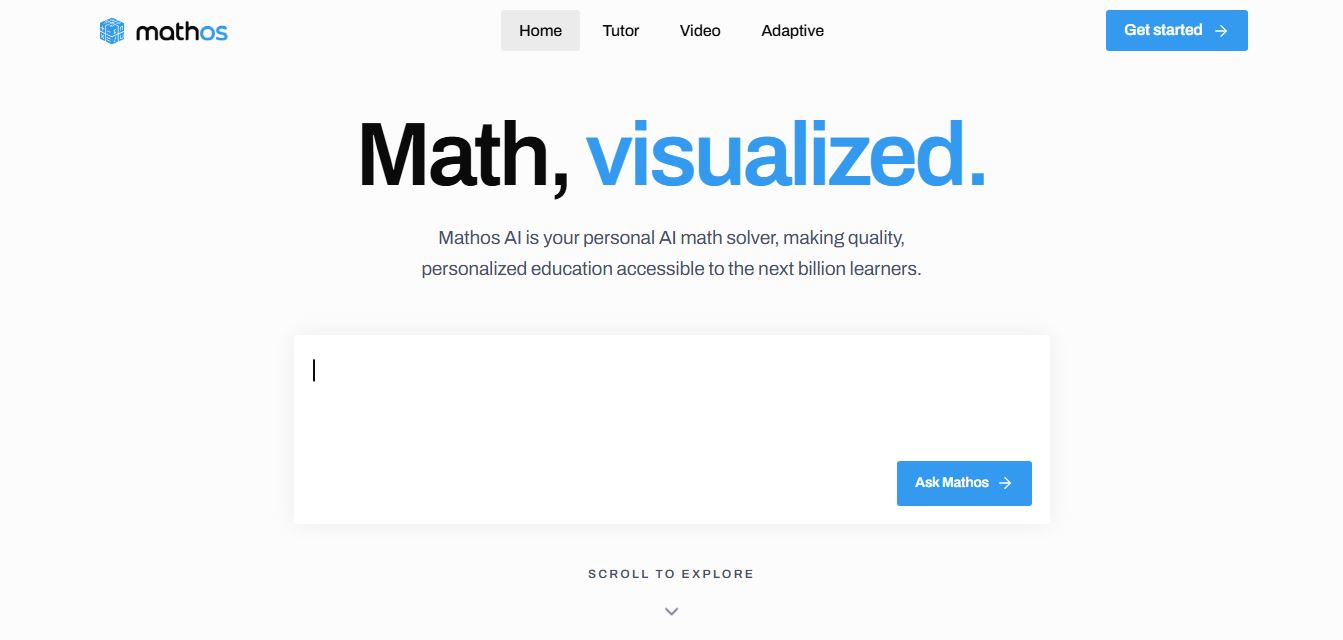
Mathos AI is an AI-powered math solver and tutor that helps students solve problems with step-by-step explanations and personalized guidance. It turns questions into lessons, generates quizzes, flashcards, and videos, and adapts to mistakes, enabling deeper understanding instead of just providing answers.
 4.8
4.8Brainly
Education
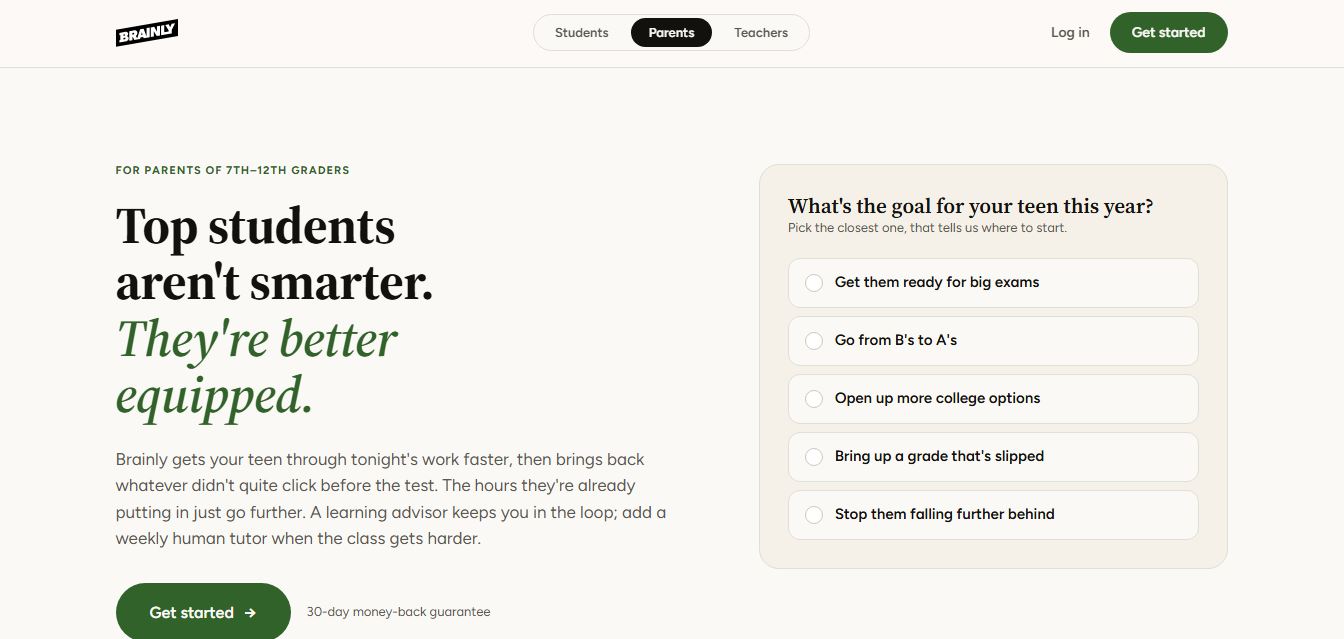
Brainly is an AI-powered learning platform that helps students solve homework, study concepts, and prepare for exams with step-by-step explanations. It combines AI guidance with a global community of experts, turning questions into personalized learning and helping students understand—not just complete—their schoolwork.
 4.8
4.8Gauth
Education
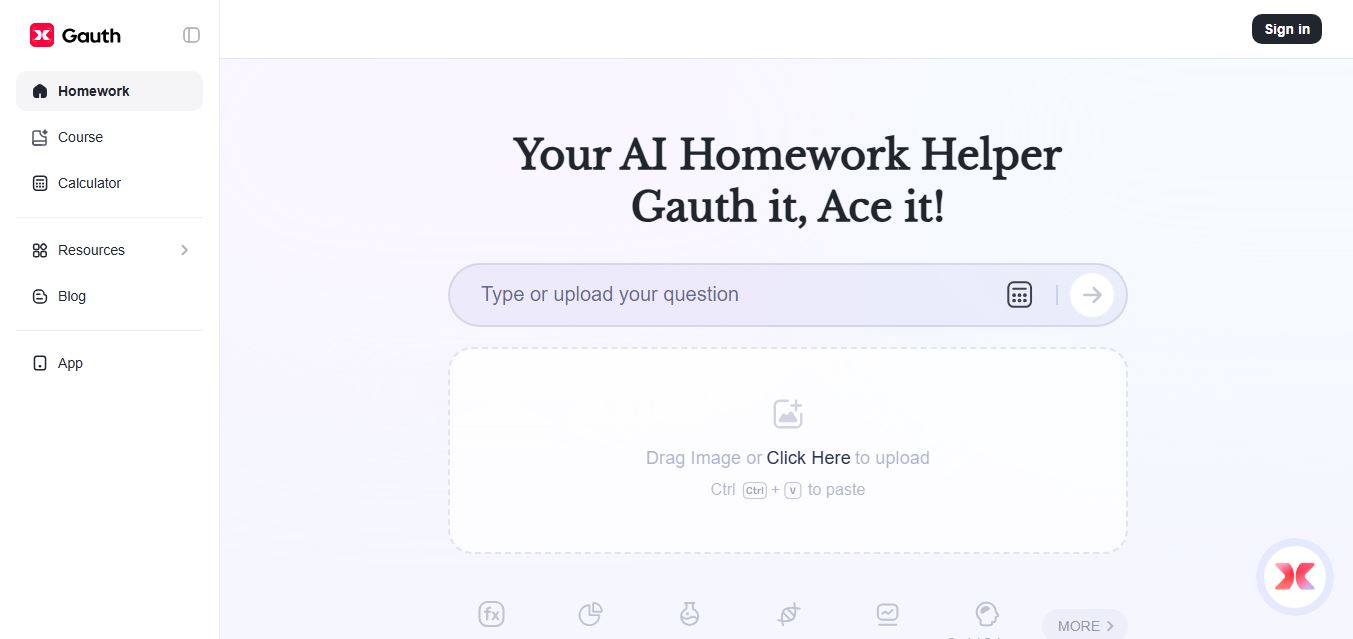
Gauth (formerly Gauthmath) is an AI-powered homework helper that lets students solve problems by typing or snapping a photo. It delivers step-by-step explanations across math and other subjects, combines AI with live tutor support, and helps users understand concepts, complete homework, and prepare for exams.
 4.7
4.7AI Math Solver
Education
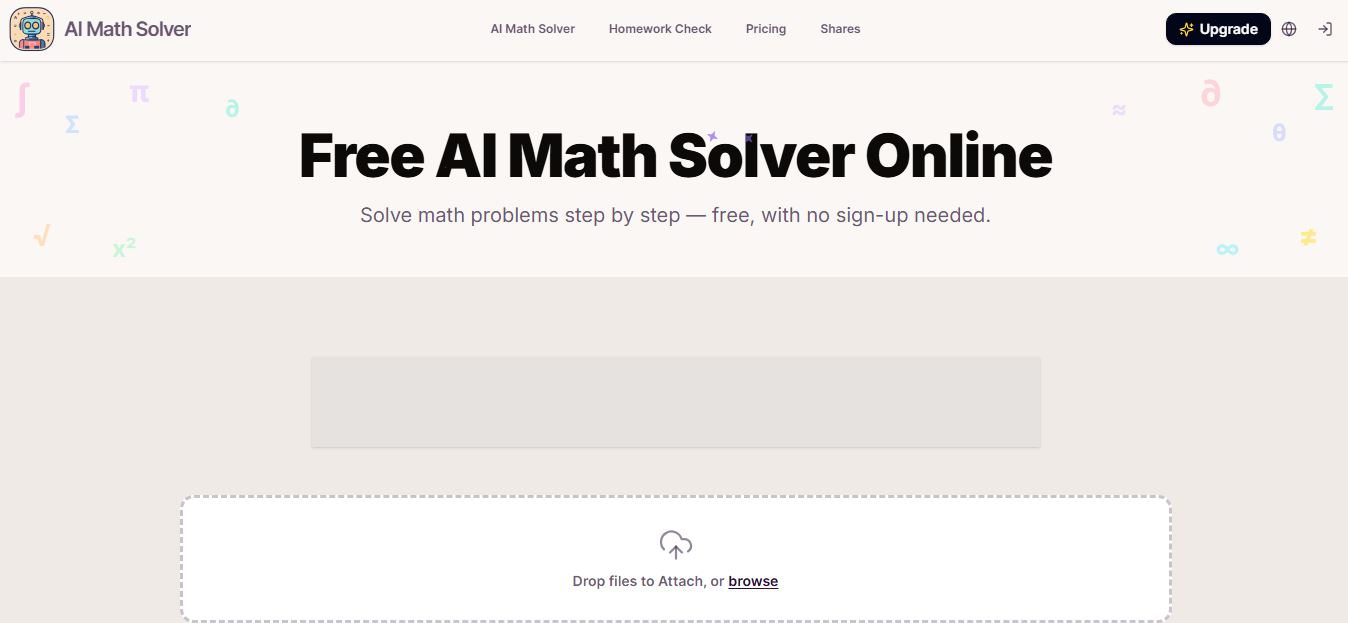
AIMathSolve is an AI-powered math solver that helps users solve problems across algebra, calculus, geometry, and more using text or image input. It generates step-by-step explanations, recognizes handwritten equations, and improves understanding, making it useful for homework, learning, and exam preparation.
 4.9
4.9Brilliant
Education
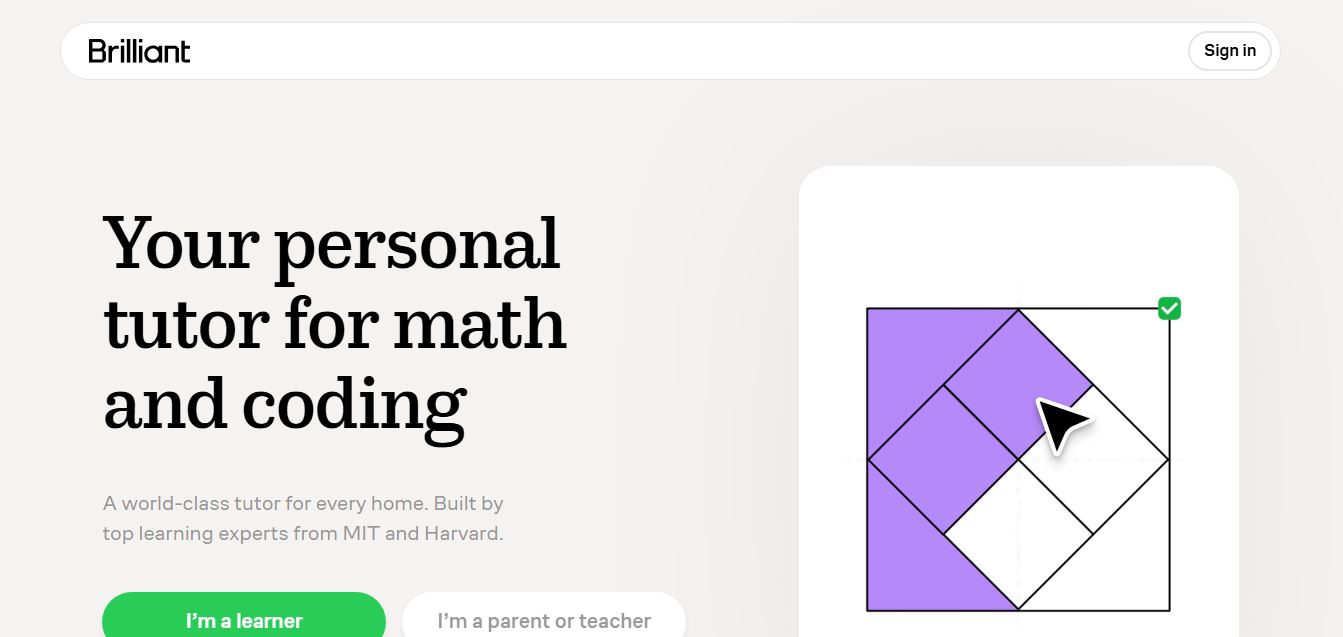
Brilliant is an interactive online learning platform that helps users build math, coding, and problem-solving skills through hands-on lessons. It uses visual explanations, real-time feedback, and a personal AI tutor to guide learning, enabling deeper understanding compared to passive video-based courses.
 5.0
5.0Desmos
Education
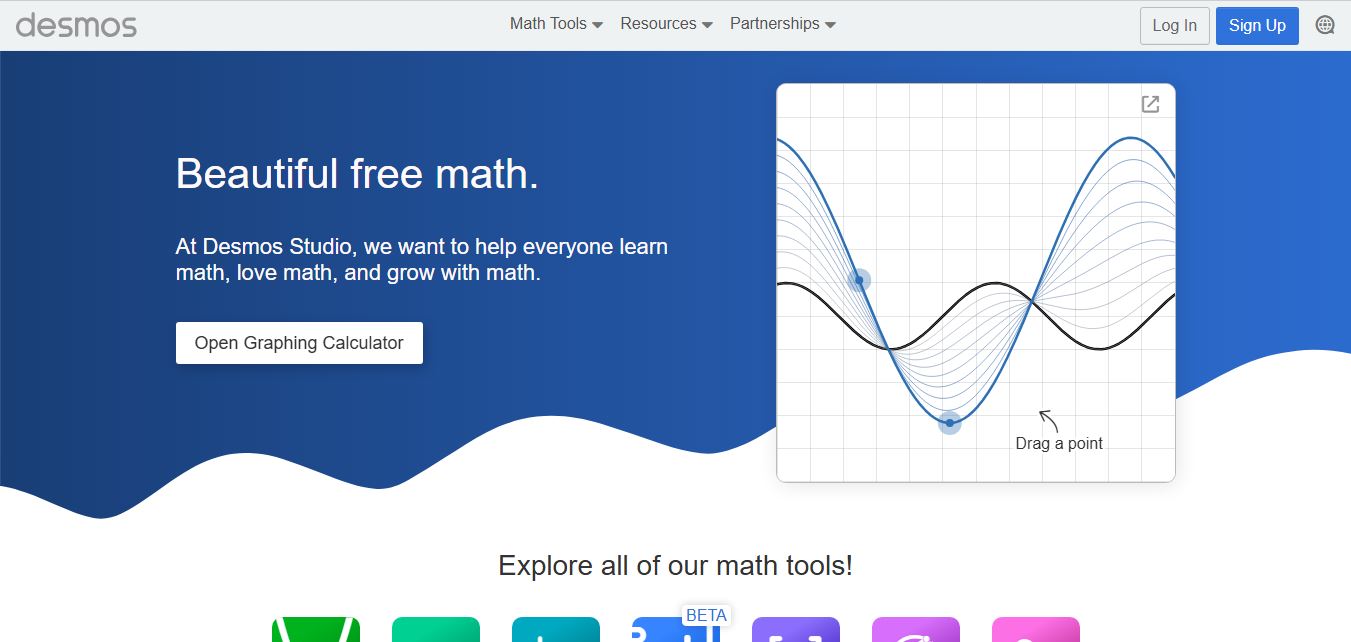
Desmos is an interactive math platform that helps students and teachers visualize concepts through graphing calculators, activities, and classroom tools. It enables real-time exploration of equations, functions, and data, making math more intuitive, engaging, and accessible across algebra, geometry, and advanced topics.