
Liner AI
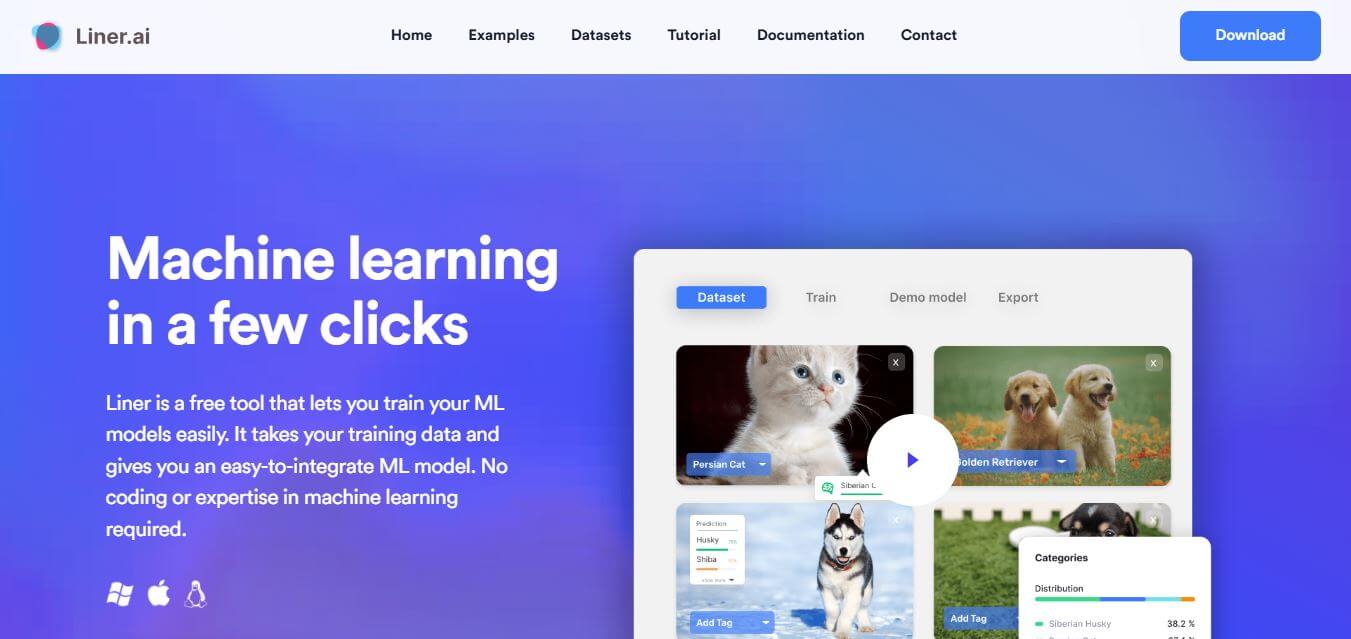
Liner is a no-code machine learning platform that allows users to train, deploy, and integrate AI models quickly without requiring programming or technical expertise.
What is Liner?
- Founder: Not publicly disclosed
- Launch: 2023
- Use Cases: Build AI models for image, text, audio, and video classification, object detection, segmentation, and pose classification without coding.
- Technology: State-of-the-art machine learning algorithms optimized for CPU and edge devices, enabling fast, accurate training and deployment.
Liner is a no-code machine learning platform that makes AI simple for all. It allows anyone, from AI first-timers to developers, to create, train, and deploy machine learning models with no code required. Liner supports the creation of models utilizing many different types of data, including images, text, audio, and video, for many different machine learning tasks, including classification, object detection, segmentation, and pose estimation. With Liner tools, anyone can pop open some data, select from a catalog of pre-built templates, and train their model to completion, all within a few minutes.
Liner is made to use the power of your computer or nearby devices to train and deploy models accurately and efficiently. Liner is designed to ensure comprehensive privacy and security for users of the platform, as all legacy and new data is stored locally, eliminating the need for cloud storage and addressing concerns about data leaks. Liner allows professionals, educators, and do-it-yourself (DIY) users an easy way to take advantage of the efficiencies of AI for faster prototyping, automating workflows, or intelligent applications. By lowering technical barriers, Liner allows everyone to have access to machine learning that will lead to increased innovation and more intelligent data-driven decision-making.
Liner Video/Demo
People are also reading
FAQ
Do I need coding experience to use Liner?
No, Liner is fully no-code and beginner-friendly.
Can I train models without a GPU?
Yes, Liner is optimized to train models efficiently on CPUs.
What types of data can I use?
You can use image, text, audio, or video data, as well as pre-labeled datasets.
Is my data safe with Liner?
Yes, all data stays on your local device and is never uploaded to the cloud.
Can I deploy models on mobile or edge devices?
Yes, Liner supports exporting models to multiple platforms including edge devices.
User Reviews
No reviews yet for Liner AI.
Featured Tools
Featured AI tools from TechShark

Melody Genie
MelodyGenie is an AI-powered music generator that creates original songs from simple text prompts. Users can choose styles, moods, and genres, then instantly generate melodies and full tracks, making it easy for creators, marketers, and hobbyists to produce custom music without musical expertise.
Freemium

Kimi AI
Kimi AI is an advanced AI assistant developed by Moonshot AI that helps you chat, research, write, code, and automate tasks in one place. It supports web search, file analysis, and multimodal inputs, and can even run autonomous “agent” workflows to complete complex tasks end-to-end.
Freemium

Fashion Diffusion AI
Fashion Diffusion is an AI-powered fashion design platform that helps brands and designers create clothing designs, virtual try-ons, AI models, product photos, and marketing visuals faster and cost-effectively.
Paid

Veo 4
Veo 4 AI is an AI video creation platform that generates dramatic videos from text, images, audio, and video prompts using realistic motion and synchronized sound.
Paid
Alternatives
Alternatives to Liner AI
Liner is a no-code machine learning platform that lets anyone build, train, and deploy AI models for images, text, audio, and video, offering fast, secure, and accurate solutions without any coding skills.
 4.8
4.8AiDash
Personal Assistant
AiDASH helps utilities and infrastructure organizations monitor assets, identify vegetation and climate-related risks, predict storm and wildfire impacts, and prioritize inspections. Its platform combines satellite imagery, AI models, weather, GIS, and historical operational data to provide actionable intelligence for improving reliability, reducing costs, and strengthening infrastructure resilience.
 4.8
4.8AutoDraw
Personal Assistant
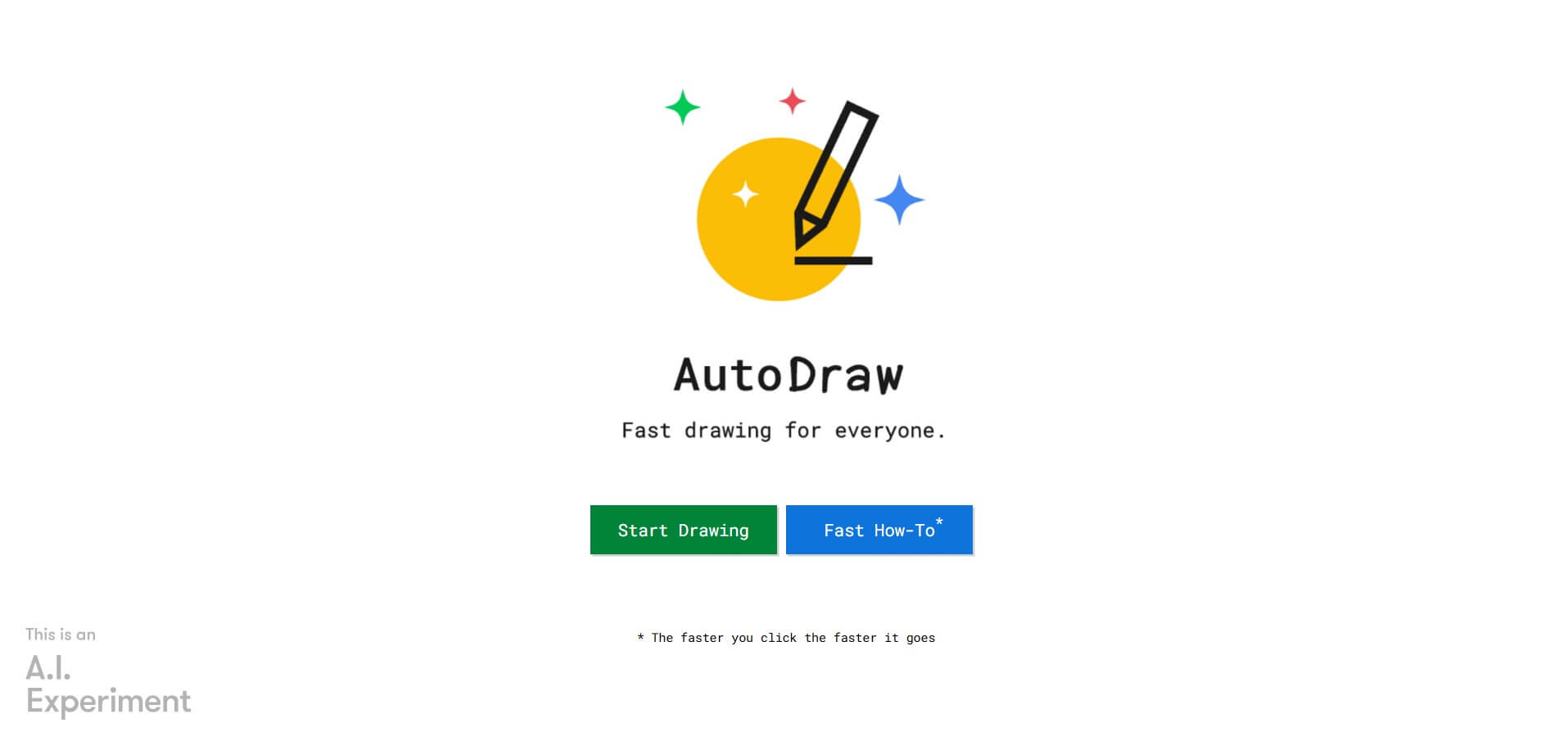
AutoDraw is a free Google drawing tool that recognizes rough sketches and suggests polished illustrations. You can draw using a phone, tablet, or computer, select a matching suggestion, add colors and shapes, and create simple visual content quickly. It is useful for beginners, students, educators, presentations, invitations, and casual creative projects.
 4.8
4.8Inngest
Personal Assistant
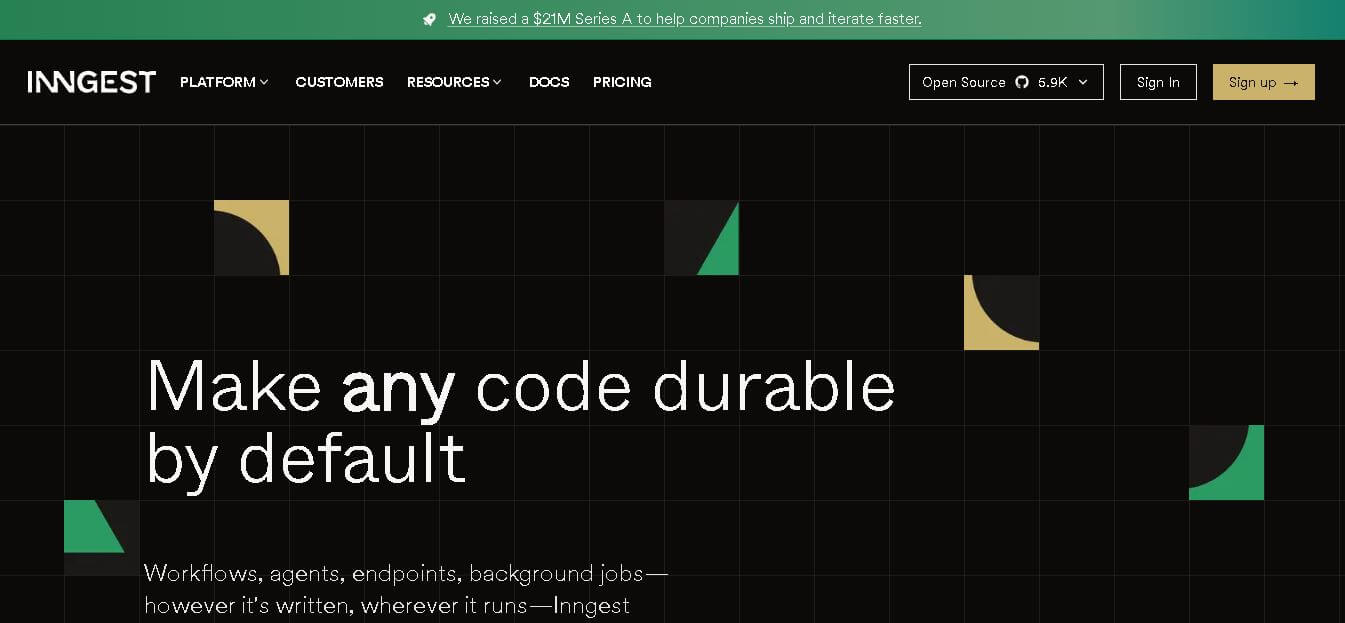
Inngest helps developers build reliable workflows and AI agents by adding durable execution to application code. It handles retries, waits, saved step results, concurrency, scheduling, and execution traces, while allowing teams to keep existing infrastructure. It is designed for background jobs, long-running workflows, integrations, and multi-step automated processes.
 4.8
4.8Qdrant
Personal Assistant
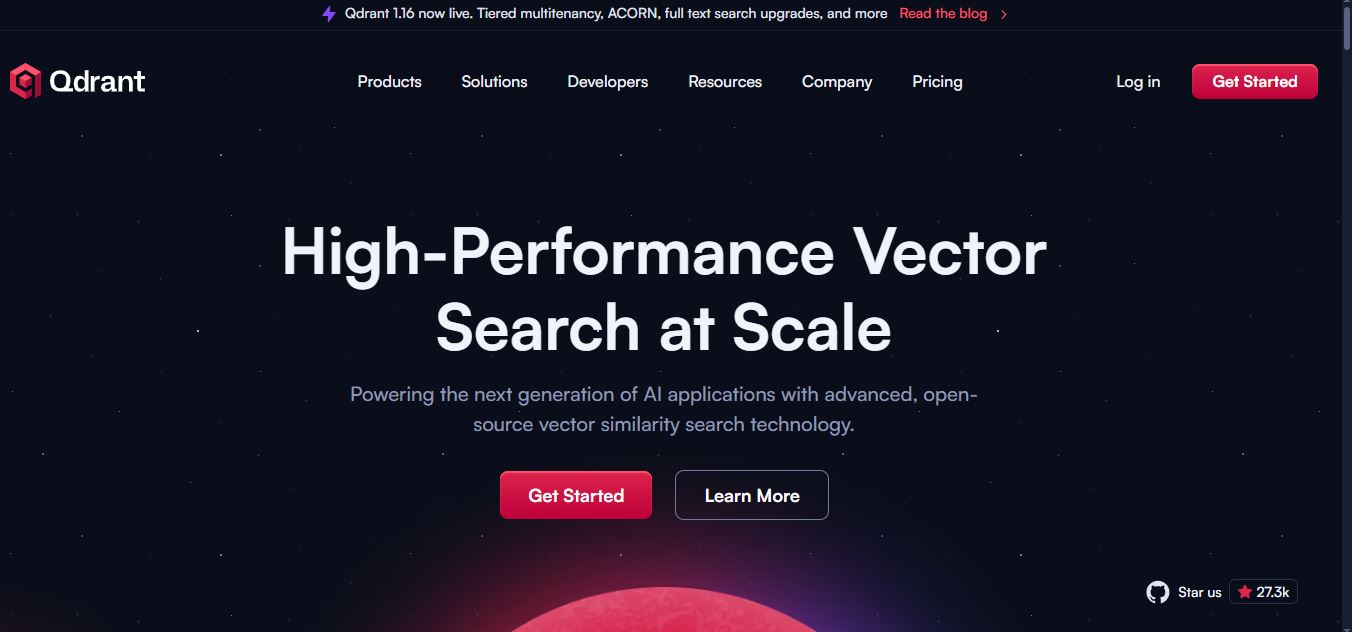
Qdrant is a vector search engine for building fast, scalable AI retrieval systems. It supports semantic search, RAG, recommendations, AI agents, hybrid dense-sparse retrieval, metadata filtering, reranking, and multimodal search. Developers can self-host Qdrant or use Qdrant Cloud for managed infrastructure, scaling, backups, monitoring, and enterprise deployment options for applications.
 4.9
4.9Edubrain AI
Education
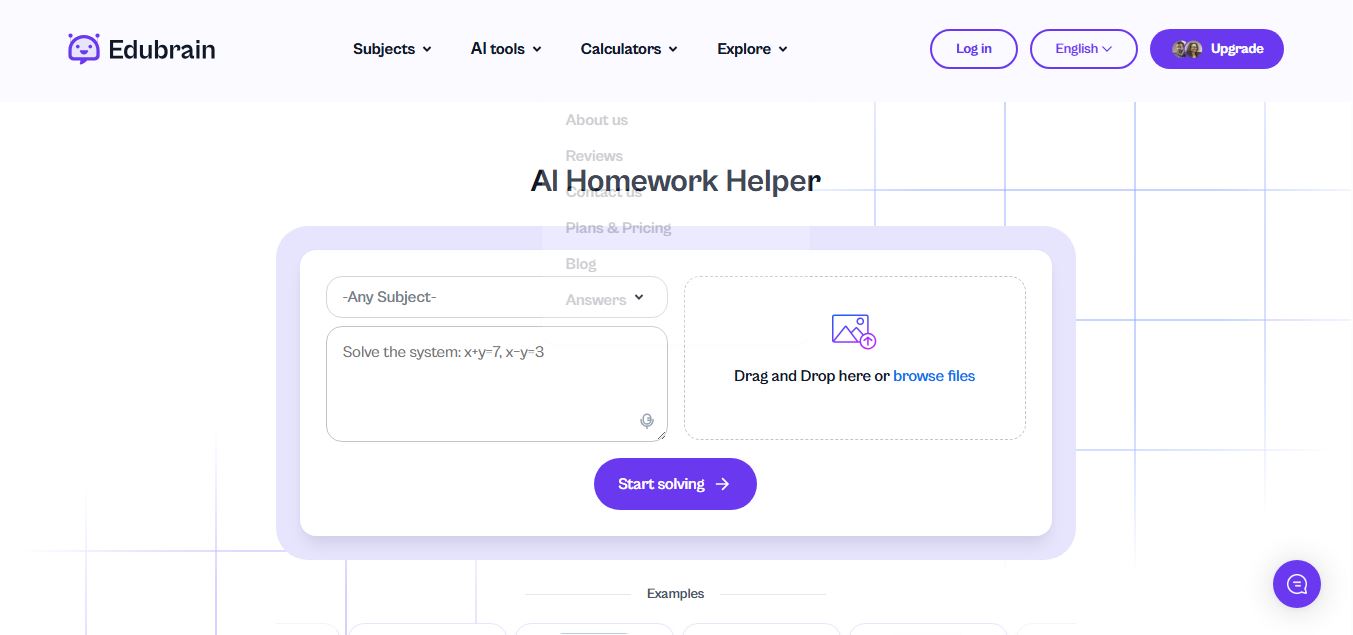
Edubrain is an AI-powered homework assistant that helps students solve questions across 90+ subjects using text, images, PDFs, or audio. It provides step-by-step explanations, adapts to learning styles, and works without sign-up, enabling faster understanding, exam prep, and personalized study support.
 4.8
4.8Math AI
Education
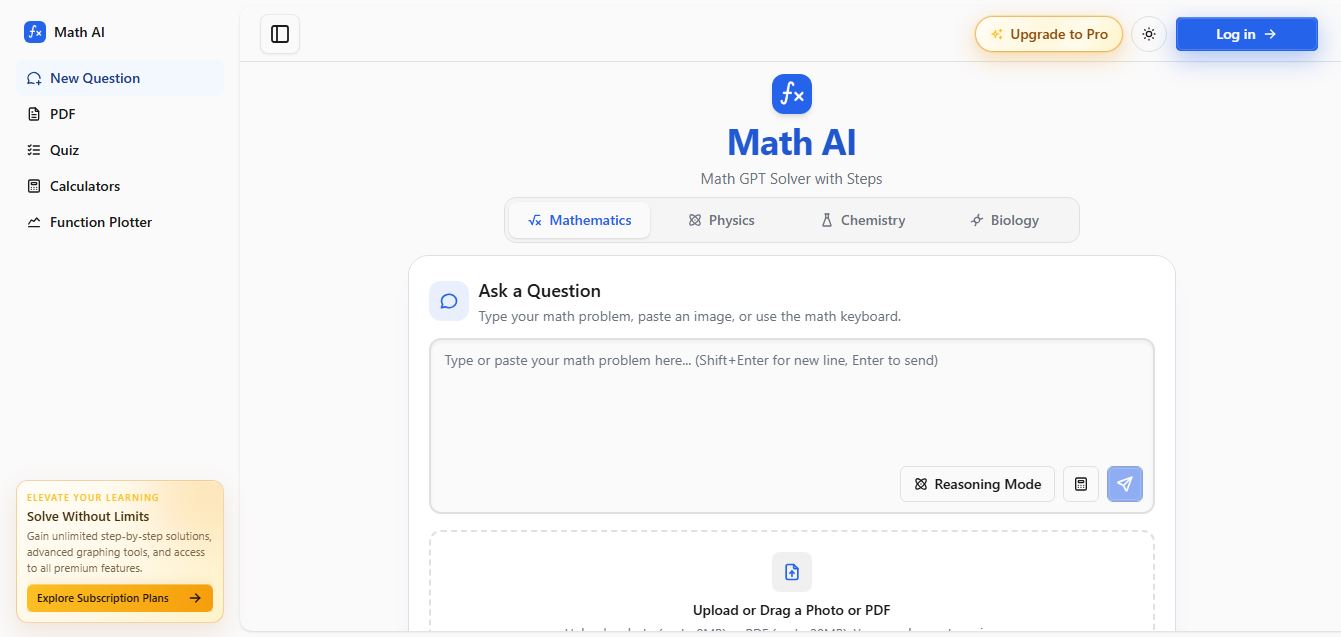
Math AI is an AI-powered math learning platform that helps users solve problems using text or images with step-by-step explanations. It supports algebra, calculus, and more, offering quizzes, graphs, and personalized tutoring to improve understanding and make studying, homework, and exam preparation easier.
 4.9
4.9ThetaWise
Education
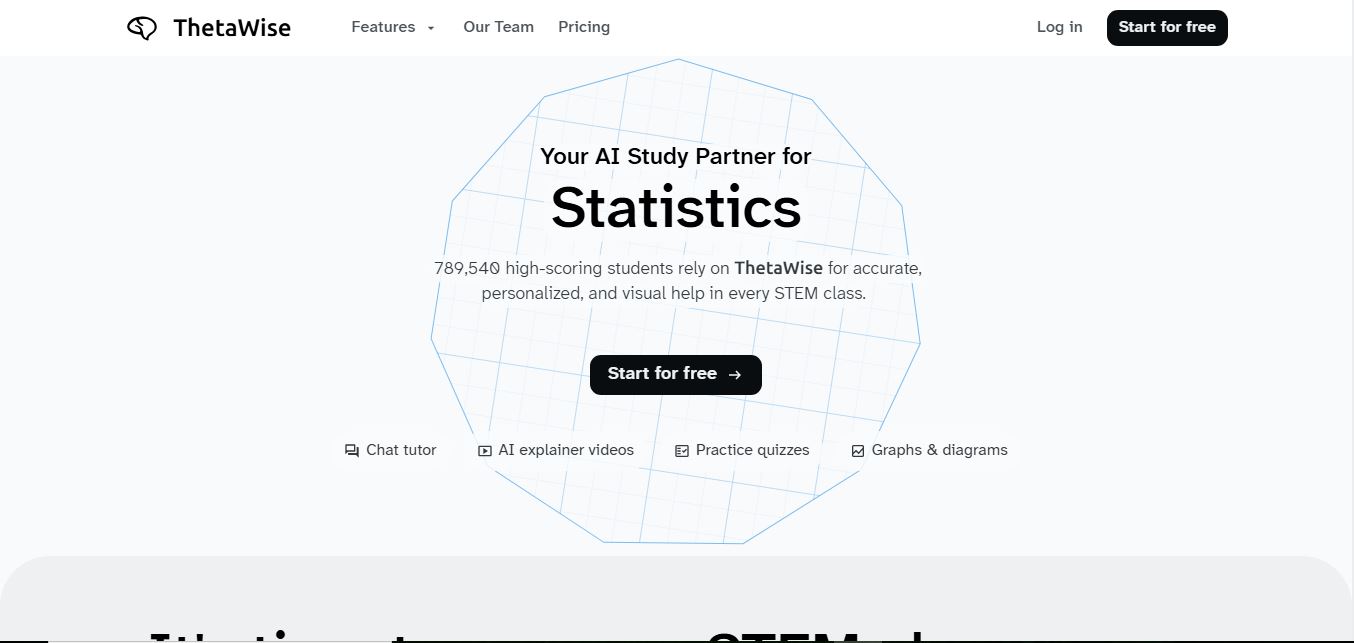
ThetaWise is an AI-powered STEM learning platform that helps students solve math and science problems with step-by-step explanations, video lessons, and practice quizzes. It acts like a 24/7 tutor, adapting to learning styles and improving understanding, test performance, and concept mastery.
 4.9
4.9Mathos AI
Education
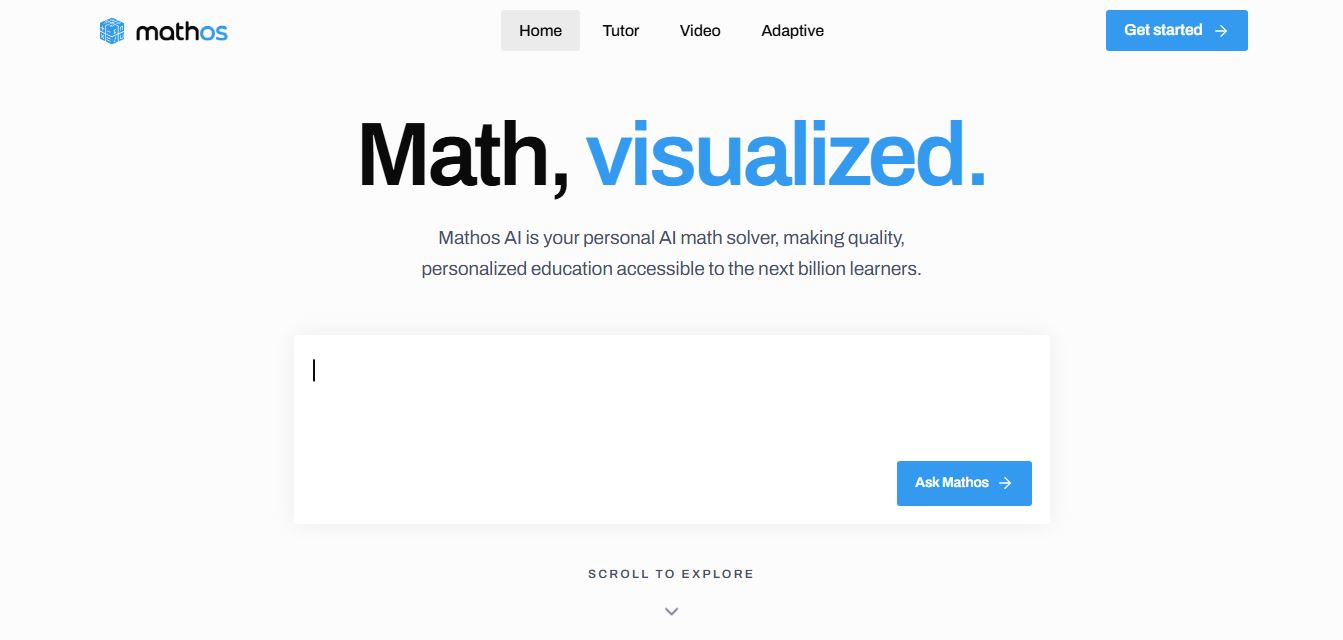
Mathos AI is an AI-powered math solver and tutor that helps students solve problems with step-by-step explanations and personalized guidance. It turns questions into lessons, generates quizzes, flashcards, and videos, and adapts to mistakes, enabling deeper understanding instead of just providing answers.
 4.8
4.8Brainly
Education
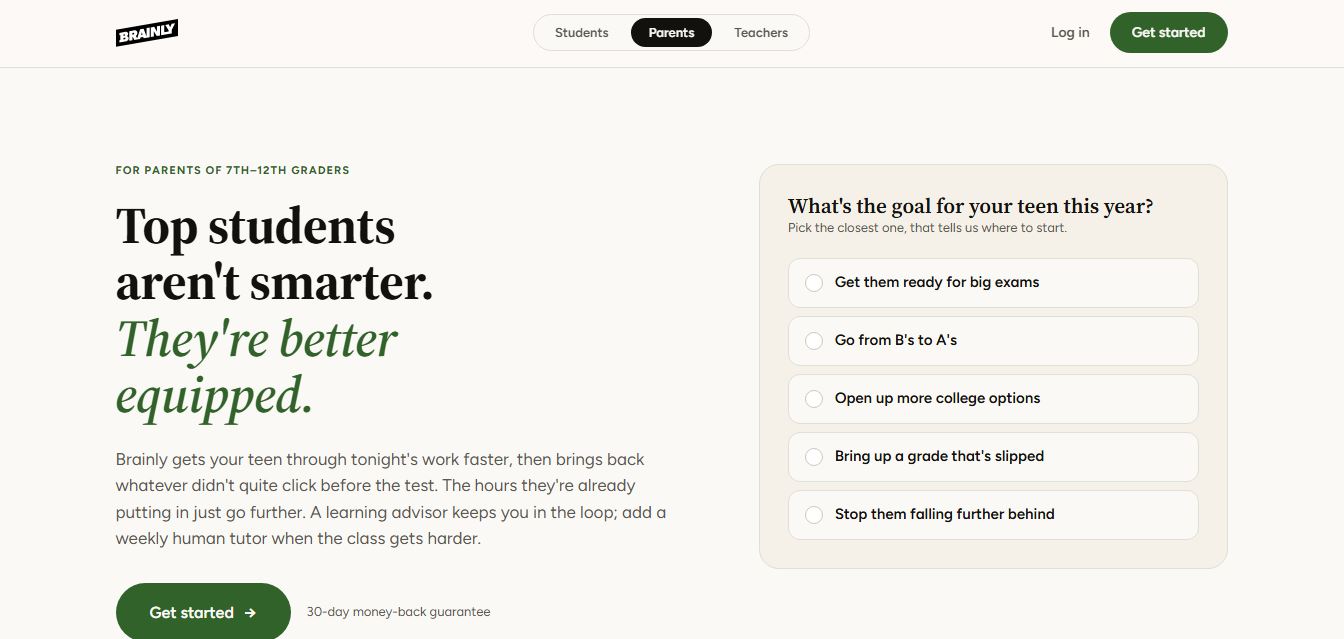
Brainly is an AI-powered learning platform that helps students solve homework, study concepts, and prepare for exams with step-by-step explanations. It combines AI guidance with a global community of experts, turning questions into personalized learning and helping students understand—not just complete—their schoolwork.