
Keyword Everywhere
Keywords Everywhere is an SEO browser extension that displays keyword metrics, search volume, CPC, competition, and related keyword suggestions. It helps marketers, bloggers, and SEO professionals research keywords, analyze competitors, and discover content opportunities directly from supported websites.

What is Keyword Everywhere?
Keywords Everywhere is a browser-based SEO keyword research extension that helps marketers, bloggers, content creators, and SEO professionals discover valuable keyword data directly on the websites they already use. Instead of switching between multiple SEO platforms, users can access keyword insights while browsing Google, YouTube, Bing, Amazon, and other supported websites. The extension displays information such as search volume, cost per click (CPC), advertising competition, keyword trends, and related keyword suggestions.
One of its main advantages is its integration with search engine results pages. When users search for a term on Google, Keywords Everywhere can display additional keyword information, including related searches, long-tail keyword ideas, and other search insights. The platform also supports competitor research. Users can enter a website URL to explore its ranking keywords, estimated organic traffic, and backlink information. This can help SEO professionals identify content gaps and discover potential keyword opportunities.
Keywords Everywhere: Key Details
| Detail | Information |
|---|---|
| Tool Name | Keywords Everywhere |
| Category | SEO and Keyword Research |
| Main Purpose | Keyword analysis and search data discovery |
| Platform | Browser extension |
| Supported Browsers | Chrome, Firefox, and Edge |
| Main Features | Search volume, CPC, competition, keyword ideas, and competitor research |
| Supported Platforms | Google, Bing, YouTube, Amazon, and other websites |
| Free Availability | Yes, with limited data features |
| Paid Plans | Bronze, Silver, Gold, and Platinum |
| Pricing Model | Annual subscriptions and credit-based usage |
| Official Website | https://keywordseverywhere.com/ |
Keywords Everywhere Key Features
Keywords Everywhere combines browser-based keyword research with website analysis and content discovery tools. Its main features include:
- Keyword Search Volume: View estimated monthly search volume for keywords while browsing supported search engines. This helps SEO professionals evaluate the relative demand for different search terms.
- Cost Per Click (CPC): Check estimated advertising costs for keywords. CPC data can help marketers identify commercially valuable terms and understand their potential relevance to paid search campaigns.
- Advertising Competition: View Google Ads competition data to understand how competitive a keyword is among advertisers. This metric is useful for paid search research and should not be confused with organic keyword difficulty.
- SEO Difficulty: Access SEO difficulty information and related link metrics to help evaluate how challenging a keyword may be to rank for organically.
- Related Keywords: Discover keyword variations associated with the original search term. These suggestions can help users expand their keyword lists and identify additional content opportunities.
- Long-Tail Keyword Suggestions: Find more specific search phrases that can help content creators target focused search intent and niche topics.
- People Also Search For (PASF): Explore related searches displayed around search engine results. These suggestions can help identify additional questions and topics to cover in content.
- Keyword Trend Analysis: Review 12-month keyword trends and historical search interest to understand how demand changes over time.
- Competitor Keyword Research: Enter a competitor's website URL to discover its ranking keywords and estimated organic traffic. This can help identify content opportunities and competing pages.
- Website Traffic Metrics: View estimated organic traffic information for websites and pages to support competitor research and website analysis.
- Backlink and Domain Metrics: Access backlink information and Moz-related link metrics to investigate website authority and link profiles.
- Bulk Keyword Data: Upload or paste large keyword lists to retrieve search volume, CPC, and competition information in batches. This is useful for agencies and SEO professionals managing larger research projects.
- Keyword Data Export: Copy and export keyword research data into supported formats, making it easier to organize keyword lists, create reports, and share findings with teams.

Keywords Everywhere Pricing
Keywords Everywhere offers a free extension and four paid annual subscription plans: Bronze, Silver, Gold, and Platinum. The free version provides several keyword discovery and website analysis features. Paid credits are required to access detailed search volume, CPC, competition, and trend information.
Free Version
The free version is suitable for users who want to explore keyword ideas and access basic SEO information.
It includes:
- Free browser extension installation.
- Related keyword suggestions.
- People also search for keyword suggestions.
- Long-tail keyword ideas.
- Website traffic metrics.
- Backlink and domain information.
- Free prompt templates.
- Selected social media engagement metrics.
- Hashtag research tools.
Detailed search volume, CPC, advertising competition, and trend information require credits.
Bronze Plan
The Bronze plan is designed for individual SEO professionals and content creators.
It includes:
- 100,000 credits per year.
- One user seat.
- Top 1,000 keywords per website.
- Top 1,000 backlinks per website.
- Access to Keywords Everywhere features.
- API access.
Silver Plan
The Silver plan is suitable for small marketing teams and SEO professionals who need more credits and additional user access.
It includes:
- 400,000 credits per year.
- Three user seats.
- Top 2,000 keywords per website.
- Top 2,000 backlinks per website.
- Access to SEO Minion.
- Premium ChatGPT prompts.
- Access to Keywords Everywhere features.
- API access.
Gold Plan
The Gold plan is designed for SEO agencies and businesses handling multiple websites and larger keyword research projects.
It includes:
- 2 million credits per year.
- Ten user seats.
- Top 5,000 keywords per website.
- Top 5,000 backlinks per website.
- Access to SEO Minion.
- Premium AI prompt templates.
- Access to Keyword Keg.
- Access to Rapid Level Up courses.
- API access.
Disclaimer: For the latest and most accurate pricing information, please visit the official Keyword Everywhere website.
Who Is Using Keywords Everywhere?
Keywords Everywhere is designed for individuals and organizations that need keyword insights to improve their search visibility, content strategies, and digital marketing campaigns.
Its main user groups include:
- Digital Marketers: Digital marketing professionals use Keywords Everywhere to research search terms, evaluate CPC, identify related keywords, and develop SEO and paid advertising strategies.
- SEO Specialists: SEO professionals use the extension to discover keyword opportunities, examine competitor rankings, evaluate organic search difficulty, and build keyword lists for website optimization.
- Content Creators and Bloggers: Bloggers use the tool to discover relevant topics, find long-tail keywords, and plan articles around audience search behavior.
- SEO Agencies: Agencies use Keywords Everywhere for client keyword research, competitor analysis, bulk data collection, and reporting.
- Freelancers and SEO Consultants: Independent consultants use it to research keywords, prepare SEO recommendations, and identify content opportunities for clients.
- E-commerce Businesses: Online sellers use keyword research features to discover product-related search terms and improve product listing optimization.
- YouTube Creators: Video creators use it to research video topics, discover related keywords, and examine available tag and search data.
- PPC Specialists: Paid advertising professionals use CPC and advertiser competition metrics to evaluate keyword opportunities for search campaigns.
Keyword Everywhere Video
Keyword Everywhere Alternatives
Some of the alternatives are:
Pros and Cons of Keywords Everywhere
Before choosing Keywords Everywhere, it is useful to understand its main advantages and limitations.
Pros
- Convenient Browser Integration: Displays keyword information directly on supported websites, reducing the need to switch between SEO platforms.
- Multiple Keyword Metrics: Provides search volume, CPC, advertising competition, trends, and related keyword suggestions.
- Free Keyword Research Features: Offers several keyword discovery, traffic, and link metrics without requiring paid credits.
- Competitor Analysis: Helps users investigate website ranking keywords and estimated organic traffic.
- Bulk Keyword Research: Supports larger keyword lists, making research more efficient for SEO professionals and agencies.
- Multiple Website Support: Works across Google, Bing, YouTube, Amazon, and other supported platforms.
- Flexible Credit System: Users pay for detailed keyword data through credits rather than being charged for every feature.
- Annual Plan Options: Offers different credit allowances and user seats for individuals and larger teams.
- Export Functionality: Helps users copy and export keyword research information for reports and content planning.
- AI Prompt Templates: Provides additional resources for users who combine keyword research with AI-powered content workflows.
Cons
- Annual Billing: Paid subscription plans require annual payment rather than monthly billing.
- Credit Consumption: Detailed keyword metrics use credits, so extensive research can consume the available allowance.
- No Dedicated Mobile App: The extension is designed for desktop browsers and does not currently offer an official mobile application.
- Limited Browser Compatibility: It supports Chrome, Firefox, and Edge but does not offer a Safari extension.
- Not a Complete SEO Platform: Users who need advanced technical SEO audits, extensive rank tracking, or full-scale backlink analysis may require additional tools.
- Data Interpretation Required: Search volume and CPC are estimates and should not be treated as guaranteed traffic or conversion figures.
- Advertising Competition Can Be Misunderstood: Google Ads competition measures advertiser activity, not organic ranking difficulty.
Why Choose Keywords Everywhere?
Keywords Everywhere can be a practical choice for SEO professionals and marketers who want to research keywords while browsing search engines and other supported websites.
Here are some reasons to consider using it:
- Access Keyword Data Quickly: View important keyword metrics without opening a separate research platform for every search.
- Discover Content Opportunities: Find related searches, long-tail keywords, and other variations for content planning.
- Evaluate Commercial Intent: Use CPC and advertising competition data to identify terms with potential commercial value.
- Research Competitors: Investigate ranking keywords and estimated traffic for competing websites.
- Explore Multiple Platforms: Conduct keyword research across Google, YouTube, Amazon, Bing, and other supported sites.
- Analyze Large Keyword Lists: Use bulk keyword research to process multiple search terms efficiently.
- Monitor Search Trends: Review historical and 12-month keyword trends to understand changes in search interest.
- Support SEO Reporting: Export keyword information and organize findings for clients, stakeholders, and content teams.
For marketers who regularly conduct keyword research, Keywords Everywhere can make everyday SEO analysis more convenient.
Keywords Everywhere vs Competitors
The keyword research market includes browser extensions and full-scale SEO platforms. While Keywords Everywhere focuses on bringing keyword metrics directly into supported browsing experiences, competitors provide different levels of SEO research and website analysis.
| Feature | Keywords Everywhere | Keyword Surfer | Ubersuggest | Ahrefs | Semrush |
|---|---|---|---|---|---|
| Browser Extension | Yes | Yes | Yes | Yes | Yes |
| Search Volume | Yes | Yes | Yes | Yes | Yes |
| CPC Data | Yes | Yes | Yes | Yes | Yes |
| Keyword Difficulty | Yes | Available through related tools | Yes | Yes | Yes |
| Related Keywords | Yes | Yes | Yes | Yes | Yes |
| Competitor Analysis | Yes | Limited | Yes | Yes | Yes |
| Backlink Analysis | Yes | Not its main focus | Yes | Yes | Yes |
| Bulk Keyword Research | Yes | Limited | Yes | Yes | Yes |
| Rank Tracking | Not its main focus | Not its main focus | Yes | Yes | Yes |
| Site Auditing | Not its main focus | Not its main focus | Yes | Yes | Yes |
| Best For | Quick browser-based research | Google search insights | Small business SEO | Advanced SEO analysis | Complete digital marketing |
Keywords Everywhere stands out for its lightweight browser-based workflow and credit-based keyword data. Ahrefs and Semrush are more suitable for comprehensive SEO campaigns, while Keyword Surfer can be an option for users who mainly want quick Google search insights.
How Did We Rate Keywords Everywhere?
The following ratings represent TechShark's editorial assessment based on Keywords Everywhere's publicly described features, usability, and intended use cases. They are not independently measured performance benchmarks or verified customer ratings.
| Evaluation Criteria | Rating |
|---|---|
| Ease of Use | 4.6/5 |
| Keyword Research Features | 4.5/5 |
| Search Volume and CPC Data | 4.5/5 |
| Competitor Research | 4.2/5 |
| Browser Integration | 4.8/5 |
| Bulk Keyword Research | 4.4/5 |
| Value for Money | 4.4/5 |
| Overall Editorial Rating | 4.5/5 |
Keywords Everywhere receives a positive editorial assessment because it makes keyword research accessible directly within the user's browsing workflow. Its search metrics, keyword suggestions, competitor research, and bulk data features make it useful for SEO professionals and content marketers. Its main limitation is that detailed keyword metrics consume credits, and its annual billing structure may not suit users who prefer monthly subscriptions.
Keywords Everywhere Review: Is It Worth Using?
Keywords Everywhere is a useful SEO browser extension for marketers and content creators who regularly research search terms and need quick access to keyword metrics. Its biggest advantage is convenience. Rather than opening a dedicated SEO platform every time you want to check a keyword, the extension displays relevant information directly on supported websites. This can make everyday keyword discovery and content research more efficient.
The platform is particularly useful for identifying related keywords, evaluating search demand, examining CPC, and exploring competitor websites. Its support for Google, YouTube, Amazon, and other platforms also makes it relevant to different types of digital marketing workflows. Another advantage is its free functionality. Users can access keyword suggestions, selected website metrics, and other research features without purchasing a subscription. Those who need detailed search volume and advertising data can purchase credits through the annual plans or additional credit packages.
However, Keywords Everywhere is not a complete replacement for platforms such as Ahrefs or Semrush. It focuses on accessible keyword research rather than providing every capability required for a comprehensive SEO campaign. Users should also understand the difference between Google Ads competition and organic keyword difficulty when interpreting its metrics.
Final Verdict: Keywords Everywhere is worth considering if you want a convenient browser extension for keyword research, search volume analysis, CPC insights, and competitor discovery. It is especially useful for freelancers, bloggers, SEO specialists, and digital marketing agencies that regularly work with keyword lists. Its free features make it easy to explore, while its paid plans provide higher data allowances for more extensive research.
Conclusion
Keywords Everywhere simplifies keyword research by bringing important SEO metrics directly into supported browser experiences. Its search volume, CPC, advertising competition, related keyword suggestions, trend analysis, and competitor research features help marketers discover opportunities without constantly switching between different tools. The extension is particularly useful for SEO specialists, content creators, bloggers, digital marketing agencies, freelancers, and e-commerce businesses that need reliable keyword insights for their strategies. Its free features provide a convenient starting point, while the paid credit system offers additional data access for larger research requirements.
However, users should understand its annual subscription model, credit consumption, and the difference between advertising competition and organic ranking difficulty. For advanced SEO campaigns involving extensive backlink analysis, rank tracking, and technical audits, additional platforms may be necessary.
Overall, Keywords Everywhere is a practical SEO browser extension for anyone who wants to make keyword discovery and everyday search analysis more efficient.
Also Check:
FAQ
Is Keywords Everywhere free or paid?
Keywords Everywhere offers both free and paid functionality. Its free features include keyword suggestions, website metrics, and selected research tools. Detailed search volume, CPC, advertising competition, and trend data require paid credits.
How much does Keywords Everywhere cost?
Keywords Everywhere offers four annual subscription plans: Bronze at $84, Silver at $168, Gold at $480, and Platinum at $1,440 per year. The monthly equivalents are $7, $14, $40, and $120, respectively. All plans are billed annually.
Does Keywords Everywhere work with Google Chrome?
Yes. Keywords Everywhere supports the desktop versions of Google Chrome, Firefox, and Microsoft Edge. Users can install the extension and configure it using their account API key.
Can I use Keywords Everywhere for YouTube keyword research?
Yes. Keywords Everywhere supports YouTube keyword research and provides keyword suggestions and available search metrics. It can also display video tag information and help creators explore topics for their content.
What is the difference between CPC and competition in Keywords Everywhere?
CPC represents the estimated cost advertisers pay for a click on a keyword in paid search advertising. Competition measures how competitive that keyword is among advertisers. Neither metric directly represents organic SEO ranking difficulty.
What browsers support Keywords Everywhere?
Keywords Everywhere supports Chrome, Firefox, and Edge on desktop. It does not currently provide an official Safari extension or dedicated Android and iOS applications.
What are the best Keywords Everywhere alternatives?
Some popular alternatives include Keyword Surfer, Ubersuggest, Ahrefs, Semrush, Google Keyword Planner, Moz Keyword Explorer, and SEOquake. The best choice depends on whether you need quick keyword insights or a complete SEO research platform.
User Reviews
No reviews yet for Keyword Everywhere.
Featured Tools
Featured AI tools from TechShark

LandAtlas
LandAtlas is a land investing platform that combines parcel research, skip tracing, buyer matching, contracts, and deal management. It helps land wholesalers and acquisition teams organize property leads, evaluate opportunities, connect with potential buyers, and manage transactions from one workspace.
Paid

Klap
Klap is an AI video clipping platform that transforms long videos into short-form social media content. It automatically identifies highlights, creates captions, reframes speakers, and schedules clips, helping creators, podcasters, and marketing teams repurpose existing videos with less manual editing.
Free

Melody Genie
MelodyGenie is an AI-powered music generator that creates original songs from simple text prompts. Users can choose styles, moods, and genres, then instantly generate melodies and full tracks, making it easy for creators, marketers, and hobbyists to produce custom music without musical expertise.
Freemium

Fashion Diffusion AI
Fashion Diffusion is an AI-powered fashion design platform that helps brands and designers create clothing designs, virtual try-ons, AI models, product photos, and marketing visuals faster and cost-effectively.
Paid
Alternatives
Alternatives to Keyword Everywhere
The best alternatives to Keywords Everywhere are Ahrefs, Semrush, Ubersuggest, KeywordTool.io, Google Keyword Planner, Mangools KWFinder, Moz Keyword Explorer, SE Ranking, and LowFruits. These SEO tools help users discover keyword ideas, analyze search volume, evaluate keyword difficulty, research competitors, and identify ranking opportunities. Whether you're an SEO professional, blogger, or digital marketer, these alternatives offer valuable keyword research and SEO analysis features.
 4.6
xSeek
SEO
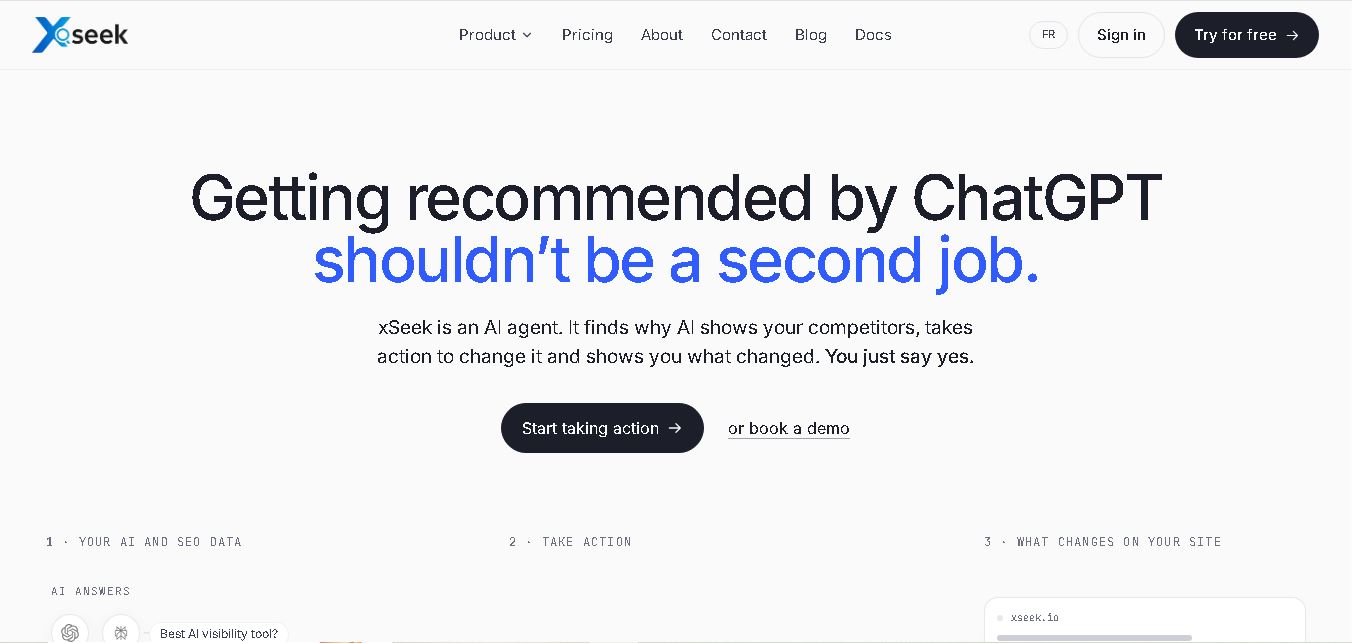
xSeek helps businesses improve their visibility across AI search engines through brand monitoring, competitor analysis, and actionable GEO recommendations. It tracks AI-generated mentions, identifies content opportunities, and creates optimization plans. With content generation and website integrations, xSeek enables marketing teams to build a stronger presence in AI-driven search experiences.
 4.7
Rankshift
SEO
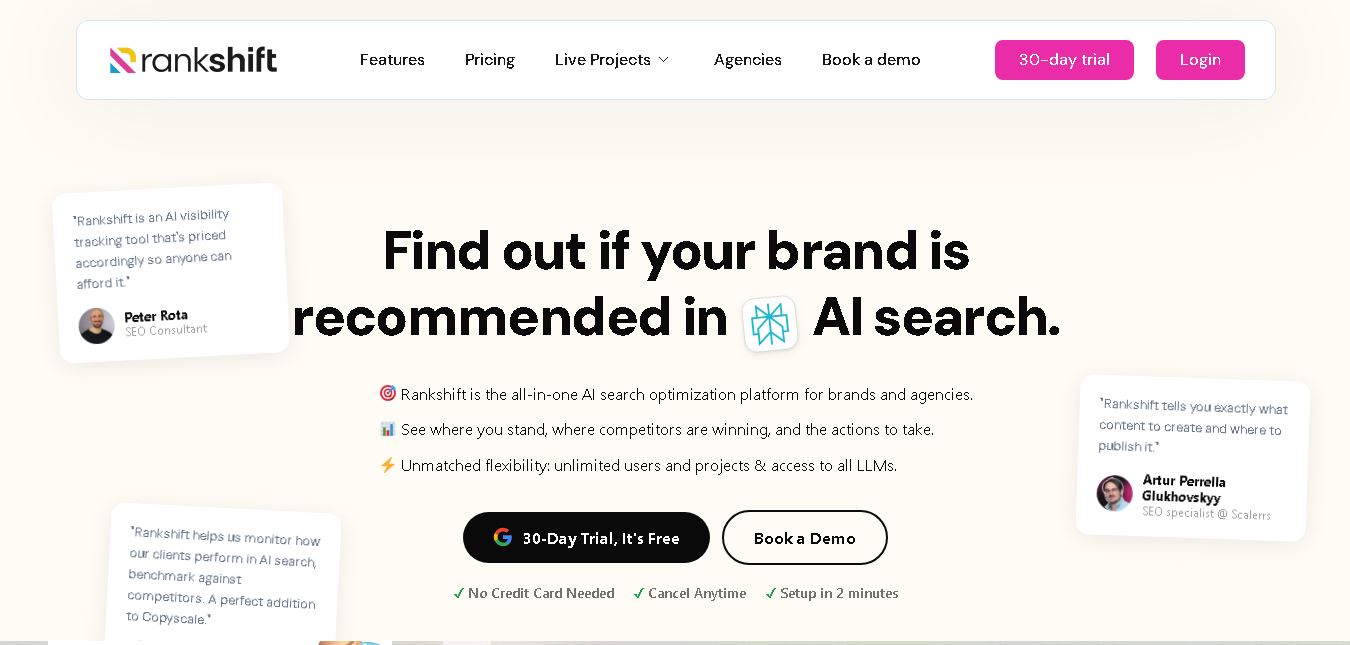
Rankshift AI helps businesses monitor and improve their visibility across AI-powered search engines. It tracks brand mentions, competitor performance, citations, and sentiment across 9 AI engines. With actionable recommendations, content briefs, crawler analytics, and reporting features, it enables SEO professionals and agencies to develop effective AI search optimization strategies.
 4.6
Conductor
SEO
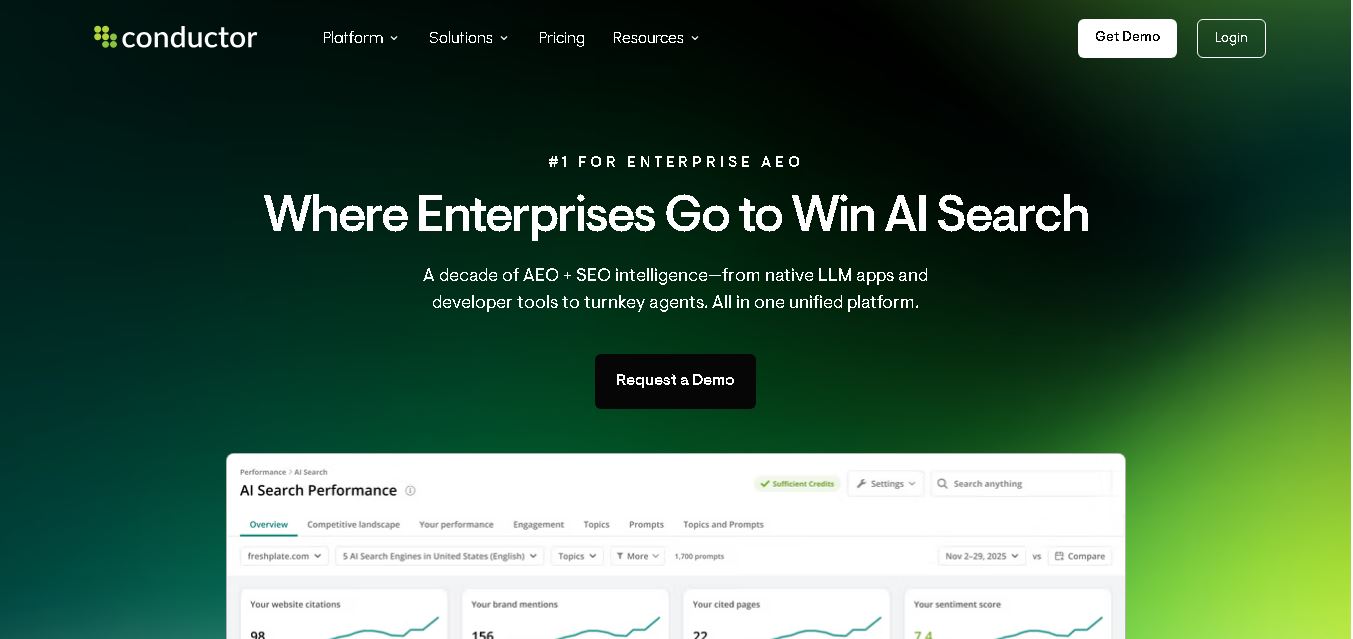
Conductor helps enterprise teams manage SEO, AI search visibility, and content performance from one platform. It combines keyword research, competitor insights, AI content creation, technical website monitoring, and reporting to help brands improve discoverability, strengthen authority, and connect organic search activities with measurable business results across traditional and emerging search experiences.
 4.6
Yext
SEO
Yext helps businesses manage their digital presence from one place. Its tools organize brand information, update listings across publishers, monitor customer reviews, build location pages, improve website search, and track performance. It is particularly useful for multi-location organizations seeking consistent information and stronger visibility across traditional and AI-driven discovery globally.
 4.6
Evertune
SEO
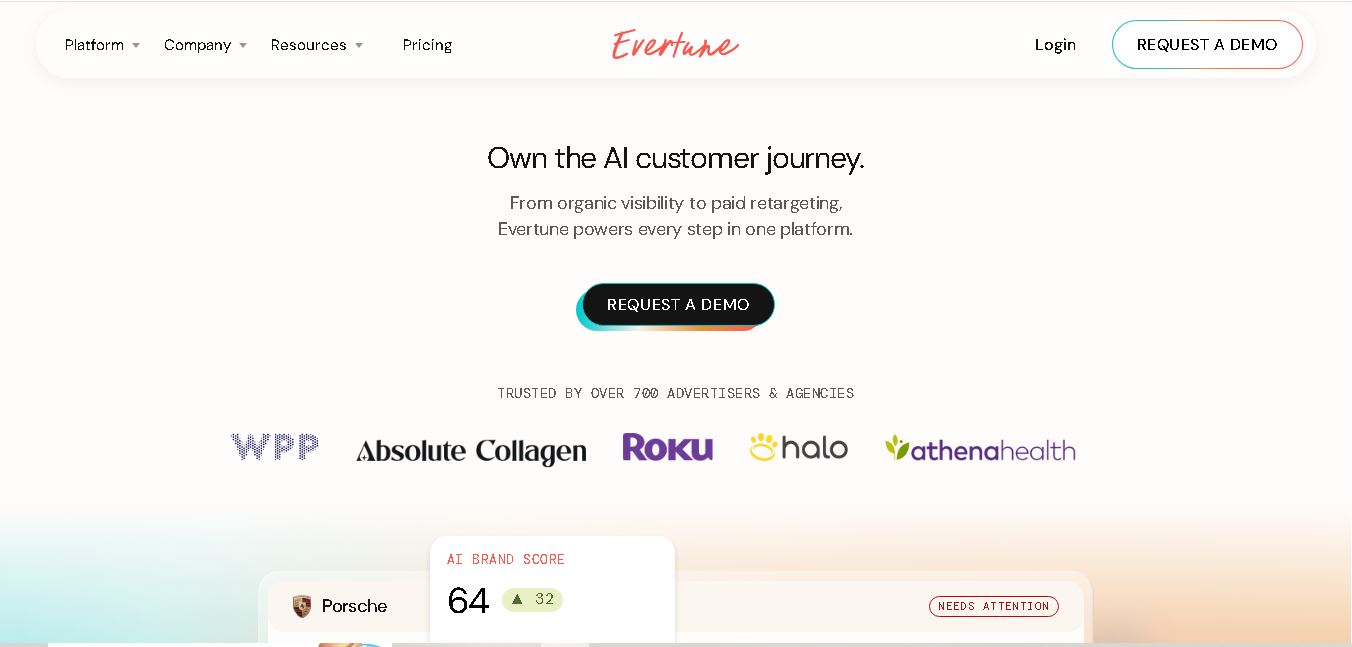
Evertune is a GEO and AI marketing tool that helps businesses monitor brand visibility across leading AI search platforms. It provides competitor benchmarking, consumer prompt research, content optimization, and advertising solutions. Marketing teams can use its insights to identify visibility gaps, strengthen brand recognition, and reach potential customers.
 4.7
Knowatoa
SEO
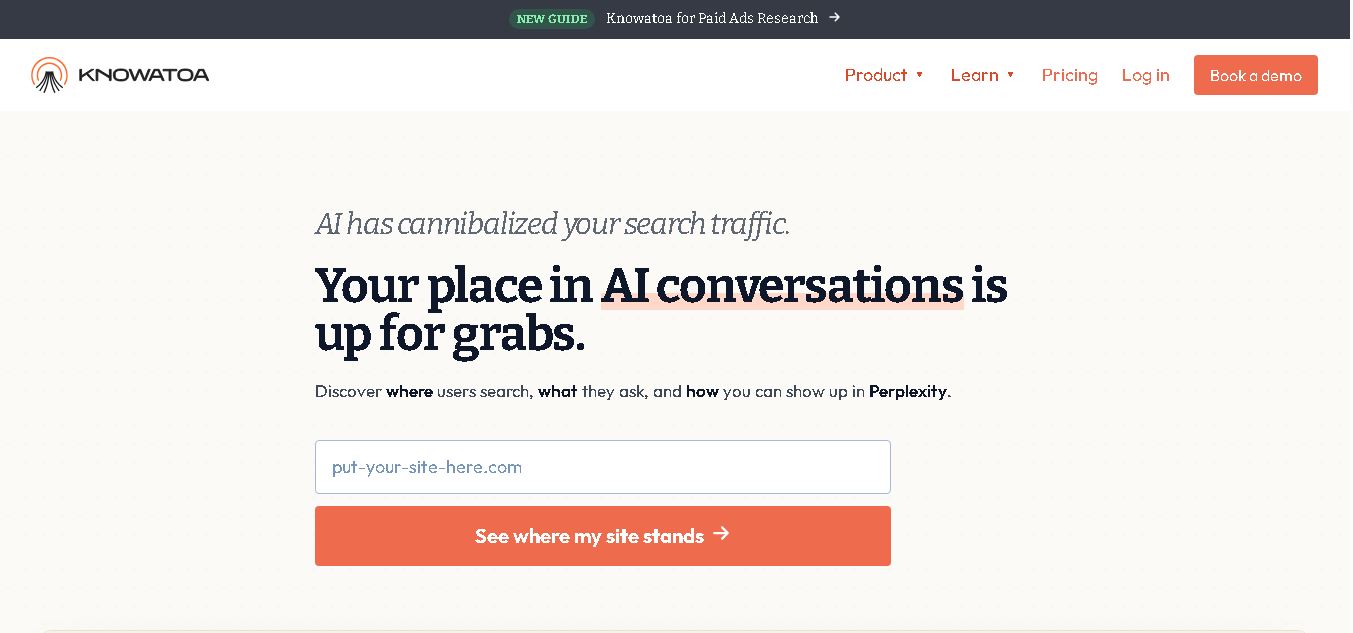
Knowatoa helps businesses monitor how AI search engines mention, cite, and describe their brands. It tracks visibility across leading AI platforms, compares competitors, identifies content gaps, and analyzes sentiment. With reporting and AI-assisted content workflows, it gives SEO teams and marketers practical insights to improve their presence in AI-generated answers.
 4.7
LLMrefs
SEO
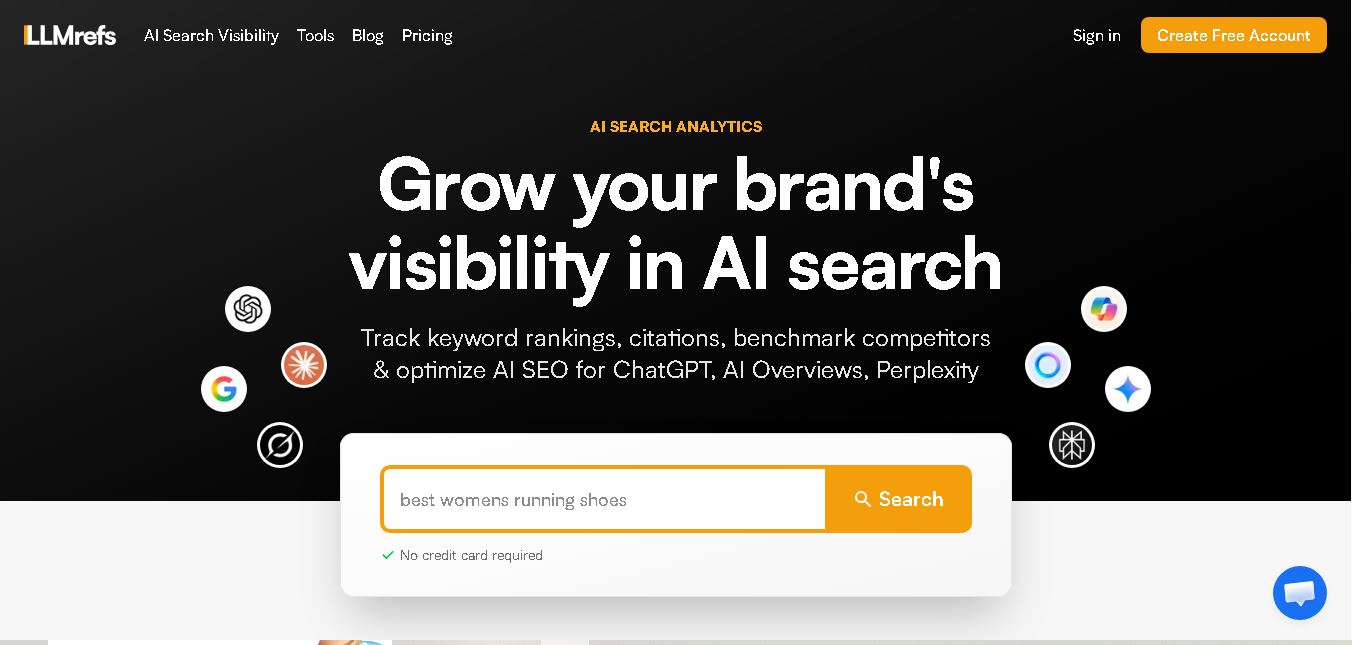
LLMrefs helps businesses track brand visibility across AI search engines, including ChatGPT, Gemini, Perplexity, and Google AI Overviews. It offers keyword tracking, citation analysis, competitor monitoring, and automated reporting. Designed for SEO professionals and marketing teams, the tool provides actionable insights to improve AI search presence and brand discoverability.
 4.6
ziptie.ai
SEO
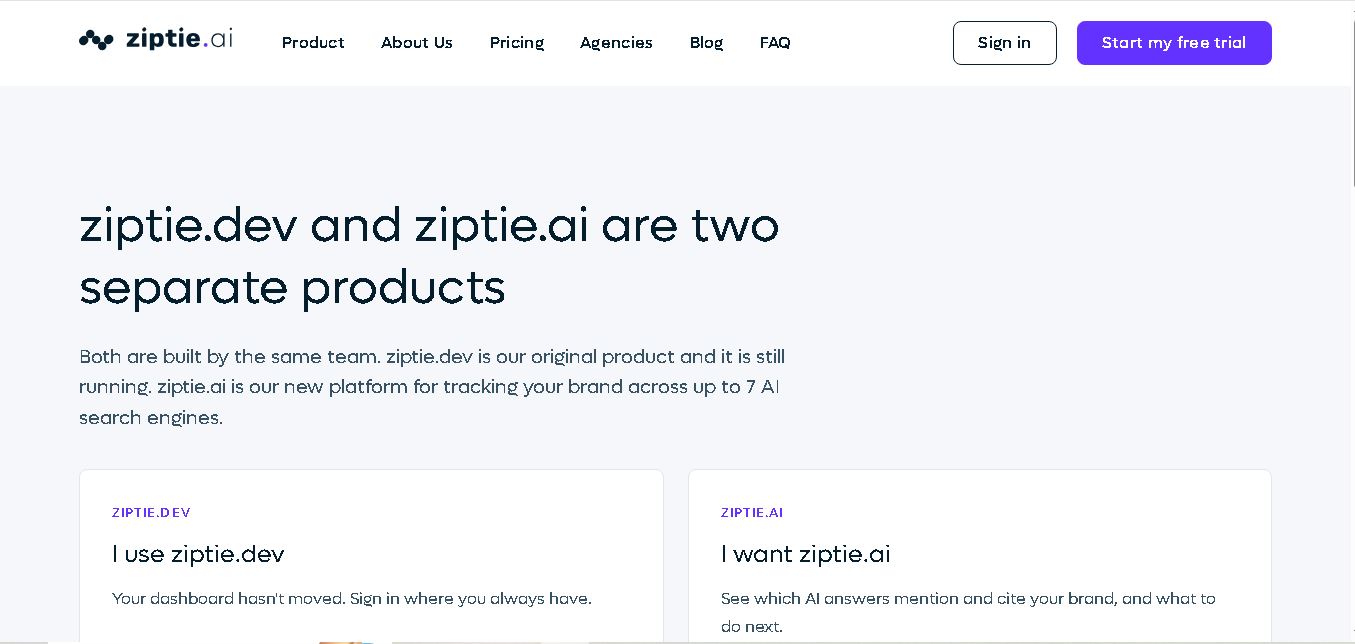
ZipTie AI is an AI search visibility monitoring tool that helps businesses track brand mentions, competitor recommendations, sentiment, and website citations across leading AI search engines. It provides actionable insights, performance scores, and reporting features that help SEO professionals understand their AI presence and identify opportunities to improve brand discoverability.
 4.7
AthenaHQ
SEO
AthenaHQ helps businesses understand and improve their visibility across AI search engines. It monitors brand mentions, citations, competitor performance, and sentiment across multiple AI platforms. With content optimization recommendations, prompt intelligence, and source analysis, AthenaHQ enables marketing teams to strengthen their generative engine optimization strategies and attract more AI-driven discovery opportunities.