
GPTConsole
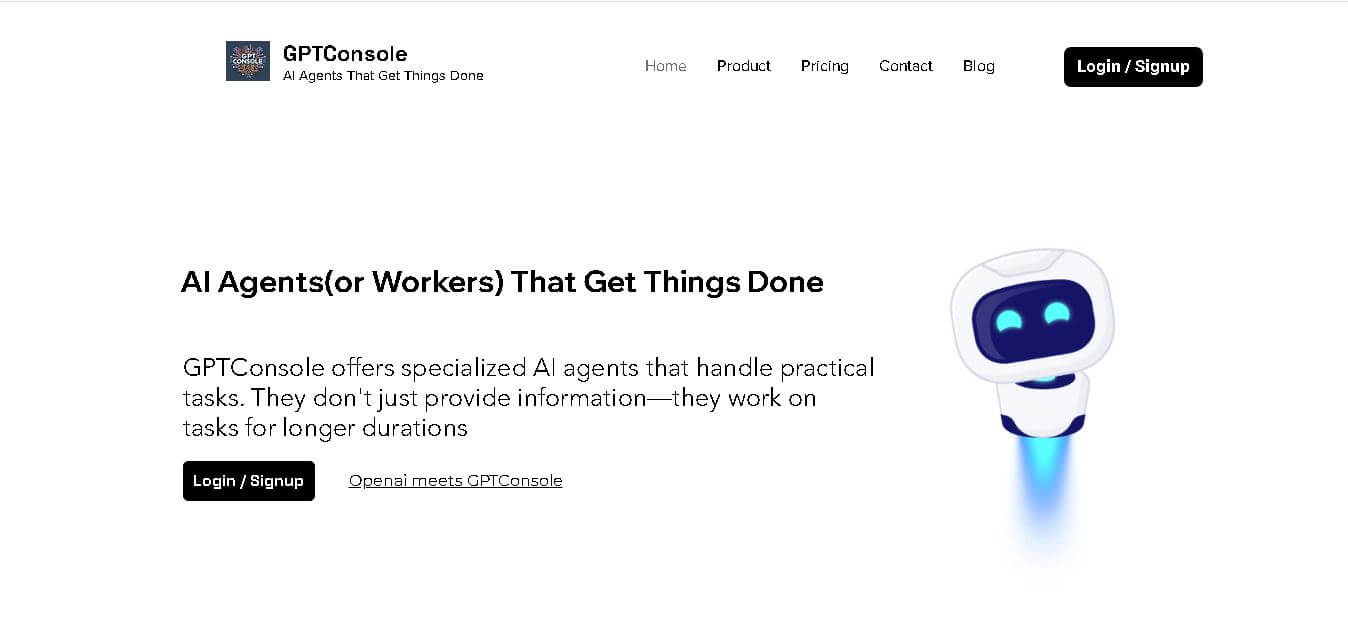
GPTConsole is an AI-powered developer tool that streamlines coding workflows, automates tasks, and enhances productivity with intelligent suggestions, debugging support, and seamless integration capabilities.
What is GPTConsole AI?
- Founders: Developed by a team of AI engineers and software developers focused on improving developer productivity
- Launch: Introduced as part of the growing AI developer tools ecosystem in recent years
- Use Cases:
- Code generation and auto-completion
- Debugging and error fixing
- Automating repetitive coding tasks
- Rapid prototyping and development
- Technology:
- Powered by advanced Large Language Models (LLMs)
- Natural Language Processing (NLP) for code understanding
- API-based integrations with development tools
GPTConsole is an AI-powered ai agent platform that to help developers speed up their programming tasks through automated solutions and smart tool recommendations and live technical support. The software development solution allows users to create code snippets and troubleshoot problems and automate their programming work. The platform works perfectly with all current development environments which makes it suitable for both individual developers and team projects. GPTConsole helps users work more efficiently by decreasing their need for manual tasks while preserving the quality and uniformity of their code. GPTConsole provides an AI-based solution which developers can use to build applications and test their features and enhance system performance.
Key Features
GPTConsole AI's key features are
- AI Code Generation:
Automatically generates clean, functional code snippets based on simple prompts, reducing development time significantly. - Smart Debugging Support:
Detects errors in code and provides actionable suggestions to fix bugs quickly, improving code reliability. - Automation of Repetitive Tasks:
Handles routine coding tasks such as formatting, boilerplate creation, and documentation, saving developer effort. - Seamless Integration:
Works with popular IDEs and development environments, ensuring a smooth workflow without switching platforms. - Natural Language Commands:
Allows developers to write instructions in plain English and convert them into executable code. - Improved Collaboration:
Helps teams maintain consistent coding standards and speeds up collaborative development processes.
Pricing
- Free Plan: Basic features access
- Starter Plan: Limited usage access
- Pro Plan: Advanced features unlocked
- Enterprise Plan: Custom scalable solutions
Disclaimer: For the latest and most accurate pricing information, please visit the official GPTConsole AI website.
Who is using it?
A diverse range of users and organizations utilize GPTConsole AI
- Software developers
- Startups and tech teams
- Freelance programmers
- DevOps engineers
- Product development teams
- Coding beginners and learners
Alternatives
Some GPTConsole AI alternatives are
- GitHub Copilot
- Amazon CodeWhisperer
- Tabnine
- Replit Ghostwriter
- Codeium
How We Rated GPTConsole?
- Creative Accuracy: 4.5/5
- User Experience: 4.6/5
- Tools & Capabilities: 4.4/5
- Speed & Efficiency: 4.7/5
- Creative Freedom: 4.3/5
- Trust & Transparency: 4.2/5
- Help & Community: 4.1/5
- Value for Money: 4.5/5
- Ecosystem Fit: 4.4/5
Overall Score: 4.4/5
Conclusion
GPTConsole provides value to both new and veteran programmers through its code generation capabilities and task automation functions and debugging support. The product achieves compatibility with contemporary development environments through its straightforward design and seamless integration functionality. The system performs effectively but needs better community support and transparency to reach its full potential. The system provides a practical solution which helps teams and individual developers accelerate their work process while maintaining high standards of output quality for their software development projects.
People are also reading
FAQ
What is GPTConsole used for?
GPTConsole is used for code generation, debugging, and automating development tasks using AI.
Is GPTConsole suitable for beginners?
Yes, it is beginner-friendly and helps users learn coding with AI assistance.
Does GPTConsole support multiple programming languages?
Yes, it supports a wide range of popular programming languages.
Can GPTConsole integrate with IDEs?
Yes, it integrates with modern development environments for a seamless experience.
Is there a free version available?
Yes, GPTConsole offers a free plan with basic features.
User Reviews
No reviews yet for GPTConsole.
Featured Tools
Featured AI tools from TechShark

Melody Genie
MelodyGenie is an AI-powered music generator that creates original songs from simple text prompts. Users can choose styles, moods, and genres, then instantly generate melodies and full tracks, making it easy for creators, marketers, and hobbyists to produce custom music without musical expertise.
Freemium

Kimi AI
Kimi AI is an advanced AI assistant developed by Moonshot AI that helps you chat, research, write, code, and automate tasks in one place. It supports web search, file analysis, and multimodal inputs, and can even run autonomous “agent” workflows to complete complex tasks end-to-end.
Freemium

Fashion Diffusion AI
Fashion Diffusion is an AI-powered fashion design platform that helps brands and designers create clothing designs, virtual try-ons, AI models, product photos, and marketing visuals faster and cost-effectively.
Paid

Veo 4
Veo 4 AI is an AI video creation platform that generates dramatic videos from text, images, audio, and video prompts using realistic motion and synchronized sound.
Paid
Alternatives
Alternatives to GPTConsole
GPTConsole is a smart AI coding assistant designed for developers to automate repetitive tasks, generate code, debug efficiently, and integrate with development environments, helping teams build faster, reduce errors, and improve overall software productivity.
 4.9
4.9Claudebin
Code Assistant
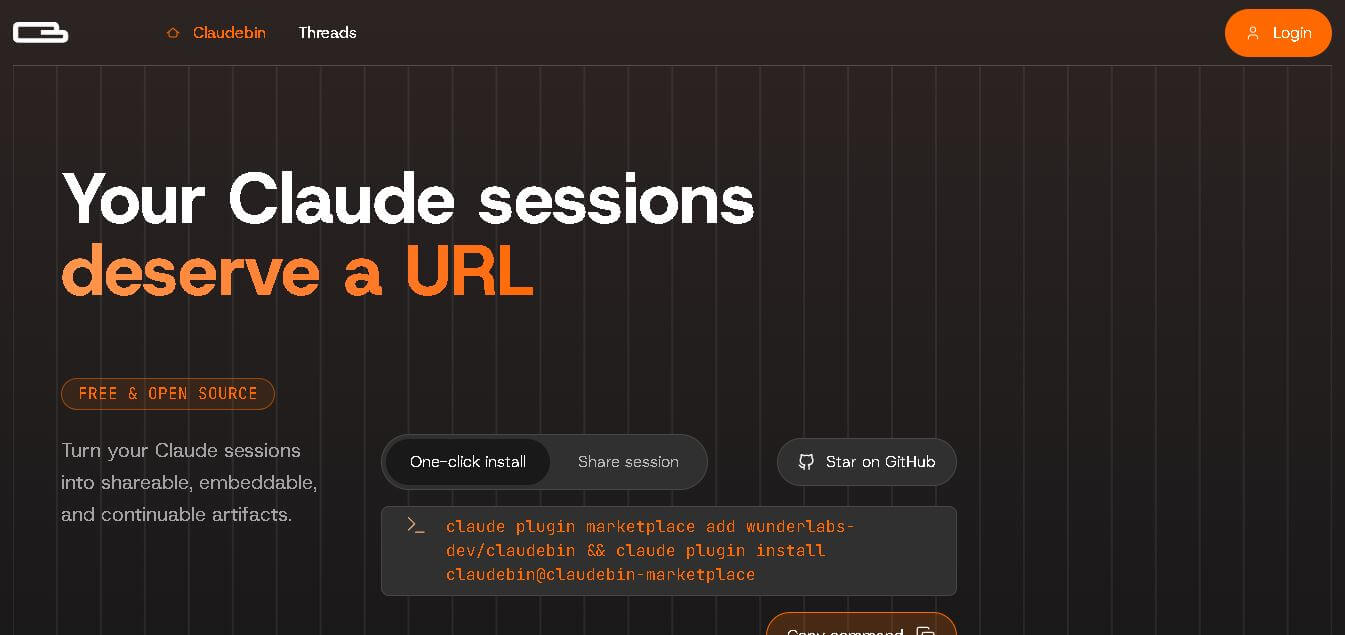
Claudebin is an open-source tool for sharing Claude Code sessions through structured, accessible web links. It captures conversations, file operations, terminal commands, and tool calls, helping developers explain their coding workflows. With session viewing and embedding capabilities, it simplifies technical documentation, collaboration, debugging discussions, and knowledge sharing across development projects.
 4.9
4.9GitFluence
Code Assistant
GitFluence is an AI-powered Git command generator that helps developers turn plain-English instructions into exact Git commands. It eliminates the need to memorize syntax, speeds up version control workflows, and lets users quickly copy accurate commands for tasks like branching, merging, and fixing commits.
 4.9
4.9Kiro
Vibe Coding
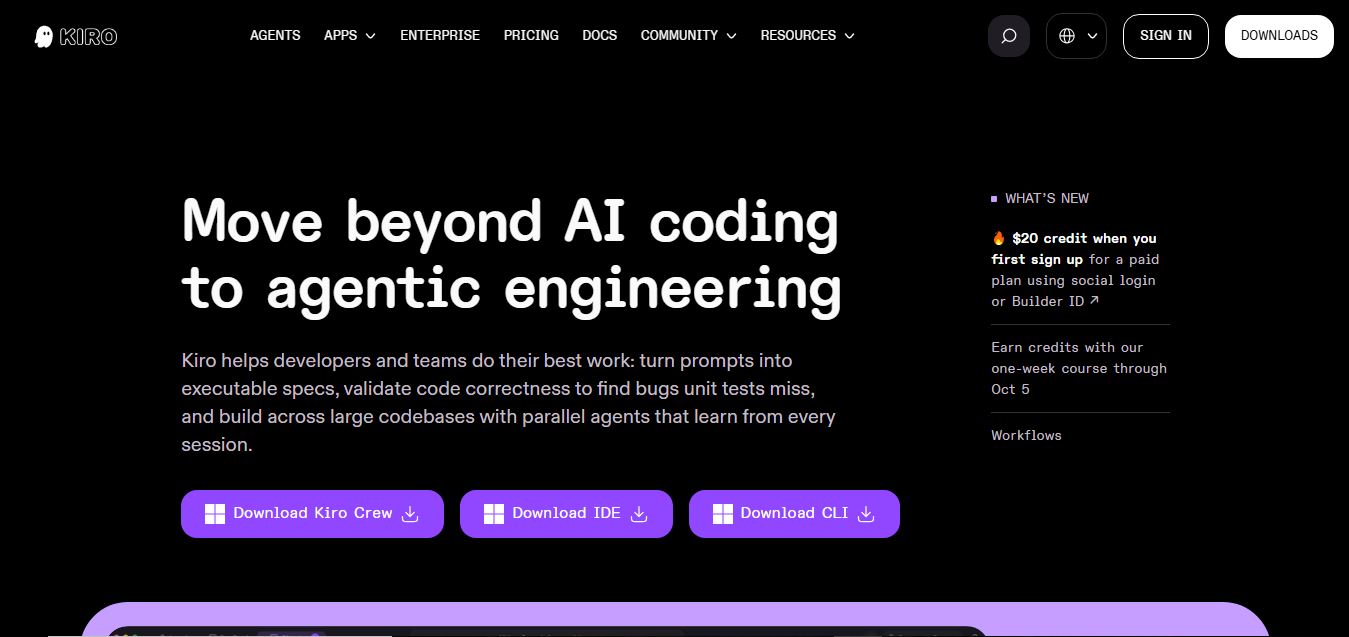
Kiro is an AI-powered developer platform that helps teams plan, build, and ship software using autonomous agents. It turns prompts into structured specs, writes and tests code, and automates workflows across IDE, CLI, and cloud, enabling faster, reliable development from prototype to production.
 4.8
4.8Emergent
Vibe Coding
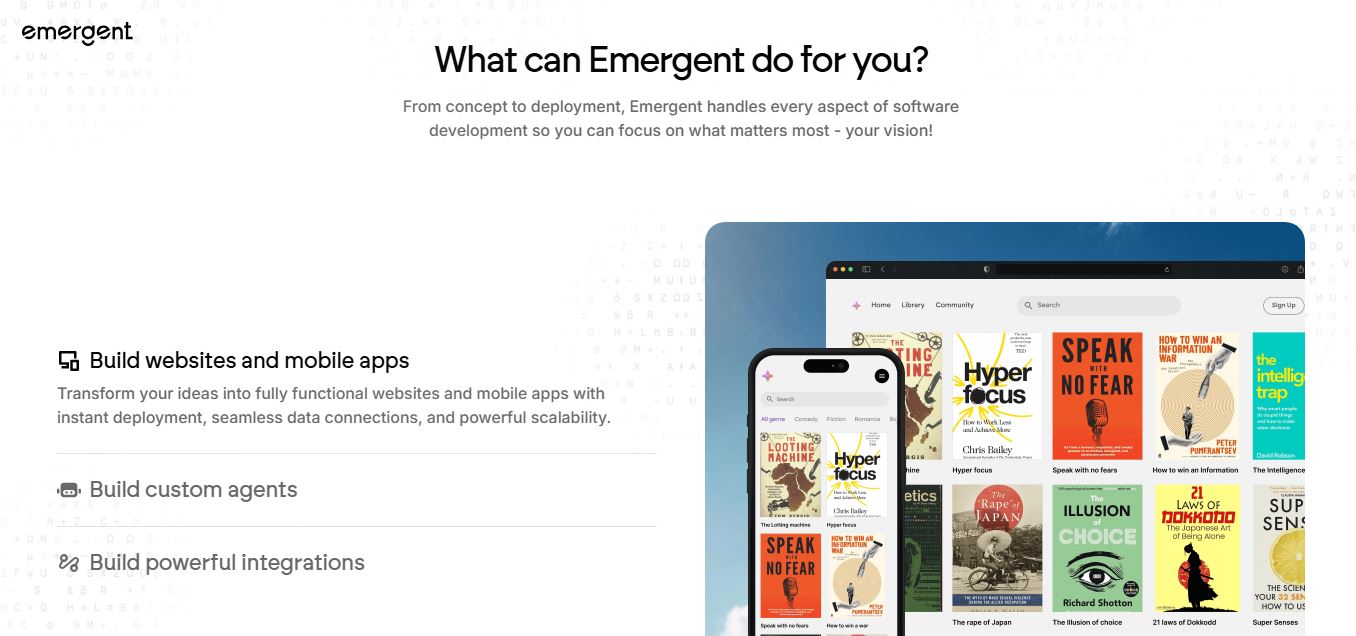
Emergent is an AI-powered app builder that lets users create full-stack web and mobile applications by simply describing their idea. It uses autonomous agents to plan, code, test, and deploy apps, handling everything from backend to hosting without requiring traditional programming skills.
 4.7
4.7Amazon Q Developer
Code Assistant
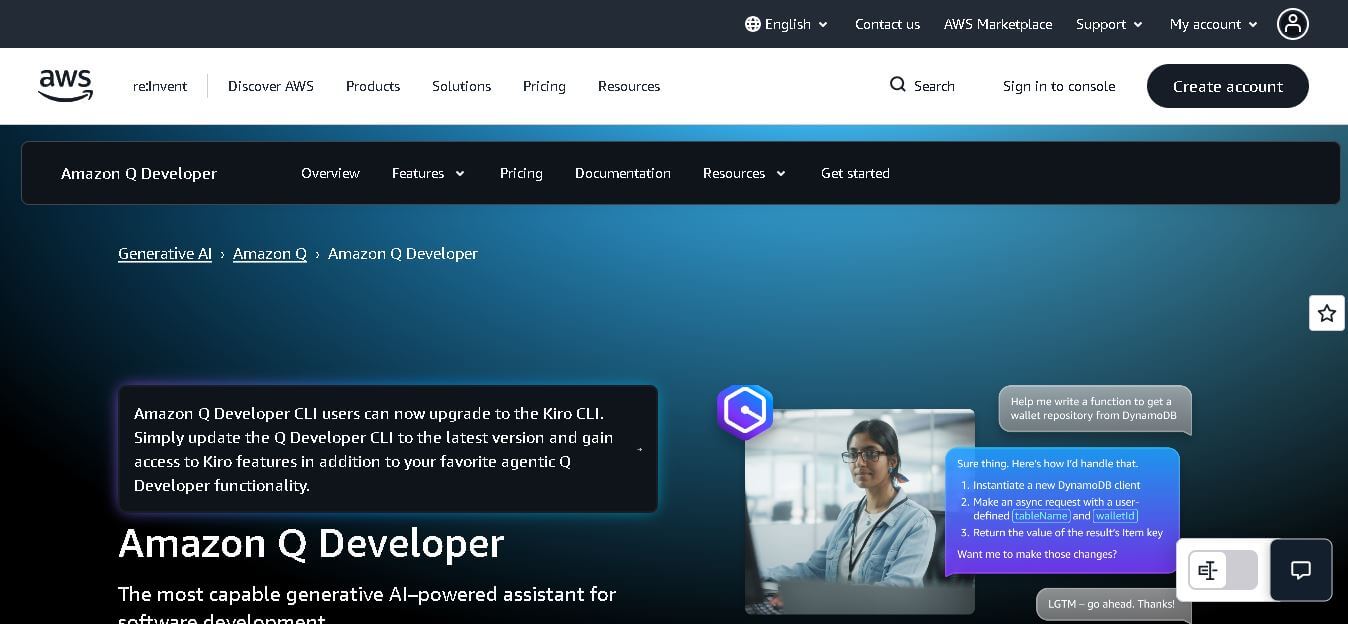
Amazon Q Developer helps developers write, explain, test, refactor, secure, and troubleshoot code while working with AWS services. It provides conversational assistance, inline suggestions, agentic coding, and cloud guidance across supported IDEs, command-line environments, and AWS interfaces. Its goal is to reduce repetitive work and help teams move from ideas to deployable software.
 4.9
4.9GitLab
Code Assistant
GitLab is a DevOps platform that provides a complete suite for planning, coding, testing, and deploying software in one place. It combines version control, CI/CD, security, and collaboration tools, helping teams streamline development workflows and deliver software faster and more efficiently.
 4.9
4.9CodeRabbit
Code Assistant
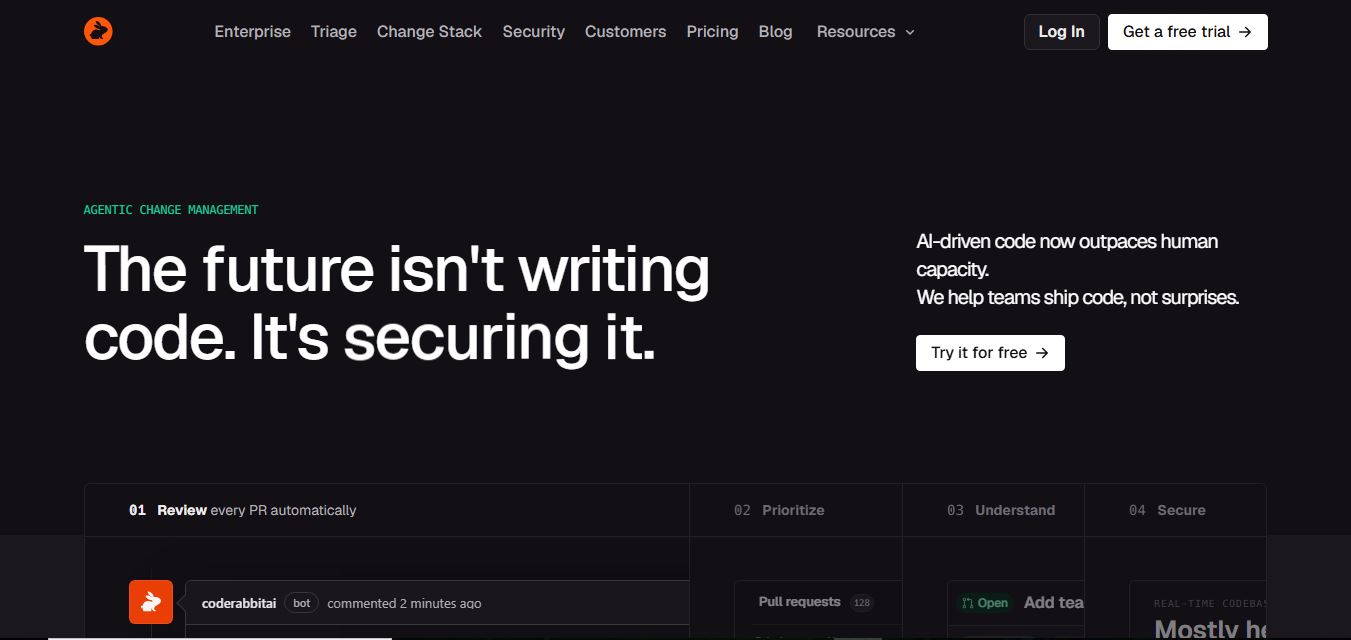
CodeRabbit is an AI-powered code review assistant that helps developers catch bugs, improve code quality, and speed up pull requests. It analyzes code changes in real time, provides actionable feedback, and integrates with Git workflows to make reviews faster and more efficient.
 4.9
4.9Sourcery
Code Assistant
Sourcery is an AI-powered code refactoring tool that helps developers automatically improve Python code quality. It analyzes code, suggests cleaner and more efficient alternatives, and applies refactors instantly, making code more readable, maintainable, and aligned with best practices.
Tenki Cloud
Code Assistant
Tenki Cloud is a high-performance, cost-efficient cloud infrastructure platform offering disposable sandboxes for AI agents, self-hosted GitHub Actions runners, and automated AI code review.