
Google Earth Studio
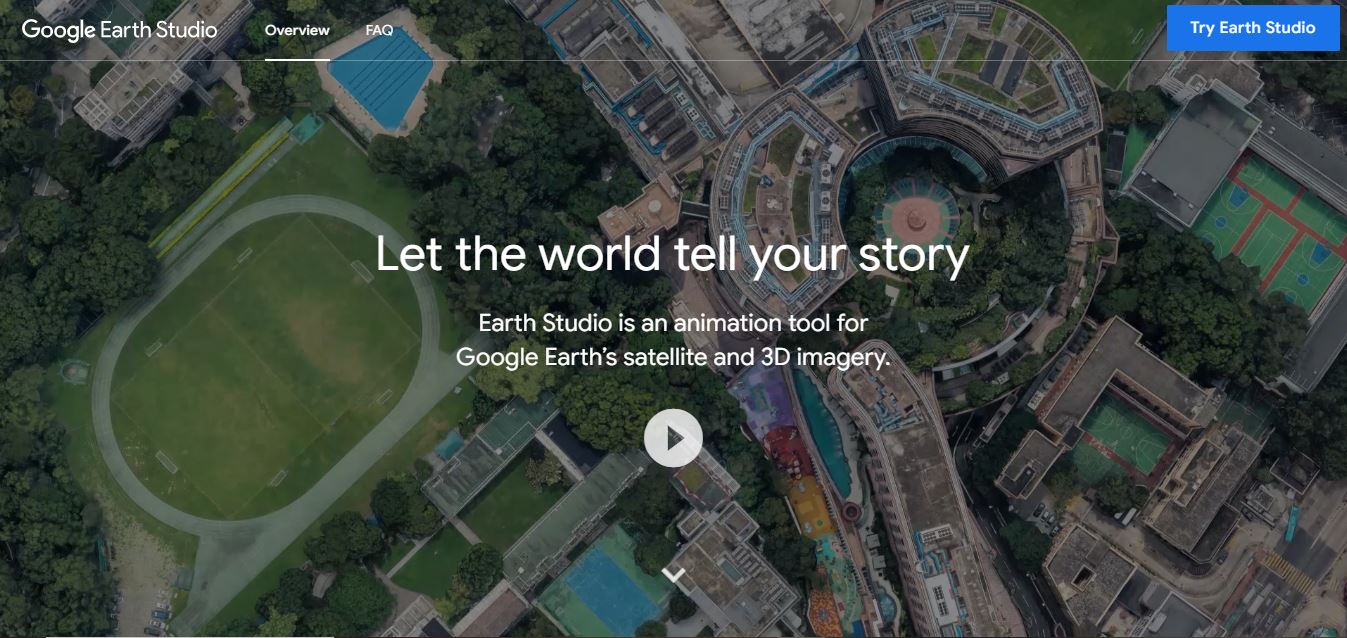
Google Earth Studio is a powerful web-based animation tool that leverages Google Earth’s satellite imagery to create dynamic, high-quality visual storytelling experiences for professionals and creators.
What is Google Earth Studio?
Google Earth Studio is a modern, web-based animation platform developed by Google to animate Earth imagery. It allows users to create animations that meet professional standards using Google Earth’s enormous collection of satellite and 3D images. The platform was designed specifically for media, research, and learning professionals who need visually arresting ways to show where places are located on a map and what is changing around the world or near a particular geographic location.
Earth Studio is designed with a simple interface that offers precise control through the keyframe animation process, as well as options to control camera movements and the rendering output. Users can produce cinematic flyovers, time-lapse animations, or animations based on a particular location, all of which could play a complementary role in storytelling across various industries.
Google Earth Studio is a browser-based animation tool that allows users to make professional-quality videos with Google Earth's satellite and 3D images. It features a keyframe animation, five Quick Start templates, animatable camera effects, and an Adobe After Effects camera export for further customization. Earth Studio is free to use, runs in Google Chrome, and requires a Google account with allowed access to generate cinematic geographical animations.
The connection to real Google Earth data provides a level of trust and validation to the audience, especially useful in journalism, education, and creative aspects of media. Whether for a documentary, a presentation, a visual report, or other visual formats, Google Earth Studio will ease the visual journey from a map to a more immersive and engaging visual form. The platform integrates seamlessly with Google Earth’s extensive geographic database, enabling users to animate camera movements, zoom effects, and custom routes with precision. As a trusted Google product, Earth Studio combines accuracy, ease of use, and visual storytelling capabilities, making it a valuable solution for creating engaging geographic content.
Google Earth Studio takes advantage of Google's extensive mapping infrastructure, which contains images and geographic data for over 220 nations and territories. The platform gives customers access to billions of satellite and aerial photos, allowing them to build extremely realistic location-based animations. Earth Studio provides various animation templates, including zooms, orbits, and point-to-point transitions, which considerably reduces production time. Thousands of content creators, news organizations, and video professionals use it, and it connects with Adobe After Effects via 3D camera output, which helps speed up post-production workflows and boost visual narrative efficiency.
- Founder: Google
- Launch: 2018
- Use Cases: Animated storytelling, geographic data visualization, time-lapse creation, educational presentations, news broadcasting
- Technology: Web-based animation platform powered by Google Earth’s satellite and 3D imagery

Key Features
Google Earth Studio key features are
- Web-Based Animation Platform – Create professional geographic animations directly in a browser without installing complex software.
- High-Resolution Satellite Imagery – Access Google's extensive collection of satellite and aerial imagery for realistic visualizations.
- 3D Camera Controls – Customize camera movements, angles, zooms, and perspectives for cinematic animations.
- Quick-Start Animation Templates—Use pre-built templates such as Zoom-to, Orbit, Point-to-Point, and Spiral for faster project creation.
- Keyframe Animation System – Fine-tune motion and transitions using an intuitive keyframe-based timeline.
- Adobe After Effects Integration – Export 3D camera tracking data to streamline post-production and visual effects workflows.
- Custom Route Animations – Visualize travel paths, logistics routes, and location journeys with precision.
- Real-Time Preview – Instantly preview animations and adjust them before rendering.
- Cloud-Based Accessibility – Work from any compatible device with an internet connection.
- Professional Rendering Output – Export high-quality video sequences suitable for marketing, journalism, education, and filmmaking projects.
Google Earth Studio Pricing
Google Earth Studio offers a free plan for all users.
Disclaimer: For the latest and most accurate pricing information, please visit the official Google Earth website.
Who is using Google Earth Studio?
A diverse range of users and organizations utilize Google Earth Studio.
- Filmmakers
- Journalists & News Organizations
- YouTubers & Content Creators
- Digital Marketers
- Motion Designers
- Video Production Agencies
- Educators & Teachers
- Researchers & Academics
- Nonprofit Organizations
- Travel & Tourism Companies
- Real Estate Professionals
- Corporate Communications Teams
Google Earth Studio Alternatives
Some Google Earth Studio alternatives are
- Cesium
- ArcGIS Earth
- Mapbox Studio
- NASA WorldWind
- QGIS with QGIS2ThreeJS
- Blender GIS
- Google Maps Platform
- Kepler.gl
- TerrSet
- Pix4D
- SkyFi
Google Earth Studio Video/Demo
Google Earth Studio vs Competitors
| Feature | Google Earth Studio | ArcGIS StoryMaps | Cesium | Mapbox Studio | Google Maps Platform |
|---|---|---|---|---|---|
| Primary Focus | Cinematic Earth animations | Interactive map storytelling | 3D geospatial visualization | Custom map design | Maps and location APIs |
| Best For | Video creators, filmmakers, journalists | Educators and storytellers | Developers and GIS professionals | Designers and app developers | Developers building location-based apps |
| Satellite & 3D Imagery | Google Earth imagery | Limited | Yes | Limited | Yes |
| Camera Animation | Advanced keyframe animation | Basic | Moderate | Limited | No |
| Quick Start Templates | Yes | No | No | No | No |
| Browser-Based | Yes | Yes | Yes | Yes | Yes |
| After Effects Export | Yes | No | Limited | No | No |
| Interactive Maps | No | Yes | Yes | Yes | Yes |
| API & Developer Tools | Limited | Limited | Extensive | Extensive | Extensive |
| Collaboration | Limited | Yes | Yes | Yes | Yes |
| Pricing | Free | Free & Paid | Free & Paid | Free & Paid | Pay-as-you-go |
| Key Strength | High-quality cinematic Earth animations with Google imagery | Engaging map-based storytelling | Powerful 3D geospatial visualization | Flexible custom map styling | Comprehensive mapping APIs and global coverage |
| Main Limitation | Focused on animation rather than interactive mapping | Limited animation capabilities | Requires technical expertise | Not designed for cinematic Earth videos | Built for application development, not video creation |
How Did We Rate Google Earth Studio?
| Rating Parameter | Score (/5) |
|---|---|
| Animation Quality | 5.0 |
| Ease of Use | 4.7 |
| 3D Visualization | 5.0 |
| Camera Controls & Effects | 4.9 |
| Rendering Performance | 4.8 |
| Integration & Export Options | 4.8 |
| Creative Flexibility | 4.9 |
| Value for Money | 5.0 |
| Overall Rating | 4.9/5 |
Conclusion
Google Earth Studio stands out as one of the most user-friendly and effective tools for creating professional geographic animations. Its high-quality satellite imagery, user-friendly animation controls, and seamless interaction with Adobe After Effects make it an excellent choice for content creators, filmmakers, journalists, and marketers. While alternatives offer more powerful GIS (Geographic Information System) analysis or advanced customization, Earth Studio shines in terms of usability and visual storytelling. It offers a good blend of capability, performance, and dependability for anybody wishing to create entertaining location-based videos without a high learning curve, making it a market leader in its area.
People are also reading:
FAQ
Is Google Earth Studio free to use?
Yes, Google Earth Studio is free, but users must request access through an application process.
Can I export videos created in Google Earth Studio?
Yes, animations can be exported as high-quality image sequences or videos for use in editing software.
Do I need special software to use Google Earth Studio?
No, it is web-based and runs directly in the Google Chrome browser.
Who can benefit from Google Earth Studio?
Journalists, educators, researchers, and media professionals who need compelling geographic visualizations.
Does Google Earth Studio provide 3D animations?
Yes, it supports 3D terrain and building data for more realistic and dynamic animations
User Reviews
No reviews yet for Google Earth Studio.
Featured Tools
Featured AI tools from TechShark

Melody Genie
MelodyGenie is an AI-powered music generator that creates original songs from simple text prompts. Users can choose styles, moods, and genres, then instantly generate melodies and full tracks, making it easy for creators, marketers, and hobbyists to produce custom music without musical expertise.
Freemium

Kimi AI
Kimi AI is an advanced AI assistant developed by Moonshot AI that helps you chat, research, write, code, and automate tasks in one place. It supports web search, file analysis, and multimodal inputs, and can even run autonomous “agent” workflows to complete complex tasks end-to-end.
Freemium

Fashion Diffusion AI
Fashion Diffusion is an AI-powered fashion design platform that helps brands and designers create clothing designs, virtual try-ons, AI models, product photos, and marketing visuals faster and cost-effectively.
Paid

Veo 4
Veo 4 AI is an AI video creation platform that generates dramatic videos from text, images, audio, and video prompts using realistic motion and synchronized sound.
Paid
Alternatives
Alternatives to Google Earth Studio
Top Google Earth Studio alternatives include Cesium, ArcGIS Earth, Mapbox Studio, Blender GIS, Kepler.gl, NASA WorldWind, and Pix4D. These tools have an wide range of capabilities, including advanced GIS analysis, bespoke map development, 3D visualization, and drone mapping. Whether you're a filmmaker, developer, researcher, or GIS specialist, these solutions provide strong tools to generate interactive maps, geographic visualizations, and location-based content that are suited to specific project requirements and budgets.
Anijam AI
Animation
Anijam AI is an AI animation platform that turns ideas, scripts, images, or audio into complete animated videos. It automates storytelling, character design, lip sync, and scene creation, making it easy to produce consistent, high-quality animations.
 4.8
4.8Wollo AI
Animation
Wollo is an AI character platform and social network where you can create, chat with, and share lifelike AI personalities. It supports roleplay, storytelling, and voice interactions, while also letting creators monetize characters through subscriptions, tips, and paid content.
 4.9
4.9Premation
Animation
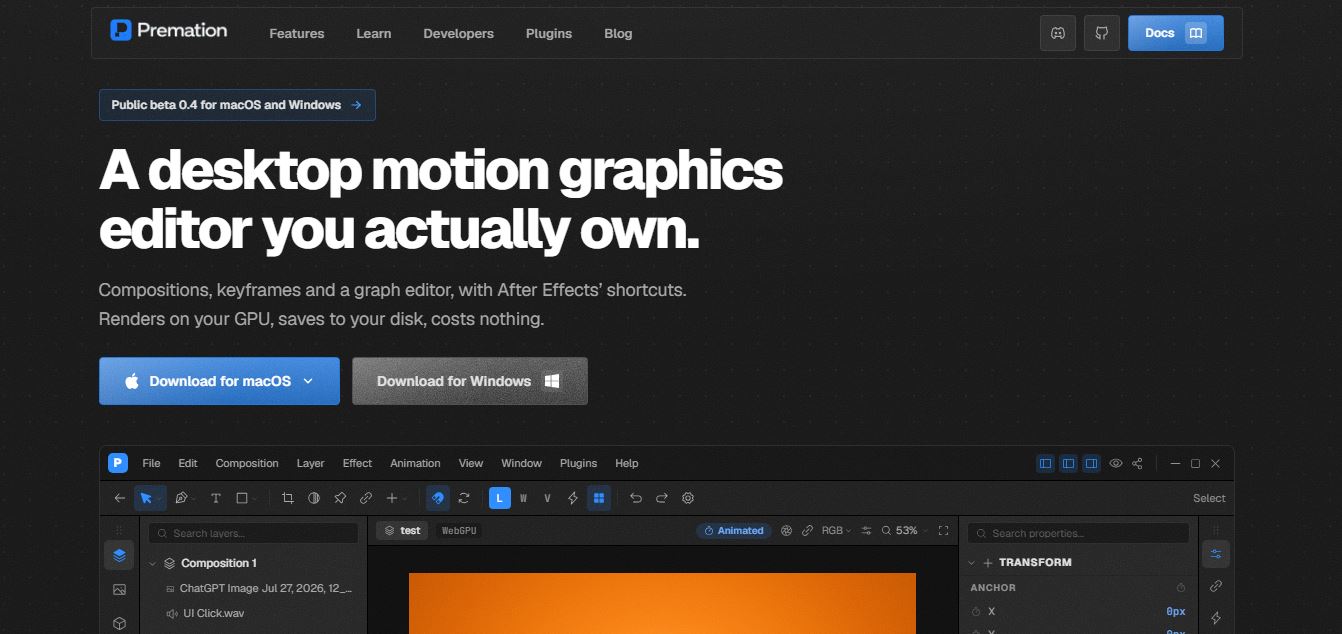
Premation is an open-source motion graphics editor designed as a free alternative to tools like After Effects. It offers timeline-based animation, keyframes, 2.5D design, and GPU-powered rendering, along with an AI assistant that helps create and edit animations faster while keeping everything fully editable.
 4.6
4.6Privee AI
Animation
Privee AI is an AI character platform designed for interactive conversations, roleplay, storytelling, and creative experiences. You can chat with thousands of characters or create your own. Depending on your interests, you can explore romance, fantasy, anime, games, horror, science fiction, historical settings, and many other story-driven categories for entertainment.
 4.3
4.3PolyBuzz
Animation
PolyBuzz lets users chat with AI characters, create personas, and explore interactive conversations across categories like anime, celebrities, and custom roleplay experiences.
 4.8
4.8Yodayo
Animation
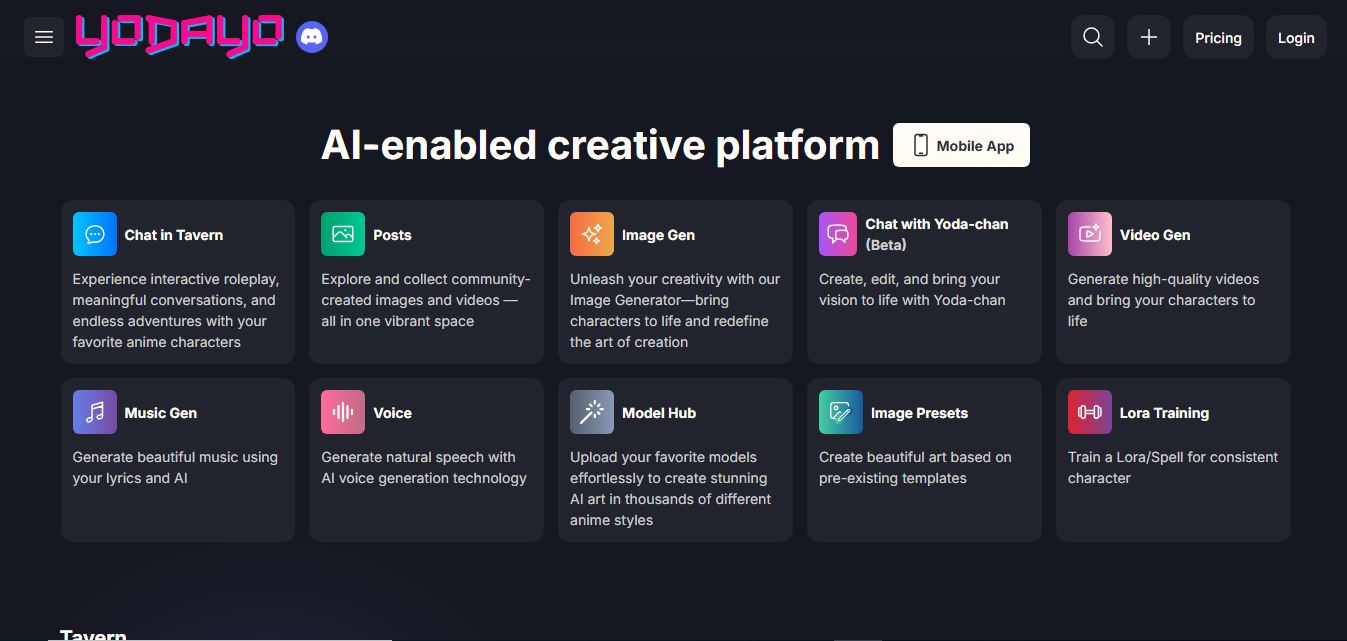
Yodayo is an AI-powered platform that helps anime fans create, share, and explore AI-generated artwork, characters, and interactive experiences effortlessly.
 4.4
4.4V2Fun
3D
V2Fun is an AI-powered 3D content creation platform that transforms text and images into high-quality 3D models, animations, and motion assets for creators, designers, educators, and developers.
 4.1
4.1Magic Animate
Animation
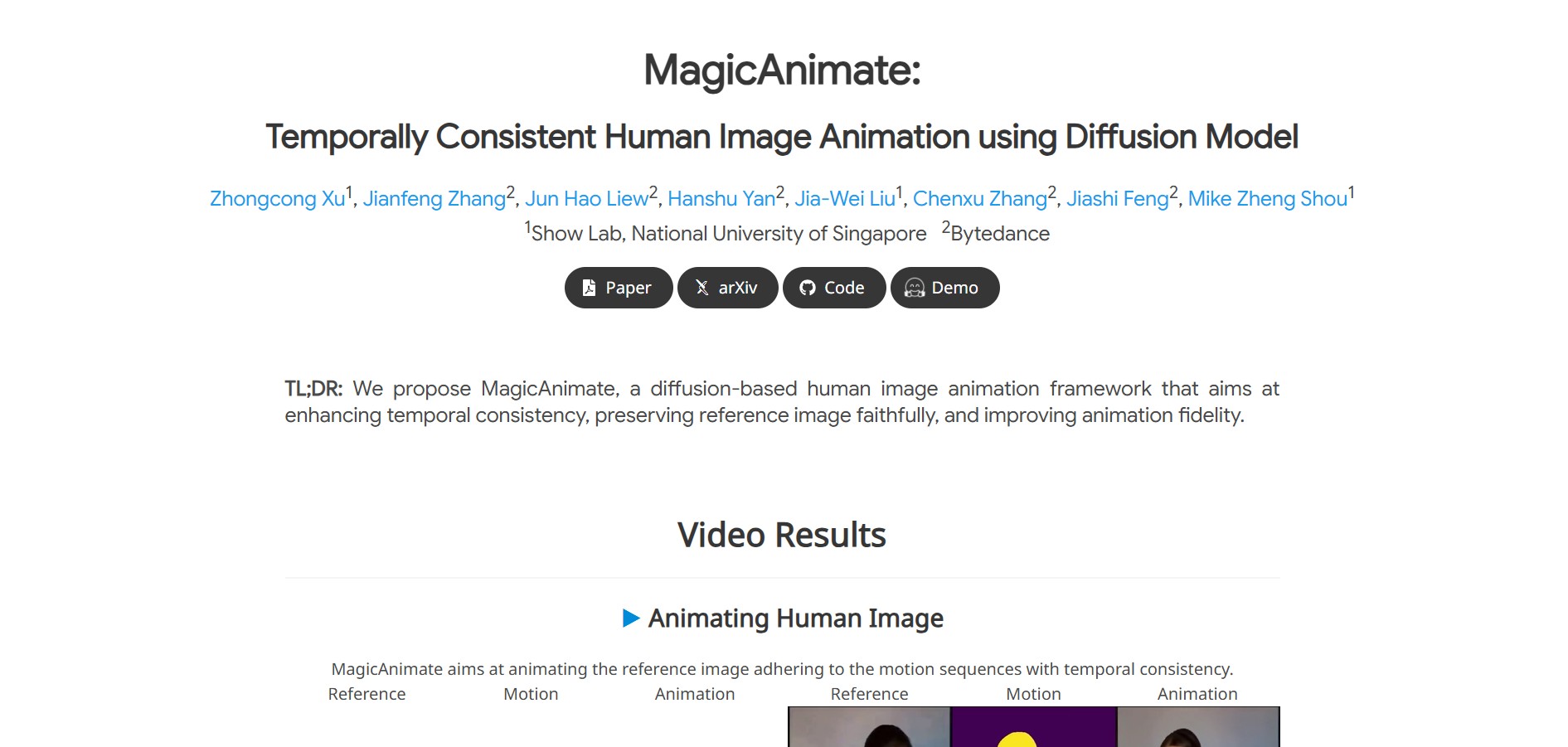
Magicanimate is an AI video animation tool that turns images into lifelike animations, letting creators easily produce engaging videos, social media content, and visual art without advanced animation skills.