
Premation
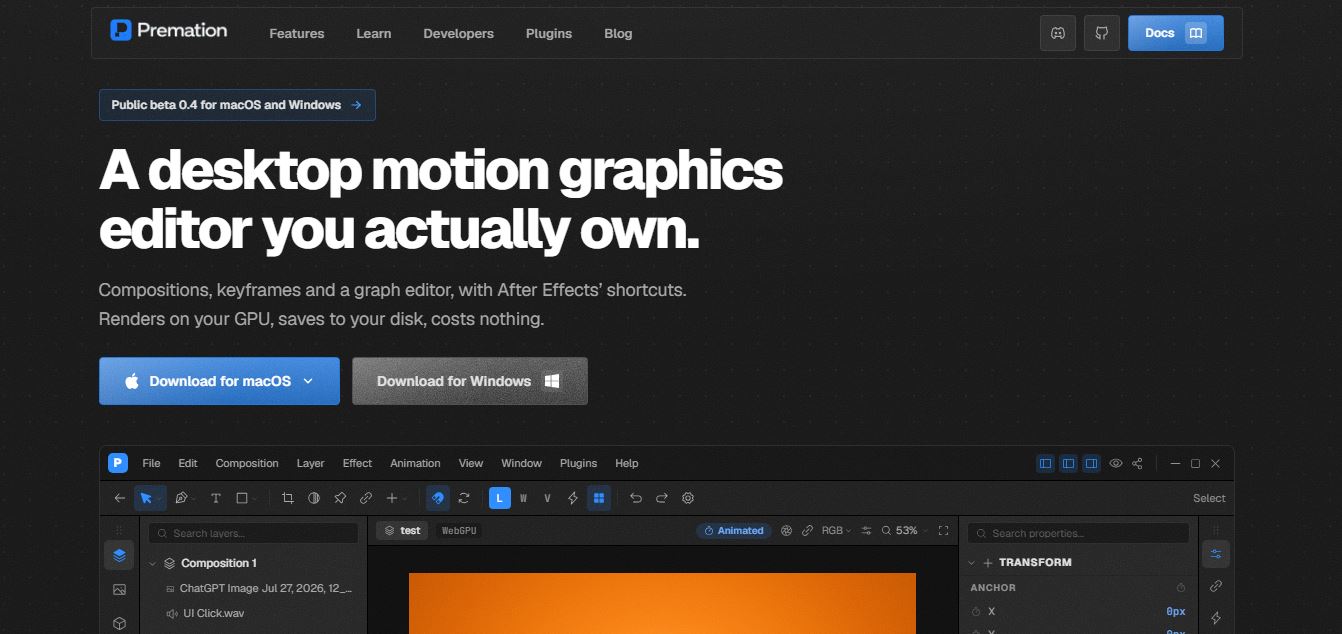
Premation is an open-source motion graphics editor designed as a free alternative to tools like After Effects. It offers timeline-based animation, keyframes, 2.5D design, and GPU-powered rendering, along with an AI assistant that helps create and edit animations faster while keeping everything fully editable.
What is Premation?
Premation is a desktop motion graphics editor designed as a free, open-source alternative to tools like After Effects. It brings together everything needed for animation—compositions, keyframes, graph editing, 2.5D cameras, effects, and rendering—into a single app that runs locally on your machine. What makes it stand out is its GPU-powered engine and unified render system, meaning what you see in the preview is exactly what gets exported. It also includes an AI assistant that generates editable keyframes and animations instead of locked video outputs, giving creators full control over every element. Built for designers, animators, and developers, Premation focuses on speed, ownership, and flexibility—letting users create high-quality motion graphics, export in multiple formats, and work entirely offline without subscriptions.
Unlike generative AI video tools that output flattened, uneditable video clips, Premation features an integrated AI assistant that generates editable timeline keyframes, layer operations, and curve adjustments directly on the standard undo stack. Published under the GNU AGPLv3 open-source license, the complete editor runs 100% offline on your machine with zero account requirements, while cloud features (encrypted sync and hosted rendering) are accessible in free public beta.
- Platform Model: Open-Source Desktop Motion Graphics Studio & AI Compositor
- License: GNU AGPL v3.0 (Self-Hosted & Local First)
Use Cases:
- Designing complex 2D and 2.5D motion graphics, brand identity packages, and lower-thirds with native After Effects shortcuts
- Directing the AI assistant via natural language prompts to stagger card animations, write range selectors, and build multi-node camera moves
- Rigging 2D vector characters and artwork using forward kinematics (FK), FABRIK inverse kinematics (IK), and ARAP puppet mesh deformation
- Creating per-glyph text animations with range/wiggly selectors and exporting directly to lightweight Lottie JSON for web apps
- Rendering deterministic, pixel-exact video assets in ProRes 4444 MOV, WebM with alpha transparency, MP4, GIF, and PNG sequences
Technology:
- Deterministic WebGPU and WebGL2 GPU render graph sharing a single frame loop across live viewport preview and file export
- Tool-call AI assistant registry (62+ callable tools) supporting Bring-Your-Own-Key (BYOK) for Anthropic, OpenAI, and Gemini models
- Native desktop binaries for Windows (x64) and macOS (Apple Silicon & Intel) with local
.motionbundle project files
Target Users:
- Professional motion designers and 2D animators seeking a fast, subscription-free alternative to Adobe After Effects
- UI/UX and product designers creating Lottie animations and transparent WebM micro-interactions
- Indie game developers and digital artists needing 2.5D camera staging and character puppet rigging
- Open-source software advocates who prioritize data ownership, offline execution, and customizable plugin architectures
Acquisition: Operates as an open-source motion technology project and software studio

Key features of Premation
Premation's key features are
- After Effects Workflow Parity: Retains core muscle memory with identical layer parenting, pre-comps, adjustment layers, track mattes, and standard shortcuts (V, W, Y, G, Q, F9, U).
- Keyframe-Generating AI Assistant: Uses an extensive tool registry to interpret prompts (e.g., "stagger 5 cards by 4 frames with ease-out") and writes editable keyframe tracks rather than un-editable video frames.
- 2.5D Camera & Lighting System: Stage flat 2D layers in true 3D space with one- and two-node cameras, depth of field, point/spot lights, and realistic shadow casting.
- Advanced Graph & Value Curve Editor: Shape spatial and temporal motion curves with independent X/Y position tracks, speed graphs, ease assistants, and mathematical expressions.
- Per-Glyph Typography Animators: Animate text letter by letter using range and wiggly selectors driving tracking, scale, rotation, color, and 3D per-character transforms.
- Character Rigging & Puppet Mesh: Pose vector artwork using forward kinematics bones and As-Rigid-As-Possible (ARAP) puppet pin solvers.
- Deterministic Multi-Format Exporter: Frame-exact export to MP4 (H.264), ProRes 4444 MOV with alpha, transparent WebM (VP9), animated GIF, PNG sequences, and vector Lottie JSON.
- 150+ Effects & 36 Blend Modes: Comprehensive library of blurs, color grades, distort operators, particle simulations, and layer styles rendered directly on the GPU.
Premation Pricing
Premation operates on an open-source, local-first model where the standalone desktop application is 100% free forever, while cloud features are currently in free public beta.
Self-Hosted Desktop Edition:
- $0 / Free Forever (GNU AGPLv3): Complete desktop editor on your local machine
- All animation tools, graph editor, 2.5D engine, puppet rigging, particles, and 150+ effects
- 100% offline, watermark-free exports to MP4, ProRes MOV, WebM, GIF, PNG, and Lottie
- AI assistant with Bring-Your-Own-Key (BYOK) support for Anthropic, OpenAI, and Gemini
Premation Cloud (Public Beta):
- Free during Public Beta
- Includes cloud project backups, autosave, and multi-device version history
- End-to-end encrypted project synchronization
- Hosted cloud MP4 rendering (frees up local CPU/GPU) and plugin registry access
Disclaimer: For the latest GitHub releases, nightly builds, and community plugin documentation, please visit the official Premation portal at premation.com.
Who is using Premation?
Premation is used by motion artists, animators, and developers worldwide, including
- After Effects Migrators: Motion graphic artists transitioning away from Adobe Creative Cloud while keeping their keyboard shortcuts and workflows
- Product & UI Motion Designers: Creating interactive vector animations and exporting clean Lottie files for web and mobile apps
- Social & Content Creators: Producing fast animated title cards, transparent WebM overlays, and lower-thirds using AI prompt assistance
- Open-Source Developers: Building custom animation plugins, effect shaders, and automated render scripts on top of the AGPL codebase
Best Premation Alternatives
Some of the strongest Premation alternatives include
- Adobe After Effects
- Cavalry (Scene Group)
- Rive
- Jitter
- Blender (Grease Pencil & Compositing)
- Natron (Open Source Compositor)
Pros and Cons of Premation
Pros
- Complete After Effects workflow fidelity—zero learning curve for existing AE users
- AI assistant generates fully editable keyframes and layer parameters on the undo stack rather than baking static video
- Deterministic GPU engine guarantees identical pixel-exact frame rendering across previews and exports
- Completely free and open-source under GNU AGPLv3 with 100% offline local privacy
- Direct export to production formats including Apple ProRes 4444, alpha WebM, and Lottie JSON
Cons
- Currently in pre-1.0 public beta (v0.3), meaning occasional UI polish updates and project format iterations
- Third-party ecosystem of commercial AE plugins (e.g., Trapcode Suite, Element 3D) is not natively compatible
- MP4 and ProRes exports require a local FFmpeg installation for full format rendering
Why Choose Premation?
While closed-source motion design platforms lock your project files behind expensive monthly subscriptions, Premation delivers a professional desktop compositor built on open-source freedom.
- Honors your existing After Effects muscle memory while running on modern WebGPU technology
- Provides AI assistance that acts as a junior animator writing keyframes, leaving you in full creative control
- Operates completely offline with local
.motionfiles that you own forever - Allows the global developer community to audit, fork, and build custom plugins freely
Premation vs. Competitors
The main difference between Premation, Adobe After Effects, Cavalry, and Rive lies in architecture and licensing. While After Effects relies on a legacy codebase and subscription pricing, Cavalry specializes in procedural 2D generative design, and Rive focuses on interactive game runtimes, Premation provides an open-source, AGPL-licensed compositor that mirrors After Effects' classic 3D/layer workflow enhanced with keyframe-level AI automation.
| Feature / Tool | Premation (premation.com) | Adobe After Effects | Cavalry | Rive |
|---|---|---|---|---|
| License & Platform | Open Source (AGPLv3) Desktop | Proprietary Desktop (Adobe CC) | Proprietary Desktop | Proprietary Web & Desktop |
| After Effects Workflow Parity | High (Shortcuts & Layers) | Native Benchmark | Procedural Node-Based | State Machine Driven |
| AI Keyframe Assistant | Yes (62+ tool calls, BYOK) | Basic Generative AI / Fill | No | No |
| Lottie & Alpha WebM Export | Yes (Native deterministic) | Requires Bodymovin plugin | Yes (Native Lottie) | Rive Runtime / Lottie |
| Pricing | Free / Open Source | $34.49/mo (Single App) | Free / $16/mo (Pro) | Free / $32/user/mo |
| Best For | Motion artists wanting an open AE alternative | Industry-standard VFX & broadcasting | Procedural 2D generative graphics | Interactive UI & game state animations |
How do we rate Premation?
| Parameter | Rating (out of 5) |
|---|---|
| After Effects Workflow & Shortcut Parity | 4.9 |
| AI Keyframe & Prompt Tooling | 4.8 |
| WebGPU Render Performance & Exports | 4.9 |
| Local Privacy & Open Source Freedom | 5.0 |
| Value for Money (100% Free AGPL) | 5.0 |
| Overall Score | 4.92 |
Premation Review
Premation represents one of the most exciting developments in the motion graphics software landscape. By delivering a fast, deterministic WebGPU compositor that mirrors Adobe After Effects' beloved timeline, graph editor, and layer model while introducing an intelligent AI assistant that writes real keyframes, it solves both the proprietary software lock-in and the black-box limitations of traditional AI video tools. For motion designers, animators, and developers seeking creative sovereignty and modern animation tooling, Premation is an outstanding application.
Conclusion
Premation is a bold, open-source alternative to traditional motion design tools, built for creators who want full control, performance, and flexibility. It brings together timeline-based compositing, keyframe animation, 2.5D cameras, effects, and GPU-powered rendering into a single desktop app that runs entirely on your machine—no subscriptions or cloud dependency required. Its biggest strength lies in its modern, creator-first approach. With an interface inspired by After Effects, deterministic rendering, and an AI assistant that directly edits layers and keyframes, it offers both familiarity and innovation.
While it’s still in beta and lacks some advanced features of mature tools, the foundation is strong. Premation represents the future of motion design—free, extensible, and built for a world where AI and creativity work together seamlessly.
FAQ
What is Premation?
Premation is a free, open-source desktop motion graphics editor designed as an alternative to tools like After Effects. It lets you create animations using timelines, keyframes, and visual effects—all running locally on your machine with GPU-powered rendering.
How does Premation work?
Premation works like a traditional motion design tool. You create compositions, add layers (text, video, shapes), animate them with keyframes, and export the final output. Everything runs locally, and rendering happens directly on your GPU for faster performance.
What can you do with Premation?
You can design animations, create social media videos, build motion graphics, animate logos, and export content in formats like MP4, WebM, GIF, Lottie, and PNG sequences. It supports 2.5D animation, effects, particles, and text animations.
Is Premation free to use?
Yes, Premation is completely free and open-source for local use. You can download it and use all core features without paying. Paid plans are expected only for optional cloud features in the future.
Does Premation use AI?
Yes, Premation includes an AI assistant (in cloud-enabled versions) that can generate animations by writing keyframes and applying effects based on prompts. Unlike typical AI video tools, it creates editable layers inside your project.
Do you need internet to use Premation?
No, the core editor works completely offline. You can create, edit, and export projects locally without any account or internet connection.
Which formats does Premation support?
Premation supports formats like SVG, Lottie, MP4 (H.264), WebM (with alpha), ProRes MOV, GIF, PNG sequences, and WAV audio, making it flexible for both web and professional use.
Who should use Premation?
Premation is ideal for motion designers, video editors, developers, and creators who want a free alternative to expensive animation tools while still having advanced features and control.
User Reviews
No reviews yet for Premation.
Featured Tools
Featured AI tools from TechShark

Melody Genie
MelodyGenie is an AI-powered music generator that creates original songs from simple text prompts. Users can choose styles, moods, and genres, then instantly generate melodies and full tracks, making it easy for creators, marketers, and hobbyists to produce custom music without musical expertise.
Freemium

Kimi AI
Kimi AI is an advanced AI assistant developed by Moonshot AI that helps you chat, research, write, code, and automate tasks in one place. It supports web search, file analysis, and multimodal inputs, and can even run autonomous “agent” workflows to complete complex tasks end-to-end.
Freemium

Fashion Diffusion AI
Fashion Diffusion is an AI-powered fashion design platform that helps brands and designers create clothing designs, virtual try-ons, AI models, product photos, and marketing visuals faster and cost-effectively.
Paid

Veo 4
Veo 4 AI is an AI video creation platform that generates dramatic videos from text, images, audio, and video prompts using realistic motion and synchronized sound.
Paid
Alternatives
Alternatives to Premation
The best Premation alternatives include Adobe After Effects, Cavalry, Rive, Jitter, Blender (Grease Pencil), and Natron. These platforms provide 2D/3D motion graphics, compositing, and vector animation. While Premation specializes in an open-source (AGPLv3) desktop studio mirroring After Effects' layer model with an integrated AI keyframe assistant and deterministic WebGPU exports, alternatives like Adobe After Effects remain the proprietary industry standard for VFX, and Cavalry focuses on procedural generative motion design.
Anijam AI
Animation
Anijam AI is an AI animation platform that turns ideas, scripts, images, or audio into complete animated videos. It automates storytelling, character design, lip sync, and scene creation, making it easy to produce consistent, high-quality animations.
 4.8
4.8Wollo AI
Animation
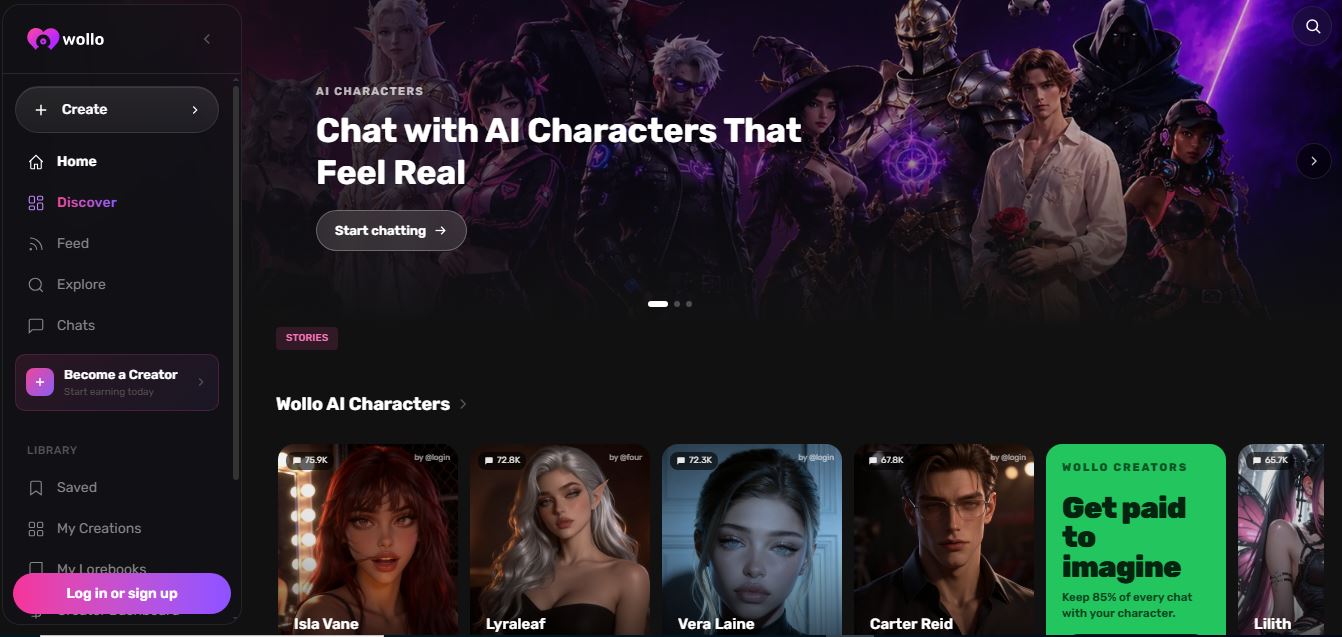
Wollo is an AI character platform and social network where you can create, chat with, and share lifelike AI personalities. It supports roleplay, storytelling, and voice interactions, while also letting creators monetize characters through subscriptions, tips, and paid content.
 4.6
4.6Privee AI
Animation
Privee AI is an AI character platform designed for interactive conversations, roleplay, storytelling, and creative experiences. You can chat with thousands of characters or create your own. Depending on your interests, you can explore romance, fantasy, anime, games, horror, science fiction, historical settings, and many other story-driven categories for entertainment.
 4.3
4.3PolyBuzz
Animation
PolyBuzz lets users chat with AI characters, create personas, and explore interactive conversations across categories like anime, celebrities, and custom roleplay experiences.
 4.8
4.8Yodayo
Animation
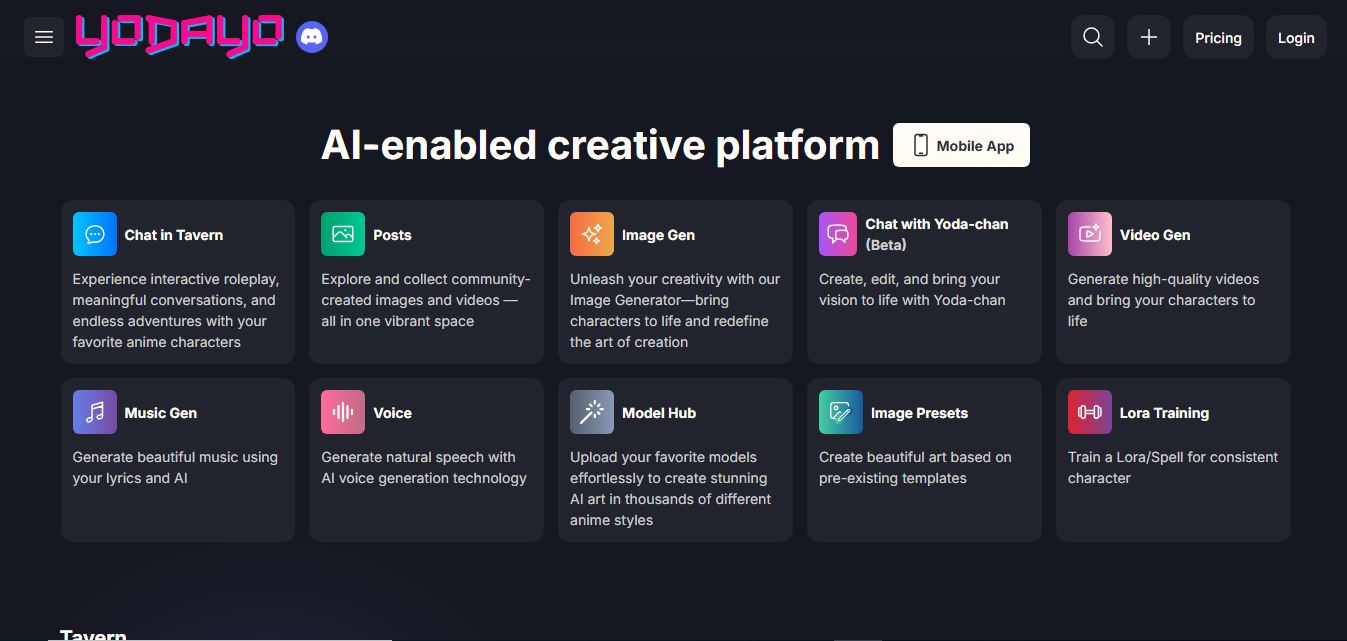
Yodayo is an AI-powered platform that helps anime fans create, share, and explore AI-generated artwork, characters, and interactive experiences effortlessly.
 4.4
4.4V2Fun
3D
V2Fun is an AI-powered 3D content creation platform that transforms text and images into high-quality 3D models, animations, and motion assets for creators, designers, educators, and developers.
 4.6
4.6Google Earth Studio
Video Generator
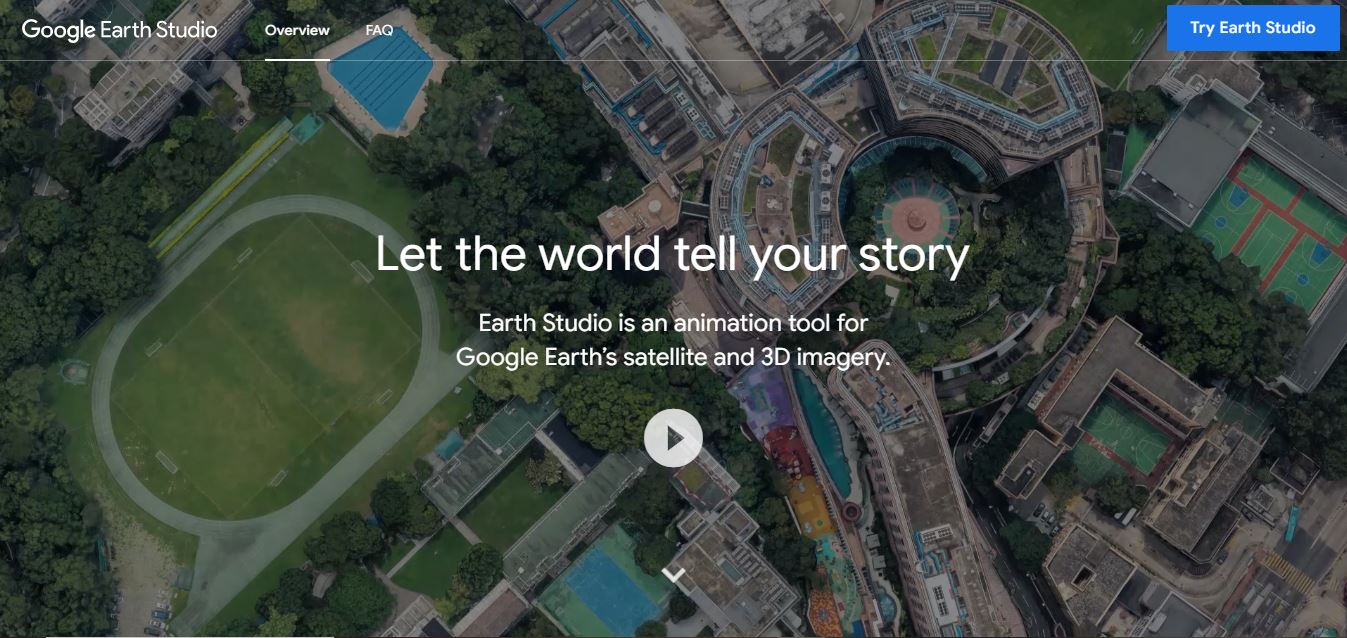
Google Earth Studio is a powerful web-based animation tool that leverages Google Earth’s satellite imagery to create dynamic, high-quality visual storytelling experiences for professionals and creators.
 4.1
4.1Magic Animate
Animation
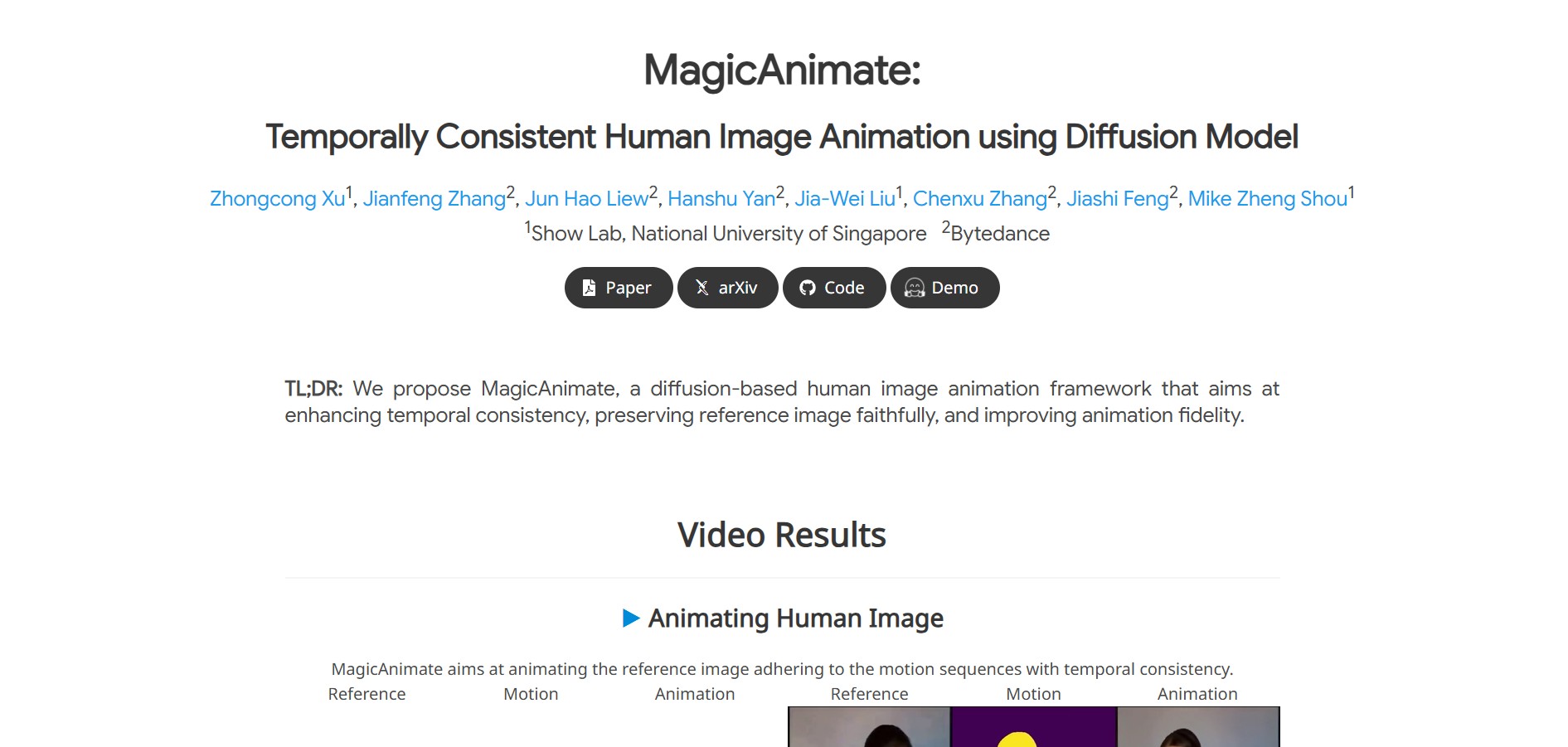
Magicanimate is an AI video animation tool that turns images into lifelike animations, letting creators easily produce engaging videos, social media content, and visual art without advanced animation skills.