
DoNotPay
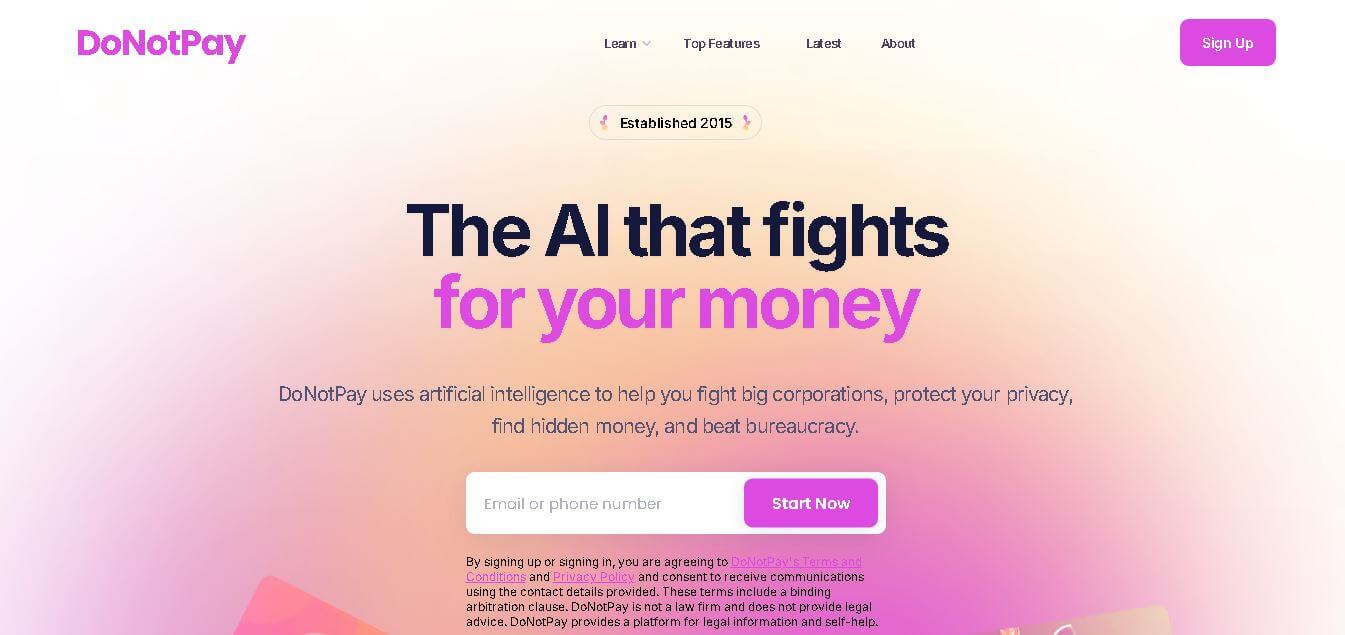
DoNotPay is an AI legal assistant that automates disputes, subscription cancellations, refunds, and legal document drafting to help consumers handle bureaucratic tasks quickly.
What is DoNotPay?
- Founder: Joshua Browder
- Launch: 2015
- Use Cases:
- Contest parking & traffic tickets and fines.
- Cancel free trials & unwanted subscriptions.
- Request refunds & chargebacks from companies.
- Draft legal letters & agreements.
- File claims for consumer protection, employment issues, and more.
- Technology: DoNotPay uses AI conversational assistants, natural language processing, and rule-based automation to help users navigate processes, write letters, and submit forms. It connects with web forms and legal templates adapted to certain jurisdictions, with the goal of automating tasks that would otherwise require legal assistance or form-filling expertise.
DoNotPay is an AI-powered legal and consumer rights assistant that helps customers automate and navigate routine bureaucratic and legal activities. Called "the world's first robot lawyer," it uses AI chat, forms, and automation to assist customers in contesting penalties, canceling subscriptions, filing disputes, drafting legal letters, requesting refunds, and understanding their rights—all without the need to hire a lawyer. DoNotPay simplifies difficult processes, gives step-by-step instructions, and generates legal documents, making justice more accessible and affordable to people and small businesses.
Key Features
DoNotPay key features are
- Automated Form Filling & Submission: DoNotPay generates and submits dispute forms, legal letters, and requests based on user input.
- Legal Chat Assistant: Offers interactive AI that explains rights, steps, and document needs.
- Contest Tickets & Fines: DoNotPay helps craft appeals and legal arguments to challenge traffic and parking tickets.
- Cancel Subscriptions & Free Trials: The platform automates Cancel Subscriptions & Free Trials.
DoNotPay Pricing
DoNotPay offers various pricing plans. It works on a subscription basis (e.g., monthly or annual plans) and offers unlimited access to features during the subscription time. Free trial periods or limited free options may be available, but full access is required with a paid subscription. Pricing varies based on area and promotional offers.
Disclaimer: For the latest and most accurate pricing information, please visit the official DoNotPay website.
Who is using DoNotPay?
A diverse range of users and organizations utilize DoNotPay
- Everyday consumers
- People cancelling unwanted subscriptions
- Individuals requesting refunds or chargebacks.
- Small business owners
- Renters
DoNotPay Alternatives
Some DoNotPay alternatives are
- LegalZoom
- Rocket Lawyer
- Avvo
- Clio
- Trim
Conclusion
DoNotPay streamlines legal and regulatory processes by automating paperwork, developing arguments, and leading users through stages that would normally require lawyers or significant time investment. it evolved to include features like ticket fighting, subscription cancellation, refund requests, and legal letter generation, all powered by AI and automations. Its subscription model allows broad access to a package of tools that enable individuals and small businesses to save money, assert their rights, and confidently navigate red tape. While it cannot substitute experienced legal counsel in complex matters, DoNotPay prospers at routine legal procedures and consumer protection workflows.
People are also reading:
FAQ
What is DoNotPay?
DoNotPay is an AI-powered legal assistant platform that automates legal and consumer tasks.
Can DoNotPay fight a traffic ticket?
Yes — it helps generate dispute letters and arguments.
Is there a free version?
Some tasks may be free, but full access usually requires a subscription.
Can it draft legal letters?
Yes, it generates templates for contracts. notices and requests.
Does it replace lawyers?
Not for complex cases, but it is best for everyday tasks.
User Reviews
No reviews yet for DoNotPay.
Featured Tools
Featured AI tools from TechShark

Melody Genie
MelodyGenie is an AI-powered music generator that creates original songs from simple text prompts. Users can choose styles, moods, and genres, then instantly generate melodies and full tracks, making it easy for creators, marketers, and hobbyists to produce custom music without musical expertise.
Freemium

Kimi AI
Kimi AI is an advanced AI assistant developed by Moonshot AI that helps you chat, research, write, code, and automate tasks in one place. It supports web search, file analysis, and multimodal inputs, and can even run autonomous “agent” workflows to complete complex tasks end-to-end.
Freemium

Fashion Diffusion AI
Fashion Diffusion is an AI-powered fashion design platform that helps brands and designers create clothing designs, virtual try-ons, AI models, product photos, and marketing visuals faster and cost-effectively.
Paid

Veo 4
Veo 4 AI is an AI video creation platform that generates dramatic videos from text, images, audio, and video prompts using realistic motion and synchronized sound.
Paid
Alternatives
Alternatives to DoNotPay
Explore other Legal tools from the TechShark directory.
 4.8
4.8Noteey
AI Business Tools
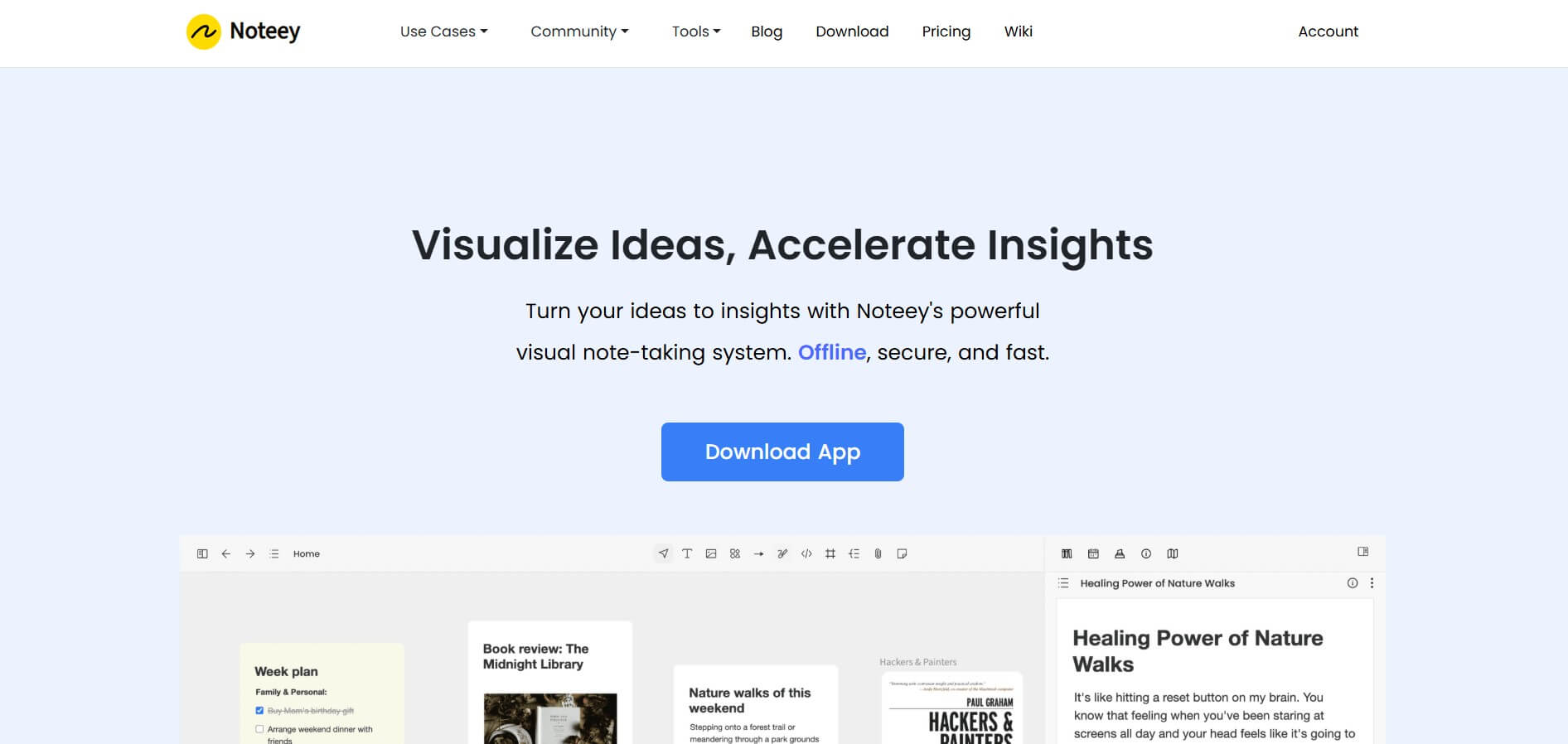
Noteey is a visual knowledge and note-taking workspace built around an infinite canvas. You can combine notes, images, PDFs, videos, audio, mind maps, sketches, and web links in one place. Its offline-first approach makes it useful for research, brainstorming, second-brain building, creative writing, visual learning, presentations, and organizing complex information.
 4.6
4.6Jigso
AI Business Tools
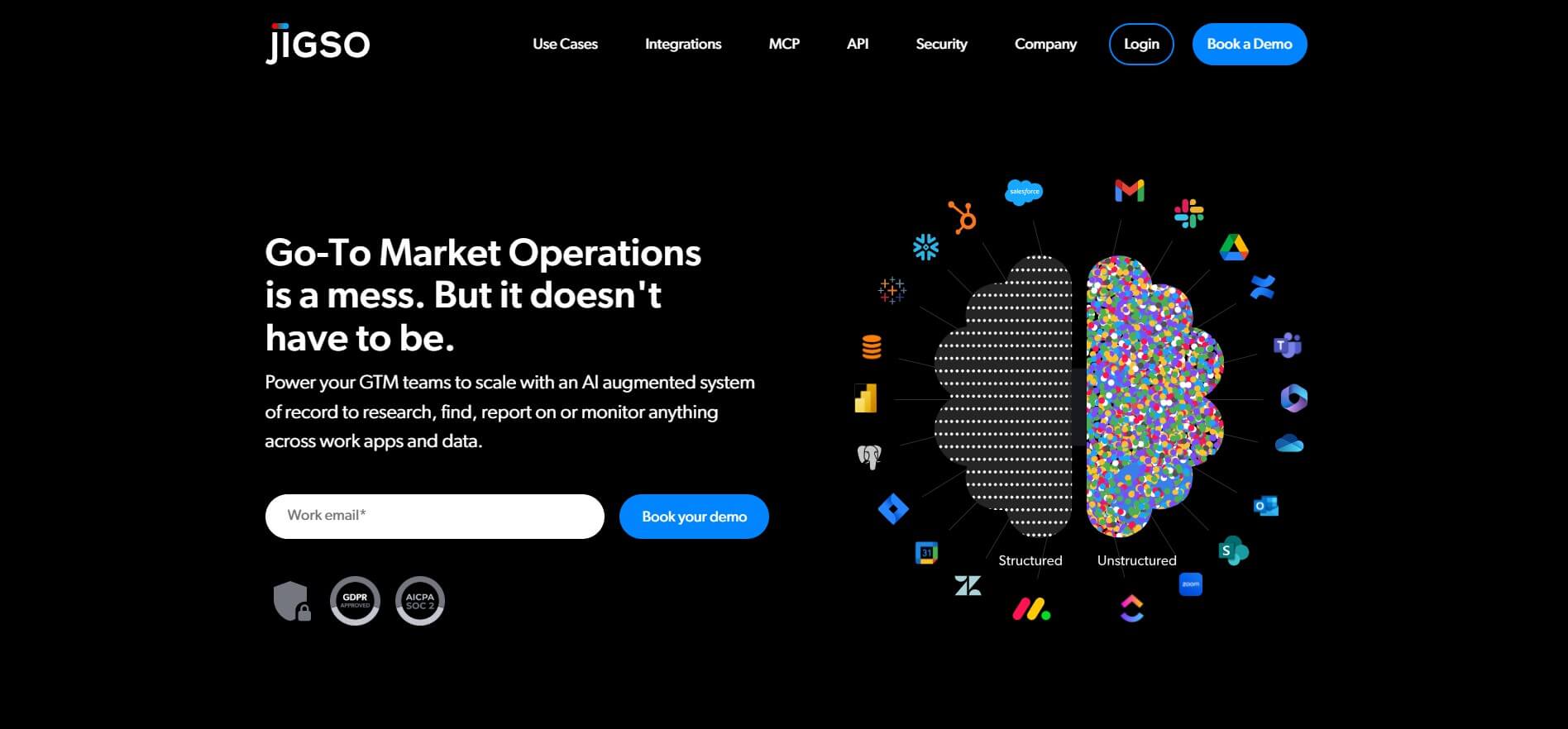
Jigso is a proactive AI work intelligence platform that connects business apps and data to surface risks, opportunities, research, and next actions. It supports sales, customer success, operations, marketing, and leadership teams by reducing manual information gathering and helping users monitor important business signals across their existing technology stack efficiently.
 4.8
4.8AI Palette
AI Business Tools
AI Palette (aipalette.com) is an AI-powered consumer intelligence and product innovation platform for CPG, food, beverage, and beauty brands, helping companies identify emerging consumer trends, forecast flavor and ingredient demands, and accelerate time-to-market.
 4.9
4.9Explee (AutoGTM)
AI Business Tools
Explee helps businesses automate prospecting and outbound sales through AI agents. It researches target markets, identifies relevant prospects, creates personalized email campaigns, and supports meeting booking. Users can also search extensive company and people databases, apply AI-based criteria, enrich prospect information, and manage lead-generation workflows without building a traditional outbound infrastructure.
 4.8
4.8Upmetrics
AI Business Tools
Upmetrics is business planning software for creating professional business plans, financial forecasts, pitch decks, and strategic plans. It combines AI assistance, industry research, financial modeling, collaboration, and accounting integrations to help entrepreneurs move from an initial idea to funding, launch, and ongoing business growth.
 4.6
4.6Wati.io
AI Business Tools
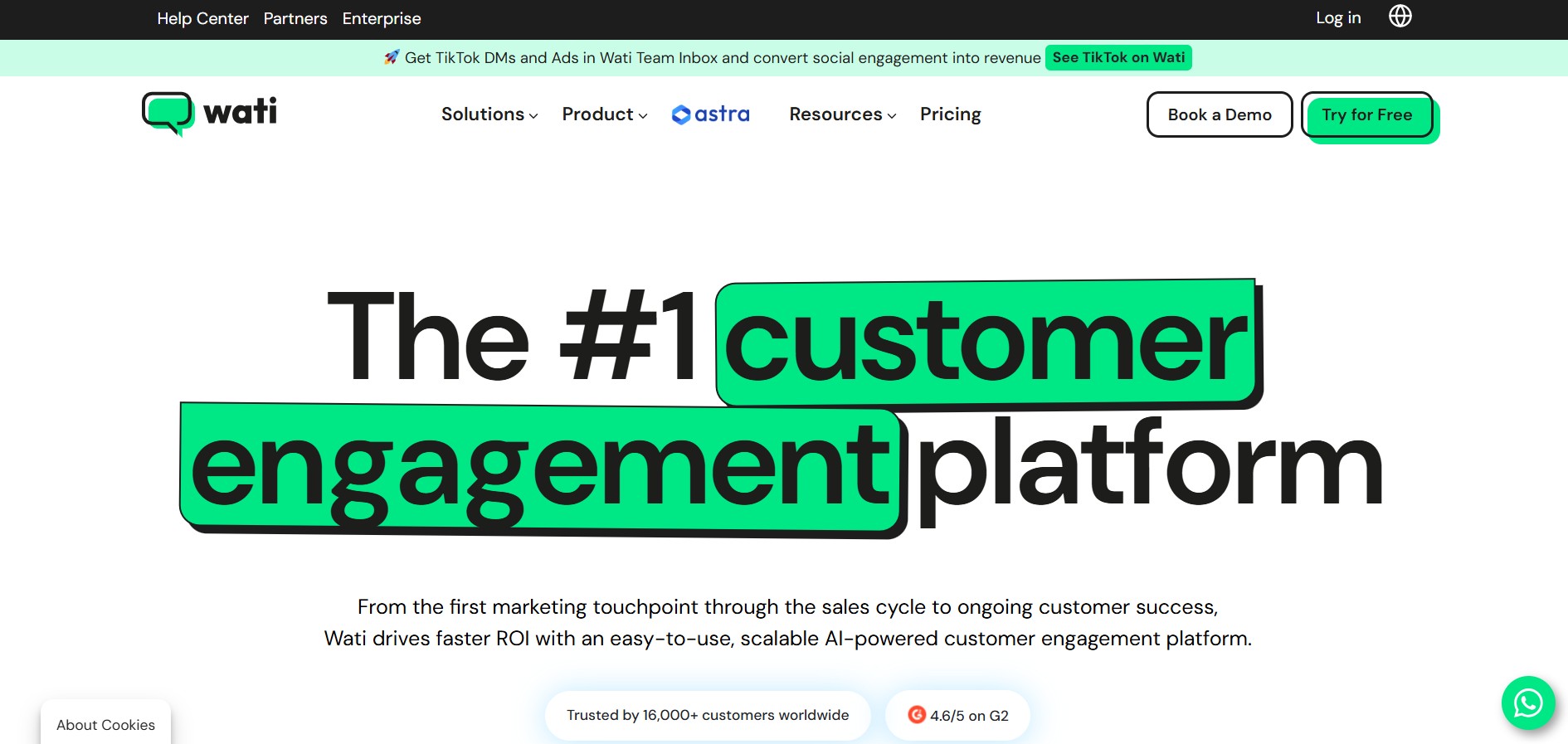
WATI is a customer engagement and WhatsApp communication platform for businesses. It helps teams manage WhatsApp conversations, marketing campaigns, lead generation, sales, customer support, chatbots, automation, and AI agents. WATI also supports channels such as Instagram, Facebook, website chat, SMS, and calling through a centralized communication experience.
 4.8
4.8Namify
AI Business Tools
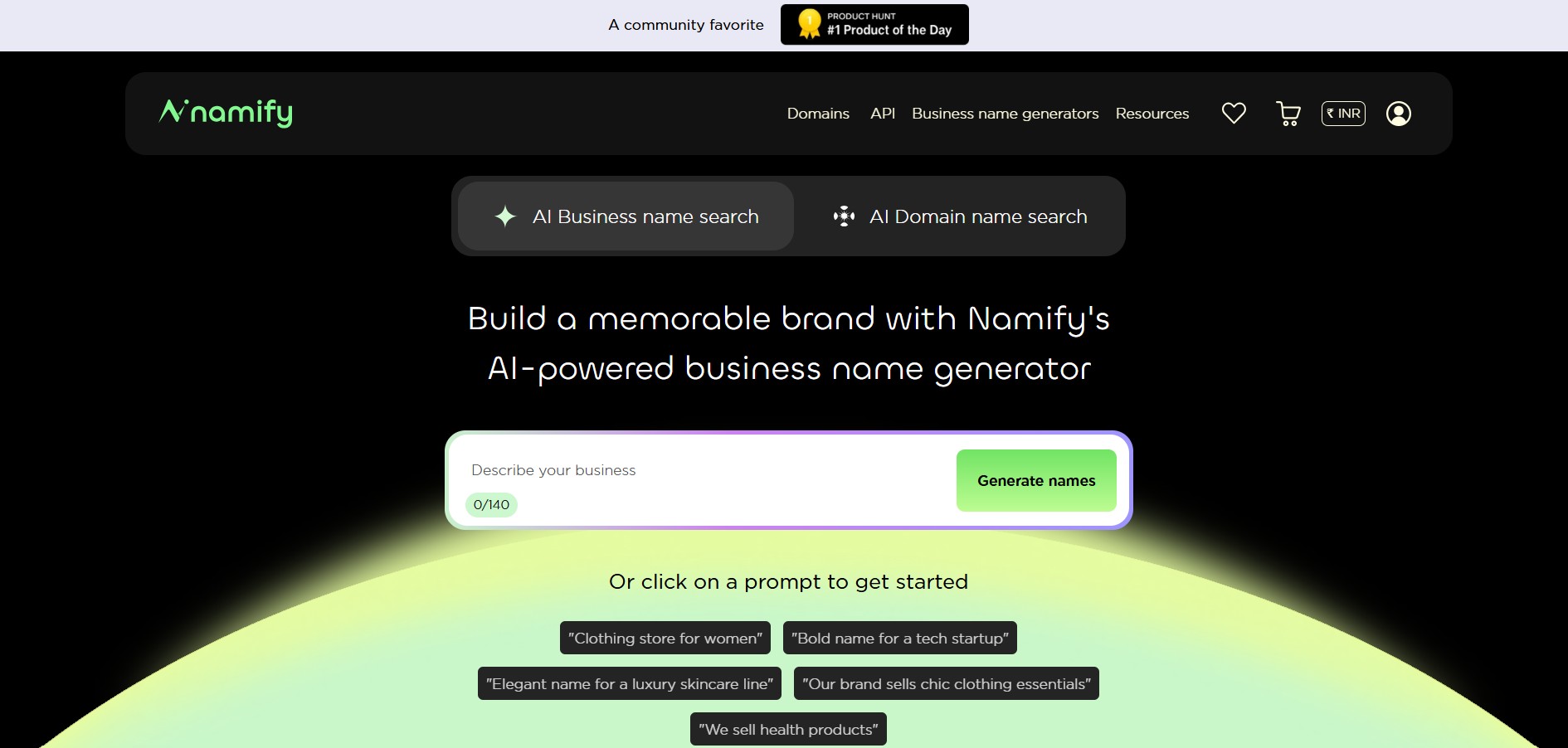
Namify helps you create memorable brand names without spending hours brainstorming. Describe your business, explore generated suggestions, check matching domains and usernames, and build your brand identity with a logo. It is useful for startups, entrepreneurs, agencies, creators, and businesses looking for a practical starting point for naming.
 4.7
4.7Pressmaster AI
AI Business Tools
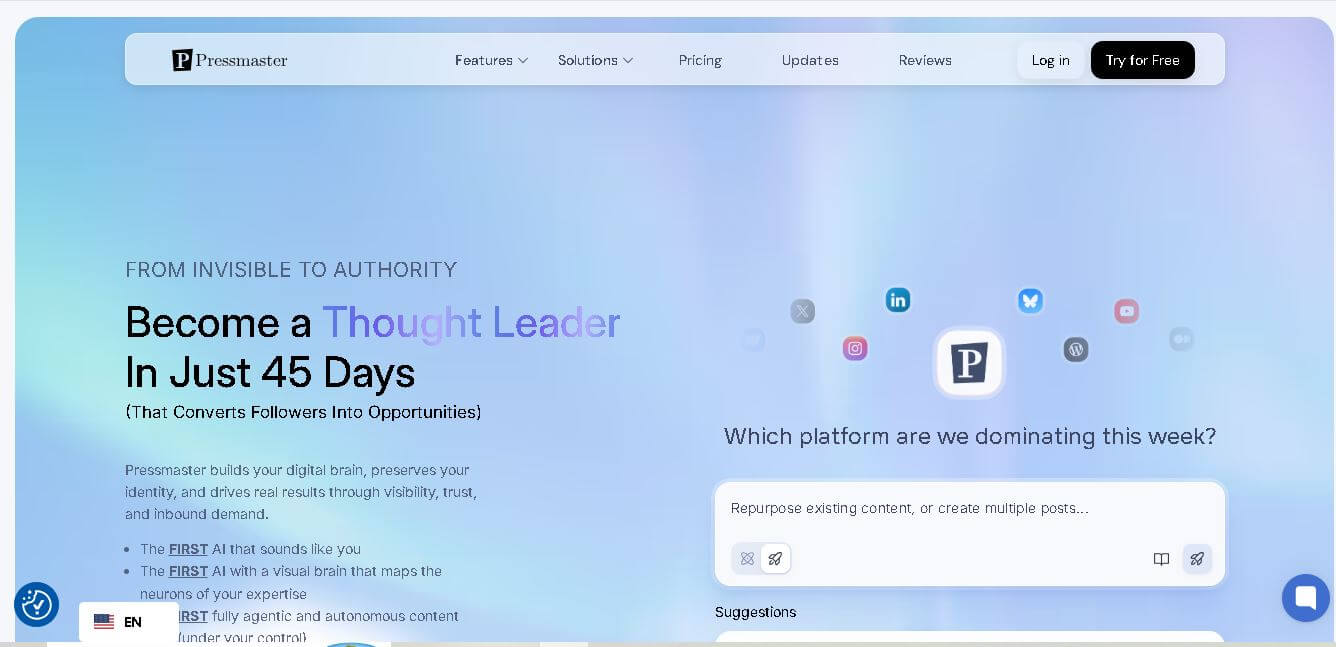
Pressmaster AI (pressmaster.ai) is an AI-powered content engine and PR automation platform designed to turn raw voice inputs, interviews, and brand ideas into authority-building articles, press releases, social posts, and multi-channel marketing campaigns.
 4.9
4.9Tally
AI Business Tools
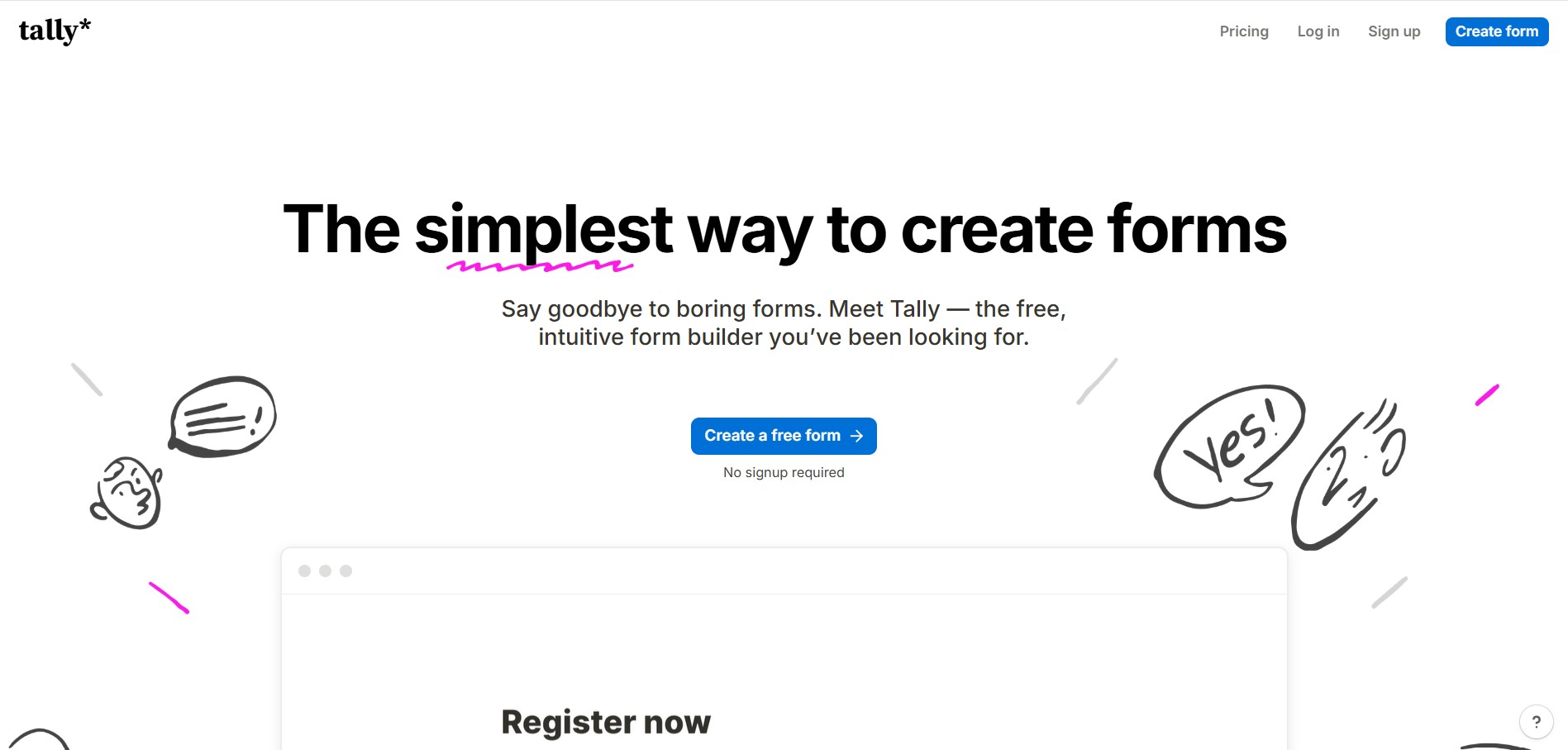
Tally is an intuitive, Notion-style form builder and data collection platform that enables creators, startups, and product teams to create forms, surveys, questionnaires, and payment checkouts by typing on a blank canvas with unlimited forms and submissions on its free tier.