
Comet
Comet is an AI-powered browser developed by Perplexity that automates browsing tasks, remembers context across tabs and sessions, and integrates with productivity tools like Gmail and Google Calendar to streamline complex workflows.
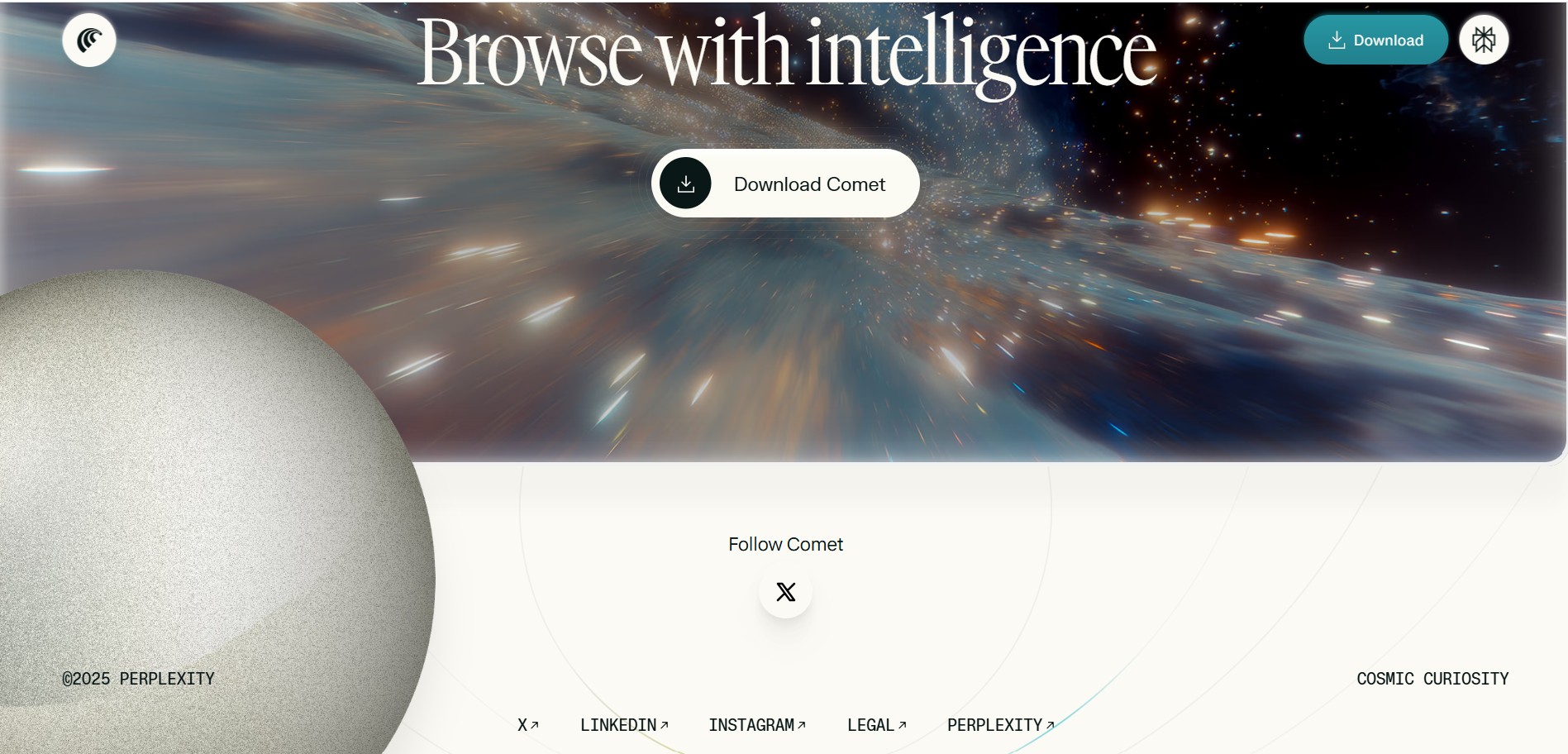
What is Comet?
Comet is a next-generation browser developed by Perplexity that turns browsing into an intelligent, AI-assisted experience. Instead of being just a window to the web, Comet actively participates in tasks like scheduling, research, shopping, and email management. It remembers context across tabs and sessions, so you don't have to re-enter information or start over when you switch tasks.
Comet is built on Chromium, which means it supports Chrome extensions and feels familiar to use. It's designed for professionals, enterprises, and individuals who want to save time and reduce the mental load of juggling multiple tabs and tools. Currently, Comet is available through an invite-only system as part of the Perplexity Max subscription at $200 per month.
- Developer: Perplexity
- Core Focus: AI-Powered Browser, Task Automation, Cross-Tab Context Retention, Productivity Integration
What can you do with Comet?
- Automate multi-step tasks like researching products, making purchases, scheduling meetings, and managing your inbox
- Maintain context across different tabs and browsing sessions—start a task in one tab and continue it in another without losing progress
- Connect with Gmail, Google Calendar, and Google Drive to complete communication and scheduling tasks directly within the browser
- Get proactive reminders and suggestions to keep your tasks on track
- Use it like a regular Chromium browser—supporting Chrome extensions and familiar bookmarks
Technology behind it:
- Built on Chromium—supports Chrome extensions and enterprise policies
- AI agent for automating multi-step workflows
- Cross-tab and cross-session memory for contextual continuity
- Integrations with Gmail, Google Calendar, and Google Drive
- Enterprise-grade security with SOC 2, HIPAA, and GDPR compliance
Who is it for?
- Knowledge workers who do extensive research and task coordination
- Enterprise teams needing secure, AI-assisted browsing with admin controls
- Productivity-focused individuals who want to reduce context switching
- AI enthusiasts and developers exploring AI-driven browsing
- Recruiters automating candidate outreach and scheduling
- Academic researchers synthesizing information across multiple open resources
Pricing model: Paid—available as part of Perplexity Max at $200/month, invite-only access.

Key features of Comet
Here's what Comet offers:
- Agentic Task Automation: Automates multi-step actions—like researching a product, comparing prices, and completing a purchase—without you having to click through every step manually.
- Cross-Tab Context Awareness: Remembers what you were doing across tabs and even across browsing sessions. Start planning a trip in one tab, open a new tab for flights, and Comet keeps the context so you don't have to re-enter details.
- Integrated Productivity Tools: Connects with Gmail, Google Calendar, and Google Drive. You can draft emails, schedule meetings, and access files without leaving the browser.
- Chromium Compatibility: Built on Chromium, so it supports Chrome extensions, bookmark imports, and enterprise policies. If you're used to Chrome, Comet will feel familiar.
- Enterprise-Grade Security: Meets SOC 2, HIPAA, and GDPR compliance standards. Sensitive information is handled securely, making it suitable for businesses with high data security needs.
- Proactive Intelligence: Offers reminders and suggestions that help keep your tasks on track—like reminding you to follow up on an email or suggesting a time for a meeting based on your calendar.
Comet Pricing
Comet is currently available through an invite-only system as part of the Perplexity Max subscription.
Perplexity Max Tier — $200/month:
- Access to Comet AI browser
- Full suite of Perplexity's advanced AI features
- Invite-only access—not yet open to the general public
Note: Pricing may change as Comet becomes more widely available. For the most accurate and up-to-date details, visit the official Perplexity website.
Who is using Comet?
Comet is being adopted by early users in various roles, including:
- Knowledge Workers: Professionals who rely on extensive browsing, research, and task coordination in their daily work.
- Enterprise Teams: Organizations seeking secure, AI-assisted browsing with administrative control and compliance.
- Productivity-Oriented Individuals: Users aiming to reduce context switching and improve efficiency across apps.
- AI Enthusiasts and Developers: Early adopters exploring how AI-driven browsing can enhance workflows.
- Recruiters: Using Comet to automate candidate outreach and scheduling.
- Academic Researchers: Applying it to synthesize information across multiple open resources through conversational interaction.
Best Comet Alternatives
If you're looking for other AI-powered browsing or productivity tools, consider these alternatives:
- Arc Browser — A browser designed for productivity with built-in tools for tab management and organization
- SigmaOS — A browser optimized for research and multitasking with AI-assisted features
- Sidekick — A browser that integrates with web apps and offers workspace organization
- Perplexity AI — The core AI search engine behind Comet, available as a standalone tool
- Notion AI — AI-powered workspace for notes, tasks, and project management
- Taskade — AI-powered workspace with task management, notes, and collaboration features
Comet is unique because it embeds AI directly into the browsing experience—it's not just a browser with AI features, but an AI that actively participates in your browsing tasks. However, its high price point ($200/month) and invite-only availability make it less accessible than alternatives.
Pros and Cons of Comet
What's good
- Saves time by automating repetitive multi-step tasks
- Remembers context across tabs and sessions—no more starting over
- Integrates with Gmail, Calendar, and Drive for seamless workflows
- Built on Chromium, so it supports Chrome extensions and feels familiar
- Enterprise-grade security (SOC 2, HIPAA, GDPR) for sensitive data
- Proactive reminders and suggestions keep you on track
What could be better
- High price barrier—$200/month is steep for most individuals and small teams
- Invite-only access—not yet available to the general public
- Some features are still experimental and may not work perfectly every time
- Security concerns with AI automation—if misdirected, it could create risks in sensitive workflows
Why choose Comet?
Comet is for professionals who spend hours in their browser every day and want to offload repetitive tasks to AI. It's not just a browser—it's an AI assistant that works alongside you, remembering context and automating workflows across tabs and tools.
- Save hours every week: Automates tasks like research, scheduling, and email management that would otherwise take manual effort
- Maintain your flow: Cross-tab context means you don't lose your place when switching tasks
- Work securely: Enterprise-grade compliance makes it suitable for sensitive data
- Familiar experience: Built on Chromium—so it works like Chrome, but with superpowers
Comet vs. Competitors
The main difference between Comet and other browsers or AI tools is its deep integration of AI into the browsing experience. While Arc and SigmaOS focus on tab management and organization, Comet actively performs tasks for you and remembers context across everything you do. However, Comet's $200/month price point is significantly higher than alternatives—Arc is free, and SigmaOS offers free and paid tiers starting much lower.
| Feature / Tool | Comet | Arc Browser | SigmaOS | Perplexity AI |
|---|---|---|---|---|
| Core Focus | AI-powered browser with task automation | Productivity browser with tab management | Research & multitasking browser | AI search engine |
| Starting Price | $200/month (Perplexity Max) | Free | Free / Paid tiers | Free / Paid tiers |
| Cross-Tab Context | Yes | Limited | Limited | No |
| Task Automation | Yes | No | No | No |
| Best For | AI-driven browsing & workflow automation | Organized tab management | Research & multitasking | AI search & answers |
How do we rate Comet?
| Parameter | Rating (out of 5) |
|---|---|
| Accuracy and Reliability | 4.5 |
| Ease of Use | 4.6 |
| Functionality and Features | 4.7 |
| Performance and Speed | 4.4 |
| Customization and Flexibility | 4.2 |
| Data Privacy and Security | 4.3 |
| Support and Resources | 4.4 |
| Cost-Efficiency | 3.5 |
| Integration Capabilities | 4.6 |
| Overall Score | 4.3 |
Comet Review
Comet represents an ambitious step forward in how we think about web browsing. It's not just a browser with AI bolted on—it's a browser that is fundamentally built around AI assistance. The ability to automate multi-step tasks, remember context across sessions, and integrate with productivity tools like Gmail and Calendar could genuinely transform workflows for power users.
That said, the high price point ($200/month) and invite-only access make it inaccessible to most individuals and small teams. It's clearly aimed at enterprises and professionals who can justify the cost for the time savings. Some features are still experimental, so it's not polished in every way—but the core idea is compelling.
For knowledge workers, researchers, and enterprise teams that spend hours in their browser every day, Comet could be a game-changer. But for casual users or those on a budget, alternatives like Arc or SigmaOS offer strong productivity features at a fraction of the cost.
Conclusion
Comet is a bold reimagining of the web browser—one where AI actively assists you, remembers your context, and automates repetitive tasks. It's designed for professionals who live in their browsers and want to reclaim hours of their day. However, its high price and invite-only status limit its reach. If you're an enterprise or a power user who can justify the investment, Comet is worth exploring. For everyone else, the alternatives offer a more accessible way to boost browsing productivity.
FAQ
What is Comet?
Comet is an AI-powered browser developed by Perplexity that combines traditional web browsing with an AI assistant. It can understand webpages, summarize content, answer questions, maintain context across tabs, and help users complete tasks directly within the browser.
What can Comet be used for?
Comet can be used for web research, summarizing articles, managing tabs, shopping research, drafting emails, scheduling, and other repetitive browser tasks. Its AI assistant can work with information across multiple tabs and connected productivity services
Can Comet automate browser tasks?
Yes. Comet supports AI-driven task automation that can handle multi-step activities such as researching products, organizing information, managing emails, and scheduling. Users can give instructions in natural language and allow the browser's AI agent to perform supported actions.
Does Comet work across multiple browser tabs?
Yes. Comet is designed to maintain context across tabs, allowing its AI assistant to analyze information from multiple webpages and help users continue tasks without repeatedly providing the same context.
Is Comet available on Windows, Mac, iOS, and Android?
Yes. Comet is available for Windows and macOS, and Perplexity currently lists iOS and Android versions as well. The browser is Chromium-based and supports features such as Chrome extensions, bookmarks, and page translation.
Is Comet free to use?
Comet can be used without a Perplexity account for basic browsing and some AI features. Signing in provides additional capabilities, higher limits, and synchronization across devices. Pricing and access to advanced features can vary by Perplexity plan.
Who should use Comet?
Comet is particularly useful for researchers, professionals, students, marketers, developers, and other users who spend significant time browsing the web. Its combination of AI search, cross-tab context, summarization, and task automation can reduce repetitive work and make research and everyday browser workflows more efficient.
User Reviews
No reviews yet for Comet.
Featured Tools
Featured AI tools from TechShark

Melody Genie
MelodyGenie is an AI-powered music generator that creates original songs from simple text prompts. Users can choose styles, moods, and genres, then instantly generate melodies and full tracks, making it easy for creators, marketers, and hobbyists to produce custom music without musical expertise.
Freemium

Kimi AI
Kimi AI is an advanced AI assistant developed by Moonshot AI that helps you chat, research, write, code, and automate tasks in one place. It supports web search, file analysis, and multimodal inputs, and can even run autonomous “agent” workflows to complete complex tasks end-to-end.
Freemium

Fashion Diffusion AI
Fashion Diffusion is an AI-powered fashion design platform that helps brands and designers create clothing designs, virtual try-ons, AI models, product photos, and marketing visuals faster and cost-effectively.
Paid

Veo 4
Veo 4 AI is an AI video creation platform that generates dramatic videos from text, images, audio, and video prompts using realistic motion and synchronized sound.
Paid
Alternatives
Alternatives to Comet
The top Comet alternatives include Arc Browser, SigmaOS, Sidekick, Perplexity AI, Notion AI, and Taskade. While Comet offers deep AI task automation and cross-tab context within a browser, Arc and SigmaOS focus on tab management and organization without active task automation. Perplexity AI provides the core AI search engine behind Comet but lacks browser-level features. Notion AI and Taskade are productivity workspaces with AI features but aren't browsers. Comet is best for enterprise power users who need AI task automation, while alternatives offer more accessible options for general productivity.
 4.9
4.9Claudebin
Code Assistant
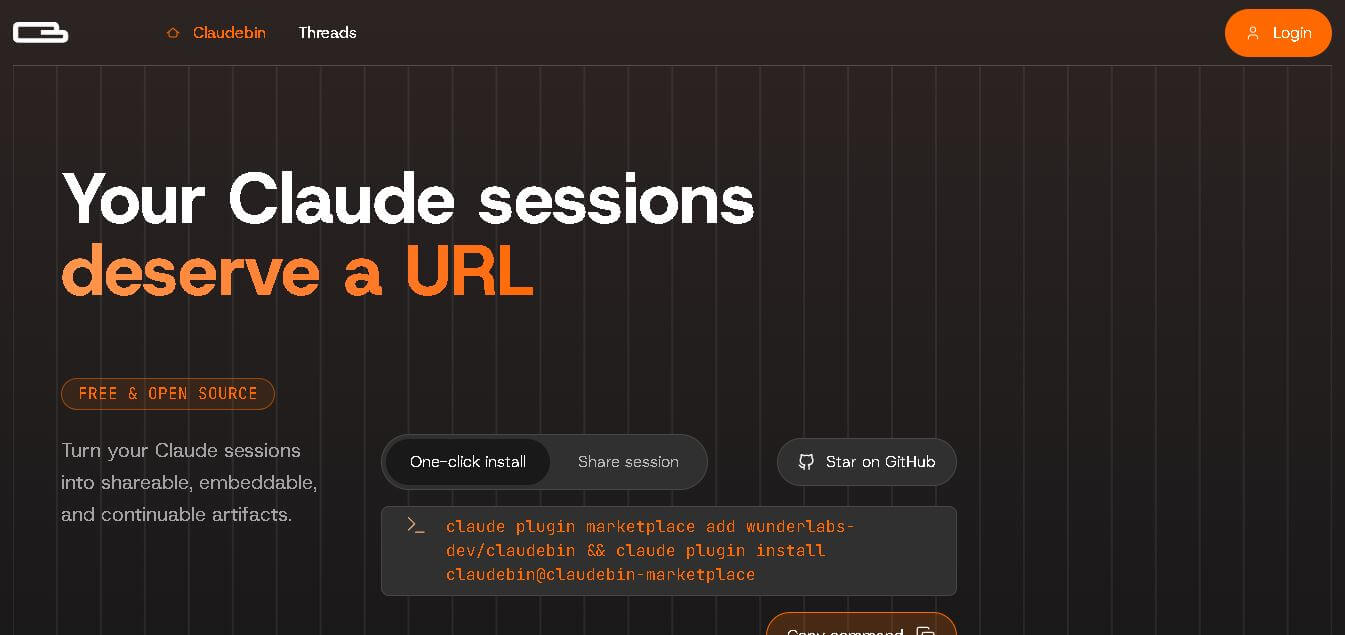
Claudebin is an open-source tool for sharing Claude Code sessions through structured, accessible web links. It captures conversations, file operations, terminal commands, and tool calls, helping developers explain their coding workflows. With session viewing and embedding capabilities, it simplifies technical documentation, collaboration, debugging discussions, and knowledge sharing across development projects.
 4.9
4.9GitFluence
Code Assistant
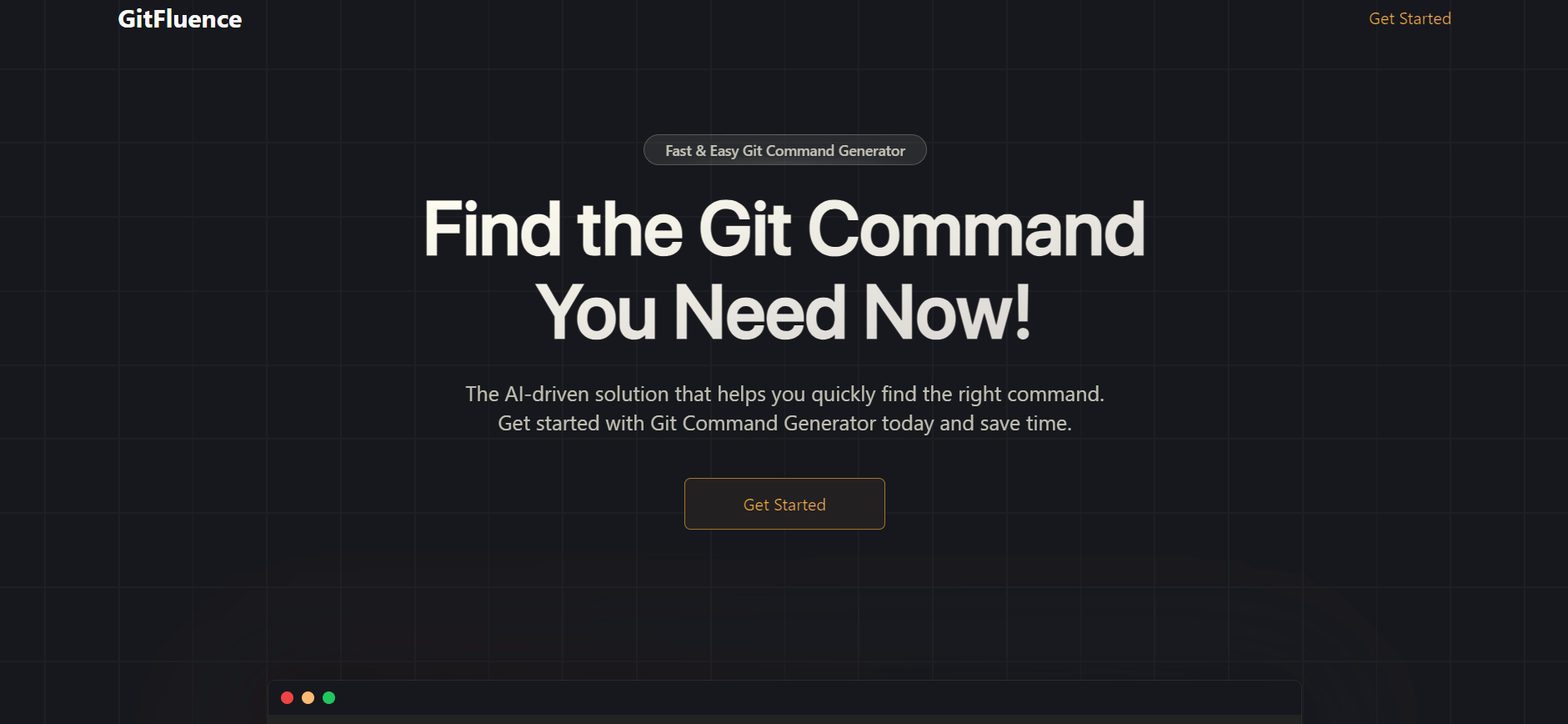
GitFluence is an AI-powered Git command generator that helps developers turn plain-English instructions into exact Git commands. It eliminates the need to memorize syntax, speeds up version control workflows, and lets users quickly copy accurate commands for tasks like branching, merging, and fixing commits.
 4.9
4.9Kiro
Vibe Coding
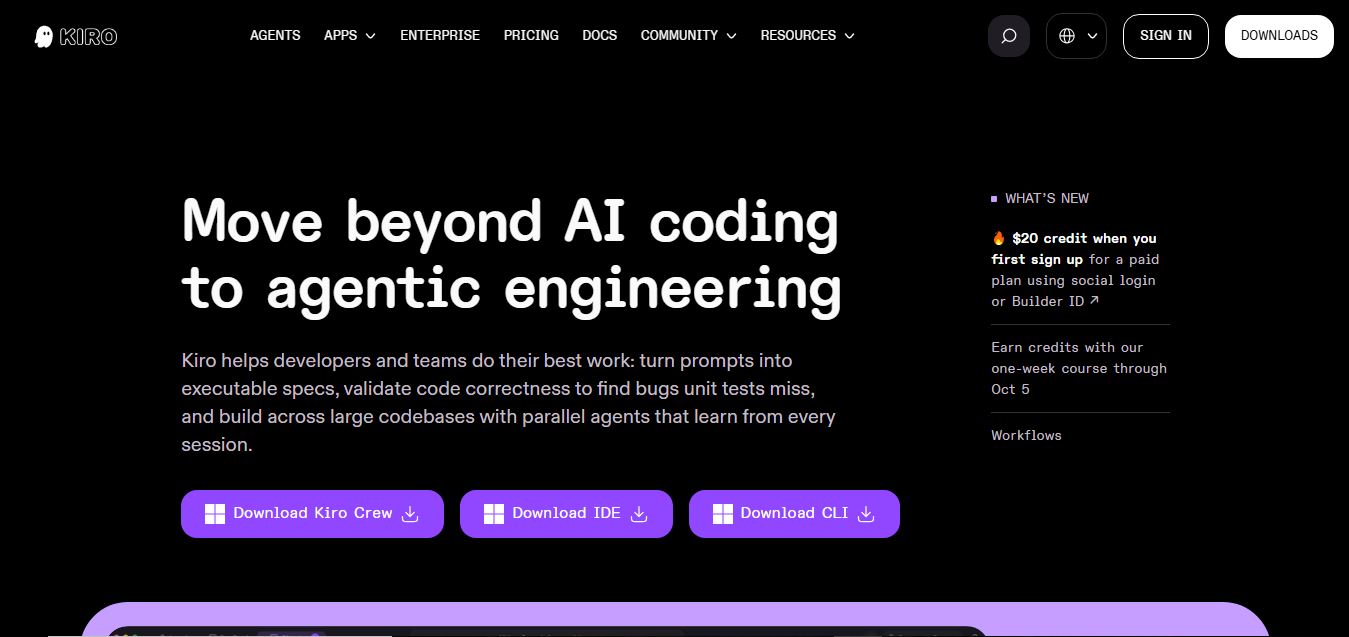
Kiro is an AI-powered developer platform that helps teams plan, build, and ship software using autonomous agents. It turns prompts into structured specs, writes and tests code, and automates workflows across IDE, CLI, and cloud, enabling faster, reliable development from prototype to production.
 4.8
4.8Emergent
Vibe Coding
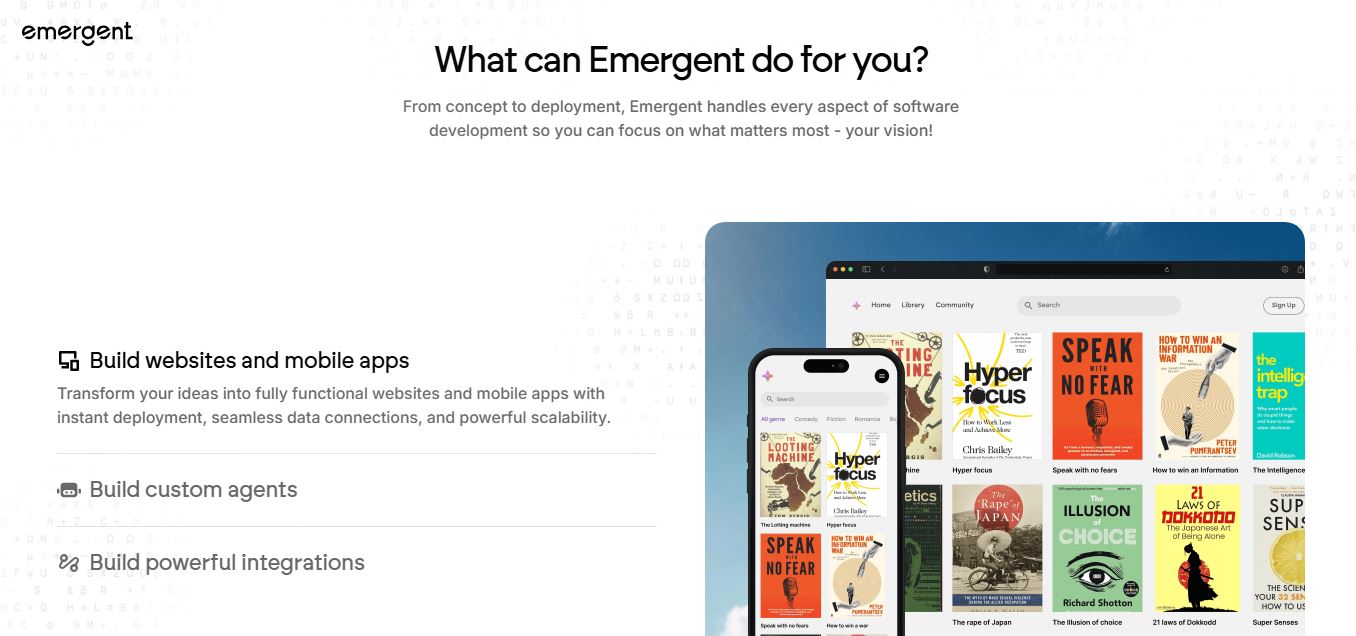
Emergent is an AI-powered app builder that lets users create full-stack web and mobile applications by simply describing their idea. It uses autonomous agents to plan, code, test, and deploy apps, handling everything from backend to hosting without requiring traditional programming skills.
 4.7
4.7Amazon Q Developer
Code Assistant
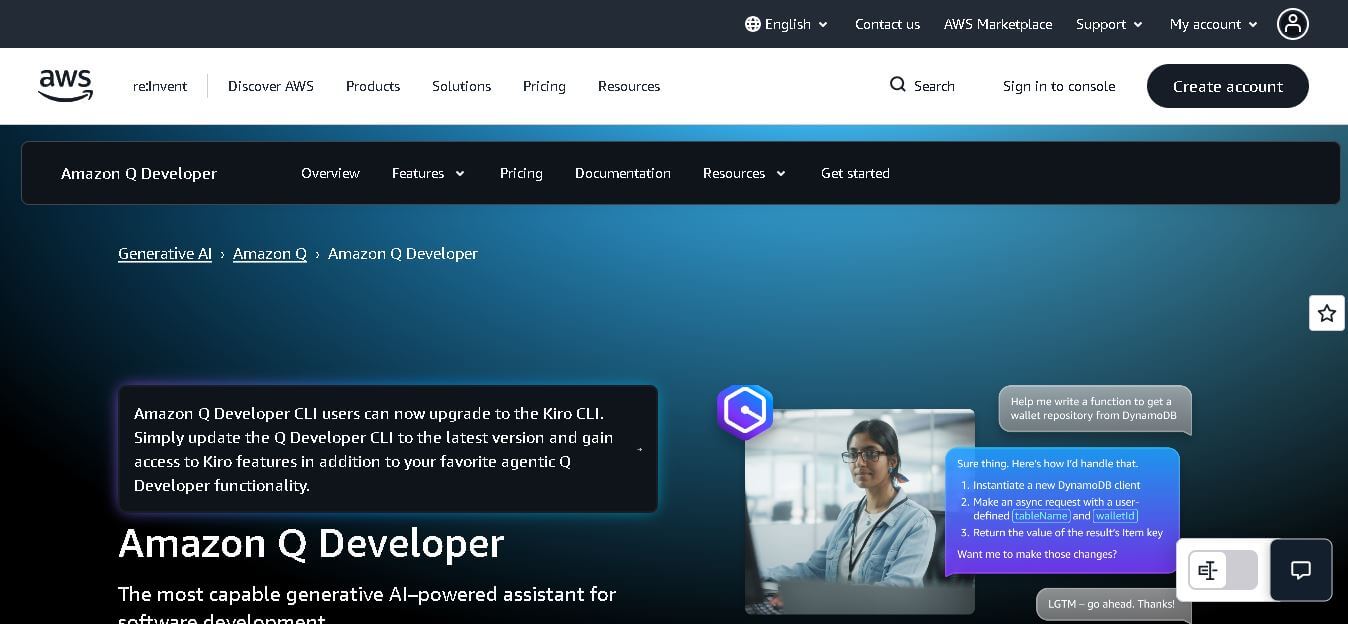
Amazon Q Developer helps developers write, explain, test, refactor, secure, and troubleshoot code while working with AWS services. It provides conversational assistance, inline suggestions, agentic coding, and cloud guidance across supported IDEs, command-line environments, and AWS interfaces. Its goal is to reduce repetitive work and help teams move from ideas to deployable software.
 4.9
4.9GitLab
Code Assistant
GitLab is a DevOps platform that provides a complete suite for planning, coding, testing, and deploying software in one place. It combines version control, CI/CD, security, and collaboration tools, helping teams streamline development workflows and deliver software faster and more efficiently.
 4.9
4.9CodeRabbit
Code Assistant
CodeRabbit is an AI-powered code review assistant that helps developers catch bugs, improve code quality, and speed up pull requests. It analyzes code changes in real time, provides actionable feedback, and integrates with Git workflows to make reviews faster and more efficient.
 4.9
4.9Sourcery
Code Assistant
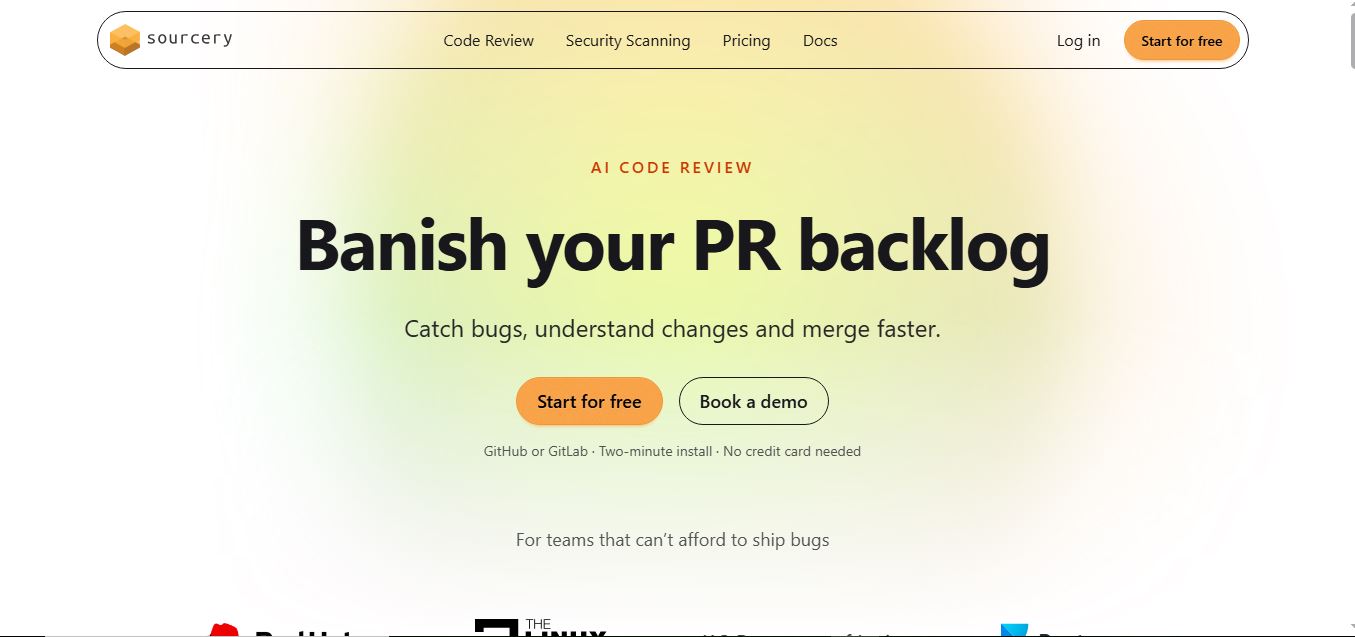
Sourcery is an AI-powered code refactoring tool that helps developers automatically improve Python code quality. It analyzes code, suggests cleaner and more efficient alternatives, and applies refactors instantly, making code more readable, maintainable, and aligned with best practices.
Tenki Cloud
Code Assistant
Tenki Cloud is a high-performance, cost-efficient cloud infrastructure platform offering disposable sandboxes for AI agents, self-hosted GitHub Actions runners, and automated AI code review.