Best AI Video Editing Tools, & Software in 2026
Find the best AI video editing tools and software to enhance your content with smart features, automation, and seamless editing for professional-quality videos.
 4.5
Jupitrr
Video Editing
Jupitrr AI automates B-roll, adding stock footage, GIFs, and subtitles to enhance marketing videos.
FreemiumView tool
 4.4
Mango AI
Video Editing
Mango AI creates lifelike avatar videos from text and images, automating animation, voiceovers, and lip-syncing.
FreemiumView tool
 4.5
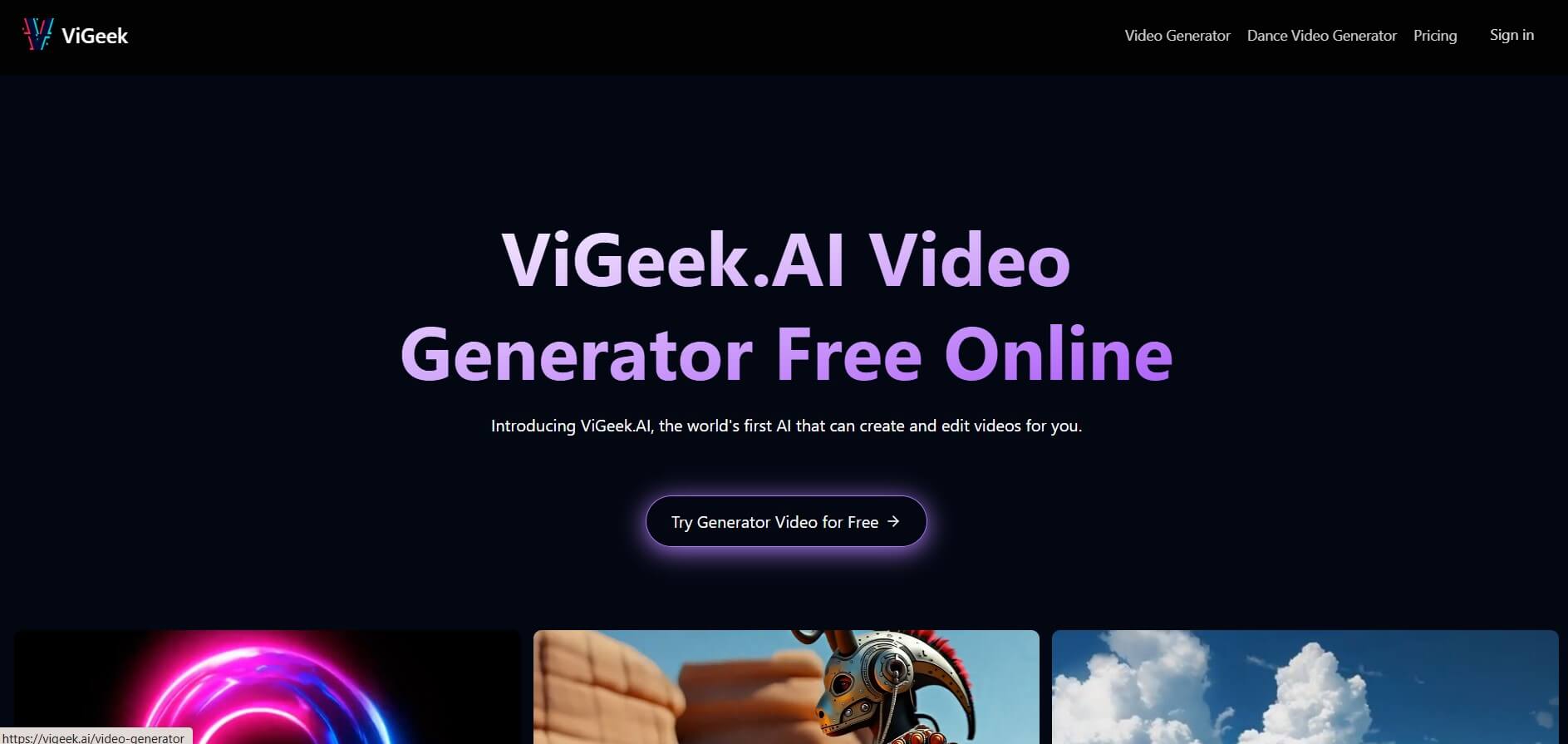
Vigeek.AI
Video Editing
Vigeek.AI is an AI-powered video creation tool that automates editing, subtitles, and content generation for fast, scalable video production.
FreemiumView tool
 4.5
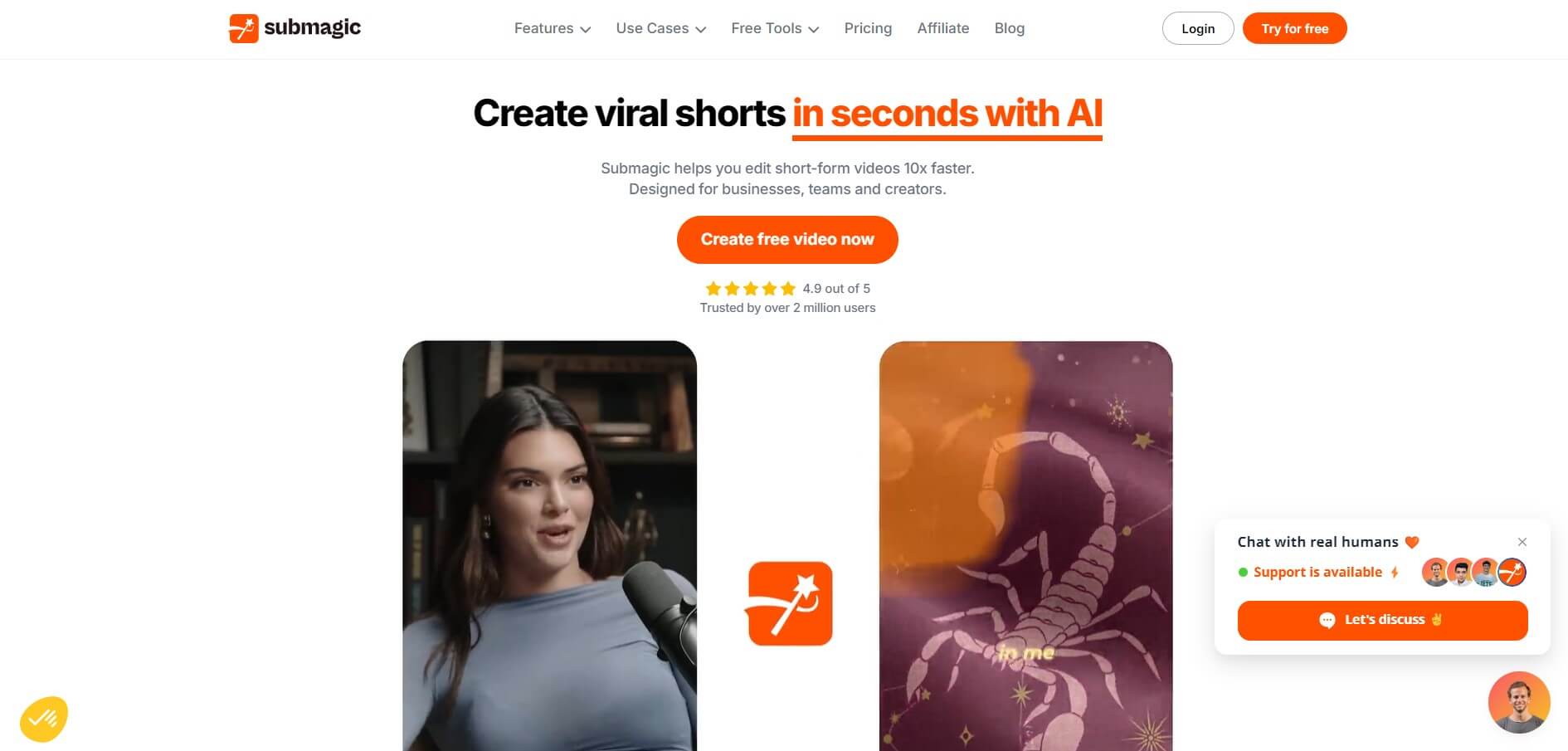
Submagic
Video Editing
Submagic is an AI-powered tool that helps to create viral clips in a minute.
FreemiumView tool
 4.2
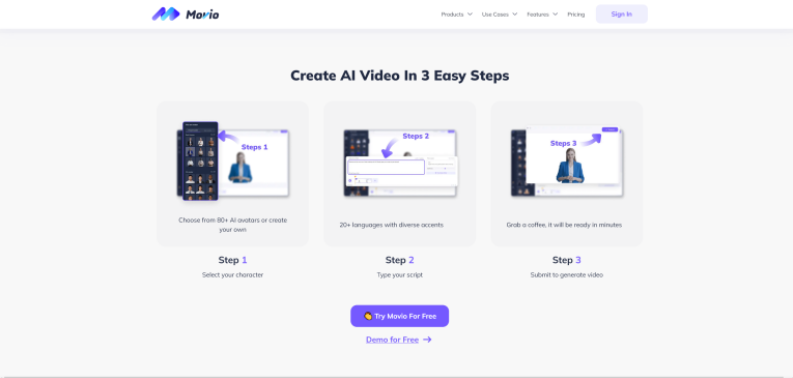
Movio
Video Editing
Movio is an AI-powered video generator
FreemiumView tool
 4.2
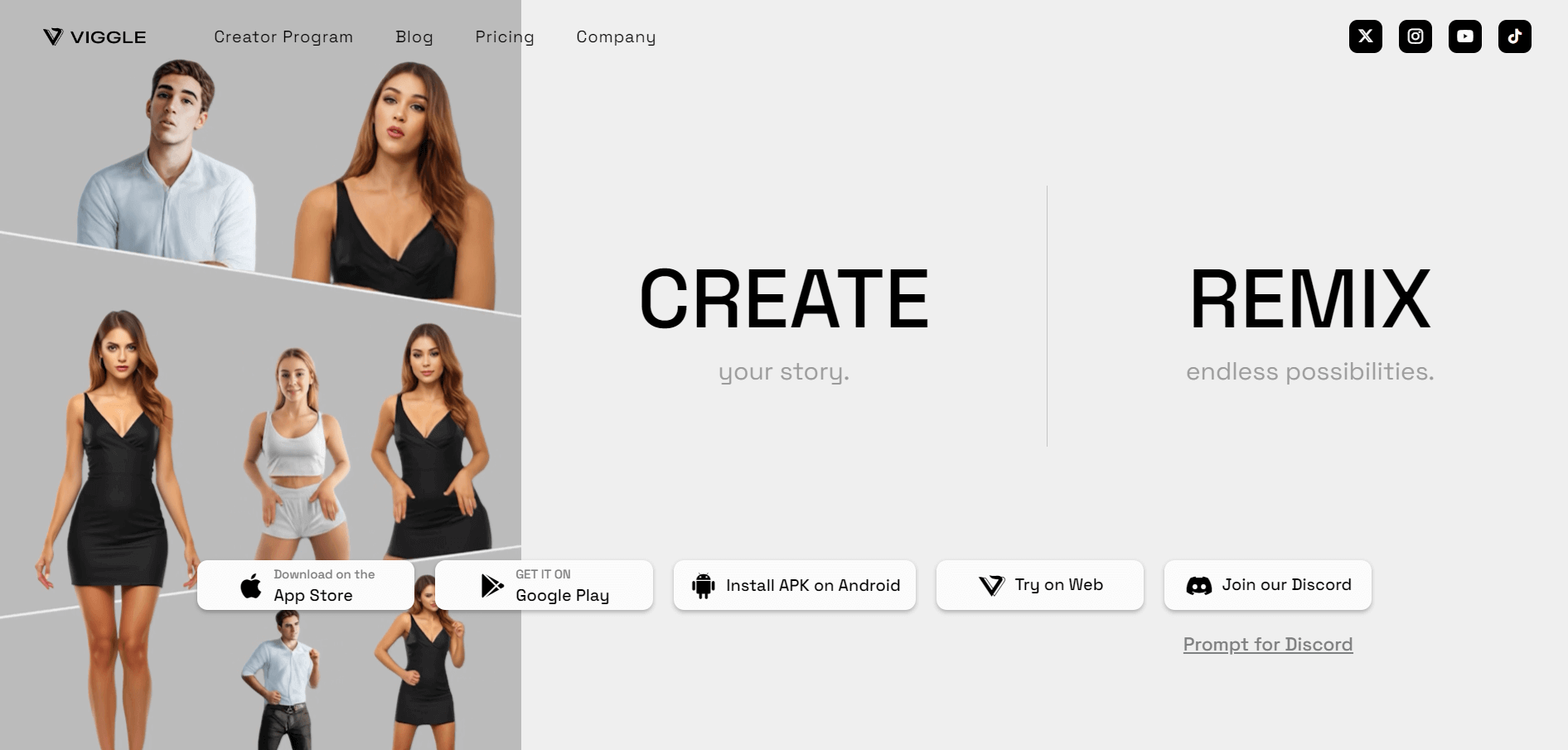
Viggle AI
Video Editing
Viggle is an AI-powered tool that helps users create and edit videos.
FreemiumView tool
 4.3
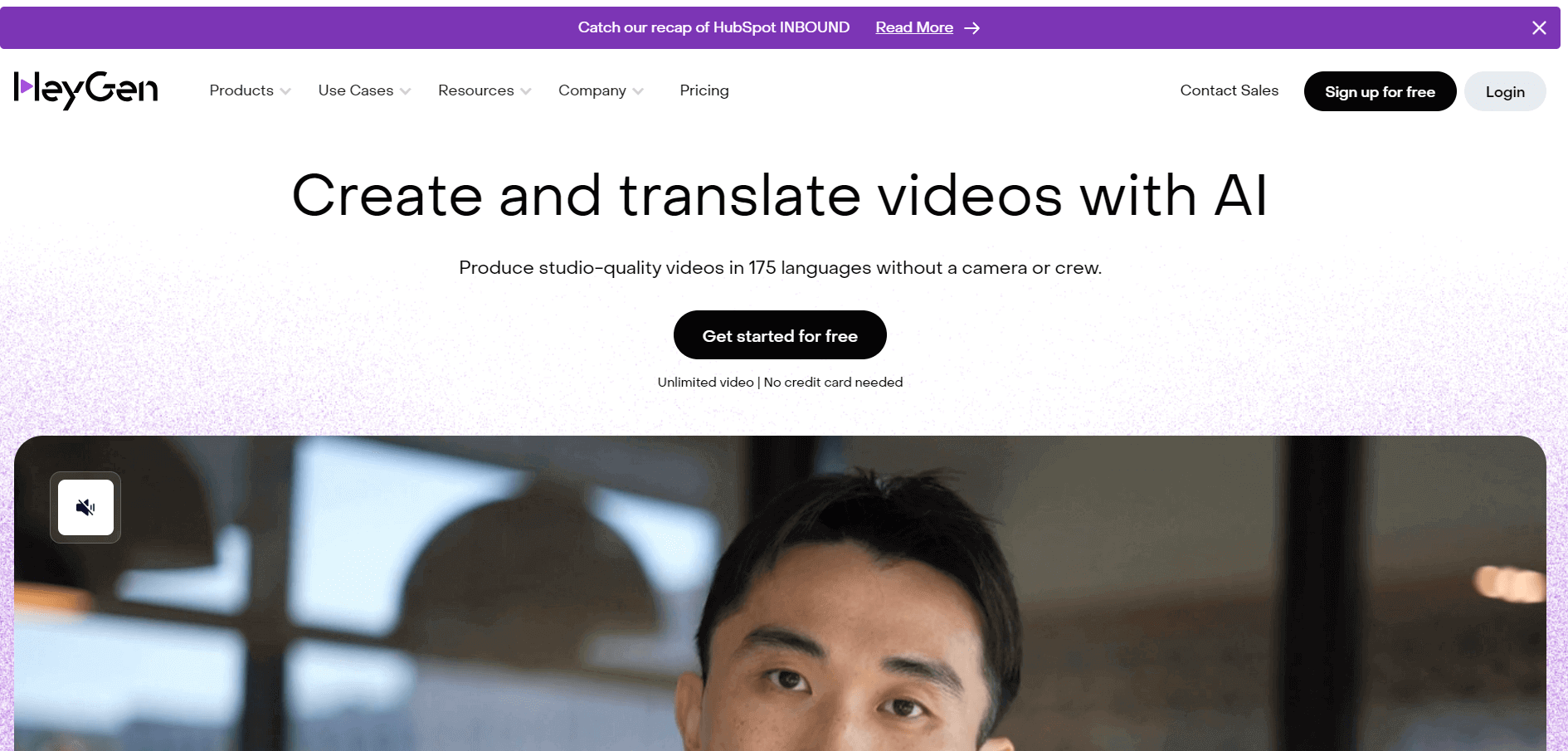
HeyGen
Video Editing
HeyGen is an AI video generation platform that lets users create professional videos using realistic avatars and voiceovers. It supports multiple languages, requires no filming or editing skills, and helps businesses produce scalable, high-quality video content quickly
FreemiumView tool
 4.6
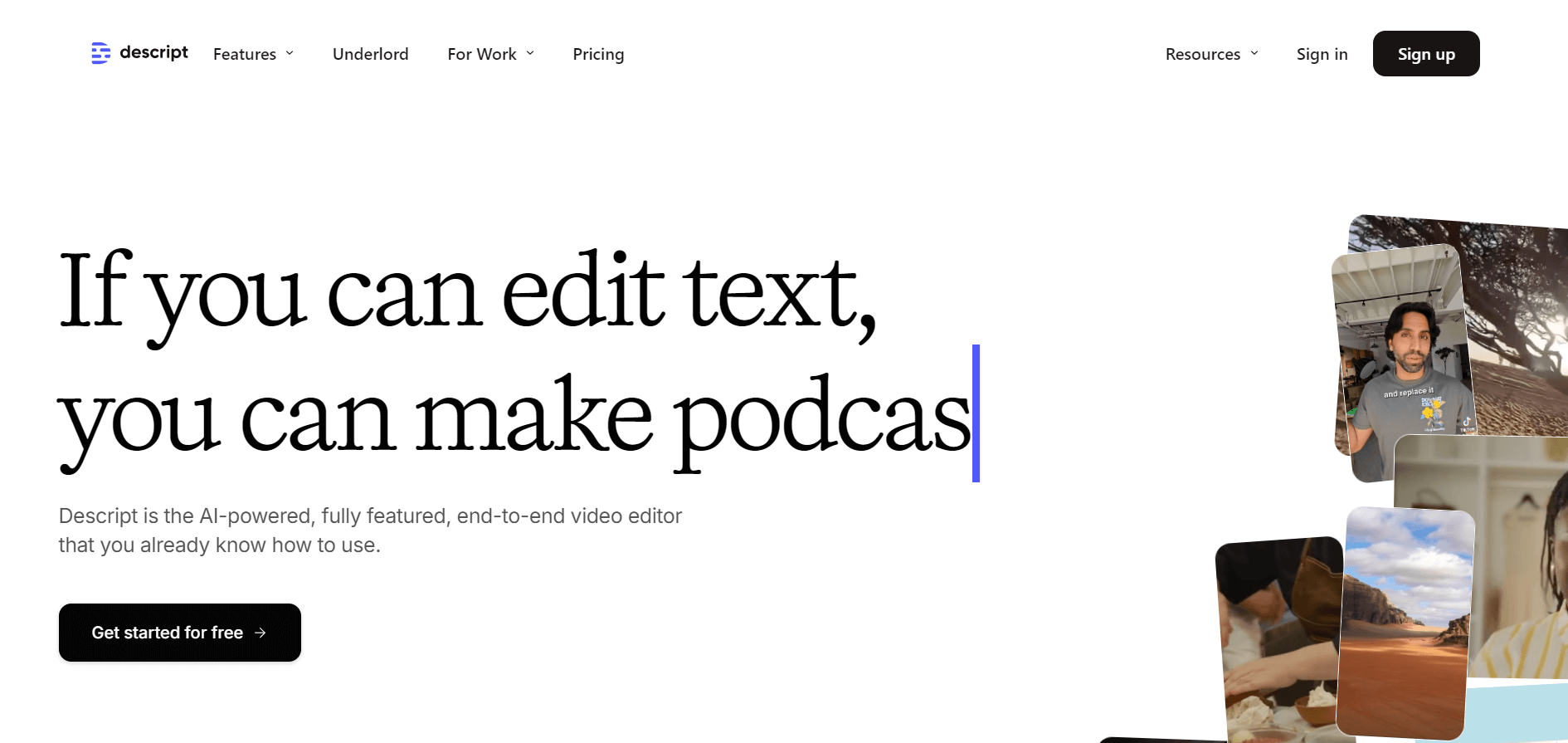
Descript
Audio Editing
Descript is an AI-powered audio and video editing platform that enables text-based editing, transcription, screen recording, voice cloning, and content creation for creators and teams.
FreemiumView tool
 4.5
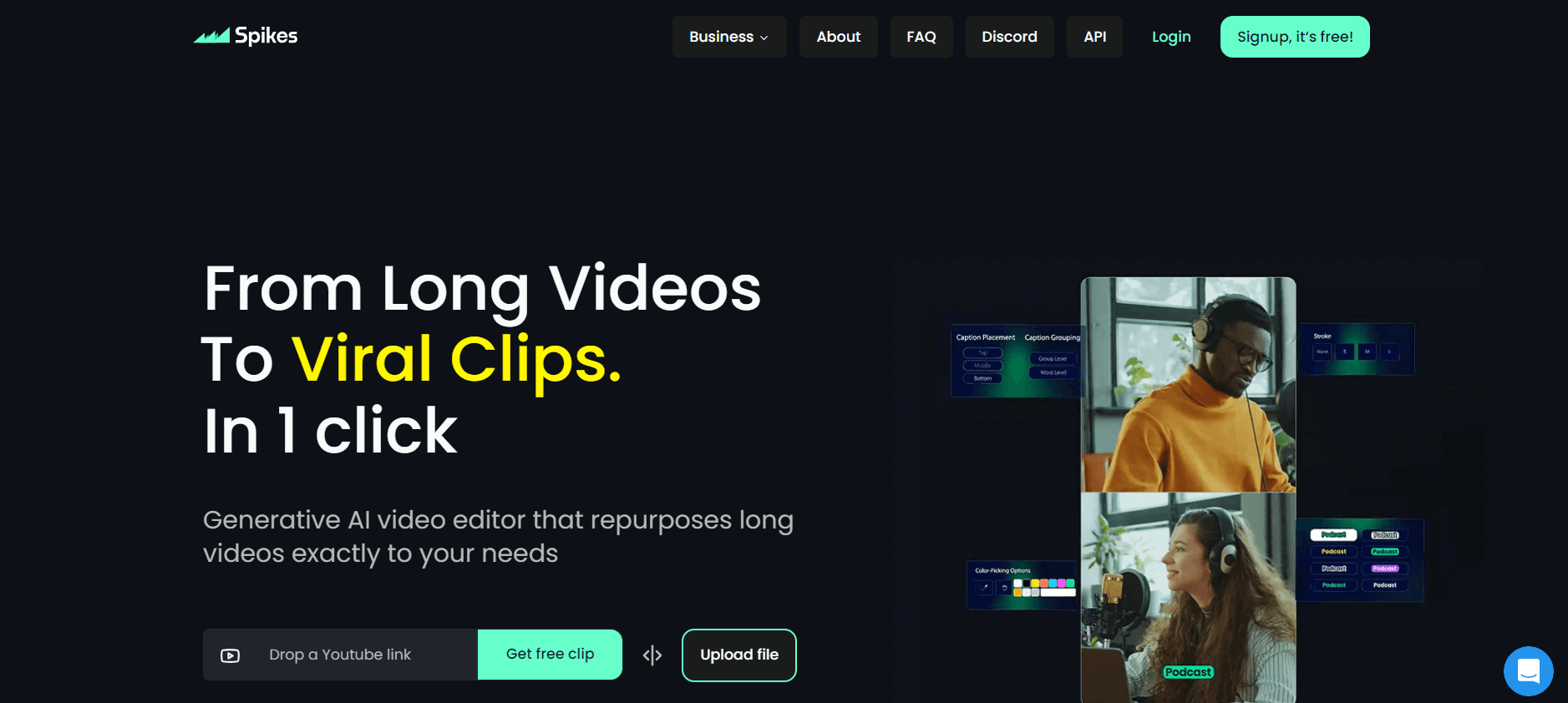
Spikes Studio
Video Editing
Generative AI video editor that repurposes long videos precisely for your requirements.
FreemiumView tool
 4.5
Spiritme
Video Editing
Create AI videos with avatars with realistic emotions from text in minutes.
FreemiumView tool
 4.4
Vidnoz AI
Video Editing
Vidnoz AI is an online video creation platform that uses AI avatars, text-to-speech, voice cloning, and customizable templates to produce videos. It helps businesses, marketers, educators, and creators develop presentations, training materials, and social media content without traditional filming.
FreemiumView tool
What Are AI Video Editing Tools?
AI video editing tools are software platforms that use artificial intelligence to simplify and automate the video production process. These tools help users edit videos, generate captions, add effects, and optimize content without requiring advanced editing skills.
On TechShark, AI video editing tools focus on real use cases like short-form content creation, YouTube editing, ad production, and social media automation. Instead of spending hours on manual editing, creators can use AI to streamline workflows and produce professional-quality videos faster.
For example, a content creator can automatically generate captions and cut clips, while a marketer can create high-performing video ads using AI.
Benefits of AI Video Editing Tools
AI is transforming video production by making editing faster and more accessible.
Key advantages include:
- Faster editing: Automate cuts, transitions, and effects
- Auto captions & subtitles: Generate accurate captions instantly
- Time savings: Reduce manual editing effort
- High-quality output: Improve video quality with AI enhancements
- Scalability: Create multiple videos quickly
- Ease of use: Beginner-friendly tools for non-editors
These benefits make AI video tools essential for modern content creation.
What Can You Do With AI Video Editing Tools?
AI video editing tools support a wide range of workflows across creators and businesses.
You can use them to:
- Edit YouTube videos and short-form content
- Create social media reels and ads
- Generate captions and subtitles automatically
- Add AI effects, transitions, and enhancements
- Convert text into video content
- Repurpose long videos into short clips
- Optimize videos for different platforms
- Automate video production workflows
On TechShark, tools are grouped by use case so you can quickly find what fits your needs.
How to Choose the Best AI Video Editing Tool
Not all video tools offer the same features. Choosing the right one depends on your content goals.
When comparing tools on TechShark, consider:
- Use case: YouTube, ads, social media, or professional editing
- Automation level: Basic editing vs full AI automation
- Output quality: Resolution and visual enhancements
- Ease of use: Beginner-friendly vs advanced editors
- Features: Captions, effects, templates, and AI generation
- Integration: Social media platforms and workflows
- Pricing: Free vs premium plans
TechShark filters help you compare tools based on these factors.
Who Should Use AI Video Editing Tools?
AI video editing tools are useful across multiple roles:
- Content Creators: For YouTube, reels, and short videos
- Marketers: For ad creatives and campaigns
- Social Media Managers: For consistent content production
- Businesses: For product videos and branding
- Agencies: For managing multiple video projects
- Beginners: For easy, no-skill video editing
If you create video content, AI tools can significantly improve speed and quality.
Free vs Paid AI Video Editing Tools
AI video tools come with different pricing models depending on features.
- Free tools: Basic editing and limited exports
- Freemium tools: Limited features with upgrade options
- Paid tools: Advanced editing, automation, and high-quality exports
On TechShark, pricing is clearly labeled to help you choose the right option.
Popular Types of AI Video Editing Tools
To simplify discovery, TechShark organizes tools into key categories:
- Auto Video Editors: Automated editing and cuts
- Caption & Subtitle Tools: Generate and edit captions
- Text-to-Video Tools: Create videos from text
- Short-Form Video Tools: Reels, TikTok, and Shorts creation
- AI Effects Tools: Enhance visuals and transitions
- Video Repurposing Tools: Convert long content into short clips
This structure helps you quickly find tools based on your specific needs.
How TechShark Curates AI Video Editing Tools
TechShark focuses on intent-driven discovery, helping users find tools based on content creation goals.
Each tool listing includes:
- Clear use cases (YouTube, ads, social media, etc.)
- Features and capabilities
- Pricing (free, freemium, paid)
- Tags for filtering and comparison
The directory is regularly updated with new tools.
The Future of AI in Video Editing
AI is rapidly transforming video editing with automation, real-time processing, and generative capabilities. Future developments will include:
- Fully automated video production
- Real-time editing and rendering
- AI-generated scenes and effects
- Deep integration with content platforms
As AI continues to evolve, video creation will become faster, smarter, and more scalable.
Explore the Best AI Video Editing Tools on TechShark
Browse the tools above to compare features, pricing, and use cases. Whether you're editing content, creating ads, or scaling video production, TechShark helps you find the right tools faster.
You Can Also Explore These Related Categories
- AI Video Generator Tools
- AI Animation Tools
- AI Content Creation Tools
- AI Social Media Tools
- AI Marketing Tools