
AutoResponder.ai
AutoResponder helps you automatically handle incoming messages across popular messaging apps using customizable rules. You can create instant replies, personalized responses, delayed messages, and AI-generated answers. Its integrations with ChatGPT, Gemini, Google Sheets, Dialogflow, web servers, and automation tools make it useful for personal communication, customer support, and business workflows.
What is AutoResponder.ai?
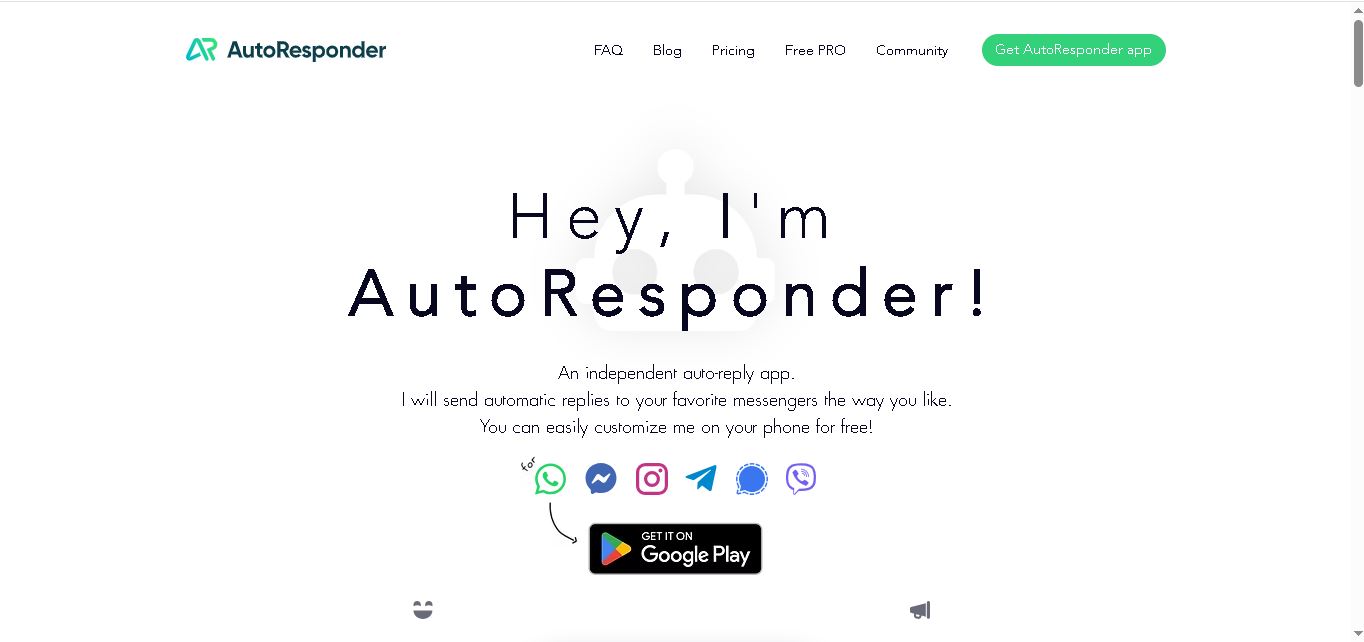
AutoResponder is an automatic messaging tool designed to send customized replies across messaging apps including WhatsApp, Facebook Messenger, Instagram, Telegram, Signal, and Viber. It lets users create rules based on incoming messages, contacts, timing, and patterns. Users can also connect ChatGPT, Gemini, Dialogflow, Google Sheets, web servers, and automation tools for more advanced responses.
AutoResponder supports 6 messaging services: WhatsApp, Facebook Messenger, Instagram, Telegram, Signal, and Viber. Its WhatsApp version has recorded over 8 million downloads, according to the official website. The free version offers 500 daily replies, unlimited rules, and multiple reply options, while PRO provides unlimited daily replies and additional integrations. PRO costs $3.33 per month when paid annually.
- Platform Role: Auto-Reply Chatbot, Social Media DM Automation & AI Messenger Assistant
- Developer & Organization: AutoResponder.ai / TK Studio
- Cross-Platform Access: Android Apps (Google Play Store) and custom Webhook / Tasker integrations
Use Cases:
- Automating instant responses to customer inquiries, FAQs, and lead captures on WhatsApp Business and Instagram DMs
- Connecting messaging accounts to ChatGPT or Google Gemini to enable autonomous, AI-driven conversational agents
- Setting up away messages, out-of-office notifications, and scheduled greeting messages for new contacts
- Executing complex message routing using Regular Expressions (RegEx), delay timers, and multi-reply sequences
- Integrating chat workflows with custom web servers, Google Sheets, or automation apps like Tasker and MacroDroid
Technology:
- Android Notification Access listener architecture allowing client-side execution without requiring official API keys
- Native API connectors for Google Gemini, OpenAI (ChatGPT / GPT-4), and Google Dialogflow ES
- Pattern-matching engine supporting exact match, wildcard similarity, and expert RegEx parsing
- Webhook and local automation gateway for Tasker, MacroDroid, and custom HTTP server interactions
Target Users:
- Small business owners and sole proprietors managing high customer inquiry volumes on WhatsApp and Instagram
- E-commerce sellers, consultants, and social media managers seeking lightweight, no-code DM auto-reply bots
- Power users and developers looking to connect messaging apps with custom AI models or webhooks
Acquisition: Independent mobile software product developed and operated by AutoResponder.ai (autoresponder.ai)
What are the key features of AutoResponder.ai?
AutoResponder.ai's key platform features are
- Multi-App Messenger Automation: Dedicated apps for WhatsApp, Instagram, Facebook Messenger, Telegram, Signal, and Viber.
- AI Model Connectivity: Native integration with Google Gemini, OpenAI ChatGPT, and Dialogflow to generate contextual AI responses.
- Advanced Pattern Matching: Flexible rule building supporting exact match, partial match, wildcard syntax, and expert RegEx filtering.
- Dynamic Text Replacements: Automatically inserts live variables like contact names, current time, date, and custom tags into replies.
- Granular Rule Control: Set delays, target specific contacts or groups, ignore specific callers, and schedule active rule timeframes.
- Google Sheets & Webhook Integration: Connect incoming messages directly to external web servers or Google Sheets for logging and actions.
How much does AutoResponder.ai cost?
AutoResponder.ai provides a functional free tier with rule limits, alongside affordable PRO upgrade options available as monthly, annual, or lifetime subscriptions inside the app.
Pricing Plans:
- Free Plan ($0): Unlimited basic rules, exact/similarity matching, single/multiple replies, and up to 500 daily automated responses.
- PRO Plan (Subscription / One-Time Purchase): Unlocks AI integrations (Gemini, ChatGPT, Dialogflow), RegEx pattern matching, webhooks, Tasker support, Google Sheets syncing, and unlimited daily replies.
Disclaimer: Prices vary slightly by region and target messaging platform within the Google Play Store. Free users can test PRO features using in-app trial tokens.
Who should use AutoResponder.ai?
AutoResponder.ai is designed for individual professionals and growing businesses, including
- WhatsApp Business Managers: Local merchants and support teams handling customer queries on WhatsApp.
- Instagram Content Creators & Brands: Influencers and social sellers needing quick automated responses to inbox inquiries.
- Automation Enthusiasts: Power users wanting to bridge mobile notification alerts with AI agents, Tasker, and local webhooks.
What are the best alternatives to AutoResponder.ai?
Some of the strongest AutoResponder.ai alternatives include
What are the pros and cons of AutoResponder.ai?
What are the pros of AutoResponder.ai?
- Runs locally on Android via notification access without requiring complex or expensive official business APIs
- Seamless native integration with modern AI models like ChatGPT and Google Gemini
- Extremely flexible rule creation with advanced RegEx and dynamic variable support
- Generous free tier with no mandatory login required to start setting up rules
What are the cons of AutoResponder.ai?
- Exclusive to Android devices (iOS devices are not supported due to background execution limits)
- Requires the host phone to remain powered on and connected to the internet for continuous automation
- Advanced AI connectors and webhook triggers require purchasing the PRO version
Why should you choose AutoResponder.ai?
Setting up enterprise API solutions for simple messaging automation can be expensive and technical. AutoResponder.ai makes auto-reply automation accessible directly from your Android smartphone. By combining notification-level trigger tracking with powerful AI engines like ChatGPT and Gemini, AutoResponder allows you to run an intelligent 24/7 virtual assistant across all your favorite messaging apps in minutes.
How does AutoResponder.ai compare to competitors?
The primary distinction between AutoResponder.ai, ManyChat, Chatfuel, and WhatsAuto lies in platform architecture and API setup. While ManyChat and Chatfuel operate through official cloud API connections requiring paid per-contact models, AutoResponder runs directly on-device using Android notifications, offering a cost-effective, privacy-focused solution for individual users and small teams.
| Feature / Platform | AutoResponder.ai | ManyChat | WhatsAuto | Chatfuel |
|---|---|---|---|---|
| Core Architecture | Android On-Device / Notification Access | Official Cloud Meta / WhatsApp API | Android On-Device / Notification Access | Official Cloud Meta / AI Flow Platform |
| Supported Channels | WhatsApp, IG, Messenger, Telegram, Signal, Viber | Instagram, WhatsApp, Messenger, SMS | WhatsApp, IG, Messenger, Telegram | Instagram, WhatsApp, Messenger, Web Chat |
| AI Model Connections | ChatGPT, Google Gemini, Dialogflow | ManyChat AI Assistant Add-on | Basic AI / ChatGPT key support | Native Chatfuel AI Engine |
| Pricing Model | Freemium / One-time / In-app sub | Monthly per-contact subscriber pricing | Freemium / One-time upgrade | Monthly tiered subscription |
| Best For | Android users seeking affordable, AI-powered messenger automation | Agencies and brands running official multi-channel marketing campaigns | Simple mobile auto-replies and driving status messages | E-commerce businesses needing deep support AI flow builders |
How do we rate AutoResponder.ai?
| Parameter | Rating (out of 5) |
|---|---|
| Ease of Use & Rule Setup | 4.8 |
| AI Integration (ChatGPT & Gemini) | 4.7 |
| Rule Customization & RegEx Options | 4.9 |
| Multi-Messaging Compatibility | 4.8 |
| Value for Money | 4.9 |
| Overall Score | 4.82 |
What is our review and verdict on AutoResponder.ai?
AutoResponder.ai is one of the most practical and feature-rich auto-reply tools available for Android. By bypassing complex cloud configurations and working directly through device notifications, it offers unmatched speed, customizability, and value. The ability to hook up OpenAI ChatGPT and Google Gemini directly to personal or business messaging channels turns standard auto-replies into a true AI personal assistant.
Conclusion
AutoResponder is designed for users who want to automate repetitive conversations without manually responding to every incoming message. Its rule-based automation works across six popular messaging services, while PRO adds AI integrations, Google Sheets, web servers, advanced matching, delays, and conditions. With support for ChatGPT, Gemini, Dialogflow, and external workflows, AutoResponder can extend from simple automatic replies to more customized messaging automation for individuals and businesses.
FAQ
What can I use AutoResponder for?
You can use AutoResponder whenever you want to reduce repetitive messaging. Create rules that answer common questions, send welcome messages, provide business information, handle out-of-office replies, or follow up with contacts automatically. For businesses using messaging apps for customer communication, it can help maintain quick responses without manually answering every incoming message.
Which messaging apps does AutoResponder support?
AutoResponder currently provides dedicated versions for WhatsApp, Facebook Messenger, Instagram, Telegram, Signal, and Viber. Each version is designed to automatically respond to incoming messages within the respective messenger. Telegram support also includes Telegram X and most other versions, giving you several options for managing automated conversations across commonly used messaging platforms.
Can AutoResponder use ChatGPT for automatic replies?
Yes. AutoResponder can connect with OpenAI's ChatGPT so incoming messages can receive AI-generated responses. You can configure rules to determine which messages should use AI and customize the instructions, tone, and response behavior. ChatGPT API usage is billed separately by OpenAI, so an AutoResponder subscription does not include API credits.
Does AutoResponder support Google Gemini?
Yes. You can connect Google Gemini to AutoResponder and use it to generate responses to incoming messages. You can customize prompts, tone, personality, and other instructions for different rules. Gemini usage is billed according to Google's API pricing, while AutoResponder handles the messaging automation and sends the generated response to the conversation.
Can I connect Google Sheets to AutoResponder?
Yes. AutoResponder can use Google Sheets as a source for automated responses. You can maintain values such as prices, opening hours, order information, or FAQs in a spreadsheet. When a matching message arrives, AutoResponder can find the relevant spreadsheet entry and return the corresponding response, allowing information to be updated without changing rules.
Is AutoResponder free to use?
AutoResponder offers a free version with several useful features, including unlimited rules, up to 500 daily replies, specific-contact targeting, single or multiple replies, and selected customization options. The PRO version adds features such as unlimited daily replies, AI integrations, delays, conditions, web-server connections, and no ads or watermarks.
User Reviews
No reviews yet for AutoResponder.ai.
Featured Tools
Featured AI tools from TechShark

Melody Genie
MelodyGenie is an AI-powered music generator that creates original songs from simple text prompts. Users can choose styles, moods, and genres, then instantly generate melodies and full tracks, making it easy for creators, marketers, and hobbyists to produce custom music without musical expertise.
Freemium

Kimi AI
Kimi AI is an advanced AI assistant developed by Moonshot AI that helps you chat, research, write, code, and automate tasks in one place. It supports web search, file analysis, and multimodal inputs, and can even run autonomous “agent” workflows to complete complex tasks end-to-end.
Freemium

Fashion Diffusion AI
Fashion Diffusion is an AI-powered fashion design platform that helps brands and designers create clothing designs, virtual try-ons, AI models, product photos, and marketing visuals faster and cost-effectively.
Paid

Veo 4
Veo 4 AI is an AI video creation platform that generates dramatic videos from text, images, audio, and video prompts using realistic motion and synchronized sound.
Paid
Alternatives
Alternatives to AutoResponder.ai
The best AutoResponder.ai alternatives include ManyChat, Chatfuel, WhatsAuto, and Tidio. While AutoResponder.ai runs directly on Android devices using notification triggers and supports direct ChatGPT and Gemini connections, cloud-native tools like ManyChat and Chatfuel utilize official Meta APIs for multi-channel business workflows.
 4.8
4.8Greenlite
Automation
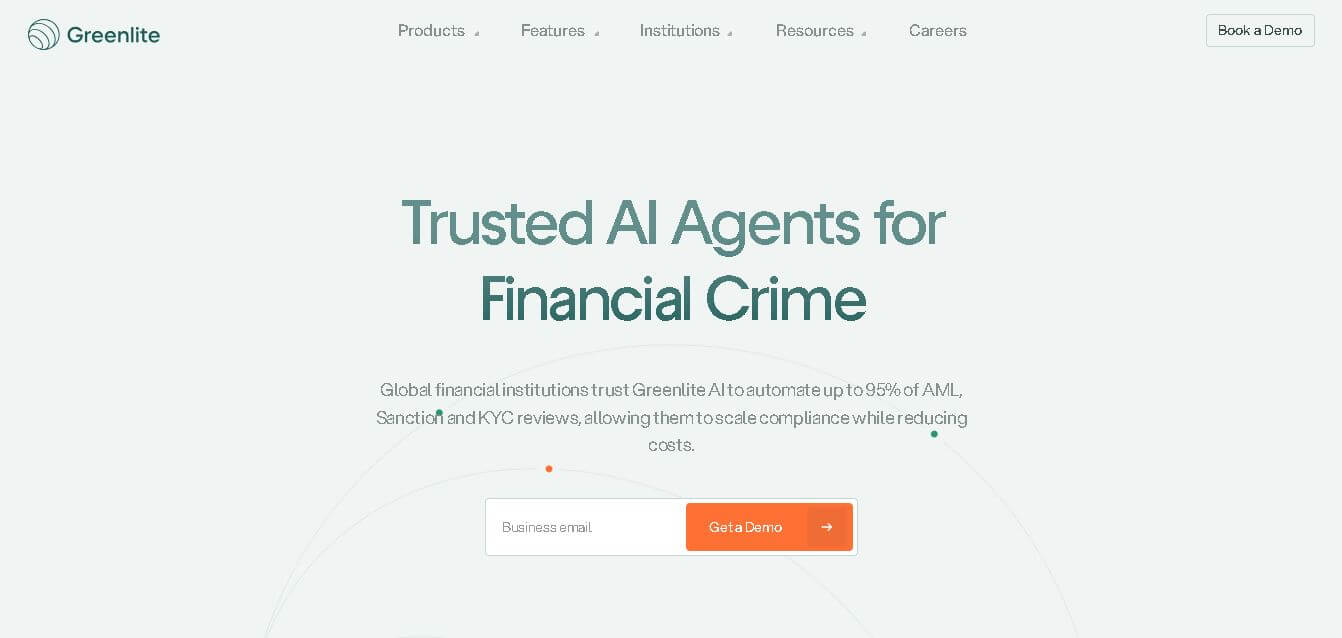
Greenlite helps financial institutions automate compliance and financial crime workflows using AI. It supports alert handling, AML reviews, due diligence, customer investigations, and documentation while maintaining evidence trails. The solution is designed for regulated organizations that need greater operational efficiency, scalable review capacity, consistent analysis, and audit-ready outputs without relying entirely on additional compliance staff.
 4.7
4.7Octoparse AI
Automation
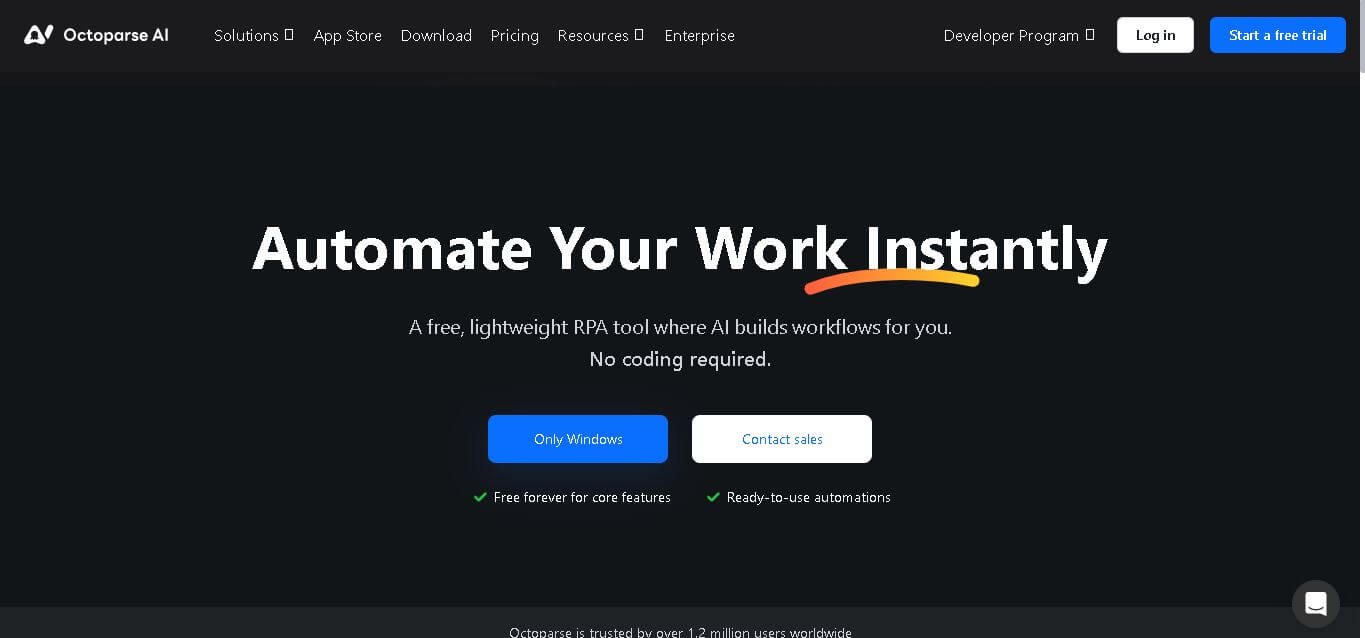
Octoparse AI helps individuals and teams automate repetitive work across websites, Windows apps, Excel, and data files. Its no-code workflow builder, AI Copilot, bots, OCR, and ready-made apps make automation accessible without programming. It is especially useful for data extraction, lead generation, data transfer, productivity, and recurring operational tasks efficiently.
 4.8
4.8Rossum
Automation
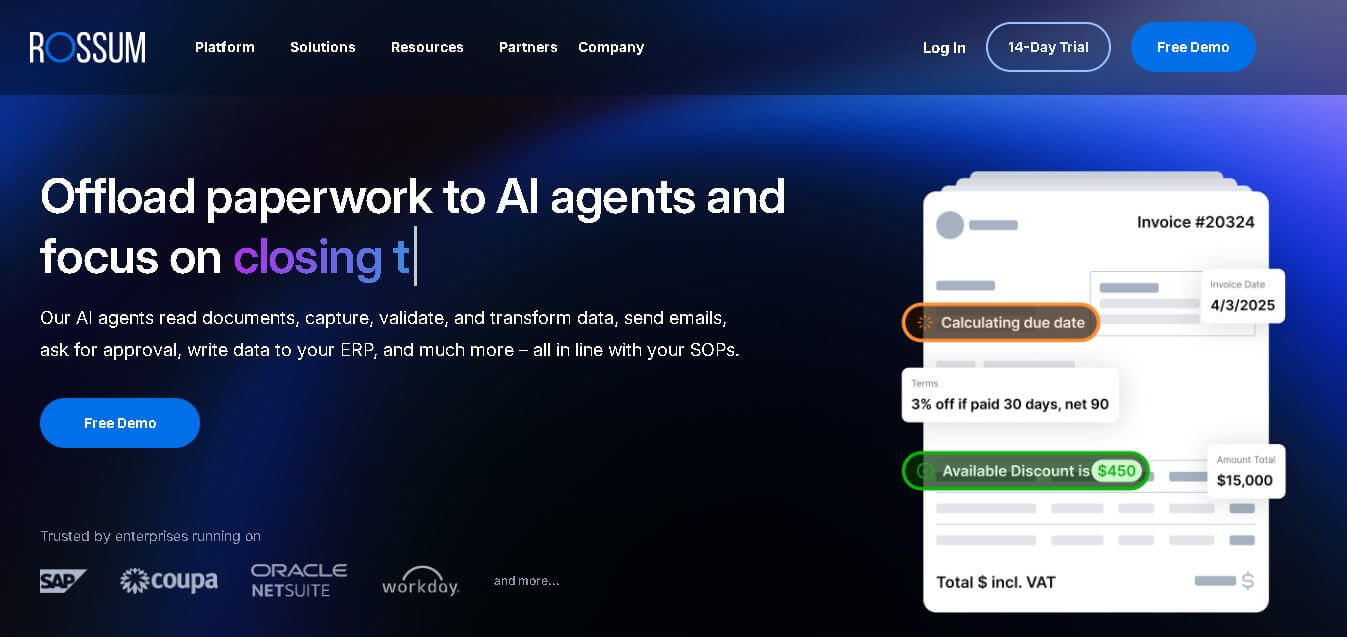
Rossum helps businesses automate transactional document workflows, including invoice and purchase-order processing. It receives documents from multiple channels, extracts and validates data, applies business rules, manages exceptions, and connects with downstream systems. Its AI agents support approvals, communications, and reporting for faster, more consistent business operations with less manual effort.
 4.7
4.7Rocket Sender
Automation
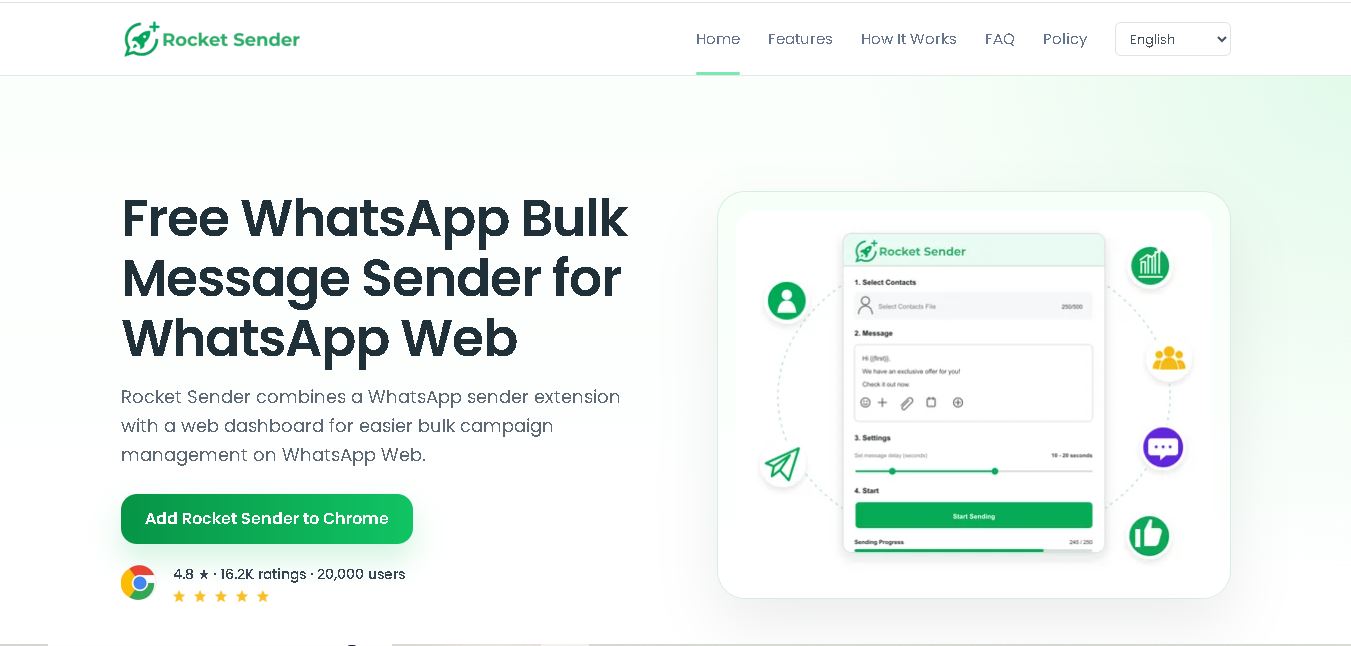
Rocket Sender is a free WhatsApp Web bulk messaging tool for organizing personalized outreach. It supports Excel contact imports, customized messages, attachments, sending intervals, pause and resume controls, and campaign progress tracking, making repetitive WhatsApp communication easier to manage directly through your browser and existing WhatsApp Web workflow.
 4.7
4.7BrowserAct
Automation
BrowserAct is a no-code web scraping and browser automation tool that turns natural-language instructions into reusable Bots. It helps users collect structured web data, handle dynamic pages and CAPTCHAs, schedule cloud runs, reuse browser sessions, and export results through CSV, JSON, APIs, webhooks, and popular workflow integrations without coding easily.
 4.8
4.8Pairaphrase
Automation
Pairaphrase helps teams translate documents, multimedia, and business content through a secure, centralized workflow. It combines multiple translation engines, formatting preservation, Translation Memory, glossaries, collaboration, and review tools. With support for 160+ languages and numerous file formats, it suits organizations managing recurring, sensitive, or high-volume multilingual translation projects more efficiently.
 4.6
4.6Chatzy AI
Automation
Chatzy AI helps businesses automate sales, customer support, lead qualification, and everyday conversations using intelligent AI agents. Teams can engage customers through WhatsApp, voice, websites, Instagram, Messenger, and other channels from one unified inbox. It also supports business knowledge sources, automation journeys, human handoffs, and multilingual customer interactions.
 4.7
4.7LinkedAPI
Automation
Linked API helps businesses, developers, and AI agents automate LinkedIn workflows without manually performing repetitive activities. Users can search profiles, collect data, send connection requests, manage messaging, and integrate LinkedIn activities into external workflows. It supports API, SDK, CLI, MCP, n8n, Make, and other automation environments for scalable operations.
 4.8
4.8Capgo
Automation
CapGo AI helps AI and SaaS businesses increase organic and AI search visibility through SEO, GEO, programmatic SEO, and content automation. Its spreadsheet-based CapGo Table supports research, large-scale page creation, optimization, and publishing workflows, helping marketing teams transform company data into searchable content for Google and AI assistants more efficiently.