
Audioread
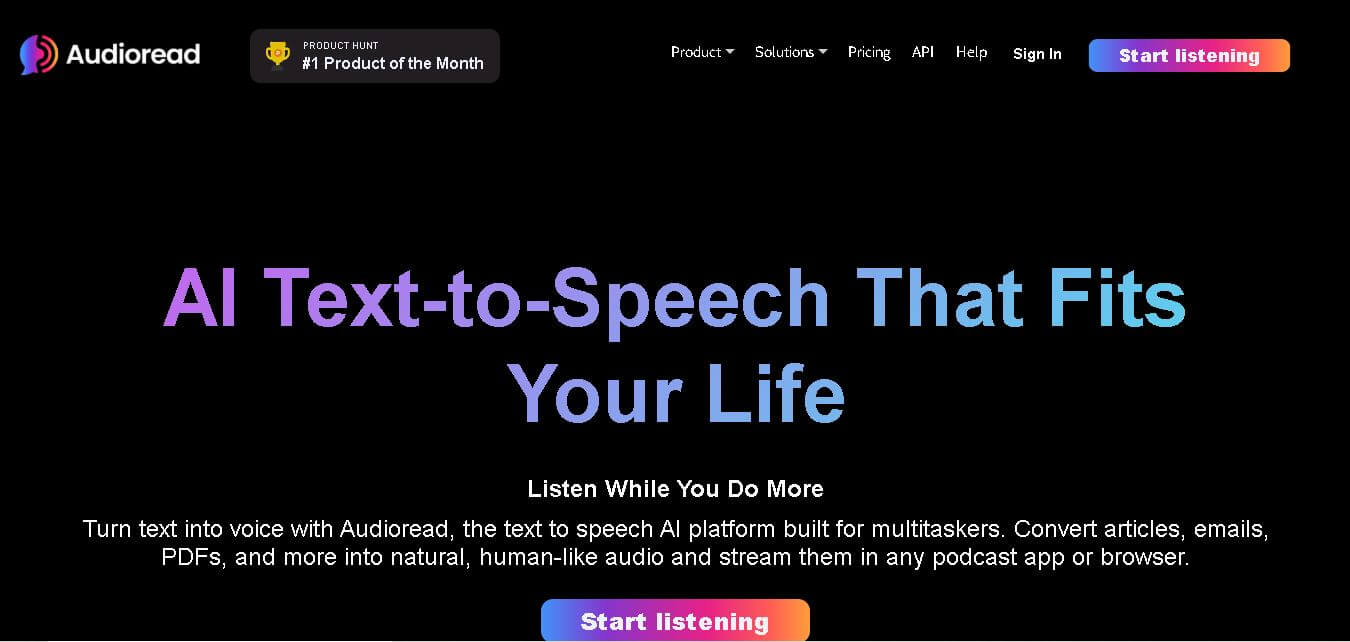
AudioRead is an AI-powered text-to-speech platform that converts articles, PDFs, emails, newsletters, and web content into natural-sounding audio, enabling users to listen anywhere through podcast apps.
What is Audioread AI?
AudioRead is an AI-powered text-to-speech platform that converts written content into audio that sounds more natural, making it easier to absorb information while on the move. It’s made for professionals, students, researchers, and normal everyday readers, where it can change articles, PDFs, emails, newsletters, and RSS feeds into a kind of podcast-style listening. With advanced artificial intelligence and text-to-speech technology, AudioRead keeps people updated without tying them to a screen. The platform also includes multiple languages, realistic AI voices, and podcast integrations so users can listen whenever, wherever. Overall, AudioRead is excellent for boosting productivity and learning more by consuming content in audio form, not just by reading.
AudioRead supports more than 150 languages and offers nearly 1,000 AI-generated voices for content narration. The platform allows users to convert articles, PDFs, emails, newsletters, and RSS feeds into audio content. Free users can process a limited number of articles monthly, while premium users receive higher character limits and advanced features. AudioRead integrates with podcast applications, enabling seamless listening experiences across devices. Its AI-powered summaries and automation tools help users save time and consume information more efficiently.

Founder Name
- Eric
- Kyle
Launch Date: March 25, 2022
Use Cases
- Listening to online articles during commutes
- Converting PDFs into audio lessons
- Consuming newsletters hands-free
- Turning research papers into audio content
- Listening to emails while multitasking
- Learning through audio-based content
- Creating personal podcast-style libraries
- Reducing screen time
- Supporting accessibility needs
- Following RSS feed updates through audio
Technology
- Artificial Intelligence (AI)
- Text-to-Speech (TTS)
- Natural Language Processing (NLP)
- Neural Voice Synthesis
- AI Content Summarization
- Cloud-Based Processing
- RSS Feed Automation
- Podcast Feed Integration
- Multi-Language Speech Generation
Key Features
AudioRead AI's key features are
- Natural-Sounding AI Voices: Offers realistic AI-generated voices that deliver a smooth and engaging listening experience.
- Article-to-Audio Conversion: Instantly converts web articles into high-quality audio for convenient listening.
- PDF and Document Support: Supports PDFs, documents, newsletters, emails, and various text formats.
- Podcast Integration: It creates private podcast feeds that popular podcast players can access.
- RSS Feed Automation: Automatically converts RSS feed content into audio episodes.
- Multi-Language Support: Supports more than 150 languages with a wide selection of AI voices.
- AI Summaries: Generates concise summaries to help users quickly understand content.
- Cross-Platform Accessibility: Works across web browsers, mobile devices, and podcast applications.
- Offline Listening: Allows users to download content for listening without internet access.
- Content Management: Provides tools for organizing and managing audio content efficiently.
Pricing
• Free Plan
- Limited article conversions per month
- Access to AI voices
- Podcast feed support
- Basic listening features
• Basic Plan
- Higher monthly character limits
- Unlimited feeds
- Ad-free experience
- PDF, URL, email, and RSS support
• Pro Plan
- Premium AI voices
- AI-generated summaries
- Multi-language capabilities
- MP3 downloads
- Advanced automation tools
• Custom Plans
- Available for users with higher usage requirements
- Enhanced support and scalability options
Disclaimer: For the latest and most accurate pricing information, please visit the official AudioRead AI website.
Who is using AudioRead?
A diverse range of users and organizations utilize AudioRead AI.
- Students
- Researchers
- Business professionals
- Entrepreneurs
- Content creators
- Podcast listeners
- Lifelong learners
- Remote workers
- Executives
- Accessibility-focused users
Alternatives
Some AudioRead alternatives are
- Speechify
- PlayHT
- NaturalReader
- Wondercraft
- Voicemaker
- Murf AI
- ElevenLabs
- Replica Studios
Tool Comparison
| Feature | AudioRead | Speechify | Play HT | NaturalReader |
|---|---|---|---|---|
| Article-to-Audio | Yes | Yes | Limited | Yes |
| PDF Support | Yes | Yes | Yes | Yes |
| Podcast Feed Sync | Yes | No | No | No |
| AI Summaries | Yes | Limited | No | No |
| Multi-Language Support | 150+ Languages | 60+ Languages | 100+ Languages | Multiple Languages |
| Offline Listening | Yes | Yes | Yes | Yes |
| RSS Automation | Yes | No | No | No |
| Productivity Focus | High | High | Medium | Medium |
How Did We Rate AudioRead?
- Creative Accuracy: 9/10
- User Experience: 9/10
- Tools & Capabilities: 9/10
- Speed & Efficiency: 9/10
- Creative Freedom: 8.5/10
- Trust & Transparency: 8.5/10
- Help & Community: 8/10
- Value for Money: 9/10
- Ecosystem Fit: 9/10
- Overall Score:
- 8.8/10
Conclusion
AudioRead is a useful AI-powered thing that turns written content into engaging audio experiences. It can convert articles, PDFs, emails, newsletters, and RSS feeds into natural-sounding speech, making it useful for busy professionals and students. what really stands out is the podcast integration, the multilingual support, and those AI summaries, plus the automation features; all of that makes it different from many other players in the text-to-speech space. AudioRead lets people absorb more information while cutting down screen time, and it also seems to help with productivity. so whether you’re doing learning, research, accessibility, or just convenience, AudioRead gives an efficient and easy way to reach your content by audio, without it being too complicated.
People are also reading.
FAQ
What is AudioRead?
AudioRead is an AI-powered text-to-speech platform that converts written content into audio.
Can AudioRead convert PDFs?
Yes, AudioRead supports PDFs, documents, articles, emails, and newsletters.
Does AudioRead support podcast apps?
Yes, users can listen through compatible podcast applications.
How many languages does AudioRead support?
AudioRead supports more than 150 languages and hundreds of AI voices.
Is there a free plan available?
Yes, AudioRead offers a free plan with limited monthly usage.
User Reviews
No reviews yet for Audioread.
Featured Tools
Featured AI tools from TechShark

Melody Genie
MelodyGenie is an AI-powered music generator that creates original songs from simple text prompts. Users can choose styles, moods, and genres, then instantly generate melodies and full tracks, making it easy for creators, marketers, and hobbyists to produce custom music without musical expertise.
Freemium

Kimi AI
Kimi AI is an advanced AI assistant developed by Moonshot AI that helps you chat, research, write, code, and automate tasks in one place. It supports web search, file analysis, and multimodal inputs, and can even run autonomous “agent” workflows to complete complex tasks end-to-end.
Freemium

Fashion Diffusion AI
Fashion Diffusion is an AI-powered fashion design platform that helps brands and designers create clothing designs, virtual try-ons, AI models, product photos, and marketing visuals faster and cost-effectively.
Paid

Veo 4
Veo 4 AI is an AI video creation platform that generates dramatic videos from text, images, audio, and video prompts using realistic motion and synchronized sound.
Paid
Alternatives
Alternatives to Audioread
AudioRead AI alternatives include Verisl, Cytora, Shift Technology, Socotra, Earnix, and Guidewire. AudioRead is an AI-powered productivity tool that transforms written content into high-quality audio. Users can convert articles, PDFs, emails, RSS feeds, and documents into podcast-style listening experiences using realistic AI voices, helping them consume information while commuting, exercising, working, or multitasking.
 4.8
4.8AiDash
Personal Assistant
AiDASH helps utilities and infrastructure organizations monitor assets, identify vegetation and climate-related risks, predict storm and wildfire impacts, and prioritize inspections. Its platform combines satellite imagery, AI models, weather, GIS, and historical operational data to provide actionable intelligence for improving reliability, reducing costs, and strengthening infrastructure resilience.
 4.8
4.8AutoDraw
Personal Assistant
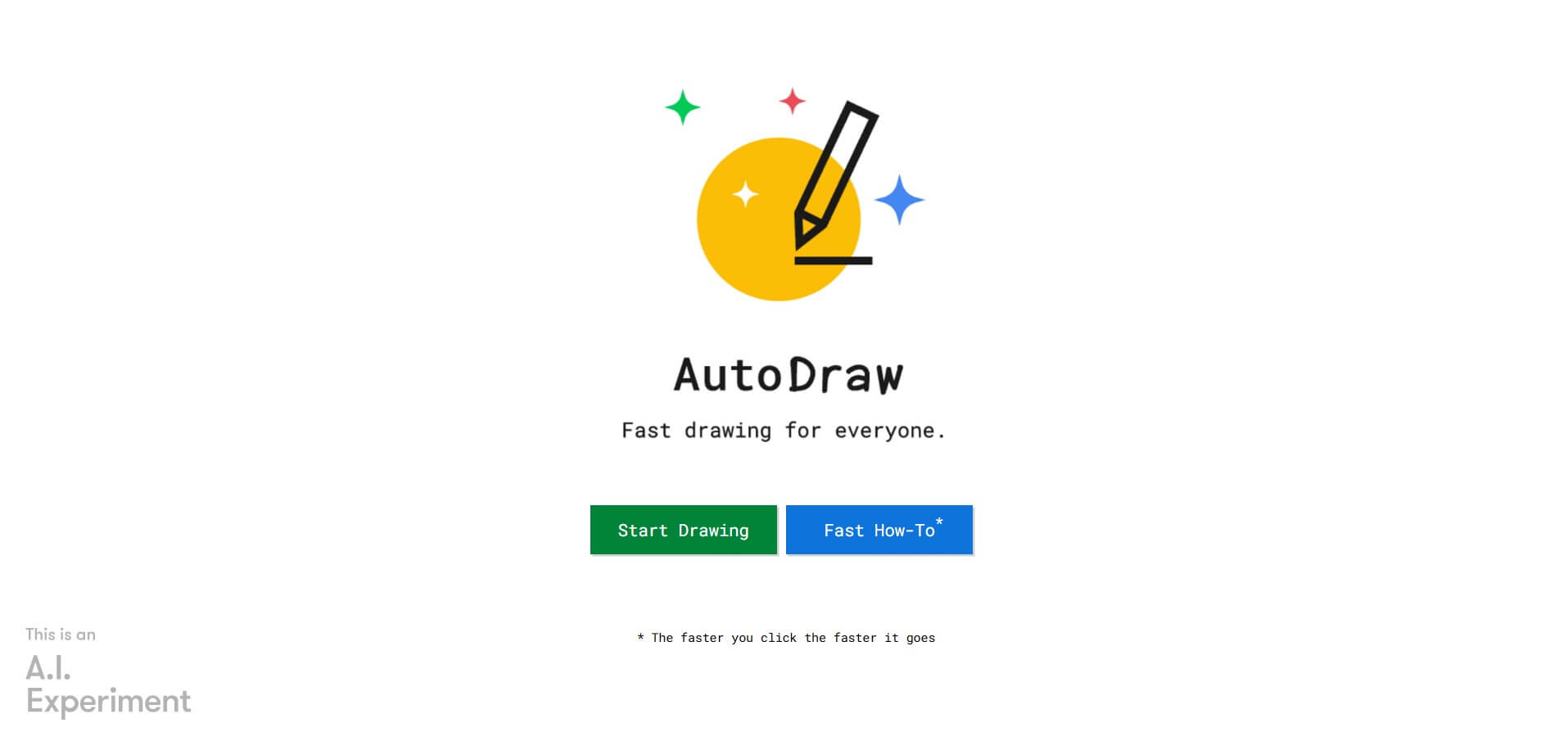
AutoDraw is a free Google drawing tool that recognizes rough sketches and suggests polished illustrations. You can draw using a phone, tablet, or computer, select a matching suggestion, add colors and shapes, and create simple visual content quickly. It is useful for beginners, students, educators, presentations, invitations, and casual creative projects.
 4.8
4.8Inngest
Personal Assistant
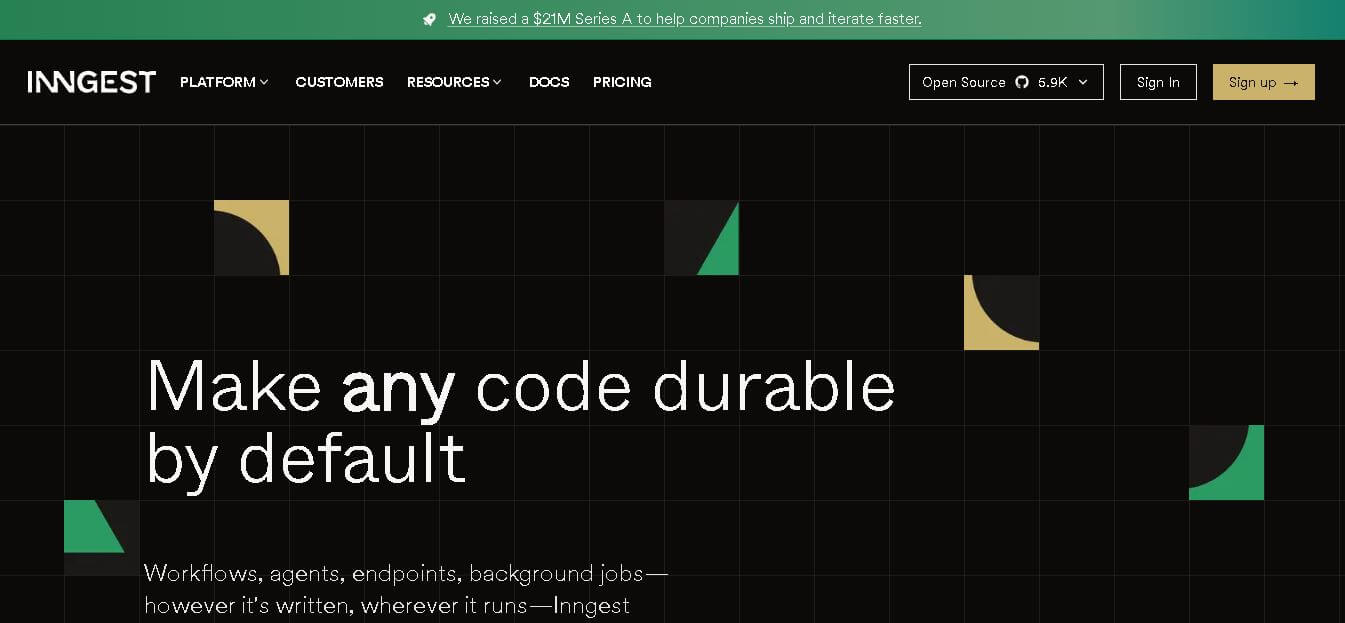
Inngest helps developers build reliable workflows and AI agents by adding durable execution to application code. It handles retries, waits, saved step results, concurrency, scheduling, and execution traces, while allowing teams to keep existing infrastructure. It is designed for background jobs, long-running workflows, integrations, and multi-step automated processes.
 4.8
4.8Qdrant
Personal Assistant
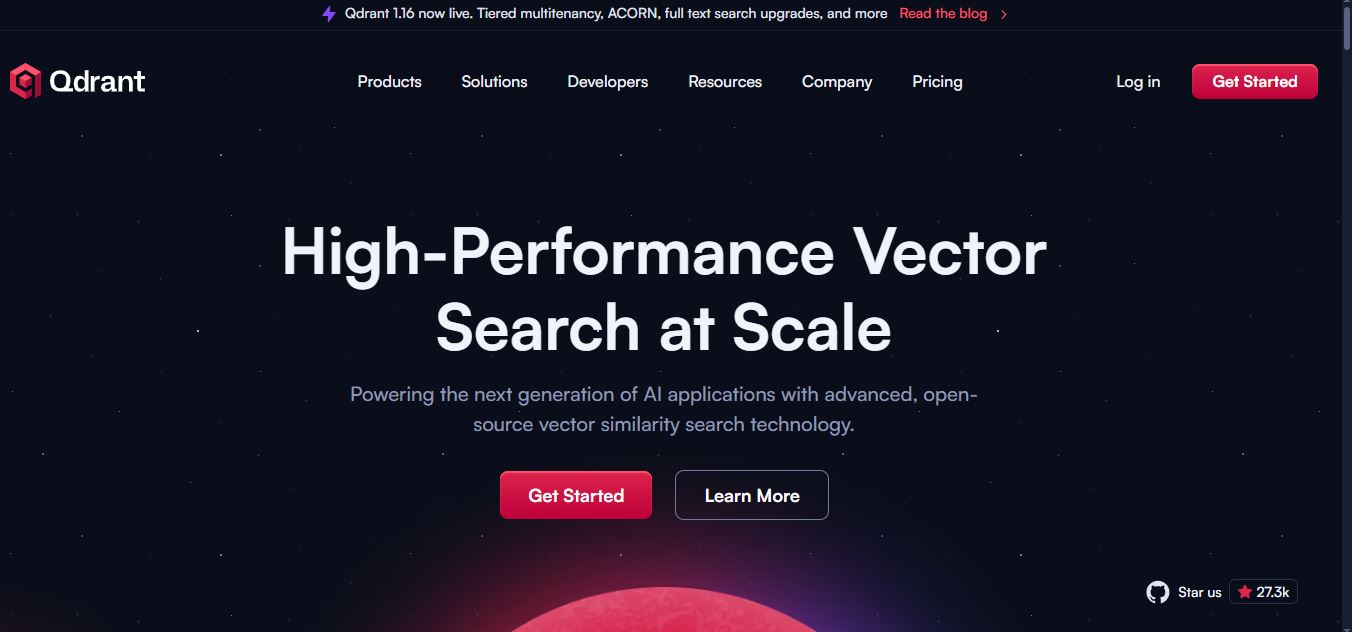
Qdrant is a vector search engine for building fast, scalable AI retrieval systems. It supports semantic search, RAG, recommendations, AI agents, hybrid dense-sparse retrieval, metadata filtering, reranking, and multimodal search. Developers can self-host Qdrant or use Qdrant Cloud for managed infrastructure, scaling, backups, monitoring, and enterprise deployment options for applications.
 4.9
4.9Edubrain AI
Education
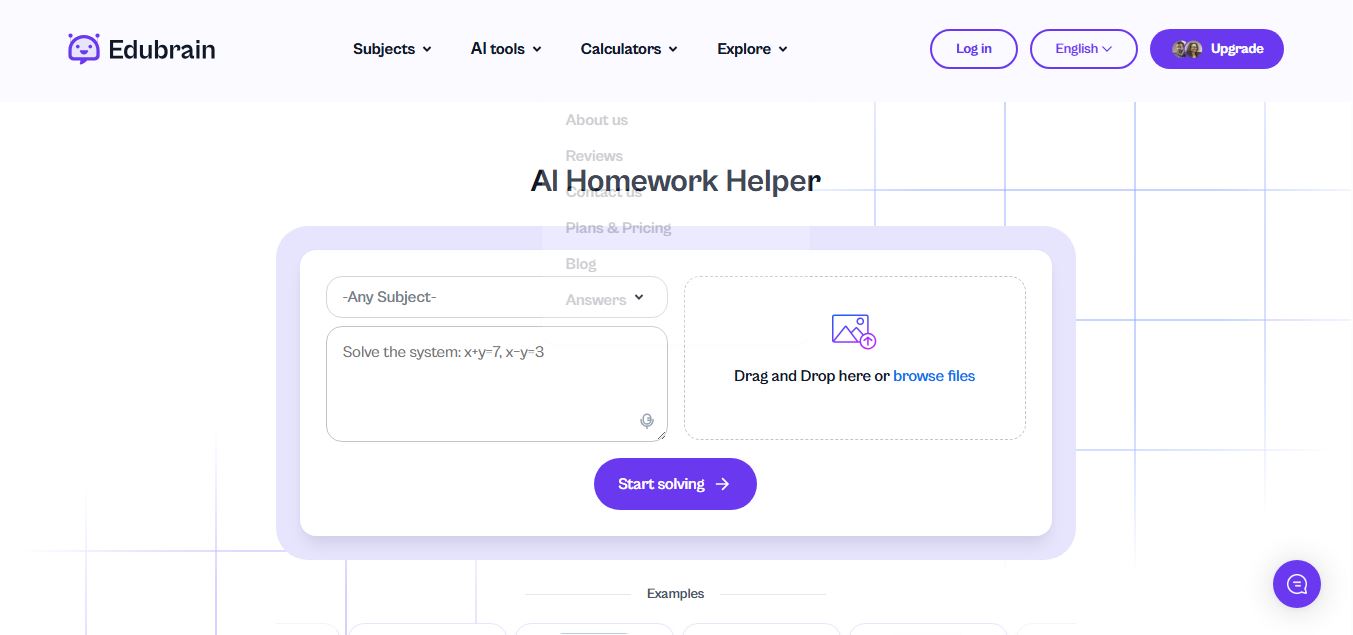
Edubrain is an AI-powered homework assistant that helps students solve questions across 90+ subjects using text, images, PDFs, or audio. It provides step-by-step explanations, adapts to learning styles, and works without sign-up, enabling faster understanding, exam prep, and personalized study support.
 4.8
4.8Math AI
Education
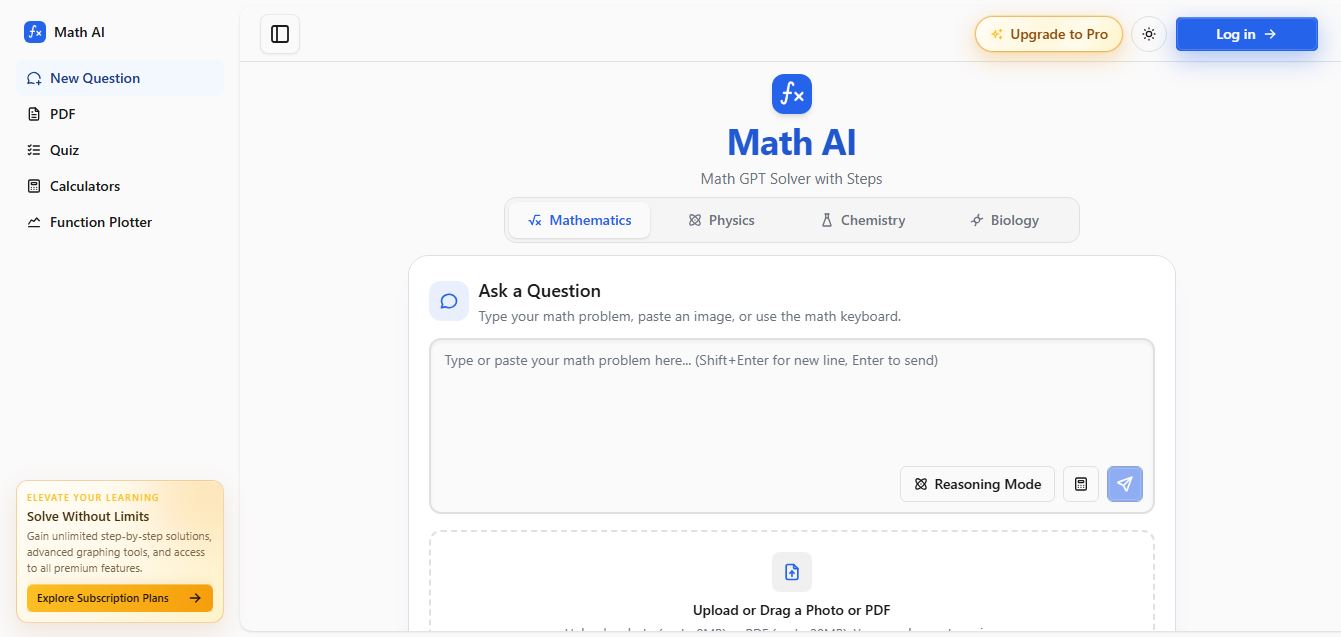
Math AI is an AI-powered math learning platform that helps users solve problems using text or images with step-by-step explanations. It supports algebra, calculus, and more, offering quizzes, graphs, and personalized tutoring to improve understanding and make studying, homework, and exam preparation easier.
 4.9
4.9ThetaWise
Education
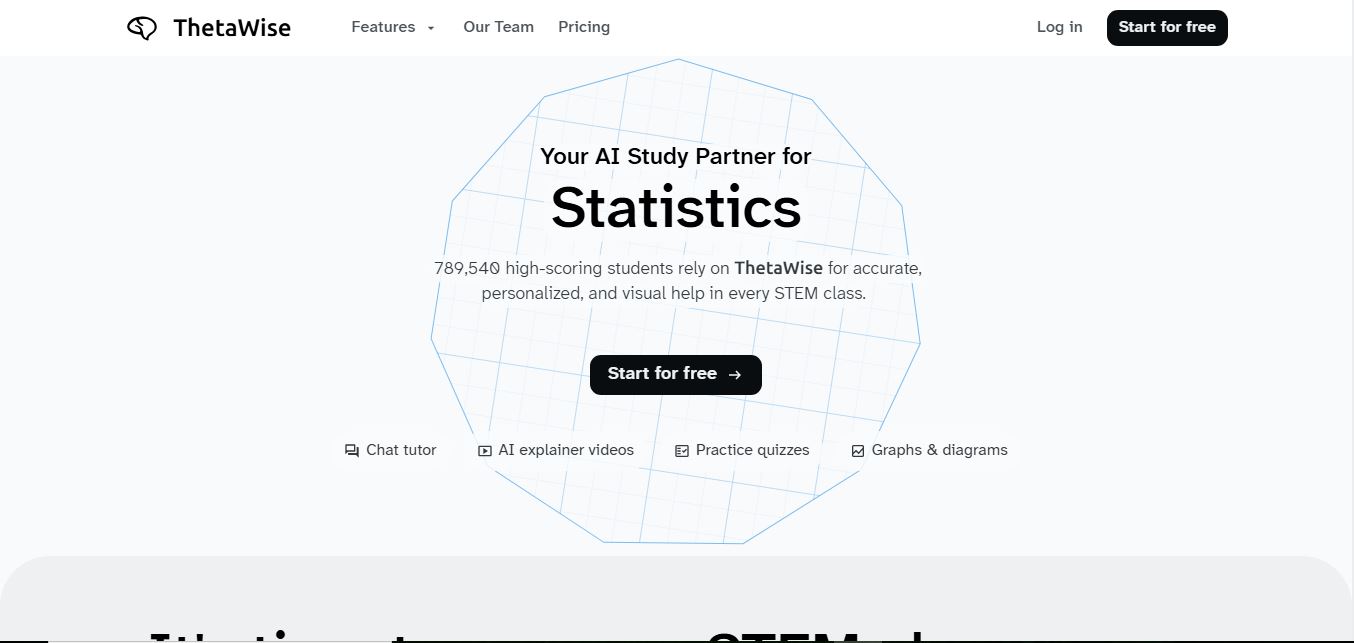
ThetaWise is an AI-powered STEM learning platform that helps students solve math and science problems with step-by-step explanations, video lessons, and practice quizzes. It acts like a 24/7 tutor, adapting to learning styles and improving understanding, test performance, and concept mastery.
 4.9
4.9Mathos AI
Education
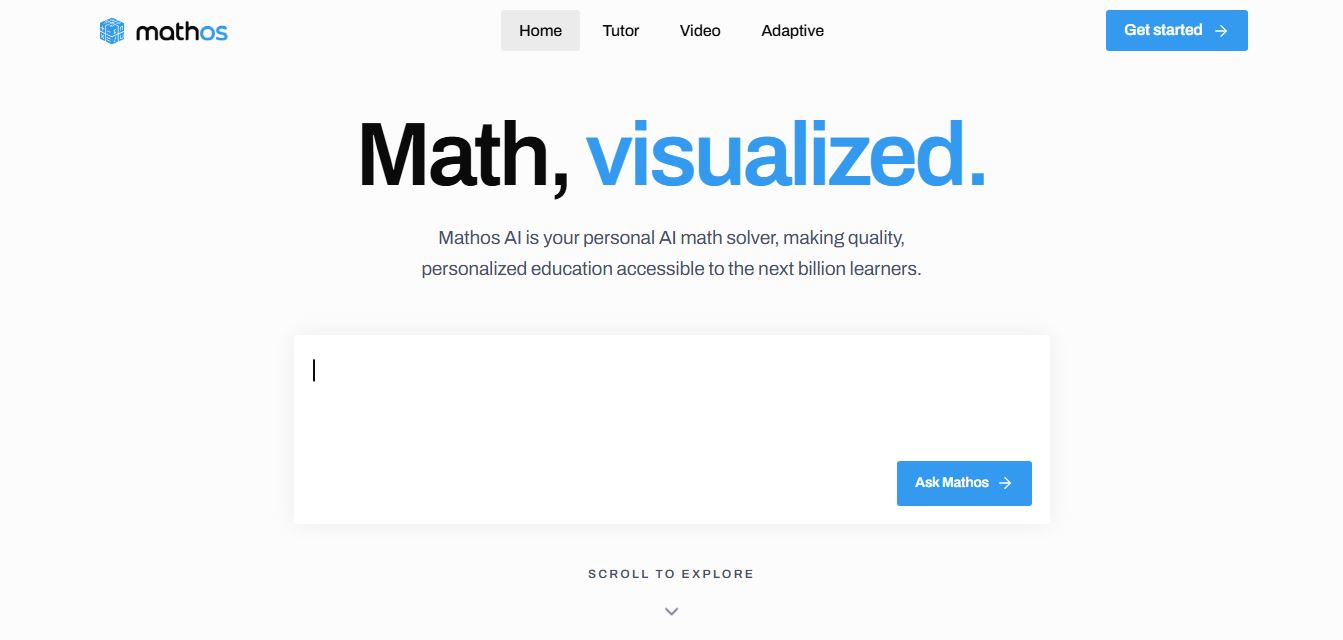
Mathos AI is an AI-powered math solver and tutor that helps students solve problems with step-by-step explanations and personalized guidance. It turns questions into lessons, generates quizzes, flashcards, and videos, and adapts to mistakes, enabling deeper understanding instead of just providing answers.
 4.8
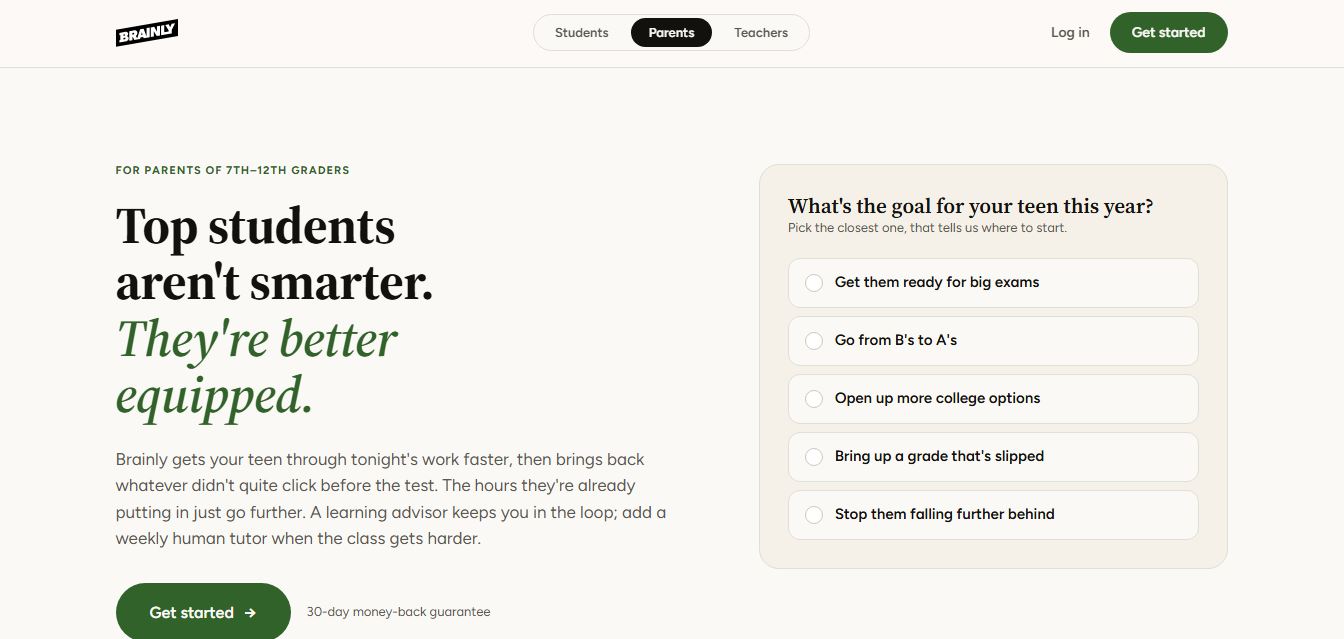
4.8Brainly
Education
Brainly is an AI-powered learning platform that helps students solve homework, study concepts, and prepare for exams with step-by-step explanations. It combines AI guidance with a global community of experts, turning questions into personalized learning and helping students understand—not just complete—their schoolwork.