
AskSia
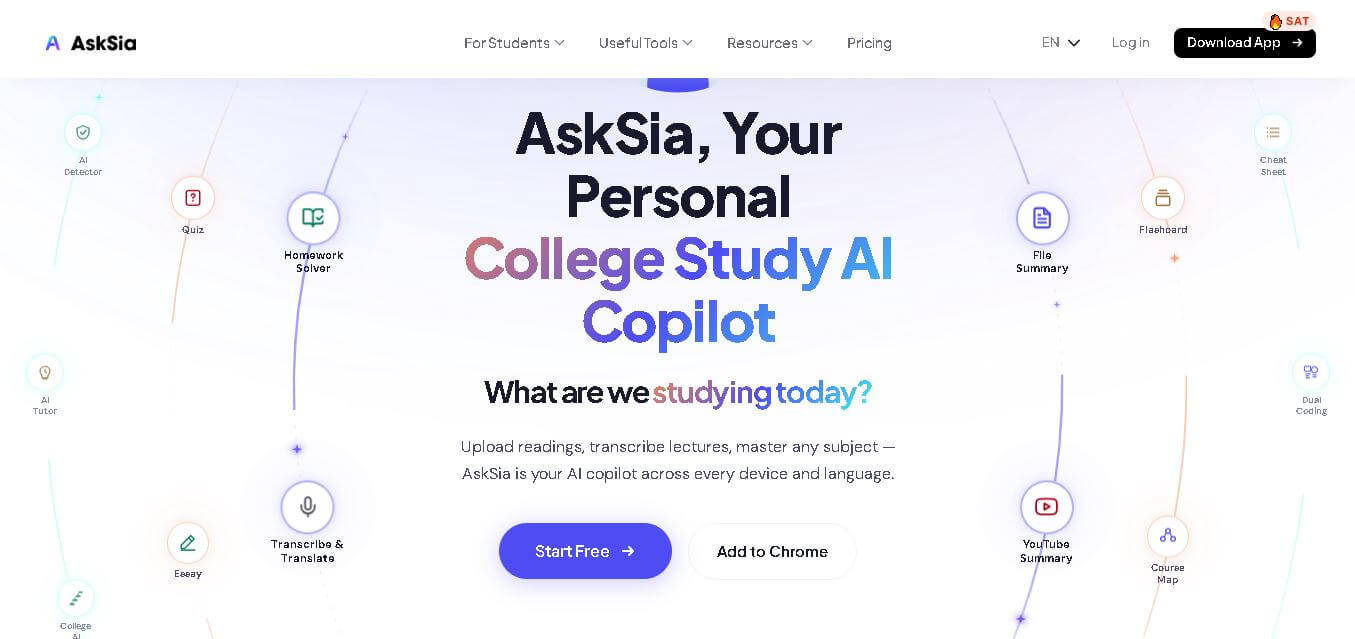
AskSia is a personalized study companion for university students. It helps transform lectures, PDFs, readings, images, and course materials into useful study resources. Students can generate summaries, flashcards, quizzes, transcripts, explanations, and study plans while keeping answers connected to their coursework and available across web, mobile, Chrome, and desktop.
What is AskSia?
AskSia is a study assistant designed for university students to understand, organize, and review their coursework. It lets students upload PDFs, slides, images, lectures, and YouTube content, then turns these materials into summaries, flashcards, quizzes, transcripts, and explanations. AskSia also connects with learning platforms and provides source-based answers from students’ own course materials.
AskSia serves 2M+ students across 2,000+ universities worldwide and supports learning across 100+ countries. Its ecosystem includes web, mobile, Chrome extension, library, and desktop agent experiences. Students can upload 30+ files at once, while transcription and translation support covers 30+ languages. The platform also provides 10+ study tools, including summaries, flashcards, quizzes, and cheat sheets. Its library contains 14,000+ community study materials, while speaker identification can recognize up to 10 distinct speakers in one recording.
- Platform Role: AI Tutor, Lecture Transcriber, Homework Solver & Study Infrastructure Copilot
- Developer & Organization: AskSia AI
- Cross-Platform Access: Web App (app.asksia.ai), Browser Extension (Canvas, Blackboard, Brightspace), Mobile App (iOS & Android), and Desktop Apps (macOS & Windows)
Use Cases:
- Transcribing live lectures in real time with speaker identification and automatic smart tagging
- Converting textbooks, PDFs, and slide decks into instant summaries, flashcards, and practice quizzes
- Solving STEM and calculus problems step-by-step with camera snaps or document uploads
- Integrating directly into LMS platforms (Canvas, Blackboard, Moodle) to answer queries grounded in course syllabi
- Translating and summarizing multi-language study materials across 30+ global languages
Technology:
- Proprietary contextual AI models trained on higher-education coursework, standardized test prep, and academic materials
- Real-time multi-speaker audio transcription and neural machine translation engine
- Optical character recognition (OCR) and visual problem-solving algorithms for math and scientific notation
- Browser extension binding layer designed for seamless LMS data synchronization
Target Users:
- College and university students looking to organize lecture notes and master complex course loads
- Students preparing for standardized exams (SAT, ACT, AP, GRE, GMAT, LSAT, MCAT, IELTS, TOEFL)
- International students requiring real-time lecture translation and multilingual study guides
- Self-directed learners and academic researchers synthesizing dense document libraries
Acquisition: Native cloud service operated by AskSia AI (asksia.ai)

What are the key features of AskSia?
AskSia's key platform features are
- Omnichannel Course Upload: Turn PDFs, presentation slides, YouTube links, and images into structured study sets in seconds.
- Live Lecture Transcription: Record lectures directly on mobile or web with real-time speaker identification and topic tagging.
- LMS Auto-Sync: Browser extension connects with Canvas, Blackboard, and Brightspace to answer questions using active syllabus data.
- Automated Flashcards & Quizzes: Instant generation of interactive study aids without requiring manual card creation.
- AskSia Autonomous Agent: AI agent that analyzes course deadlines, surfaces review concepts, and builds personalized study schedules.
- Global Student Library: Access and remix community-created study notes and guides across 2,000+ universities.
How much does AskSia cost?
AskSia offers a freemium model with free access for basic study tools, while full transcription, unlimited document uploads, and advanced AI agent features are available on paid tiers.
Pricing Overview:
- Free Plan ($0): Access to a basic homework solver, limited document uploads, AI chat, and web app functionality.
- AskSia Pro (Subscription Tier): Unlocks unlimited document uploads, full-length live lecture transcription, advanced AI agent scheduling, and LMS integration.
Disclaimer: Core features like basic AI chat and limited document summaries are free. Extended lecture transcription hours, LMS sync, and advanced Pro features require a paid subscription.
Who should use AskSia?
AskSia is designed for students, educators, and test takers, including
- Undergraduate & Graduate Students: Learners needing to consolidate heavy reading assignments and long lectures into actionable study guides.
- Test Prep Candidates: Students studying for competitive exams like the SAT, GRE, MCAT, or AP tests.
- Global & ESL Students: Learners who benefit from translated transcripts and cross-language course summaries.
What are the best alternatives to AskSia?
Some of the strongest AskSia alternatives include
What are the pros and cons of AskSia?
What are the pros of AskSia?
- Grounds AI answers specifically in the uploaded syllabus and course content rather than generic web search
- Combines lecture recording, document synthesis, and automated flashcards in a single platform
- Seamless integration with major university LMS platforms like Canvas and Blackboard
- Robust cross-platform accessibility across mobile, desktop, and web browsers
What are the cons of AskSia?
- Unlimited audio transcription and advanced features require a Pro subscription
- Requires active internet connection and syllabus file uploads for optimal accuracy
- Complex mathematical proofs may occasionally require manual step verification
Why should you choose AskSia?
Juggling separate apps for lecture recording, flashcards, document reading, and homework help creates study fragmentation. AskSia unifies these tools into a single AI copilot that understands your exact course requirements. By automatically converting lectures and textbooks into interactive quizzes and targeted notes, AskSia reduces study prep time and ensures every answer is directly aligned with your university curriculum.
How does AskSia compare to competitors?
The primary distinction between AskSia, ChatGPT, Quizlet, and Otter.ai lies in ecosystem specialization. While ChatGPT provides broad general knowledge, Otter.ai focuses solely on transcription. AI focuses purely on meeting transcription. AskSia combines lecture recording, document comprehension, and automated study tool generation natively tailored for university coursework.
| Feature / Platform | AskSia | ChatGPT | Quizlet | Otter.ai |
|---|---|---|---|---|
| Core Focus | Coursework AI Copilot & Study Infrastructure | General Conversational AI | Flashcards & Rote Learning | Speech Transcription & Meeting Notes |
| Lecture Audio Transcription | Yes (with smart study tagging) | No (requires third-party plugin) | No | Yes (business/meeting focused) |
| LMS Integration (Canvas/Blackboard) | Yes (native browser extension) | No | No | No |
| Auto Quiz & Flashcard Generation | Yes (instant from uploaded PDFs) | Requires manual prompt engineering | Yes (manual or semi-automated) | No |
| Best For | College students wanting end-to-end AI study automation | General web queries and creative writing support | Memorization and quick vocabulary drills | General audio recording and business meetings |
How do we rate AskSia?
| Parameter | Rating (out of 5) |
|---|---|
| Course Material Comprehension & Contextuality | 4.8 |
| Lecture Transcription & Translation Accuracy | 4.7 |
| LMS Sync & Browser Extension Ease | 4.9 |
| User Interface & Mobile Experience | 4.8 |
| Value for Money | 4.6 |
| Overall Score | 4.76 |
What is our review and verdict on AskSia?
AskSia offers a specialized and highly efficient solution for modern college students. By integrating lecture audio, course slides, LMS assignments, and AI tutor assistance, it eliminates the hassle of manual note organization. For students looking to maximize retention and streamline their academic workload, AskSia stands out as an outstanding study copilot.
Conclusion
AskSia brings several study activities into one student-focused ecosystem, from lecture transcription and document analysis to summaries, quizzes, flashcards, and personalized study planning. Its ability to work with course materials and connect with LMS platforms makes it especially relevant for students managing information-heavy subjects. With web, mobile, Chrome, Library, and desktop options, AskSia provides a flexible approach to modern academic study.
FAQ
What can AskSia do for university students?
AskSia helps you turn everyday coursework into organized study resources. You can upload readings, PDFs, slides, images, or lectures and use them to create summaries, flashcards, quizzes, cheat sheets, and explanations. It can also transcribe lectures, answer questions from your materials, and help you prepare for upcoming exams more efficiently.
How is AskSia different from ChatGPT?
AskSia focuses specifically on your coursework rather than functioning primarily as a general-purpose chatbot. It can work from your syllabus, lectures, readings, and uploaded materials, and then provide answers connected to those sources. It also supports lecture transcription, LMS synchronization, study tools, and course-focused organization across your learning workflow.
Can AskSia transcribe college lectures?
Yes, AskSia can record or process lecture audio and video to create searchable transcripts. It can identify different speakers, highlight important concepts, and organize useful information from recordings. The platform states that it can identify up to 10 distinct speakers in one session, making it useful for lectures, discussions, and academic recordings.
Can I use AskSia with PDFs and textbooks?
Yes. AskSia lets you upload PDFs, slides, readings, images, and other learning materials. Once uploaded, you can ask questions about specific content and create study resources from it. This can help you understand difficult sections, review important concepts, generate summaries, and turn longer academic materials into more manageable study content.
Does AskSia work with learning management systems?
Yes. AskSia's Chrome extension can connect with learning management systems, including Canvas, Blackboard, Brightspace, and Moodle. It can bring course readings, slides, assignments, lectures, and other materials into your AskSia workflow. This means you can access course-related assistance while working inside your existing learning environment instead of constantly switching between applications.
Is AskSia free to use?
AskSia offers a free plan that does not require a credit card. Paid plans provide additional capabilities and higher usage limits. According to its current pricing information, Plus costs $76 annually, Super costs $144 annually, and A+ costs $210 annually. Features and limits differ between plans, particularly for transcription, uploads, and advanced study tools.
Does AskSia work on mobile devices?
Yes. AskSia is available on both iOS and Android, alongside its web experience and Chrome extension. On mobile, students can photograph questions for explanations, record lectures, review study materials, and organize coursework. This makes AskSia useful when studying away from a computer, attending lectures, reviewing notes, or preparing for exams.
User Reviews
No reviews yet for AskSia.
Featured Tools
Featured AI tools from TechShark

Melody Genie
MelodyGenie is an AI-powered music generator that creates original songs from simple text prompts. Users can choose styles, moods, and genres, then instantly generate melodies and full tracks, making it easy for creators, marketers, and hobbyists to produce custom music without musical expertise.
Freemium

Kimi AI
Kimi AI is an advanced AI assistant developed by Moonshot AI that helps you chat, research, write, code, and automate tasks in one place. It supports web search, file analysis, and multimodal inputs, and can even run autonomous “agent” workflows to complete complex tasks end-to-end.
Freemium

Fashion Diffusion AI
Fashion Diffusion is an AI-powered fashion design platform that helps brands and designers create clothing designs, virtual try-ons, AI models, product photos, and marketing visuals faster and cost-effectively.
Paid

Veo 4
Veo 4 AI is an AI video creation platform that generates dramatic videos from text, images, audio, and video prompts using realistic motion and synchronized sound.
Paid
Alternatives
Alternatives to AskSia
The best AskSia alternatives include Quizlet, Otter.ai, Photomath, Notion AI, and ChatGPT. While AskSia delivers an integrated college study ecosystem with direct Canvas/LMS sync and automatic lecture transcription tied to course materials, alternatives like Quizlet focus on manual/algorithmic flashcard drills and Otter.ai specializes in general meeting transcriptions.
 4.9
4.9Edubrain AI
Education
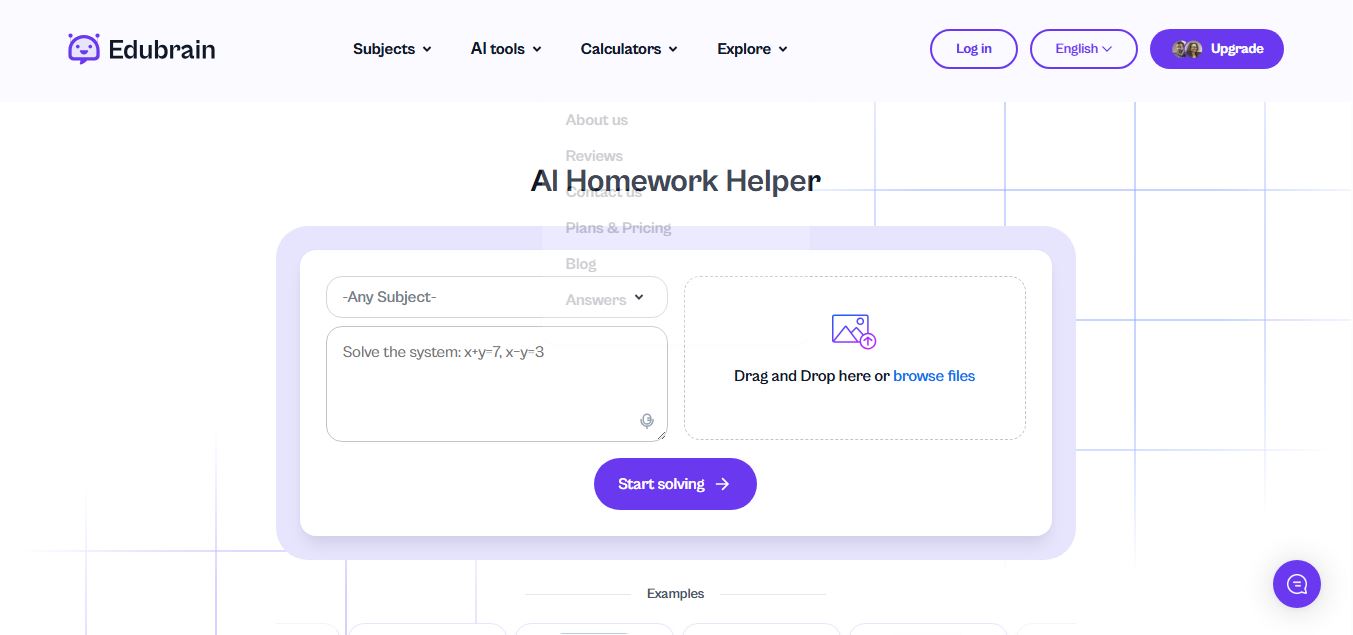
Edubrain is an AI-powered homework assistant that helps students solve questions across 90+ subjects using text, images, PDFs, or audio. It provides step-by-step explanations, adapts to learning styles, and works without sign-up, enabling faster understanding, exam prep, and personalized study support.
 4.8
4.8Math AI
Education
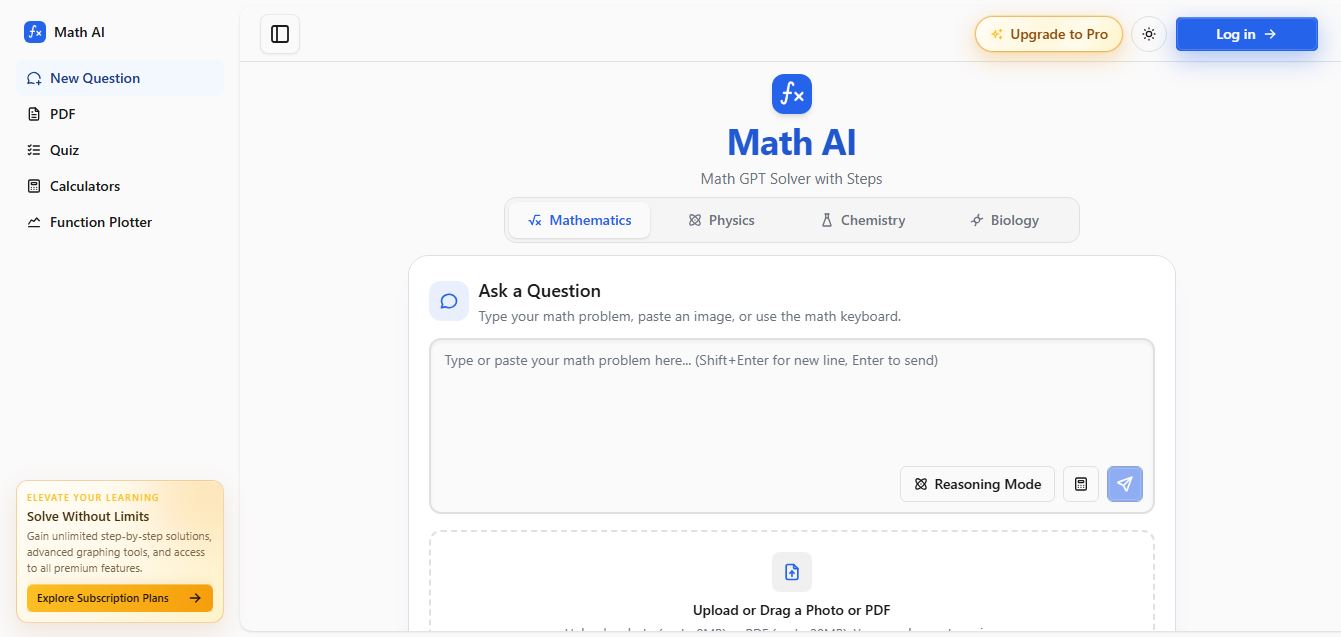
Math AI is an AI-powered math learning platform that helps users solve problems using text or images with step-by-step explanations. It supports algebra, calculus, and more, offering quizzes, graphs, and personalized tutoring to improve understanding and make studying, homework, and exam preparation easier.
 4.9
4.9ThetaWise
Education
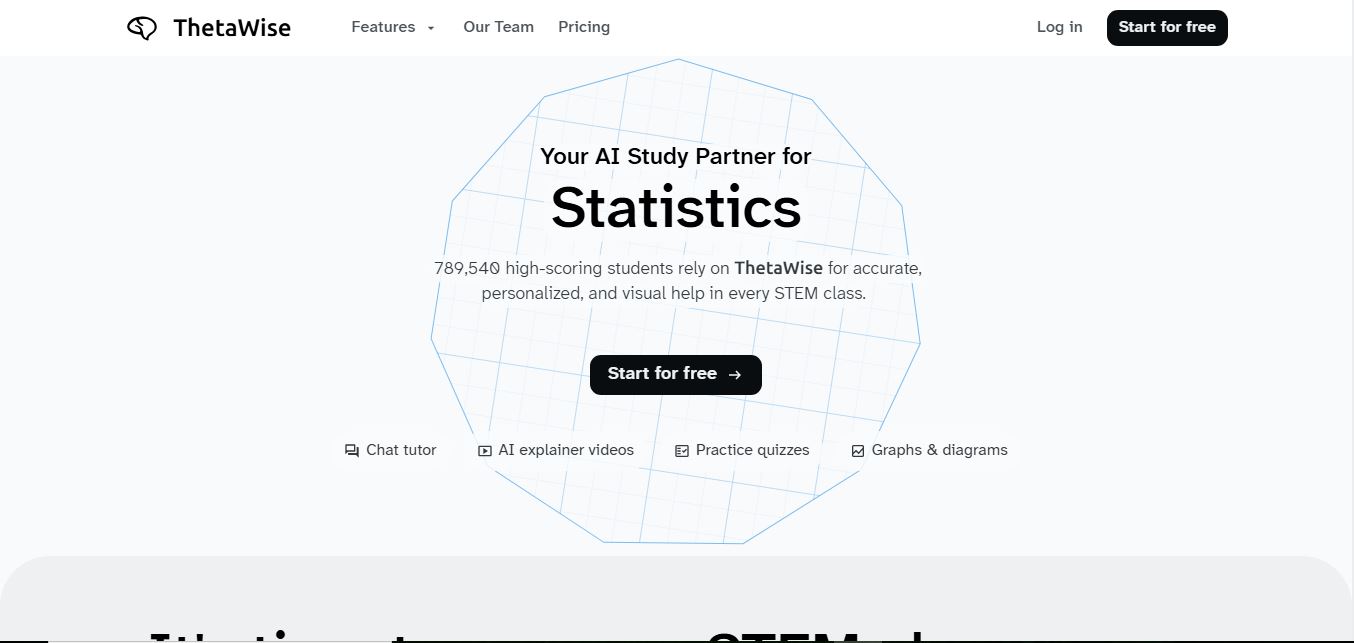
ThetaWise is an AI-powered STEM learning platform that helps students solve math and science problems with step-by-step explanations, video lessons, and practice quizzes. It acts like a 24/7 tutor, adapting to learning styles and improving understanding, test performance, and concept mastery.
 4.9
4.9Mathos AI
Education
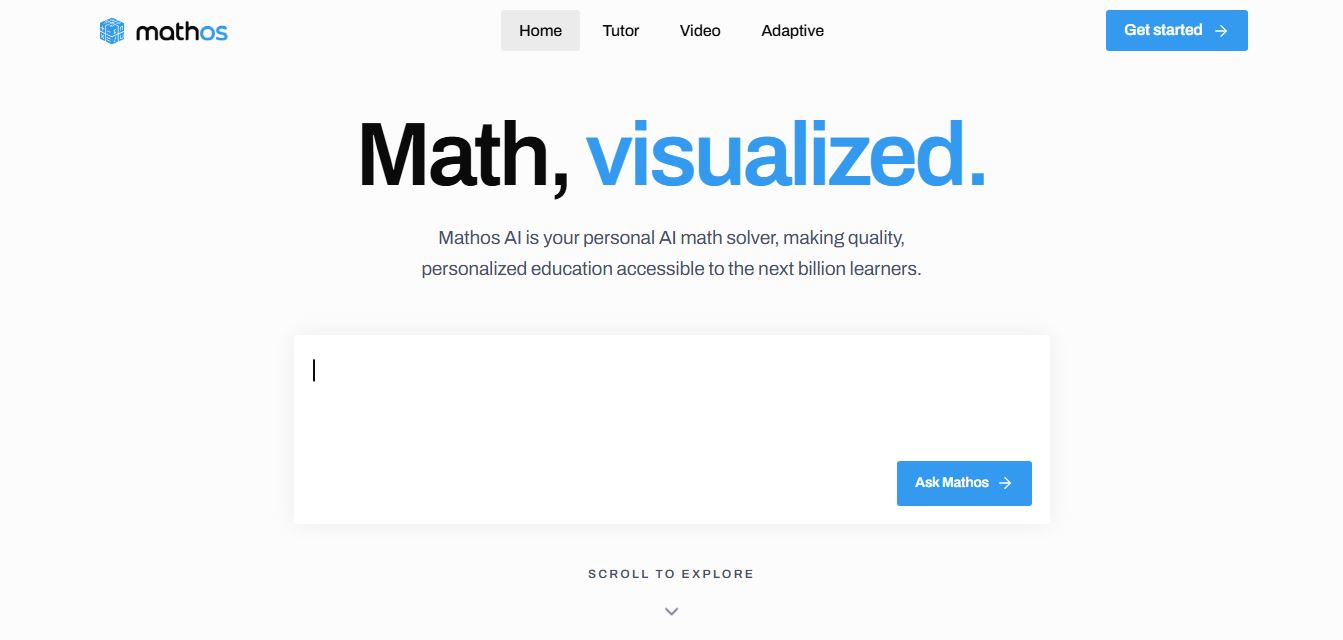
Mathos AI is an AI-powered math solver and tutor that helps students solve problems with step-by-step explanations and personalized guidance. It turns questions into lessons, generates quizzes, flashcards, and videos, and adapts to mistakes, enabling deeper understanding instead of just providing answers.
 4.8
4.8Brainly
Education
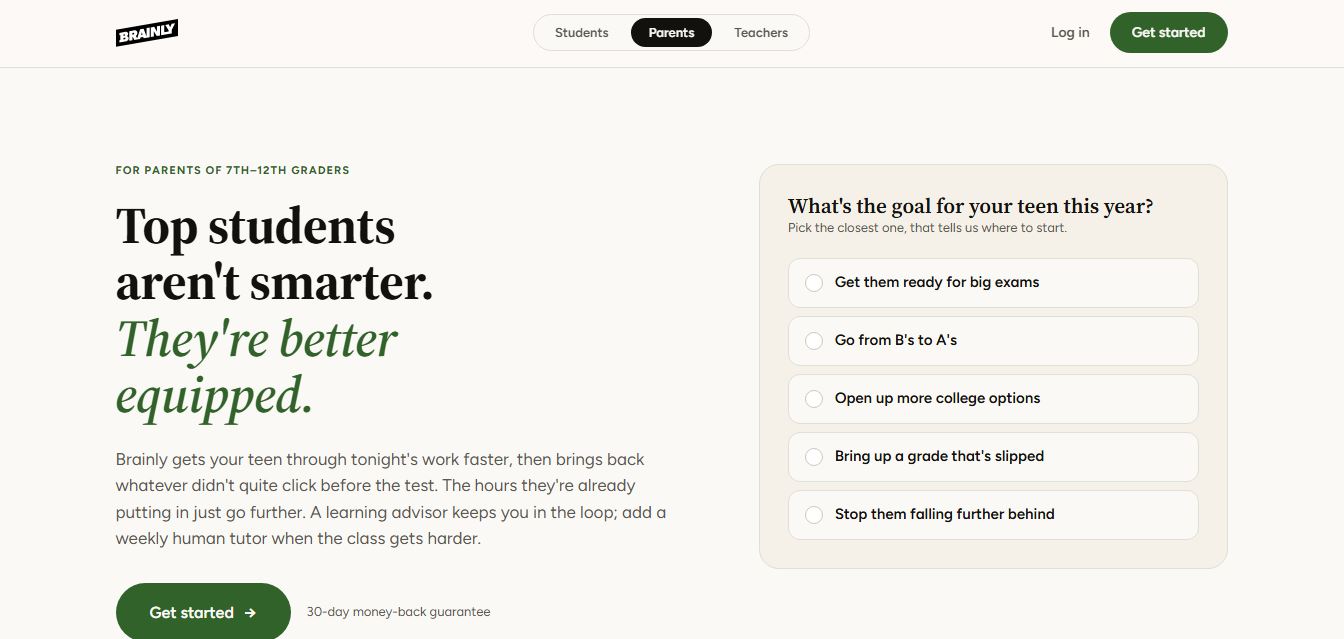
Brainly is an AI-powered learning platform that helps students solve homework, study concepts, and prepare for exams with step-by-step explanations. It combines AI guidance with a global community of experts, turning questions into personalized learning and helping students understand—not just complete—their schoolwork.
 4.8
4.8Gauth
Education
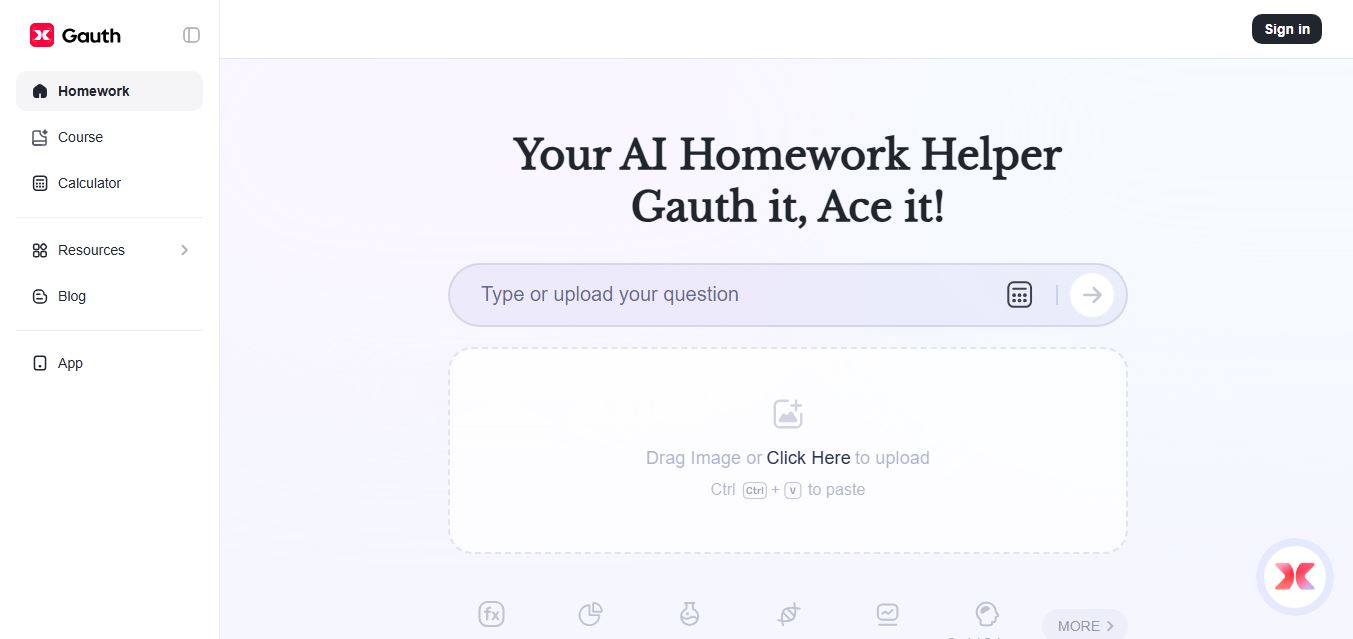
Gauth (formerly Gauthmath) is an AI-powered homework helper that lets students solve problems by typing or snapping a photo. It delivers step-by-step explanations across math and other subjects, combines AI with live tutor support, and helps users understand concepts, complete homework, and prepare for exams.
 4.7
4.7AI Math Solver
Education
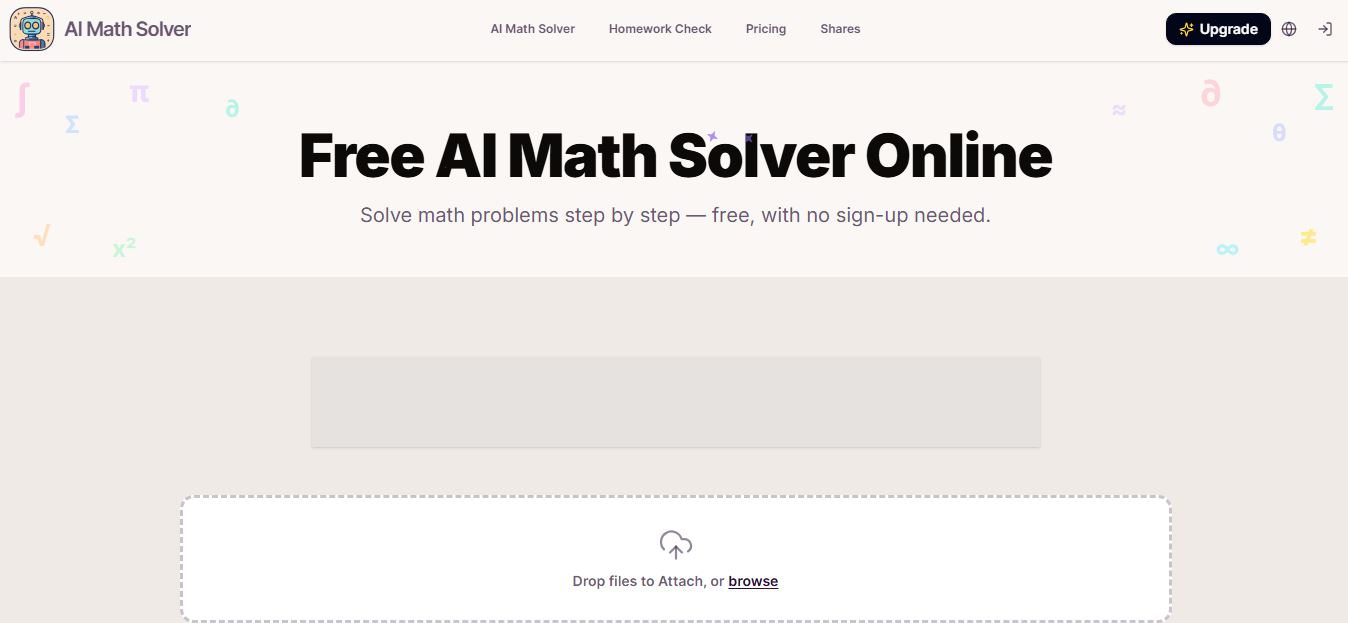
AIMathSolve is an AI-powered math solver that helps users solve problems across algebra, calculus, geometry, and more using text or image input. It generates step-by-step explanations, recognizes handwritten equations, and improves understanding, making it useful for homework, learning, and exam preparation.
 4.9
4.9Brilliant
Education
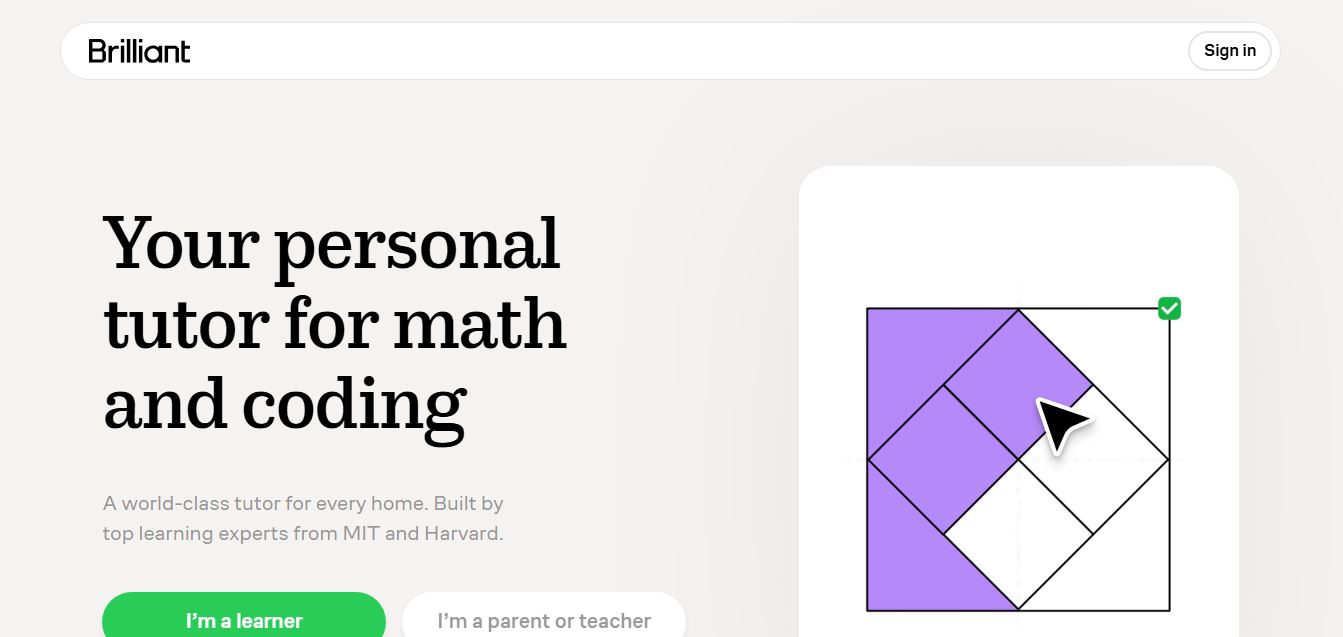
Brilliant is an interactive online learning platform that helps users build math, coding, and problem-solving skills through hands-on lessons. It uses visual explanations, real-time feedback, and a personal AI tutor to guide learning, enabling deeper understanding compared to passive video-based courses.
 5.0
5.0Desmos
Education
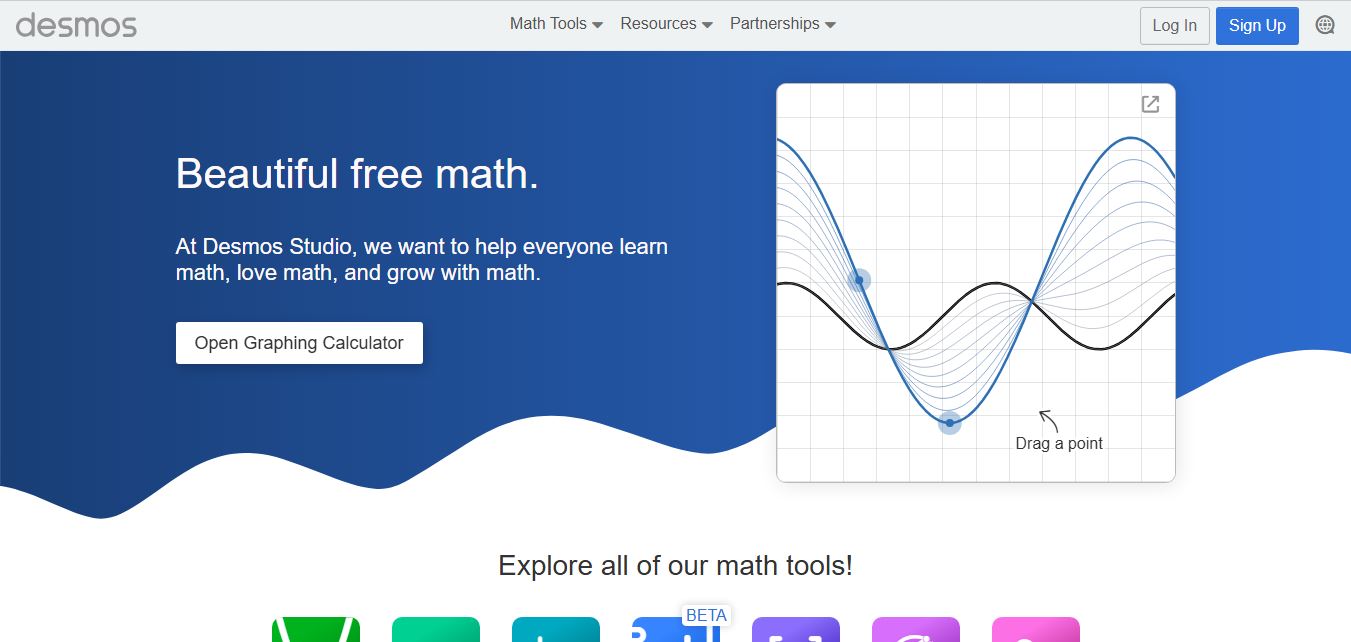
Desmos is an interactive math platform that helps students and teachers visualize concepts through graphing calculators, activities, and classroom tools. It enables real-time exploration of equations, functions, and data, making math more intuitive, engaging, and accessible across algebra, geometry, and advanced topics.