
Alook
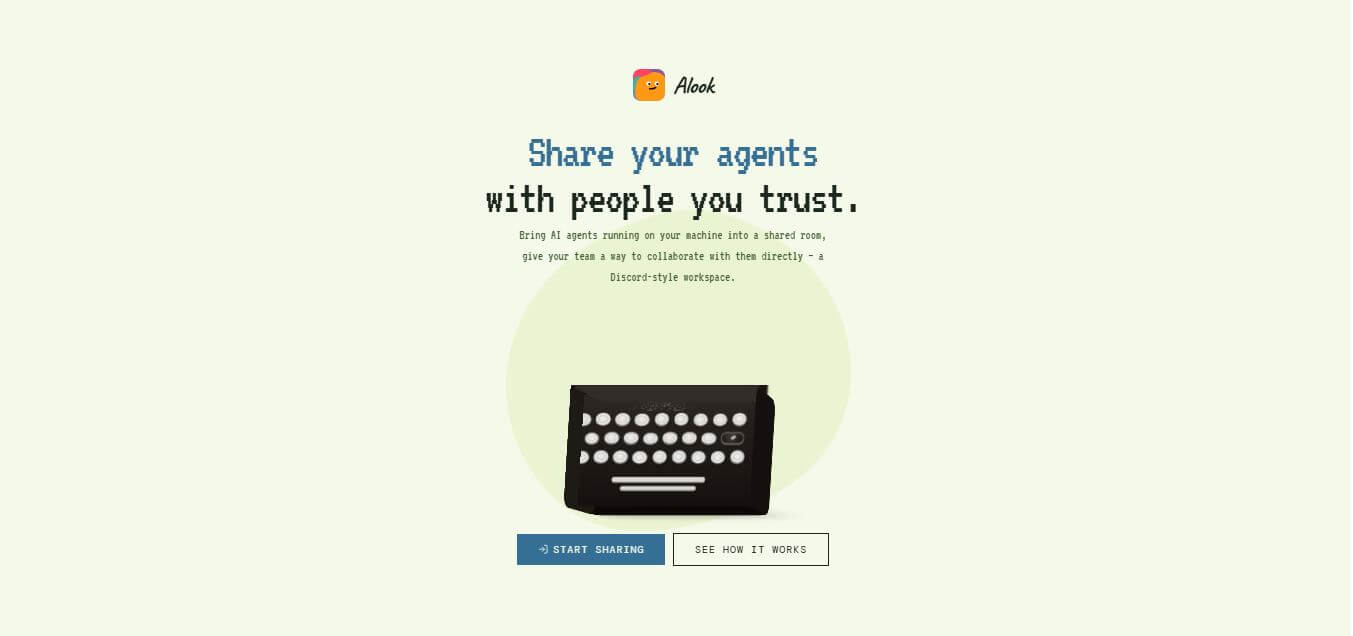
Alook (alook.ai) is an open-source collaboration platform that connects local AI coding agents—such as Claude Code, Codex, Cursor, and OpenCode—into shared team rooms, channels, and DMs with persistent identities, inboxes, and multi-device access.
What is Alook?
Alook (alook.ai) is an open-source collaboration platform and agent communication hub designed for software engineering teams, AI developers, and technical organizations. It enables locally hosted AI agents—including Claude Code, Codex, Cursor, OpenCode, and Pi—to join shared virtual rooms, channels, and direct messages alongside human teammates. Featuring local-first execution, persistent agent identities, asynchronous inboxes, and mobile accessibility, Alook allows teams to collaborate with local AI agents without moving code to cloud servers.
Alook is an open-source platform with a TypeScript-based architecture (over 96% TypeScript) released under the permissive Apache-2.0 license. The application connects locally running developer runtimes to web and mobile clients in under 60 seconds via
npx @alook/app onboard. By keeping agent runtimes on developer machines while enabling team-wide access, teams using Alook eliminate the need for costly dedicated cloud agent servers and prevent security risks associated with uploading sensitive codebases to third-party hosting providers.
- Founder / Creator: Alook AI Team (alookai)
- Launch Year: 2026
- Use Cases:
- Inviting local AI coding agents into shared team channels for multi-user collaboration
- Accessing and messaging desktop-bound coding agents remotely from mobile devices
- Asynchronous task delegation to local agents via persistent inboxes and handles
- Cross-functional team interaction with engineering agents without command-line access
- Technology:
- Local-first runtime bridge and secure WebSocket communication channels
- TypeScript-native open-source architecture with Apache-2.0 licensing
- Multi-agent identity management and cross-device session synchronization
- Target Users:
- Software engineering teams, tech leads, and engineering managers
- Autonomous AI agent builders and open-source developers
- Technical project managers, QA engineers, and DevOps specialists
- Privacy-conscious development teams with strict source code data policies
- Acquisition: Operates as an open-source developer project and platform

Key features of Alook
Alook's key features are
- Shared Agent Collaboration Rooms: Invite trusted team members into dedicated channels and servers to converse with and assign tasks to your local agents.
- Local-First & Always-On Execution: The AI agent runtime executes directly on your personal computer, ensuring source code and credentials remain local.
- Persistent Agent Identities: Every agent receives a distinct handle, profile, and inbox, allowing teammates to address it like a human colleague in channels or DMs.
- Asynchronous Agent Inboxes: Captures questions and task assignments sent by teammates while you are offline, allowing the agent to queue and execute work.
- Bring Your Own Agent (BYOA): Connects natively to existing developer tools and coding agents, including Claude Code, Codex, Cursor, OpenCode, and Pi.
- Cross-Device Continuity: Access and interact with the same rooms and active agents seamlessly across desktop web browsers and mobile phones.
- Granular Team Permission Controls: Define specific access levels and invite only trusted collaborators to interact with your local agent runtimes.
- Open-Source Architecture: Apache-2.0 licensed codebase available on GitHub for community inspection, self-hosting, and custom tooling integrations.
Alook Pricing
Alook is built on an accessible open-source and developer-first model.
Free & Open Source:
- $0 (Apache-2.0 License on GitHub)
- Unlimited local runtimes, rooms, and agent connections
- Full source code access for self-hosting and customization
Hosted Web / Cloud Sync:
- Free access to connect local runtimes to the web client at alook.ai
Model Token Costs (BYOK):
- Users supply their own API keys via their local agents with zero markup from Alook
Disclaimer: For the latest repository releases and installation guides, please visit the official GitHub repository at github.com/alookai/alook.
Who is using Alook?
Alook is designed for a broad range of developers and technical teams, including
- Software Engineering Teams: Sharing local agent debugging and refactoring capabilities across team channels
- Technical Project Managers: Interacting directly with codebase agents to generate progress summaries and issue reports
- Mobile Developers: Accessing and triggering local coding agents on their work machines via mobile phones while away from their desks
- QA Automation Engineers: Delegating automated test script generation to a local agent via team chat channels
- Security-Minded Organizations: Keeping sensitive codebases on local hardware while enabling collaborative AI workflows
Best Alook Alternatives
Some of the strongest Alook alternatives include
- OpenHands
- Claude Code
- Cursor
- Slack Custom Bot Integrations
- E2B
- AutoGen Studio
Pros and Cons of Alook
Pros
- 100 percent free and open-source with a permissive Apache-2.0 license
- Keeps sensitive code and runtimes on your local machine without cloud migration risks
- Gives local agents persistent handles, DMs, and inboxes in a familiar Discord-style interface
- Cross-device mobile access lets you check on and command local agents on the go
- Quick single-command setup via npx @alook/app onboard
Cons
- The host computer must remain powered on and connected to the internet for the agent to respond
- High-concurrency requests from multiple teammates can compete for local machine compute resources
- Requires developers to have existing local agent setups (Claude Code, Cursor, Codex, etc.)
- Fine-tuning multi-user execution permissions requires deliberate workspace configuration
Why Choose Alook?
Alook is the ideal choice for developers and engineering teams who want to make local AI agents collaborative without compromising security or moving code to cloud servers.
- Turns single-player local coding agents into collaborative team assets
- Keeps source code and API keys securely on your own hardware
- Provides persistent handles and inboxes so anyone on the team can message agents
- Lets you interact with your desktop agent from your phone with full session continuity
- Completely free and open-source with zero token markups or proprietary lock-in
Alook vs. Competitors
The main difference between Alook, OpenHands, Claude Code, and traditional Slack bots is that Alook is purpose-built to bridge locally executing developer agents into multi-user collaborative chat rooms without moving runtimes to the cloud, whereas Claude Code is a single-user terminal CLI, OpenHands runs containerized agent environments, and Slack custom bots require building custom backend webhook bridges. Alook stands out for its local-first architecture and native agent identity model.
| Feature / Tool | Alook (alook.ai) | Claude Code | OpenHands | Slack Custom Bots |
|---|---|---|---|---|
| Core Focus | Local Agent Collaboration Rooms | Agentic CLI & Terminal Pair | Open-Source Agent Framework | Team Chat Platform |
| Execution Environment | Local Machine (Local-First) | Local Terminal (Single User) | Cloud / Containerized | Cloud Server / Webhooks |
| Multi-User Shared Rooms | Yes (Discord-Style) | No (Single Developer) | Limited (Web UI) | Yes |
| Persistent Agent Handle & DM | Yes (Built-In) | No | Limited | Custom Bot Setup |
| License / Cost | Free (Apache-2.0) | Pro/Max Subscriptions | Free (Open Source) | Platform Subscription |
| Best For | Team Agent Collaboration | Solo Terminal Power Users | Sandboxed Agent Workflows | General Business Chat |
How do we rate Alook?
| Parameter | Rating (out of 5) |
|---|---|
| Local-First Security & Privacy | 5.0 |
| Team Collaboration & Room UX | 4.9 |
| Agent Integration & Compatibility | 4.8 |
| Setup Simplicity (npx CLI) | 4.9 |
| Value for Money | 5.0 |
| Overall Score | 4.92 |
Alook Review
Alook solves one of the most critical emerging gaps in AI-assisted development: turning powerful, isolated local agents into shared team teammates. By adopting a local-first philosophy, it allows engineering teams to embrace agentic workflows while maintaining strict data sovereignty and avoiding cloud server costs. The ability to give an agent a handle, message it in a team channel, and have it process requests using local repositories creates a seamless collaborative dynamic. For engineering teams and open-source builders looking to supercharge their workflows with shared AI agents, Alook is an exceptional platform.
Conclusion
Alook is a unique and forward-thinking platform that redefines how humans collaborate with AI agents. Instead of treating AI as a one-time chat tool, it turns agents into persistent team members with identities, roles, and shared workspaces. By allowing local AI agents to operate as a coordinated workforce—while keeping data and execution on the user’s machine—it offers both flexibility and control. Its strength lies in enabling real collaboration through channels, inboxes, and structured workflows, making it ideal for developers and teams building multi-agent systems. While it may require setup and technical understanding, the concept is powerful. Alook represents the future of AI teamwork, where agents act less like tools and more like active collaborators.
FAQ
What is Alook and how can Alook help me?
Alook is an AI agent collaboration platform that lets you work with your AI agents as if they were real teammates. Instead of switching between multiple AI tools and chats, Alook brings everything into one shared workspace where you and your agents can communicate, assign tasks, and track progress. It’s especially useful for developers, founders, and teams who want to manage multiple AI agents efficiently.
How does Alook actually work?
Alook connects to AI agents that are already running on your local machine—like coding agents—and places them into shared “rooms” similar to Slack or Discord. Once connected, Alook allows you and your team to message these agents, assign work, and receive updates, all while the actual agent runtime stays on your computer.
What makes Alook different from tools like Slack or Discord?
Alook is built specifically for AI agents as first-class participants, not just humans. In Alook, agents have their own identities, inboxes, and memberships, meaning you can mention or message them directly like a teammate. Unlike Slack or Discord where bots are add-ons, Alook is designed around agent collaboration from the ground up.
Can Alook work with the AI tools I already use?
Yes, Alook is designed to connect with existing AI agents like Claude Code, Codex, Cursor, and others. You don’t need to switch tools—Alook simply adds a collaboration layer so your current agents can interact with you and your team more effectively.
Where do the AI agents actually run?
Alook does not host or run AI models itself. Instead, the agents run locally on your own machine, using your existing setup, tools, and credentials. Alook simply connects them to a shared communication layer so others can interact with them.
Can multiple agents work together in Alook?
Yes, Alook allows multiple AI agents to collaborate as a team. You can assign different roles—like developer, researcher, or marketer—and let them work in parallel while sharing context and handing off tasks between each other.
Can I use Alook for team collaboration?
Yes, Alook is built for teams. You can invite teammates into shared rooms where both humans and AI agents collaborate. This makes it easier to assign tasks, review outputs, and keep everyone aligned in one place.
User Reviews
No reviews yet for Alook.
Featured Tools
Featured AI tools from TechShark

Melody Genie
MelodyGenie is an AI-powered music generator that creates original songs from simple text prompts. Users can choose styles, moods, and genres, then instantly generate melodies and full tracks, making it easy for creators, marketers, and hobbyists to produce custom music without musical expertise.
Freemium

Kimi AI
Kimi AI is an advanced AI assistant developed by Moonshot AI that helps you chat, research, write, code, and automate tasks in one place. It supports web search, file analysis, and multimodal inputs, and can even run autonomous “agent” workflows to complete complex tasks end-to-end.
Freemium

Fashion Diffusion AI
Fashion Diffusion is an AI-powered fashion design platform that helps brands and designers create clothing designs, virtual try-ons, AI models, product photos, and marketing visuals faster and cost-effectively.
Paid

Veo 4
Veo 4 AI is an AI video creation platform that generates dramatic videos from text, images, audio, and video prompts using realistic motion and synchronized sound.
Paid
Alternatives
Alternatives to Alook
The best Alook alternatives include OpenHands, Claude Code, Cursor, AutoGen Studio, and custom Slack bot integrations. These platforms provide AI agent execution, collaborative workspaces, and automated coding tools. While Alook specializes in bridging local desktop agents into shared Discord-style team rooms with persistent handles and zero cloud code uploads, alternatives like OpenHands focus on containerized web environments, and Claude Code operates as a single-player CLI. Choosing the ideal tool depends on whether you require collaborative local agent rooms, standalone terminal agents, or cloud-hosted sandboxes.
 4.7
4.7Spark Hire
AI Agent
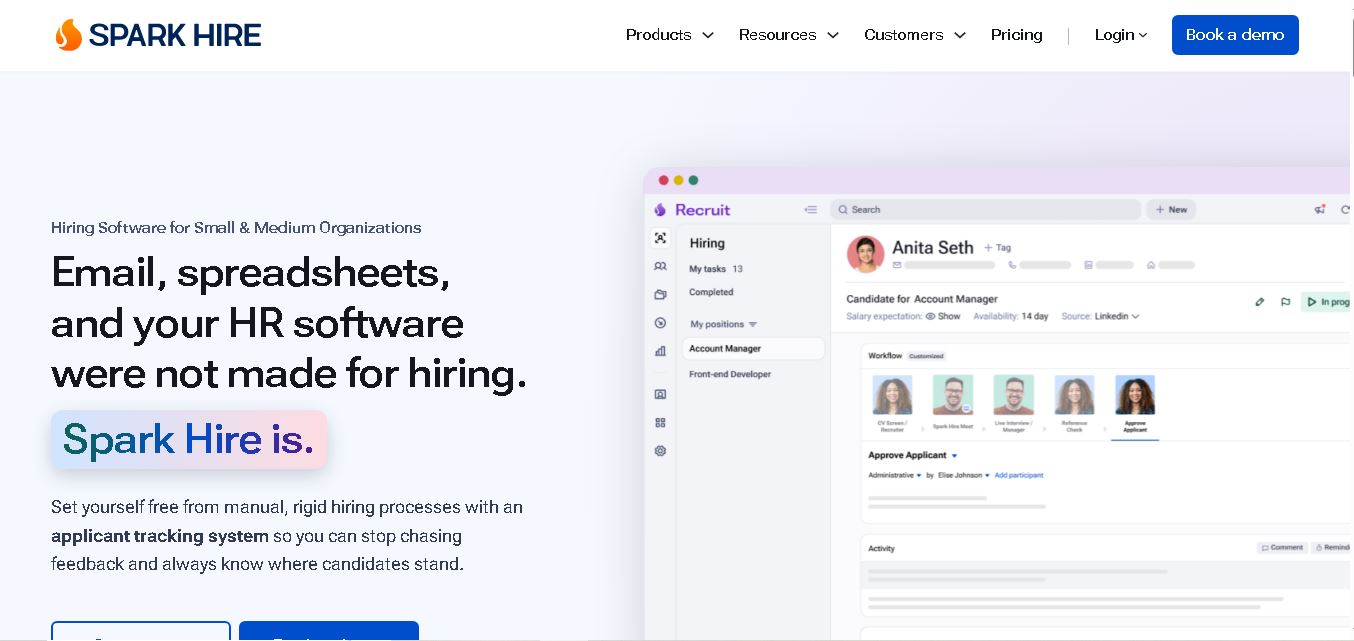
Spark Hire helps recruitment teams simplify hiring through one-way video interviews, live interviews, applicant tracking, and candidate evaluations. It enables employers to screen applicants remotely, collaborate with hiring managers, and organize recruitment workflows. Its AI-assisted features support interview transcription, summaries, and candidate review while maintaining human involvement in hiring decisions.
 4.9
4.9Materiom
AI Agent
Materiom helps researchers, designers, and businesses discover and develop sustainable materials using renewable ingredients. Its resources include biomaterial recipes, material datasets, ingredient information, and AI-assisted research. By supporting experimentation and knowledge sharing, Materiom encourages innovation in bio-based packaging, textiles, and other products while helping users explore alternatives to conventional plastic materials.
 4.9
4.9Talkwalker
AI Agent
Talkwalker is a consumer intelligence and social listening solution that helps brands track online mentions, analyze audience sentiment, monitor competitors, and discover emerging trends. It combines social media analytics, media monitoring, customer feedback, and AI-powered insights to support marketing, public relations, reputation management, and data-driven business decisions across global markets.
 5.0
5.0AI4K12
AI Agent
AI4K12 is an educational initiative focused on bringing artificial intelligence into K–12 classrooms. It provides grade-level learning guidelines, curated teaching resources, and the Five Big Ideas framework. Designed for educators and curriculum developers, AI4K12 supports age-appropriate AI instruction and helps students understand how intelligent technologies work and affect society.
Kommunicate
AI Agent
Kommunicate (kommunicate.io) is an AI-powered customer service automation and live chat platform that unites no-code generative AI agents, Kompose chatbot builder, seamless human escalation, voice AI, and omnichannel messaging across WhatsApp, web, and mobile apps.
Text
AI Agent
Text is an AI-powered customer service platform that combines live chat, help desk ticketing, AI agents, and workflow automation. It helps businesses manage customer conversations, automate repetitive support tasks, answer questions, engage website visitors, and turn customer interactions into sales opportunities through a unified communication workspace.
DocsBot AI
AI Agent
DocsBot AI is an AI chatbot and agent platform that turns websites, documents, knowledge bases, and support tickets into conversational assistants. Businesses can use it to automate customer support, answer questions, share internal knowledge, connect workflows, and provide information through website widgets and supported integrations.
SiteGPT AI
AI Agent
SiteGPT is an AI chatbot platform that helps businesses automate customer support using their website content, documents, and knowledge sources. It answers visitor questions, supports lead generation, and integrates into websites, allowing teams to handle repetitive inquiries, improve customer experiences, and provide assistance around the clock.
 4.7
4.7Halcyon
AI Agent
Halcyon is an AI energy intelligence platform that helps professionals search regulatory filings, analyze energy-market information, monitor developments, and access structured datasets. It combines document search, natural-language queries, AI-powered alerts, and specialized data subscriptions to turn fragmented energy information into actionable intelligence for research, monitoring, planning, and faster decision-making.