
Vocal Remover
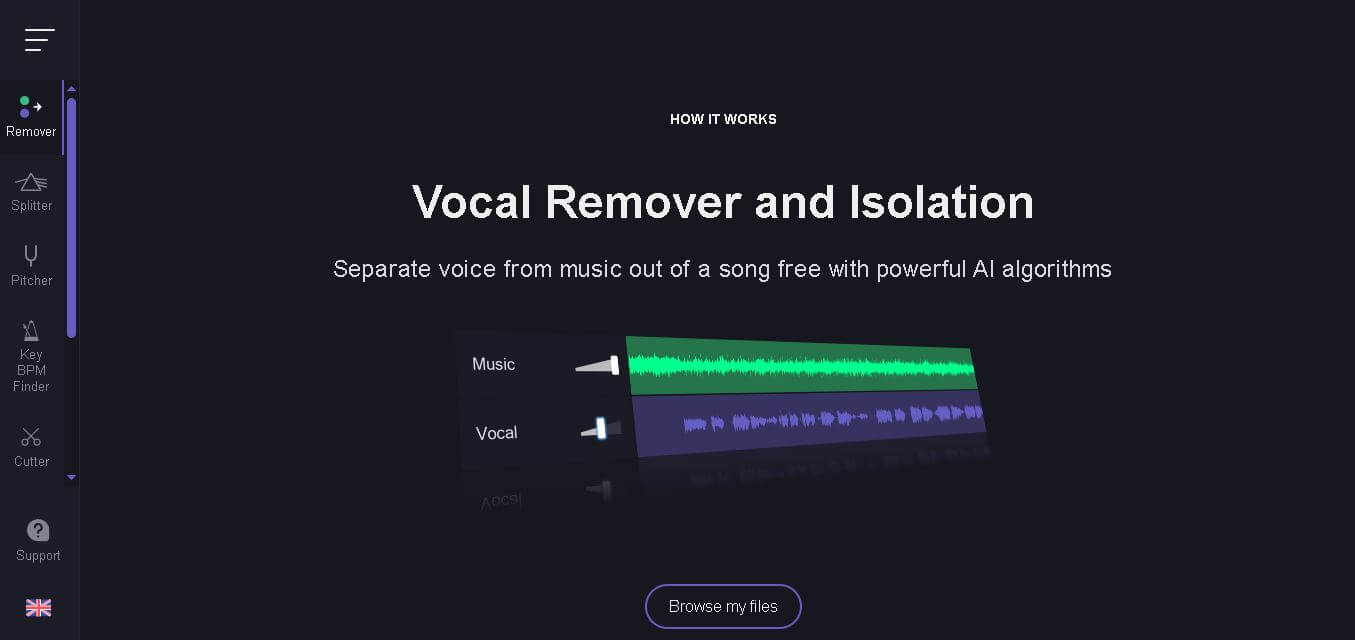
Vocal Remover is an AI-powered audio editing platform that removes vocals from songs, separates instrumentals, and helps creators produce professional-quality audio instantly.
What is Vocal Remover AI?
Vocal Remover is an AI powered audio editing platform that helps people strip vocals out of songs and also split out instrumentals with, honestly, impressive accuracy. It is meant for musicians, karaoke people, DJs, podcasters, and content creators who want quick audio editing without needing pro software skills or all that extra training. Generally users can just upload an audio file right to the site, and then they get the processed tracks back in a few minutes, depending on the job. Besides vocal isolation, the platform also includes pitch changing, tempo adjustment, audio trimming, and even karaoke generation features. Everything feels pretty straightforward too, with a simple interface and cloud-based processing, so it works for beginners as well as professionals who want quick, high-quality music editing options online.
Vocal Remover processes thousands of audio files daily using AI-based sound separation technology. The platform supports multiple audio formats and delivers rapid cloud-based processing. It has become popular among musicians, YouTubers, karaoke creators, and podcasters for its simple workflow, accurate vocal isolation, and free online accessibility.

- Founders: Independent development team
- Launch Date: 2019
Use Cases
- Karaoke track creation
- Vocal isolation from songs
- Background music extraction
- Podcast audio editing
- DJ remix preparation
- Music practice sessions
- YouTube content production
Technology
- Artificial Intelligence
- Deep Learning
- Audio Signal Processing
- Cloud Computing
- Neural Network Separation Models
Key Features
Vocal Remover's key features are
- AI Vocal Removal: Separates vocals and instrumentals from songs using AI-based sound analysis with impressive clarity and minimal distortion.
- Karaoke Track Creation: Generates karaoke-ready instrumental tracks quickly for singers, events, and music practice sessions.
- Audio Splitter: Divides music into vocal and instrumental stems for remixing, editing, and professional production workflows.
- Pitch Changer: Allows users to adjust the pitch of songs without affecting audio quality significantly.
- Tempo Control: Changes music speed for dance practice, rehearsals, and creative audio projects.
- Audio Cutter: Helps trim audio clips and extract specific sections from songs or recordings easily.
- Cloud-Based Processing: No software installation required because all processing happens online directly through the browser.
Pricing
- Free Basic Access
- Premium Processing Tools
- Subscription-Based Features
- Limited Free Usage
Disclaimer: For the latest and most accurate pricing information, please visit the official Vocal Remover website.
Who is Using Vocal Remover?
A diverse range of users and organizations utilize Vocal Remover AI.
- Musicians
- DJs
- Karaoke Creators
- YouTubers
- Podcasters
- Music Teachers
- Audio Editors
- Content Creators
Alternatives
Some Vocal Remover AI alternatives are
- LALAL.AI
- Moises AI
- PhonicMind
- Splitter AI
- Adobe Audition
Pros & Cons
Pros
- Easy-to-use interface
- Fast AI audio processing
- Free basic functionality
- No software installation
- High-quality vocal separation
- Supports multiple audio tools
Cons
- Limited free usage credits
- Quality varies by song
- Internet connection required
- Advanced editing options limited
How Did We Rate Vocal Remover?
| Category | Score |
|---|---|
| Creative Accuracy | 8.7/10 |
| User Experience | 9.0/10 |
| Tools & Capabilities | 8.6/10 |
| Speed & Efficiency | 9.1/10 |
| Creative Freedom | 8.4/10 |
| Trust & Transparency | 8.2/10 |
| Help & Community | 7.9/10 |
| Value for Money | 8.8/10 |
| Ecosystem Fit | 8.3/10 |
| Overall Score | 8.6/10 |
Conclusion
Vocal Remover is kind of a useful AI audio editing platform for creators that want quick, dependable vocal split tools without having to deal with complicated software. You get a clean interface and cloud-based processing plus extra music editing options, so it feels friendly for beginners and is still useful for professionals, too. If you need karaoke tracks, instrumental versions, or remix-ready stems, it just handles it with efficient output and minimal fuss. And sure, advanced pros may want deeper editing tools, but Vocal Remover stays a solid choice for quick and effortless AI powered audio processing right there online.
People are also reading
FAQ
What is Vocal Remover used for?
Vocal Remover is mainly used to remove vocals from songs and create instrumental or karaoke versions of audio tracks.
Is Vocal Remover free to use?
Yes, the platform offers free access with limited processing features and usage.
Which audio formats are supported?
The tool supports common audio formats such as MP3, WAV, and several other music file types.
Does Vocal Remover require installation?
No, it is a browser-based platform that works completely online.
Can beginners use Vocal Remover easily?
Can beginners use Vocal Remover easily?
User Reviews
No reviews yet for Vocal Remover.
Featured Tools
Featured AI tools from TechShark

Melody Genie
MelodyGenie is an AI-powered music generator that creates original songs from simple text prompts. Users can choose styles, moods, and genres, then instantly generate melodies and full tracks, making it easy for creators, marketers, and hobbyists to produce custom music without musical expertise.
Freemium

Kimi AI
Kimi AI is an advanced AI assistant developed by Moonshot AI that helps you chat, research, write, code, and automate tasks in one place. It supports web search, file analysis, and multimodal inputs, and can even run autonomous “agent” workflows to complete complex tasks end-to-end.
Freemium

Fashion Diffusion AI
Fashion Diffusion is an AI-powered fashion design platform that helps brands and designers create clothing designs, virtual try-ons, AI models, product photos, and marketing visuals faster and cost-effectively.
Paid

Veo 4
Veo 4 AI is an AI video creation platform that generates dramatic videos from text, images, audio, and video prompts using realistic motion and synchronized sound.
Paid
Alternatives
Alternatives to Vocal Remover
Vocal remover alternatives include Verisl, Cytora, Shift Technology, Socotra, earnix, and Guidewire. Vocal Remover uses advanced AI technology to isolate vocals and instrumentals from audio files. It helps musicians, karaoke creators, DJs, and content creators edit songs quickly with high-quality sound separation and easy online processing.
 4.8
4.8Spotalike
Music
Spotalike helps music lovers discover songs that match the style and feel of a favorite track. Enter a song, and the service generates a collection of similar recommendations. Users can explore playlists, discover lesser-known artists, vote on recommendations, and export playlists, making music discovery more personalized and exploratory.
4.8Melody Genie
Music
MelodyGenie is an AI-powered music generator that creates original songs from simple text prompts. Users can choose styles, moods, and genres, then instantly generate melodies and full tracks, making it easy for creators, marketers, and hobbyists to produce custom music without musical expertise.
 4.9
4.9Artlist
Image
Artlist is a subscription-based platform that provides high-quality royalty-free music, sound effects, and video assets for creators. It helps filmmakers, YouTubers, and marketers access unlimited creative resources, making it easy to produce professional content without worrying about licensing issues.
 4.8
4.8Cassette AI
Music
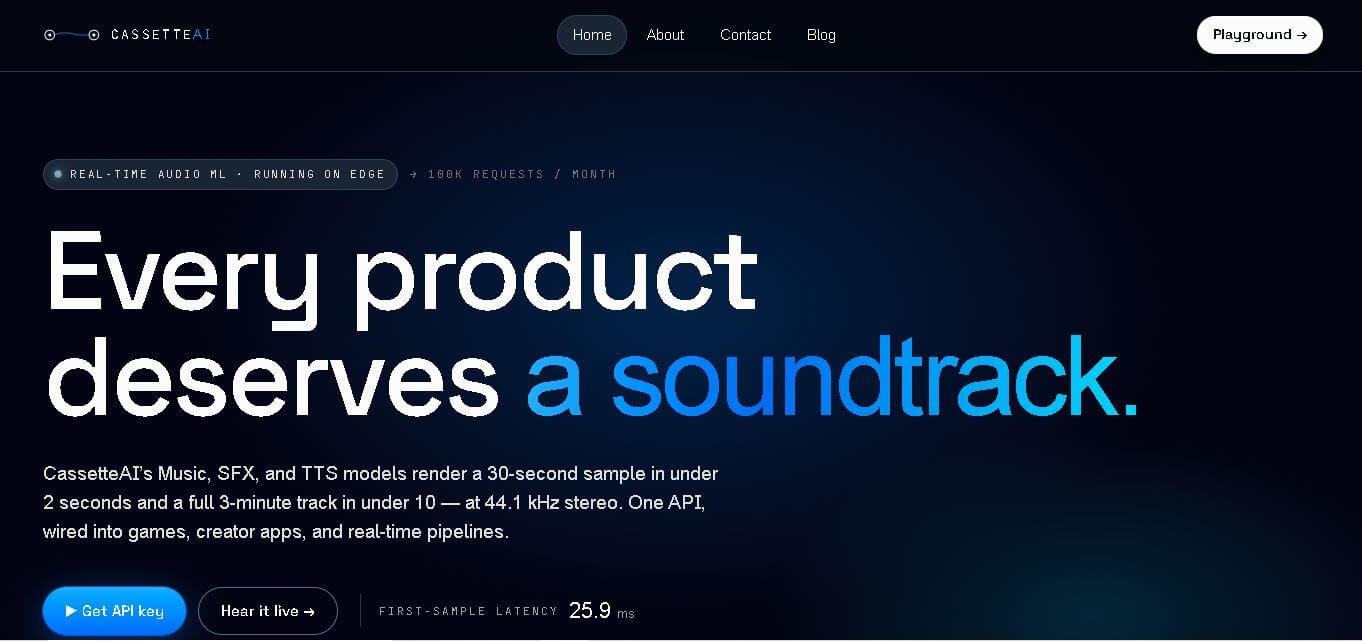
Cassette AI helps creators and developers generate music and sound effects using simple text prompts. It supports fast audio generation, 44.1 kHz stereo output, deterministic controls, and API integration. The tool is particularly suited to games, interactive applications, creator software, and production workflows requiring dynamically generated audio.
 4.7
4.7Jamahook Sound Assistant
Music
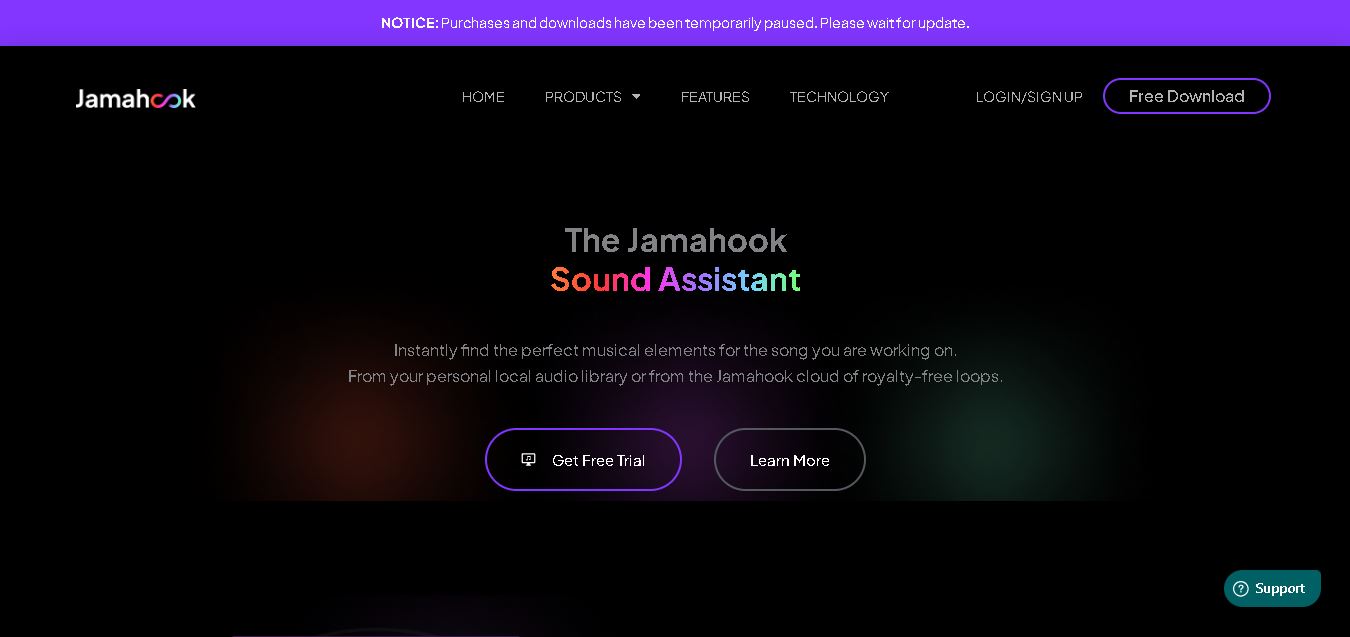
Jamahook helps music producers find compatible loops, samples, and sounds by analyzing their existing music. Its Sound Assistant can search cloud-based sounds or a producer’s own library, using harmonic, rhythmic, drum, mood, genre, and instrument matching. Recommended sounds can be auditioned and added directly to compatible DAWs.
 4.5
4.5SongR AI
Music
SongR helps you turn simple ideas into personalized songs in just a few clicks. You can generate lyrics from keywords, choose a genre, add vocals and accompaniment, and create music for social posts, celebrations, gifts, family moments, audience engagement, or personal entertainment without requiring musical experience or formal music skills.
 4.9
4.9Suno v6
Music
Suno v6 is the sixth-generation AI music creation family by Suno, co-developed with major industry partners like Warner Music Group and BMG, featuring three specialized models (v6, v6-wild, and v6-mini) with multimodal inputs, natural-language section editing, single-lyric replacement, and multi-source mashup workflows.
BeMusic AI
Music
BeMusic AI is an all-in-one generative AI music platform and audio toolkit that transforms text prompts into complete, royalty-free songs in under 30 seconds across 50+ genres, featuring stem splitting, vocal removal, MIDI editing, track extension, and AI singing photo creation.
Wondera
Music
Wondera is an agentic AI music creation and vocal synthesis platform that transforms chat prompts, text lyrics, and reference audio into studio-quality songs, AI voice covers, and multitrack stems with integrated mastering and commercial licensing.