VisualCV
VisualCV is an online resume builder designed to help job seekers create polished, ATS-friendly resumes and CVs. It provides professional templates, AI writing assistance, resume examples, multiple versions, online sharing, and analytics. Users can import existing documents, customize content for different jobs, and export resumes for applications and job searches.
What is VisualCV?
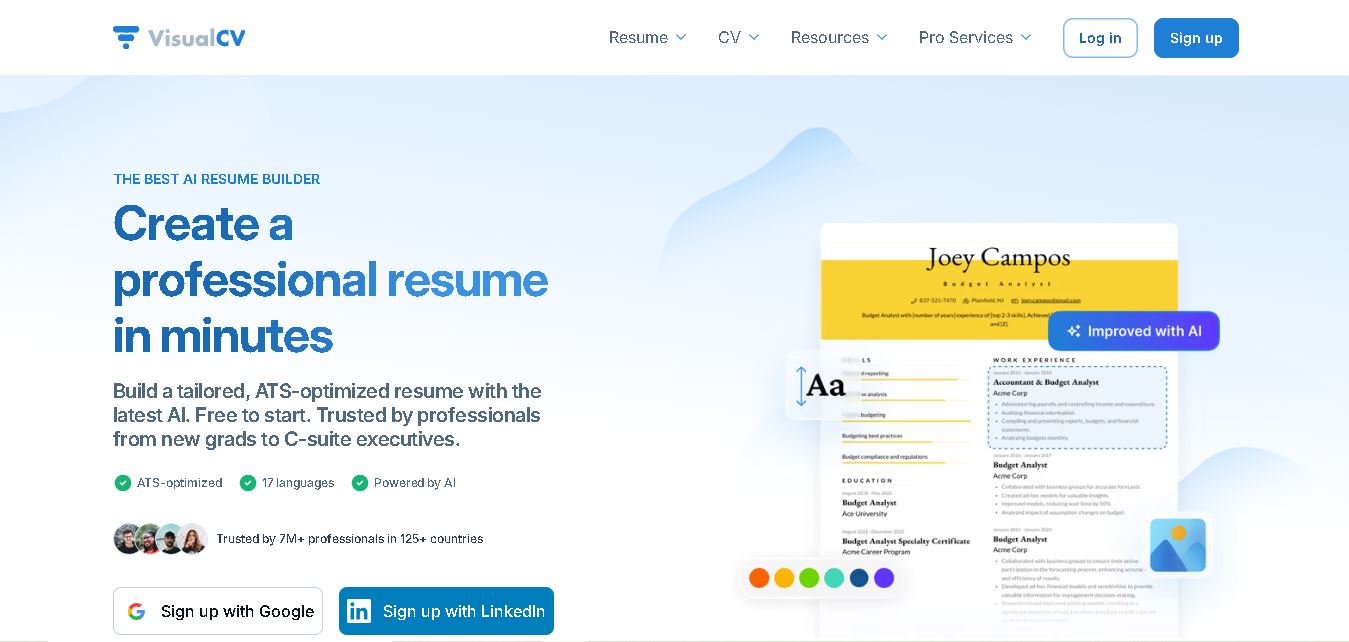
VisualCV is an online resume and CV creation platform that helps job seekers build, customize, share, and download professional career documents. It combines editable templates, AI-assisted writing, ATS-focused formatting, resume examples, online resume pages, and analytics in one workspace. Users can import existing resumes or create new versions for different roles. VisualCV supports professionals across career stages and offers both self-service tools and professional resume-writing assistance.
VisualCV reports more than 7 million professionals across 125+ countries using its platform. Its current site highlights support for 17 languages, 40+ resume templates, and 2,600+ resume examples. The platform offers AI-assisted resume creation, ATS-focused templates, multiple resume versions, online sharing, analytics, and professional writing services. Its free plan starts at $0, while Pro pricing begins at $16 per month when billed quarterly. VisualCV also states that it provides data controls and does not share user information unless explicitly requested.
- Core Focus: AI Resume & CV Building, Portfolio Websites, and Application Analytics
- Launch & Parent Entity: Developed and operated by Workstory Inc.
Use Cases:
- Building tailored, ATS-friendly resumes optimized for corporate recruiter screening systems
- Publishing personal, interactive career portfolio websites with custom links to showcase achievements
- Tracking real-time views and PDF downloads on sent applications using built-in resume analytics
- Converting existing LinkedIn profiles or PDF resumes into multi-language CVs within minutes
Technology:
- AI-powered content generator and bullet-point optimizer trained on industry-specific resume data
- Multi-template rendering engine featuring 30+ ATS-compliant layout variants with custom typography and color controls
- Live analytics tracking engine measuring recruiter engagement, location views, and PDF download activity
Target Users:
- Experienced Professionals & Executives highlighting leadership impact, quantified results, and complex career histories
- Global Job Seekers needing localized resume formatting across 17 different international languages
- Active Job Seekers managing multiple tailored resume versions for diverse job descriptions and industries
- Content Creators & Designers who require personal online portfolio websites alongside traditional PDF resumes
Corporate Entity: Operates under Workstory Inc. (visualcv.com)
Key features of VisualCV
VisualCV's key features are
- AI Resume Builder & Bullet Enhancer: Leverages AI models to generate tailored resume sections, enhance job accomplishment bullet points, and optimize keyword match rates for target roles.
- 30+ ATS-Friendly Resume Templates: Professionally designed, customizable resume layouts tested to pass Applicant Tracking System filters while remaining visually compelling for hiring managers.
- Personal Career Website Publishing: Allows users to publish their resume as a live, shareable web link or custom digital portfolio, complete with privacy options and password protection.
- Real-Time Resume Performance Analytics: Displays detailed stats on when recruiters open shareable links, view profiles, or download PDF versions.
- LinkedIn Profile & Document Importer: Turns existing LinkedIn profiles or uploaded PDF/Word resumes into formatted, editable VisualCV templates in seconds.
- Version Management: Enables job seekers to build, manage, and store multiple customized resume versions tailored to different application requirements from a single dashboard.
- Multi-Language Support (17 Languages): Built-in localization features allow candidate resumes to be crafted and exported in 17 distinct international languages.
- Professional Resume Writing Service Integration: Direct access to US-based professional resume writers and video feedback reviews integrated natively into the platform.
VisualCV Pricing
VisualCV operates on a freemium model with a basic free plan alongside Pro subscription tiers billed monthly or quarterly, supported by a 30-day money-back guarantee.
Free Plan:
- $0 / Free forever
- Includes 1 resume creation, access to test-drive basic templates, online formatting preview, and Career Journal trial access
Pro Plan (Quarterly Billing):
- $16.00 / month (billed quarterly as $48.00 every 3 months)
- Includes full access to 30+ templates, unlimited resume creation, unlimited PDF downloads, live personal website publishing, cover letter builder, ATS optimization, and resume analytics
Pro Plan (Monthly Billing):
- $24.00 / month (billed monthly)
- Includes all Pro features with flexible month-to-month billing and no long-term commitment
Disclaimer: Professional resume writing services and video reviews are available as standalone add-on purchases inside the platform. For current pricing updates, visit visualcv.com/pricing.
Who is using VisualCV?
VisualCV is designed for modern job seekers, career advancers, and global professionals, including
- Senior Executives & Managers: Showcasing strategic leadership metrics and organizing complex career histories into clean executive templates
- Mid-Career Tech & Corporate Talent: Managing multiple specialized resume variations for specific software, product, or business roles
- Global & Multilingual Job Seekers: Creating localized CVs across 17 supported languages for international employment markets
- Recent Graduates & Career Pivoters: Converting academic experience and transferable skills into structured, ATS-compliant formats
- Freelancers & Consultants: Using personal website links to share living resumes and digital achievement portfolios with clients
Best VisualCV Alternatives
Some of the strongest VisualCV alternatives include
- Novoresume
- Zety
- Resume.io
- Kickresume
- Teal
- Canva
Pros and Cons of VisualCV
Pros
- Combines traditional PDF exports with live, shareable career website publishing and analytics
- Built-in AI content tools optimize bullet points and keywords for Applicant Tracking Systems
- Seamless import capabilities convert existing LinkedIn profiles or uploaded files into new templates instantly
- Supports 17 languages, making it suitable for international job searches and global candidates
- Includes optional access to human professional resume writing and review services inside the platform
Cons
- Unrestricted PDF downloading and advanced template access require a paid Pro subscription
- Free plan is limited to 1 basic resume preview
- Advanced layout customizations are constrained to template bounds to ensure ATS compliance
- Focuses primarily on resume building and portfolios rather than automated auto-apply job search tools
Why Choose VisualCV?
VisualCV is a top choice for professionals who need high-quality resume designs paired with online portfolio capabilities and recruiter view tracking.
- Ensures your document passes Applicant Tracking Systems with 30+ ATS-tested templates
- Tracks when recruiters open your links or download your resume via live performance analytics
- Generates AI-assisted content tailored specifically to your target job title and experience level
- Allows you to manage and update multiple targeted resume variations from a centralized dashboard
- Trusted by over 7 million job seekers applying to top Fortune 500 companies worldwide
VisualCV vs. Competitors
The main difference between VisualCV, Zety, Novoresume, and Teal is that VisualCV bridges ATS resume creation with live web publishing and real-time view tracking, whereas Zety focuses strictly on document-building templates, Novoresume emphasizes single-page design constraints, and Teal acts primarily as a job tracker with built-in resume features. VisualCV stands out for its digital portfolio publishing, view analytics, and multi-language support across 17 languages.
| Feature / Tool | VisualCV (visualcv.com) | Zety | Novoresume | Teal |
|---|---|---|---|---|
| Core Focus | AI Resume Builder & Career Portfolios | Resume & Cover Letter Builder | Layout-Focused CV Builder | Job Search Tracker & Resume Builder |
| Live Web Portfolio | Yes (Publishable Career Site) | No (PDF/Word Downloads Only) | No (Standard Exports Only) | Limited (Basic Profile Sharing) |
| Resume Analytics | Yes (Tracks Views & Downloads) | No | No | No (Focuses on Job Application Tracking) |
| LinkedIn / PDF Import | Yes (Direct Import) | Yes | Limited | Yes (Via Chrome Extension) |
| Starting Price Range | Free / $16.00–$24.00/month | Trial period / ~$23.95/month | Free / ~$19.99/month | Free / ~$29.00/month Teal+ |
| Best For | Executives & Digital Career Portfolios | Quick Document Builder | Visually Structured Single-Page CVs | All-in-One Job Hunting & Tracking |
How do we rate VisualCV?
| Parameter | Rating (out of 5) |
|---|---|
| ATS Template Quality & Design Flexibility | 4.8 |
| AI Assistant & Content Optimization | 4.7 |
| Career Website & Analytics Functionality | 4.9 |
| Ease of Use & Document Import | 4.8 |
| Value for Money | 4.6 |
| Overall Score | 4.76 |
VisualCV Review
VisualCV offers a feature-rich, professional ecosystem for managing career documents and digital presence. While many resume tools focus solely on static PDF downloads, VisualCV bridges traditional application needs with modern online portfolio publishing and analytics. Its integrated AI writing tools effectively assist in refining bullet points and ensuring strong ATS keyword alignment, while the built-in tracking features give job seekers clarity on when employers view their profiles. Supported by 17 language options and human professional writing services, VisualCV delivers a comprehensive platform for candidates at all career stages.
Conclusion
VisualCV brings resume creation, AI assistance, professional templates, online sharing, and career-focused tools into one platform. Its support for multiple resume versions can help users tailor applications, while ATS-oriented formatting addresses common screening requirements. The free option lets users start without payment, while Pro adds broader functionality. For job seekers who want a structured way to create and manage career documents, VisualCV offers a comprehensive resume-building workflow.
FAQ
Is VisualCV free to use?
VisualCV offers a free account that lets you create your first resume and test its templates. However, several advanced features are available through Pro. The pricing page lists Pro at $16 per month when billed quarterly. Before subscribing, check the plan details because pricing and included features may change.
Can I create an ATS-friendly resume with VisualCV?
Yes. VisualCV provides templates designed around ATS-friendly formatting and structured resume sections. Its current resume builder also uses AI to suggest content improvements and keyword adjustments. You should still tailor your wording to each job description, verify important details, and avoid relying on automation alone when preparing your final application.
Does VisualCV use AI for resume creation?
Yes. VisualCV offers an AI resume builder that can help users create content, improve bullet points, and tailor resumes. The platform says its AI uses ChatGPT technology. You can also import an existing resume and refine it. Review every AI suggestion carefully so your final resume accurately reflects your experience.
Can I create multiple resumes with VisualCV?
Yes. VisualCV allows users to create multiple resume versions, which can be tailored for different positions, industries, or career goals. Pro users can create unlimited resumes according to the current pricing page. This makes it easier to maintain targeted versions instead of repeatedly rebuilding one general resume for every application.
Can I download my VisualCV resume as a PDF or Word file?
Yes. VisualCV supports exporting resumes in PDF and Word formats, depending on the available plan and current features. Its resume builder is designed to preserve formatting during export. You can also publish a resume online and share it through a link when an employer or recruiter prefers a digital profile.
Does VisualCV provide resume templates?
Yes. VisualCV provides professionally designed resume and CV templates for different industries, career stages, and formats. Its website currently promotes more than 40 templates, while some pages describe 20 or 30-plus depending on the product or plan. You can customize templates with your experience, skills, sections, fonts, and formatting easily.
User Reviews
No reviews yet for VisualCV.
Featured Tools
Featured AI tools from TechShark

Melody Genie
MelodyGenie is an AI-powered music generator that creates original songs from simple text prompts. Users can choose styles, moods, and genres, then instantly generate melodies and full tracks, making it easy for creators, marketers, and hobbyists to produce custom music without musical expertise.
Freemium

Kimi AI
Kimi AI is an advanced AI assistant developed by Moonshot AI that helps you chat, research, write, code, and automate tasks in one place. It supports web search, file analysis, and multimodal inputs, and can even run autonomous “agent” workflows to complete complex tasks end-to-end.
Freemium

Fashion Diffusion AI
Fashion Diffusion is an AI-powered fashion design platform that helps brands and designers create clothing designs, virtual try-ons, AI models, product photos, and marketing visuals faster and cost-effectively.
Paid

Veo 4
Veo 4 AI is an AI video creation platform that generates dramatic videos from text, images, audio, and video prompts using realistic motion and synchronized sound.
Paid
Alternatives
Alternatives to VisualCV
The best VisualCV alternatives include Novoresume, Zety, Resume.io, Kickresume, Teal, and Canva. These platforms assist candidates with resume generation, template design, cover letter building, and job tracking. While VisualCV specializes in ATS-friendly resume creation combined with live online career site publishing and view analytics, alternatives like Zety offer structured document templates, Novoresume focuses on strict single-page formatting, and Teal delivers dedicated job application tracking. Selecting the right platform depends on whether you require a published digital portfolio with view tracking, a job application manager, or static PDF resume creation.
 4.7
4.7Novoresume
Resume
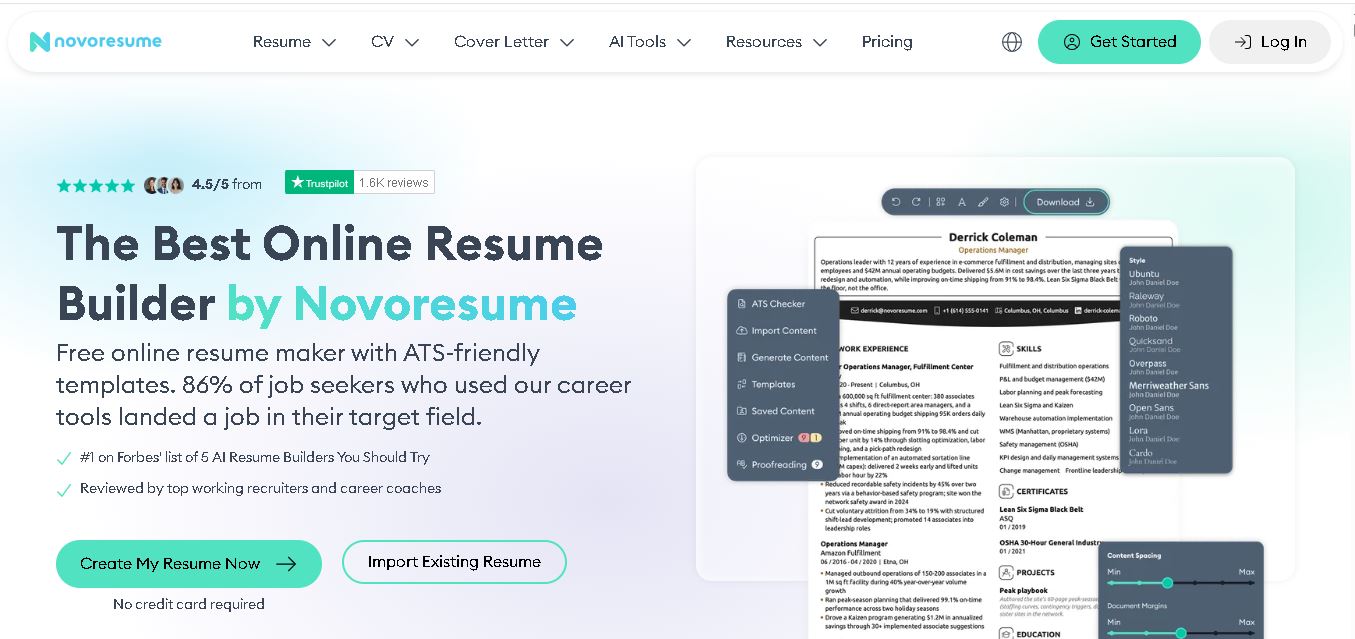
Novorésumé is an online resume and CV builder for creating professional, ATS-friendly job application documents. It offers free templates, premium customization, AI-assisted suggestions, cover letters, PDF downloads, and career tools. With multiple layouts and mobile browser support, it helps students, graduates, and experienced professionals build polished resumes efficiently today online.
 4.6
4.6Zety
Resume
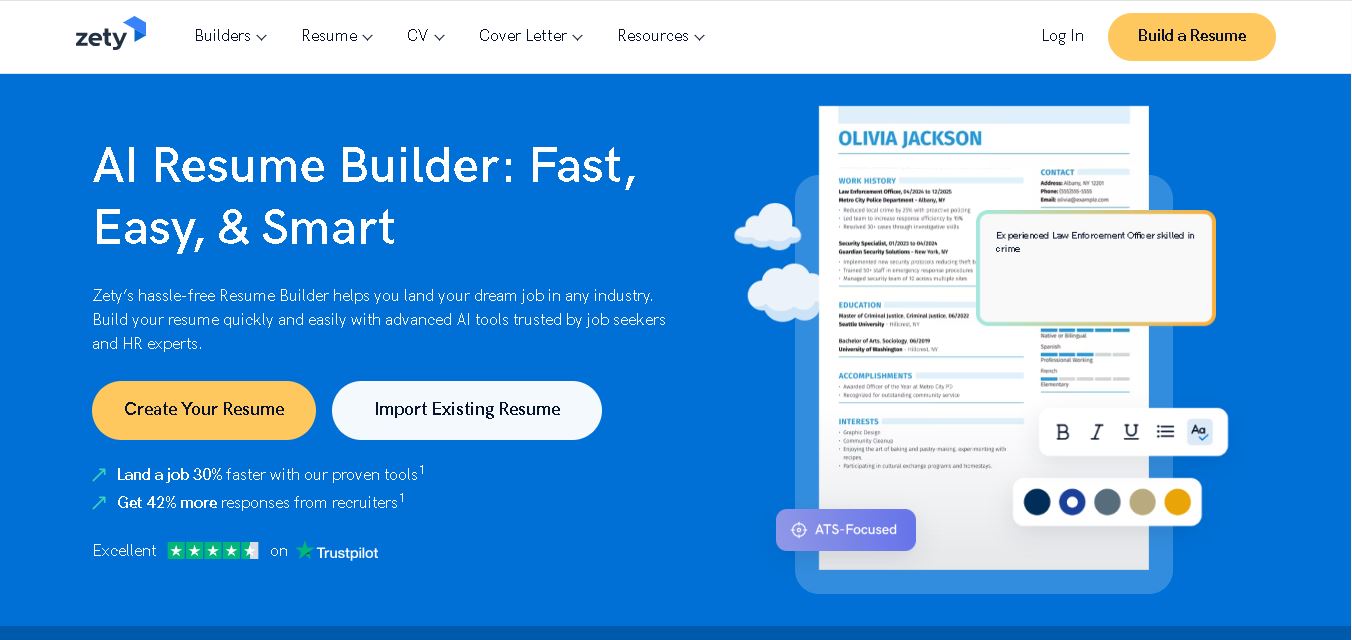
Zety is a career-building platform for creating resumes, CVs, and cover letters. It provides professionally designed templates, ready-made content suggestions, ATS-focused guidance, resume checking tools, and career advice. Users can customize their documents for different industries and experience levels, then download them in supported formats for job applications.
 4.4
4.4Resume.io
Resume
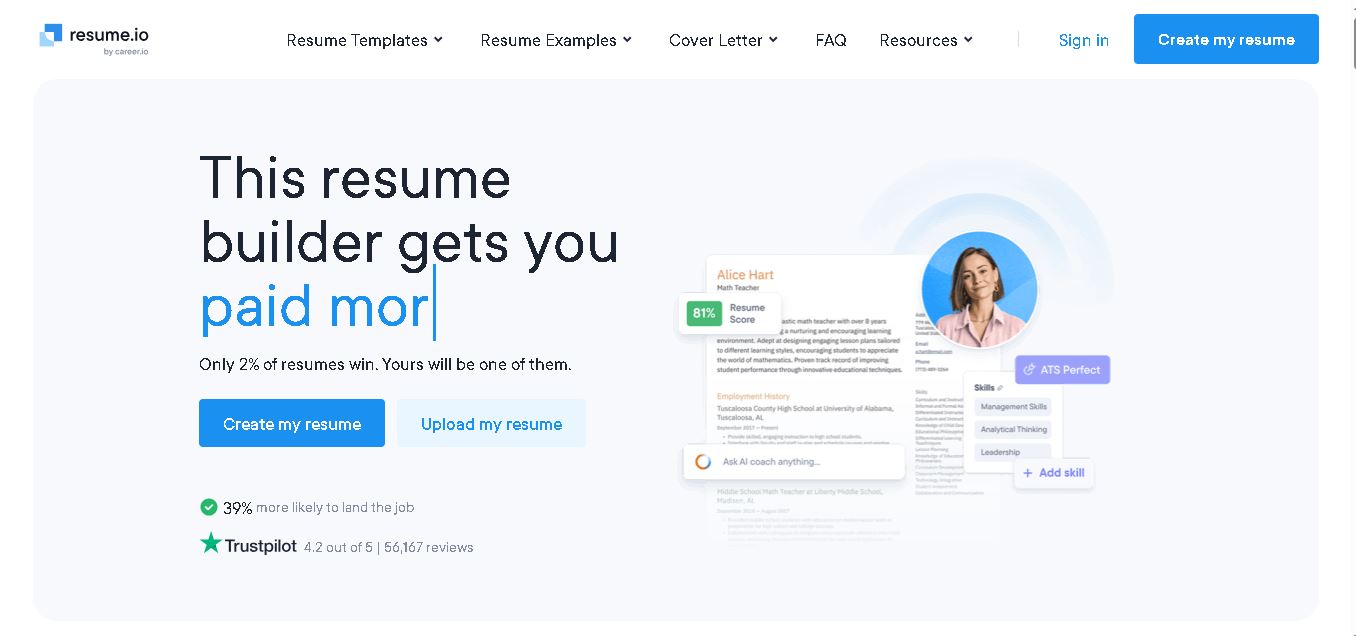
Resume.io helps job seekers build resumes and cover letters with guided editing, customizable templates, AI-assisted writing, and career resources. Users can start with examples or create documents from scratch, then tailor applications for different roles. Its free and premium options support different needs, from resume creation to broader job-search tools.
 4.9
4.9MatchBuilt
Resume
MatchBuilt is a specialized homebuilding executive search firm that connects residential builders with experienced leadership talent. It recruits executives and senior professionals across construction, land acquisition, sales, purchasing, finance, marketing, and operations. The company serves national, regional, private, luxury, custom, land-development, and build-to-rent organizations throughout the United States.
 4.8
4.8ResumeWriting.com
Resume
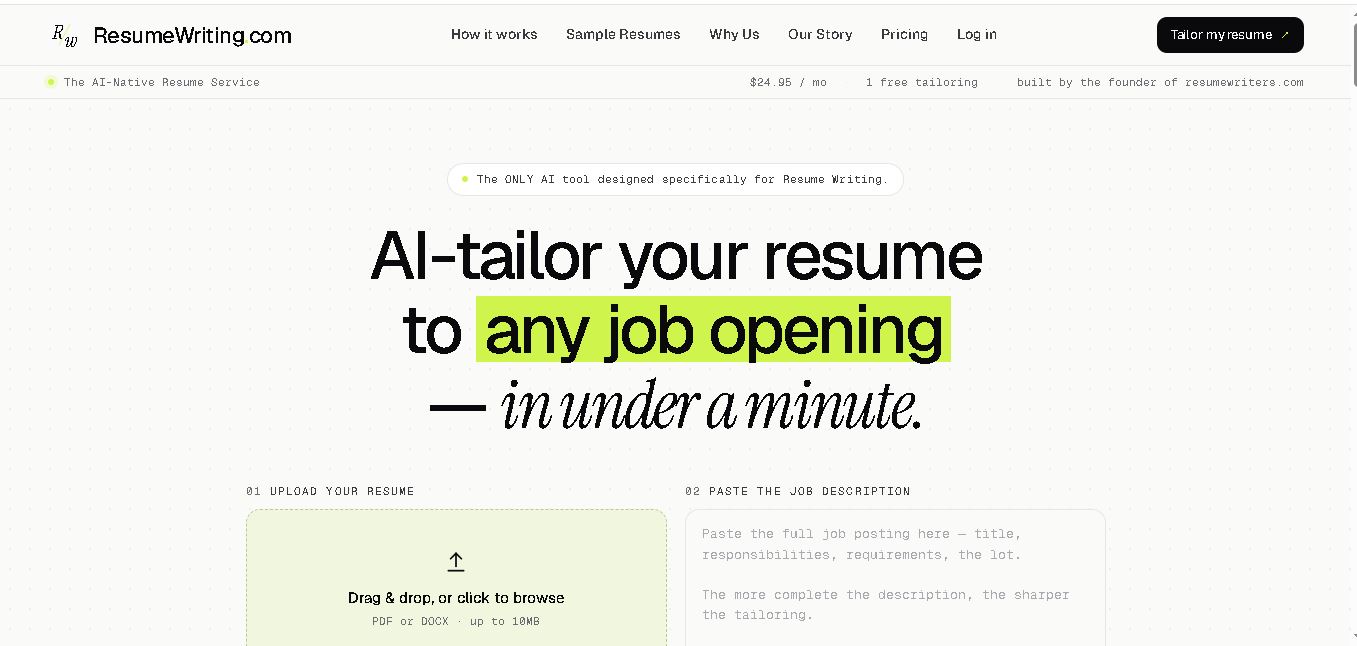
ResumeWriting.com helps job seekers tailor resumes to specific job descriptions in under a minute. Upload a resume, paste the role requirements, and receive rewritten bullets aligned with the opportunity. It offers a free lifetime tailoring, Core subscriptions, multiple templates, iterative rewrites, and PDF or DOCX exports designed for use.
 4.8
4.8PitchMe AI
Resume
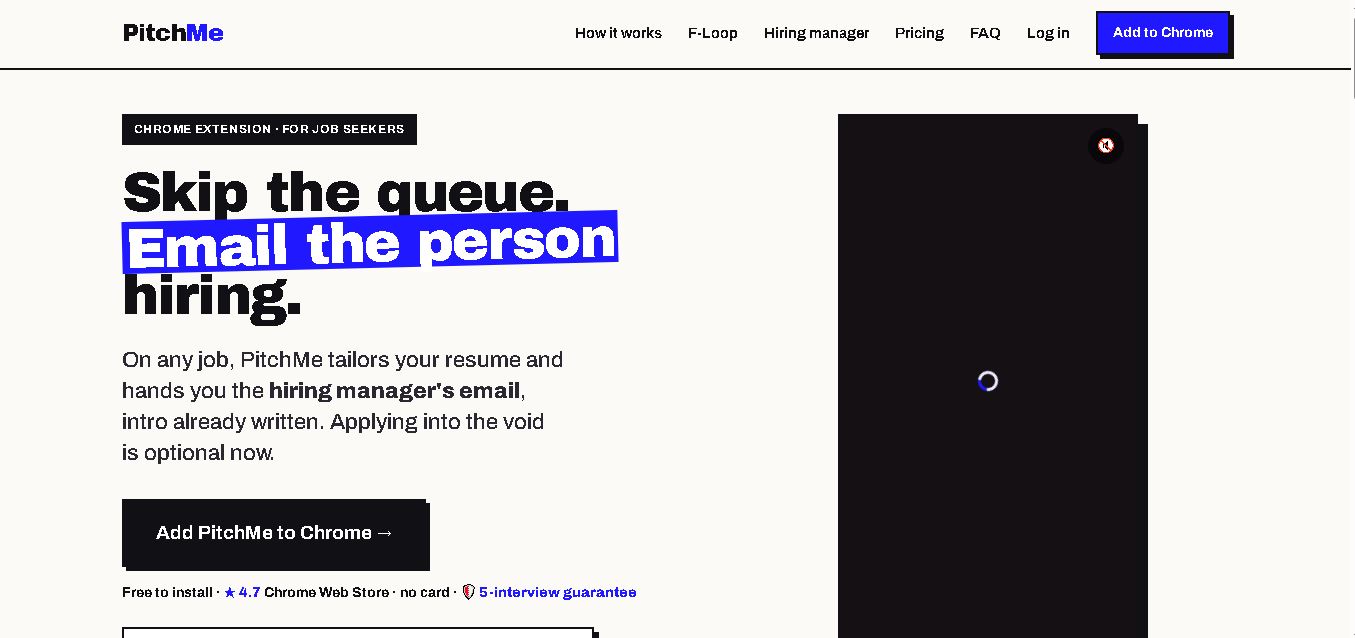
PitchMeAI helps job seekers personalize resumes, discover hiring managers, and prepare direct outreach for specific job openings. Its Chrome extension works across major job sites, while its broader workflow supports resume tailoring and application assistance. Users can start free, test the service, and upgrade to unlimited features when needed today.
 4.4
4.4Resume Now
Resume
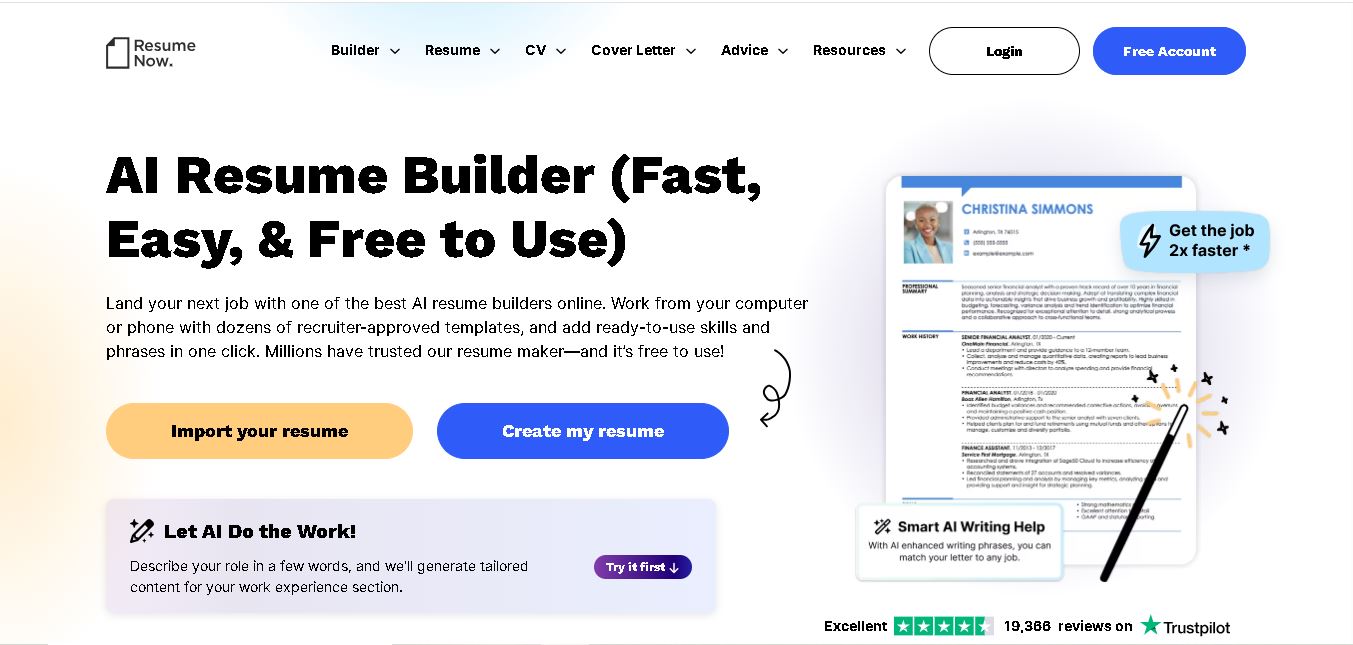
Resume Now is a resume and career-building platform for creating resumes, cover letters, job application materials. It provides customizable templates, AI-assisted writing suggestions, ATS-friendly designs, resume checking, career guidance, downloadable formats. Job seekers can build documents quickly while tailoring content to specific roles industries. It suits students, professionals, career changers, seekers.
 4.7
4.7VMock
Resume
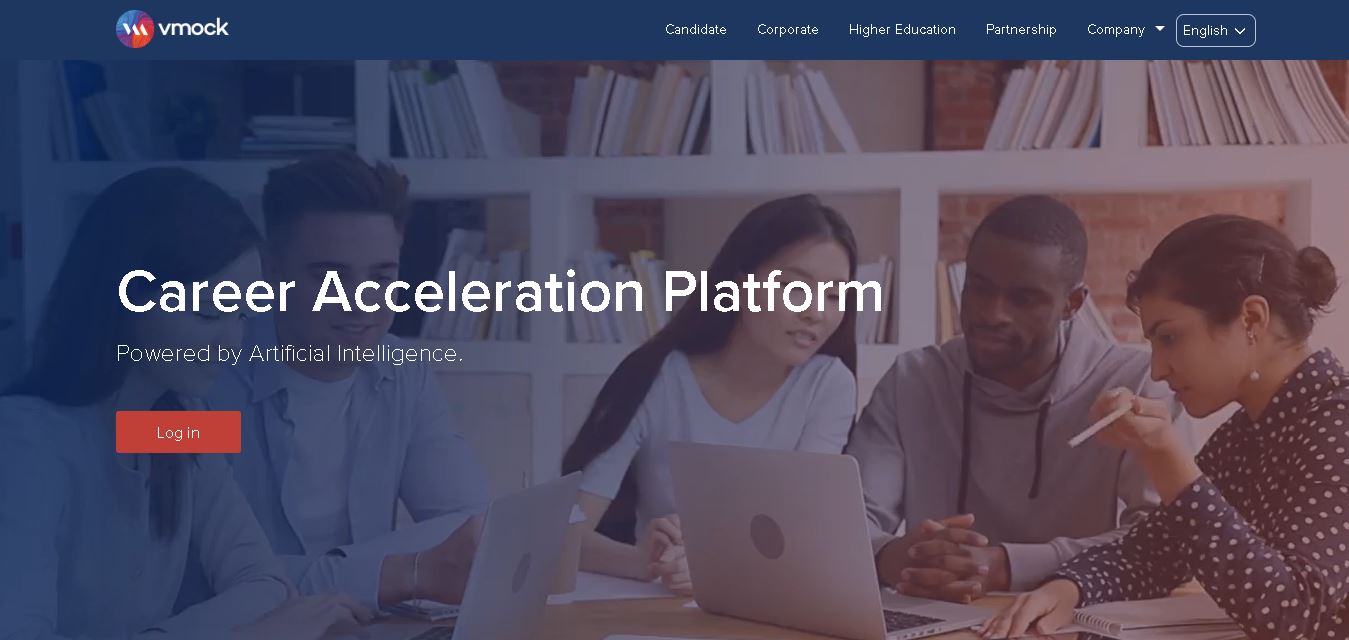
VMock helps students and job seekers improve resumes through automated, personalized feedback. Upload a resume to receive guidance on content, formatting, competencies, and presentation. The platform is designed to support career preparation by identifying areas for improvement and helping users refine application materials before sharing them with recruiters or employers.
 4.6
4.6Resumaker.ai
Resume
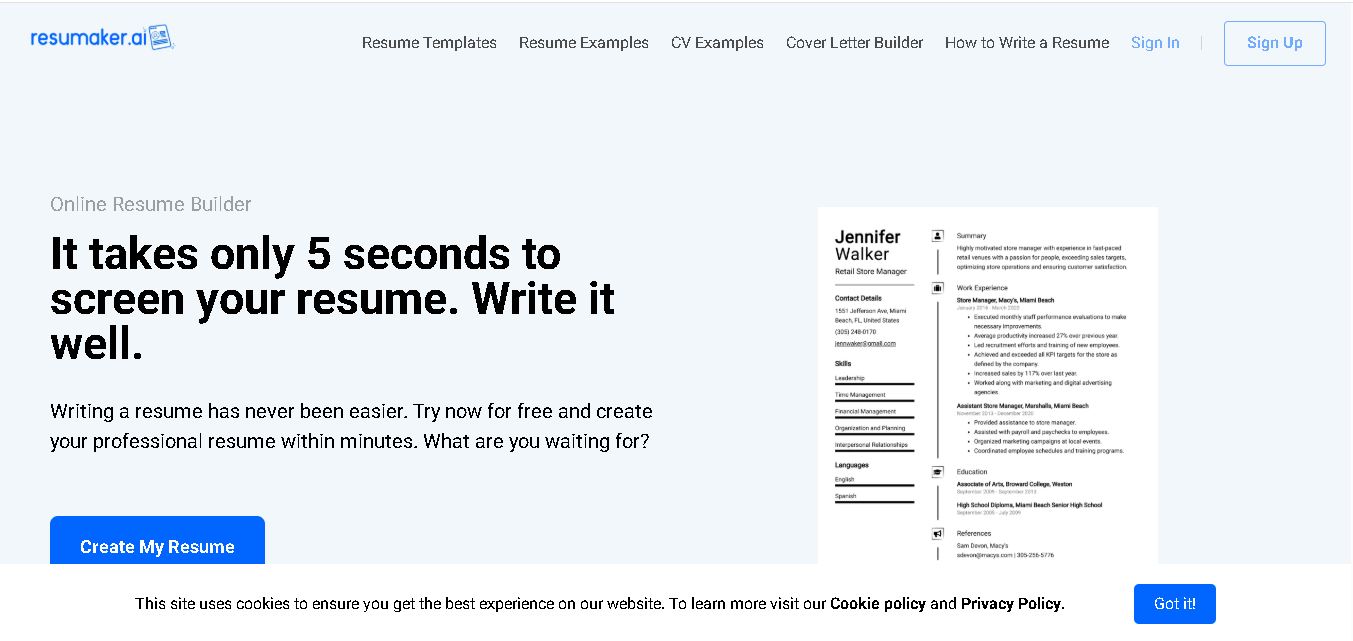
Resumaker.ai helps job seekers build professional resumes online with customizable templates, an AI engine, career guidance, spell checking, and cover-letter tools. Users can create, edit, and download application documents while choosing layouts designed for recruiter readability. It is useful for students, experienced professionals, career changers, and anyone updating their resume.