
Viggle AI
Viggle is an AI-powered tool that helps users create and edit videos.
What is Viggle AI?
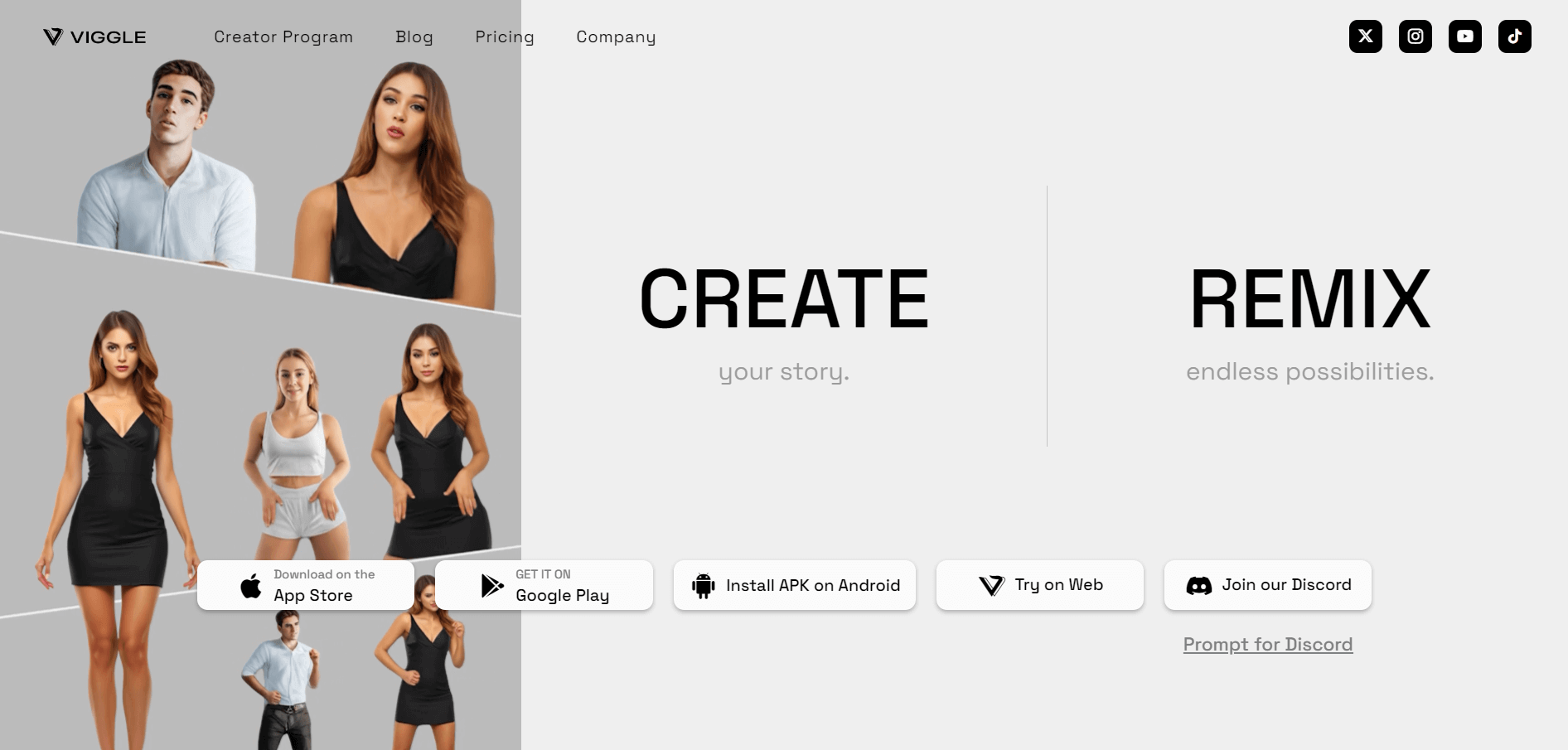
Viggle is an AI-powered video creation tool that allows users to create and edit videos easily and quickly. The tool offers the ability to mix characters into motion videos and animate the text description. The tool is used by content creators, marketers, businesses, and social media marketers to streamline the video creation process without requiring any advanced video editing knowledge.
Key Features
Viggle AI's key features are:
- Automated Video Editing: Viggle helps to automate the video editing process and minimize manual tasks like transition, effects, and trimming.
- User-Friendly Interface: The Viggle AI offers an easy and clean user interface and makes it accessible to users with no video editing experience.
- Customizable Templates: The AI tool offers a wide range of pre-build templates, and users can modify the templates according to their needs.
- Text-to-Video: With the Viggle AI tool users can convert written script into video content using AI-powered avatars.
- Multi-Platform Support: The tool supports various platforms, and users can export videos for use across websites, social media, and presentations.
Pricing
Viggle offers various pricing plans:
Free Plan:
- Users can create 10 videos daily
- The length of a video is 60 sec
Pro Plan:
- The plan starts at $9.99 per month
- Offers 80 video credits per month
- Can create 20-minute video at lightning speed
- Offers unlimited video generation in slow mode
- Users can remove the watermark
Disclaimer: For the latest and most accurate pricing information, please visit the official Viggle website.
Who is Using Viggle?
A diverse range of users and organizations utilize Viggle:
- Content Creators
- Marketers
- Businesses
- Educators
Viggle Video
Viggle Alternatives
Some of the alternatives are:
- Rapport
- Tapjoy
- Chartboost
- Vidyo
- Gemsouls
Conclusion
Viggle is an AI-powered video creation tool that uses AI to create and edit video content. The tool offers features like AI voiceovers, customizable templates, automated editing, text-to-video conversion, and many more. It simplifies the video content creation process for marketers, businesses, educators, video editors, and many more.
Also Check:
Frequently Asked Questions (FAQs)
Q: Is Viggle AI free?
A: Viggle AI offers both free and paid plans. The free plan offers limited features and tools. Paid plans offer advanced tools and features.
Q: Who can use Viggle AI?
A: Viggle AI is used by marketers, businesses, content creators, and anyone looking to create video content quickly.
User Reviews
No reviews yet for Viggle AI.
Featured Tools
Featured AI tools from TechShark

Kimi AI
Kimi AI is an advanced AI assistant developed by Moonshot AI that helps you chat, research, write, code, and automate tasks in one place. It supports web search, file analysis, and multimodal inputs, and can even run autonomous “agent” workflows to complete complex tasks end-to-end.
Freemium

Fashion Diffusion AI
Fashion Diffusion is an AI-powered fashion design platform that helps brands and designers create clothing designs, virtual try-ons, AI models, product photos, and marketing visuals faster and cost-effectively.
Paid

Veo 4
Veo 4 AI is an AI video creation platform that generates dramatic videos from text, images, audio, and video prompts using realistic motion and synchronized sound.
Paid
Happy Horse
HappyHorse AI is an AI-powered video generator that creates cinematic videos with synchronized audio from text, images, and prompts instantly.
Paid
Alternatives
Alternatives to Viggle AI
Viggle AI is a user-friendly video creation tool that transforms scripts into animated videos, offering templates, AI avatars, and automated editing.
 4.8
4.8Scenario
3D
Scenario is an AI-powered creative infrastructure and game asset generation platform that enables game developers, digital artists, and creative studios to train custom style-consistent AI models and produce 2D graphics, 3D meshes, textures, and video assets via web studio and production REST APIs.
 4.8
4.8Vimeo
Video Editing
Vimeo is a comprehensive cloud-based video hosting, streaming, and editing platform that offers ad-free playback, customizable video players, team collaboration workflows, AI-powered editing tools, and live event broadcasting.
 4.8
4.8Klap
Video Editing
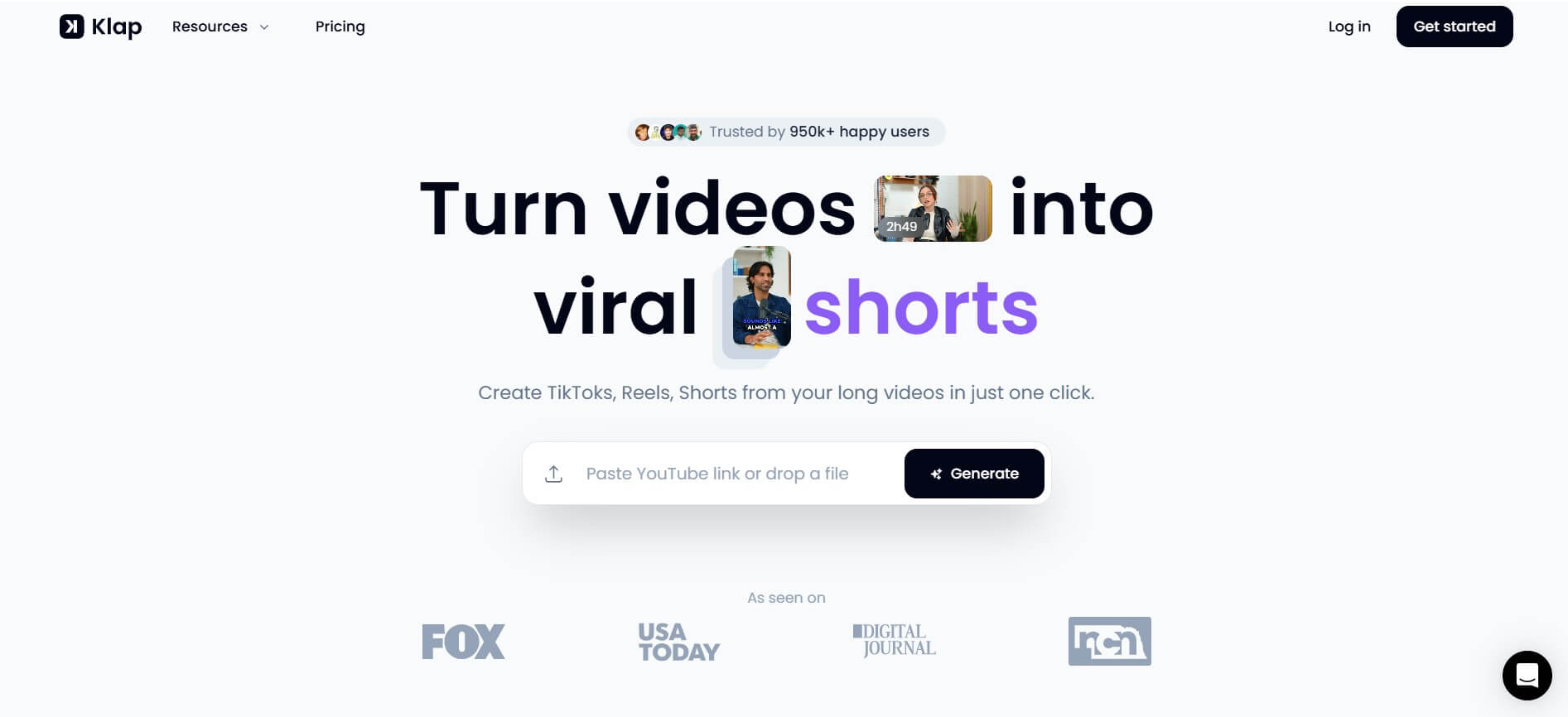
Klap is an AI-powered video repurposing and clipping platform that automatically extracts viral, ready-to-publish short clips from long-form videos like YouTube uploads, podcasts, and webinars with intelligent face-reframing and dynamic captions.
Burp
Video Editing
Burp is an AI-powered video and motion graphics editor that lets users generate, compose, and edit on-brand video assets, animations, and social content at scale using natural language chat commands.
Instories
Video Editing
Instories is an AI-powered design, photo, and video creation platform built for social media content creators, marketers, and small business owners to quickly produce Instagram stories, Reels, TikToks, and graphic assets.
CinLink
Video Editing
CinLink is an AI-powered desktop media workspace that enables users to create, edit, translate, dub, subtitle, and repurpose video, audio, and image files using natural-language instructions and multi-model AI coordination.
 4.3
4.3Crayo AI
Video Editing
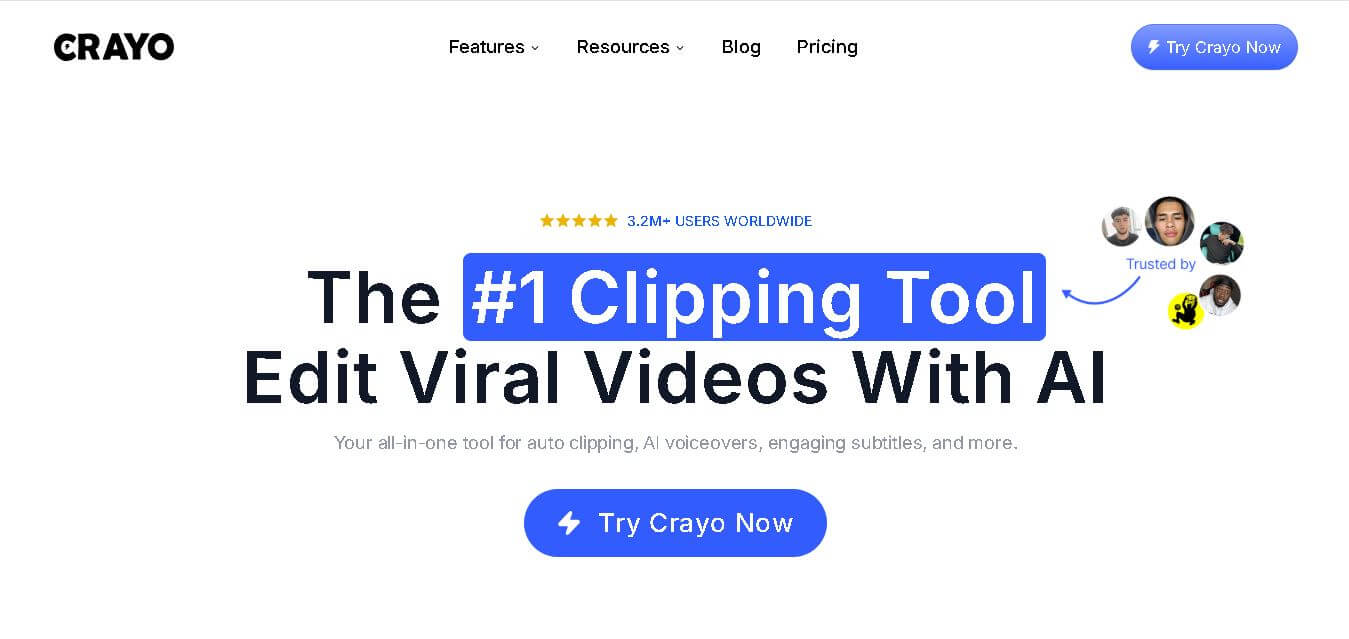
Crayo helps creators produce short-form videos faster by combining automatic clipping, subtitles, AI voiceovers, editing tools, and content-generation features. You can start with uploaded footage or supported social links, then customize the result for platforms such as TikTok, Instagram Reels, and YouTube Shorts. It is built for high-volume content workflows.
 4.9
4.9Kapwing
Video Editing
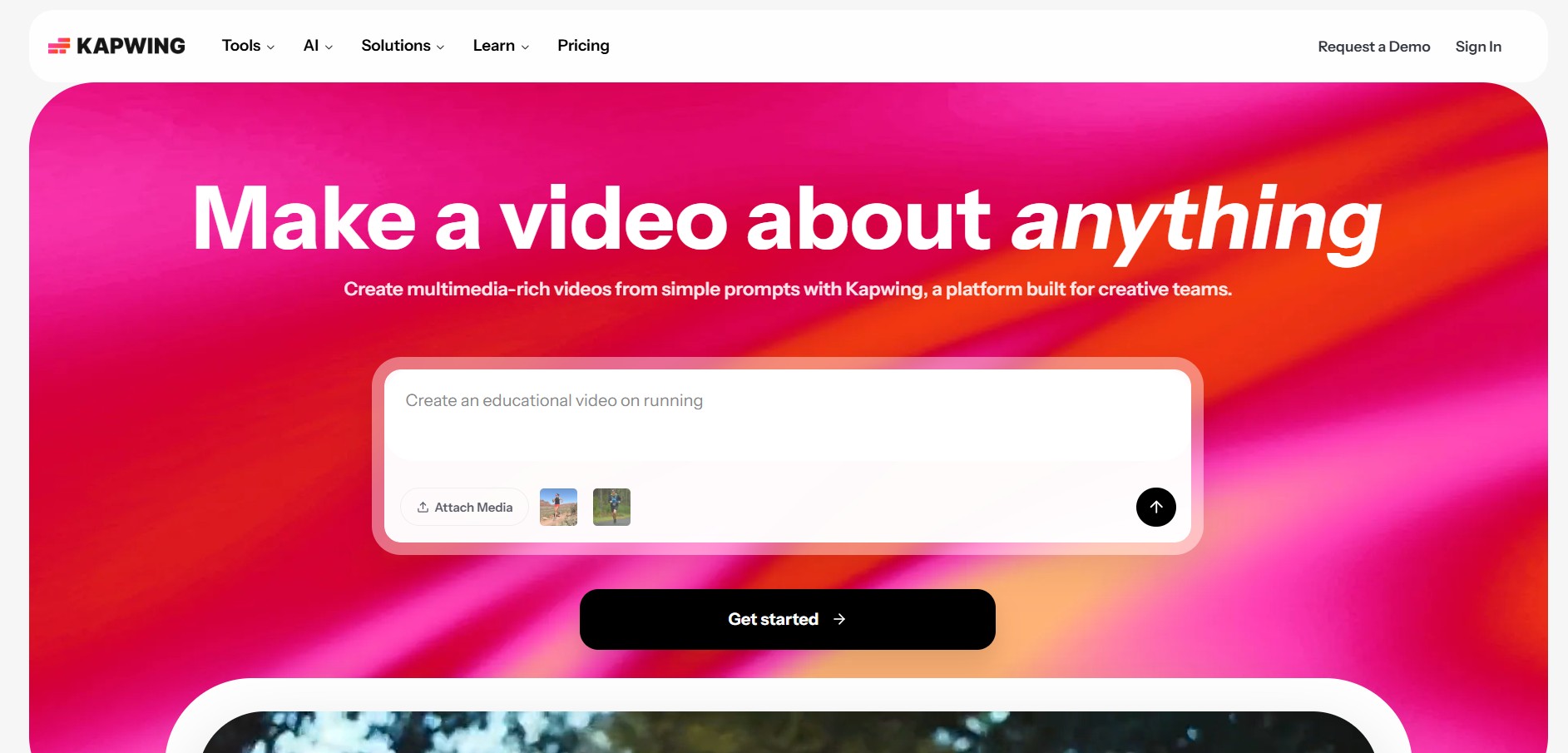
Kapwing is an online, AI-powered content creation platform that lets you create, edit, and repurpose videos, images, audio, and GIFs directly in your browser. It combines AI tools with a full editor for subtitles, resizing, voiceovers, and collaboration, helping creators produce content faster without downloads.
 4.7
4.7Subtitles.app
Video Editing
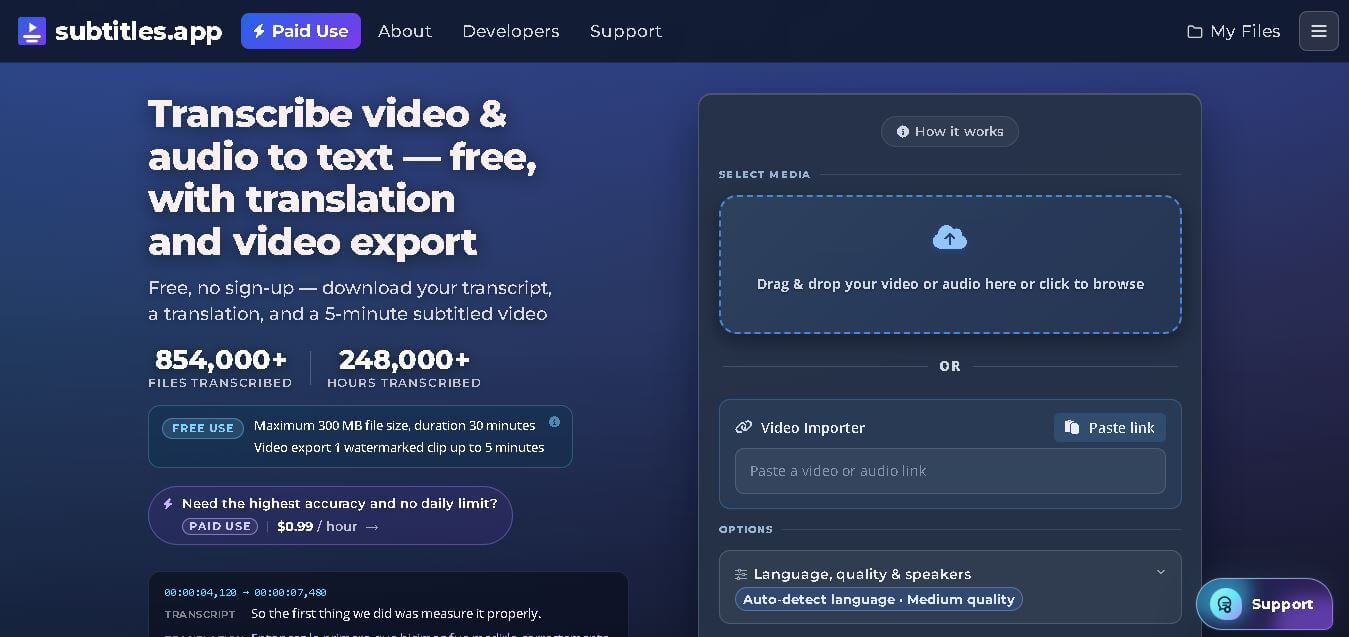
Subtitles.app is a web-based transcription and subtitle generation tool that converts audio and video into editable text and subtitle files. It supports multilingual translation, video exports with captions, and downloadable SRT, VTT, and TXT formats. The platform is designed for creators, educators, businesses, and professionals seeking fast, affordable subtitle creation.