
VibrantSnap
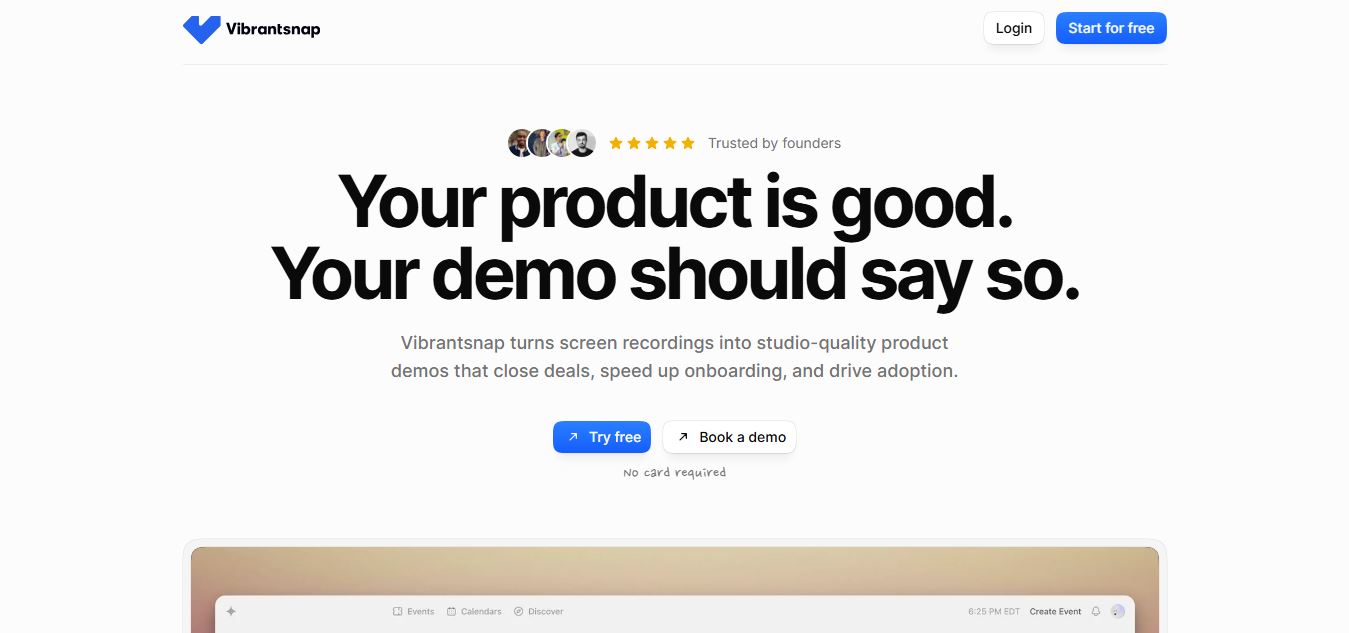
VibrantSnap is an AI-powered screen recorder and automatic video editor designed to turn browser recordings and product walkthroughs into polished, professional demos by removing silences, adding auto-zooms, and generating AI voiceovers.
What is VibrantSnap?
VibrantSnap is an AI-powered platform that helps users create and enhance visual content quickly and easily. It allows you to generate, edit, and improve images with minimal effort, making it useful for creators, marketers, and businesses. With a focus on speed and simplicity, VibrantSnap streamlines the design process and helps turn ideas into high-quality visuals without needing advanced editing skills.
Positioned around the concept of “Stop spending hours editing screen recordings,” VibrantSnap features an advanced AI engine that automatically edits raw captures. The platform handles magic silence removal, filler word cleanup, auto-zooms that follow cursor clicks and typing, professional AI voiceovers in 60+ languages, and auto-generated word-by-word captions. Operating on a free-to-record model with paid subscription tiers starting from $19 per month for exports, VibrantSnap streamlines demo creation.
- Platform Role: AI Screen Recorder, Automated Video Editor & Product Demo Suite
- Core Capabilities: Magic Cut Silence Removal, Cursor Auto-Zoom, AI Voiceovers, and Captions
- Ecosystem Accessibility: Chrome Browser Extension and Web Application Suite
Use Cases:
- Recording browser tabs and web app workflows instantly without cumbersome recording gear
- Transforming rough screencasts into polished, studio-quality product demos for marketing and sales
- Replacing awkward spoken narrations with natural, professional AI voiceovers across multiple languages
- Adding interactive call-to-action (CTA) overlays to convert viewers into trial signups or customers
- Tracking viewer engagement and drop-off points with built-in video analytics
Technology:
- Automated click and typing detection tracking user actions to place cinematic zoom movements dynamically
- Audio processing pipelines stripping background noise, dead air, and verbal filler words (“um,” “uh”)
- Multilingual neural text-to-speech engine generating studio-quality narration in over 60 languages
Target Users:
- SaaS founders and product marketers shipping software updates and demo videos rapidly
- Customer support teams creating quick walkthrough tutorials and bug reports
- Sales professionals recording personalized prospect outreach and feature walkthroughs
Acquisition: Independent AI video software platform (VibrantSnap / vibrantsnap.com)

What are the key features of VibrantSnap?
VibrantSnap's key platform features are
- AI Auto-Edit (Magic Cut): Automatically strips out dead silence, awkward pauses, and filler words from raw recordings.
- Action-Tracking Auto-Zoom: Follows your mouse clicks and typing with smooth, professional camera zooms.
- AI Voiceover Generation: Swap or enhance your narration with natural studio voices across 60+ languages.
- Auto-Generated Captions: Create clean subtitles that can be edited word by word.
- Interactive CTAs: Embed clickable call-to-action buttons directly inside videos to drive signups.
- Built-In Video Analytics: Track viewer engagement, drop-off rates, and interaction heatmaps.
- Chrome Extension Recording: Capture any browser tab instantly with webcam and microphone overlays.
How much does VibrantSnap cost?
VibrantSnap is free to record, edit, and preview, with paid subscription tiers required for high-resolution exports and sharing.
Pricing Plans:
- Free Recording & Editing ($0): Record, auto-edit, and preview unlimited videos with no credit card required.
- Starter Plan ($19 / month): Includes 1 hours of export per month in 1080p, plus AI voiceovers, auto-editing, and captions.
- Pro Plan ($49 / month): Popular tier; includes 5 hours of export per month, 1080p & 4K exports, video analytics, and no watermark.
- Scale Plan ($199 / month): Built for teams; includes unlimited monthly exports, brand kits, and custom support.
Disclaimer: All plans allow free recording and previewing; subscription fees apply only when exporting. For full updates, visit vibrantsnap.com/pricing.
Who should use VibrantSnap?
VibrantSnap is designed for software teams and creators, including
- Product teams and SaaS founders publishing feature walkthroughs and onboarding guides
- Marketing agencies producing polished client demos without learning complex video editing software
- Customer success teams recording rapid troubleshooting clips and video answers
What are the best alternatives to VibrantSnap?
Some of the strongest VibrantSnap alternatives include
- FocuSee
- Screen Studio
- Tella
- Clueso
- Skydive
What are the pros and cons of VibrantSnap?
What are the pros of VibrantSnap?
- Eliminates hours of manual keyframing and trimming by auto-adding zooms and cutting silences
- Free-to-record model lets you test the complete AI editing workflow before paying for exports
- Professional AI voiceovers and multilingual caption generation built right into the platform
- Built-in CTAs and analytics turn basic walkthroughs into conversion tools
What are the cons of VibrantSnap?
- Free tier does not allow video exports without subscribing to a paid plan
- Focused primarily on browser and screen recordings rather than general cinematic video editing
Why should you choose VibrantSnap?
Traditional video editors like Premiere Pro or Final Cut are built for filmmakers, forcing teams to spend hours manually cutting footage, adding zooms, and fixing audio. VibrantSnap automates the entire process so you can ship professional product demos in minutes.
- Cut editing time by 90% with AI-driven silence removal and auto-zooms
- Create flawless voiceovers using natural neural speech models
- Track how viewers interact with your demos using built-in analytics
- Record directly from your browser with zero learning curve
How does VibrantSnap compare to competitors?
The main difference between VibrantSnap, Screen Studio, and FocuSee lies in automated AI voiceovers, silence cutting, and conversion-focused CTAs. While Screen Studio and FocuSee focus heavily on gorgeous desktop window framing and manual zoom aesthetics, VibrantSnap functions as an end-to-end AI demo assistant that automatically strips out filler words, replaces your voice with neural TTS, tracks clicks for cinematic zooms, and embeds clickable conversion CTAs.
| Feature / Platform | VibrantSnap | Screen Studio | FocuSee | Tella |
|---|---|---|---|---|
|
Core Focus |
AI Screen Recorder & Auto-Demo Editor |
Professional Screen Recording & Zoom Framing |
Auto-Zoom Screen Recording & Polish |
Creative Video Recording & Layouts |
|
AI Voiceover & TTS |
Yes (60+ natural studio voices) |
No |
Limited |
No |
|
Silence & Filler Word Removal |
Yes (Magic Cut automated cleanup) |
Manual trimming |
Manual controls |
Manual trimming |
|
Starting Price |
Free to record / Exports from $19/mo |
Paid license (~$89+ one-time) |
Free + Paid from $19.99/mo |
Free tier / Paid from $19/mo |
|
Best For |
Fast SaaS product demos with AI voiceovers |
Stunning aesthetic macOS screen recordings |
Auto-zoomed tutorials and walkthroughs |
Camera and screen layout styling |
How do we rate VibrantSnap?
| Parameter | Rating (out of 5) |
|---|---|
|
AI Auto-Editing & Silence Removal |
4.9 |
|
Cursor Tracking & Auto-Zoom Quality |
4.8 |
|
AI Voiceover & Caption Integration |
4.9 |
|
Browser Extension Ease of Use |
4.8 |
|
Value for Money |
4.7 |
|
Overall Score |
4.82 |
What is our review and verdict on VibrantSnap?
VibrantSnap provides a highly efficient solution for teams that need to create professional product demos without spending hours in traditional video editors. By automating silence removal, cursor zooming, AI voiceovers, and captions directly from browser recordings, it removes the technical friction of content creation. While exporting requires a paid subscription starting at $19/month, VibrantSnap delivers immense time savings for founders and marketers.
Conclusion
VibrantSnap transforms casual screen recordings into polished, conversion-ready product demos in minutes. With its robust AI editing suite, natural voice generators, and seamless browser extension, VibrantSnap equips modern teams with everything needed to showcase their software effectively.
FAQ
What is VibrantSnap and what does it actually do?
VibrantSnap is an AI-powered screen recording and video creation tool that turns raw recordings into polished, studio-quality product demos. Instead of manually editing videos, you simply record your screen and the AI automatically cleans, edits, and enhances the footage so you can quickly create professional demos, tutorials, or sales videos.
How is VibrantSnap different from traditional video editing tools?
Traditional tools like Premiere Pro or Final Cut require manual cutting, zooming, and editing, which can take hours. VibrantSnap automates this entire process by removing silence, adding zooms, generating captions, and improving audio automatically, allowing users to go from recording to a finished video in minutes instead of hours.
How does VibrantSnap’s AI auto-editing work?
After you record your screen, VibrantSnap’s AI analyzes the video and applies multiple enhancements such as removing filler words, trimming pauses, adding smooth zooms based on cursor activity, generating captions, and even replacing your voice with a professional AI voiceover if needed. This creates a clean, structured video without manual editing.
What types of videos can you create with VibrantSnap?
VibrantSnap is optimized for creating product demos, onboarding tutorials, feature walkthroughs, sales videos, bug reports, and support content. It’s especially useful for SaaS teams and startups that need to explain products clearly and quickly through engaging video content.
Do you need video editing skills to use VibrantSnap?
No, VibrantSnap is designed for non-editors and beginners. You just record your screen and speak naturally, and the AI handles editing, voice polishing, captions, and visual enhancements, making it accessible for founders, marketers, and support teams without technical expertise.
Does VibrantSnap include analytics and conversion features?
Yes, VibrantSnap includes built-in analytics that track views, watch time, and drop-off points. It also allows you to add call-to-action buttons inside videos, helping businesses understand engagement and convert viewers into users or customers directly from the video.
Is VibrantSnap free and how does pricing work?
VibrantSnap offers a free plan where users can record and use AI editing features without a credit card. Paid plans are required for exporting videos without watermarks and unlocking higher-quality exports (like 4K), analytics, and extended usage limits, making it scalable for individuals and teams.
User Reviews
No reviews yet for VibrantSnap.
Featured Tools
Featured AI tools from TechShark

Melody Genie
MelodyGenie is an AI-powered music generator that creates original songs from simple text prompts. Users can choose styles, moods, and genres, then instantly generate melodies and full tracks, making it easy for creators, marketers, and hobbyists to produce custom music without musical expertise.
Freemium

Kimi AI
Kimi AI is an advanced AI assistant developed by Moonshot AI that helps you chat, research, write, code, and automate tasks in one place. It supports web search, file analysis, and multimodal inputs, and can even run autonomous “agent” workflows to complete complex tasks end-to-end.
Freemium

Fashion Diffusion AI
Fashion Diffusion is an AI-powered fashion design platform that helps brands and designers create clothing designs, virtual try-ons, AI models, product photos, and marketing visuals faster and cost-effectively.
Paid

Veo 4
Veo 4 AI is an AI video creation platform that generates dramatic videos from text, images, audio, and video prompts using realistic motion and synchronized sound.
Paid
Alternatives
Alternatives to VibrantSnap
The best VibrantSnap alternatives include FocuSee, Screen Studio, Tella, Clueso, and <a href="https://techshark.io/tools/skydive/" target="_blank">Skydive</a>. These screen recording and video polishing platforms capture software walkthroughs. While VibrantSnap specializes in automated AI editing that removes silence and filler words, tracks cursor clicks for smooth auto-zooms, generates neural AI voiceovers, and embeds conversion CTAs, alternatives like Screen Studio focus primarily on manual aesthetic window framing and desktop presentation styling.
 4.7
4.7B2B Rocket
Sales
B2B Rocket is an AI-powered sales automation tool that helps businesses find prospects, generate B2B leads, personalize outreach, and automate follow-ups. It combines AI sales agents, contact data, and multichannel communication to help sales teams save time, engage potential customers, and build a stronger pipeline.
 4.8
4.8Adease
Marketing
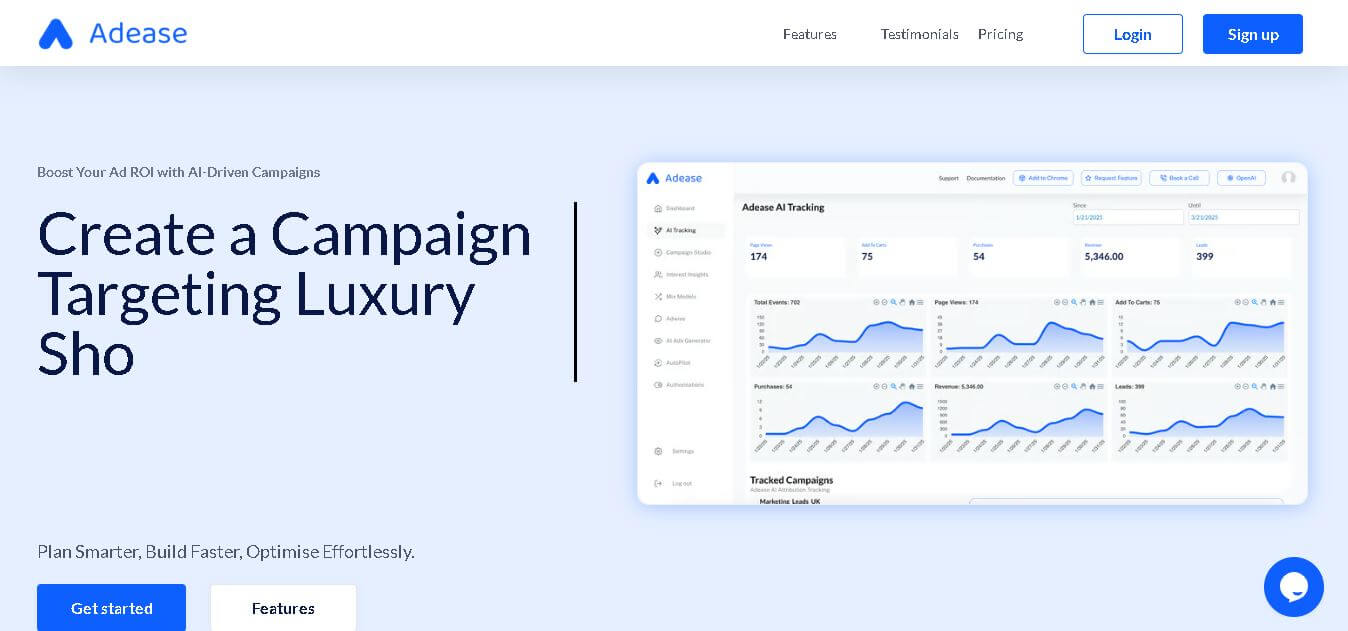
Adease is an AI advertising management tool that helps marketers analyze campaigns, optimize budgets, and manage multiple advertising accounts through natural-language conversations. Powered by Anthropic’s Claude models, it supports five major advertising platforms, provides actionable recommendations, and requires human approval before applying campaign changes, helping teams maintain control over advertising decisions.
 4.8
4.8Typeface
Marketing
Typeface helps enterprise marketing and creative teams produce, personalize, optimize, and distribute on-brand content with connected AI agents. It supports campaigns, images, video, email, webpages, advertising, SEO, and AEO workflows while keeping brand guidelines and approved assets in context. Teams can automate repetitive production tasks and scale content across channels, audiences, and markets.
 4.9
4.9HubSpot
Marketing
HubSpot is an AI-powered customer platform that helps businesses manage marketing, sales, customer service, and content in one place. It offers a free CRM, automation tools, analytics, and AI features, enabling teams to attract leads, close deals, and deliver better customer experiences at scale.
 4.9
4.9Clay
Marketing
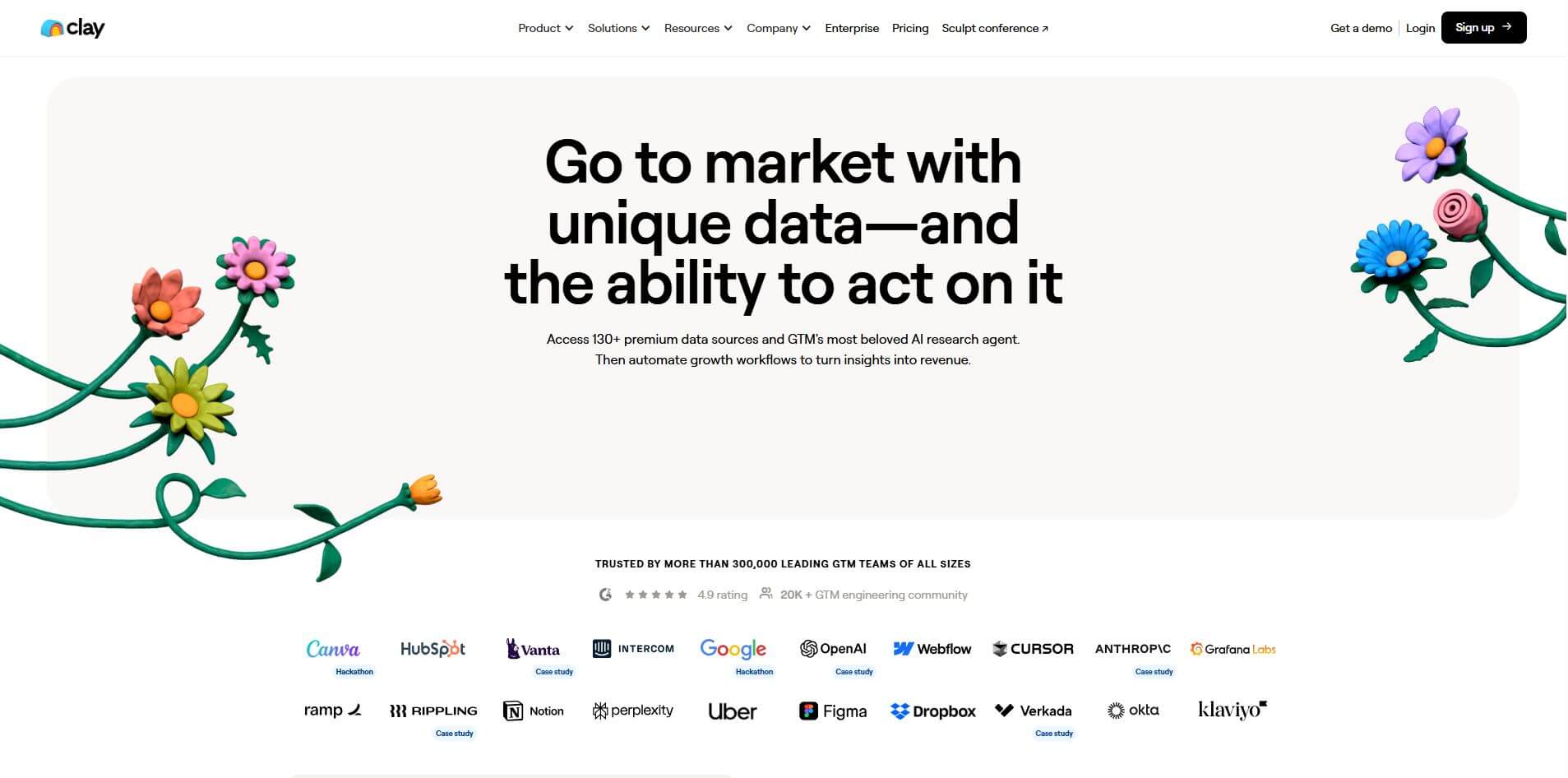
Clay is an AI-powered go-to-market platform that helps teams find, enrich, and convert leads using data and automation. It combines 170+ data sources with AI agents to research prospects, qualify accounts, and generate personalized outreach, enabling faster pipeline growth and more efficient sales workflows.
 4.4
4.4Terminus
Marketing
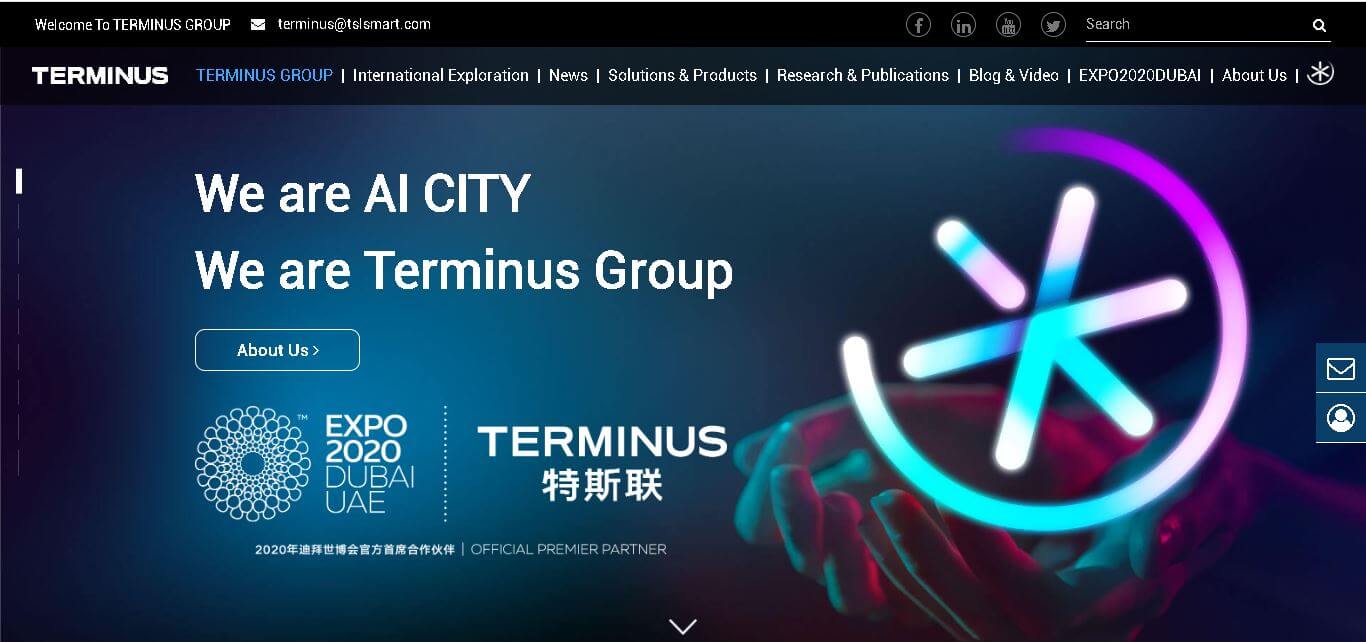
Terminus Group delivers AIoT, robotics, edge computing, and spatial intelligence solutions for connected buildings, communities, parks, and cities. Founded in 2015, it combines smart devices, digital platforms, and intelligent infrastructure to support urban digitalization, operational management, and sustainable development. Its AI CITY vision focuses on interconnected urban environments globally effectively.
 4.8
4.8Okara AI
Marketing
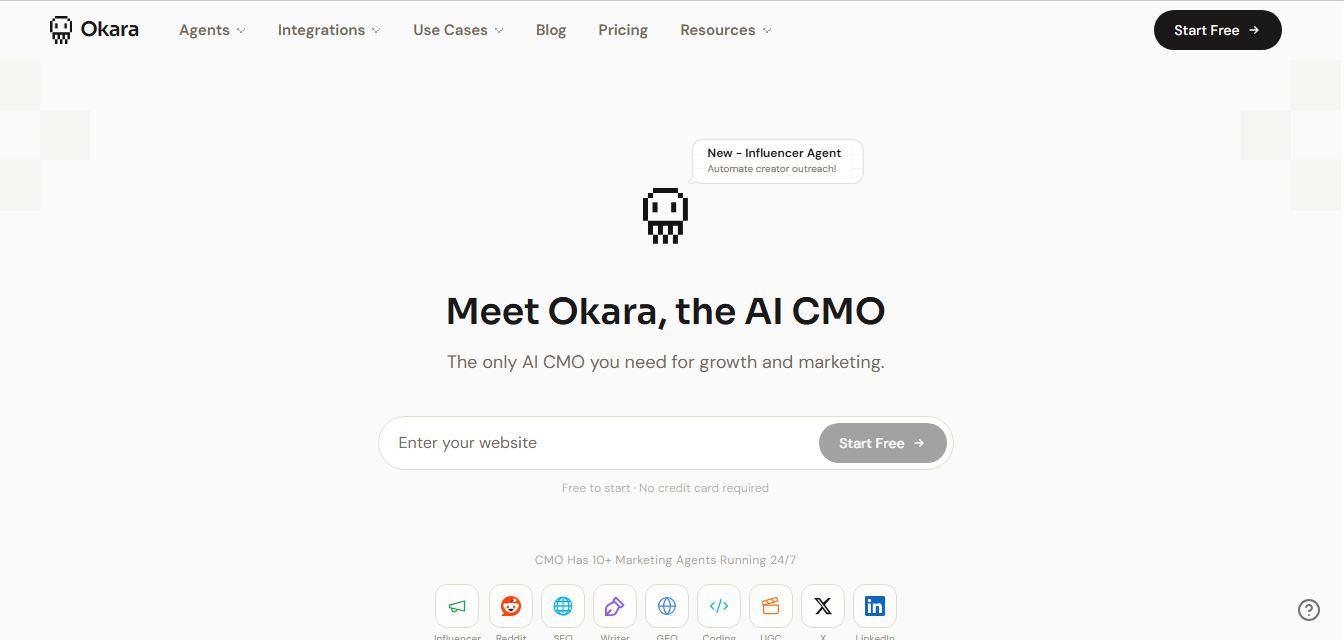
Okara is an AI-powered marketing automation platform that acts as a virtual CMO, running SEO, content, and social media through multiple AI agents. It analyzes your website, finds growth opportunities, and creates and publishes content across channels, helping businesses drive traffic and users without a full marketing team.
 4.9
4.9Statable
Marketing
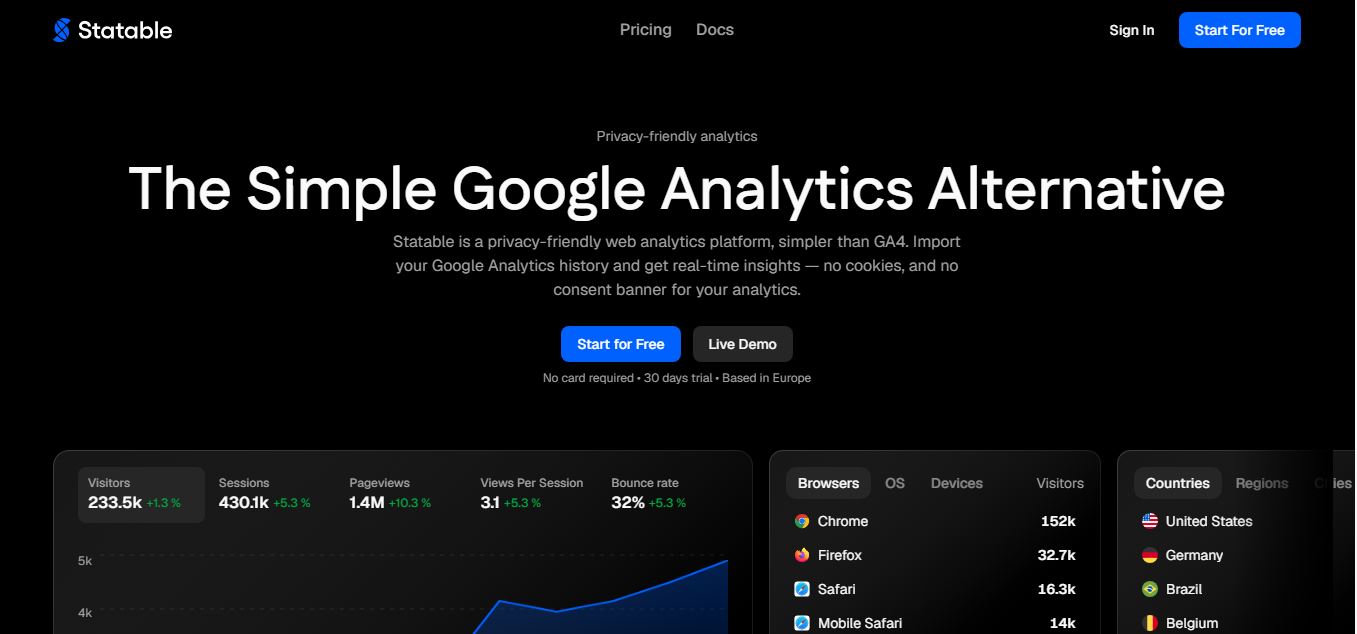
Statable is an AI-powered analytics platform that helps businesses track performance, understand data, and make smarter decisions. It turns complex data into clear insights, dashboards, and reports, enabling teams to monitor growth, optimize strategies, and improve outcomes without needing advanced data skills.
 4.8
4.8Jasper AI
Marketing
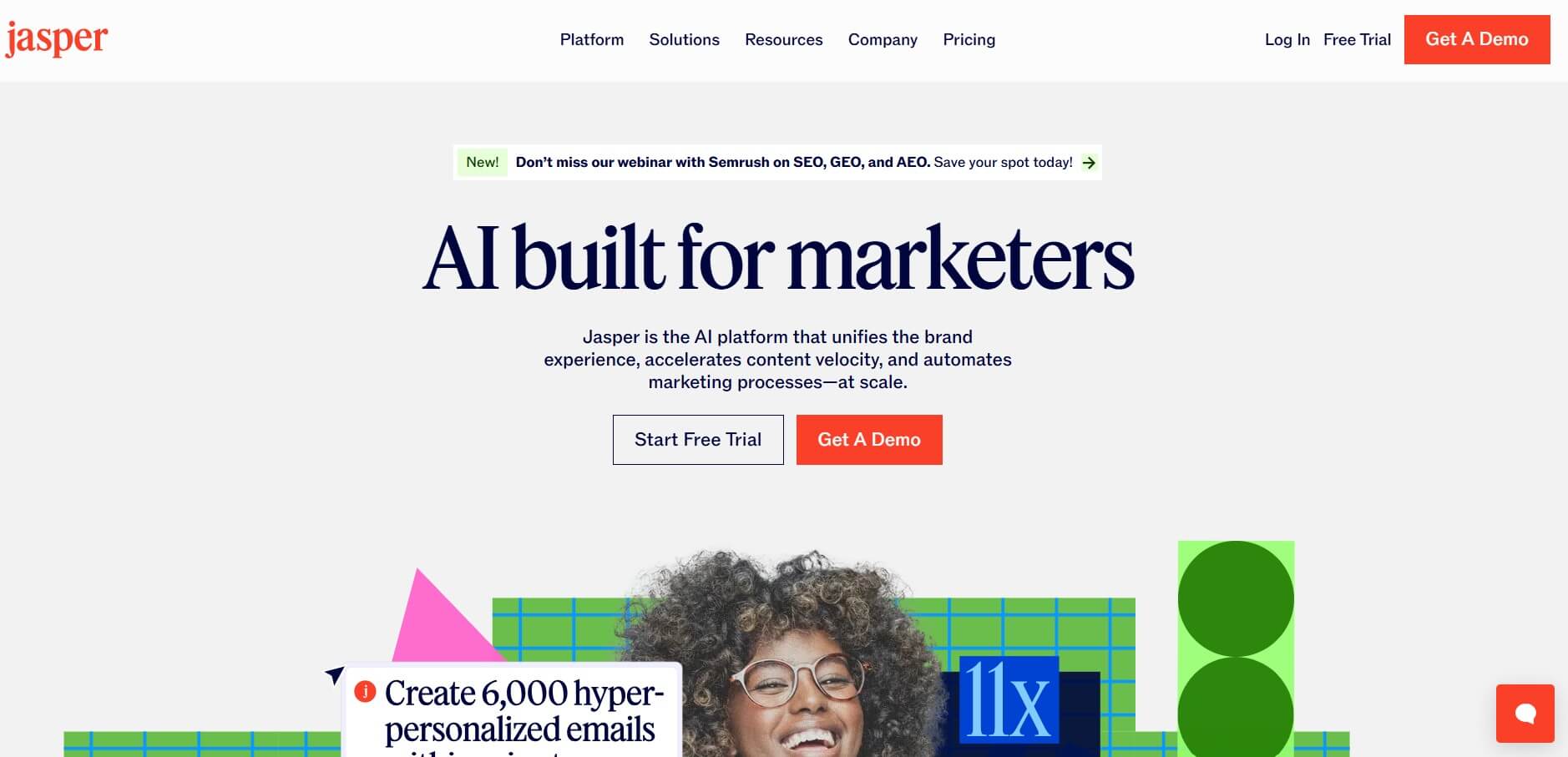
Jasper is an AI-powered content creation platform that helps businesses generate marketing copy, blog posts, emails, and brand messaging at scale. It offers templates, brand voice control, and collaboration features, making it easier for teams to produce consistent, high-quality content quickly.