
TubeBuddy
TubeBuddy is a YouTube growth and SEO tool that helps creators research keywords, optimize video metadata, analyze competitors, and manage channel workflows. It offers thumbnail analysis, title suggestions, A/B testing, and performance insights. With free and paid options, TubeBuddy supports creators seeking better discoverability, efficient publishing, and data-informed content strategies.
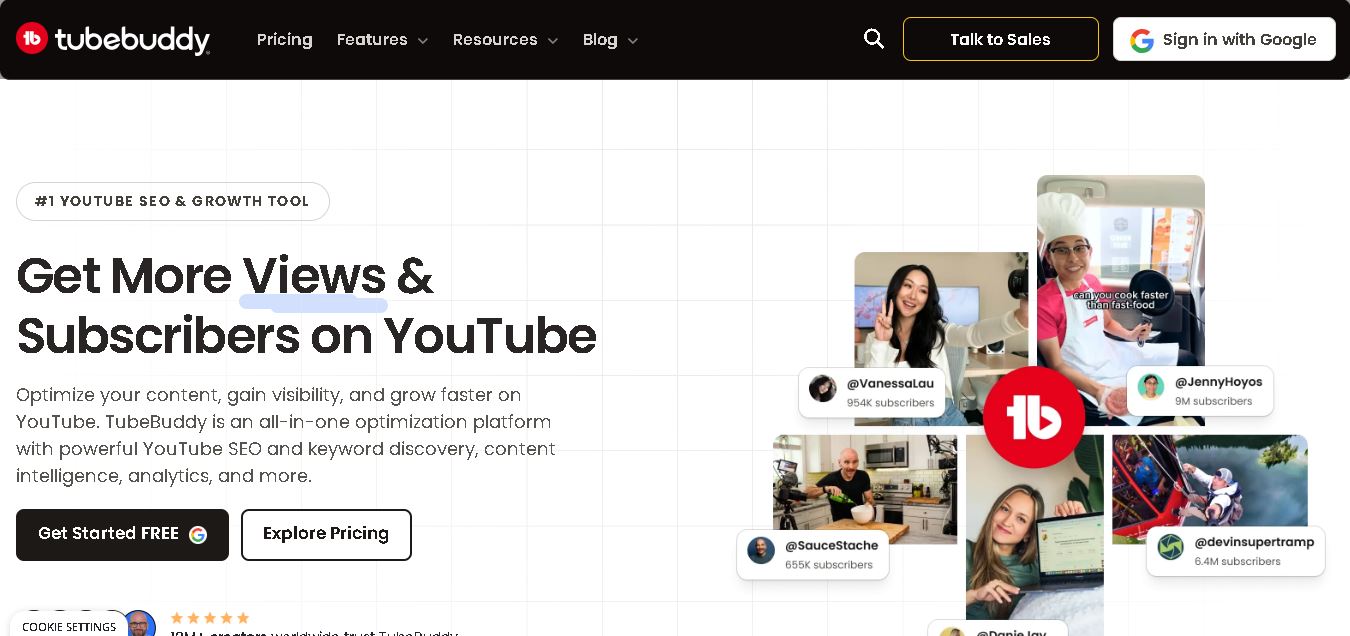
What is TubeBuddy?
TubeBuddy is a YouTube optimization tool that helps creators research keywords, improve video metadata, analyze channel performance, and manage publishing tasks. Available through a browser extension and online dashboard, it provides tools for thumbnail analysis, title optimization, competitor research, and content planning. TubeBuddy is designed for beginners, established YouTubers, and marketing teams who want to make informed decisions, streamline their workflows, and improve their videos' discoverability.
TubeBuddy offers YouTube SEO, keyword research, video optimization, analytics, and channel management tools. The company states that more than 10 million creators have used its platform, while its website highlights over 65 features covering optimization, bulk editing, and audience insights. Users can access a free plan, with paid options providing additional capabilities. Its main tools include Keyword Explorer, SEO Studio, Thumbnail Analyzer, title generators, and A/B testing. TubeBuddy supports Chrome, Firefox, and Edge browsers, helping creators manage essential YouTube tasks efficiently.
- Core Focus: YouTube Video SEO, Keyword Research, Thumbnail A/B Testing, Bulk Processing & AI Channel Strategy
- Platform Type: Browser Extension & Web-Based YouTube Growth SaaS Suite
Use Cases:
- Finding high-volume, low-competition target search keywords using Keyword Explorer and SEO Studio
- Split-testing video titles and thumbnail variations (A/B testing) to maximize organic Click-Through Rates (CTR)
- Performing bulk end-screen, card, description, and link updates across entire video libraries
- Leveraging AI agents to generate video topics, script outlines, optimized titles, and Midjourney thumbnail prompts
Technology:
- Official YouTube API integration displaying real-time video analytics, search ranks, and channel metrics
- Inline browser extension injection engine seamlessly embedding diagnostic overlays inside YouTube Studio
- Generative AI agent system and predictive machine learning models for thumbnail CTR analysis and title generation
Target Users:
- YouTube Creators, Vloggers, and Shorts Producers
- YouTube Automation Channels, Faceless Video Operators, and Media Buying Teams
- Digital Agencies, MCNs, Corporate Video Teams, and Brand Growth Consultants
- Content creators using writing tools to draft video scripts, SEO briefs, and software reviews
Corporate Entity: TubeBuddy (Part of BENlabs Group / Global SaaS Platform)

Key features of TubeBuddy
TubeBuddy's key features are
- Keyword Explorer & SEO Studio: Research target keyword search volumes, competition scores, and step-by-step video metadata checklists.
- Thumbnail & Title A/B Testing: Test two thumbnail or title variations head-to-head to determine which drives higher CTR.
- Bulk Processing Utilities: Bulk find-and-replace text in descriptions, update end screens, and add cards across hundreds of videos at once.
- TubeBuddy AI Agents: Access specialized AI persona agents for topic brainstorming, title generation, script assistance, and thumbnail design briefs.
- Videolytics & Search Explorer: View competitor channel tags, search ranking placements, and historical views directly on YouTube search feeds.
- Upload Checklist & Best Practice Audits: Ensure every upload complies with YouTube metadata standards, resolution guidelines, and engagement hooks.
TubeBuddy Pricing
TubeBuddy offers a free plan alongside tiered monthly and annual subscriptions charged per YouTube channel. Discounts are available for channels with under 1,000 subscribers.
Plan Structure:
- Free Plan ($0/mo): Basic videolytics, 1 channel access, limited keyword research, and comment management tools
- Pro Plan (~$3.60–$12/mo): Full Keyword Explorer, SEO Studio checklist, search rank tracking, and upload best practice audits
- Legend Plan (~$23–$27/mo): Includes all Pro features plus Thumbnail A/B testing, bulk processing tools, retention analyzer, and unlimited AI access
- Enterprise Tier: Custom volume pricing for agencies, multi-channel networks (MCNs), and enterprise media brand portfolios
Disclaimer: Plan pricing rates, annual billing discounts, and feature access are updated periodically. Visit tubebuddy.com/pricing for current tier structures.
Who is using TubeBuddy?
TubeBuddy is designed for creators, agencies, and brands, including
- YouTube Creators & Vloggers: Optimizing video search rankings and improving thumbnail click-through rates
- Channel Automation Teams & MCNs: Managing bulk metadata changes across large libraries of uploaded videos
- Growth Agencies & Consultants: Performing channel audits and competitor keyword analysis for enterprise clients
- Content Creators: Using writing tools to draft video scripts, SEO copy, and software reviews
Best TubeBuddy Alternatives
Some of the top TubeBuddy alternatives include
- vidIQ
- 1of10
- Social Blade
- Vrew
- InVideo AI
- Ahrefs YouTube Keyword Tool
Pros and Cons of TubeBuddy
Pros
- Integrates seamlessly directly inside native YouTube Studio and search pages
- Extensive bulk editing tools save hours when updating large video back-catalogs
- Dedicated thumbnail A/B testing allows empirical verification of CTR improvements
- Pro plan offers one of the lowest entry prices among paid YouTube creator tools
Cons
- Key features like A/B split-testing and bulk processing require the higher Legend plan
- Browser extension can occasionally add weight or lag to YouTube Studio rendering speeds
- Keyword search volume scores provide directional estimates rather than exact figures
Why Choose TubeBuddy?
TubeBuddy is the top choice for YouTube creators, automation teams, and digital agencies seeking an extension-based growth platform that combines keyword SEO research, bulk channel editing, thumbnail A/B testing, and AI creative agents inside YouTube Studio.
- Features Thumbnail & Title A/B testing to optimize viewer Click-Through Rates
- Includes bulk find-and-replace, card, and end-screen library editing tools
- Offers specialized AI Agent assistants for content strategy and thumbnail design
TubeBuddy vs. Competitors
The main difference between TubeBuddy, vidIQ, and 1of10 is that TubeBuddy excels at inline browser productivity, bulk back-catalog editing, and live thumbnail A/B testing, whereas vidIQ focuses heavily on AI competitor tracking and daily idea prompts, and 1of10 specializes in outlier viral video research. TubeBuddy stands out for its bulk processing and browser integration depth.
| Feature / Tool | TubeBuddy (tubebuddy.com) | vidIQ | 1of10 | Social Blade |
|---|---|---|---|---|
| Core Focus | YouTube Channel Optimization, Bulk Tools & A/B Testing | AI YouTube Keyword Research & Competitor Tracking | Outlier Viral YouTube Topic & Thumbnail Research | Social Analytics & Public Channel Statistics |
| Thumbnail A/B Testing | Yes (Built-in on Legend Tier) | Yes (Paid Tiers) | No | No |
| Bulk Catalog Editing | Yes (Advanced Bulk Cards, End Screens & Text) | Limited | No | No |
| Target Audience | Creators, Channel Operators & Growth Agencies | Creators, Solopreneurs & Growth Marketers | Professional Creators & Thumbnail Designers | Analysts, Marketers & General Public |
| Starting Price | Free Plan / ~$3.60–$12/mo (Pro) | Free Tier / ~$7.50–$10/mo | ~$29/mo | Free Tier / ~$3.99/mo |
| Best For | Creators wanting inline YouTube Studio optimization, bulk channel editing, and thumbnail split-testing | Creators needing AI daily video idea prompts, competitor tracking, and search optimization | Creators wanting to discover viral outlier concepts across niches before producing content | Users tracking macro statistics, estimated earnings, and subscriber subscriber growth ranks |
How do we rate TubeBuddy?
| Parameter | Rating (out of 5) |
|---|---|
| YouTube Studio Extension Integration | 4.9 |
| Keyword Explorer & SEO Tools | 4.8 |
| Bulk Processing & Channel Productivity | 4.9 |
| Thumbnail A/B Testing Accuracy | 4.8 |
| Value for Money | 4.8 |
| Overall Score | 4.84 |
TubeBuddy Review
TubeBuddy is an essential, highly practical browser extension that streamlines the YouTube publishing process. By embedding keyword research, bulk back-catalog editing, thumbnail A/B testing, and AI creative agents directly into YouTube Studio, TubeBuddy saves creators and channel managers countless hours of manual effort. For YouTube creators, automation channels, and growth agencies looking to optimize CTR and search rankings in 2026, TubeBuddy comes highly recommended.
Conclusion
TubeBuddy is a valuable option for YouTubers who want to improve their SEO, streamline video management, and make smarter content decisions. Its keyword research, thumbnail analysis, A/B testing, and analytics tools support creators at different stages of growth. The free plan provides a starting point, while paid subscriptions offer additional capabilities. For the best results, combine TubeBuddy's recommendations with original content, audience research, and regular performance reviews rather than relying on optimization tools alone.
FAQ
How can TubeBuddy help you grow your YouTube channel?
TubeBuddy helps you discover relevant keywords, optimize video titles and descriptions, analyze competitors, and identify content opportunities. If you are starting a channel, these tools can guide your publishing strategy. For established creators, bulk editing and analytics can save time. However, consistent growth still depends on valuable content and audience engagement.
Is TubeBuddy free to use?
Yes, TubeBuddy offers a free plan with selected keyword research, SEO, and thumbnail tools. You can explore its basic features before deciding whether a paid subscription suits your needs. Paid plans unlock additional capabilities, including more advanced optimization and analytics. Check the official pricing page for current inclusions and eligibility.
Can TubeBuddy improve YouTube SEO?
Yes, TubeBuddy supports YouTube SEO through keyword discovery, tag suggestions, title optimization, and description analysis. Its SEO Studio provides recommendations to help improve video metadata before publishing. These tools can make your videos more relevant to search queries. However, rankings are not guaranteed because competition, viewer satisfaction, and content quality also matter.
What is TubeBuddy Keyword Explorer?
TubeBuddy Keyword Explorer helps you evaluate search terms and discover topics relevant to your channel. You can investigate keyword demand and competition before deciding what video to create. This is especially useful when planning content around specific audience interests. Combine keyword research with your own expertise to create useful, differentiated videos.
Can TubeBuddy help you optimize video thumbnails?
Yes, TubeBuddy offers thumbnail analysis and testing tools to help you evaluate visual appeal and compare creative options. These features can support decisions about images, composition, and presentation. You can use the findings to improve your thumbnail strategy and measure results. Remember, compelling thumbnails should accurately represent your video content and audience expectations.
Does TubeBuddy support A/B testing?
Yes, TubeBuddy offers A/B testing for eligible videos and supported elements, helping you compare variations and understand which performs better. Depending on the test, you may evaluate thumbnails, titles, or other available options. Results require sufficient data and time. Use one meaningful change at a time when possible to understand what influences performance.
User Reviews
No reviews yet for TubeBuddy.
Featured Tools
Featured AI tools from TechShark
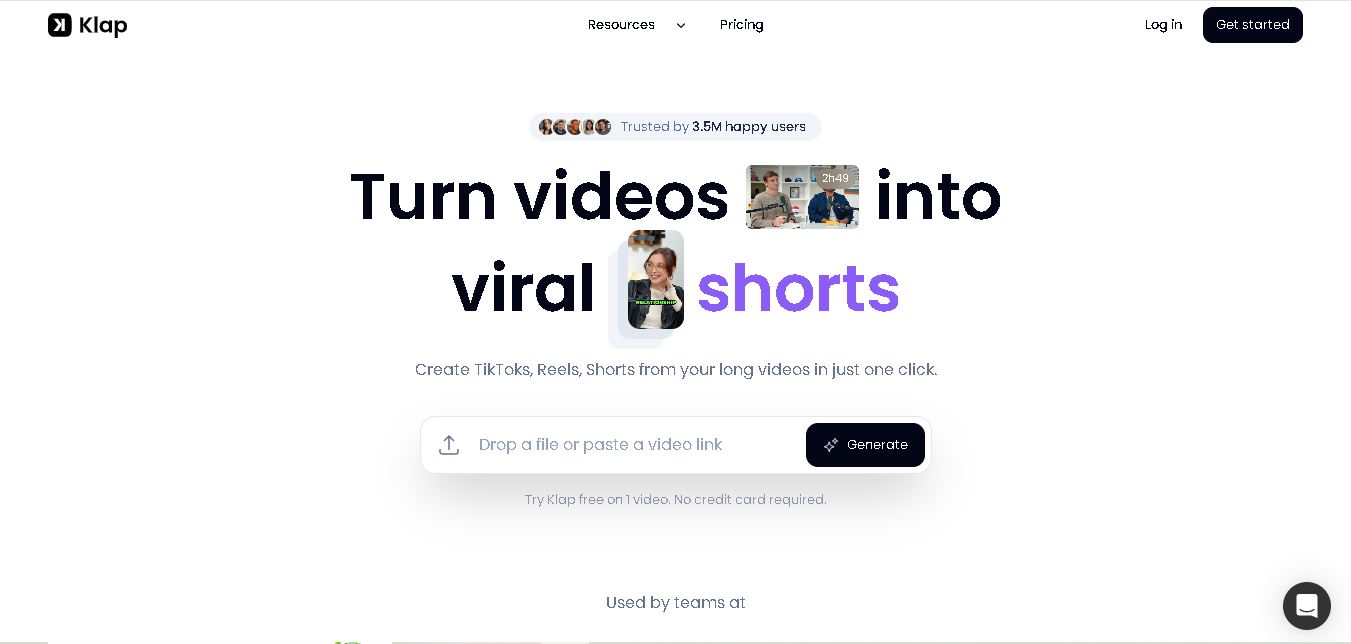
Klap
Klap is an AI-powered video editing tool that turns long videos into engaging short clips for TikTok, Instagram Reels, and YouTube Shorts. It automatically finds the best moments, adds captions, and resizes videos, helping creators save time and create more content with less effort.
Free
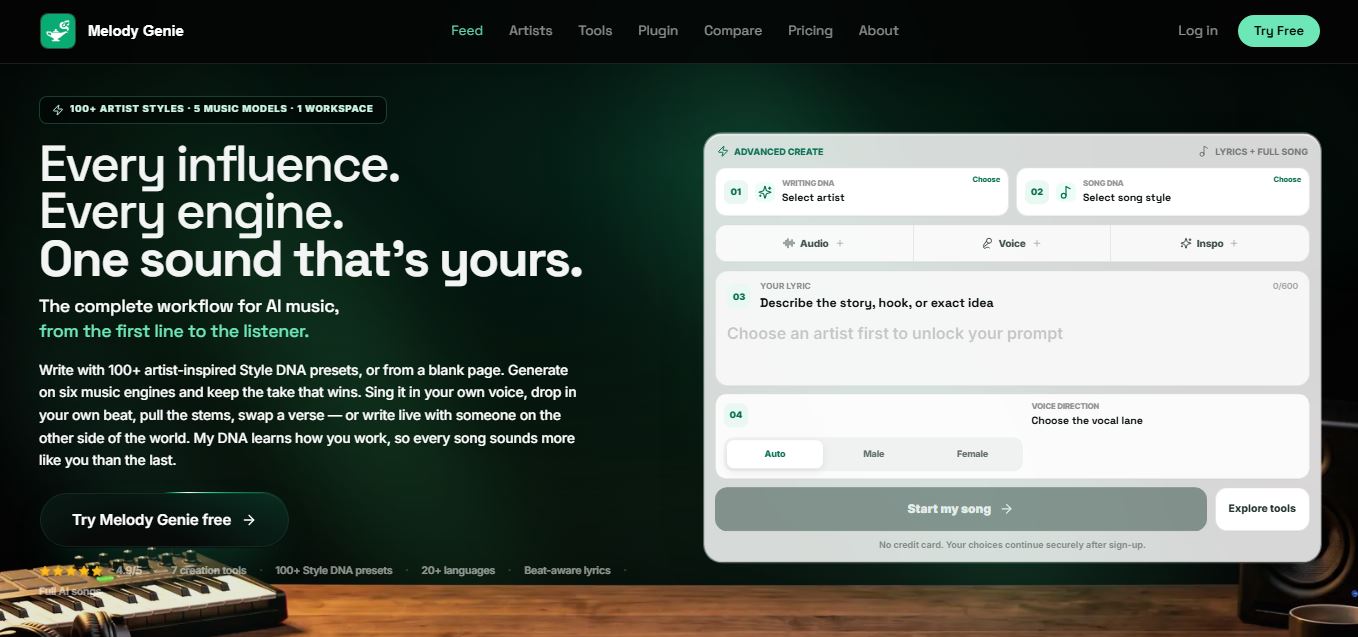
Melody Genie
MelodyGenie is an AI-powered music generator that creates original songs from simple text prompts. Users can choose styles, moods, and genres, then instantly generate melodies and full tracks, making it easy for creators, marketers, and hobbyists to produce custom music without musical expertise.
Freemium
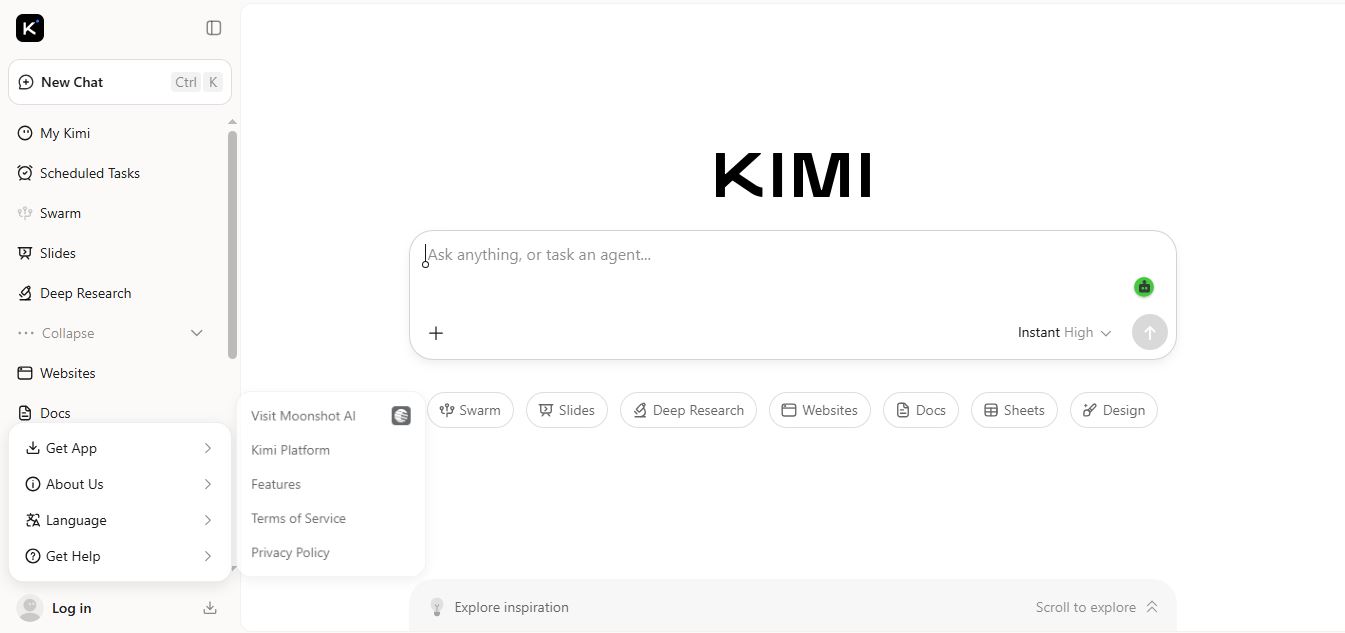
Kimi AI
Kimi AI is an advanced AI assistant developed by Moonshot AI that helps you chat, research, write, code, and automate tasks in one place. It supports web search, file analysis, and multimodal inputs, and can even run autonomous “agent” workflows to complete complex tasks end-to-end.
Freemium

Fashion Diffusion AI
Fashion Diffusion is an AI-powered fashion design platform that helps brands and designers create clothing designs, virtual try-ons, AI models, product photos, and marketing visuals faster and cost-effectively.
Paid
Alternatives
Alternatives to TubeBuddy
The best TubeBuddy alternatives include vidIQ, 1of10, Social Blade, Vrew, InVideo AI, and Ahrefs YouTube Keyword Tool. These platforms offer YouTube analytics and SEO optimization tools. While TubeBuddy uniquely excels at inline browser integration, bulk back-catalog editing, and thumbnail A/B testing, alternatives like vidIQ focus heavily on daily AI video prompts.
4.8Klap
Social Media
Klap is an AI-powered video editing tool that turns long videos into engaging short clips for TikTok, Instagram Reels, and YouTube Shorts. It automatically finds the best moments, adds captions, and resizes videos, helping creators save time and create more content with less effort.
 4.7
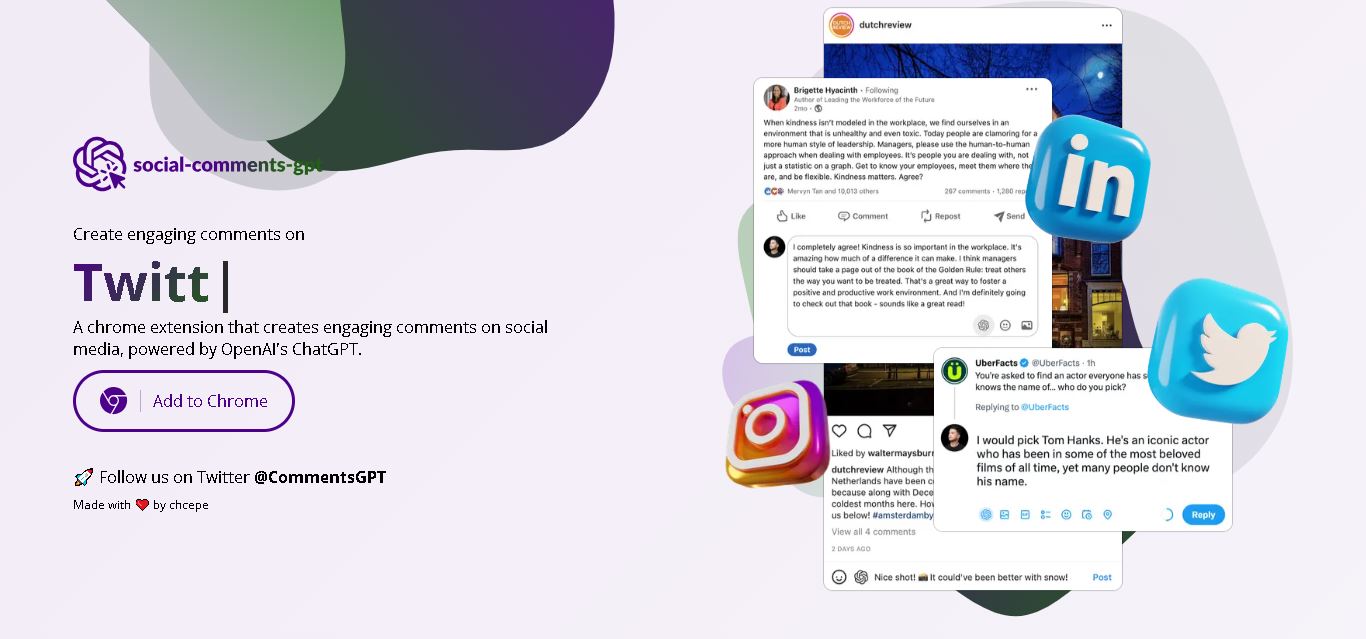
Social Comments GPT
Social Media
Social Comments GPT helps users draft engaging social media comments with ChatGPT through a Chrome extension. It is useful for professionals, influencers, creators, and marketers who want to respond to posts more efficiently. By generating comment suggestions within supported social networks, it simplifies everyday engagement while leaving users in control of their final replies.
 4.7
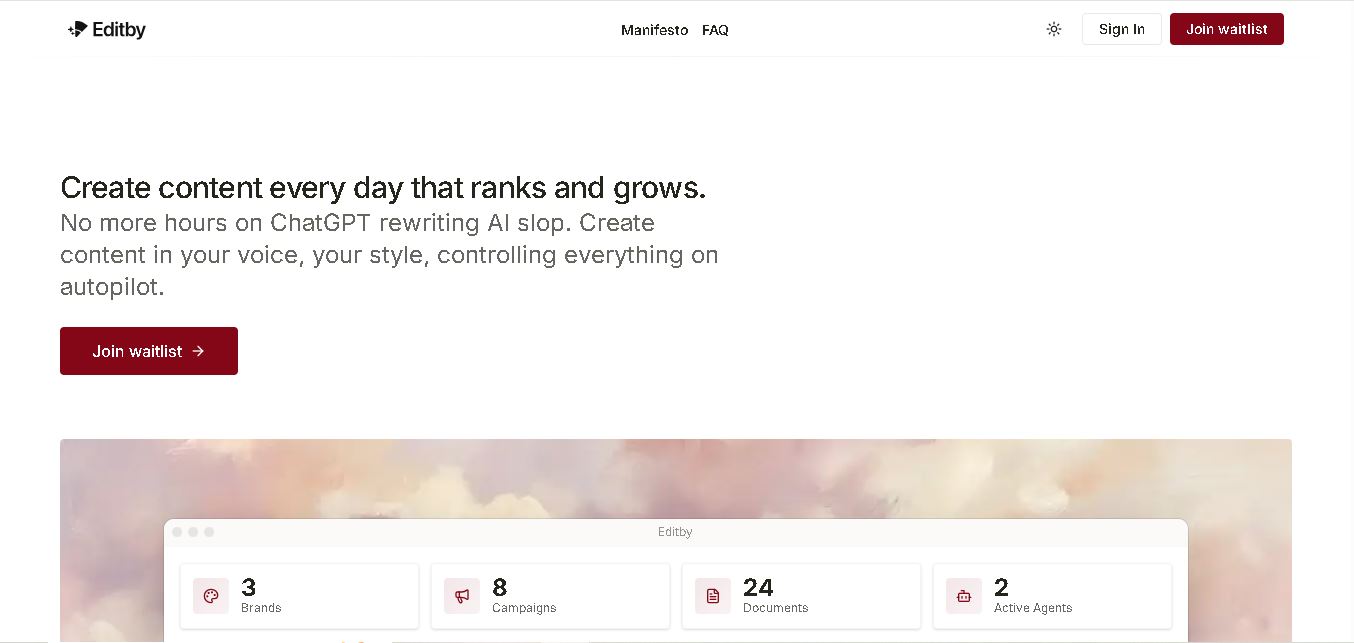
Editby
Social Media
Editby helps marketers, businesses, and creators produce brand-consistent content using AI-assisted writing, research, and automation. It supports blogs, social media posts, newsletters, and press releases while offering customizable brand voices, scheduled content generation, and team collaboration. Its organized campaign workflows help users streamline content planning and maintain a consistent publishing strategy.
 4.8
MagicBrief
Social Media
MagicBrief was an advertising creative research and collaboration tool that helped marketers discover inspiring ads, analyze competitors, build storyboards, and organize campaign briefs. It offered AI-assisted video analysis, creative performance insights, and team collaboration. Following its announced shutdown in July 2026, users seeking similar workflows can explore Canva Grow, its successor direction.
 4.7
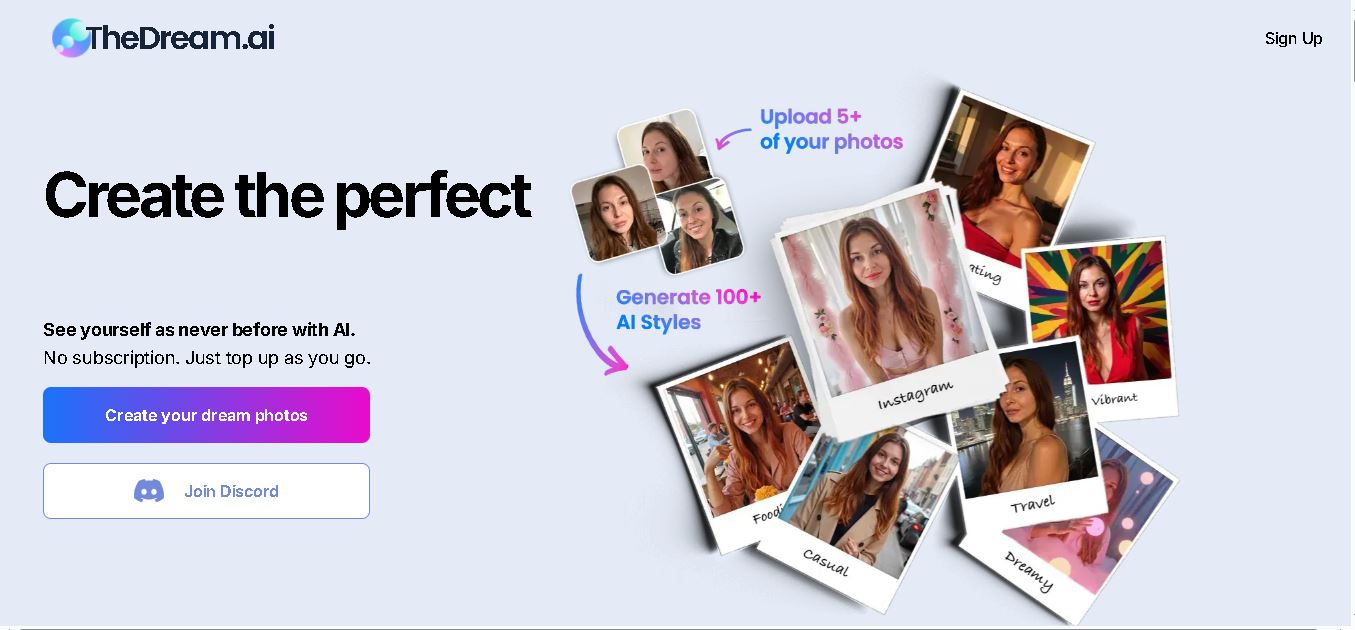
The Dream AI
Social Media
TheDream.ai helps users create personalized AI portraits, profile pictures, and photoshoot-style images from their own photographs. It offers more than 200 styles covering professional, fashion, dating, fitness, and travel themes. Its pay-as-you-go model requires no subscription, making it an option for individuals seeking distinctive digital portraits and creative profile images.
 4.7
TweetEmote
Social Media
TweetEmote helps users generate engaging tweets, replies, and article threads using customizable emotions and writing styles. It is designed for influencers, marketers, content creators, and professionals who want to communicate more expressively on X. Its AI writing features simplify content creation, save time, and help users develop varied social media messages.
 4.8
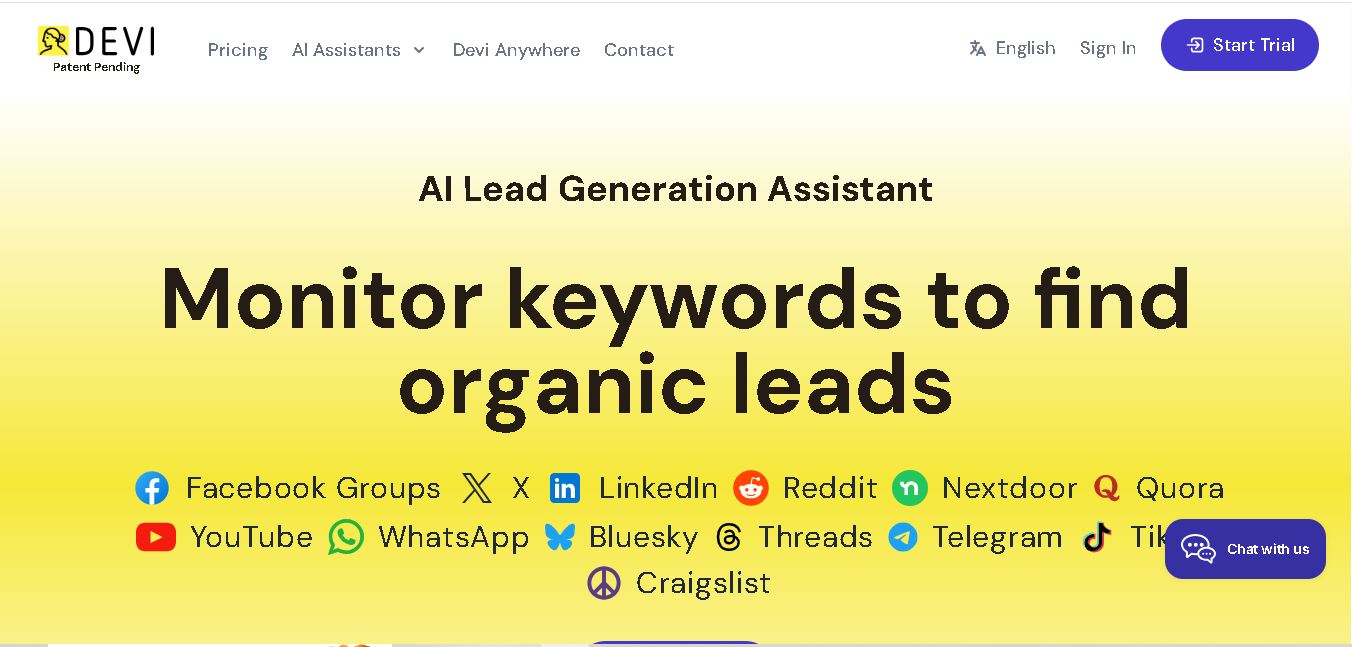
Devi AI
Social Media
Devi AI helps businesses find potential customers through social media monitoring, keyword tracking, and AI-based buying-intent detection. It generates personalized replies, flags complaints, and supports content creation and scheduling. Designed for marketers, sales professionals, entrepreneurs, and agencies, Devi simplifies lead discovery, outreach, and social media management from a centralized workflow.
 4.7
Social Studio AI
Social Media
Social Studio AI helps creators, businesses, and marketers generate Instagram content, design posts, write captions, and discover relevant hashtags. Its built-in editor supports brand customization, while scheduling features help users organize publishing in advance. The tool simplifies content planning and reduces repetitive work for individuals and agencies managing Instagram marketing activities.
 4.7
Rizz AI
Social Media
Rizz AI is a text-writing assistant that helps users generate messages, improve replies, and communicate more naturally online. Its keyboard-focused approach makes AI writing assistance convenient during everyday conversations. Whether you are drafting a message or looking for a creative response, Rizz AI aims to make digital communication faster and more expressive.