
Browzer
Browzer is an AI browser automation tool that records your actions (clicks, typing, navigation) and turns them into step-by-step documentation and one-click automations. It runs locally in your browser, letting you repeat workflows, generate SOPs, and automate tasks without coding or APIs
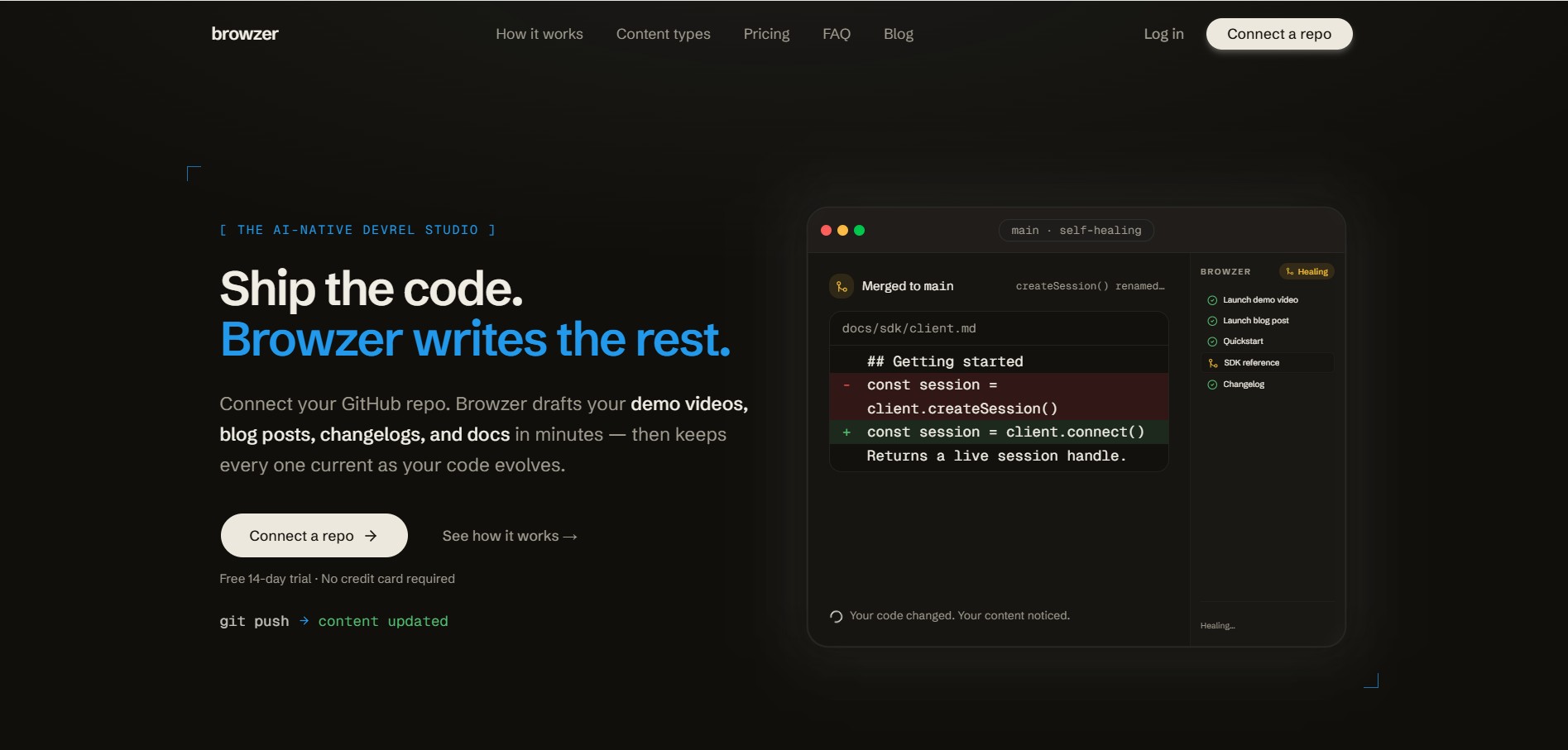
What is Browzer?
TryBrowzer is an AI-powered browser automation tool that lets you record any workflow you perform online and turn it into reusable documentation and one-click automations. Instead of manually repeating tasks, you simply record your actions—clicks, typing, navigation—and the platform automatically converts them into step-by-step guides with screenshots and plain-English explanations. It then allows you to replay those workflows as automations on demand or on a schedule, even if the website changes slightly, thanks to AI-based element detection. What makes Browzer different is its local-first approach, meaning everything runs inside your own browser session, so it can automate tasks on internal tools, SaaS apps, or systems behind logins without needing APIs or complex integrations. Designed for teams and knowledge workers, it combines automation, SOP generation, and collaboration into one system—helping reduce repetitive work and standardize processes across an organization.
Founded in 2026 by Rahul Arulkumaran (Browzer Labs, Inc.), Browzer was conceived to eliminate the repetitive documentation burdens that distract DevRel specialists from high-touch community building and developer events. By connecting directly to project repositories via a lightweight GitHub App, Browzer employs an autonomous Agent Mode to scan codebases, generate human- and agent-friendly docs, and auto-heal tutorials when breaking changes merge, offering a free trial alongside flexible growth plans.
- Founder / Leadership: Rahul Arulkumaran (Browzer Labs, Inc.)
- Launch Year: 2026
- Headquarters: San Francisco, California
Use Cases:
- Connecting GitHub repositories to generate interactive quickstarts, API cookbooks, and step-by-step developer tutorials
- Auto-healing developer documentation to ensure code samples update automatically when PRs introduce breaking changes
- Scheduling weekly technical blog drafts, release notes, and architecture breakdowns directly into a content review library
- Creating agent-friendly documentation structured specifically for LLM context ingestion and developer AI assistants
- Producing automated product walkthrough guides, code snippets, and demo video collateral for new SDK releases
Technology:
- Proprietary Agent Mode scanning repo ASTs, API schemas, and dependency diffs to synthesize technical documentation
- Zero-retention architecture ensuring source code is analyzed transiently and never stored or used to train upstream models
- GitHub App webhooks and automated workflow schedulers pushing generated drafts directly into a staging Content Library
Target Users:
- Developer Relations (DevRel) managers and developer advocates looking to automate documentation maintenance
- Developer marketing teams and technical writers producing weekly developer tutorials and engineering blogs
- CTOs, engineering leads, and open-source maintainers keeping SDK references and developer onboarding up to date
- Product managers at API-first SaaS startups launching rapid platform enhancements
Acquisition: Operates as an independent developer tools and AI workflow software company (Browzer Labs, Inc.)

Key features of Browzer
Browzer's key features are
- Codebase-Connected Agent Mode: Connect your GitHub repositories to allow Browzer's AI agent to inspect actual codebase logic and construct accurate, runnable technical guides.
- Self-Healing Documentation: Detects code changes, renamed endpoints, and refactored function signatures to update docs and code samples without manual intervention.
- Automated Content Scheduling: Set automated publishing cadences to draft weekly engineering deep-dives, feature tutorials, and SDK cookbooks on a recurring schedule.
- Staged Content Library & Review: Queues generated blogs, cookbooks, and guides into a clean staging library where human teams can review, edit, and approve before publishing.
- Human & Agent-Friendly Formatting: Structures technical output with clear markdown semantics, runnable code blocks, and context tagging optimized for both human developers and AI assistants.
- Zero-Retention IP Protection: Adheres to strict zero-day data retention policies with upstream LLM providers, ensuring proprietary code is never stored or leaked.
- Multi-Format Output: Generates diverse content formats ranging from step-by-step quickstart guides and deep architectural blogs to interactive cookbooks and demo video scripts.
- One-Click Workflow Automation: Integrates with web-based workflow recording and developer toolchains to capture app walkthroughs seamlessly.
Browzer Pricing
Browzer operates on a freemium and usage-tiered SaaS model with a free trial and scalable plans tailored for individual developers, growing DevRel teams, and enterprise engineering orgs.
Free Trial / Starter Tier:
- $0 / Free: Connect your first repository, generate initial quickstart guides, and test Agent Mode on sample codebases
- Access to core Content Library staging and manual review features
Pro / Growth Plans:
- Paid Monthly/Annual Subscriptions: Multiple active repositories, automated weekly content scheduling, self-healing docs sync, and priority AI processing
- Team collaboration seats and direct integration with documentation hosts (Mintlify, GitBook, Docusaurus)
Enterprise Tier:
- Custom pricing for high-volume enterprise organizations requiring private VPC deployment, SOC 2 Type 2 compliance safeguards, custom SLAs, and dedicated technical onboarding
Disclaimer: For current tier pricing, custom enterprise deployment terms, and documentation host integrations, please visit the official Browzer portal at trybrowzer.com.
Who is using Browzer?
Browzer is used by developer advocates, technical writers, and engineering leaders, including
- Developer Advocates & DevRel Leads: Freeing up time from manual doc writing to focus on hackathons, community events, and user outreach
- Technical Content Marketers: Turning complex Git commits and product updates into engaging, SEO-friendly engineering blog posts
- Open-Source Maintainers: Ensuring community documentation and API examples remain working after major dependency refactors
- Fast-Moving Startup Teams: Maintaining comprehensive developer documentation without hiring dedicated full-time technical writing staff
Best Browzer Alternatives
Some of the strongest Browzer alternatives include
- Mintlify
- GitBook
- Docusaurus
- ReadMe
- Notice
- Swimm
Pros and Cons of Browzer
Pros
- Solves documentation drift by automatically updating technical guides and code samples when code changes
- Turns real codebase architecture into polished blogs, quickstarts, and cookbooks rather than generic chatbot text
- Automated scheduling creates a predictable engine for weekly DevRel technical content output
- Strict zero-day data retention policies safeguard proprietary code and intellectual property
- Content Library staging allows human teams to review and polish drafts before going live
Cons
- Requires installing the GitHub App and granting repository read permissions to enable automated scanning
- Highly unique business logic or private domain nuances still benefit from human DevRel editorial review
- Early-stage product roadmap with ongoing integrations across specialized CMS and documentation hosts
Why Choose Browzer?
Developer advocates often spend more than half their week writing repetitive tutorials and fixing broken documentation links instead of talking to developers. Browzer automates the technical heavy lifting.
- Keeps your developer documentation permanently synchronized with your actual production code
- Builds consistent developer marketing momentum by generating regular technical content on schedule
- Empowers lean DevRel teams to produce the output of a full-scale technical documentation agency
- Ensures your docs are optimized for both human reading and ingestion by frontier AI coding models
Browzer vs. Competitors
The main difference between Browzer, Mintlify, GitBook, and Docusaurus lies in proactive generation versus static hosting. While Mintlify, GitBook, and Docusaurus are documentation platforms where humans or inline copilots manually author and format documentation pages, Browzer acts as an autonomous generative pipeline—reading the repository directly to draft, schedule, and self-heal technical blogs, quickstarts, and cookbooks.
| Feature / Tool | Browzer (trybrowzer.com) | Mintlify | GitBook | Docusaurus |
|---|---|---|---|---|
| Core Focus | Autonomous Technical Content & Docs Agent | Modern Documentation Platform | Knowledge Base & Technical Docs | Open-Source Static Site Generator |
| Direct Codebase Ingestion | Yes (GitHub App auto-scan) | Git sync (MDX files) | Git sync (Markdown files) | Git repository hosted |
| Self-Healing Code Snippets | Yes (Auto-heals on code diffs) | Manual / Copilot assists | Manual updates | Manual updates |
| DevRel Content Automation (Blogs/Cookbooks) | Yes (Scheduled automated drafts) | Docs focused | Internal & external docs | Docs & basic blog plugin |
| Best For | DevRel teams automating blogs, docs & quickstarts | Beautiful, modern public product docs | Collaborative internal & user docs | Developers wanting total self-hosted control |
How do we rate Browzer?
| Parameter | Rating (out of 5) |
|---|---|
| Codebase Analysis & Content Quality | 4.8 |
| Self-Healing & Documentation Maintenance | 4.9 |
| DevRel Workflow Automation & Scheduling | 4.9 |
| Security & Zero-Retention Privacy | 4.9 |
| Value for DevRel Teams | 4.8 |
| Overall Score | 4.86 |
Browzer Review
Browzer addresses a major pain point in the developer ecosystem: the constant struggle to keep technical documentation, quickstarts, and engineering blog posts aligned with rapidly changing codebases. By leveraging an autonomous agent that reads repositories directly, self-heals broken code examples, and schedules fresh technical tutorials into a staged content library, Browzer delivers tremendous leverage to DevRel and product teams. With strict zero-day data retention and an intuitive workflow, Browzer is a must-try tool for any software organization looking to scale its developer outreach without documentation lag.
Conclusion
Browzer is a powerful AI-native platform that automates one of the most time-consuming parts of modern workflows—documentation and repetitive browser tasks. It allows users to record their actions in a browser, automatically convert them into step-by-step documentation, and then replay those workflows as one-click automations, eliminating manual repetition without any coding. Its biggest strength lies in its dual capability: not only does it automate tasks, but it also generates clear, structured SOPs with screenshots and explanations, making it valuable for both operations and knowledge sharing. Additionally, with features like self-healing docs that update when code or workflows change, it reduces maintenance effort significantly. While it may still require setup and refinement for complex workflows, the impact on productivity is clear. Overall, Browzer represents a shift toward automation-first workflows, where tools don’t just execute tasks—they document, optimize, and maintain them automatically.
FAQ
What is Browzer AI?
Browzer is an AI-powered workflow automation and documentation tool that records what you do in your browser and turns it into step-by-step guides and reusable automations. It can also generate developer docs, changelogs, and content directly from your codebase.
How does Browzer work?
You install a Chrome extension, start recording your actions (clicks, typing, navigation), and Browzer captures everything. It then uses AI to convert those actions into structured documentation and lets you replay them as automations.
What can you do with Browzer?
You can automate repetitive browser tasks, create SOPs, generate product documentation, build changelogs, and even produce SEO-friendly blog content from your code or workflows.
Can Browzer automate workflows without coding?
Yes, Browzer is completely no-code. You simply perform your task once, and it records and automates it—no APIs, scripts, or integrations required.
Can Browzer run automations automatically?
Yes, any recorded workflow can be replayed as a one-click automation or scheduled to run automatically. It executes each step exactly as recorded and provides a full audit trail.
Is Browzer secure to use?
Yes, Browzer follows a local-first approach. Your actions are recorded in your browser, and data is encrypted when synced. It also includes role-based access and audit logs for teams.
Who should use Browzer?
Browzer is ideal for developers, DevRel teams, operations teams, and businesses that want to automate repetitive tasks, maintain accurate documentation, and scale workflows without manual effort.
User Reviews
No reviews yet for Browzer.
Featured Tools
Featured AI tools from TechShark

Melody Genie
MelodyGenie is an AI-powered music generator that creates original songs from simple text prompts. Users can choose styles, moods, and genres, then instantly generate melodies and full tracks, making it easy for creators, marketers, and hobbyists to produce custom music without musical expertise.
Freemium

Kimi AI
Kimi AI is an advanced AI assistant developed by Moonshot AI that helps you chat, research, write, code, and automate tasks in one place. It supports web search, file analysis, and multimodal inputs, and can even run autonomous “agent” workflows to complete complex tasks end-to-end.
Freemium

Fashion Diffusion AI
Fashion Diffusion is an AI-powered fashion design platform that helps brands and designers create clothing designs, virtual try-ons, AI models, product photos, and marketing visuals faster and cost-effectively.
Paid

Veo 4
Veo 4 AI is an AI video creation platform that generates dramatic videos from text, images, audio, and video prompts using realistic motion and synchronized sound.
Paid
Alternatives
Alternatives to Browzer
The best Browzer alternatives include Mintlify, GitBook, Docusaurus, ReadMe, Notice, and Swimm. These platforms provide technical documentation hosting, developer portals, and knowledge base management. While Browzer specializes in proactive codebase-connected content generation—automatically creating self-healing docs, tutorials, and scheduled engineering blogs via a GitHub App—alternatives like Mintlify and GitBook serve as modern documentation hosting frameworks requiring human or copilot-assisted authoring.
 4.7
4.7B2B Rocket
Sales
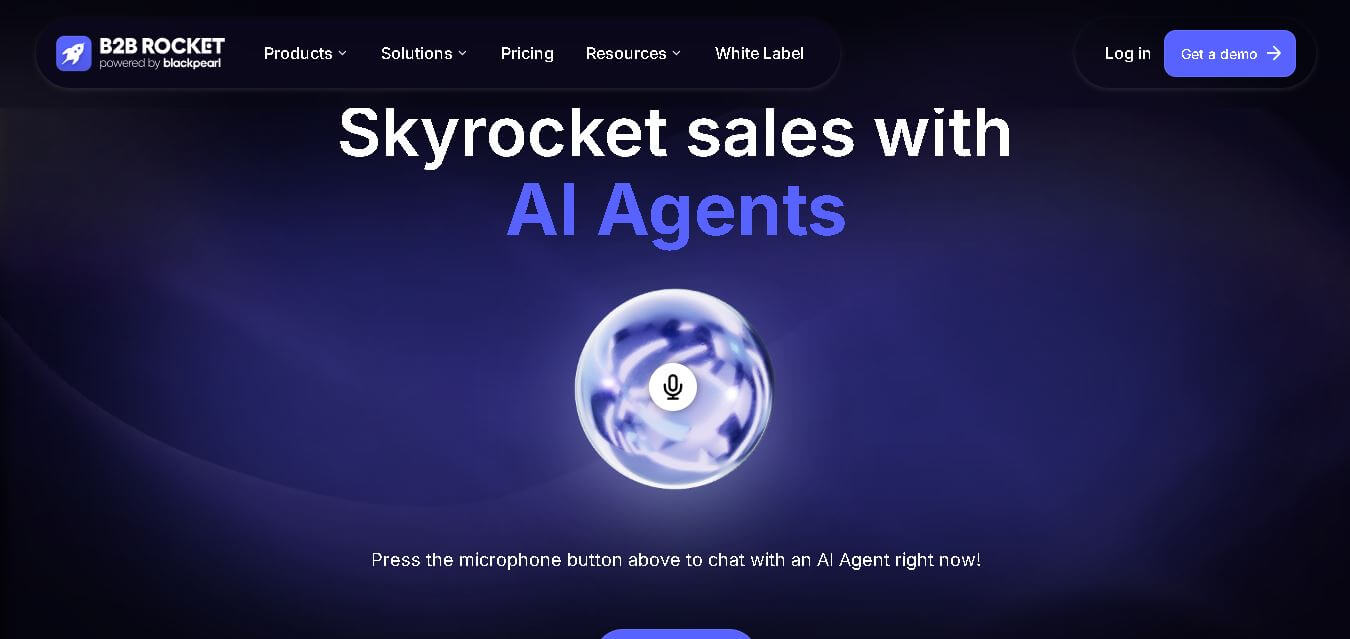
B2B Rocket is an AI-powered sales automation tool that helps businesses find prospects, generate B2B leads, personalize outreach, and automate follow-ups. It combines AI sales agents, contact data, and multichannel communication to help sales teams save time, engage potential customers, and build a stronger pipeline.
 4.8
4.8Adease
Marketing
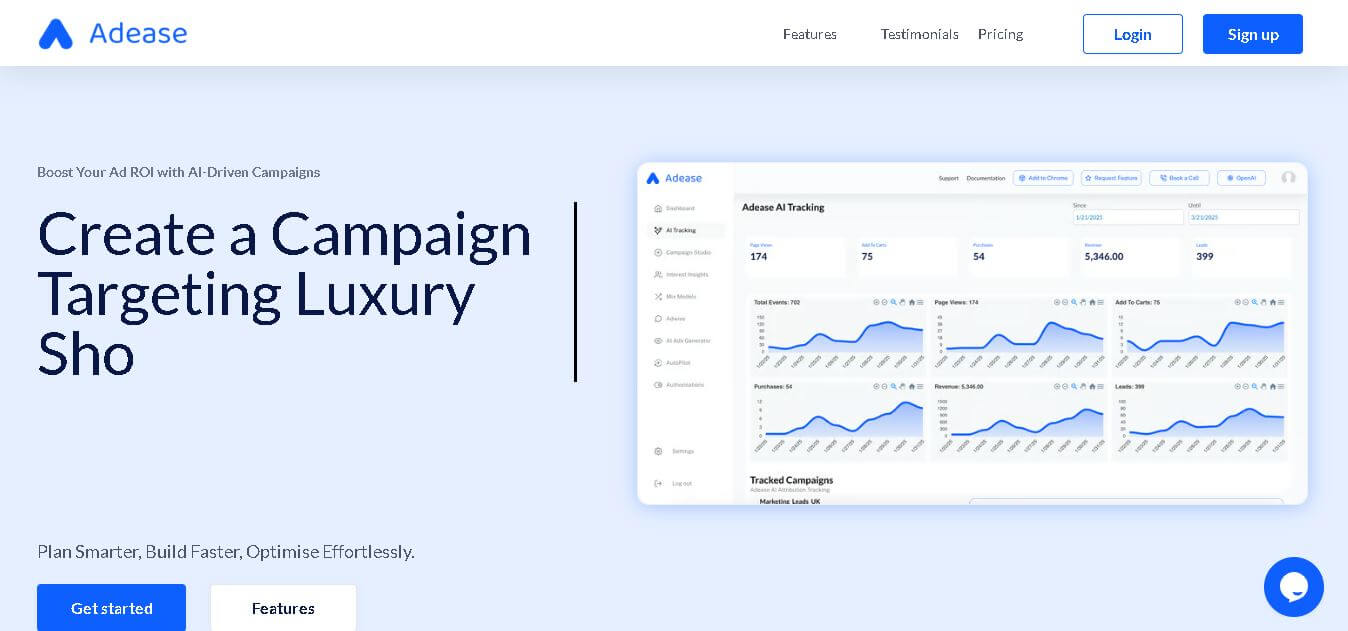
Adease is an AI advertising management tool that helps marketers analyze campaigns, optimize budgets, and manage multiple advertising accounts through natural-language conversations. Powered by Anthropic’s Claude models, it supports five major advertising platforms, provides actionable recommendations, and requires human approval before applying campaign changes, helping teams maintain control over advertising decisions.
 4.8
4.8Typeface
Marketing
Typeface helps enterprise marketing and creative teams produce, personalize, optimize, and distribute on-brand content with connected AI agents. It supports campaigns, images, video, email, webpages, advertising, SEO, and AEO workflows while keeping brand guidelines and approved assets in context. Teams can automate repetitive production tasks and scale content across channels, audiences, and markets.
 4.9
4.9HubSpot
Marketing
HubSpot is an AI-powered customer platform that helps businesses manage marketing, sales, customer service, and content in one place. It offers a free CRM, automation tools, analytics, and AI features, enabling teams to attract leads, close deals, and deliver better customer experiences at scale.
 4.9
4.9Clay
Marketing
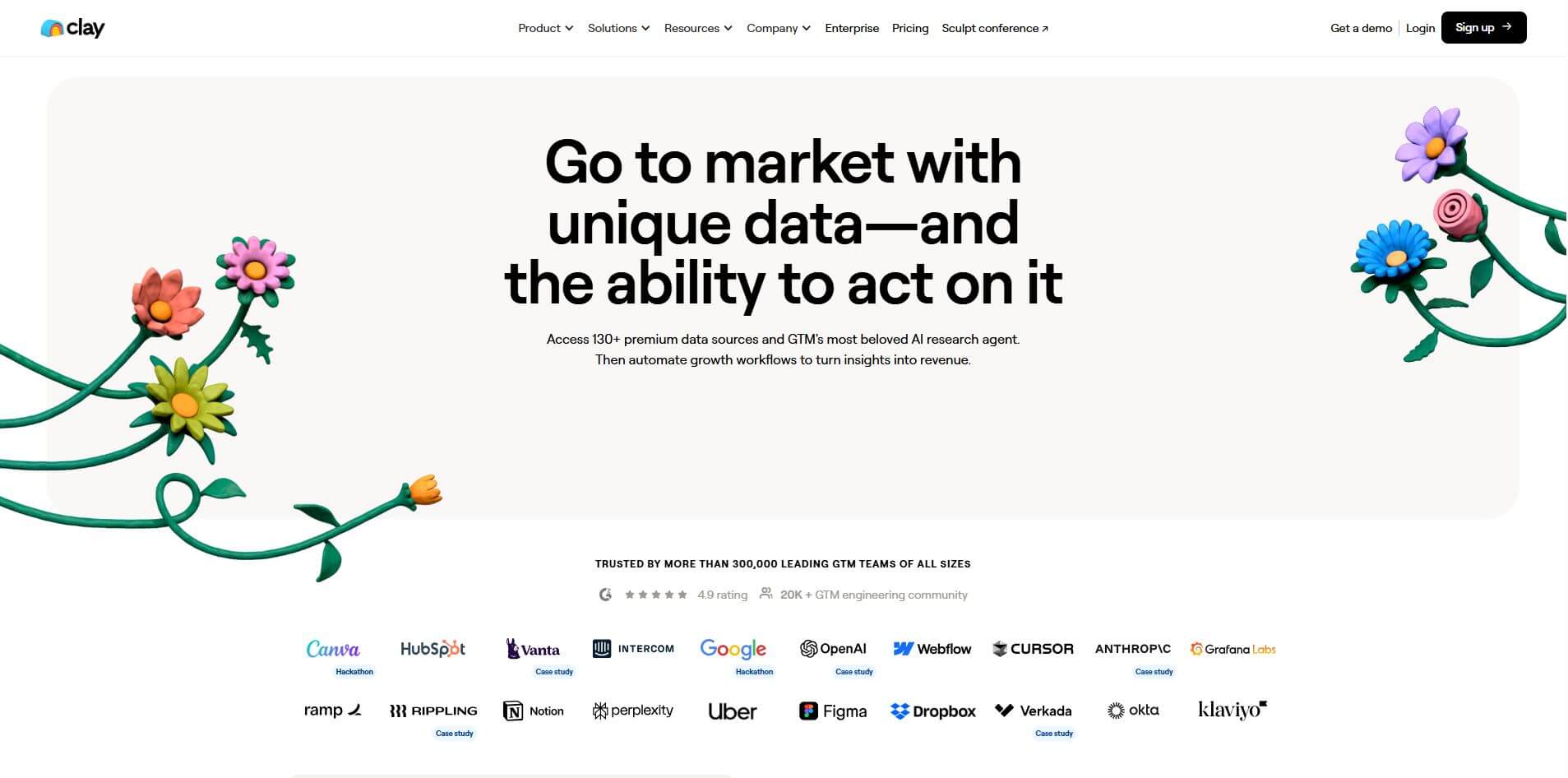
Clay is an AI-powered go-to-market platform that helps teams find, enrich, and convert leads using data and automation. It combines 170+ data sources with AI agents to research prospects, qualify accounts, and generate personalized outreach, enabling faster pipeline growth and more efficient sales workflows.
 4.4
4.4Terminus
Marketing
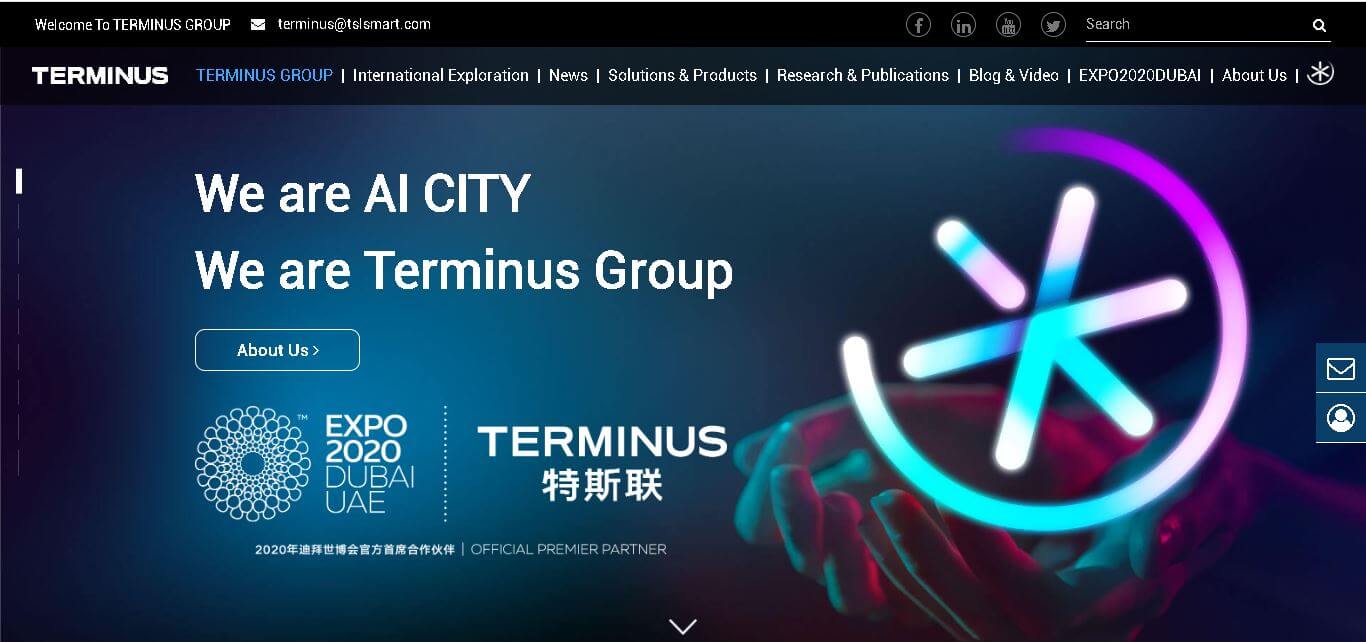
Terminus Group delivers AIoT, robotics, edge computing, and spatial intelligence solutions for connected buildings, communities, parks, and cities. Founded in 2015, it combines smart devices, digital platforms, and intelligent infrastructure to support urban digitalization, operational management, and sustainable development. Its AI CITY vision focuses on interconnected urban environments globally effectively.
 4.8
4.8Okara AI
Marketing
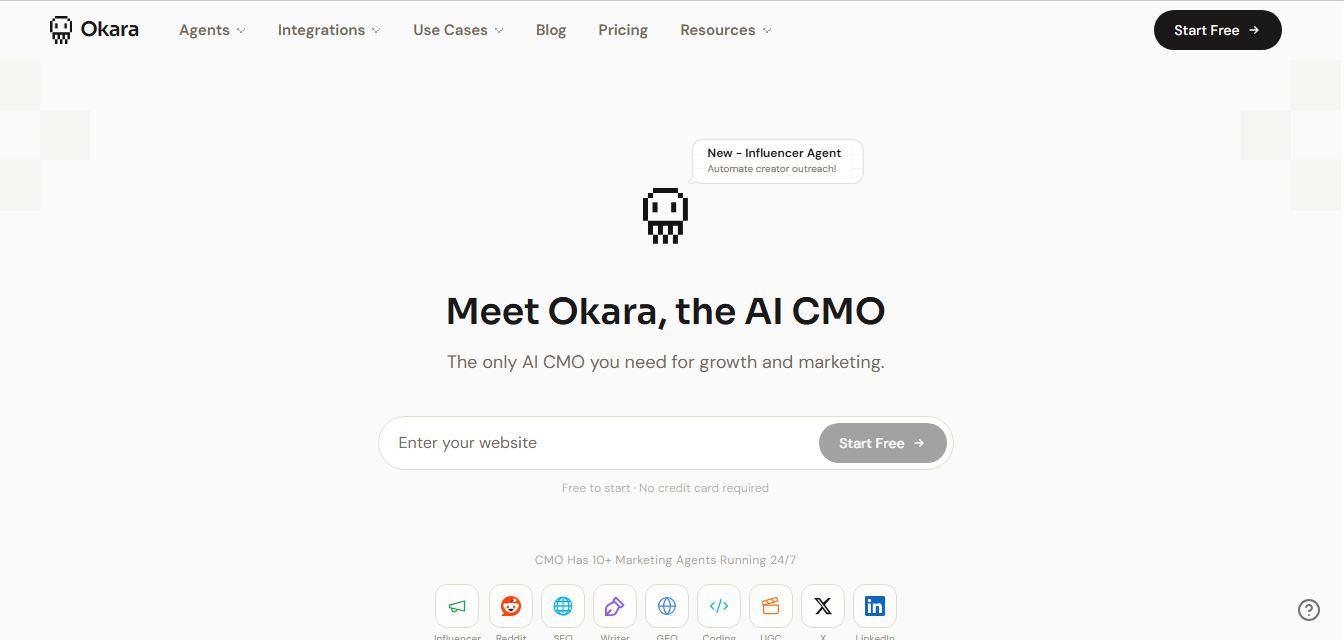
Okara is an AI-powered marketing automation platform that acts as a virtual CMO, running SEO, content, and social media through multiple AI agents. It analyzes your website, finds growth opportunities, and creates and publishes content across channels, helping businesses drive traffic and users without a full marketing team.
 4.9
4.9Statable
Marketing
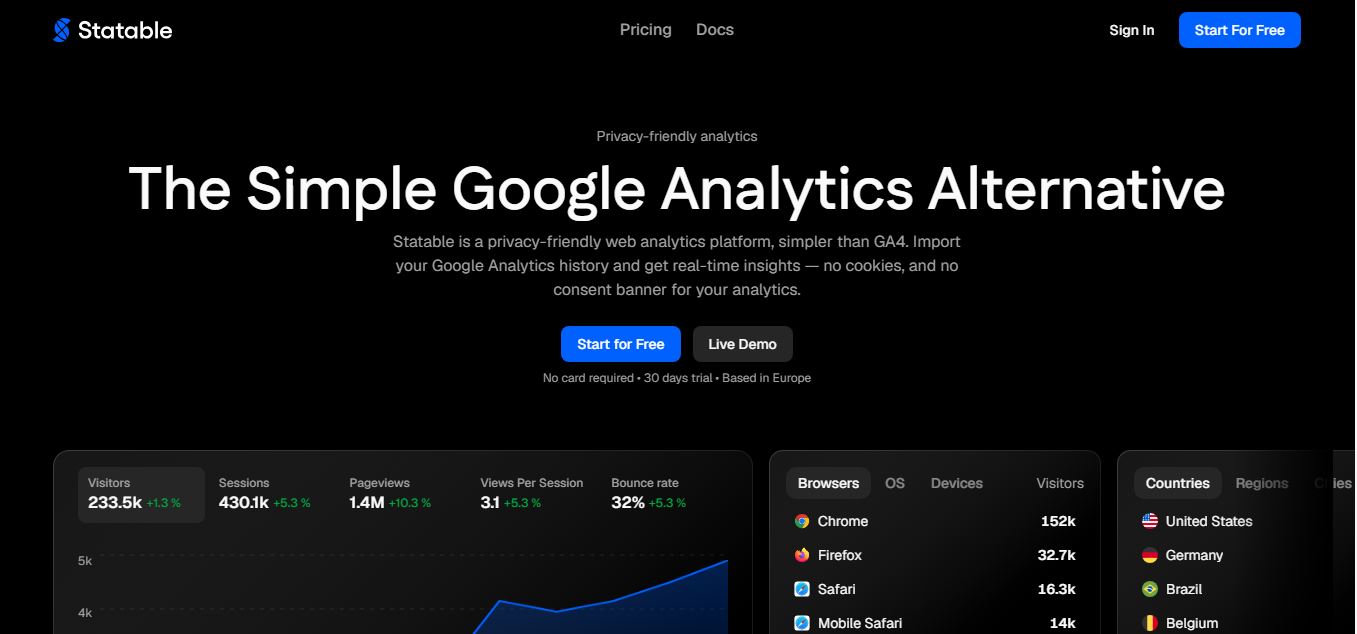
Statable is an AI-powered analytics platform that helps businesses track performance, understand data, and make smarter decisions. It turns complex data into clear insights, dashboards, and reports, enabling teams to monitor growth, optimize strategies, and improve outcomes without needing advanced data skills.
 4.8
4.8Jasper AI
Marketing
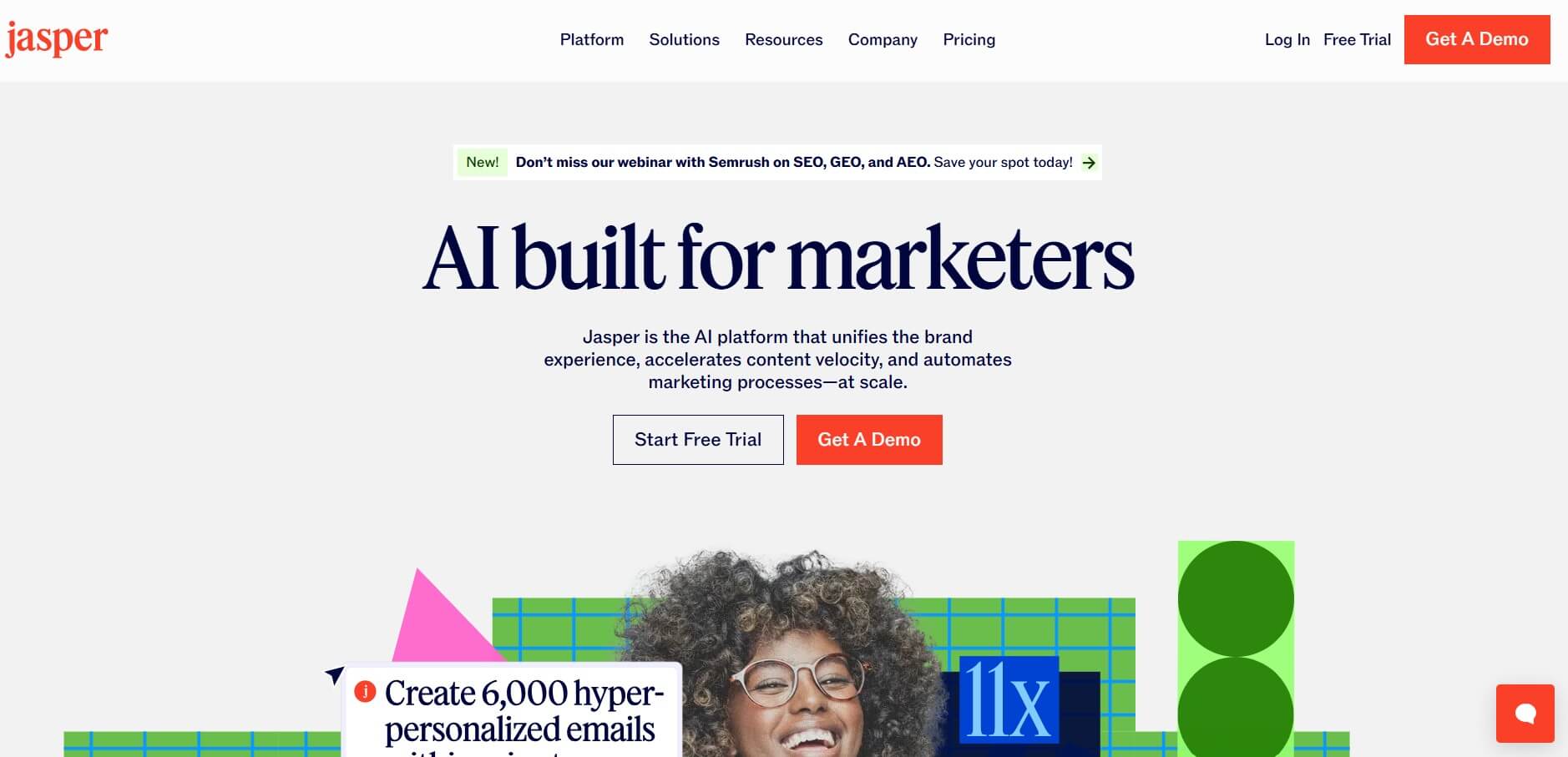
Jasper is an AI-powered content creation platform that helps businesses generate marketing copy, blog posts, emails, and brand messaging at scale. It offers templates, brand voice control, and collaboration features, making it easier for teams to produce consistent, high-quality content quickly.