Top ai kids AI tools
Browse AI tools grouped by tag, then refine by price, rating, and freshness.
 5.0
Scratch
Kids
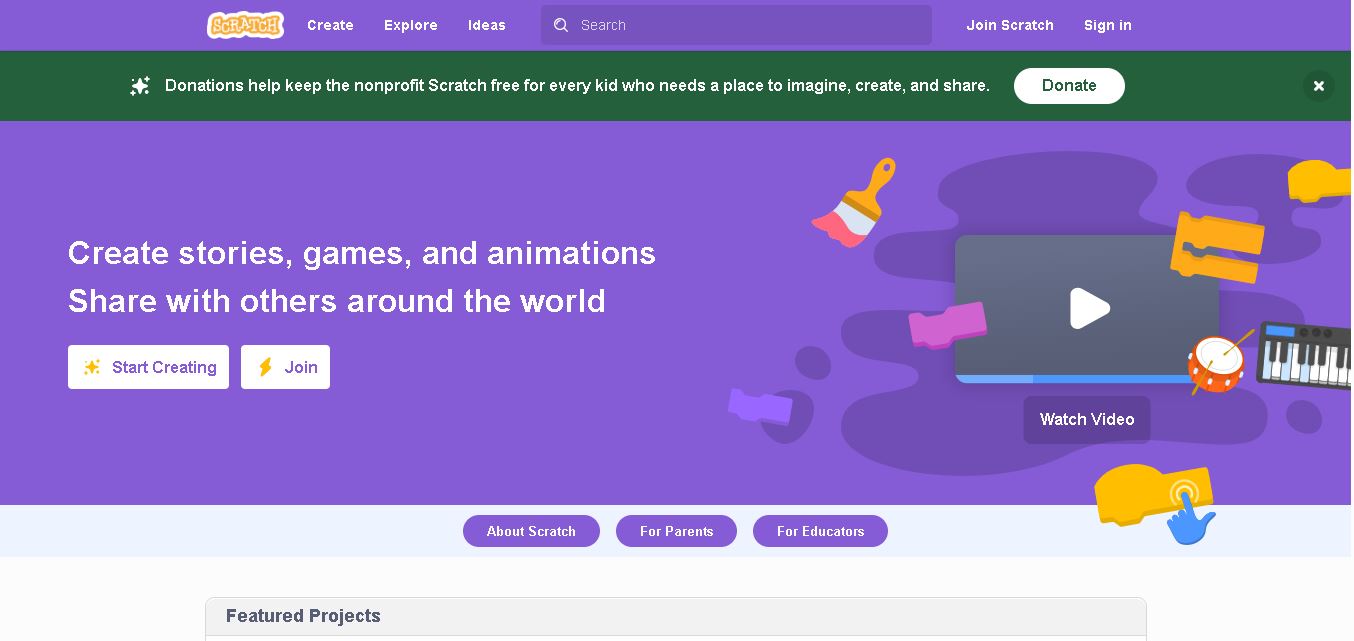
Scratch is a free, visual coding platform that helps children and beginners create interactive games, animations, stories, and digital artwork. Its drag-and-drop programming blocks make coding easier to understand without requiring traditional programming syntax. Developed at the MIT Media Lab, Scratch encourages creativity, logical reasoning, collaboration, and hands-on learning through its global community.
FreeView tool
 4.8
QuestionAI
Kids
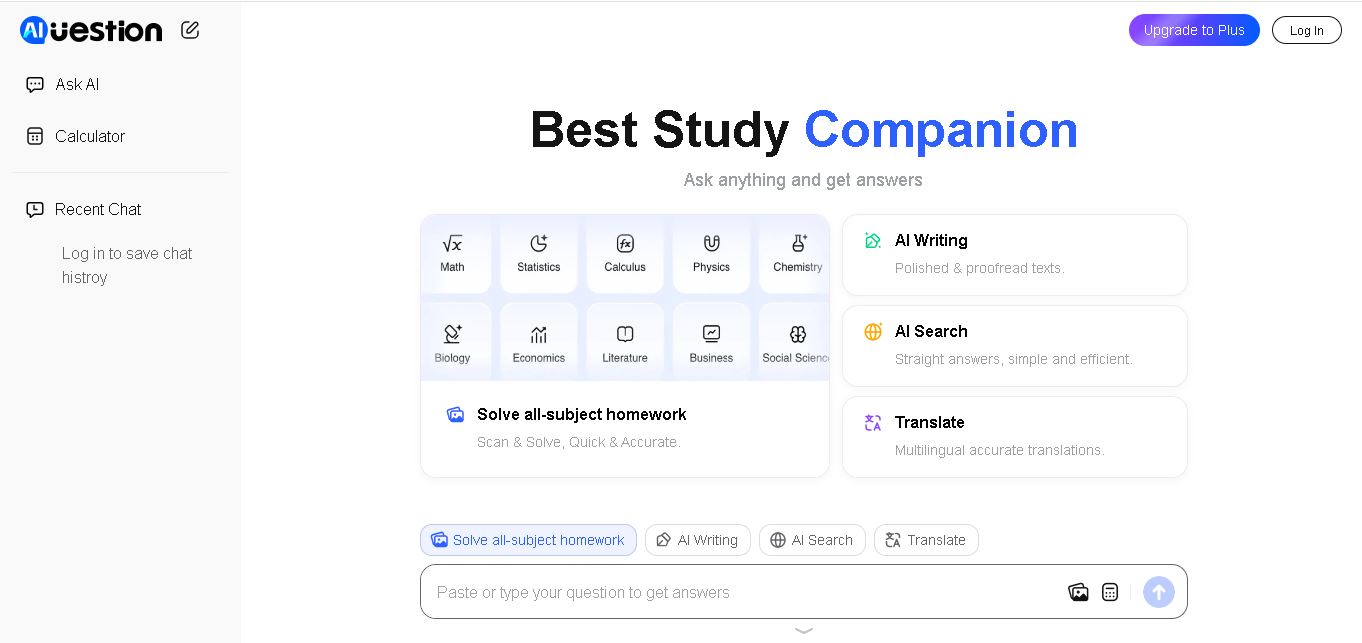
Question AI is an online homework helper that answers academic questions, solves problems from images, and summarizes educational documents. It supports AI chat and learning assistance across multiple subjects. Students can use Question AI to review lessons, understand challenging concepts, and obtain quick explanations through its web and mobile experiences.
FreeView tool
 4.9
Khanmigo
Kids
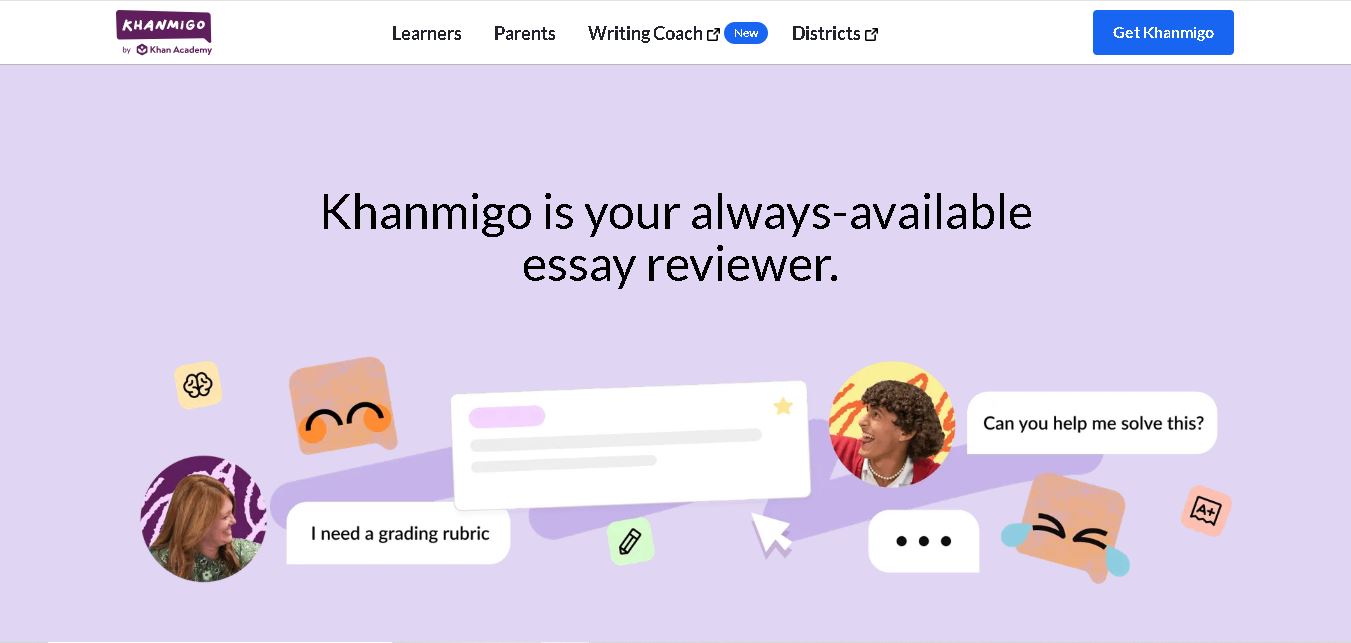
Khanmigo is an AI tutoring and teaching assistant from Khan Academy that helps students learn through guided explanations, interactive practice, and personalized feedback. It supports subjects including mathematics, science, writing, history, and coding. Teachers can also use it for lesson planning, classroom activities, learning objectives, and student progress reviews.
FreeView tool
 4.9
Khan Academy Kids
Kids
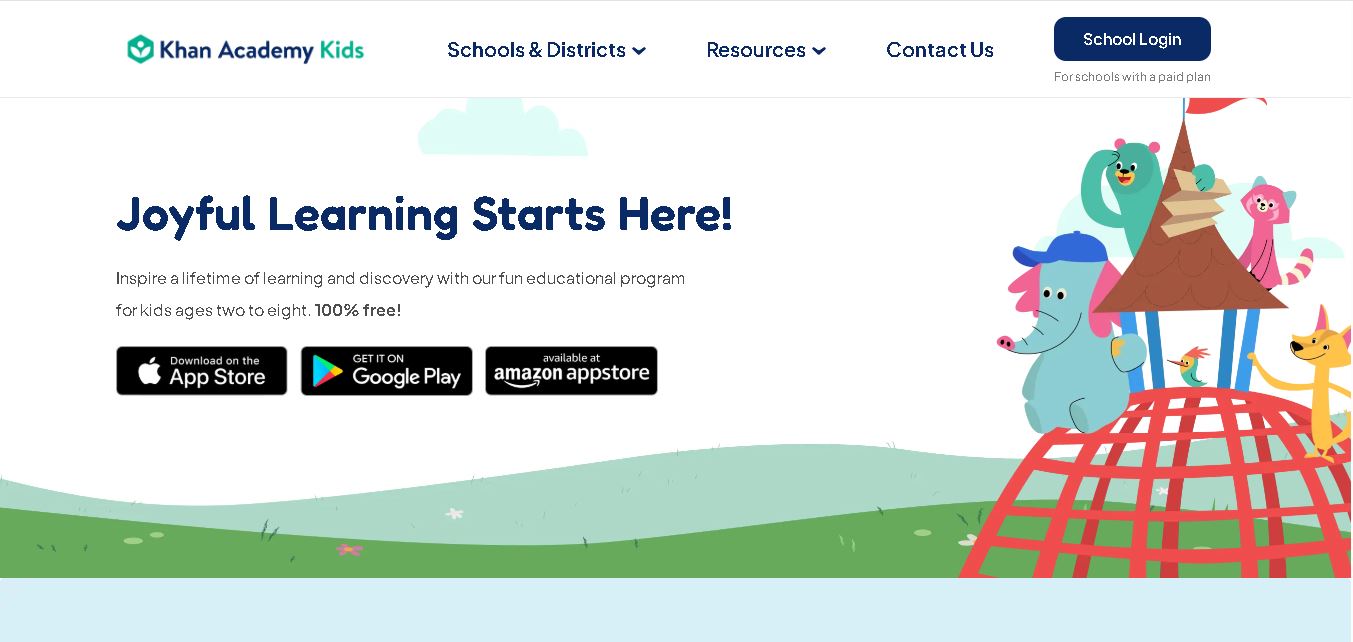
Khan Academy Kids helps children ages 2–8 learn through engaging educational games, interactive stories, videos, and creative exercises. It covers reading, writing, mathematics, language, and emotional development. Families and individual teachers can access its learning resources for free, without advertisements or subscriptions, making early education more accessible.
FreeView tool