
Creasquare
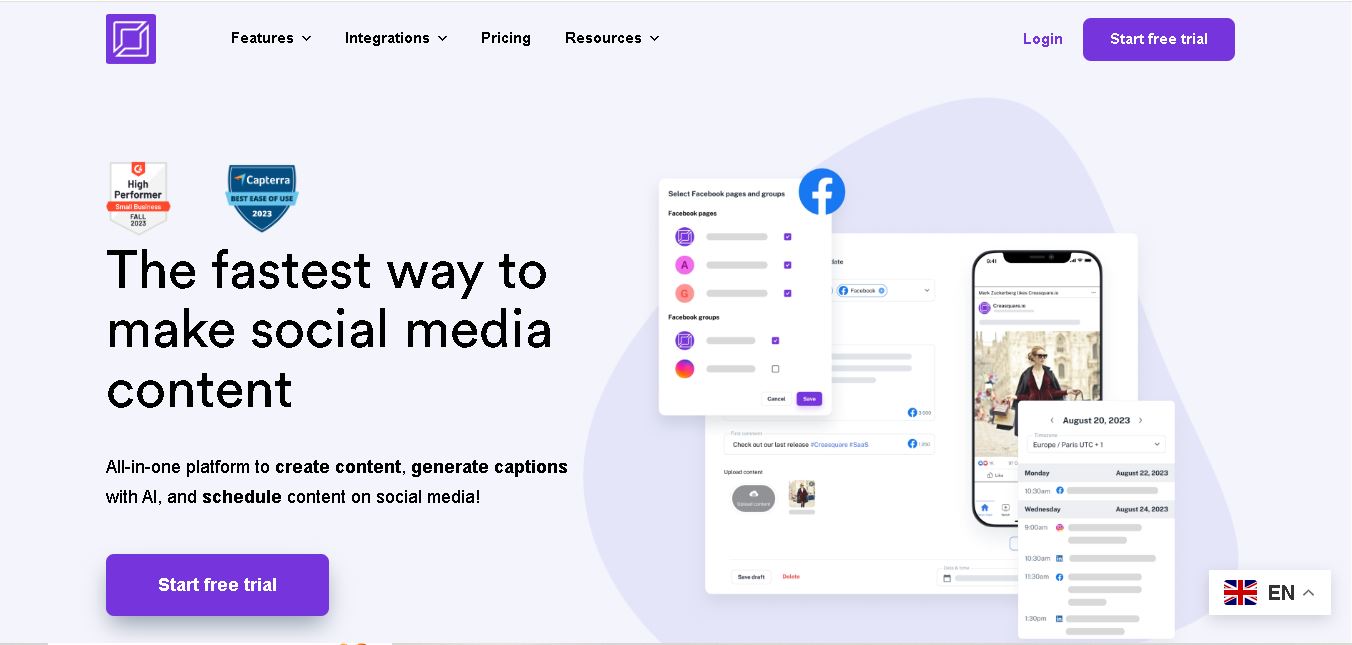
Creasquare helps creators, marketers, and businesses simplify social media management with AI-generated captions, graphic design tools, video creation, and post scheduling. Its Creative Studio, customizable templates, brand kits, and content calendar support organized publishing across multiple social networks. It is useful for maintaining brand consistency and streamlining everyday content workflows.
What is Creasquare?
Creasquare is a digital content creation and social media management tool that helps businesses, marketers, and creators design visuals, write captions, and schedule posts from one workspace. It combines a Creative Studio, AI writing assistance, customizable templates, and a content calendar to simplify publishing across multiple social networks. Users can create branded graphics, generate hashtags, and organize campaigns while maintaining a consistent online presence.
Creasquare is a social media content creation and publishing platform designed for businesses, marketers, and creators. Its website reports that over 10,000 businesses use the service. The Creative Studio offers 100,000+ templates and access to 1 million+ stock images and videos. Its AI writer supports more than 25 languages and multiple writing tones. Pricing includes a 14-day free trial, with paid plans offering different social account limits and AI writing allowances. No credit card is required to explore its initial free access.
- Platform Focus: AI social media graphic design, multi-platform post scheduling, AI copywriting, and visual content calendar
- Launch Year: All-in-One AI Social Media Management Suite
Use Cases:
- Designing social graphics, carousels, and videos using pre-made templates and royalty-free media libraries
- Generating engaging social media captions and hashtag recommendations across 24+ languages using AI copywriters
- Scheduling posts automatically across Instagram, Facebook Pages/Groups, TikTok, LinkedIn, and YouTube
- Managing multi-client social campaigns and workspace assets within a visual monthly content calendar
Technology:
- Integrated Creative Studio editor with dynamic background removal and 1-click automatic asset resizing
- Multilingual AI Copywriter engine supporting post generation in 24+ global languages with hashtag auto-suggestions
- Unified Publication Scheduler syncing directly with social network APIs for automated queuing
Target Users:
- Social media managers and digital agencies managing multiple brand social accounts
- Content creators, influencers, and vloggers publishing consistently across TikTok, Instagram, and YouTube
- Small business owners and freelancers seeking a cost-effective replacement for separate design and scheduling tools
Corporate Entity: Operates as Creasquare / creasquare.io

Key features of Creasquare
Creasquare's key features are
- Creative Studio Canvas: Design graphics, carousels, and animations using 100k+ customizable templates and royalty-free stock media.
- 1-Click Background Removal & Resize: Instantly remove photo backgrounds and resize graphic layouts for different social specs.
- AI Content Writer: Generate engaging post captions, long-form content notes, and automatic hashtag sets in 24+ languages.
- Multi-Channel Scheduler: Schedule posts, carousels, reels, and stories across Facebook, Instagram, TikTok, LinkedIn, and YouTube.
- Visual Content Calendar: Plan, organize, and drag-and-drop post queues in monthly or weekly calendar views.
- KPI Analytics & Reports: Monitor performance metrics and export custom social media analytics reports in PDF or Excel formats.
Creasquare Pricing
Creasquare operates on a tiered subscription pricing model with monthly and annual options, backed by a 14-day free trial.
Free Trial:
- 14-day full access free trial to test design, AI writing, and scheduling features
Basic Plan:
- Starting at ~$9.90 to $19 / month (with annual discounts)
- Includes up to 5 social media account connections, unlimited post scheduling, Creative Studio access, and 2,000 AI words/month
Professional Plan:
- Starting from ~$39 / month
- Includes up to 10 social account connections, unlimited scheduling, full stock assets, and 10,000 AI words/month
Team & Enterprise Tiers:
- Starting at ~$79.90 to $199+ / month
- Includes up to 20+ social accounts, team collaboration workspaces, priority support, and 25,000+ AI words/month
Who is using Creasquare?
Creasquare is designed for digital marketers, business managers, and creators, including
- Solo Creators & Influencers: Designing graphics, writing post captions, and scheduling weekly videos in one dashboard
- Small Business Owners: Maintaining professional social profiles across Meta, TikTok, and LinkedIn without high software costs
- Digital Agencies & Freelancers: Handling content creation and publication schedules for client brands efficiently
Best Creasquare Alternatives
Some of the strongest Creasquare alternatives include
- Canva
- Buffer
- Publer
- Vista Social
- SocialPilot
- Later
Pros and Cons of Creasquare
Pros
- Combines graphic design, AI copywriting, and scheduling in a single platform
- Integrated background remover and auto-resizer streamline visual asset preparation
- Supports major social channels, including TikTok, LinkedIn, YouTube, and Meta
- Multilingual AI writer supports content generation across 24+ languages
Cons
- Analytics and deep social listening features are less advanced compared to enterprise tools like Hootsuite
- Monthly AI writer word counts apply unless purchasing add-on credits
- Vector graphics editing is limited compared to dedicated professional design software like Photoshop
Why Choose Creasquare?
Creasquare is an ideal choice for marketers and solo creators who want to streamline their social media creation pipeline by combining graphic design tools, AI copy generation, and scheduling into one dashboard.
- Replaces separate subscriptions for graphic design, AI writing, and social scheduling
- Generates on-brand social graphics and formatted post captions in minutes
- Schedules content directly across 5 major social networks
- Provides a user-friendly drag-and-drop calendar interface suitable for all skill levels
Creasquare vs. Competitors
The main difference between Creasquare, Canva, Buffer, and Publer is that Creasquare integrates a visual design studio, AI copywriting assistant, and direct multi-channel post scheduler under a single unified dashboard, whereas Canva focuses primarily on general graphic design without multi-platform social queues, Buffer emphasizes post queue scheduling without robust built-in canvas design tools, and Publer targets cross-posting management. Creasquare stands out for bridging design and auto-scheduling in one workspace.
| Feature / Tool | Creasquare (creasquare.io) | Canva | Buffer | Publer |
|---|---|---|---|---|
| Core Focus | AI Design, Copywriting & Social Scheduling | General Graphic & Visual Asset Design | Social Publishing & Queue Management | Multi-Channel Social Scheduling |
| Integrated Design Studio | Yes (Templates, Stock & Resizing) | Yes (Industry Standard) | Basic Integrations | Basic Canva Integration |
| Multilingual AI Copywriter | Yes (24+ Languages) | Yes (Magic Write) | Yes (AI Assistant) | Yes (AI Assistant) |
| Starting Price Range | ~$9.90 to $19 / month | Free tier / ~$15 / month | Free tier / ~$6 / channel | Free tier / ~$5 / month |
| Best For | All-in-One Social Design & Auto-Posting | General Design & Print Assets | Simple Queue Scheduling & Analytics | Budget Cross-Platform Scheduling |
How do we rate Creasquare?
| Parameter | Rating (out of 5) |
|---|---|
| Creative Studio & Graphic Tools | 4.7 |
| AI Content Writer & Caption Quality | 4.7 |
| Publication Scheduler & Calendar UX | 4.8 |
| Multi-Platform Integration Breadth | 4.7 |
| Value for Money | 4.8 |
| Overall Score | 4.74 |
Creasquare Review
Creasquare provides a practical, well-integrated software suite for creators and marketers looking to simplify social media management. By combining dynamic visual design, background removal, multilingual AI caption writing, and automated post scheduling in one platform, it saves considerable time. For small businesses and digital teams seeking an affordable all-in-one alternative to multiple software subscriptions, Creasquare delivers strong daily utility.
Conclusion
Creasquare is a useful option for businesses, social media managers, and content creators who want to simplify content production and publishing. Its combination of AI-generated captions, customizable design templates, video creation, and scheduling tools supports an organized social media workflow. The free access and 14-day trial make it easier to explore before upgrading. However, users should compare pricing, account limits, and analytics availability to determine whether Creasquare fits their marketing goals and budget.
FAQ
What can you use Creasquare for?
You can use Creasquare to create social media graphics, generate captions, design videos, and schedule posts from one dashboard. If you manage a business or several client accounts, its templates, AI writing tools, and content calendar can help you organize campaigns, maintain brand consistency, and reduce repetitive publishing tasks.
Does Creasquare offer a free plan?
Yes, Creasquare offers a free account with limited access to its Creative Studio, templates, and publishing features. The platform also advertises a 14-day free trial for paid plans. You can explore its workflow before upgrading, but check the current terms to understand feature restrictions and whether payment details are required later.
How much does Creasquare cost?
Creasquare lists Basic at $24.90 monthly or $17.40 per month with annual billing, Professional at $49.90 or $34.90, and Team at $79.90 or $55.90, respectively. Enterprise and agency pricing starts at $199 monthly. Compare account limits, AI writing allowances, and billing terms before selecting your plan.
Which social media platforms does Creasquare support?
Creasquare supports major social networks, including Facebook, Instagram, TikTok, LinkedIn, YouTube, and Pinterest. You can connect eligible accounts, prepare platform-specific content, and schedule posts through a centralized calendar. Available publishing formats depend on each network's integration, so verify supported account types and post formats before planning a campaign.
Can Creasquare generate social media captions with AI?
Yes, Creasquare's AI Content Writer generates captions using templates, different tones, and multiple languages. It can also suggest hashtags to support your publishing workflow. You can adapt the generated text to your brand voice, audience, and campaign objectives. Reviewing factual claims and removing generic wording helps keep your content relevant and authentic.
Is Creasquare suitable for small businesses?
Creasquare can suit small businesses that need to create branded content without juggling separate design, writing, and scheduling tools. Its templates, brand kits, and content calendar help organize regular posts. If your business publishes across several channels, compare the plan limits and AI word allowances with your expected monthly workload.
User Reviews
No reviews yet for Creasquare.
Featured Tools
Featured AI tools from TechShark
Klap
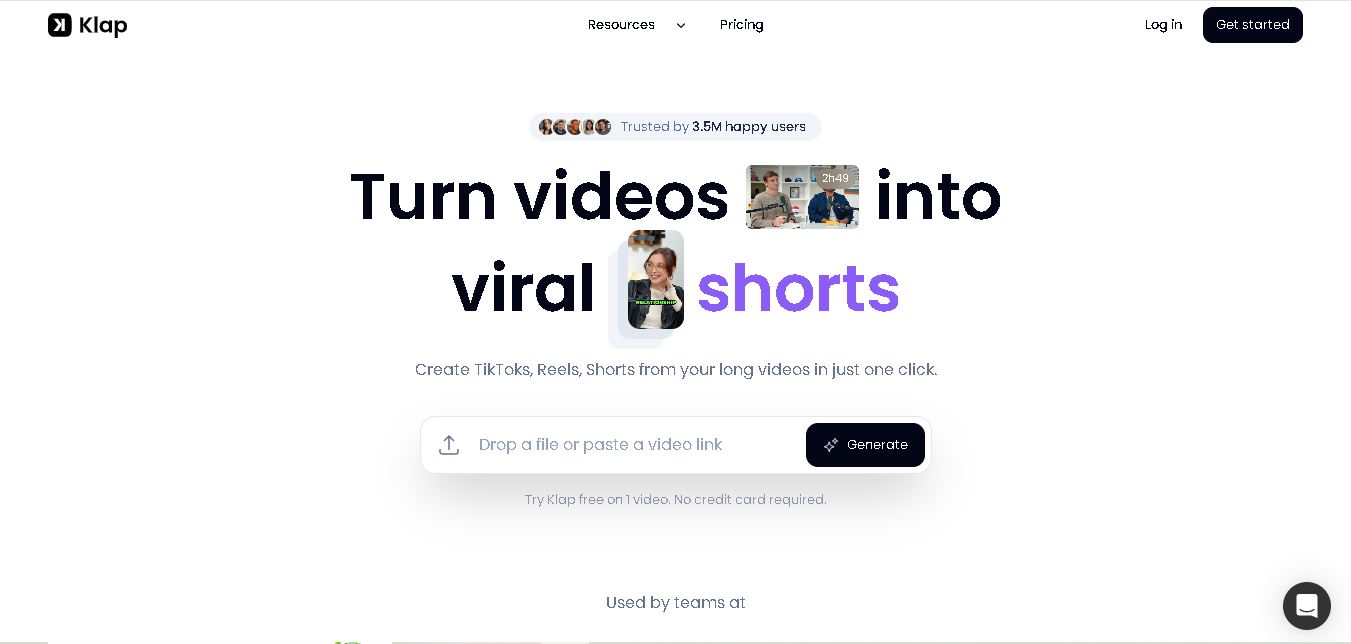
Klap is an AI-powered video editing tool that turns long videos into engaging short clips for TikTok, Instagram Reels, and YouTube Shorts. It automatically finds the best moments, adds captions, and resizes videos, helping creators save time and create more content with less effort.
Free
Melody Genie
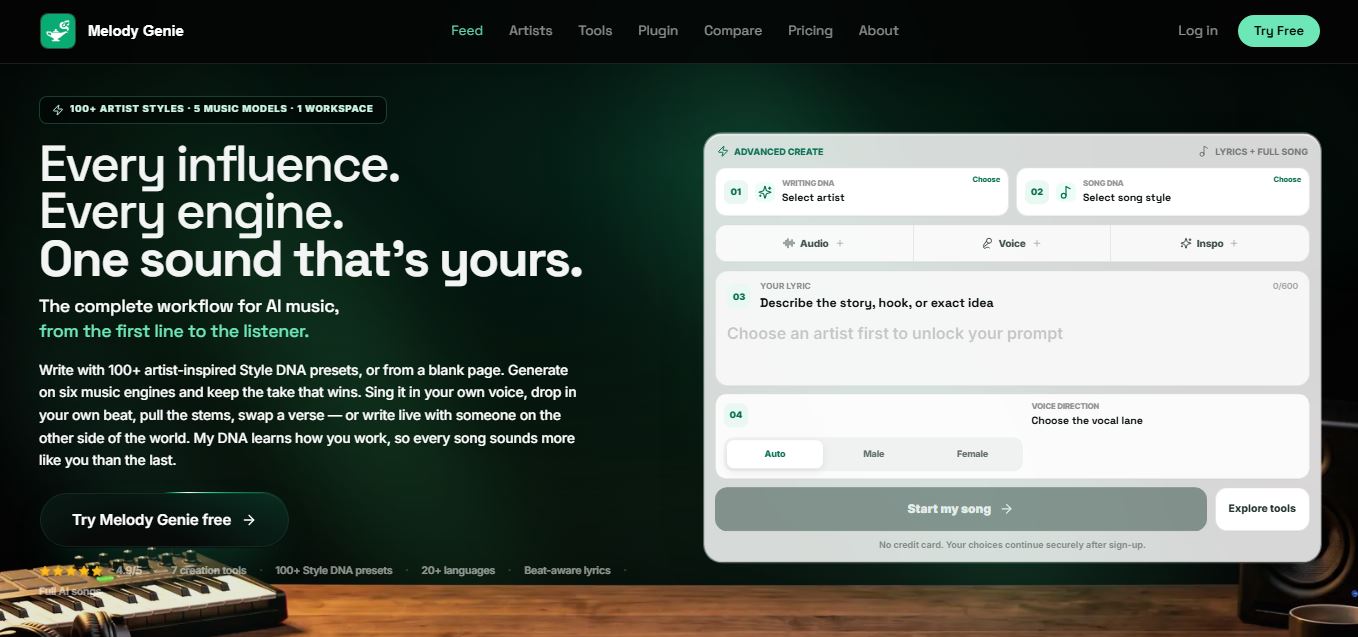
MelodyGenie is an AI-powered music generator that creates original songs from simple text prompts. Users can choose styles, moods, and genres, then instantly generate melodies and full tracks, making it easy for creators, marketers, and hobbyists to produce custom music without musical expertise.
Freemium

Fashion Diffusion AI
Fashion Diffusion is an AI-powered fashion design platform that helps brands and designers create clothing designs, virtual try-ons, AI models, product photos, and marketing visuals faster and cost-effectively.
Paid
Veo 4
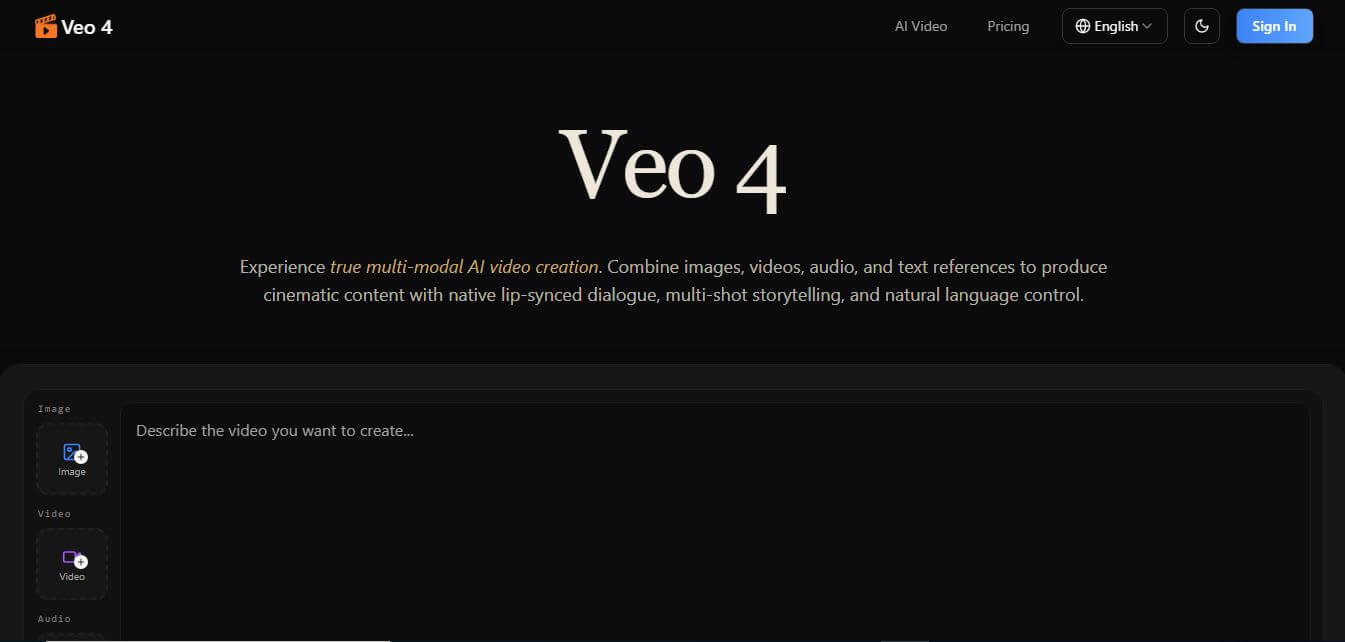
Veo 4 AI is an AI video creation platform that generates dramatic videos from text, images, audio, and video prompts using realistic motion and synchronized sound.
Paid
Alternatives
Alternatives to Creasquare
The best Creasquare alternatives include Canva, Buffer, Publer, Vista Social, SocialPilot, and Later. These platforms provide graphic design, social media scheduling, and content calendar management. While Creasquare specializes in an all-in-one workflow uniting AI graphic design templates, multilingual copywriting, and direct social media scheduling (TikTok, Instagram, LinkedIn, YouTube, Facebook), alternatives like Canva focus on graphic design, and Buffer specializes in post queues.
4.8Klap
Social Media
Klap is an AI-powered video editing tool that turns long videos into engaging short clips for TikTok, Instagram Reels, and YouTube Shorts. It automatically finds the best moments, adds captions, and resizes videos, helping creators save time and create more content with less effort.
 4.7
Social Comments GPT
Social Media
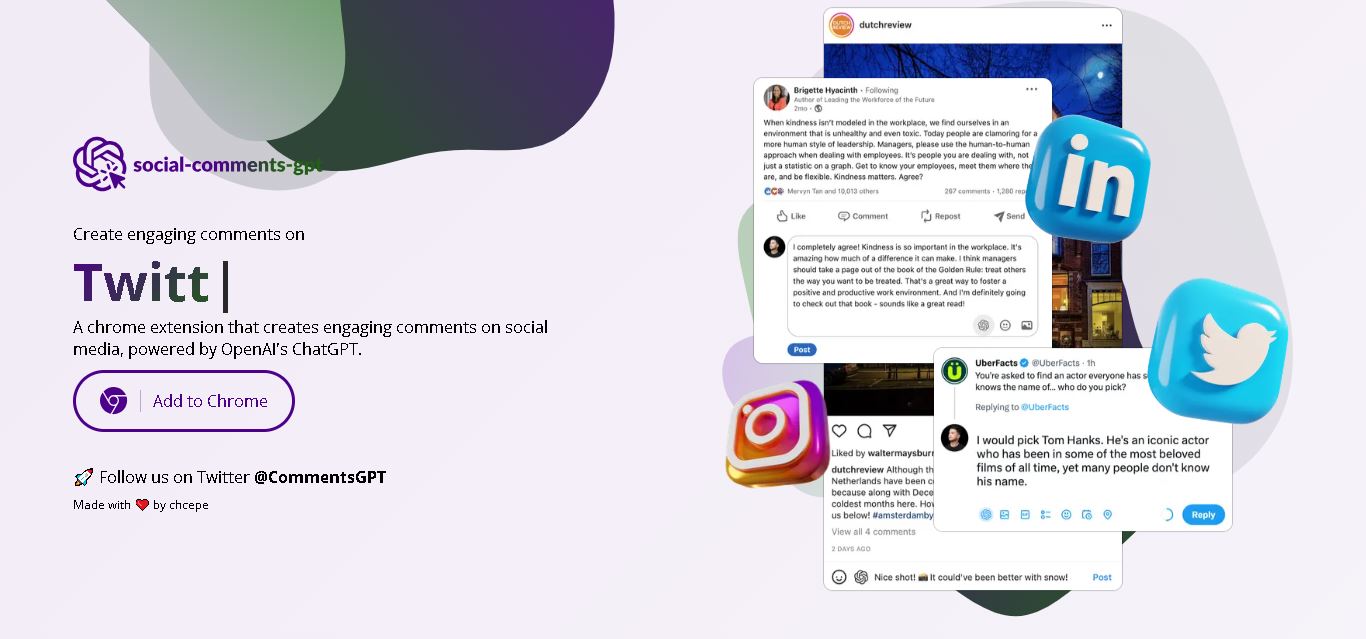
Social Comments GPT helps users draft engaging social media comments with ChatGPT through a Chrome extension. It is useful for professionals, influencers, creators, and marketers who want to respond to posts more efficiently. By generating comment suggestions within supported social networks, it simplifies everyday engagement while leaving users in control of their final replies.
 4.7
Editby
Social Media
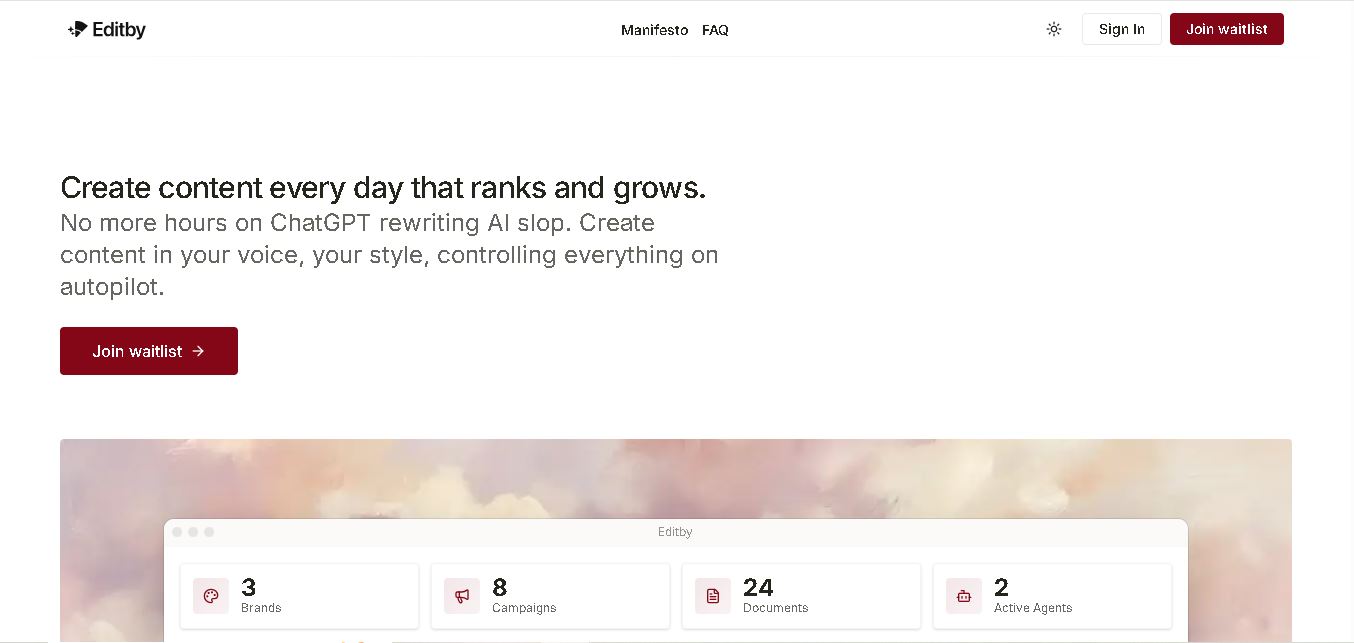
Editby helps marketers, businesses, and creators produce brand-consistent content using AI-assisted writing, research, and automation. It supports blogs, social media posts, newsletters, and press releases while offering customizable brand voices, scheduled content generation, and team collaboration. Its organized campaign workflows help users streamline content planning and maintain a consistent publishing strategy.
 4.8
MagicBrief
Social Media
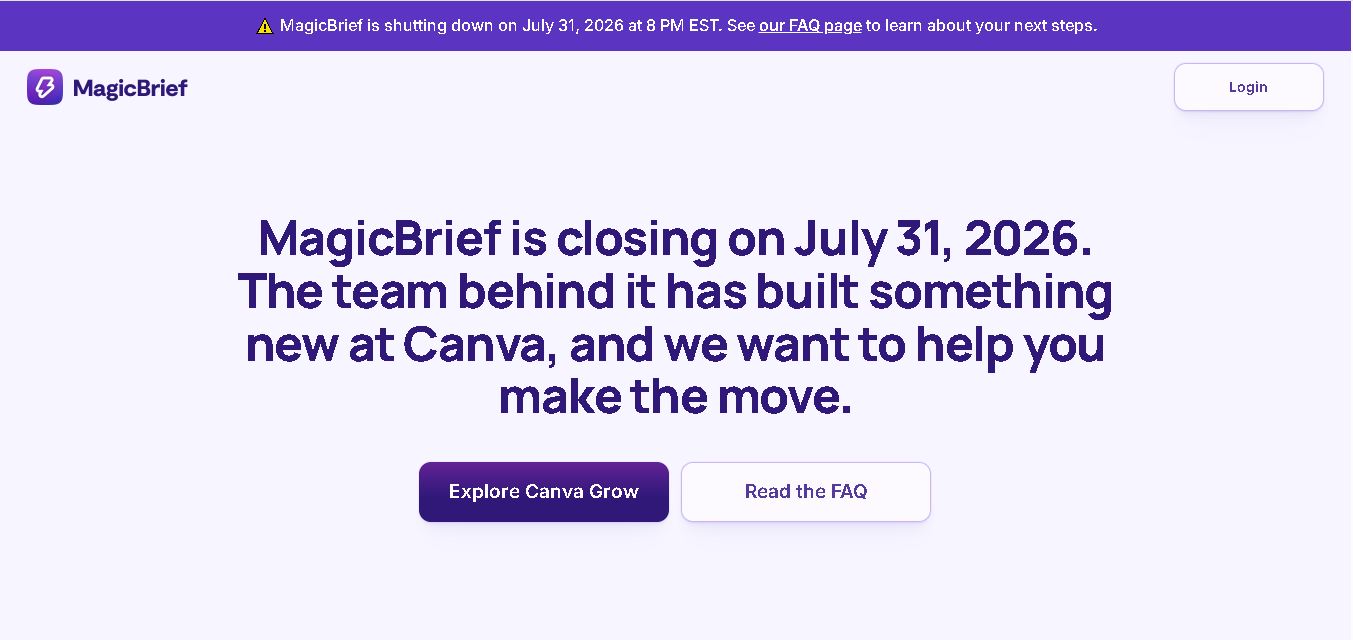
MagicBrief was an advertising creative research and collaboration tool that helped marketers discover inspiring ads, analyze competitors, build storyboards, and organize campaign briefs. It offered AI-assisted video analysis, creative performance insights, and team collaboration. Following its announced shutdown in July 2026, users seeking similar workflows can explore Canva Grow, its successor direction.
 4.7
The Dream AI
Social Media
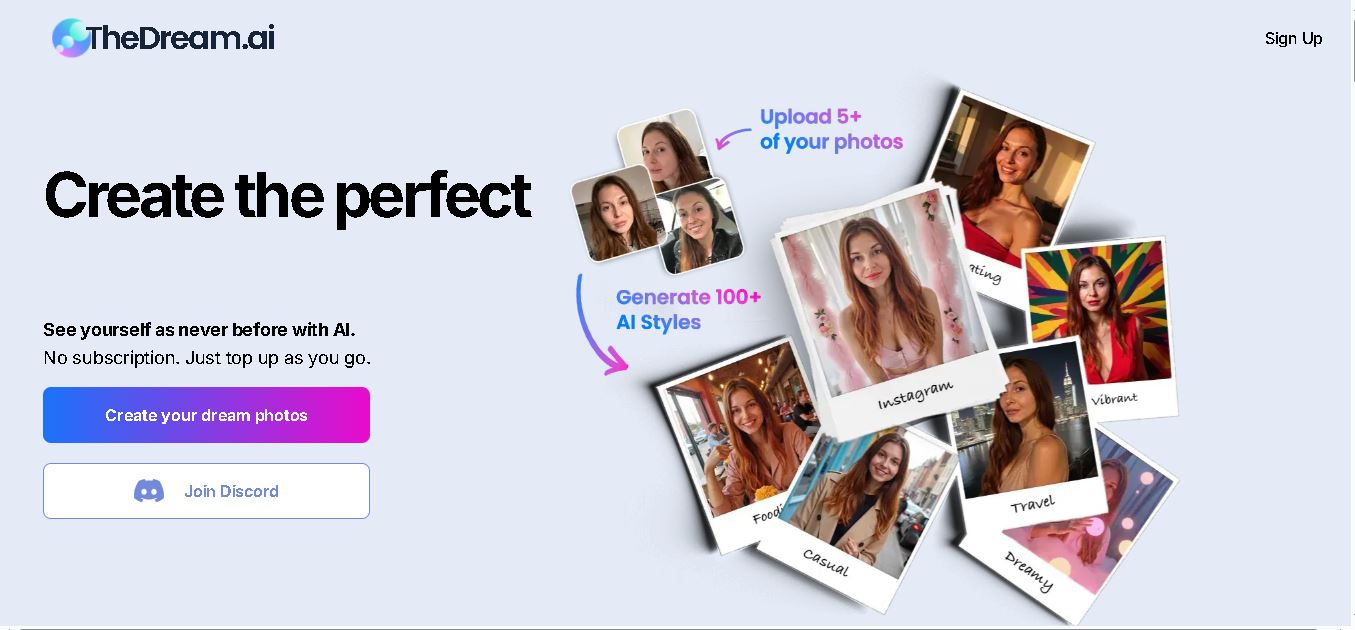
TheDream.ai helps users create personalized AI portraits, profile pictures, and photoshoot-style images from their own photographs. It offers more than 200 styles covering professional, fashion, dating, fitness, and travel themes. Its pay-as-you-go model requires no subscription, making it an option for individuals seeking distinctive digital portraits and creative profile images.
 4.7
TweetEmote
Social Media
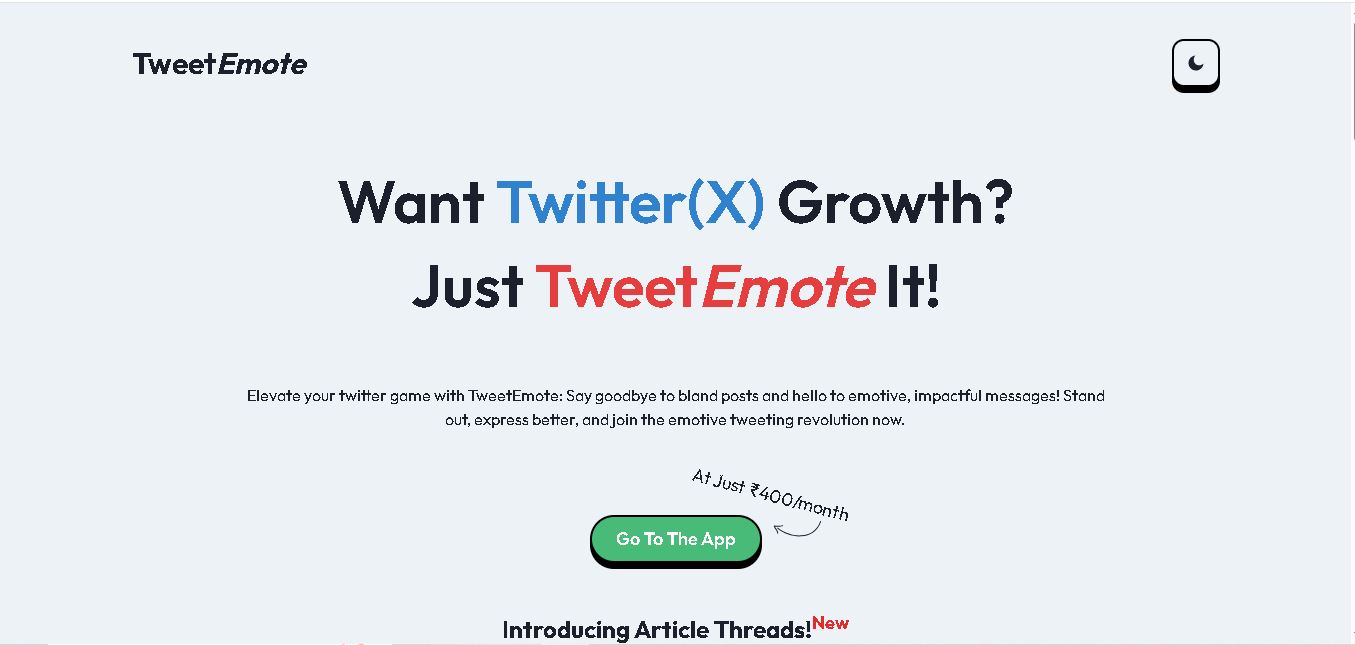
TweetEmote helps users generate engaging tweets, replies, and article threads using customizable emotions and writing styles. It is designed for influencers, marketers, content creators, and professionals who want to communicate more expressively on X. Its AI writing features simplify content creation, save time, and help users develop varied social media messages.
 4.8
Devi AI
Social Media
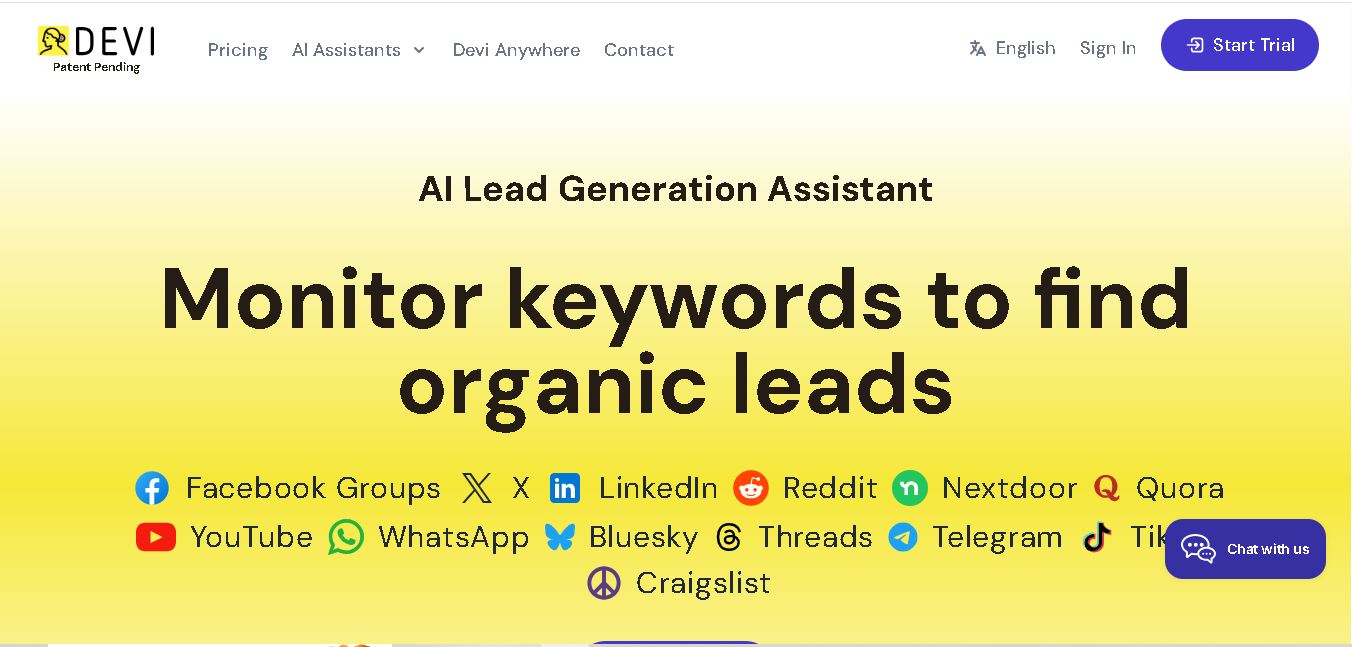
Devi AI helps businesses find potential customers through social media monitoring, keyword tracking, and AI-based buying-intent detection. It generates personalized replies, flags complaints, and supports content creation and scheduling. Designed for marketers, sales professionals, entrepreneurs, and agencies, Devi simplifies lead discovery, outreach, and social media management from a centralized workflow.
 4.7
Social Studio AI
Social Media
Social Studio AI helps creators, businesses, and marketers generate Instagram content, design posts, write captions, and discover relevant hashtags. Its built-in editor supports brand customization, while scheduling features help users organize publishing in advance. The tool simplifies content planning and reduces repetitive work for individuals and agencies managing Instagram marketing activities.
 4.7
Rizz AI
Social Media
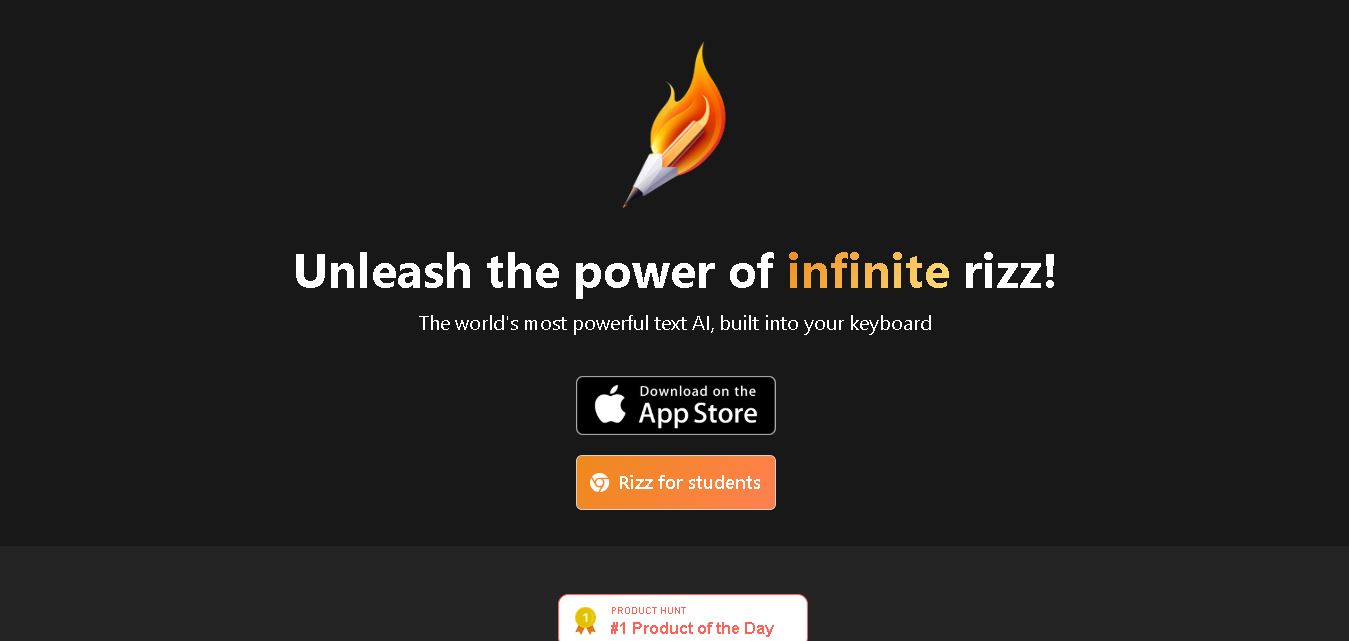
Rizz AI is a text-writing assistant that helps users generate messages, improve replies, and communicate more naturally online. Its keyboard-focused approach makes AI writing assistance convenient during everyday conversations. Whether you are drafting a message or looking for a creative response, Rizz AI aims to make digital communication faster and more expressive.