
ResumeBuilder.com
ResumeBuilder.com helps job seekers create professional resumes with templates, guided writing, AI suggestions, examples, and ATS-friendly formatting. You can build or import a resume, customize its design, save your work, and download TXT files for free. Paid plans add Word and PDF downloads, resume reviews, feedback, and additional career resources.
What is ResumeBuilder.com?
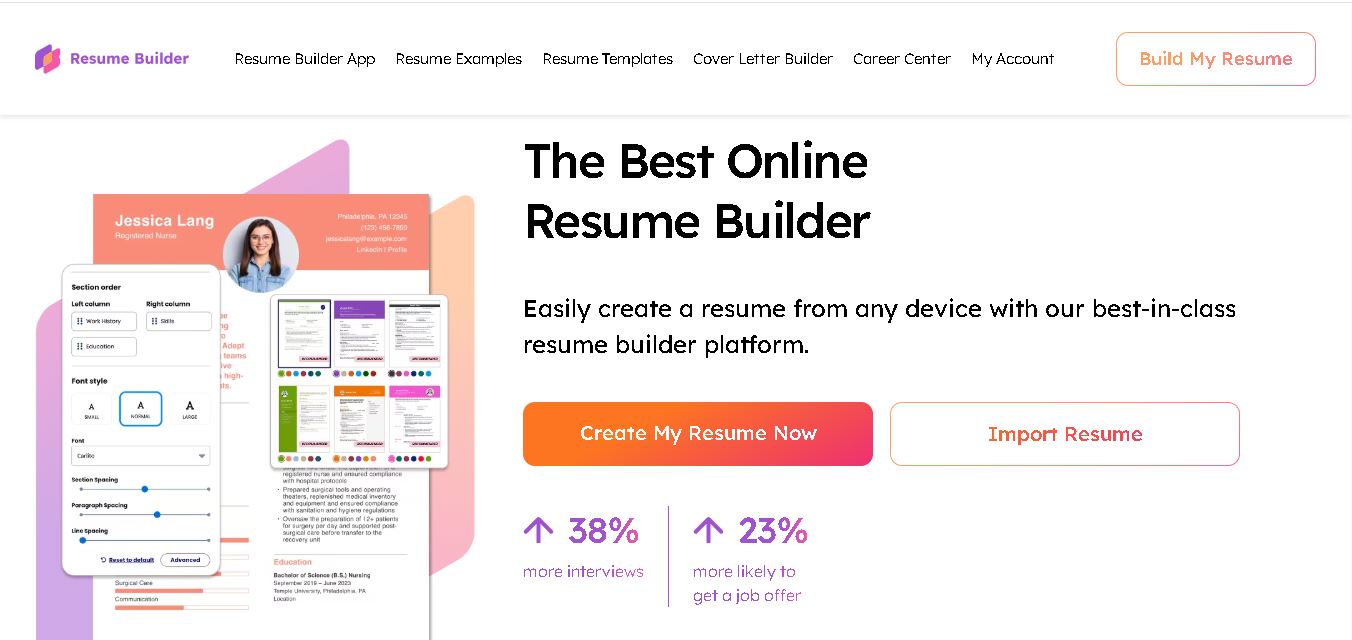
ResumeBuilder.com is an online resume creation service that helps job seekers build professional, ATS-friendly resumes using guided steps, templates, examples, and AI writing assistance. Users can customize resume content, fonts, colors, and layouts, import existing resumes, and save their work online. The service also provides cover letter creation and career resources for broader job-search support for modern job searches and applications.
ResumeBuilder.com offers more than 500 resume examples and templates, including 25+ ATS-friendly professional templates. The company says more than 1 million job seekers have created resumes through its service. Its current pricing page lists a free plan, 14-day access for $1.95, then $25.95 every four weeks, and annual access at $5.95 per month billed upfront. Users can download TXT files for free, while paid access includes Word and PDF downloads, ResumeCheck, feedback, and additional career tools today and career stages.
- Core Focus: AI Resume Building & ATS-Friendly Templates
- Deployment Type: Web & Mobile Web SaaS
Use Cases:
- Creating ATS-optimized resumes and matching cover letters tailored to specific job postings
- Importing existing Word or PDF resumes to refresh design, formatting, and content structure
- Generating job-specific bullet points and summary statements using AI writing assistance
- Accessing certified professional resume examples across tech, healthcare, education, and management fields
Technology:
- AI-powered content generator suggesting role-specific phrases, skills, and summary tailored to targeted industries
- Responsive web app allowing seamless creation and editing across mobile browsers and desktop devices
- Automated document parser capable of converting legacy text, DOCX, or PDF files into editable digital templates
Target Users:
- Job seekers and career changers needing quick, professionally formatted resumes that pass ATS filters
- Recent graduates and students building first-time resumes with guided step-by-step prompts
- Experienced professionals needing modern cover letters and customizable executive templates
- Mobile users who want to update and download job applications directly from their smartphones
Corporate Entity: Operated by Bold LLC

Key features of ResumeBuilder.com
ResumeBuilder.com's key features are
- AI-Powered Resume Writing Assistant: Automatically generates tailored summary statements, achievements, and bullet points based on job titles and industry parameters.
- 25+ ATS-Friendly Resume Templates: Offers professionally designed layout options structured to parse smoothly through corporate Applicant Tracking Systems like Greenhouse, Lever, and Workday.
- 500+ Industry-Specific Resume Examples: Provides real-world, expert-curated resume samples across hundreds of roles, including nursing, engineering, sales, and software development.
- Instant Resume Import: Allows users to upload an existing resume (PDF or Word) to automatically extract text and populate new design templates.
- Matching Cover Letter Builder: Generates cohesive cover letters that match the color scheme, fonts, and header styling of selected resume templates.
- Fully Customizations & Styling: Customize layout margins, line spacing, color palettes, and typography to suit personal branding goals.
- Multi-Format Downloading: Supports TXT downloads for free users and high-resolution PDF and Word (DOCX) downloads for subscribers.
ResumeBuilder.com Pricing
ResumeBuilder.com operates on a freemium model, providing free access to resume creation and basic downloads alongside flexible trial and subscription plans for full document downloads.
Free Plan:
- $0 / Free forever
- Includes full access to the AI editor, step-by-step guidance, template selection, and unformatted plain text (.TXT) file downloads
Short-Term Trial / Full Access Pass:
- Typically around $1.95 to $2.95 for a 14-day trial period
- Grants unlimited PDF and Word (DOCX) downloads, cover letter builder access, and high-resolution exports
Monthly Subscription Plan:
- Approximately $5.95 to $23.95 per month (auto-renews after initial trial unless cancelled)
- Includes continuous access to cloud resume storage, unlimited downloads, AI content suggestions, and multiple resume versions
Disclaimer: Subscription pricing and trial terms are subject to promotional variations and local currency conversions. For the latest details and auto-renewal terms, visit resumebuilder.com.
Who is using ResumeBuilder.com?
ResumeBuilder.com is designed for candidates and career seekers across industries, including
- Entry-Level Job Seekers & Graduates: Crafting polished first resumes with pre-written skills and education sections
- Mid-Career Professionals: Updating work experiences and applying to modern job openings with ATS-optimized templates
- Healthcare & Nursing Professionals: Utilizing specialized clinical resume templates and certifications sections
- Tech & Engineering Applicants: Highlighting technical skill sets, frameworks, and project histories in structured formats
- Remote Workers & Freelancers: Managing multiple tailored resume variations stored safely in the cloud
Best ResumeBuilder.com Alternatives
Some of the strongest ResumeBuilder.com alternatives include
- Zety
- MyPerfectResume
- Resume.io
- Novoresume
- Canva
- Kickresume
Pros and Cons of ResumeBuilder.com
Pros
- Extensive collection of 500+ pre-written industry examples speeds up document creation
- AI writing tools offer quick, contextual phrasing and skills suggestions for various job titles
- Templates are specifically engineered to pass through Applicant Tracking Systems (ATS) smoothly
- Responsive mobile interface allows users to edit and manage applications on smartphones without an app download
- Free plain-text (TXT) download option lets users export content without requiring immediate payment
Cons
- Downloading formatted PDF or Word documents requires upgrading to a paid subscription or trial pass
- Automated recurring billing after low-cost trials requires users to manage cancellations carefully
- Advanced visual design customizations (like custom graphic elements) are limited compared to design tools like Canva
Why Choose ResumeBuilder.com?
ResumeBuilder.com is an ideal choice for job seekers who want a fast, hassle-free way to create professional, ATS-compliant application documents.
- Speeds up resume creation with pre-written, job-specific content and AI assistance
- Ensures documents clear recruiter software filters using ATS-tested layouts
- Offers seamless mobile editing without downloading external software
- Provides matching cover letter templates for a consistent personal brand
- Backed by comprehensive career guides and certified professional examples
ResumeBuilder.com vs. Competitors
The main difference between ResumeBuilder.com, Zety, Novoresume, and Canva is that ResumeBuilder.com focuses heavily on streamlined AI writing prompts and high-parsing ATS templates with free plain-text exports, whereas Zety offers deep step-by-step career coaching features, Novoresume emphasizes clean aesthetic layouts for creative fields, and Canva relies on manual drag-and-drop graphic design tools that may not always parse easily through automated ATS screeners. ResumeBuilder.com stands out for its balance of ease-of-use, AI assistance, and mobile accessibility.
| Feature / Tool | ResumeBuilder.com | Zety | Novoresume | Canva |
|---|---|---|---|---|
| Core Focus | AI Resume Building & ATS Templates | Guided Resume & Career Building | Modern Single/Multi-Page Resumes | Graphic Design & Visual Templates |
| ATS Optimization | High (ATS-tested templates) | High (ATS-compliant) | High (Structured layouts) | Moderate/Low (Depends on graphics used) |
| Free Download Option | Yes (Plain Text .TXT) | Yes (Plain Text .TXT) | Yes (1-Page Free PDF) | Yes (Free PDF/PNG Exports) |
| AI Writing Assistance | Yes (Automated bullet points) | Yes (Built-in content tips) | Limited / Basic content suggestions | Yes (Magic Write AI) |
| Starting Price Range | Free (TXT) / Paid Trial & Subscriptions | Free (TXT) / Paid Trial & Subscription | Free Tier / Premium Plans | Free Tier / Canva Pro Subscription |
| Best For | Quick ATS-optimized resumes & mobile users | Detailed step-by-step career guidance | Modern visual single-page resumes | Highly custom visual resume designs |
How do we rate ResumeBuilder.com?
| Parameter | Rating (out of 5) |
|---|---|
| Ease of Use & Editor Interface | 4.8 |
| ATS Template Quality & Variety | 4.7 |
| AI Writing Assistance & Content Quality | 4.6 |
| Mobile Experience & Accessibility | 4.8 |
| Value for Money | 4.5 |
| Overall Score | 4.68 |
ResumeBuilder.com Review
ResumeBuilder.com is an efficient and user-friendly platform that greatly simplifies job application creation. By offering hundreds of industry-tailored templates, step-by-step guidance, and AI-powered text generation, it removes the writer's block and formatting headaches associated with traditional resume creation. The platform's heavy emphasis on ATS compatibility gives job seekers confidence that their documents will parse correctly in enterprise recruiting systems. While full PDF/Word downloads require a paid subscription after the trial period, its plain-text export option and rich library of free career resources make it a valuable tool for anyone navigating the current job market.
Conclusion
ResumeBuilder.com combines resume templates, guided creation, AI writing assistance, examples, and career resources in one service. Its free access supports resume creation and TXT downloads, while paid plans add Word and PDF downloads, ResumeCheck, feedback, and other job-search features. With hundreds of examples and multiple template formats, it can support different experience levels and career goals for many job-search situations.
FAQ
Is ResumeBuilder.com free to use?
Yes, ResumeBuilder.com offers free resume creation, editing, saving, and TXT downloads. You can choose templates, receive guided suggestions, and use resume examples without paying. Paid access is required for professionally designed Word and PDF downloads and additional features. Always review the current pricing page before subscribing or downloading premium formats.
Can I create an ATS-friendly resume with ResumeBuilder.com?
Yes, ResumeBuilder.com provides ATS-friendly templates designed to work with applicant tracking systems. The platform also offers AI writing assistance and suggested phrases to help strengthen resume content and keywords. However, ATS performance still depends on relevant information, clear formatting, accurate keywords, and tailoring your resume to each specific job description.
Does ResumeBuilder.com use AI to write resumes?
Yes, ResumeBuilder.com includes AI writing assistance that can turn brief prompts into stronger resume statements. Its AI tools provide content ideas and suggestions based on your experience, education, and skills. You should review generated text and personalize it so every statement accurately reflects your achievements, responsibilities, and career history online.
What resume formats can I download from ResumeBuilder.com?
ResumeBuilder.com provides unlimited TXT downloads with free access. Paid plans include unlimited Word and PDF downloads, allowing professionally formatted application documents. The platform also supports importing an existing resume, so you can update current content rather than starting completely from scratch when changing jobs or careers for applications.
How many resume templates does ResumeBuilder.com offer?
ResumeBuilder.com currently promotes more than 500 free resume templates and examples across different professions and experience levels. Its site also highlights 25+ ATS-friendly professional templates. You can explore formats such as traditional, modern, skills-based, functional, combination, reverse-chronological, Google Docs, and Word templates before choosing a design that fits your goals.
Can I use ResumeBuilder.com on my phone?
Yes, you can use ResumeBuilder.com directly through a mobile browser, so no app download is required. The site describes its resume generator as responsive across smartphones, tablets, and desktop browsers. You can enter experience, skills, and career information, customize your resume, and continue editing while away from your primary computer.
User Reviews
No reviews yet for ResumeBuilder.com.
Featured Tools
Featured AI tools from TechShark

Melody Genie
MelodyGenie is an AI-powered music generator that creates original songs from simple text prompts. Users can choose styles, moods, and genres, then instantly generate melodies and full tracks, making it easy for creators, marketers, and hobbyists to produce custom music without musical expertise.
Freemium

Kimi AI
Kimi AI is an advanced AI assistant developed by Moonshot AI that helps you chat, research, write, code, and automate tasks in one place. It supports web search, file analysis, and multimodal inputs, and can even run autonomous “agent” workflows to complete complex tasks end-to-end.
Freemium

Fashion Diffusion AI
Fashion Diffusion is an AI-powered fashion design platform that helps brands and designers create clothing designs, virtual try-ons, AI models, product photos, and marketing visuals faster and cost-effectively.
Paid

Veo 4
Veo 4 AI is an AI video creation platform that generates dramatic videos from text, images, audio, and video prompts using realistic motion and synchronized sound.
Paid
Alternatives
Alternatives to ResumeBuilder.com
The best ResumeBuilder.com alternatives include Zety, MyPerfectResume, Resume.io, Novoresume, Canva, and Kickresume. These platforms provide professional resume templates, cover letter creation tools, and automated ATS parsing checks. While ResumeBuilder.com excels in quick AI bullet point generation, mobile browser editing, and ATS-friendly layouts with free plain-text exports, alternatives like Zety offer step-by-step career guidance, Novoresume focuses on minimalist single-page designs, and Canva provides flexible graphic customization. Choosing the right tool depends on whether you require strict ATS optimization, AI content generation, or creative design controls.
 4.7
4.7Novoresume
Resume
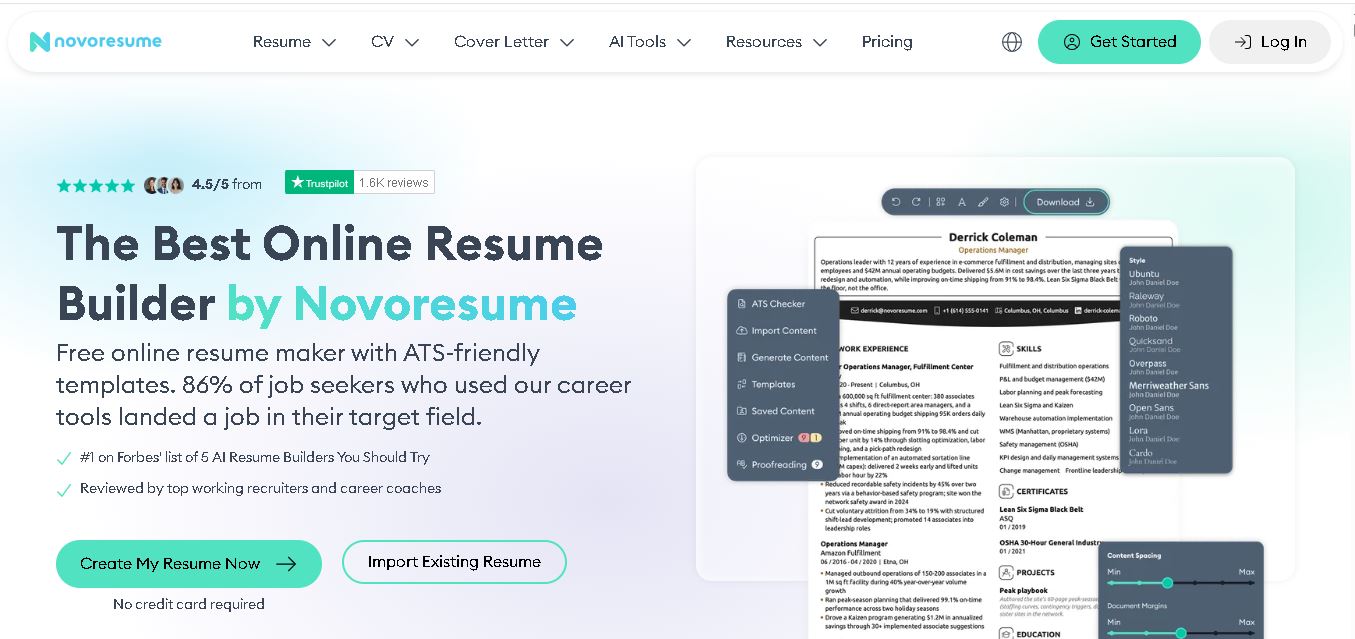
Novorésumé is an online resume and CV builder for creating professional, ATS-friendly job application documents. It offers free templates, premium customization, AI-assisted suggestions, cover letters, PDF downloads, and career tools. With multiple layouts and mobile browser support, it helps students, graduates, and experienced professionals build polished resumes efficiently today online.
 4.6
4.6Zety
Resume
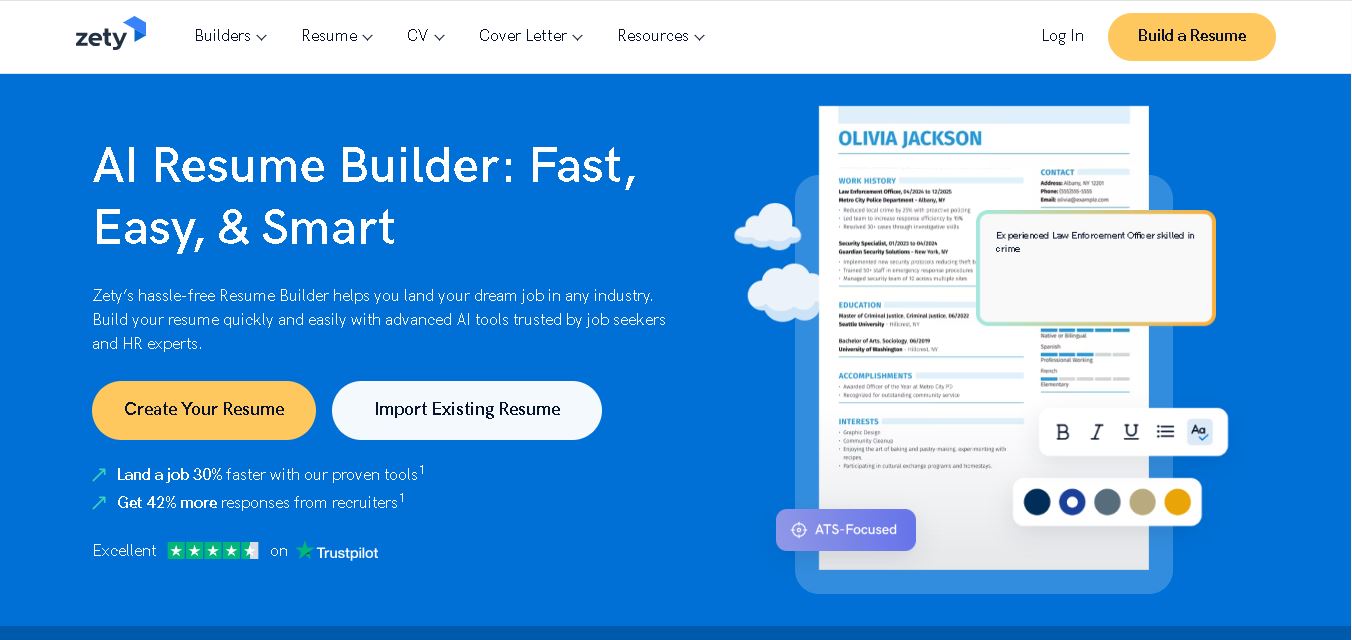
Zety is a career-building platform for creating resumes, CVs, and cover letters. It provides professionally designed templates, ready-made content suggestions, ATS-focused guidance, resume checking tools, and career advice. Users can customize their documents for different industries and experience levels, then download them in supported formats for job applications.
 4.4
4.4Resume.io
Resume
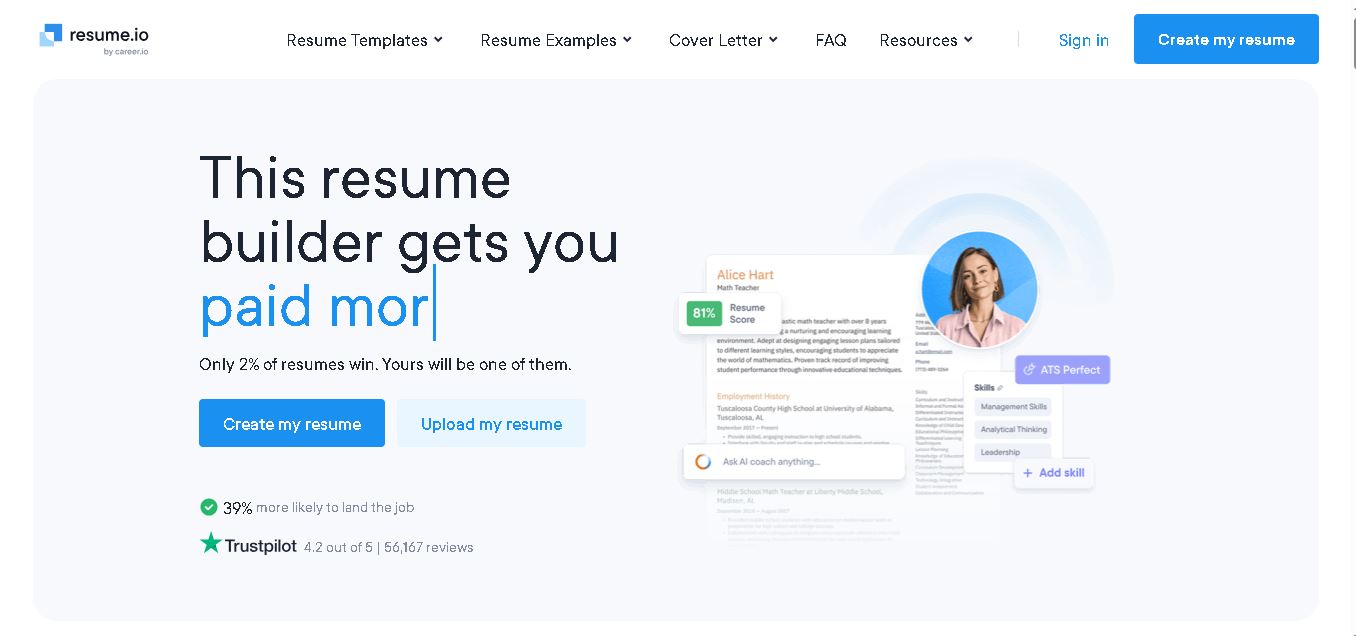
Resume.io helps job seekers build resumes and cover letters with guided editing, customizable templates, AI-assisted writing, and career resources. Users can start with examples or create documents from scratch, then tailor applications for different roles. Its free and premium options support different needs, from resume creation to broader job-search tools.
 4.9
4.9MatchBuilt
Resume
MatchBuilt is a specialized homebuilding executive search firm that connects residential builders with experienced leadership talent. It recruits executives and senior professionals across construction, land acquisition, sales, purchasing, finance, marketing, and operations. The company serves national, regional, private, luxury, custom, land-development, and build-to-rent organizations throughout the United States.
 4.8
4.8ResumeWriting.com
Resume
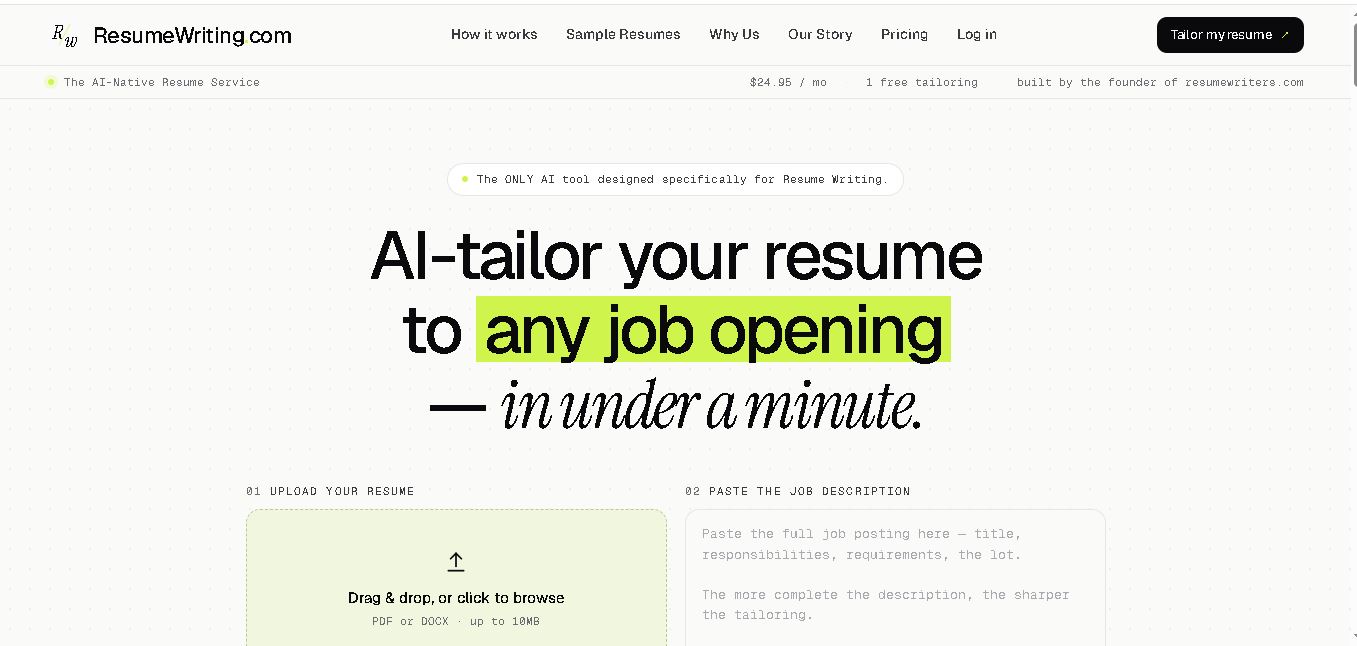
ResumeWriting.com helps job seekers tailor resumes to specific job descriptions in under a minute. Upload a resume, paste the role requirements, and receive rewritten bullets aligned with the opportunity. It offers a free lifetime tailoring, Core subscriptions, multiple templates, iterative rewrites, and PDF or DOCX exports designed for use.
 4.8
4.8PitchMe AI
Resume
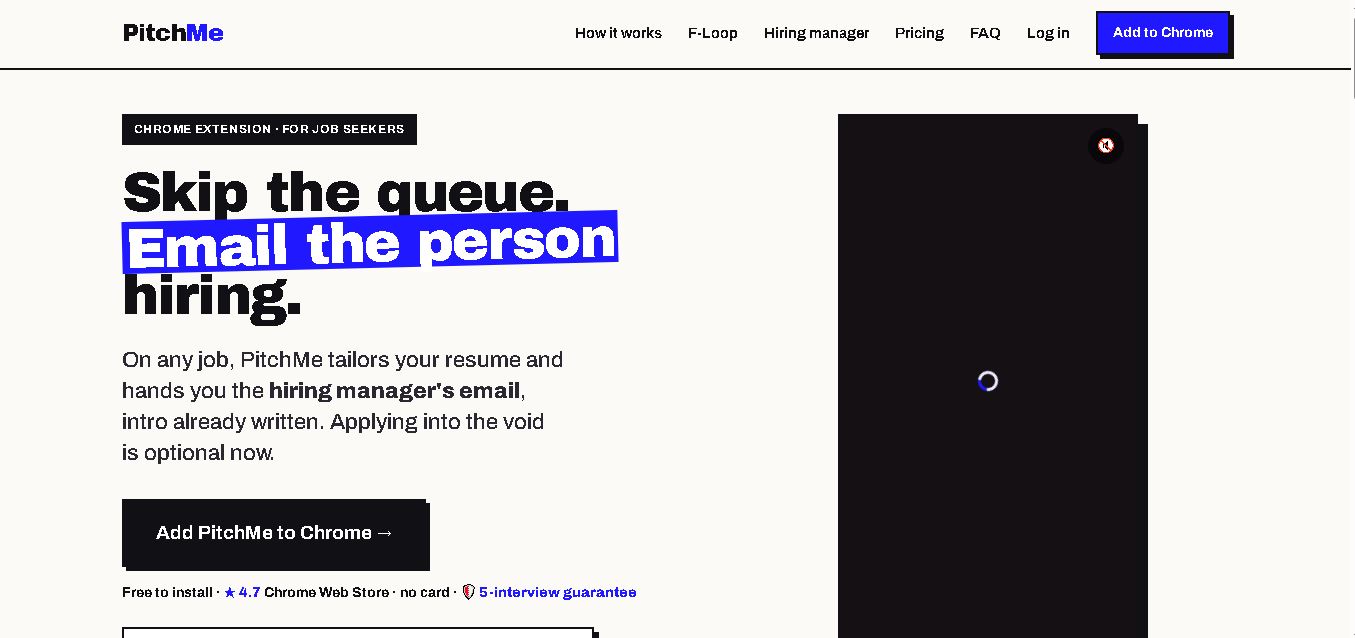
PitchMeAI helps job seekers personalize resumes, discover hiring managers, and prepare direct outreach for specific job openings. Its Chrome extension works across major job sites, while its broader workflow supports resume tailoring and application assistance. Users can start free, test the service, and upgrade to unlimited features when needed today.
 4.4
4.4Resume Now
Resume
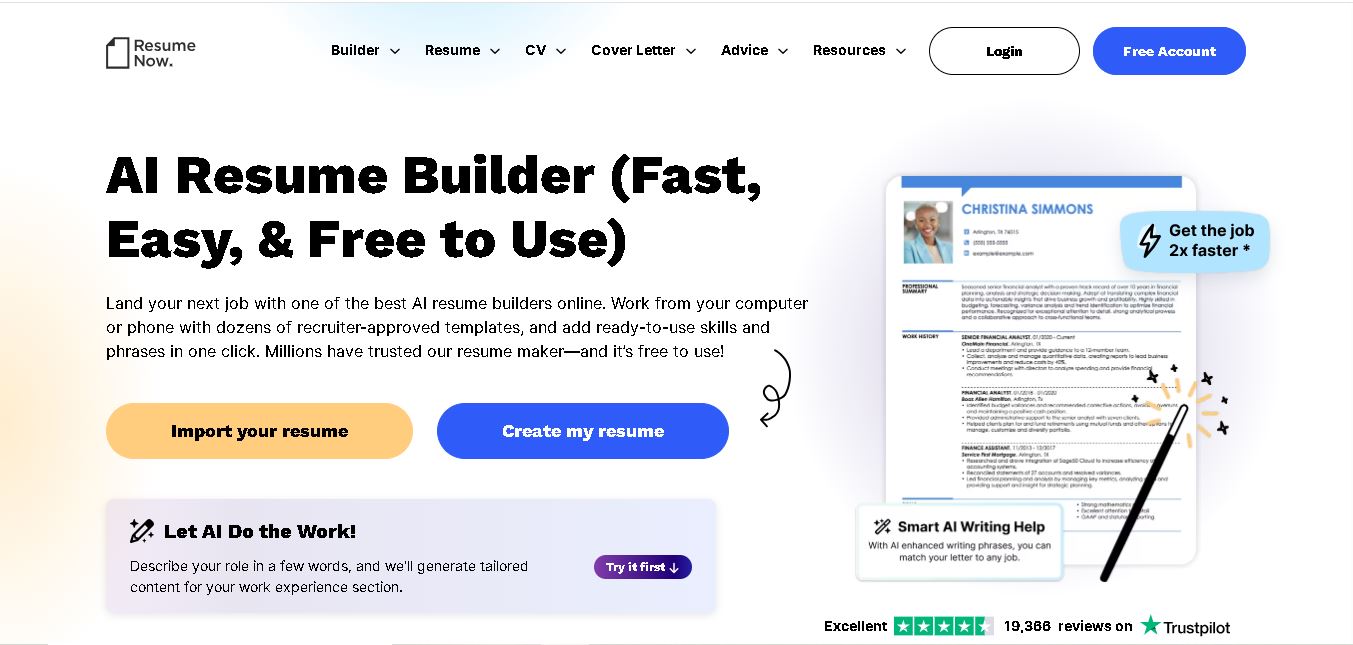
Resume Now is a resume and career-building platform for creating resumes, cover letters, job application materials. It provides customizable templates, AI-assisted writing suggestions, ATS-friendly designs, resume checking, career guidance, downloadable formats. Job seekers can build documents quickly while tailoring content to specific roles industries. It suits students, professionals, career changers, seekers.
 4.7
4.7VMock
Resume
VMock helps students and job seekers improve resumes through automated, personalized feedback. Upload a resume to receive guidance on content, formatting, competencies, and presentation. The platform is designed to support career preparation by identifying areas for improvement and helping users refine application materials before sharing them with recruiters or employers.
 4.6
4.6Resumaker.ai
Resume
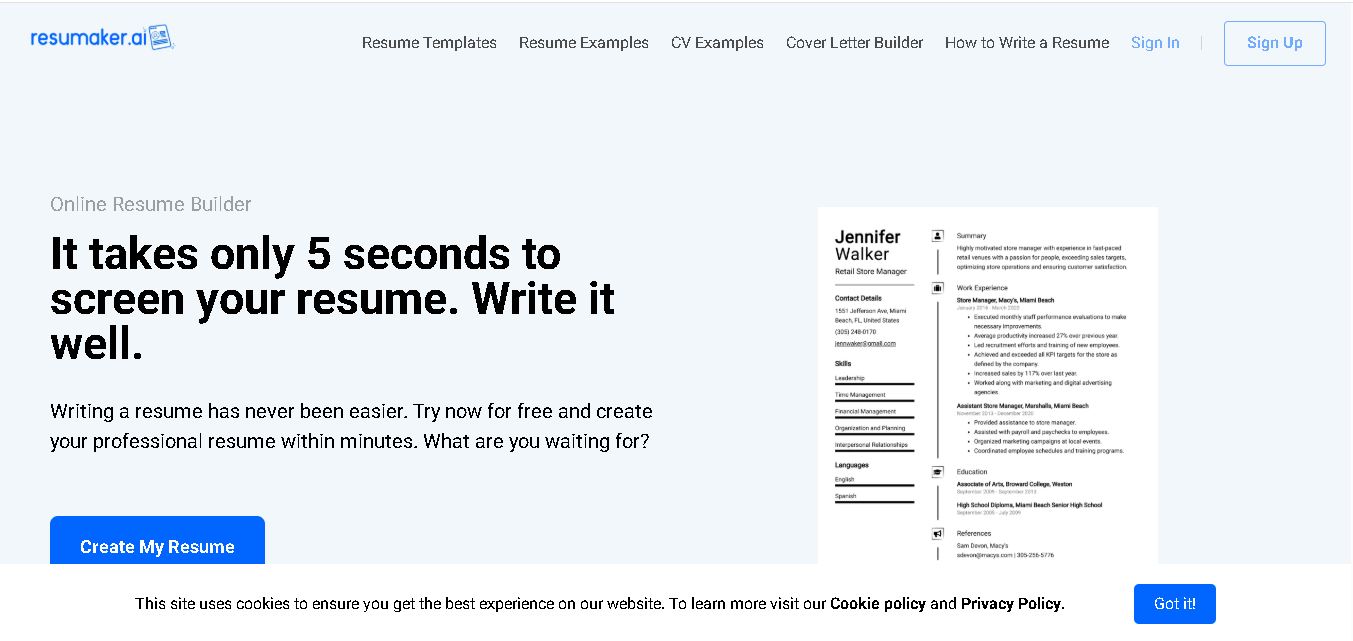
Resumaker.ai helps job seekers build professional resumes online with customizable templates, an AI engine, career guidance, spell checking, and cover-letter tools. Users can create, edit, and download application documents while choosing layouts designed for recruiter readability. It is useful for students, experienced professionals, career changers, and anyone updating their resume.