
PDF Candy
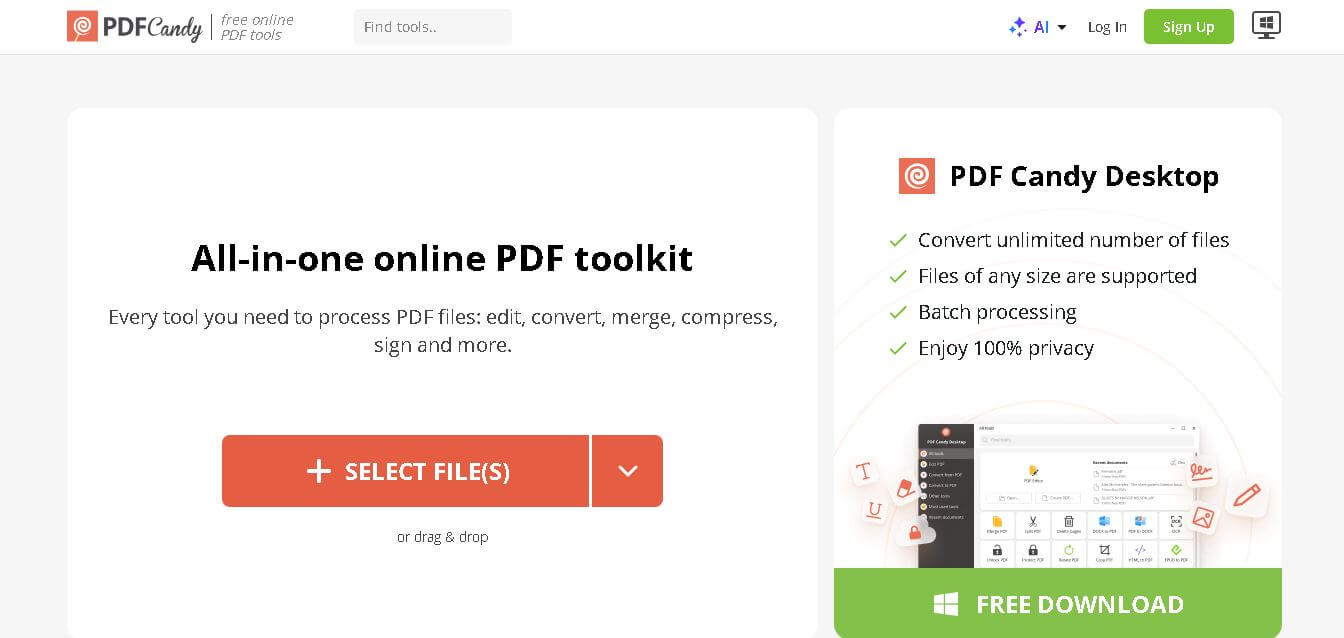
PDF Candy is an all-in-one online PDF tool that enables users to edit, convert, merge, split, compress, and manage PDF files quickly and efficiently.
What is PDF Candy AI?
- Founders: Developed by the Icecream Apps team
- Launch: Introduced as part of a suite of productivity tools in the mid-2010s
- Use Cases:
- Converting PDF to Word, JPG, PNG, etc.
- Merging and splitting PDF files
- Compressing large documents
- Editing and adding watermarks
- Extracting text using OCR
- Technology:
- Cloud-based processing
- OCR (Optical Character Recognition)
- Secure HTTPS file handling
- Cross-platform compatibility (web and desktop)
PDF Candy is an AI powered image editing platform that document management solution which provides users with complete PDF editing and conversion tools to handle their document requirements. The system delivers straightforward online and offline access points which users can operate without needing to install any complicated software systems. Users can quickly convert PDFs to various formats, merge multiple files, compress large documents, and even perform OCR tasks. The system functions as a dependable document management solution which users can operate through its straightforward design and its ability to process documents at high speed. PDF Candy provides users with tools to boost their productivity across personal, educational, and professional settings, which perform efficiently with minimal user input.
Key Features
PDF Candy AI's key features are
- PDF Conversion Tools:
Convert PDFs to multiple formats like Word, Excel, JPG, PNG, and vice versa with high accuracy and preserved formatting. - Merge & Split Functionality:
Combine multiple PDF files into one or split large documents into smaller, manageable parts effortlessly. - PDF Compression:
Reduce file size without significantly compromising quality, making sharing and storage easier. - OCR Technology:
Extract text from scanned documents and images, turning them into editable and searchable files. - Edit PDF Files:
Add text, images, annotations, and watermarks to PDFs without needing advanced technical skills. - User-Friendly Interface:
Clean and simple design ensures smooth navigation for both beginners and experienced users. - Offline Desktop Version:
Offers a downloadable version for users who prefer working without internet access. - Security & Privacy:
Files are processed securely and automatically deleted after a certain period to protect user data.
Pricing
- Free version with limited usage
- Paid plans available for advanced features and unlimited access
- Desktop version offers a one-time purchase option
Disclaimer: For the latest and most accurate pricing information, please visit the official PDF Candy AI website.
Who is using it?
A diverse range of users and organizations utilize PDF Candy AI
- Students and educators
- Office professionals
- Freelancers and content creators
- Legal and administrative teams
- Small and medium-sized businesses
- Anyone dealing with frequent document conversions
Alternatives
Some PDF Candy AI alternatives are
- Smallpdf
- ILovePDF
- Adobe Acrobat Online
- Soda PDF
- Sejda PDF Editor
How We Rated PDF Candy?
- Creative Accuracy: 8.5/10
- User Experience: 9/10
- Tools & Capabilities: 9/10
- Speed & Efficiency: 8.5/10
- Creative Freedom: 8/10
- Trust & Transparency: 8.5/10
- Help & Community: 8/10
- Value for Money: 9/10
- Ecosystem Fit: 8.5/10
Overall Score: 8.6/10
Conclusion
PDF Candy stands out as a reliable and versatile PDF management tool that caters to a wide range of users. Its combination of powerful features and user-friendly design together with its flexible pricing model enables it to compete effectively within document management solutions. The system offers users an easy experience through its basic conversion functions and advanced optical character recognition abilities which maintain constant performance standards. The system becomes more accessible to users because it offers both online and offline access options. The product delivers exceptional value for daily work responsibilities although it cannot completely substitute professional tools used in high-end work environments. The PDF Candy software provides users with an effective solution to enhance their PDF document processing operations.
People are also reading
FAQ
Is PDF Candy free to use?
Yes, it offers a free version with basic features, but advanced tools require a paid plan.
Is PDF Candy safe for file uploads?
Yes, it uses secure connections and deletes files after processing to ensure privacy.
Can I use PDF Candy offline?
Yes, a desktop version is available for offline use.
Does PDF Candy support OCR?
Yes, it includes OCR to extract text from scanned documents and images.
What formats can PDF Candy convert?
It supports multiple formats including Word, Excel, JPG, PNG, and more.
User Reviews
No reviews yet for PDF Candy.
Featured Tools
Featured AI tools from TechShark

Melody Genie
MelodyGenie is an AI-powered music generator that creates original songs from simple text prompts. Users can choose styles, moods, and genres, then instantly generate melodies and full tracks, making it easy for creators, marketers, and hobbyists to produce custom music without musical expertise.
Freemium

Kimi AI
Kimi AI is an advanced AI assistant developed by Moonshot AI that helps you chat, research, write, code, and automate tasks in one place. It supports web search, file analysis, and multimodal inputs, and can even run autonomous “agent” workflows to complete complex tasks end-to-end.
Freemium

Fashion Diffusion AI
Fashion Diffusion is an AI-powered fashion design platform that helps brands and designers create clothing designs, virtual try-ons, AI models, product photos, and marketing visuals faster and cost-effectively.
Paid

Veo 4
Veo 4 AI is an AI video creation platform that generates dramatic videos from text, images, audio, and video prompts using realistic motion and synchronized sound.
Paid
Alternatives
Alternatives to PDF Candy
PDF Candy is a user-friendly platform offering powerful PDF editing and conversion tools. It supports multiple formats, ensures secure file handling, and helps individuals and businesses streamline document management with ease and flexibility.
 4.9
4.9Edubrain AI
Education
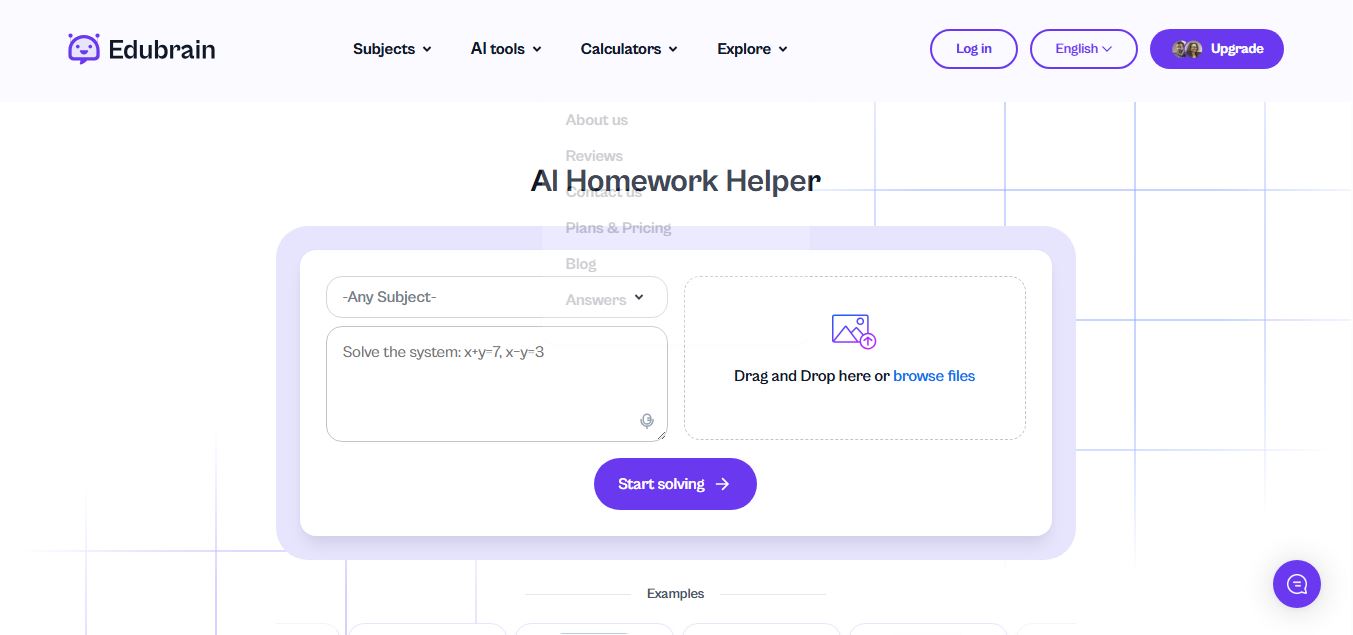
Edubrain is an AI-powered homework assistant that helps students solve questions across 90+ subjects using text, images, PDFs, or audio. It provides step-by-step explanations, adapts to learning styles, and works without sign-up, enabling faster understanding, exam prep, and personalized study support.
 4.8
4.8Math AI
Education
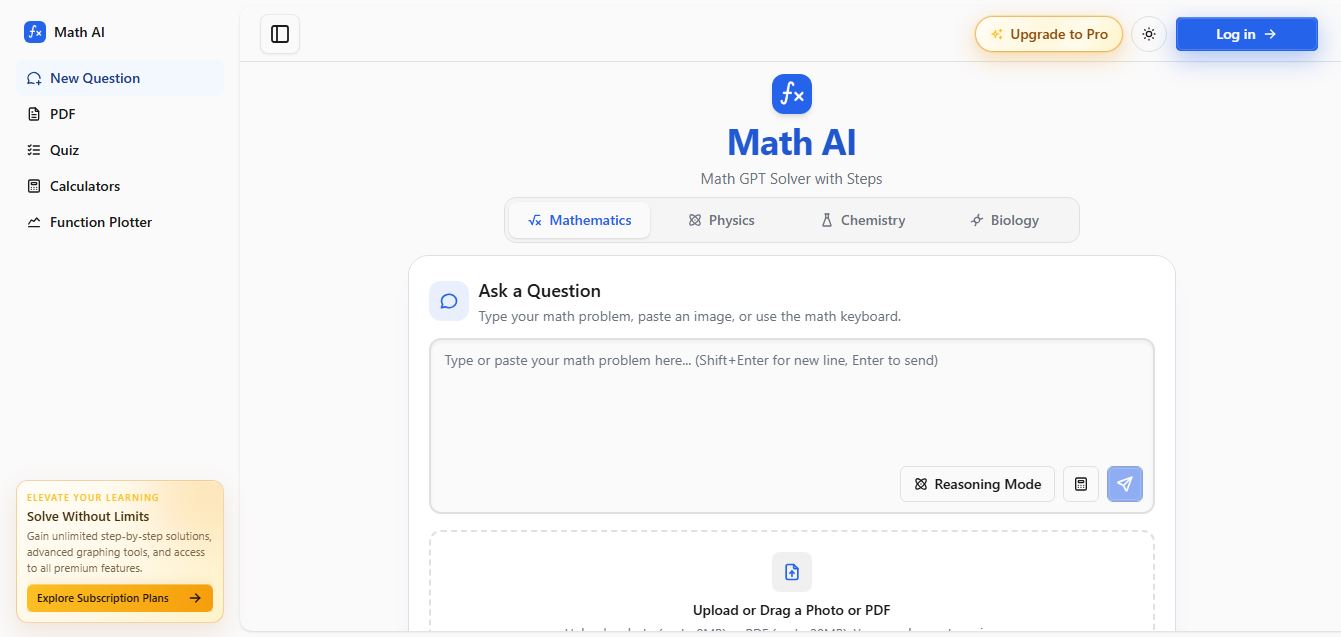
Math AI is an AI-powered math learning platform that helps users solve problems using text or images with step-by-step explanations. It supports algebra, calculus, and more, offering quizzes, graphs, and personalized tutoring to improve understanding and make studying, homework, and exam preparation easier.
 4.9
4.9ThetaWise
Education
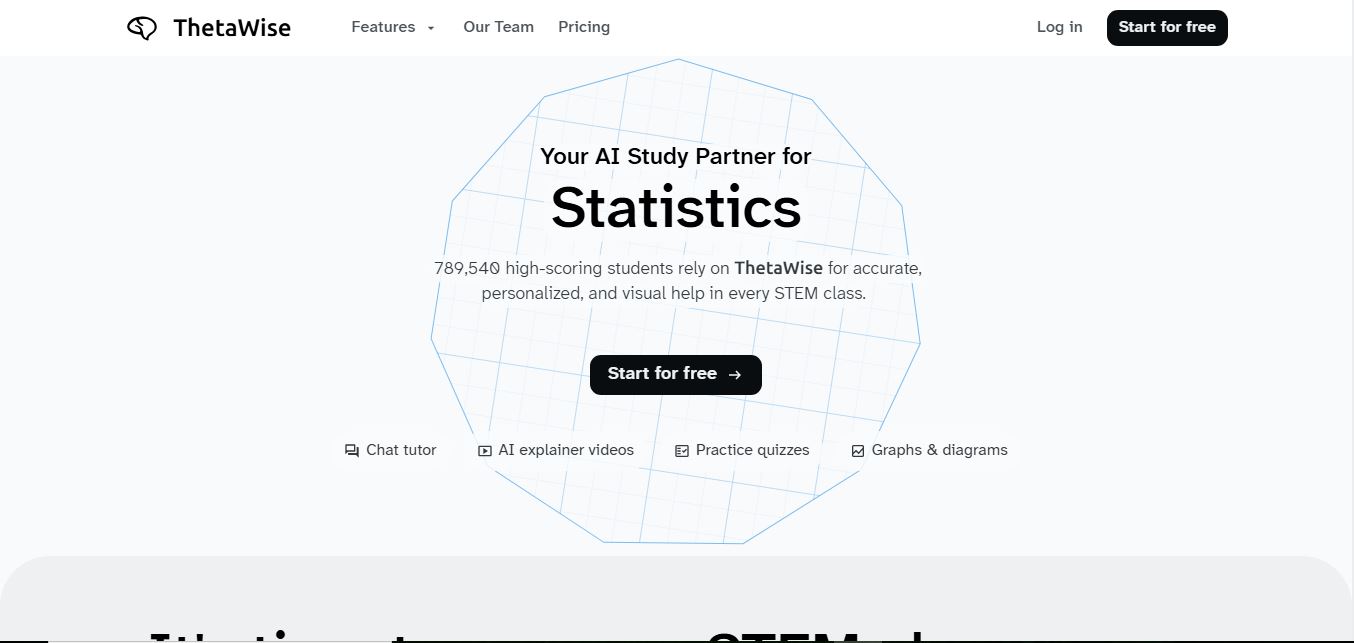
ThetaWise is an AI-powered STEM learning platform that helps students solve math and science problems with step-by-step explanations, video lessons, and practice quizzes. It acts like a 24/7 tutor, adapting to learning styles and improving understanding, test performance, and concept mastery.
 4.9
4.9Mathos AI
Education
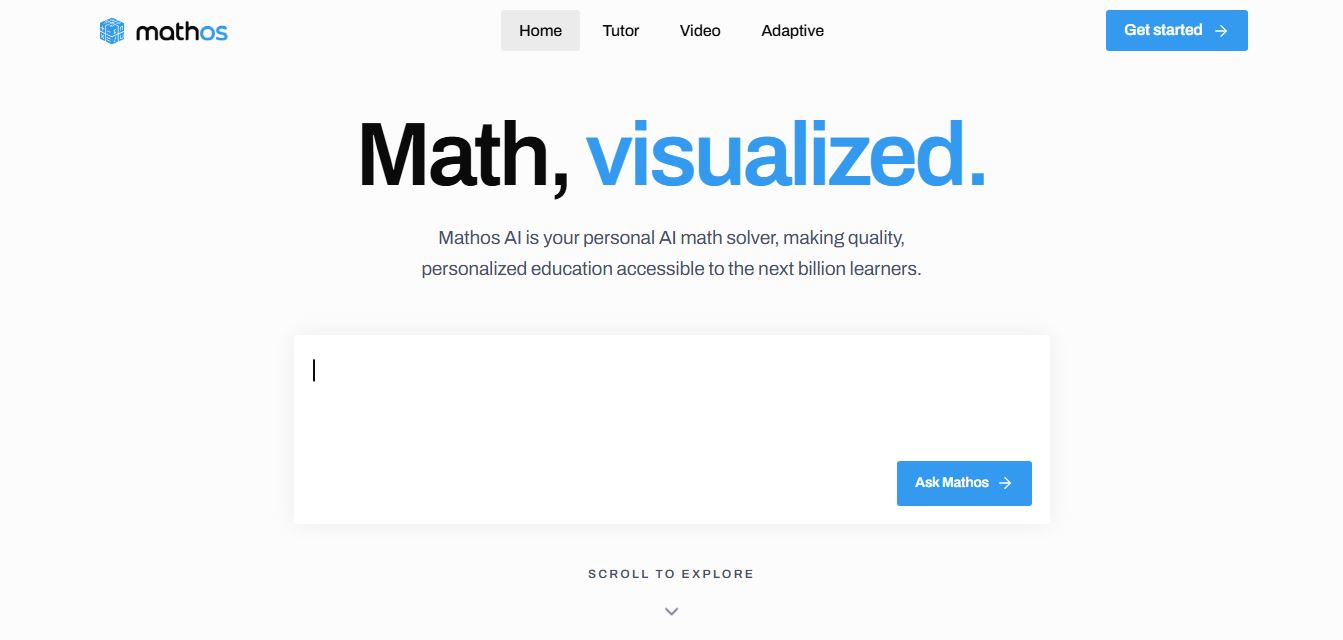
Mathos AI is an AI-powered math solver and tutor that helps students solve problems with step-by-step explanations and personalized guidance. It turns questions into lessons, generates quizzes, flashcards, and videos, and adapts to mistakes, enabling deeper understanding instead of just providing answers.
 4.8
4.8Brainly
Education
Brainly is an AI-powered learning platform that helps students solve homework, study concepts, and prepare for exams with step-by-step explanations. It combines AI guidance with a global community of experts, turning questions into personalized learning and helping students understand—not just complete—their schoolwork.
 4.8
4.8Gauth
Education
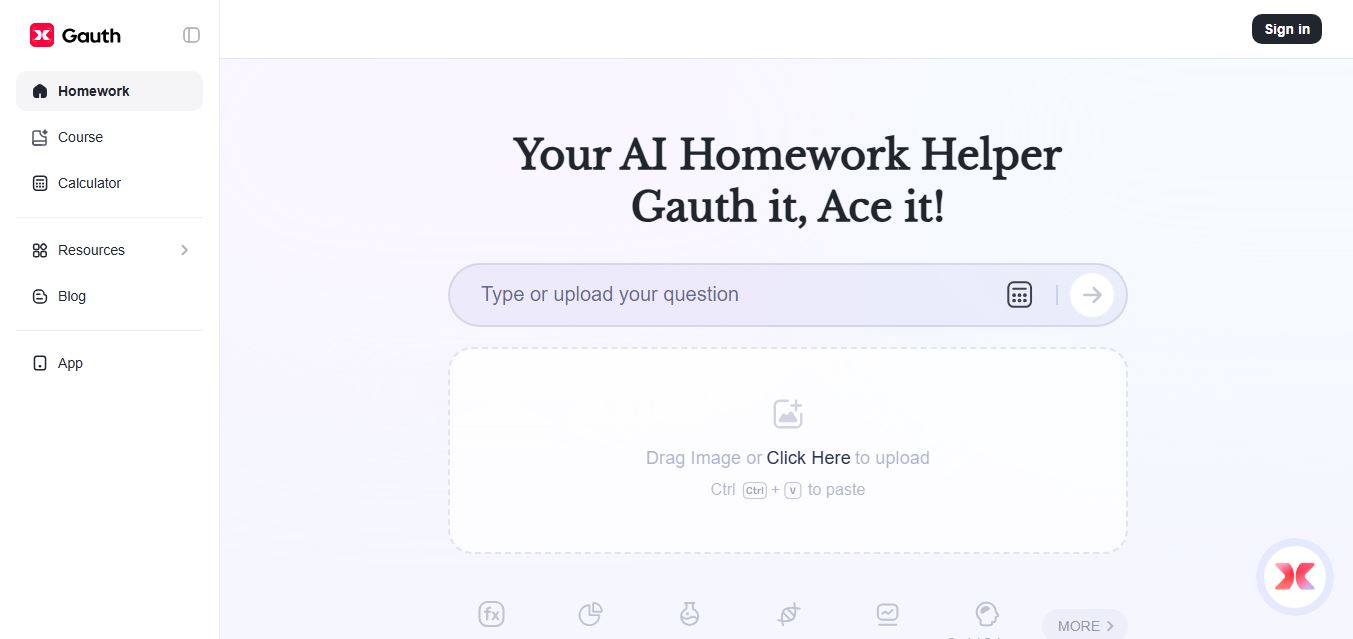
Gauth (formerly Gauthmath) is an AI-powered homework helper that lets students solve problems by typing or snapping a photo. It delivers step-by-step explanations across math and other subjects, combines AI with live tutor support, and helps users understand concepts, complete homework, and prepare for exams.
 4.7
4.7AI Math Solver
Education
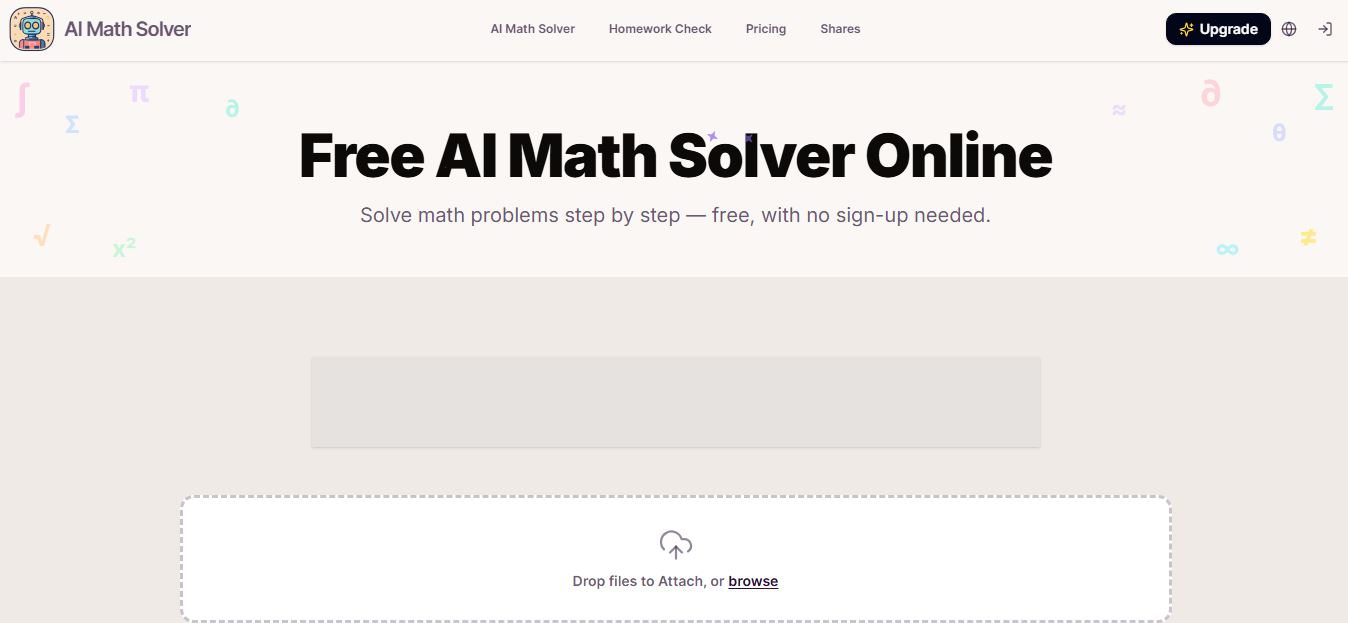
AIMathSolve is an AI-powered math solver that helps users solve problems across algebra, calculus, geometry, and more using text or image input. It generates step-by-step explanations, recognizes handwritten equations, and improves understanding, making it useful for homework, learning, and exam preparation.
 4.9
4.9Brilliant
Education
Brilliant is an interactive online learning platform that helps users build math, coding, and problem-solving skills through hands-on lessons. It uses visual explanations, real-time feedback, and a personal AI tutor to guide learning, enabling deeper understanding compared to passive video-based courses.
 5.0
5.0Desmos
Education
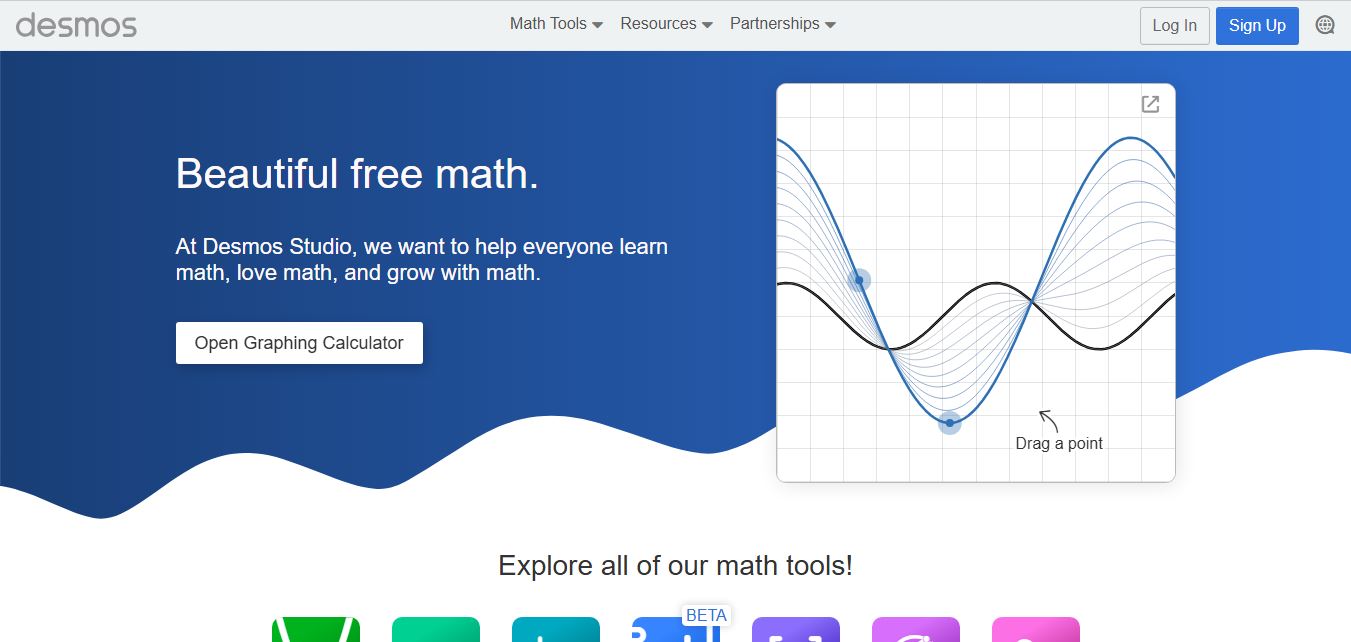
Desmos is an interactive math platform that helps students and teachers visualize concepts through graphing calculators, activities, and classroom tools. It enables real-time exploration of equations, functions, and data, making math more intuitive, engaging, and accessible across algebra, geometry, and advanced topics.