PatentDraw AI
PatentDrawingAI helps inventors and patent professionals turn product images, sketches, and diagrams into organized patent illustrations. Its tools support line-art generation, reference numbering, image editing, and formatted drawing sheets. With PDF, PNG, and SVG exports, it simplifies illustration workflows while offering privacy-focused handling of uploaded invention materials and generated drawings.
What is PatentDraw AI?
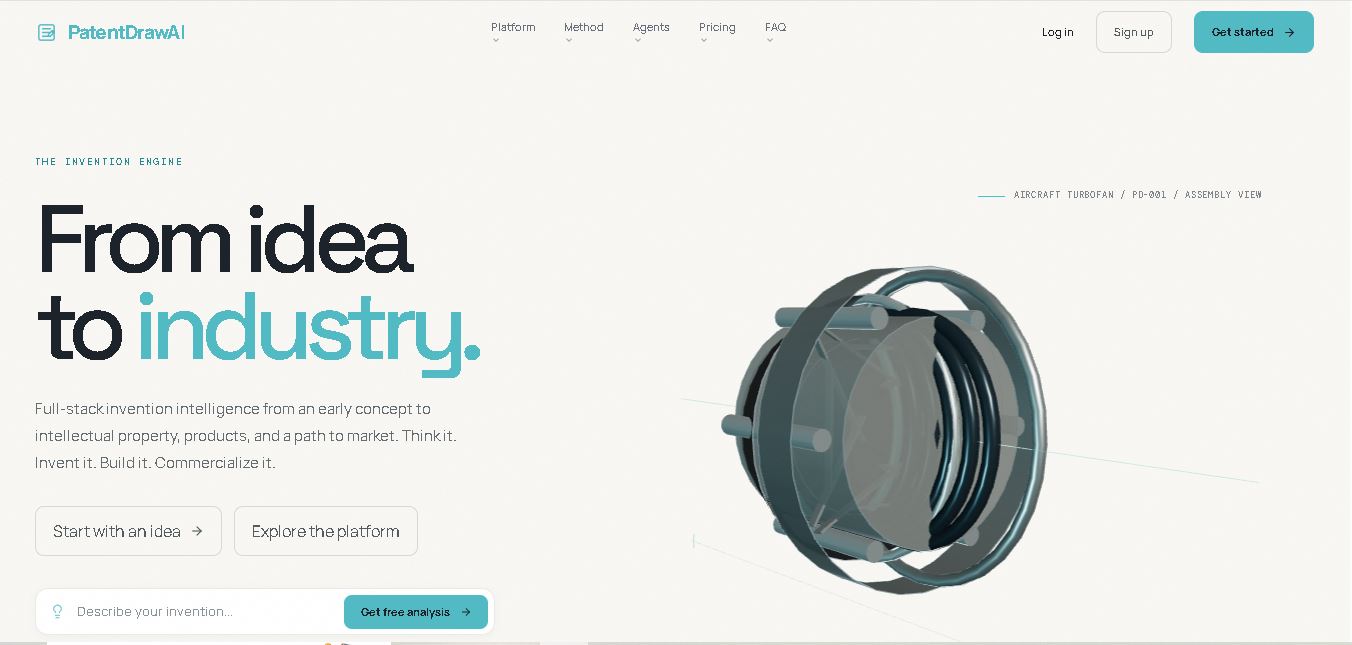
PatentDrawingAI is a patent illustration tool that converts sketches, product photographs, CAD screenshots, and diagrams into structured patent drawings. It helps inventors, patent attorneys, and legal teams create line art, add reference numerals, edit figures, and assemble drawing sheets formatted according to U.S. patent drawing requirements under 37 CFR §1.84. Users can export completed work in PDF, PNG, and SVG formats, reducing the manual effort involved in preparing patent illustrations.
PatentDrawingAI supports patent drawing creation through a six-stage workflow covering upload, generation, editing, automatic labeling, sheet assembly, and export. According to its official website, the tool can generate drawings in approximately 1–3 minutes. New drawings cost 5 credits, while AI redraw edits use 1 credit. Monthly plans start at $19 for 25 credits, with higher tiers at $79, $199, and $399. It supports PDF, PNG, and SVG exports and states that customer uploads are not used to train AI models.
- Core Focus: AI Patent Illustration Generation & USPTO/PCT Formal Compliance
- Target Industry: Intellectual Property Law, Patent Prosecution & Engineering Innovation
Use Cases:
- Converting rough napkin sketches, whiteboard drawings, or prototype photos into formal utility patent line art
- Generating multi-angle engineering views (perspective, exploded, front, side, and sectional views) from 3D models or descriptions
- Adding and organizing standardized reference numerals, part identifiers, and leader lines matching specification text
- Preparing submission-ready figure sheets meeting strict USPTO margin, shading, and line-weight standards
Technology:
- AI Vision-to-Vector conversion engine specialized in crisp black-and-white patent line art generation
- Automated reference numeral placement and leader-line alignment algorithms
- Compliance checker ensuring output meets USPTO Rule 84 and PCT formal drawing specifications
Target Users:
- Patent Attorneys, Patent Agents, and IP Law Firm Draftspeople
- Independent Inventors, Startups, and R&D Engineering Teams filing provisional and non-provisional patents
- Intellectual Property Paralegals managing patent application figure packages
- Content creators using writing tools to draft patent specifications, claim descriptions, and office action responses
Corporate Entity: PatentDraw AI (patentdrawai.com)

Key features of PatentDraw AI
PatentDraw AI's key features are
- Sketch-to-Patent Conversion: Instantly transforms rough hand-drawn sketches, photos, or CAD files into formal, black-and-white line illustrations.
- Multi-View Generation: Automatically generates orthogonal, perspective, sectional, and exploded assembly views from single reference images or text prompts.
- Smart Reference Numeral Annotation: Add, edit, and position part numbers and leader lines that align seamlessly with patent specification numbering conventions.
- USPTO & PCT Compliance Guardrails: Formats figures to meet strict regulatory margins, line widths, and contrast requirements required by intellectual property offices worldwide.
- Vector & High-Res Export: Download completed drawings in high-resolution vector formats (PDF, TIFF, SVG) ready for formal electronic filing.
- Revision & Editing Suite: Easily modify lines, remove background noise, adjust proportions, and refine illustration details prior to final submission.
PatentDraw AI Pricing
PatentDraw AI operates on a credit-based freemium subscription model, offering free trial sketches alongside professional monthly tiers for patent practitioners and law firms.
Free Trial / Starter Tier:
- Free trial credits upon sign-up
- Includes initial sketch conversions and basic patent figure exports for evaluation
Professional & Firm Plans:
- Tiered monthly subscriptions (typically ranging from $49 to $199/month depending on drawing volume and advanced multi-view features)
- Includes high-volume monthly generation credits, vector SVG/TIFF exports, priority processing, and advanced reference numbering tools
Disclaimer: Custom enterprise plans and bulk drawing packages for IP law firms are available upon request. Visit patentdrawai.com/pricing for current subscription options.
Who is using PatentDraw AI?
PatentDraw AI is designed for IP professionals, inventors, and engineers, including
- Patent Attorneys & Agents: Accelerating patent application preparation by generating formal figures in minutes instead of days
- Independent Inventors & Startups: Reducing patent filing costs by creating professional figures without hiring external draftspeople
- R&D Engineering Teams: Converting technical prototypes and CAD designs into compliant patent disclosure illustrations
- Content Creators: Using writing tools to draft patent specifications, figure descriptions, and abstract summaries
Best PatentDraw AI Alternatives
Some of the top PatentDraw AI alternatives include
- LexisNexis PatentOptimizer
- ClaimMaster
- Patent Drafting AI Tools
- 傳統 Professional Patent Illustrators & Drafting Agencies
- Adobe Illustrator
- CAD-to-Drawing Export Workflows
Pros and Cons of PatentDraw AI
Pros
- Drastically reduces the time and cost required to produce USPTO and PCT-compliant patent figures
- Converts rough napkin sketches and photos into clean, professional black-and-white line art
- Automates multi-view generation (exploded, sectional, and perspective views) from simple inputs
- Streamlines reference numeral labeling and leader line alignment
Cons
- Complex mechanical or biotech inventions may require manual refinement of fine technical details
- Requires paid subscription tiers for high-volume monthly patent figure generation
- Users must still review final drawings against strict jurisdictional rules before official filing
Why Choose PatentDraw AI?
PatentDraw AI is the ideal solution for inventors and IP professionals who want to eliminate the bottleneck of formal patent illustration without incurring high drafting agency fees.
- Transforms rough sketches and CAD models into formal patent line art in minutes
- Ensures drawings comply with USPTO and PCT formal drawing guidelines
- Provides smart reference numbering and multi-view generation tools
- Saves hundreds of dollars per patent application in professional drafting costs
PatentDraw AI vs. Competitors
The main difference between PatentDraw AI and traditional patent software like LexisNexis PatentOptimizer or ClaimMaster is that PatentDraw AI focuses specifically on generative visual illustration and sketch-to-figure conversion, whereas PatentOptimizer and ClaimMaster focus on patent text analysis, claim chart generation, and patent prosecution workflows. PatentDraw AI stands out by automating the visual drawing process for inventors and patent attorneys.
| Feature / Tool | PatentDraw AI (patentdrawai.com) | LexisNexis PatentOptimizer | ClaimMaster | Traditional Drafting Agencies |
|---|---|---|---|---|
| Core Focus | AI Patent Illustration & Figure Generation | Patent Prosecution & Text Analytics | Patent Claim Checking & Proofreading | Manual Professional Drafting Services |
| Sketch-to-Line Art AI | Yes (Automated Generation) | No | No | No (Human Draftsman) |
| USPTO / PCT Compliance | Yes (Built-in Rule Guardrails) | Text Compliance | Claim Consistency | Yes (Human Expertise) |
| Turnaround Time | Minutes (Instant AI Generation) | Real-time Text Review | Real-time Proofreading | Days to Weeks |
| Starting Price Range | Free Trial / ~$49–$199/month | Enterprise Pricing | Paid Software Tiers | $100–$300+ per figure sheet |
| Best For | Generating formal patent drawings quickly and affordably | Analyzing patent text and prior art relationships | Checking patent claim antecedent basis and syntax | Complex, highly bespoke mechanical/biotech drawings |
How do we rate PatentDraw AI?
| Parameter | Rating (out of 5) |
|---|---|
| Illustration Generation Quality & Accuracy | 4.7 |
| USPTO / PCT Compliance Features | 4.8 |
| Reference Numeral & Multi-View Tools | 4.6 |
| User Interface & Workflow Speed | 4.8 |
| Value for Money | 4.9 |
| Overall Score | 4.76 |
PatentDraw AI Review
PatentDraw AI solves one of the most persistent bottlenecks in patent application preparation: creating formal, compliant technical drawings. By harnessing advanced generative vision models, the platform turns rough sketches, CAD models, and descriptions into clean, black-and-white line illustrations complete with reference numerals and multi-angle views. For independent inventors, startups, and patent attorneys seeking to cut down drafting costs and accelerate patent filing timelines in 2026, PatentDraw AI is an invaluable productivity tool.
Conclusion
PatentDrawingAI offers a practical way to simplify patent illustration workflows for inventors, patent attorneys, startups, and legal teams. Its image-to-line-art generation, automatic labeling, editing tools, and formatted exports can reduce the time spent preparing technical drawings. Although it streamlines illustration work, users should verify accuracy and filing requirements before submission. For anyone seeking a more efficient patent drawing process, PatentDrawingAI is worth evaluating alongside traditional illustration software and professional patent drawing services.
FAQ
How does PatentDrawingAI help inventors create patent drawings?
PatentDrawingAI helps you transform a product photograph, sketch, or CAD screenshot into a structured patent illustration. You can generate line art, refine specific regions using plain-English instructions, add reference numerals, and assemble drawing sheets. This workflow can save time compared with preparing every illustration manually or outsourcing individual figures to professional illustrators.
Is PatentDrawingAI suitable for beginners?
Yes, PatentDrawingAI can be useful for first-time inventors who need patent illustrations without mastering professional drawing software. Its guided workflow lets you upload an image, review the proposed drawing, make edits, and export the result. However, beginners should still check technical accuracy and applicable patent office requirements before filing any application.
What file formats does PatentDrawingAI support?
PatentDrawingAI accepts PNG, JPG, and WebP images as source materials. You can upload photographs, sketches, CAD screenshots, or system diagrams to begin creating illustrations. Completed drawings can be exported in PDF, PNG, and SVG formats. Native CAD files such as DWG, STEP, and STL are not accepted directly.
How much does PatentDrawingAI cost?
PatentDrawingAI offers four monthly subscription plans on its official website. Starter costs $19 for 25 credits, Pro costs $79 for 125 credits, Firm costs $199 for 400 credits, and Team costs $399 for 1,000 credits. Each new drawing consumes five credits, while an AI redraw edit uses one credit.
Can PatentDrawingAI create USPTO-compliant patent drawings?
PatentDrawingAI formats drawing sheets according to 37 CFR §1.84, including margins, usable drawing areas, and sheet numbering checks. It also helps organize figures and reference numerals. However, automated formatting does not guarantee acceptance by the USPTO. You should review every drawing and confirm compliance with the requirements applicable to your application.
Does PatentDrawingAI protect confidential invention information?
PatentDrawingAI states that uploaded files, prompts, and generated drawings are not used to train AI models. Its website also describes private storage, encryption, access controls, and tenant isolation. These safeguards can help professionals handle sensitive invention materials, but users should review the current privacy policy, contractual terms, and security documentation before uploading confidential client information.
User Reviews
No reviews yet for PatentDraw AI.
Featured Tools
Featured AI tools from TechShark

Melody Genie
MelodyGenie is an AI-powered music generator that creates original songs from simple text prompts. Users can choose styles, moods, and genres, then instantly generate melodies and full tracks, making it easy for creators, marketers, and hobbyists to produce custom music without musical expertise.
Freemium

Kimi AI
Kimi AI is an advanced AI assistant developed by Moonshot AI that helps you chat, research, write, code, and automate tasks in one place. It supports web search, file analysis, and multimodal inputs, and can even run autonomous “agent” workflows to complete complex tasks end-to-end.
Freemium

Fashion Diffusion AI
Fashion Diffusion is an AI-powered fashion design platform that helps brands and designers create clothing designs, virtual try-ons, AI models, product photos, and marketing visuals faster and cost-effectively.
Paid

Veo 4
Veo 4 AI is an AI video creation platform that generates dramatic videos from text, images, audio, and video prompts using realistic motion and synchronized sound.
Paid
Alternatives
Alternatives to PatentDraw AI
The best PatentDraw AI alternatives include LexisNexis PatentOptimizer, ClaimMaster, traditional professional drafting agencies, and manual vector illustration software like Adobe Illustrator or CAD exporters. While PatentDraw AI specializes in generative AI sketch-to-line-art conversion and automated USPTO/PCT figure generation, alternatives like PatentOptimizer and ClaimMaster focus on patent text analysis, claim proofreading, and prosecution workflows.
 4.9
4.9Manupatra AI
Legal
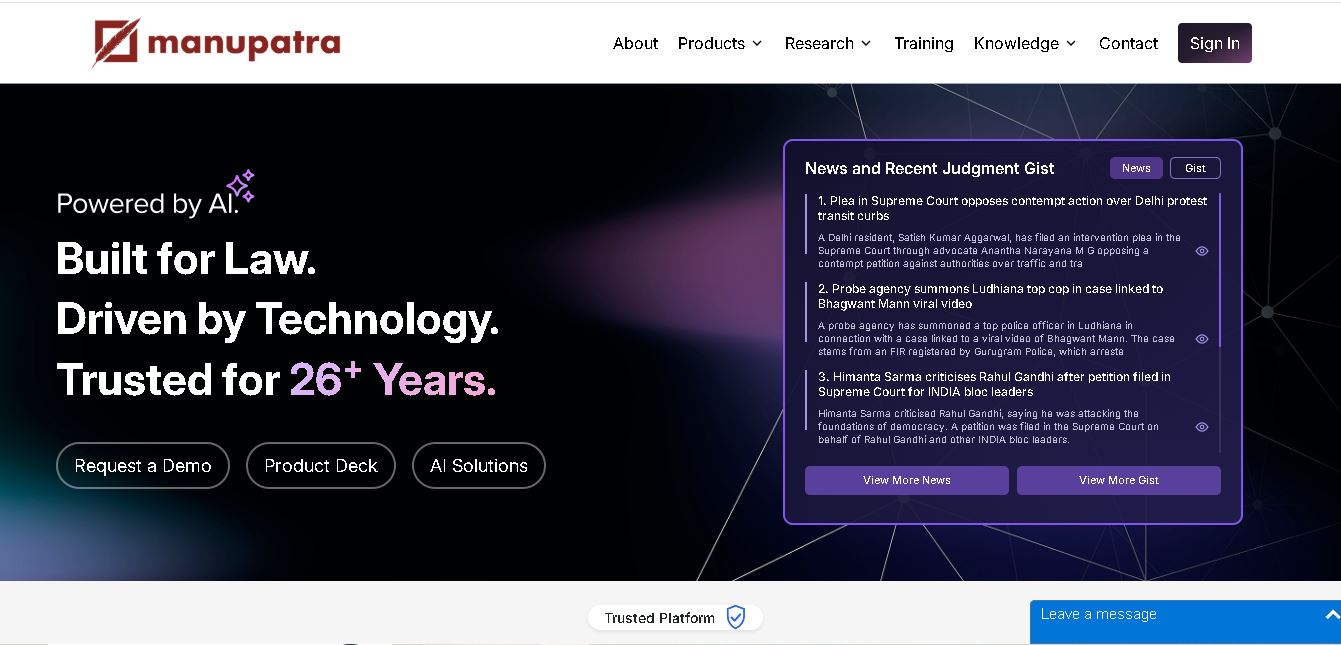
Manupatra AI is a legal technology solution that helps lawyers, law firms, students, and researchers conduct legal research and analyze documents. It offers AI-assisted search, judgment summaries, document comparison, OCR, translation, and drafting tools. Its broader ecosystem also supports case management, compliance, and contract workflows for legal professionals and businesses.
 4.9
4.9LegitQuest
Legal
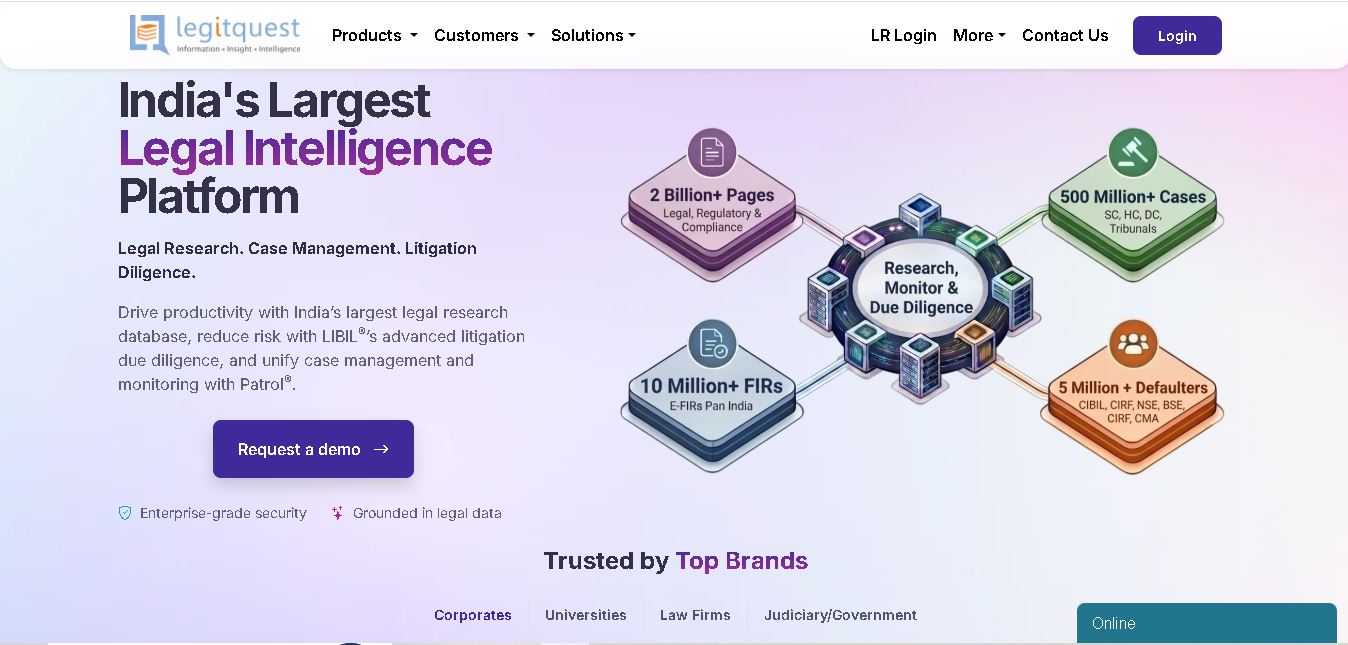
LegitQuest is an Indian legal technology platform offering AI-assisted legal research, litigation management, and due diligence solutions. Its tools help lawyers, researchers, and businesses explore judgments, analyse case decisions, track legal matters, and investigate litigation risks. The platform combines legal information and workflow capabilities to support informed professional decision-making.
 4.8
4.8Jhana AI
Legal
Jhana AI is a legal intelligence tool for lawyers and legal teams. It supports legal research, document analysis, contract review, due diligence, and professional drafting. With source-linked workflows and document verification, it helps users organize complex matters and review legal information more efficiently, while keeping qualified professionals responsible for decisions.
 4.9
4.9Lysa
Legal
Lysa Legal is an AI-assisted legal research and practice management tool for Indian advocates, law firms, and legal teams. It helps users find cited legal information, draft documents, review contracts, monitor regulatory updates, and organize client matters. Its goal is to reduce routine administrative work and support more efficient legal workflows.
 4.9
4.9LegalInk AI
Legal
LegalInk AI helps Indian legal professionals and individuals draft documents, review contracts, research judgments, and prepare legal notice replies. With BNS/BNSS templates, Hindi and English support, and case analysis tools, it streamlines routine legal work. Users can export drafts and use research assistance, while qualified professionals should verify important outputs.
 4.8
4.8Josef
Legal
Josef is a legal automation platform that helps law firms and legal teams streamline everyday tasks. It offers AI-powered question answering, contract generation, document automation, and workflow management. With its no-code approach, organizations can create self-service legal tools, improve operational efficiency, and make legal information easier for employees and clients to access.
 4.9
4.9Ontra
Legal
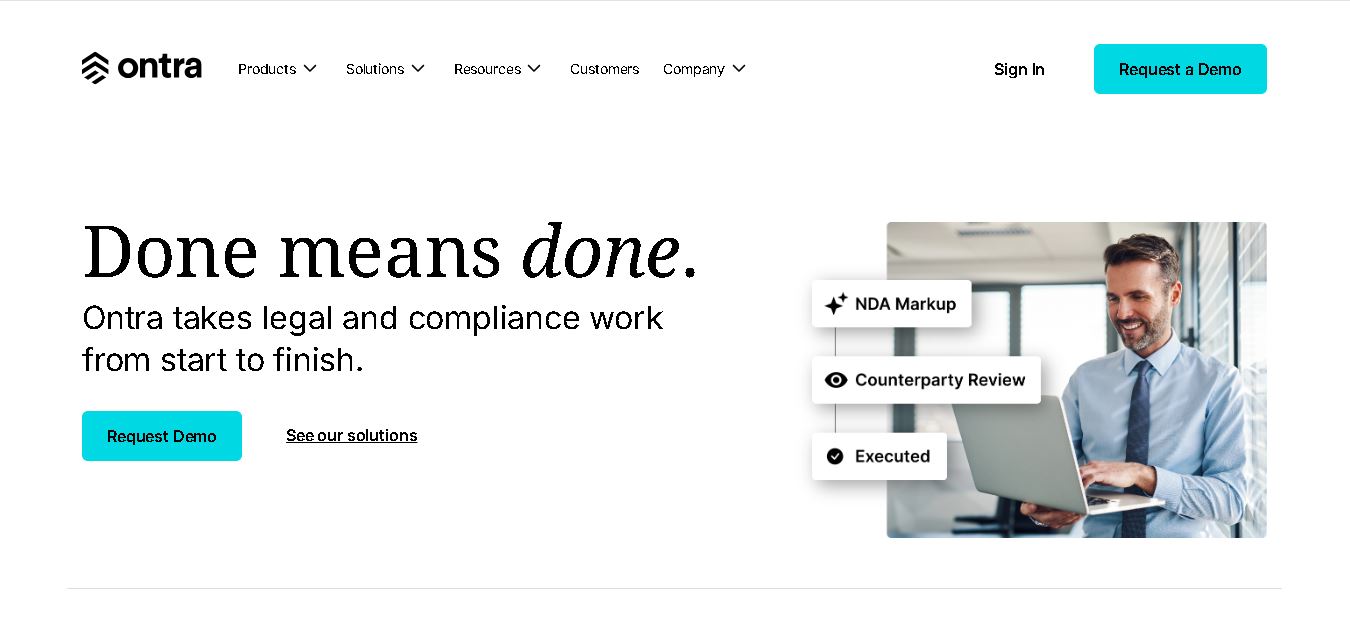
Ontra helps private equity firms, investment managers, and other private market organizations streamline legal and compliance operations. Its solutions support contract automation, fund obligation management, entity governance, due diligence questionnaires, and reverse KYC. By combining AI technology with legal expertise, Ontra helps teams improve efficiency, maintain consistency, and manage complex documentation.
 4.9
4.9Smokeball
Legal
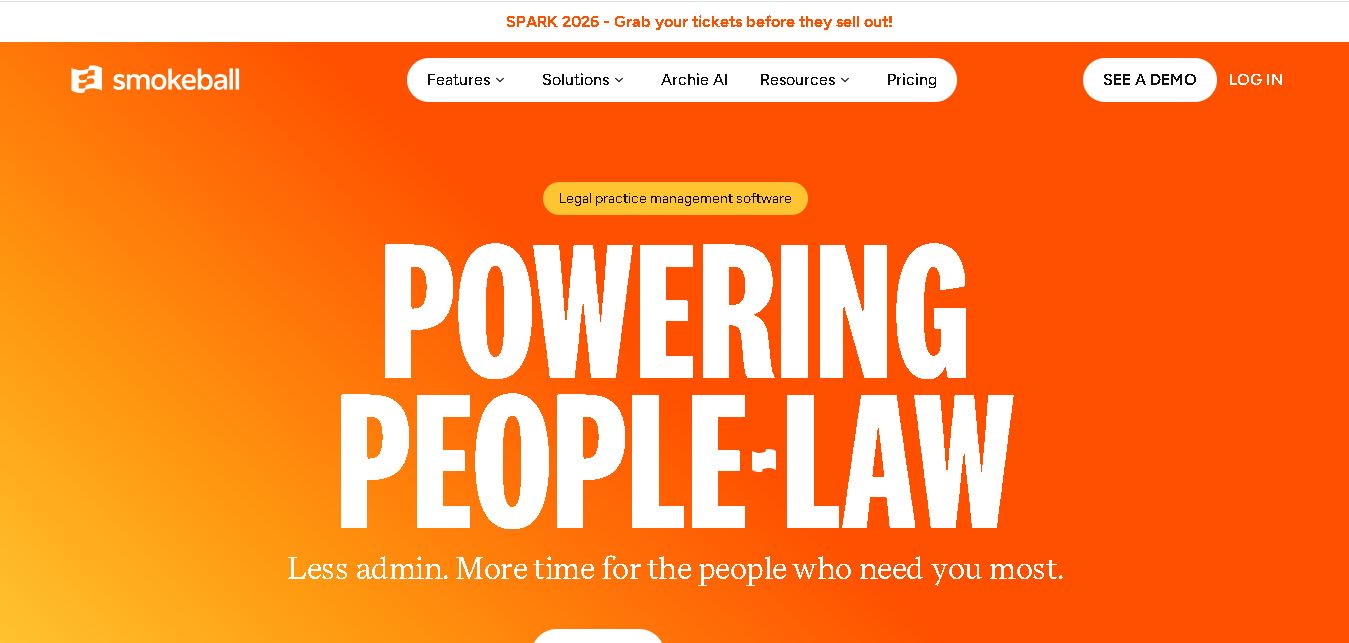
Smokeball is legal practice management software that helps law firms manage cases, automate documents, track billable hours, organize client communications, and simplify invoicing. With Microsoft integrations, customizable workflows, reporting tools, and Archie AI assistance, it helps legal professionals reduce administrative workloads, improve organization, and focus more time on delivering quality client service.
 4.9
4.9MyCase
Legal
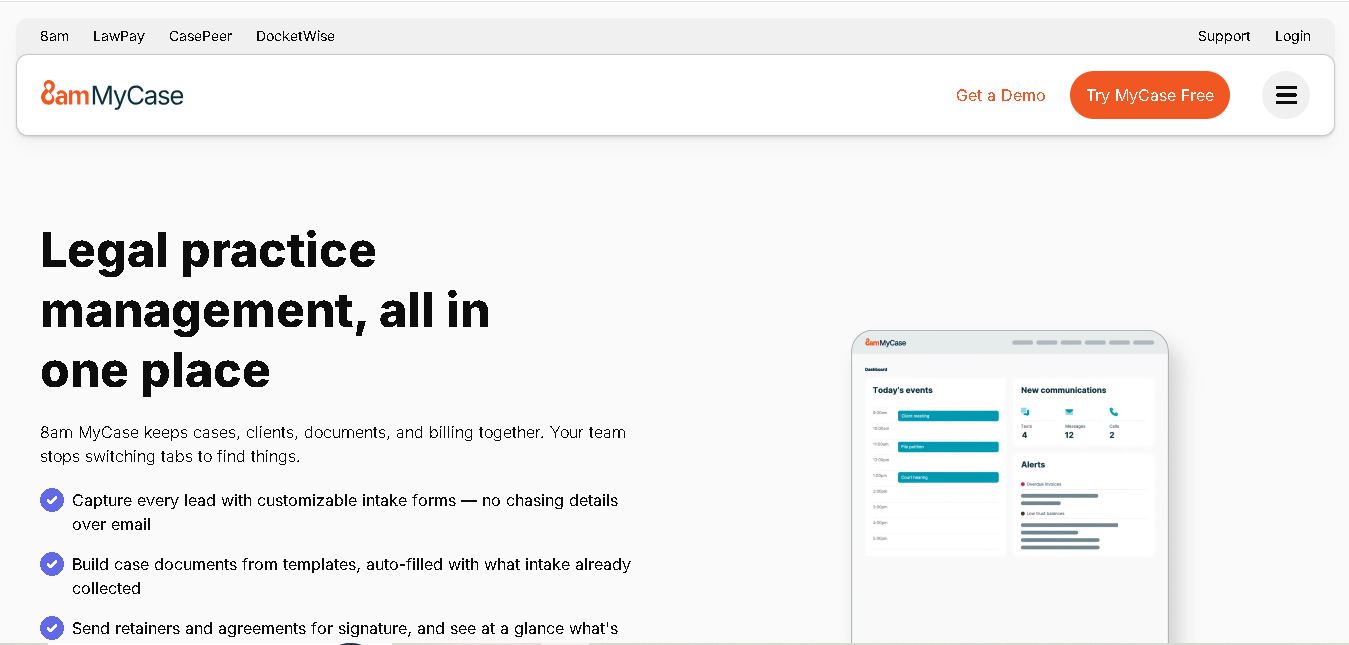
MyCase is legal practice management software that helps law firms manage cases, organize documents, communicate with clients, track billable time, and process payments. With client portals, electronic signatures, workflow automation, reporting, and AI-assisted case management, it supports more organized legal operations while helping attorneys reduce repetitive administrative work and improve client service.