
Opus Clip (Opus Pro)
Opus Clip (opus.pro) is an AI-powered video repurposing platform that automatically converts long-form videos into viral short-form clips complete with captions, AI virality scoring, speaker detection, and automatic editing for social media channels.

What is Opus Clip?
Opus Clip (Opus Pro) is a generative AI video repurposing platform engineered to transform long-form audio and video content into short, engaging social media clips. By leveraging advanced natural language processing and computer vision, Opus Clip automatically analyzes long videos, extracts key highlights, re-frames footage for vertical formats (9:16), adds animated captions, and evaluates each clip's potential performance with an AI virality score.
Designed for modern content creators and digital publishers, Opus Clip enables video teams to “Repurpose one long video into 10 viral short clips in one click, accelerating growth across TikTok, YouTube Shorts, and Instagram Reels.”
- Platform Role: AI Video Repurposing, Short-Form Clip Generator & Automated Video Editor
- Developer & Organization: Opus Global Inc.
- Cross-Platform Access: Web Application (Cloud SaaS)
Use Cases:
- Turning long podcast episodes, webinars, and interview videos into engaging vertical clips for social media
- Adding dynamic animated captions, emojis, and highlighted keywords to video clips automatically
- Utilizing Active Speaker Detection to keep face-to-face conversations centered in 9:16 vertical video layouts
- Filtering video clips by topic, keyword, or AI Virality Score to publish top-performing highlights
- Scheduling and publishing short clips directly to TikTok, YouTube Shorts, Instagram Reels, and LinkedIn
Technology:
- OpusClip AI engine utilizing large language models to analyze narrative hooks, context, and viral potential
- Computer vision and facial tracking algorithms for automatic speaker re-framing and split-screen layouts
- Speech-to-text transcription engine delivering automated, multi-language captioning and translation
- In-browser video editing workspace with B-roll insertion, sound effects, and brand kit customization
Target Users:
- Podcasters, YouTubers, and video creators scaling short-form social presence
- Digital marketing agencies and social media managers managing multiple video brand channels
- Media companies, educators, and enterprise teams repurposing event streams and webinars
Acquisition: Free trial tier registration and premium subscription plans available at opus.pro.
What are the key features of Opus Clip?
Opus Clip's key platform features are
- AI Curation & Virality Score: Automatically selects compelling narrative hooks and assigns a score predicting viral social media performance.
- Active Speaker Detection & Auto Re-framing: Dynamically adjusts camera framing to keep speaking subjects centered in vertical video.
- Animated AI Captions: Generates auto-captions with custom font styling, animated emphasis, and auto-inserted emojis.
- AI B-Roll Generator: Automatically inserts relevant stock footage and visual context to enhance viewer engagement.
- Multi-Language Support & Translation: Repurpose, transcribe, and translate video clips into over 20 global languages.
- Social Media Scheduler: Export directly or schedule posts across YouTube Shorts, TikTok, Instagram Reels, and LinkedIn.
How much does Opus Clip cost?
Opus Clip offers a freemium pricing structure based on monthly processing minutes and advanced team features.
Free Plan:
- Free Plan ($0): Includes 60 processing minutes per month, HD rendering, AI virality scoring, and dynamic captions with watermark.
Paid Premium Tiers:
- Starter Plan (Starts at ~$9 / month): Includes 150 processing minutes per month, watermark removal, auto-publishing, and basic brand templates.
- Pro Plan (Starts at ~$29 / month): Includes 300+ processing minutes, AI B-roll generation, custom brand kits, multi-seat team collaboration, and export to Premiere Pro / Final Cut Pro.
- Enterprise Plan: Custom minute allowances, dedicated customer support, API access, and tailored security integrations.
Disclaimer: Plan pricing, minute allocations, and feature updates are subject to change. Visit opus.pro/pricing for current details.
Who should use Opus Clip?
Opus Clip is designed for video content creators and growth teams, including
- Podcasters & Show Hosts: Creators looking to convert hour-long talk shows into viral short snippets.
- Social Media Agencies: Content teams managing multiple client accounts across TikTok, Shorts, and Reels.
- Corporate Marketing Teams: Brands turning long webinars, product launches, and keynotes into snackable video assets.
What are the best alternatives to Opus Clip?
Some of the strongest Opus Clip alternatives include
- Vizard.ai (AI video editor turning long videos into social media clips with auto-captions)
- Klap.app (AI tool converting YouTube videos into TikToks, Shorts, and Reels)
- Munch (AI video repurposing platform combining social trend analysis with editing)
- Descript (All-in-one transcript-based video and podcast editing suite)
- CapCut (Popular video editing software with automated captioning and AI templates)
What are the pros and cons of Opus Clip?
What are the pros of Opus Clip?
- Accurate AI curation that identifies strong narrative hooks and context automatically
- Saves hours of manual editing with active speaker tracking, split-screen modes, and auto re-framing
- High quality animated captions with emoji insertion and keyword highlighting
- Direct social media scheduling and export compatibility with professional NLE software
What are the cons of Opus Clip?
- Free plan includes watermarks on generated video exports
- Heavy video processing requires monthly credit or minute allowance management
- Complex multi-speaker overlapping conversations may require minor manual adjustment in the timeline editor
Why should you choose Opus Clip?
Manually scrubbing through long video recordings to find clips, re-framing to 9:16 vertical aspect ratios, and adding animated captions takes significant time. Opus Clip automates this workflow using generative AI. By evaluating video highlights, tracking active speakers, and adding polished captions in minutes, Opus Clip allows creators to scale short-form video production effortlessly.
How does Opus Clip compare to competitors?
While general video editors like CapCut require manual cutting and timeline trimming, Opus Clip offers automated highlight detection driven by AI virality scoring, active speaker tracking, and built-in social scheduling.
| Feature / Platform | Opus Clip | Vizard.ai | Munch | Descript |
|---|---|---|---|---|
| Primary Focus | AI Long-to-Short Video Repurposing | Video Clipping & Captioning | Trend-Driven Video Repurposing | Transcript-Based Full Video Editing |
| AI Virality Scoring | Yes (Hook & Context Score) | Yes | Yes (Social Trend Data) | No |
| Active Speaker Re-framing | Yes (Auto Split & Center) | Yes | Yes | Manual / Layout Templates |
| NLE Export (Premiere/Final Cut) | Yes (Pro Tier) | Limited | Yes | Yes |
How do we rate Opus Clip?
| Parameter | Rating (out of 5) |
|---|---|
| Highlight Selection & Virality Scoring | 4.9 |
| Speaker Tracking & Auto Re-framing | 4.8 |
| Captioning & B-Roll Animation | 4.9 |
| Ease of Use & Editor Interface | 4.8 |
| Value for Money & Free Plan | 4.7 |
| Overall Score | 4.82 |
What is our review and verdict on Opus Clip?
Opus Clip is a market-leading AI tool for short-form video repurposing. Its combination of intelligent highlight curation, active speaker detection, animated captions, and direct social media publishing makes it an indispensable asset for podcasters, agencies, and video marketing teams.
What is the final conclusion on Opus Clip?
For creators and businesses looking to maximize content reach by turning long-form podcasts, webinars, and videos into engaging, high-performing short clips, Opus Clip offers an efficient, automated AI solution.
User Reviews
No reviews yet for Opus Clip (Opus Pro).
Featured Tools
Featured AI tools from TechShark

Melody Genie
MelodyGenie is an AI-powered music generator that creates original songs from simple text prompts. Users can choose styles, moods, and genres, then instantly generate melodies and full tracks, making it easy for creators, marketers, and hobbyists to produce custom music without musical expertise.
Freemium

Kimi AI
Kimi AI is an advanced AI assistant developed by Moonshot AI that helps you chat, research, write, code, and automate tasks in one place. It supports web search, file analysis, and multimodal inputs, and can even run autonomous “agent” workflows to complete complex tasks end-to-end.
Freemium

Fashion Diffusion AI
Fashion Diffusion is an AI-powered fashion design platform that helps brands and designers create clothing designs, virtual try-ons, AI models, product photos, and marketing visuals faster and cost-effectively.
Paid

Veo 4
Veo 4 AI is an AI video creation platform that generates dramatic videos from text, images, audio, and video prompts using realistic motion and synchronized sound.
Paid
Alternatives
Alternatives to Opus Clip (Opus Pro)
The best Opus Clip alternatives include Vizard.ai, Klap.app, Munch, Descript, and CapCut. While general editors require manual cutting, Opus Clip uses AI virality scoring and active speaker tracking to repurpose long videos into social clips automatically.
 4.8
4.8Shuffll
Personal Assistant
Shuffll (shuffll.com) is an API-first AI video infrastructure and production platform that enables enterprise businesses, marketing teams, and developers to automate on-brand video creation at scale.
 4.9
4.9GPT Engineer
Personal Assistant
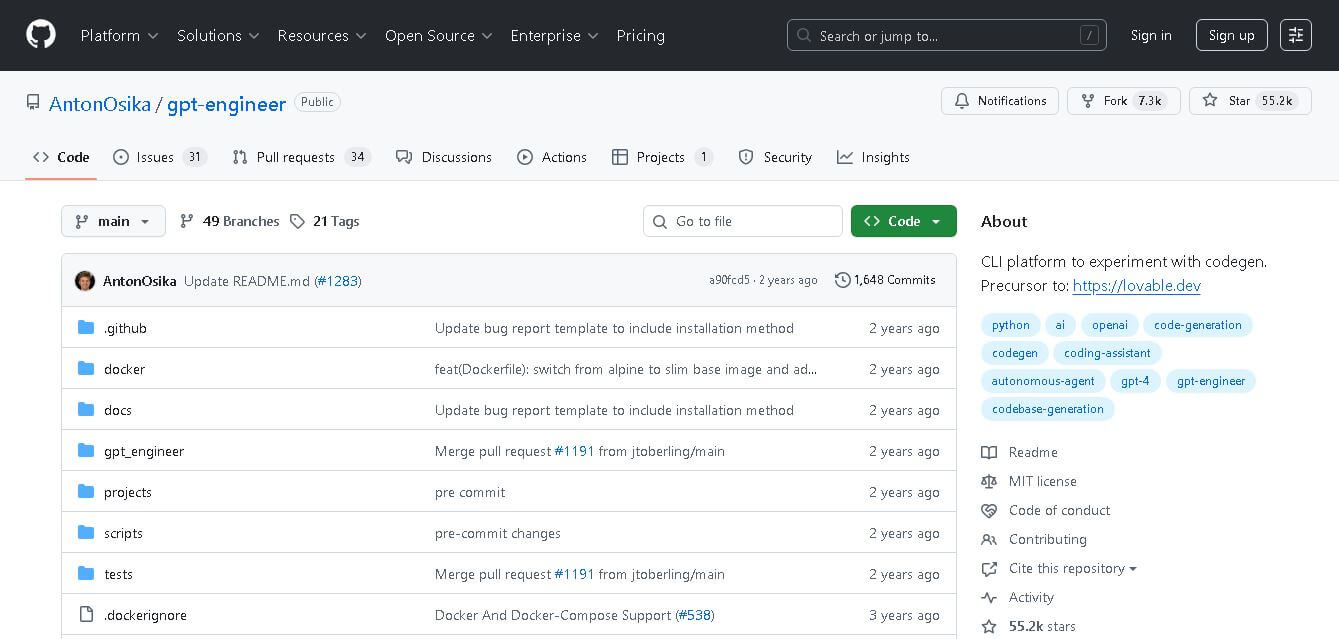
GPT Engineer (github.com/AntonOsika/gpt-engineer) is an open-source AI software engineering tool that builds entire codebases from high-level natural language prompts, automatically creating file structures, code, and execution environments.
 4.9
4.9SYSTRAN
Personal Assistant
SYSTRAN (systransoft.com) is an enterprise-grade neural machine translation (NMT) and language technology platform that provides secure, high-speed, and customizable multilingual translation solutions for global businesses, defense organizations, and public sectors.
 4.8
4.8Prisma AI
Personal Assistant
Prisma AI (prisma-ai.com) is an enterprise computer vision and artificial intelligence company that delivers proprietary behavioral analytics, facial recognition, thermal scanning, and visual surveillance solutions across aviation, security, and smart infrastructure.
 4.9
4.9Manifold
Personal Assistant
Manifold (manifold.ai) is an AI engineering and data science consultancy that partners with enterprise organizations to design, build, and deploy custom artificial intelligence platforms, machine learning models, and modern data infrastructure.
 4.9
4.9Bria AI
Personal Assistant
Bria AI (bria.ai) is an enterprise-grade visual generative AI platform and API engine that enables businesses and developers to create, edit, and fine-tune commercial-safe images and video content trained on 100% licensed datasets.
 4.8
4.8Chatnode
Personal Assistant
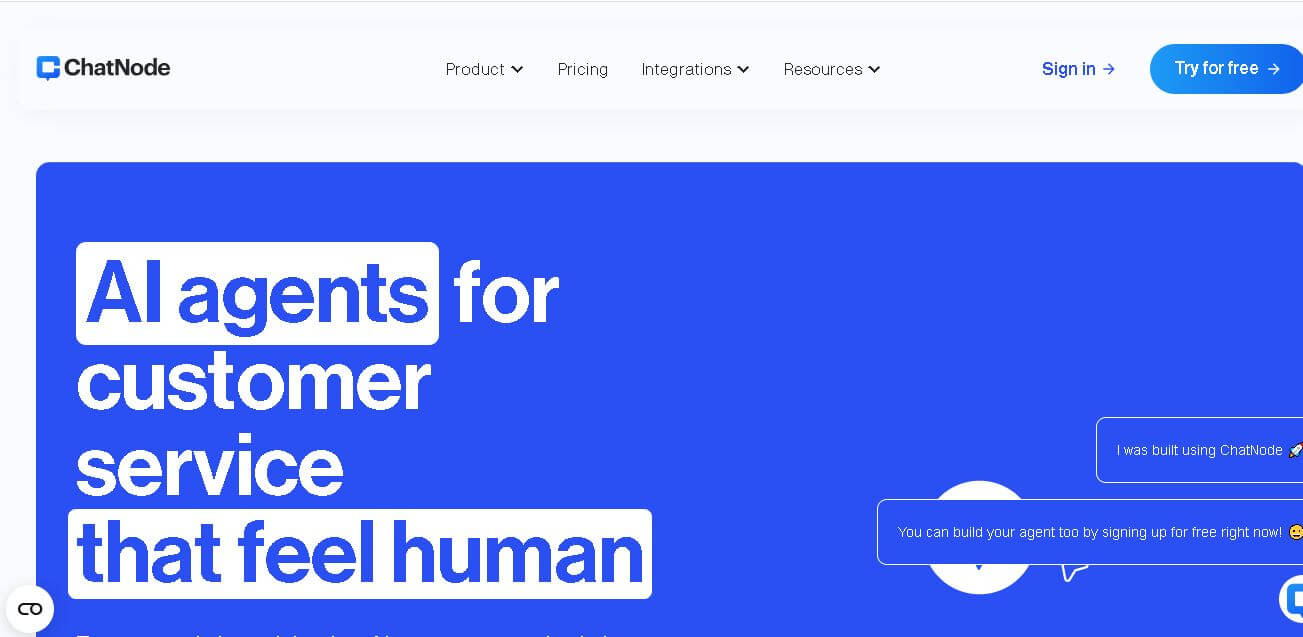
Chatnode (chatnode.ai) is an AI chatbot builder that enables businesses and creators to build, customize, and embed contextual AI assistants trained on their own documents, websites, and database content.
 4.8
4.8AiDash
Personal Assistant
AiDASH helps utilities and infrastructure organizations monitor assets, identify vegetation and climate-related risks, predict storm and wildfire impacts, and prioritize inspections. Its platform combines satellite imagery, AI models, weather, GIS, and historical operational data to provide actionable intelligence for improving reliability, reducing costs, and strengthening infrastructure resilience.
 4.8
4.8AutoDraw
Personal Assistant
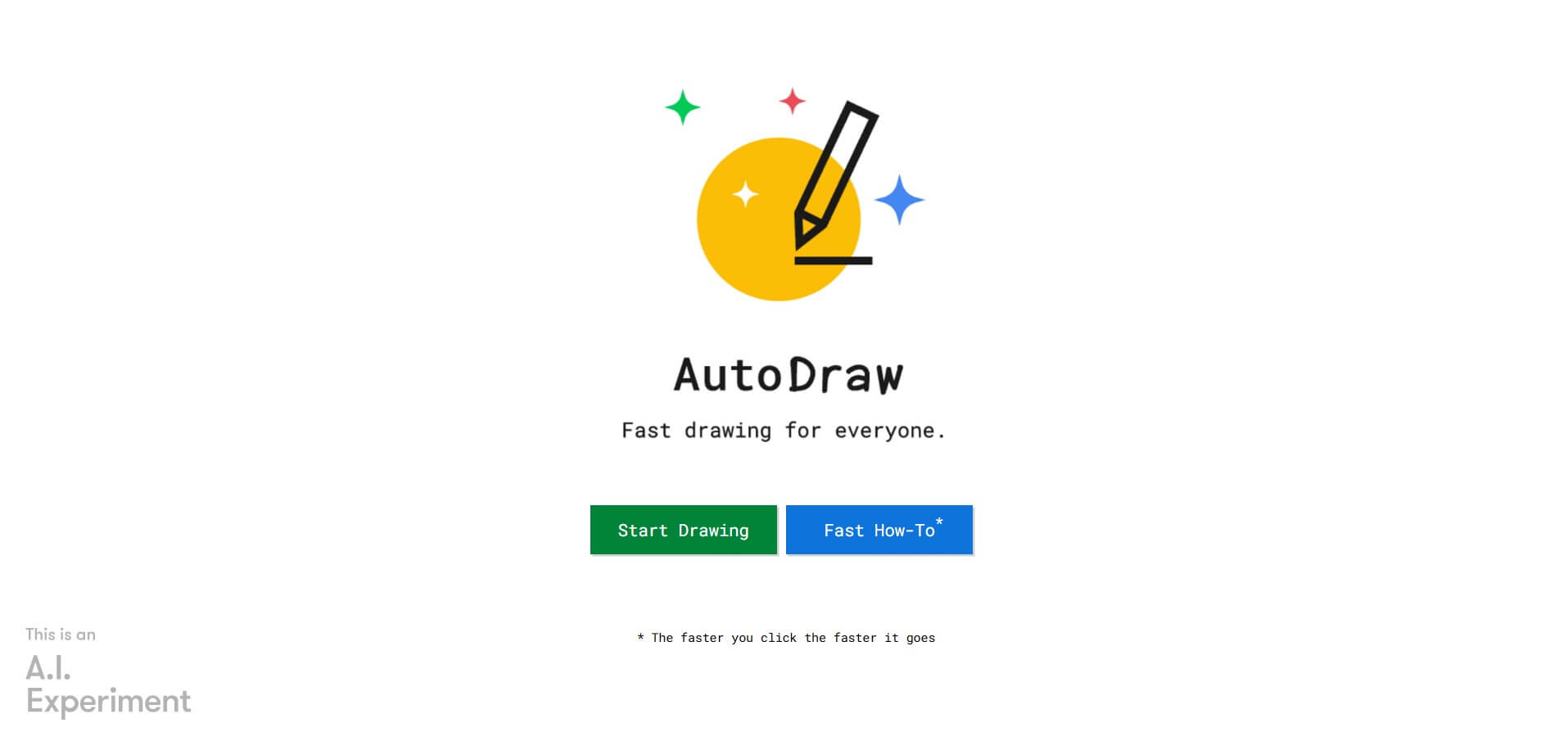
AutoDraw is a free Google drawing tool that recognizes rough sketches and suggests polished illustrations. You can draw using a phone, tablet, or computer, select a matching suggestion, add colors and shapes, and create simple visual content quickly. It is useful for beginners, students, educators, presentations, invitations, and casual creative projects.