
Nolej
Nolej is an intelligent learning content creation tool that transforms existing documents, videos, PDFs, and web pages into interactive educational resources. It helps educators, trainers, and organizations build quizzes, flashcards, summaries, chatbots, and engaging learning activities in minutes while supporting LMS integration, multilingual content, accessibility, and secure data management.

What is Nolej?
Nolej is a learning content generation solution that converts existing educational materials into interactive digital learning experiences. It enables users to create quizzes, assessments, summaries, videos, flashcards, and other learning activities from their own content. The platform is designed to simplify course development while maintaining content accuracy, accessibility, and compatibility with leading learning management systems.
Founded in 2020, Nolej has become one of the fastest-growing EdTech platforms, serving 170,000+ users across 20+ countries. The platform generates 15+ interactive learning activities, helps organizations achieve 85% higher learner engagement, and saves users approximately 27 days annually through automation. It supports multiple export formats, including SCORM, H5P, PDF, AIKEN, and Excel, while offering enterprise-grade security with EU data sovereignty and on-premise deployment options.
-
Core Focus: AI Instructional Design, Interactive Courseware & LMS Integration
- Launch Year: 2022
Use Cases:
- Converting dense academic textbooks and PDFs into interactive study modules
- Transforming YouTube lectures and audio files into interactive videos with embedded check-for-understanding quizzes
- Exporting H5P and SCORM packages directly into Canvas, Moodle, or Blackboard LMS environments
- Scaling corporate onboarding and compliance training content without extensive instructional design teams
Technology:
- Generative AI content parsing and pedagogical mapping engine
- Interactive H5P, SCORM, and xAPI standard export builder
- Interactive video processing pipeline with embedded feedback triggers
Target Users:
- University professors and K-12 educators expanding digital course materials
- Instructional designers seeking to automate repetitive courseware drafting
- Corporate L&D teams building scalable employee training pathways
Ecosystem: Features native LMS export plugins, interactive video authoring tools, and a global skills graph architecture.

Key features of Nolej
Nolej's key features are
- Automated Courseware Generation: Analyzes raw text, web links, PDF documents, or video URLs to generate complete, structured learning modules.
- Diverse Interactive Formats: Automatically builds multiple-choice quizzes, flashcards, crossword puzzles, drag-and-drop exercises, and glossaries.
- Interactive Video Creation: Inserts real-time comprehension check questions and branching prompts directly into video timelines.
- Native LMS Standards Export: Exports SCORM, xAPI, and open H5P packages that fully meet LMS standards, so they can be imported directly into Canvas, Moodle, or Brightspace.
- Pedagogical Summaries & Concepts: Extracts core concepts, learning objectives, and key takeaways from long-form educational materials.
- Microlearning Chunking: Automatically splits dense documents into bite-sized learning pathways optimized for modern student engagement.
Nolej Pricing
Nolej offers a free trial tier for educators to evaluate course generation, alongside paid licenses for schools, universities, and enterprise L&D organizations.
Free Trial:
- $0 limited trial access
- Test core document parsing, interactive quiz generation, and sample H5P exports
Educator & Enterprise Subscriptions:
- Custom quote and monthly/annual educator licensing
- Includes unlimited file processing, full LMS SCORM/xAPI package exports, interactive video generation, and dedicated institutional support
Disclaimer: For the latest and most accurate pricing information, please visit the official Nolej AI website.
Is Nolej Worth It?
Nolej is well worth the investment for educational institutions and L&D departments looking to quickly modernize legacy course material. By automating the shift from passive reading to active, gamified practice, Nolej saves hundreds of instructional design hours and keeps the final content fully portable via SCORM and H5P standards.
Real-World Use Cases
- University Lecture Modernization: Professors convert recorded video lectures into interactive modules with embedded quizzes before publishing to Canvas.
- Corporate Onboarding Acceleration: HR teams ingest PDF policy handbooks and automatically generate interactive training modules with comprehension tests.
- Language & Vocabulary Practice: Educators create automated flashcards and crossword puzzles from reading assignments to support active recall.
- Flipped Classroom Preparation: Instructors transform long reading assignments into microlearning pathways for students to complete prior to live classes.
Who is using Nolej?
Nolej is designed for educational and training professionals, including
- Higher Education Faculty: College professors building hybrid and online courseware
- Instructional Designers: Content specialists seeking to streamline course-building workflows
- Corporate L&D Specialists: Trainers developing scalable internal learning systems
- eLearning Agencies: Education contractors building custom SCORM/H5P content for clients
Best Nolej Alternatives
Some of the strongest alternatives include
- Mindsmith
- LearnWorlds
- Articulate 360
- Coursebox
- Genially
Pros and Cons of Nolej
Pros
- Dramatically cuts course authoring time by converting raw documents into interactive activities
- Supports open eLearning standards (H5P, SCORM, xAPI) for seamless LMS integration
- Generates interactive video timelines with embedded self-assessment questions
- Transforms passive documents into active recall tools (flashcards, crosswords, quizzes)
- Intuitive interface suitable for non-technical educators
Cons
- AI-generated quiz questions require human review for pedagogical precision
- Full LMS export options require paid institutional licenses
- Requires clear digital input sources for accurate extraction
Why Choose Nolej?
Nolej stands out in the AI education space because it focuses on open standard interoperability rather than locking creators into a proprietary ecosystem. By exporting directly to H5P and SCORM, educators maintain full ownership over their learning assets across any LMS platform.
- Reduces course building time by up to 80 percent
- Protects content portability with H5P, SCORM, and xAPI open standards
- Enhances student engagement through active recall and interactive media
How Nolej Works
- Upload Source Material: Import a PDF, text document, web link, YouTube video URL, or audio recording.
- AI Analysis & Extraction: Nolej parses key concepts, generates summary notes, and drafts interactive exercises.
- Review & Refine: Edit generated quizzes, adjust flashcards, or tweak interactive video triggers.
- Export to LMS: Download H5P or SCORM packages and upload them directly into your Canvas, Moodle, or Blackboard course.
Nolej vs. Competitors
The main difference between Nolej, Mindsmith, and Articulate 360 is that Nolej focuses heavily on converting raw media (videos, PDFs, URLs) into standard H5P and SCORM modules. While Articulate 360 offers heavy desktop-focused authoring tools and Mindsmith acts as a cloud AI document builder, Nolej bridges AI generation directly with existing university LMS platforms.
| Feature | Nolej | Mindsmith | Articulate 360 |
|---|---|---|---|
| Primary Focus | AI Document to H5P/SCORM Builder | Cloud AI Microlearning | Professional Authoring Suite |
| H5P & SCORM Export | Native Direct Export | SCORM Export Available | Native SCORM Export |
| Interactive Video AI | Yes | Limited | Manual Creation |
| Media Input Support | PDF, Video, Audio, Web URLs | Text & Documents | Manual Content Assembly |
| Starting Price | Free Trial / Quote-based | Free tier available | $1,099/year per user |
How do we rate Nolej?
| Parameter | Rating (out of 5) |
|---|---|
| Ease of Use | 4.6 |
| Feature Set | 4.7 |
| LMS Integration & Exports | 4.8 |
| Value for Money | 4.5 |
| Time Savings | 4.8 |
| Overall Score | 4.6 |
Nolej Review
Nolej solves one of the biggest pain points in modern education: converting static, passive reading materials into engaging digital exercises. Its ability to generate H5P and SCORM-compliant packages from basic video URLs or PDFs makes it an indispensable asset for educators looking to increase student retention without sacrificing nights and weekends to manual content building.
Conclusion
Nolej is an excellent choice for educators, instructional designers, and organizations looking to modernize digital learning without increasing content creation time. By transforming existing resources into interactive educational experiences, it improves learner engagement while simplifying course development. Its multilingual capabilities, LMS compatibility, accessibility features, and enterprise-grade security make it suitable for schools, universities, and businesses alike. Whether you're creating classroom lessons or corporate training, Nolej offers an efficient and scalable solution for interactive learning.
FAQ
What is Nolej used for?
Nolej is used to convert existing learning resources such as PDFs, videos, documents, presentations, and web pages into interactive educational content. Teachers, instructional designers, trainers, universities, and businesses use it to create quizzes, flashcards, summaries, chatbots, and complete learning modules without spending hours designing courses from scratch.
Who can benefit from using Nolej?
Nolej is suitable for educators, universities, schools, corporate training teams, instructional designers, HR professionals, online course creators, and organizations that regularly develop learning materials. It helps users save time while producing engaging and accessible educational experiences that improve learner participation and knowledge retention across different learning environments.
What types of content can I upload to Nolej?
Nolej supports various content formats, including PDF files, Word documents, PowerPoint presentations, videos, audio resources, websites, and text-based materials. Users can even upload multiple resources together to generate comprehensive learning activities, making it easier to create personalized educational content from existing knowledge assets.
Does Nolej integrate with Learning Management Systems?
Yes. Nolej integrates with popular learning management systems through export formats such as SCORM, H5P, AIKEN, PDF, and Excel. It is compatible with platforms including Moodle, Canvas, Google Classroom, Microsoft Teams, Blackboard, and other learning environments, allowing educators to publish content without changing their existing workflows.
Is Nolej suitable for enterprise training?
Absolutely. Nolej supports businesses by transforming internal documentation, onboarding materials, compliance manuals, and training resources into interactive learning experiences. Enterprise customers also benefit from advanced security, EU data sovereignty, on-premise deployment options, collaboration features, and customizable AI infrastructure for their organizational learning needs.
Is my data secure on Nolej?
Yes. Nolej emphasizes privacy and data protection by allowing organizations to work with their content without relying on external datasets. The platform offers enterprise security features, EU data sovereignty, flexible deployment options, and on-premise installations, making it suitable for institutions with strict compliance and privacy requirements.
Does Nolej support multiple languages?
Yes. Nolej supports multilingual content generation, enabling educators and organizations to create learning experiences for diverse audiences. Users can transform educational materials into multiple languages while maintaining accessibility and consistency, making the platform valuable for international schools, universities, and global enterprises.
User Reviews
No reviews yet for Nolej.
Featured Tools
Featured AI tools from TechShark

Melody Genie
MelodyGenie is an AI-powered music generator that creates original songs from simple text prompts. Users can choose styles, moods, and genres, then instantly generate melodies and full tracks, making it easy for creators, marketers, and hobbyists to produce custom music without musical expertise.
Freemium

Kimi AI
Kimi AI is an advanced AI assistant developed by Moonshot AI that helps you chat, research, write, code, and automate tasks in one place. It supports web search, file analysis, and multimodal inputs, and can even run autonomous “agent” workflows to complete complex tasks end-to-end.
Freemium

Fashion Diffusion AI
Fashion Diffusion is an AI-powered fashion design platform that helps brands and designers create clothing designs, virtual try-ons, AI models, product photos, and marketing visuals faster and cost-effectively.
Paid

Veo 4
Veo 4 AI is an AI video creation platform that generates dramatic videos from text, images, audio, and video prompts using realistic motion and synchronized sound.
Paid
Alternatives
Alternatives to Nolej
The best Nolej alternatives include Mindsmith, LearnWorlds, Articulate 360, Coursebox, Genially, and Mini Course Generator. Mindsmith provides cloud-native AI e-learning content authoring. LearnWorlds offers an all-in-one platform to build and sell interactive online schools. Articulate 360 remains an enterprise industry standard for course authoring, while Genially excels at interactive visual presentations and gamified learning elements.
 4.9
4.9Edubrain AI
Education
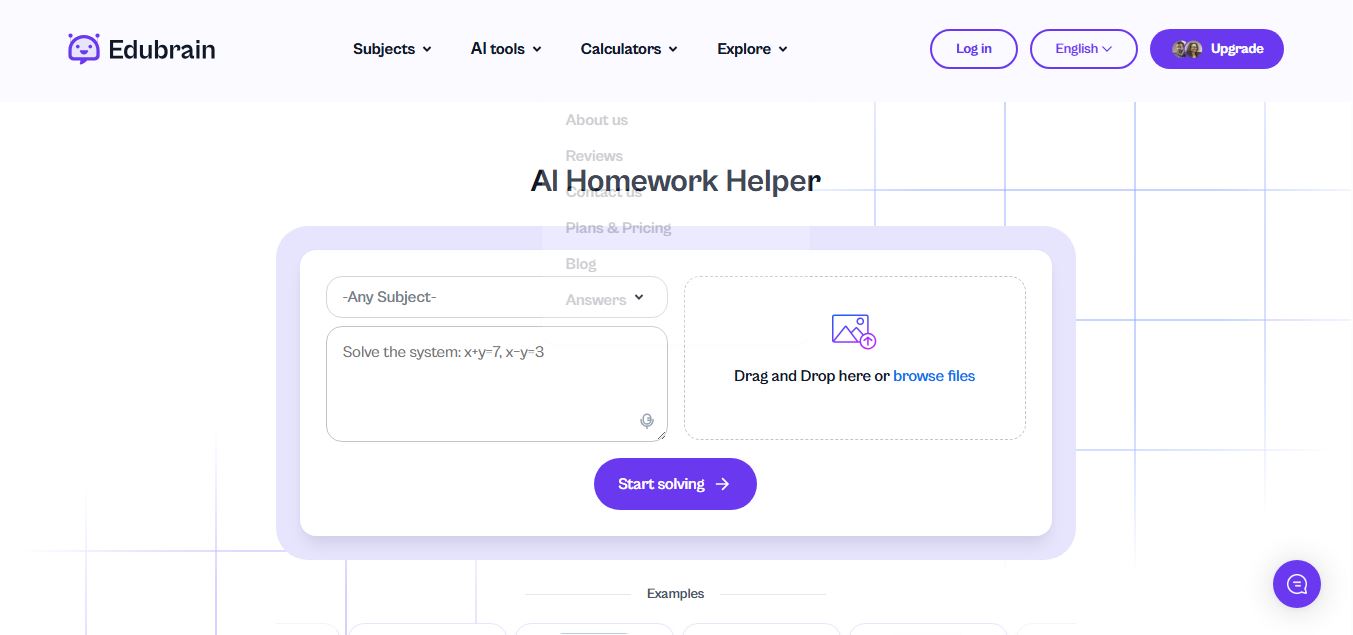
Edubrain is an AI-powered homework assistant that helps students solve questions across 90+ subjects using text, images, PDFs, or audio. It provides step-by-step explanations, adapts to learning styles, and works without sign-up, enabling faster understanding, exam prep, and personalized study support.
 4.8
4.8Math AI
Education
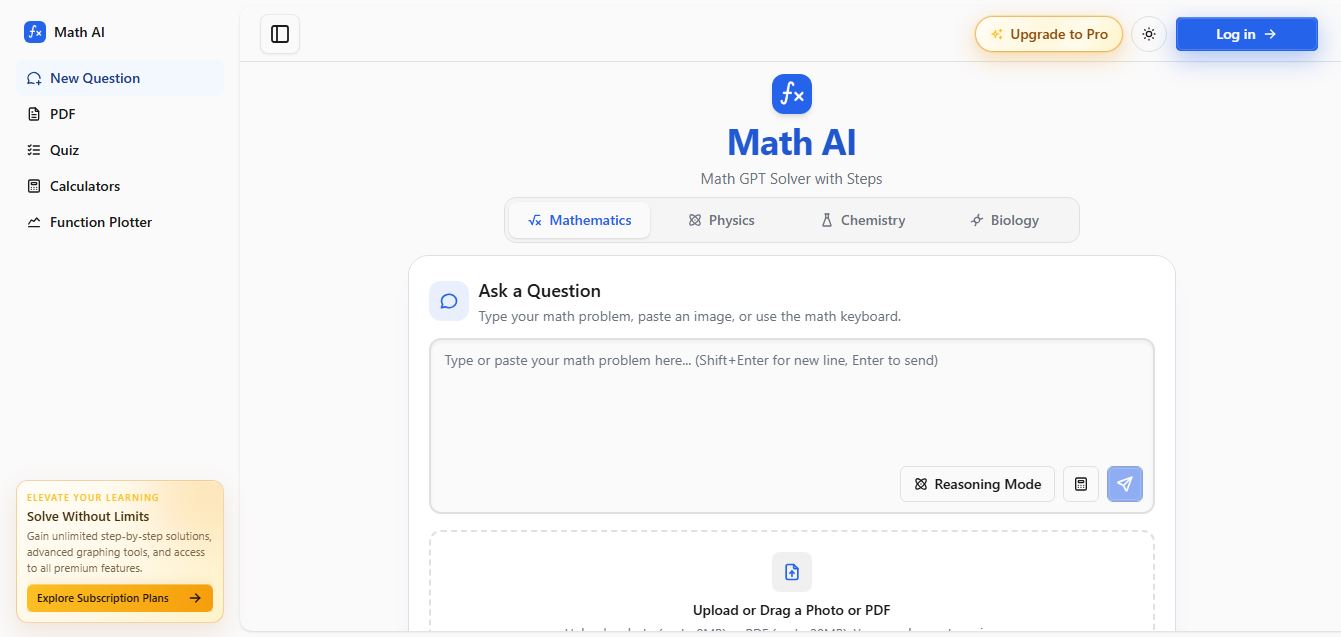
Math AI is an AI-powered math learning platform that helps users solve problems using text or images with step-by-step explanations. It supports algebra, calculus, and more, offering quizzes, graphs, and personalized tutoring to improve understanding and make studying, homework, and exam preparation easier.
 4.9
4.9ThetaWise
Education
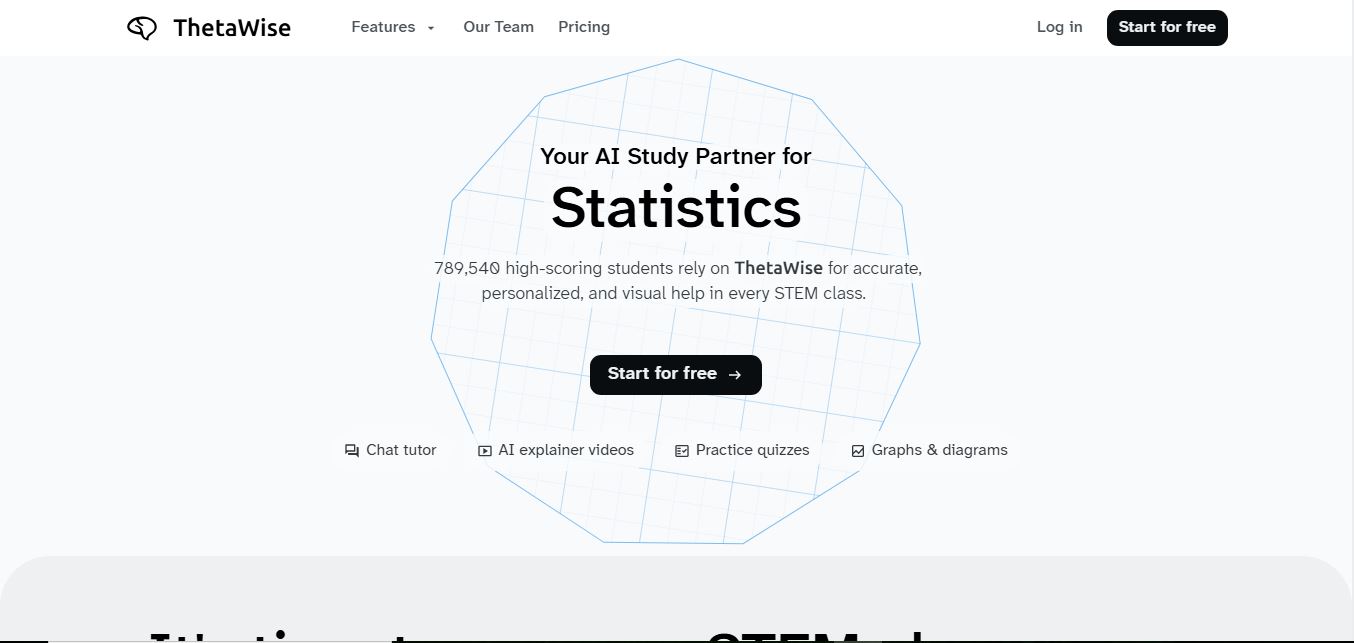
ThetaWise is an AI-powered STEM learning platform that helps students solve math and science problems with step-by-step explanations, video lessons, and practice quizzes. It acts like a 24/7 tutor, adapting to learning styles and improving understanding, test performance, and concept mastery.
 4.9
4.9Mathos AI
Education
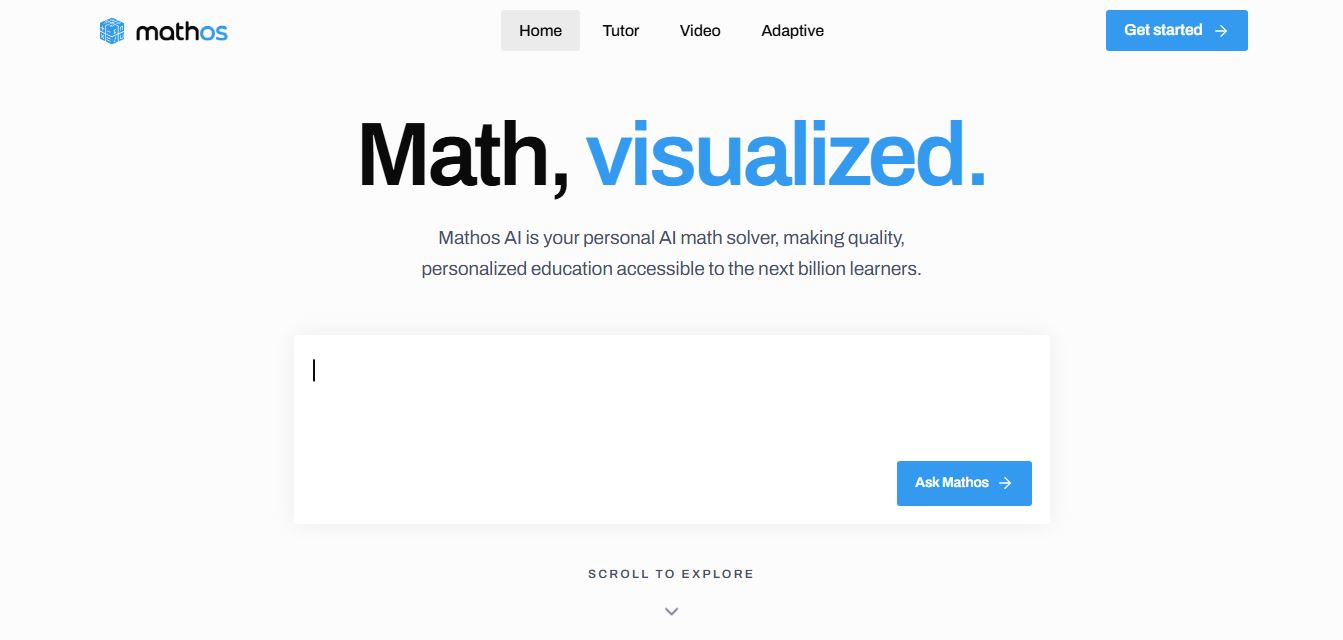
Mathos AI is an AI-powered math solver and tutor that helps students solve problems with step-by-step explanations and personalized guidance. It turns questions into lessons, generates quizzes, flashcards, and videos, and adapts to mistakes, enabling deeper understanding instead of just providing answers.
 4.8
4.8Brainly
Education
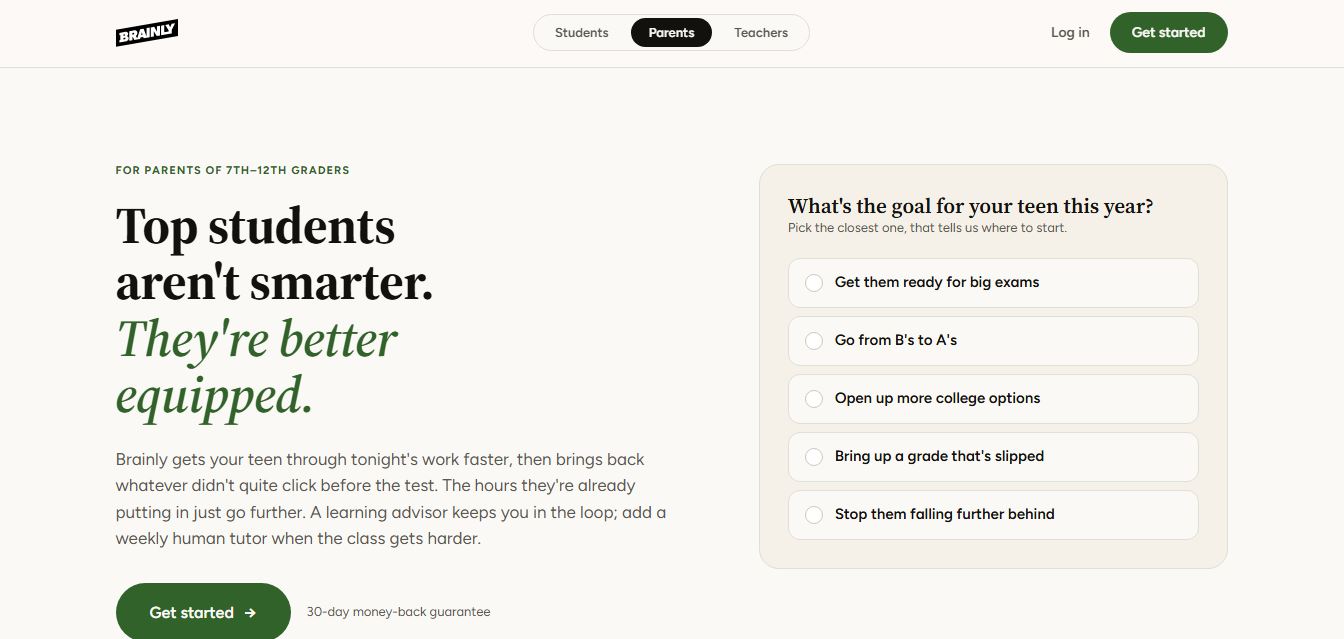
Brainly is an AI-powered learning platform that helps students solve homework, study concepts, and prepare for exams with step-by-step explanations. It combines AI guidance with a global community of experts, turning questions into personalized learning and helping students understand—not just complete—their schoolwork.
 4.8
4.8Gauth
Education
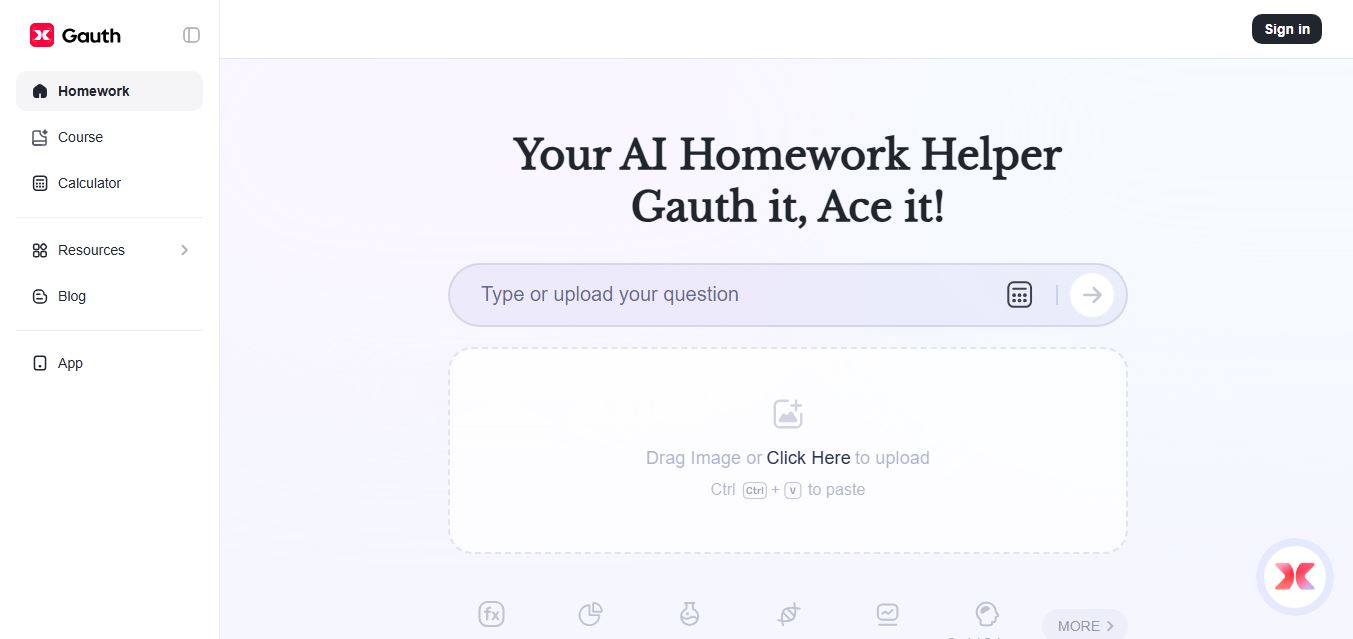
Gauth (formerly Gauthmath) is an AI-powered homework helper that lets students solve problems by typing or snapping a photo. It delivers step-by-step explanations across math and other subjects, combines AI with live tutor support, and helps users understand concepts, complete homework, and prepare for exams.
 4.7
4.7AI Math Solver
Education
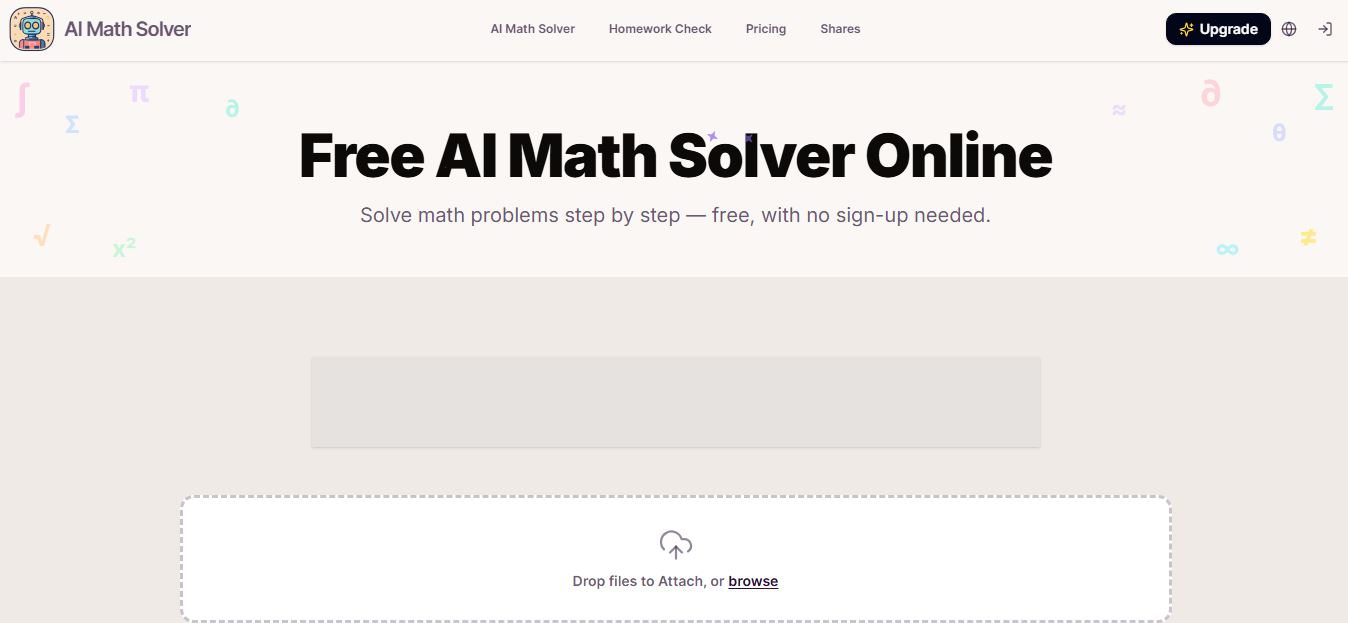
AIMathSolve is an AI-powered math solver that helps users solve problems across algebra, calculus, geometry, and more using text or image input. It generates step-by-step explanations, recognizes handwritten equations, and improves understanding, making it useful for homework, learning, and exam preparation.
 4.9
4.9Brilliant
Education
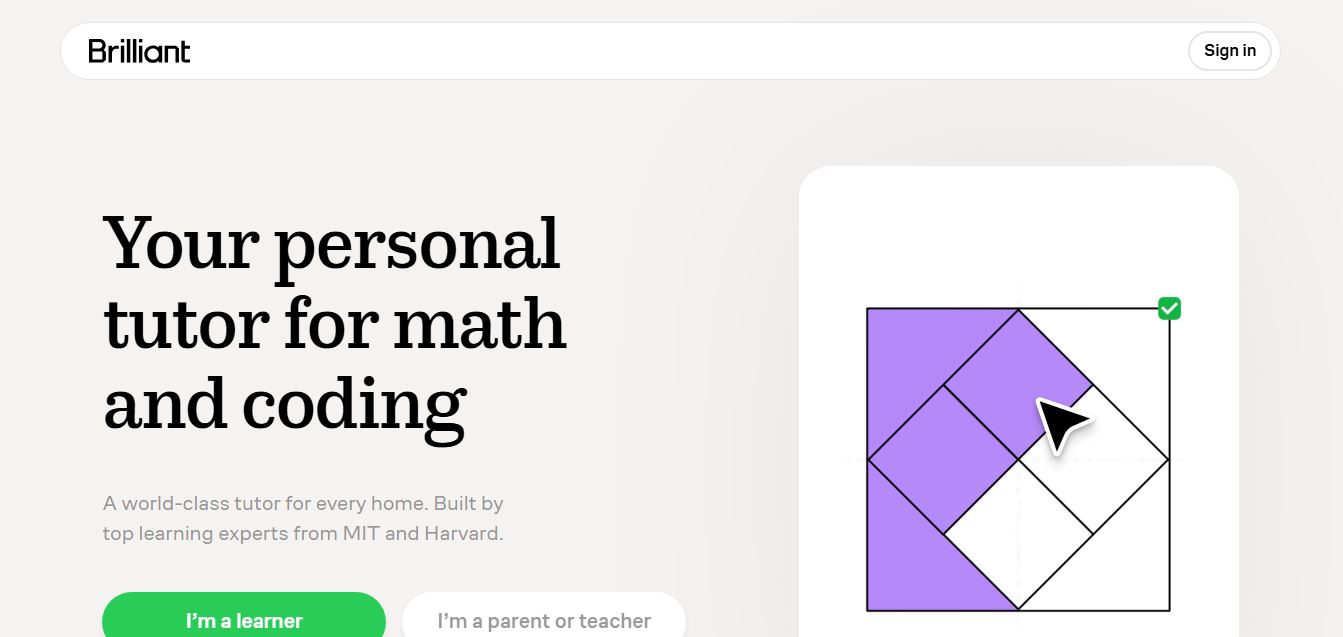
Brilliant is an interactive online learning platform that helps users build math, coding, and problem-solving skills through hands-on lessons. It uses visual explanations, real-time feedback, and a personal AI tutor to guide learning, enabling deeper understanding compared to passive video-based courses.
 5.0
5.0Desmos
Education
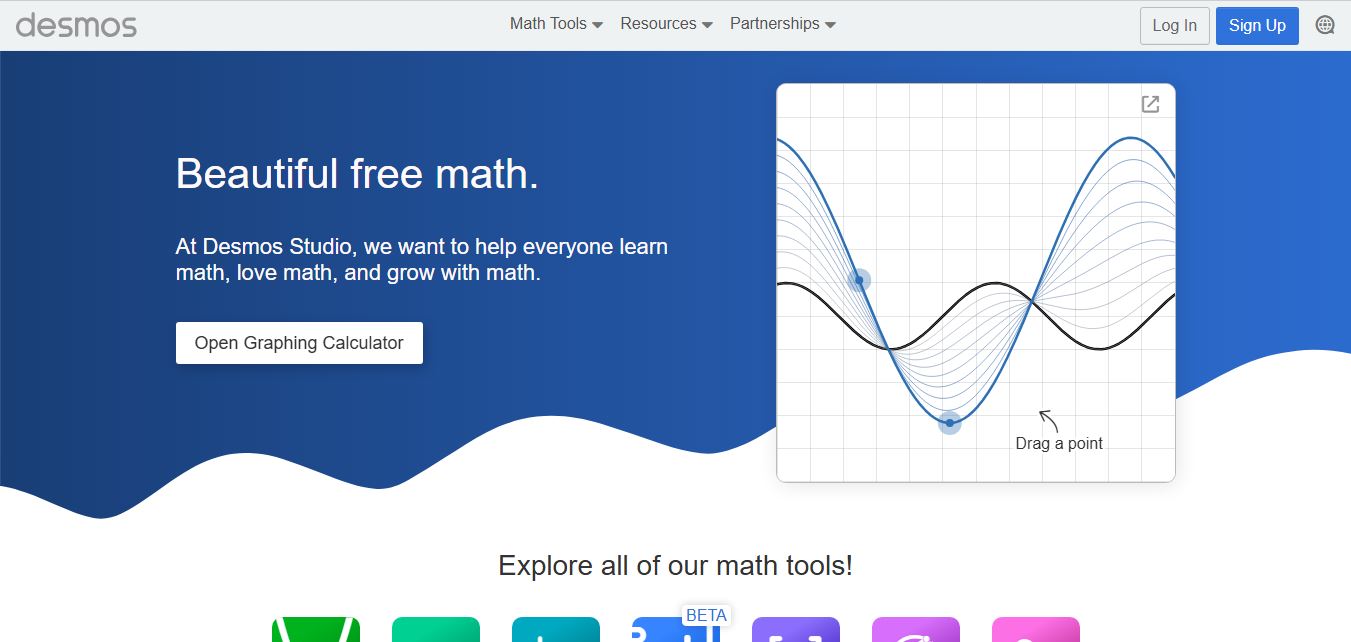
Desmos is an interactive math platform that helps students and teachers visualize concepts through graphing calculators, activities, and classroom tools. It enables real-time exploration of equations, functions, and data, making math more intuitive, engaging, and accessible across algebra, geometry, and advanced topics.