
MagicShot
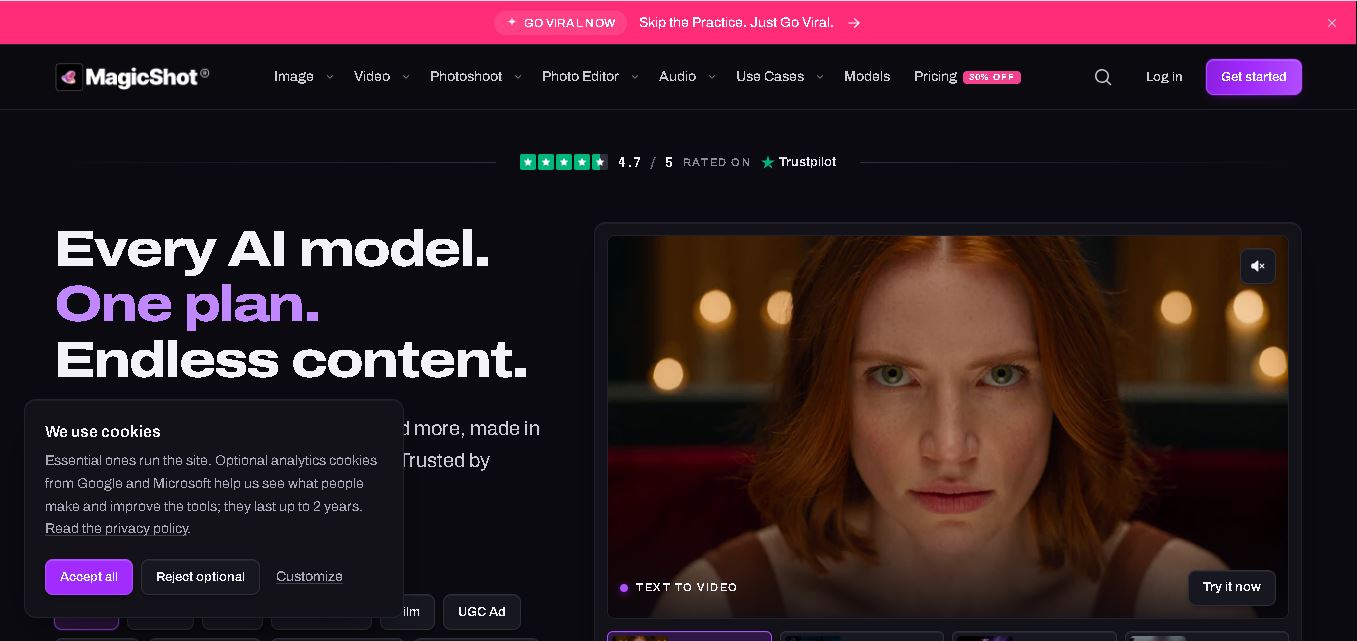
MagicShot AI helps creators, marketers, and businesses generate images, videos, professional headshots, product photographs, and audio content. It combines AI image generation, video creation, photo editing, photoshoots, and voiceovers in one workspace. Its accessible interface and multiple AI models make creative production easier for beginners and professionals.
What is MagicShot?
MagicShot AI is a creative content generation tool that transforms text prompts and uploaded photographs into professional images, videos, portraits, voiceovers, and music. It brings multiple creative tools and AI models into one workspace, helping users produce marketing visuals, product photography, social media content, and promotional videos. Its shared credit system allows creators to access different generation tools through a single account.
MagicShot AI offers 85+ creative tools and access to 500+ AI models across image, video, photoshoot, editing, and audio categories. According to its official website, the platform has attracted over 500,000 creators, generated more than 50 million images, and produced over 8 million videos. Its subscription plans include Essential, Premium, and Premium+, with monthly credit allowances of 8,000, 19,000, and 40,000 respectively. No separate subscriptions are required for individual creative tools.
- Core Focus: All-in-One AI Creative Studio, Image Generation, Video Production, AI Photoshoots, Photo Editing, and Audio Synthesis
- Platform Availability: Web-based application accessible via desktop and mobile browsers, accompanied by a shared ecosystem
Use Cases:
- Generating text-to-image artwork, marketing visuals, logos, and YouTube thumbnails
- Producing UGC-style video ads, real estate listing clips, and cinematic clips from scripts or photos
- Creating professional LinkedIn headshots, fashion model imagery, and pet portraits without studio bookings
- Retouching photos, removing backgrounds, upscaling to 4K, and cloning voices or generating audio
Technology:
- Multi-model architecture aggregating leading generative AI engines for image, video, and voice
- Unified token credit pool distributing requests across diverse rendering pipelines
- Advanced canvas controls supporting seed locking, guidance settings, step counts, and negative prompts
Target Users:
- Content creators and influencers building cross-platform social media and video ads
- Small business owners and e-commerce merchants building brand identities and product shots
- Marketing agencies scaling high-volume graphic and video content production
- Content creators using writing tools to draft blog intros, rewrite marketing copy, and optimize social media posts
Corporate Entity: Operates as MagicShot (magicshot.ai)

Key features of MagicShot
MagicShot's key features are
- AI Image & Art Generator: Over 32 tools for text-to-image, logo design, 3D objects, and product shots.
- AI Video Studio: 18 tools generating cinematic clips, UGC ads, and avatar videos from prompts or photos.
- AI Photoshoot: 11 tools creating professional headshots, fashion models, baby photos, and pet portraits.
- AI Photo Editor: 18 tools providing one-click background removal, object erasing, 4K upscaling, and photo colorization.
- AI Audio Suite: Voiceovers, text-to-speech, voice cloning, audio transcription, and original music generation.
- Shared Credit Economy: Single subscription pool powering every tool without per-model surcharges.
MagicShot Pricing
MagicShot operates on a subscription pricing model featuring shared monthly credit allowances across all creative suites, alongside select free tool options.
Free / Basic Tier:
- Select foundational tools (such as basic text-to-video, text-to-speech, and photo generators) are free to use without requiring a plan or credit card.
Essential Plan:
- Priced at approximately $9.00 per month (or ~$5.25 to $63 billed annually)
- Includes 8,000 monthly credits supporting up to 2,000 images and 25 videos
Premium Plan (Most Popular):
- Priced at $19.00 per month (often discounted to ~$13.30 for the first month or ~$138 billed annually)
- Includes 19,000 monthly credits supporting up to 6,000 images and 70 videos
Premium+ Plan:
- Priced at $35.00 per month (or ~$270 billed annually)
- Unlocks 40,000 monthly credits supporting up to 10,000 images and 120 videos
Disclaimer: Monthly credit balances do not roll over to subsequent billing cycles. Promotional discounts and pricing structures are subject to change. For current details, visit magicshot.ai/pricing.
Who is using MagicShot?
MagicShot is designed for creators, small businesses, and marketers, including
- Content Creators & Influencers: Producing cross-platform social media assets and viral video clips
- E-Commerce Sellers: Generating product photography, mockups, and promo videos
- Small Business Owners: Crafting logos, brand mascots, and audio voiceovers without juggling multiple subscriptions
- Content Creators: Using writing tools to draft blog intros, rewrite marketing copy, and optimize social media posts
Best MagicShot Alternatives
Some of the strongest MagicShot alternatives include
- Canva AI
- Adobe Creative Cloud / Firefly
- Midjourney & Runway (combined workflows)
- CapCut
- Jasper
- Fotor
Pros and Cons of MagicShot
Pros
- Comprehensive all-in-one studio bundling 85+ image, video, and audio tools into one login
- Shared credit pool eliminates separate per-model bills and hidden surcharges
- Unlocks top-tier generation models across all paid plans without feature gating
- Commercial usage rights included on paid subscription tiers
- Granular canvas controls (seeds, steps, negative prompts) for precision work
Cons
- Unused monthly credits expire and do not roll over to the next billing period
- High-resolution video and complex model runs consume credits quickly
- Steep learning curve due to the massive breadth of 85+ tools available in a single dashboard
Why Choose MagicShot?
MagicShot is an exceptional choice for creators and small businesses seeking an all-in-one creative suite that eliminates the need for multiple fragmented app subscriptions.
- Consolidates image generation, video production, AI photoshoots, and voice cloning under one roof
- Provides a single credit wallet to experiment freely across multiple AI models
- Delivers commercial licensing on all paid tiers for worry-free publishing
- Grants full access to the newest models without artificial tier rate-limiting
MagicShot vs. Competitors
The main difference between MagicShot, Canva, and Adobe Creative Cloud is that MagicShot focuses specifically on an all-in-one generative AI studio uniting multi-model image, video, and voice tools under a single credit pool ($9–$35/mo), whereas Canva centers on traditional graphic design templates with integrated AI features, and Adobe targets professional desktop layer composition. MagicShot stands out for its broad generative model aggregation and shared credit simplicity.
| Feature / Tool | MagicShot (magicshot.ai) | Canva | Adobe Creative Cloud | CapCut |
|---|---|---|---|---|
| Core Focus | All-in-One AI Studio (Image, Video, Audio) | Template Design & Graphic Layouts | Professional Desktop Design & Media Suites | Video Editing & Creator Tools |
| Shared Credit Pool | Yes (One balance for all 85+ tools) | Yes (Canva credits) | Application dependent | Feature credits |
| Audio & Voice Cloning | Yes (Dedicated voice and music tools) | Limited audio tracks | External (Audition) | Yes (Voice effects) |
| Starting Price Range | Free tools / From ~$9–$35/mo | Free tier / From ~$10/mo | From ~$19.99–$54.99/mo | Free tier / Pro subscriptions |
| Best For | Creators needing multi-modal AI generation in one place | Everyday marketing templates & social graphics | Professional media artists & designers | Social video editing & trimming |
How do we rate MagicShot?
| Parameter | Rating (out of 5) |
|---|---|
| Tool Variety & Multi-Modal Breadth (85+ Tools) | 4.8 |
| Image & Video Generation Quality | 4.7 |
| Shared Credit System Usability | 4.7 |
| Canvas Controls & Precision Settings | 4.6 |
| Value for Money | 4.6 |
| Overall Score | 4.68 |
MagicShot Review
MagicShot delivers a powerful, consolidated solution for creators and businesses looking to harness multiple generative AI models without managing a dozen separate subscriptions. By housing over 85 tools for images, videos, AI photoshoots, photo editing, and audio generation under a single shared credit system, it eliminates workflow friction. While monthly credit expiration requires active usage management, MagicShot stands out as a top-tier, cost-effective creative studio in 2026.
Conclusion
MagicShot AI is a versatile creative solution for users who want to generate images, videos, professional portraits, and audio content from one workspace. Its 85+ tools, 500+ AI models, and shared credit system make content production convenient for creators, marketers, and ecommerce businesses. Free tools provide an opportunity to explore its capabilities before purchasing a subscription. Overall, MagicShot AI is worth considering for simplifying creative workflows and producing engaging digital content.
FAQ
What can you create using MagicShot AI?
MagicShot AI allows you to create AI-generated images, professional headshots, product photographs, videos, logos, illustrations, voiceovers, and music. You can start with a text prompt or upload an existing photograph. It is useful for social media campaigns, ecommerce listings, personal branding, advertisements, and creative projects without complex editing software.
Is MagicShot AI free to use?
Yes, MagicShot AI provides selected free tools without requiring a subscription or credit card. These include text-to-video, image-to-video, text-to-speech, and AI photo generation. For access to its complete collection of creative tools, you can choose a paid subscription. Free access is useful for testing its capabilities before upgrading.
How much does MagicShot AI cost?
MagicShot AI offers a free option and three paid plans. Essential costs $9 monthly, Premium costs $19 monthly, and Premium+ costs $35 monthly on monthly billing. Annual billing offers discounted pricing. Each paid plan provides monthly credits for different creative tools, allowing you to select a package based on your production requirements.
Can MagicShot AI generate professional product photographs?
Yes, MagicShot AI includes a Product Photo Generator that helps you create professional-looking product images without arranging expensive photography sessions. You can upload a product photograph and generate different backgrounds and visual presentations. This feature is particularly useful for ecommerce sellers, online stores, advertising campaigns, and businesses creating promotional product listings.
Does MagicShot AI support video generation?
Yes, MagicShot AI supports both text-to-video and image-to-video generation. You can transform written descriptions or existing photographs into engaging video clips. It also offers UGC-style advertisements, cinematic videos, and promotional content. These capabilities help marketers, influencers, and businesses produce video content without hiring professional production teams.
Can you use MagicShot AI for commercial purposes?
Yes, MagicShot AI includes commercial usage rights for content generated under its paid plans. This makes it useful for businesses, freelancers, designers, and marketing agencies producing creative assets for clients. However, you should review its licensing terms and applicable restrictions before using generated images, videos, or audio in commercial projects.
User Reviews
No reviews yet for MagicShot.
Featured Tools
Featured AI tools from TechShark

LandAtlas
LandAtlas is a land investing platform that combines parcel research, skip tracing, buyer matching, contracts, and deal management. It helps land wholesalers and acquisition teams organize property leads, evaluate opportunities, connect with potential buyers, and manage transactions from one workspace.
Paid
Klap
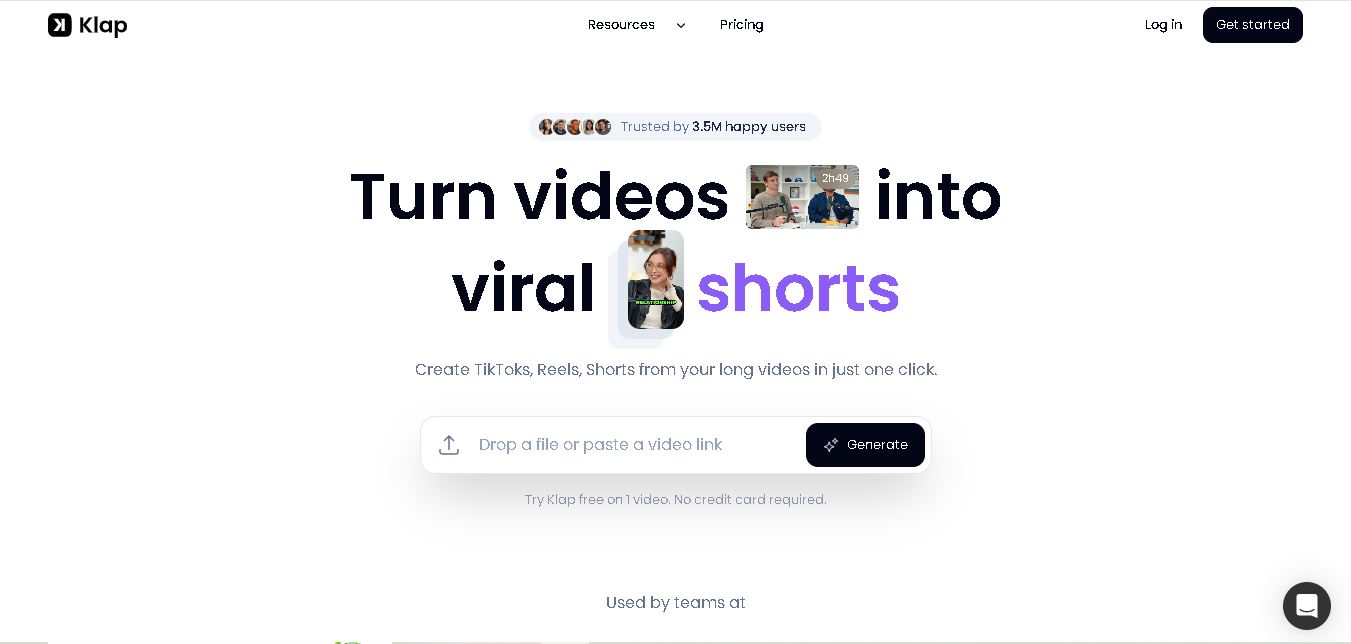
Klap is an AI video clipping platform that transforms long videos into short-form social media content. It automatically identifies highlights, creates captions, reframes speakers, and schedules clips, helping creators, podcasters, and marketing teams repurpose existing videos with less manual editing.
Free
Melody Genie
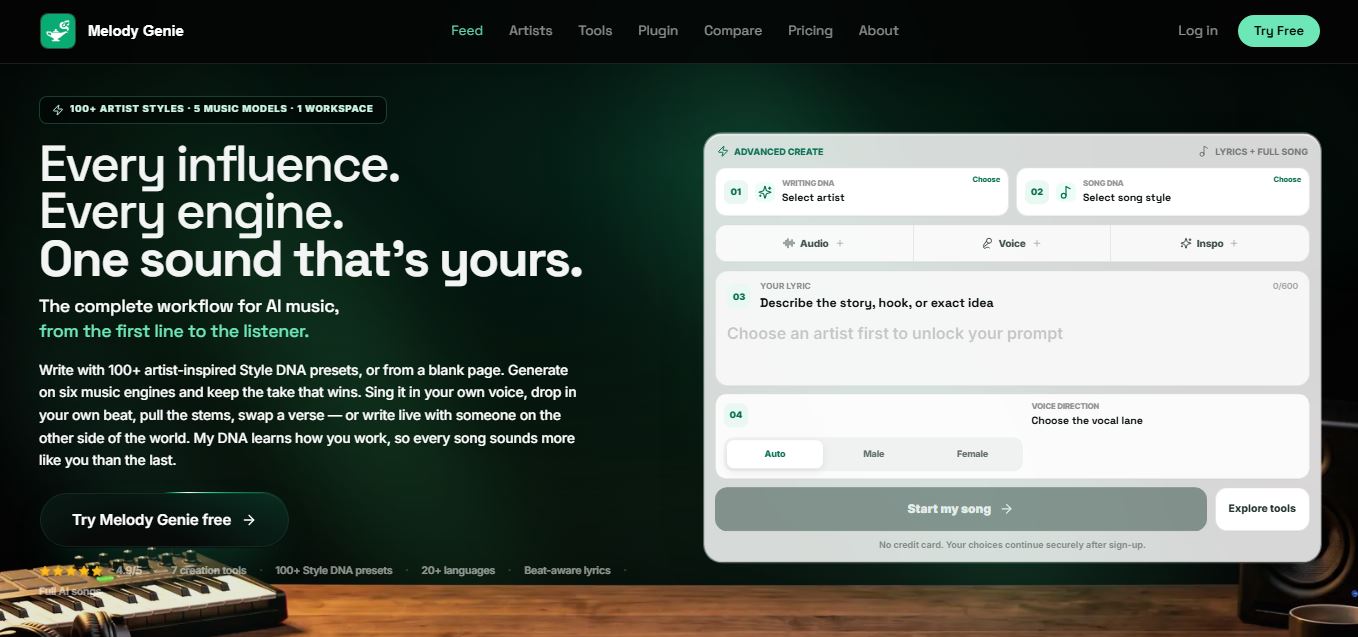
MelodyGenie is an AI-powered music generator that creates original songs from simple text prompts. Users can choose styles, moods, and genres, then instantly generate melodies and full tracks, making it easy for creators, marketers, and hobbyists to produce custom music without musical expertise.
Freemium
Fashion Diffusion AI
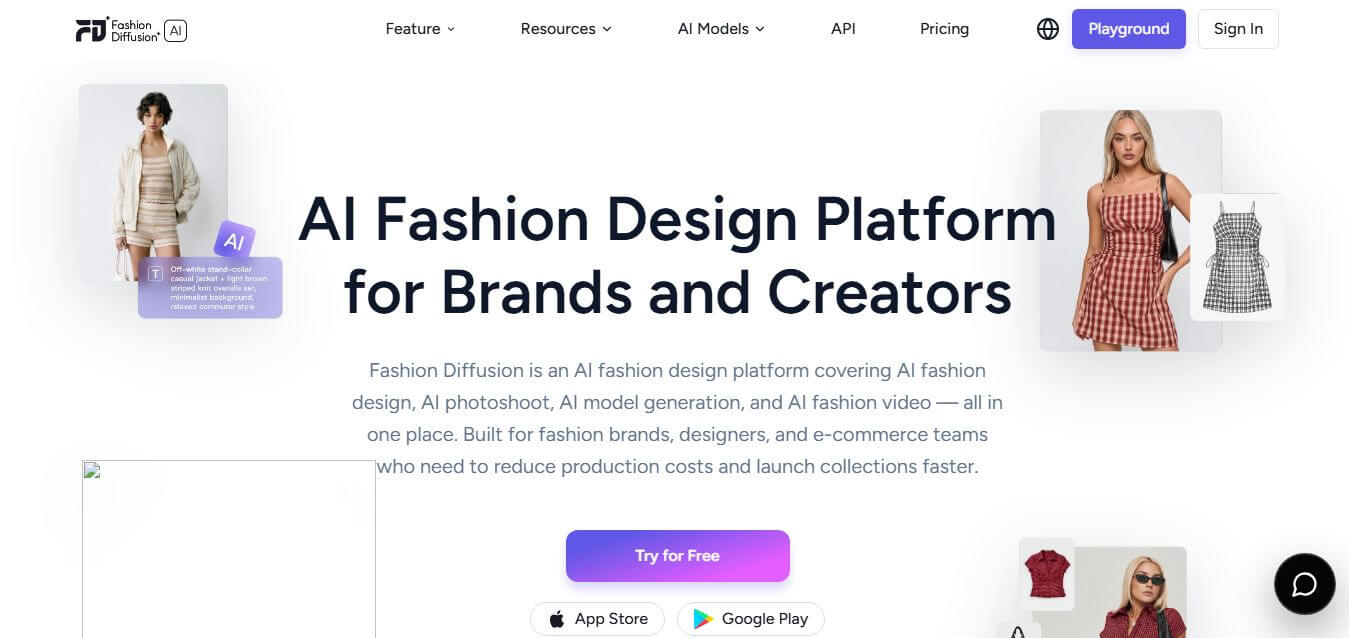
Fashion Diffusion is an AI-powered fashion design platform that helps brands and designers create clothing designs, virtual try-ons, AI models, product photos, and marketing visuals faster and cost-effectively.
Paid
Alternatives
Alternatives to MagicShot
The best MagicShot alternatives include Canva AI, Adobe Creative Cloud, Midjourney, Runway, CapCut, and Jasper. These platforms provide AI image generation, video editing, and media creation workflows. While MagicShot excels at consolidating 85+ image, video, and audio tools into a single shared credit subscription ($9–$35/mo) without feature gating, alternatives like Canva focus on marketing templates, and Adobe focuses on professional software suites. Choosing the right tool depends on whether you need multi-modal AI generation under one roof or specialized desktop editing software.
 4.7
QR Maker
QR Code
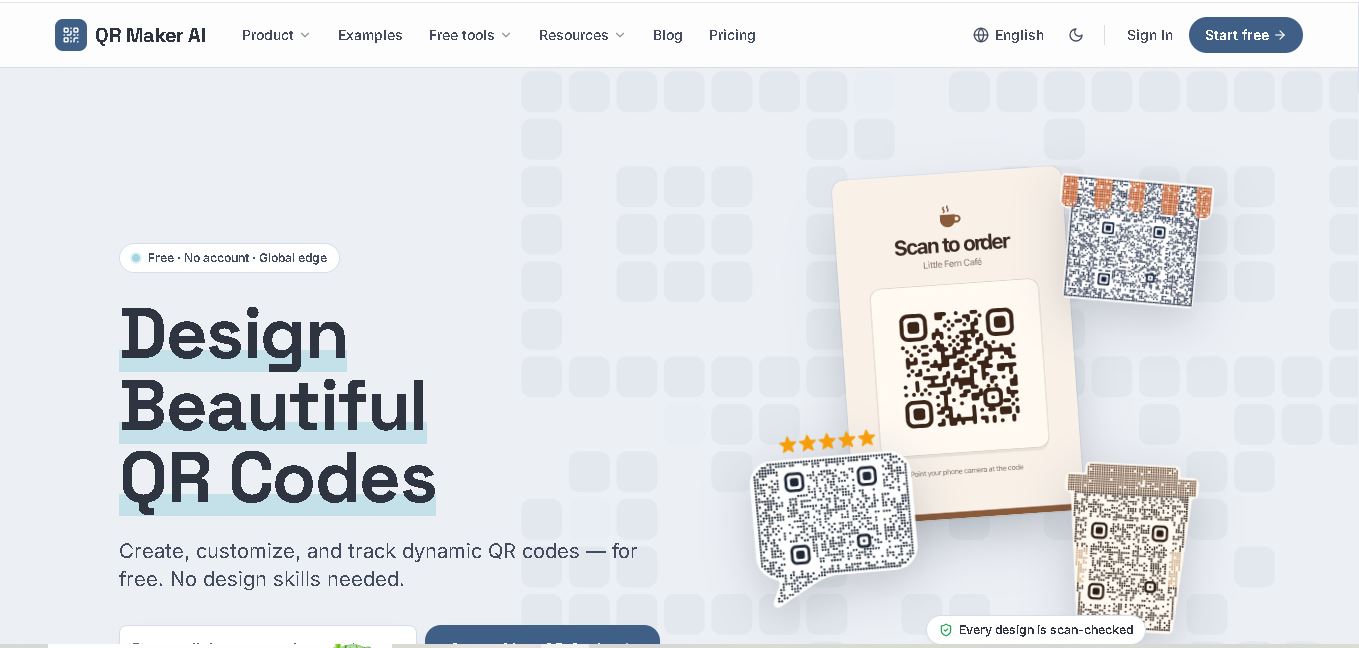
QR Maker AI is a QR code creation and management tool designed for businesses, marketers, and individuals. It offers customizable QR designs, dynamic links, scan analytics, and multiple QR code formats. Users can create branded codes, monitor engagement, and update destinations without replacing printed QR codes.
 4.8
QR Nova
QR Code
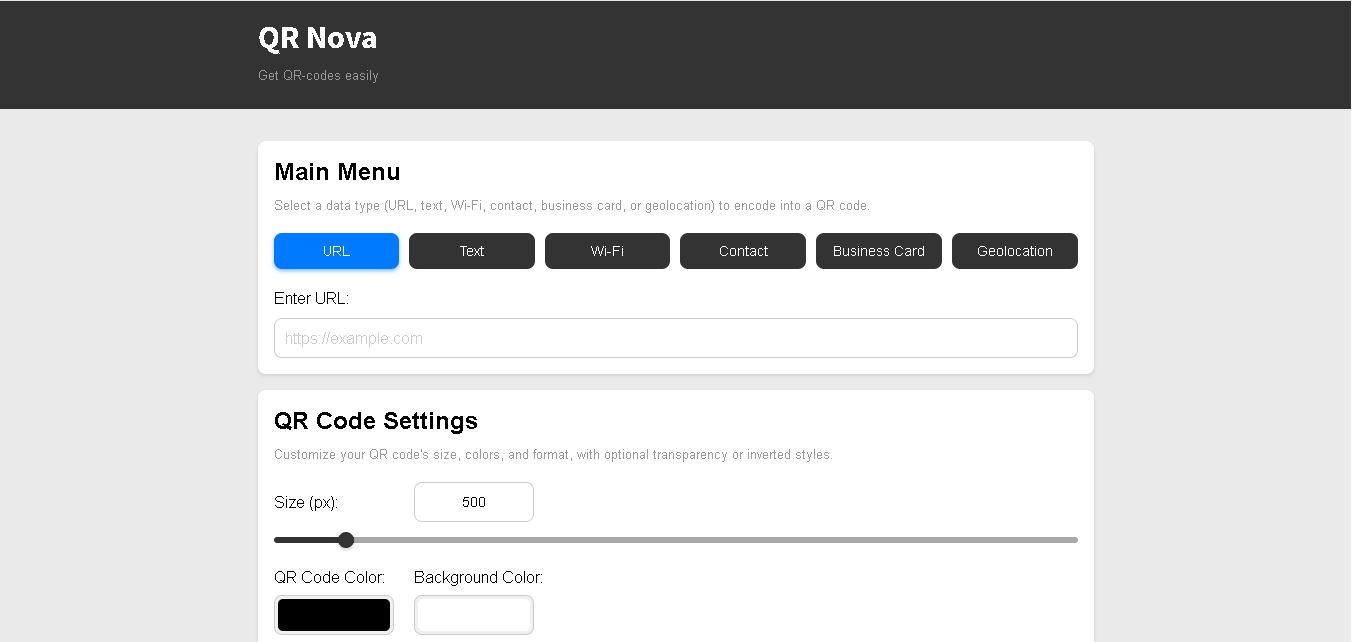
QR Nova is a QR code generator that allows users to create, customize, and manage QR codes for business and personal use. It supports static and dynamic codes, editable destinations, scan analytics, and multiple QR formats. Its free plan makes basic QR code creation accessible without requiring registration.
 4.7
QRCodeStack
QR Code
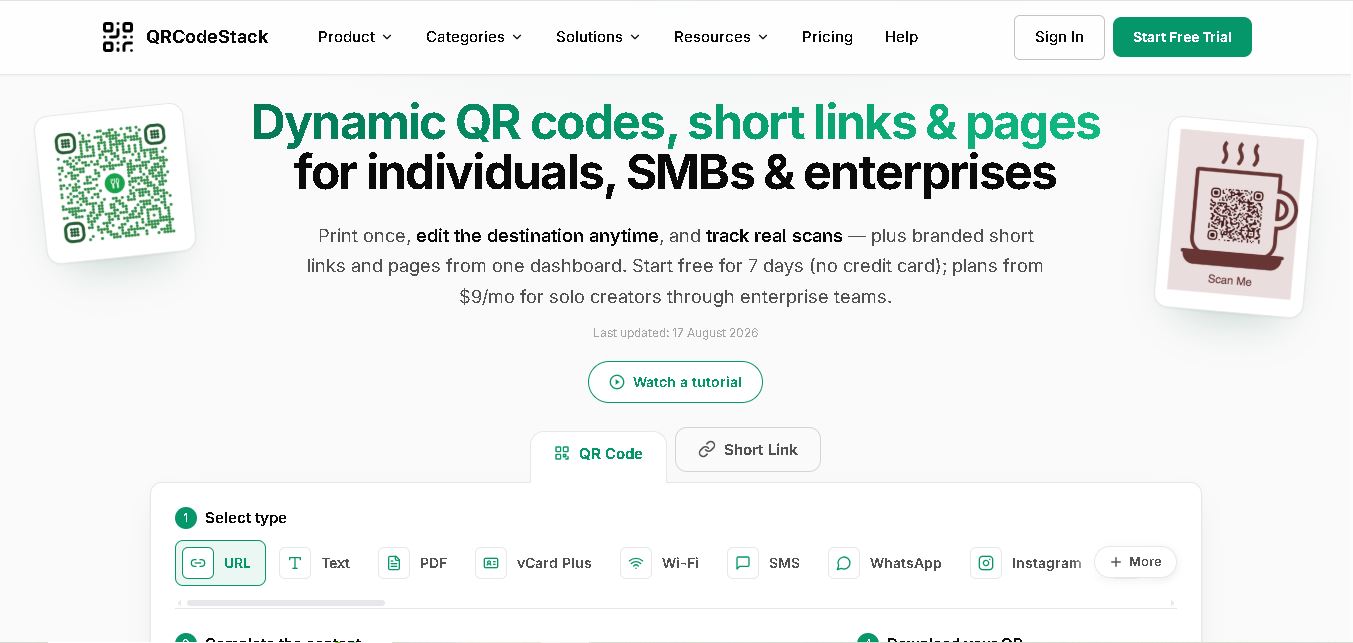
QRCodeStack lets you create branded QR codes, dynamic links, and trackable short URLs from one dashboard. Choose from 37+ QR types, customize colors and logos, update destinations after printing, and review scan or click analytics. It suits creators, small businesses, marketers, agencies, and teams managing campaigns across multiple locations.
 4.7
BulkQR
QR Code
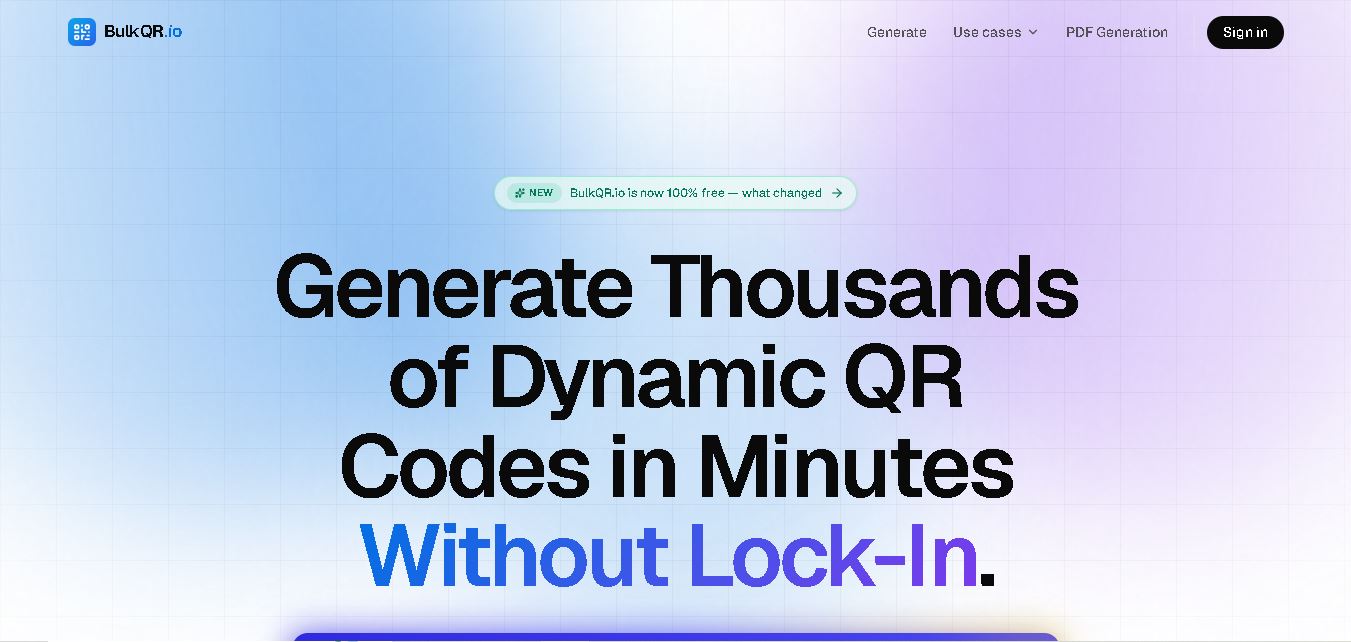
BulkQR is a bulk QR code generator that transforms Excel, CSV, and text data into unique QR codes. It offers customizable colors, sizes, and filenames, along with convenient ZIP downloads. Supporting PNG and SVG exports through different plans, it helps businesses simplify large-scale QR code creation and management.
 4.7
OpenQR
QR Code
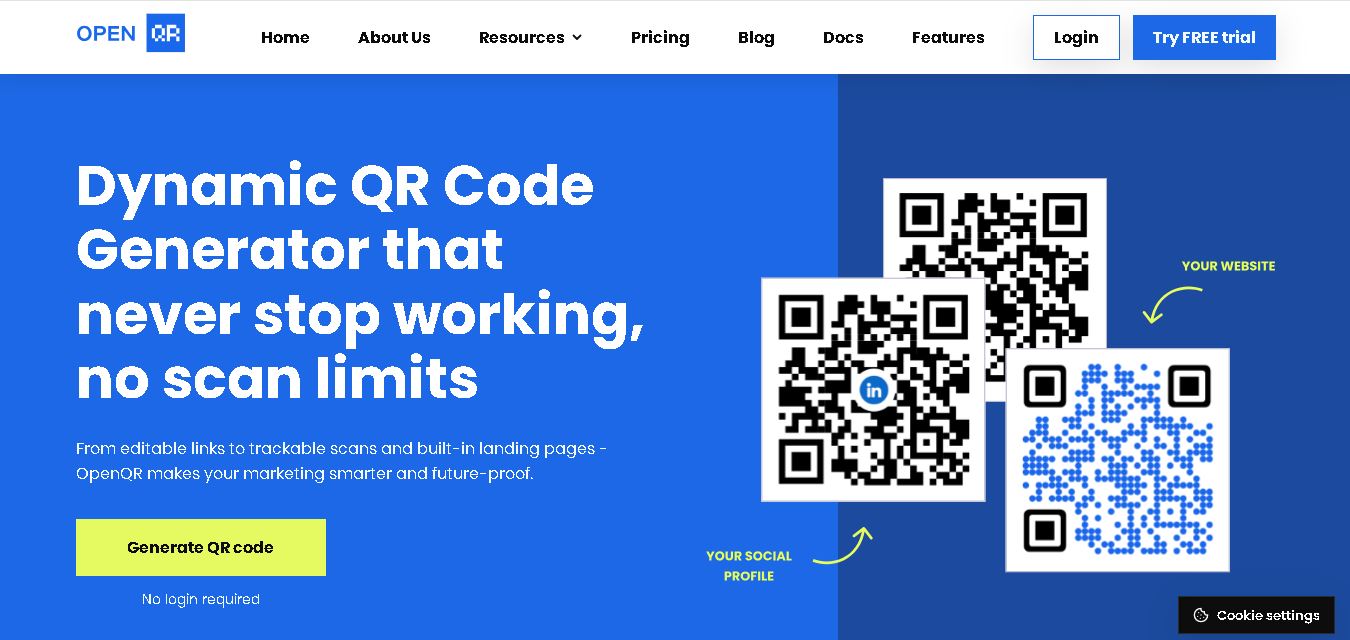
OpenQR.io is a versatile QR code generator for creating customized, trackable, and editable QR codes. It supports website links, PDFs, Wi-Fi, contact information, and event details. With dynamic QR codes, scan analytics, branding options, API integration, and unlimited scans, it helps businesses simplify information sharing and marketing campaigns.
 4.8
Pageloot
QR Code
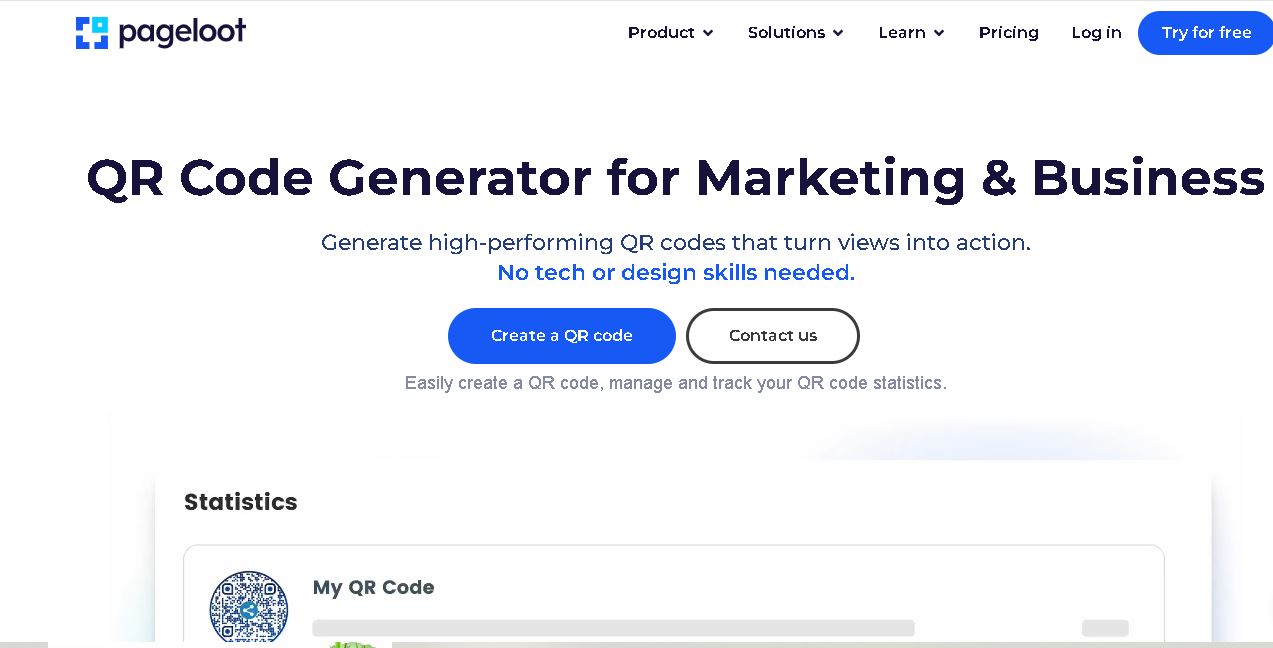
Pageloot is a QR code generator that helps users create, customize, and track QR codes for websites, files, social media, business cards, and marketing campaigns. It offers dynamic QR codes, branding options, scan analytics, and centralized code management, making digital information sharing easier for businesses and individuals.
 4.6
QR Chameleon
QR Code
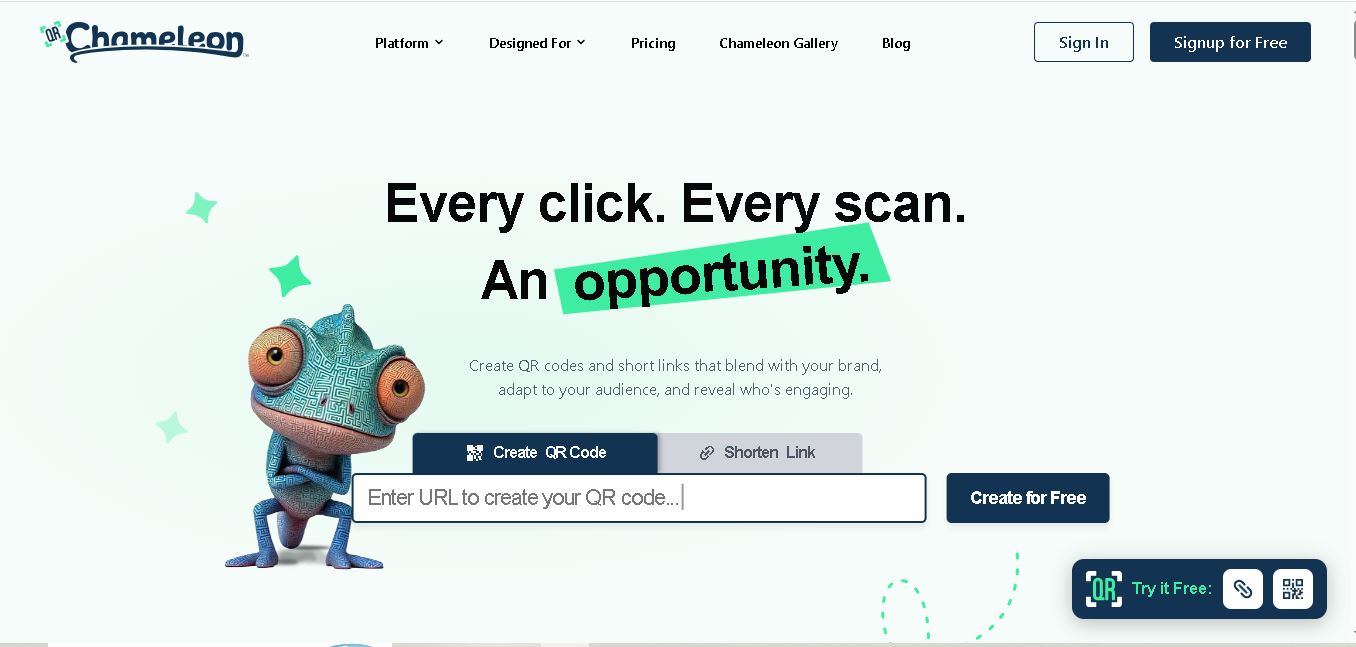
QR Chameleon helps businesses create customized dynamic QR codes and branded short links for marketing campaigns. It offers logo placement, color customization, link tracking, scan analytics, and campaign management. Users can update destinations without reprinting codes, making it useful for restaurants, retailers, marketers, agencies, and event organizers managing digital engagement.
 4.5
Kaywa QR Code
QR Code
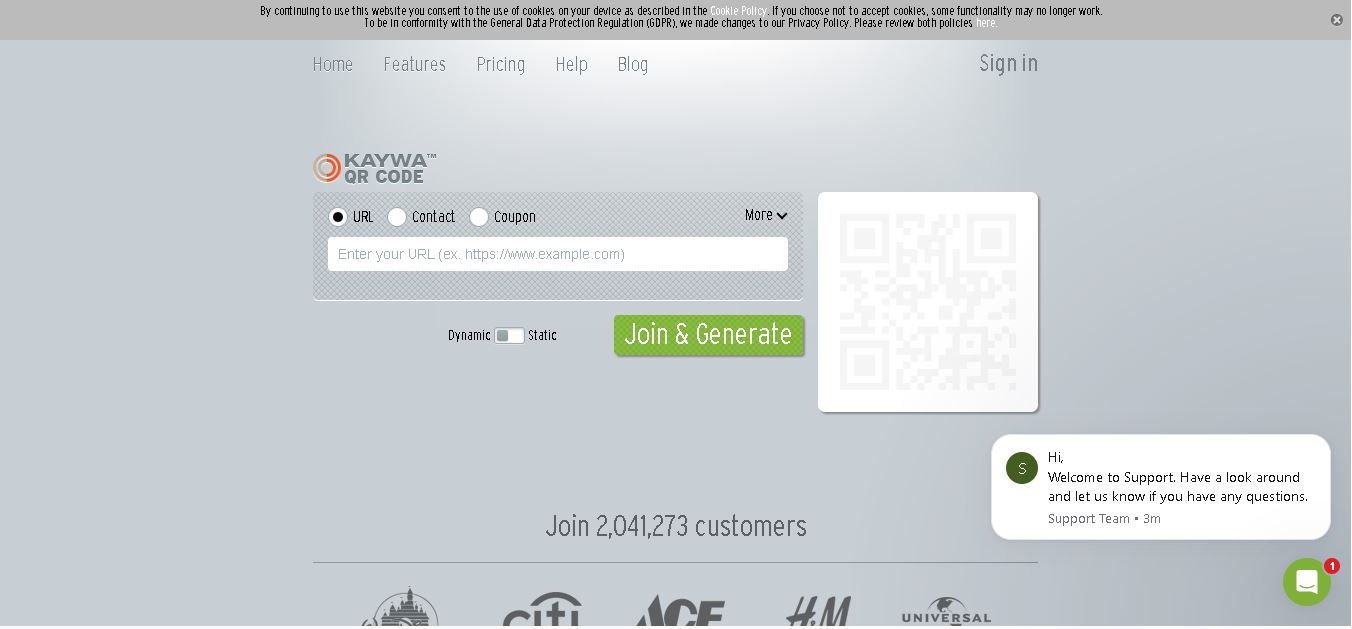
Kaywa QR Code Generator helps individuals and businesses create QR codes for websites, contact information, coupons, and text. It offers static and dynamic QR code options, customization, scan tracking, and campaign analytics. Its management features make it useful for marketers, retailers, event organizers, and businesses connecting customers with digital experiences.
 4.6
Unitag
QR Code
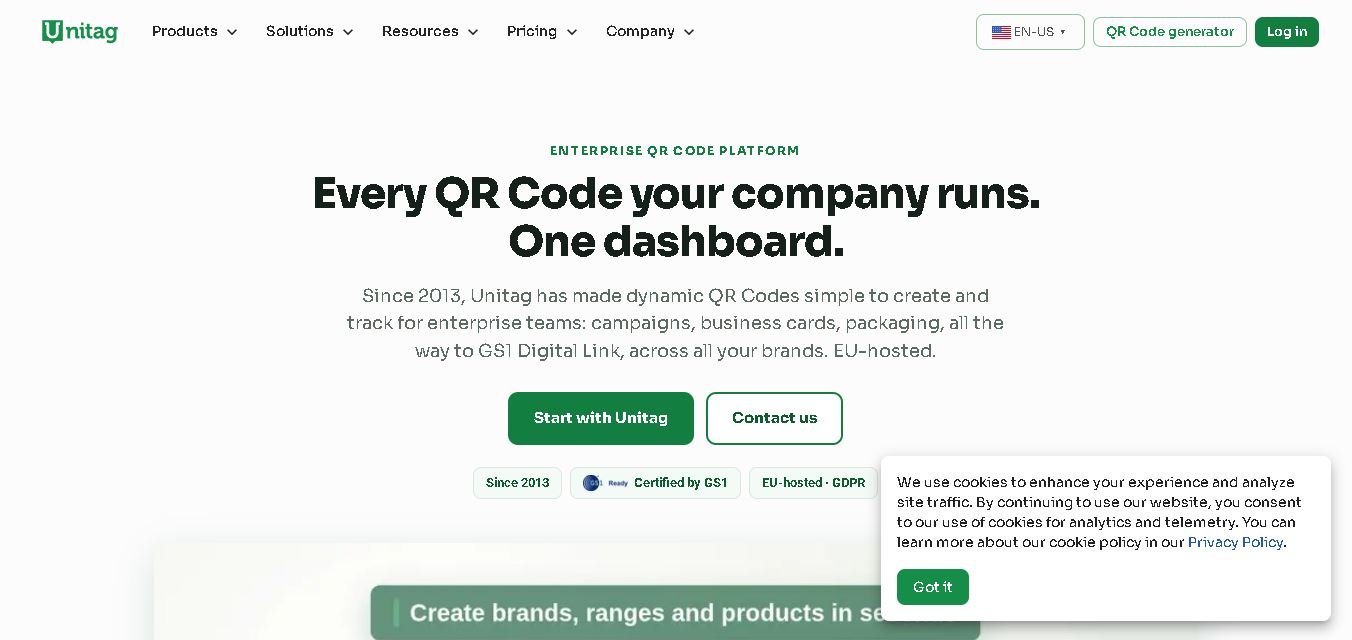
Unitag helps users create, customize, and manage QR codes for marketing, business, and personal purposes. It supports dynamic QR codes, branded designs, scan tracking, and campaign management. Users can connect websites, contact information, documents, and other digital content through scannable codes while monitoring engagement and updating destinations when necessary.