DocsAlot
DocsAlot is an automation-first documentation platform built for SaaS and developer-focused teams that prioritizes automated updates, API references, and AI-readable outputs over manual visual editing.
What is DocsAlot?
DocsAlot is designed to make document creation and editing faster, simpler, and more intuitive. It provides a clean, user-friendly interface where you can write, format, and structure content without dealing with complex tools or code. With real-time editing, smooth formatting options, and an organized workflow, it helps individuals and teams create polished documents efficiently while staying focused on content instead of technical details.
Positioned as an alternative to traditional editor-first platforms like GitBook, DocsAlot minimizes documentation drift by automatically updating content from code, support tickets, product notes, and API schemas. The platform outputs machine-readable files such as llms.txt, skill.md, and a hosted Model Context Protocol (MCP) server to support AI coding assistants. Pricing starts at $39 per month for the Startup plan and $99 per month for the Team plan.
- Platform Role: Automation-First Developer Documentation Platform & AI Knowledge Base
- Core Capabilities: Automated Upkeep, OpenAPI Parsing, AI-Readable Artifacts (`llms.txt`, `skill.md`, Hosted MCP), and Git-Connected Authoring
- Ecosystem Integrations: GitHub PRs, Commits, Zendesk, and Slack threads
Use Cases:
- Keeping technical documentation automatically aligned with live product releases and code changes
- Packaging product documentation so that AI coding assistants and LLMs can accurately onboard developers
- Parsing OpenAPI specifications into clean, standardized Markdown API references
- Managing preview, review, and publish workflows that combine Git Markdown syncing with browser-based editing
Technology:
- Automated context-pulling engine syncing documentation directly from repository pull requests, commits, and support tickets
- Hosted Model Context Protocol (MCP) server enabling real-time context retrieval for AI agents
- Standardized Markdown and MDX generation pipelines ensuring SEO-friendly structural layouts
Target Users:
- Software developers and SaaS engineering teams looking to eliminate manual documentation maintenance
- Technical writers managing API references alongside rapid product release cycles
- Product teams seeking reliable AI discoverability and canonical LLM onboarding resources
Acquisition: Independent developer documentation platform

What are the key features of DocsAlot?
DocsAlot's key platform features are
- Automated Upkeep: Continuously syncs documentation changes from code commits, pull requests, and support notes.
- API References & Guides: Converts raw OpenAPI specs into structured Markdown references alongside user guides.
- Flexible Authoring Workflows: Supports preview, review, and publish cycles accommodating both Git Markdown pipelines and browser editing.
- SEO-Optimized Hosting: Delivers clean, structured, and fast-loading documentation sites out of the box.
How much does DocsAlot cost?
DocsAlot operates on straightforward, predictable subscription tiers with no per-seat collaborator fees on core plans.
Pricing Plans:
- Startup Plan ($39 / month): Built for launching public documentation sites, validating workflows, and accessing basic AI capacity.
- Team Plan ($99 / month): Unlocks custom domains, private documentation hosting, unlimited collaborators, higher AI capacity, and structured preview/review workflows.
- Enterprise Plan (Custom): Tailored for large organizations requiring advanced security governance, SAML SSO, SCIM provisioning, and dedicated migration assistance.
Disclaimer: Pricing details reflect current public self-service plans. For exact enterprise quotes, visit docsalot.dev.
Who should use DocsAlot?
DocsAlot is designed for software teams and developers, including
- API-first companies needing accurate, developer-friendly reference pages that stay updated automatically
- Engineering teams tired of manually maintaining documentation across fast-moving product sprints
- Projects aiming to optimize their documentation for AI coding agents and LLM discoverability
What are the best alternatives to DocsAlot?
Some of the strongest DocsAlot alternatives include
- GitBook
- Documentation.ai
- ReadMe
- Mintlify
- Docusaurus
What are the pros and cons of DocsAlot?
What are the pros of DocsAlot?
- Drastically reduces manual documentation drift through automated code and support sync
- Out-of-the-box support for AI agent tooling via `llms.txt`, `skill.md`, and hosted MCP
- Predictable fixed pricing without penalizing teams for adding unlimited collaborators
- Seamless handling of OpenAPI specifications and developer reference pages
What are the cons of DocsAlot?
- Less focused on a pure WYSIWYG visual drag-and-drop editor experience compared to alternatives like GitBook
- Requires connecting code repositories and workspace tools to leverage full automation benefits
Why should you choose DocsAlot?
Traditional documentation tools force technical teams to spend countless hours manually rewriting pages every time code changes. DocsAlot shifts the paradigm by automating documentation upkeep directly from your repositories while ensuring your product is fully optimized for human developers and AI agents alike.
- Eliminate release-to-doc lag with automated repository synchronization
- Empower AI coding tools with native `llms.txt`, `skill.md`, and MCP exports
- Enjoy transparent flat-rate pricing without per-seat user penalties
- Maintain clean, professional API references effortlessly
How does DocsAlot compare to competitors?
The main difference between DocsAlot and traditional knowledge bases like GitBook lies in automation-first maintenance versus editor-first WYSIWYG authoring. While GitBook excels as a polished hosted knowledge platform centered around manual writing surfaces, DocsAlot is engineered specifically to eliminate doc drift by automatically pulling context from code, PRs, and support logs while packaging documentation natively for AI agents via MCP and `llms.txt`.
| Feature / Platform | DocsAlot | GitBook | Documentation.ai | Mintlify |
|---|---|---|---|---|
| Core Focus | Automation-First Developer Docs & AI Readiness | WYSIWYG Knowledge Base & Team Wiki | AI-Powered Docs & Documentation Agent | Modern Developer Documentation & API Refs |
| Automated Code Sync | Yes (GitHub PRs, commits & support sync) | Limited / Manual workflows | Git bidirectional sync | Git-connected sync |
| AI-Agent Artifacts | Native `llms.txt`, `skill.md`, Hosted MCP | Standard search & basic AI | AI assistant features | AI search integration |
| Pricing Structure | Startup ($39/mo) / Team ($99/mo) | Per-user pricing tiers | Credit & tier-based plans | Developer SaaS pricing |
| Best For | Developer teams wanting zero-maintenance automated docs | Teams needing a collaborative WYSIWYG wiki | Teams utilizing documentation AI agents | Clean code-backed documentation sites |
How do we rate DocsAlot?
| Parameter | Rating (out of 5) |
|---|---|
| Automated Upkeep & Code Sync | 4.9 |
| AI Agent Readiness (MCP, `llms.txt`, `skill.md`) | 5.0 |
| API Reference Quality | 4.8 |
| Authoring Workflow & Flexibility | 4.6 |
| Value for Money (Fixed Pricing / No Per-Seat Penalties) | 4.9 |
| Overall Score | 4.84 |
What is our review and verdict on DocsAlot?
DocsAlot offers a compelling solution for technical teams that struggle with stale documentation and the high maintenance overhead of traditional editors. By combining automated context synchronization from code and support channels with first-class AI-agent packaging (`llms.txt` and hosted MCP), it bridges the gap between human readers and machine consumers. While teams requiring extensive manual WYSIWYG page layout tools may prefer alternatives like GitBook, DocsAlot is exceptional for automated developer docs.
Conclusion
DocsAlot redefines developer documentation by turning maintenance into an automated background process. With its robust API reference handling, forward-thinking AI agent support, and predictable pricing, DocsAlot equips modern SaaS teams with a reliable source of truth.
FAQ
What is the Docsalot Visual Editor and what does it actually do?
The Docsalot Visual Editor is a browser-based documentation editor that lets teams write and format technical docs visually while still keeping full access to the underlying Markdown. It combines WYSIWYG editing, structured components, AI assistance, and versioned publishing in one workspace, so teams can create professional docs without losing control over source code.
How is Docsalot’s visual editor different from traditional documentation tools?
Unlike typical editors that either lock you into rich text or require full Markdown knowledge, Docsalot offers both modes simultaneously. You can switch between visual editing for speed and Markdown for precision, and both views update the same content, removing the trade-off between usability and developer control.
Can developers still edit raw Markdown in the visual editor?
Yes, developers can directly edit Markdown (MDX) inside the same editor whenever they need precise control over syntax, metadata, or components. The platform supports syntax highlighting, frontmatter editing, and component configuration, making it suitable for both non-technical writers and technical contributors.
What kind of components and blocks can you add in the editor?
Docsalot includes built-in documentation components such as code blocks, multi-language code groups, callouts, step-by-step guides, tables, media embeds, and tabs. These can be inserted using a simple slash (/) command, allowing teams to build structured, developer-friendly documentation without manual formatting.
Does the visual editor support AI-assisted editing?
Yes, the editor includes an embedded AI assistant that can suggest improvements, update explanations, and even modify multiple related pages at once. Instead of editing blindly, users can review exactly what the AI changed before publishing, ensuring full control over documentation quality.
How does reviewing and publishing work in Docsalot?
Docsalot separates editing from publishing, allowing teams to save drafts, preview changes, and validate navigation before making anything public. Each update is versioned, so teams can track changes over time and only publish when the documentation is ready, reducing the risk of accidental updates.
Is the Docsalot visual editor suitable for teams or just individuals?
The editor is built for collaborative teams, including product managers, support teams, and developers. Non-technical users can edit content visually, while developers can refine details in Markdown, making it a shared workspace where multiple roles contribute without friction.
User Reviews
No reviews yet for DocsAlot.
Featured Tools
Featured AI tools from TechShark

Melody Genie
MelodyGenie is an AI-powered music generator that creates original songs from simple text prompts. Users can choose styles, moods, and genres, then instantly generate melodies and full tracks, making it easy for creators, marketers, and hobbyists to produce custom music without musical expertise.
Freemium

Kimi AI
Kimi AI is an advanced AI assistant developed by Moonshot AI that helps you chat, research, write, code, and automate tasks in one place. It supports web search, file analysis, and multimodal inputs, and can even run autonomous “agent” workflows to complete complex tasks end-to-end.
Freemium

Fashion Diffusion AI
Fashion Diffusion is an AI-powered fashion design platform that helps brands and designers create clothing designs, virtual try-ons, AI models, product photos, and marketing visuals faster and cost-effectively.
Paid

Veo 4
Veo 4 AI is an AI video creation platform that generates dramatic videos from text, images, audio, and video prompts using realistic motion and synchronized sound.
Paid
Alternatives
Alternatives to DocsAlot
The best DocsAlot alternatives include GitBook, Documentation.ai, ReadMe, Mintlify, and Docusaurus. These knowledge bases and documentation platforms provide authoring tools and reference builders. While DocsAlot specializes in automation-first upkeep—pulling updates directly from code, PRs, and support notes while delivering native AI-ready artifacts like `llms.txt`, `skill.md`, and hosted MCP servers—alternatives like GitBook focus heavily on manual WYSIWYG editing environments.
 4.7
4.7Flowrite (by Maestro Labs)
Writing
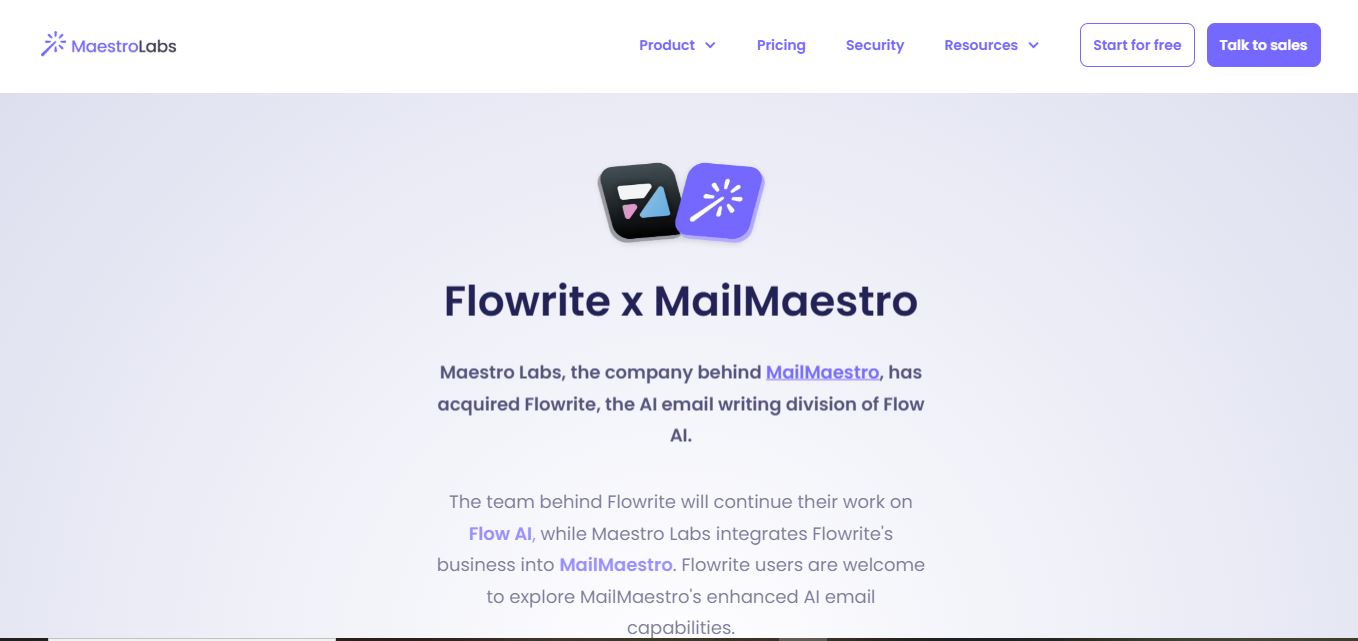
Flowrite is an AI email writing solution that turns brief instructions into polished messages. Following its acquisition by Maestro Labs, Flowrite’s capabilities are being integrated into MailMaestro. Users can create, rewrite, improve, and respond to emails, use templates and shortcuts, and work across Outlook and Gmail with multilingual support today.
 4.8
4.8LogicBalls
Writing
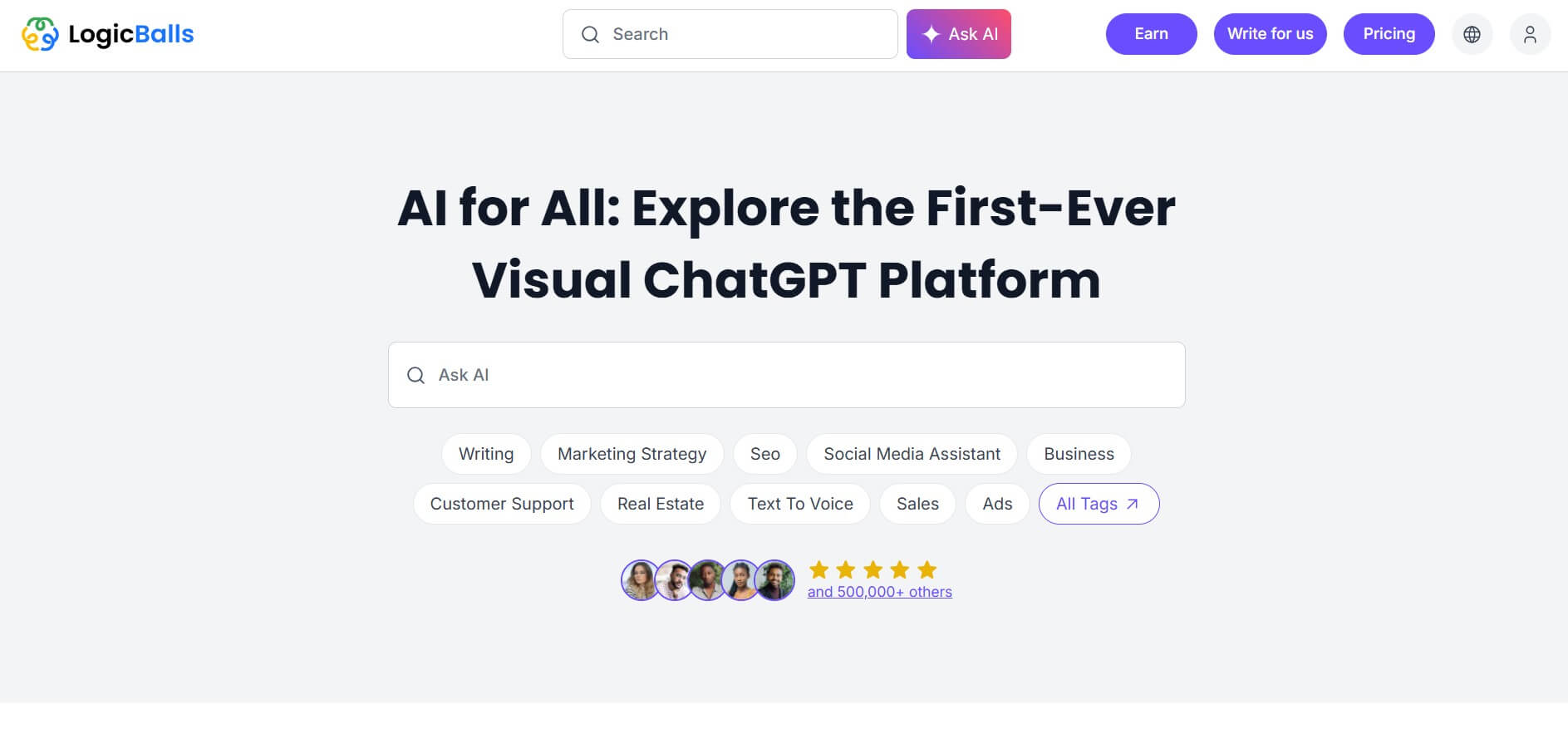
LogicBalls is a verification-first AI toolkit offering thousands of specialized tools for writing, research, business, marketing, productivity, and everyday tasks. Its clarification-first approach aims to reduce guesswork by gathering context before generating results. Users can start with a free plan and upgrade for higher limits, additional models, and advanced capabilities.
 4.7
4.7Book AI Writer
Writing
BookAIWriter helps turn an idea into a book by using AI to develop outlines, characters, writing styles, chapters, narratives, and cover art. Users provide their story preferences, and the service generates the book around those instructions. It is designed for creators who want a faster route from concept to finished storytelling.
 4.9
4.9Copy AI
Writing
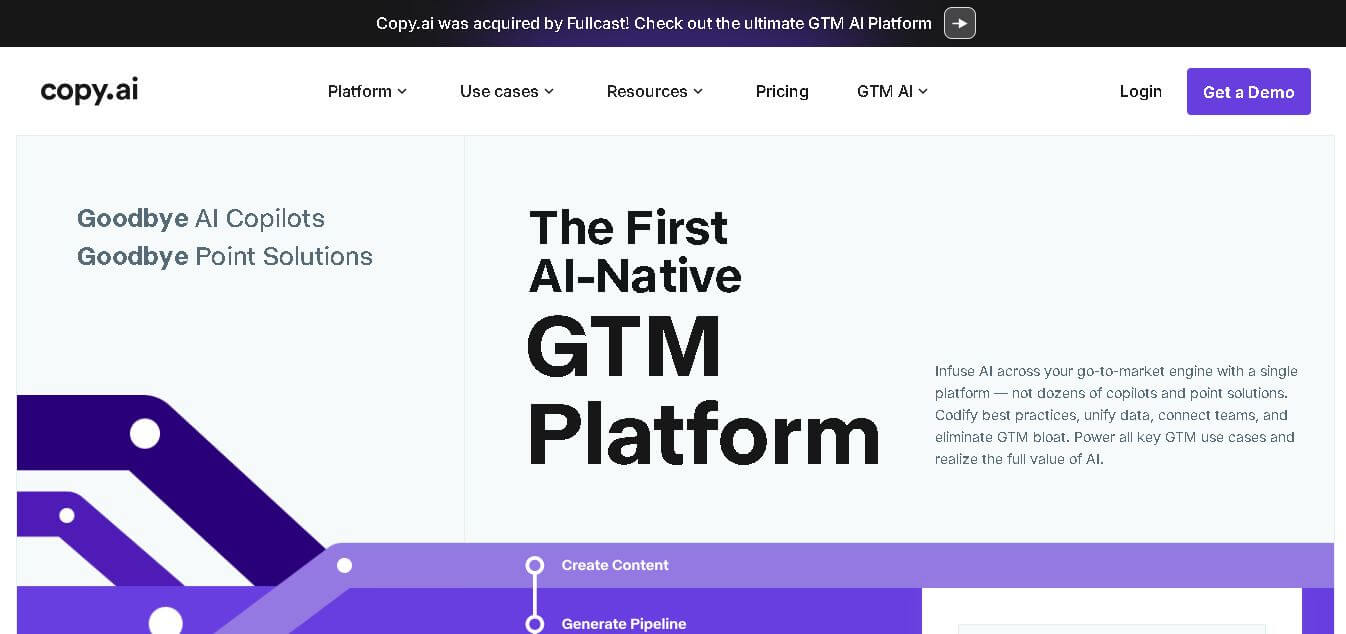
Copy.ai is an AI-powered go-to-market platform that helps businesses create content, automate marketing workflows, and scale sales outreach. It combines AI writing, multi-step workflows, and data integrations to generate blogs, ads, emails, and personalized campaigns, enabling faster content production and revenue growth.
 4.9
4.9QuillBot
Writing
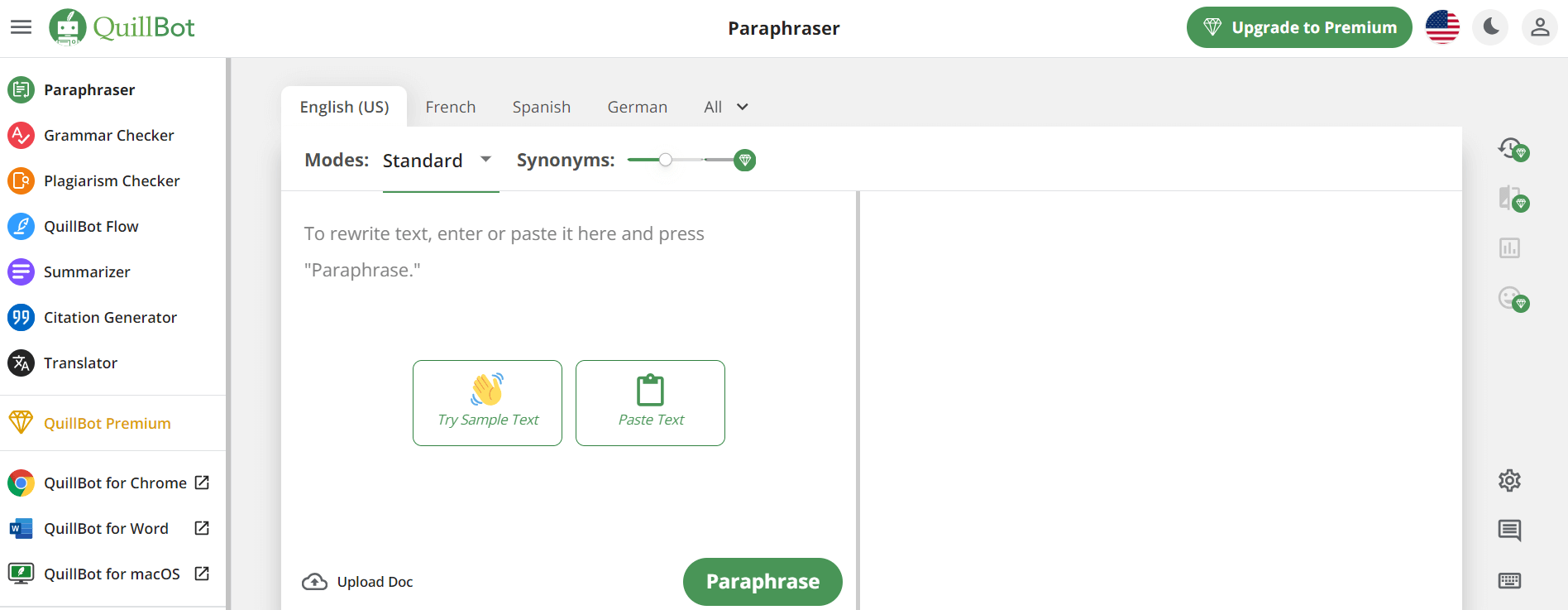
QuillBot is an AI-powered writing assistant that helps users paraphrase, check grammar, summarize content, and generate ideas in one platform. It combines tools like paraphraser, AI chat, plagiarism checker, and translator to improve writing clarity, accuracy, and productivity across academic, professional, and everyday tasks.
 4.6
4.6Article-flow
Writing
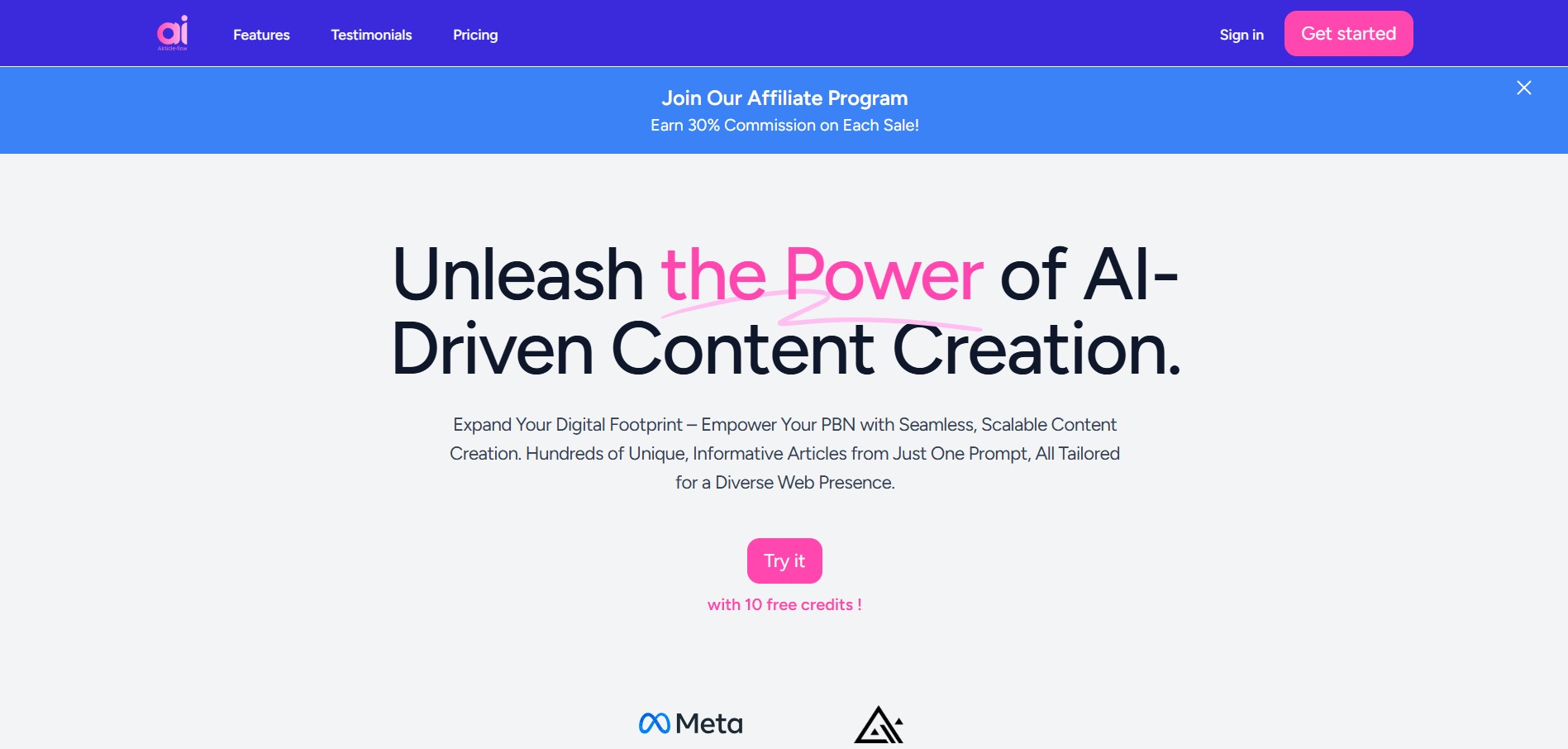
AIrticle-flow is an AI-powered content creation tool that helps users generate blog articles in bulk, create relevant images, and streamline publishing. It supports multilingual content generation and WordPress integration, making it useful for bloggers, SEO professionals, digital marketers, and businesses looking to scale content production efficiently.
 4.9
4.9Writesonic
SEO
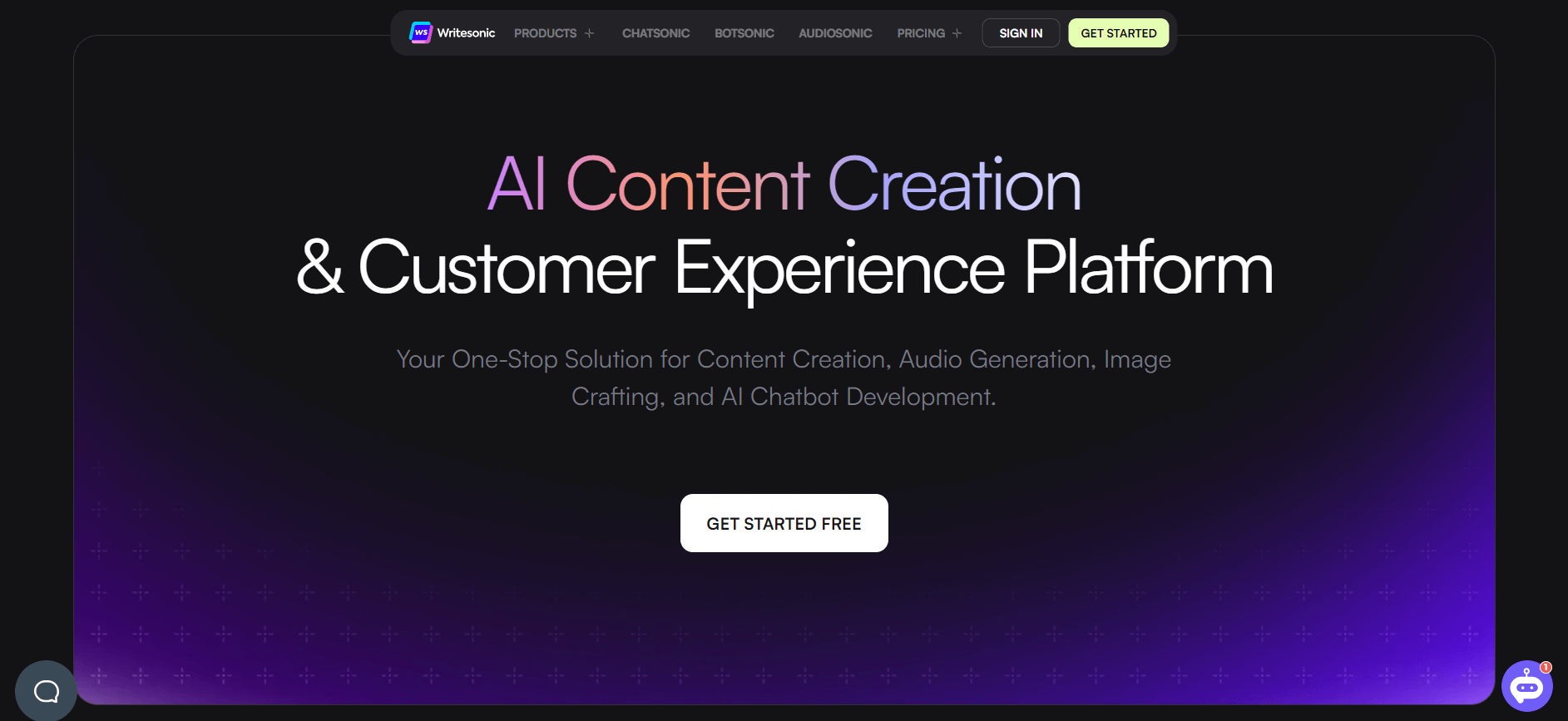
Writesonic is an AI-powered content creation platform that helps users generate blogs, ads, landing pages, and SEO content quickly. It includes tools like Chatsonic for conversational AI and supports real-time data, making it useful for marketers, creators, and businesses looking to scale content production.
 4.9
4.9GravityWrite
Writing
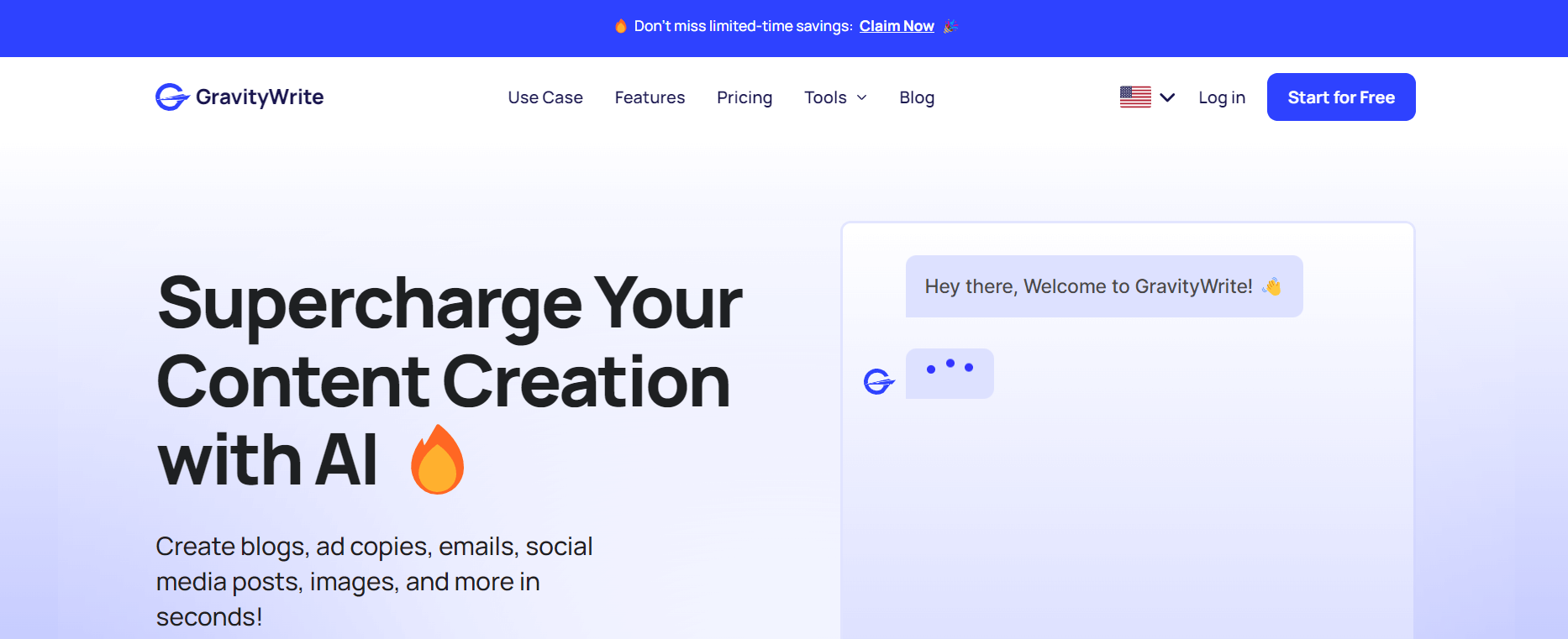
GravityWrite is an AI-powered content creation platform that helps users generate blogs, ads, emails, and social media content quickly. It offers ready-to-use templates, SEO-focused writing, and automation tools, making it easier for marketers and businesses to create high-quality content at scale with minimal effort.
 4.8
4.8Twee
Education
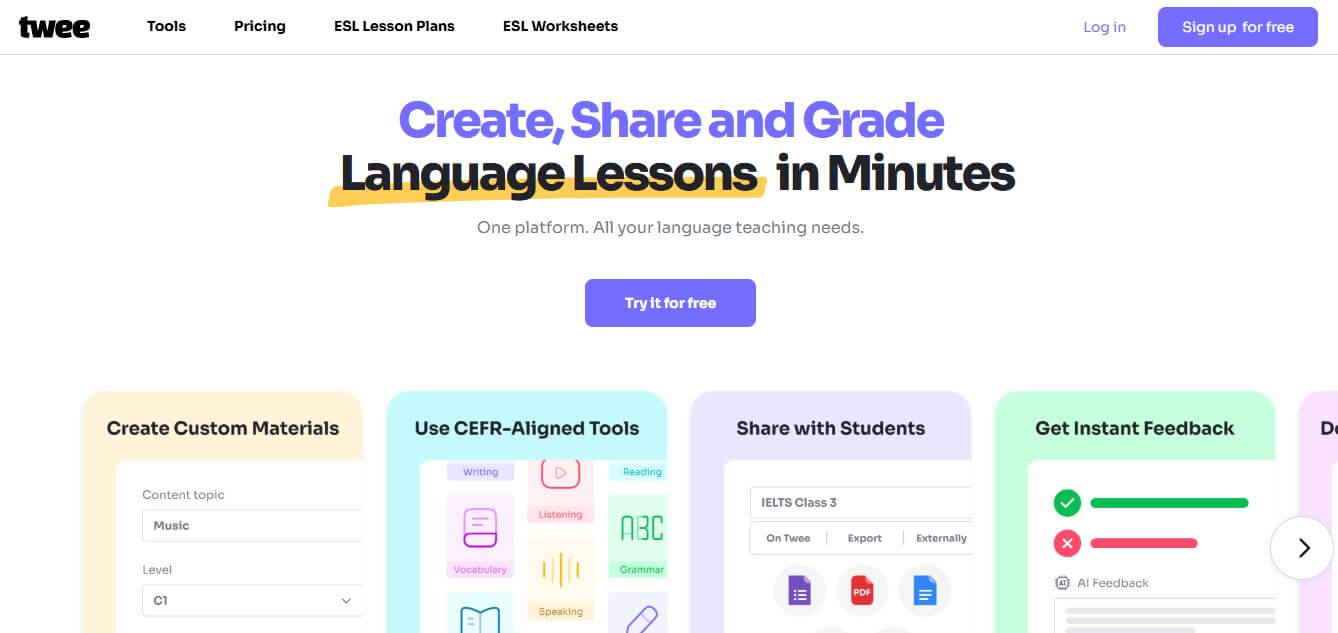
Twee is an AI-powered teaching assistant designed to help educators create lessons, quizzes, and classroom materials quickly. It can generate questions, explanations, and activities from any topic or text, making it easier for teachers to plan engaging and personalized learning experiences.