
Twee
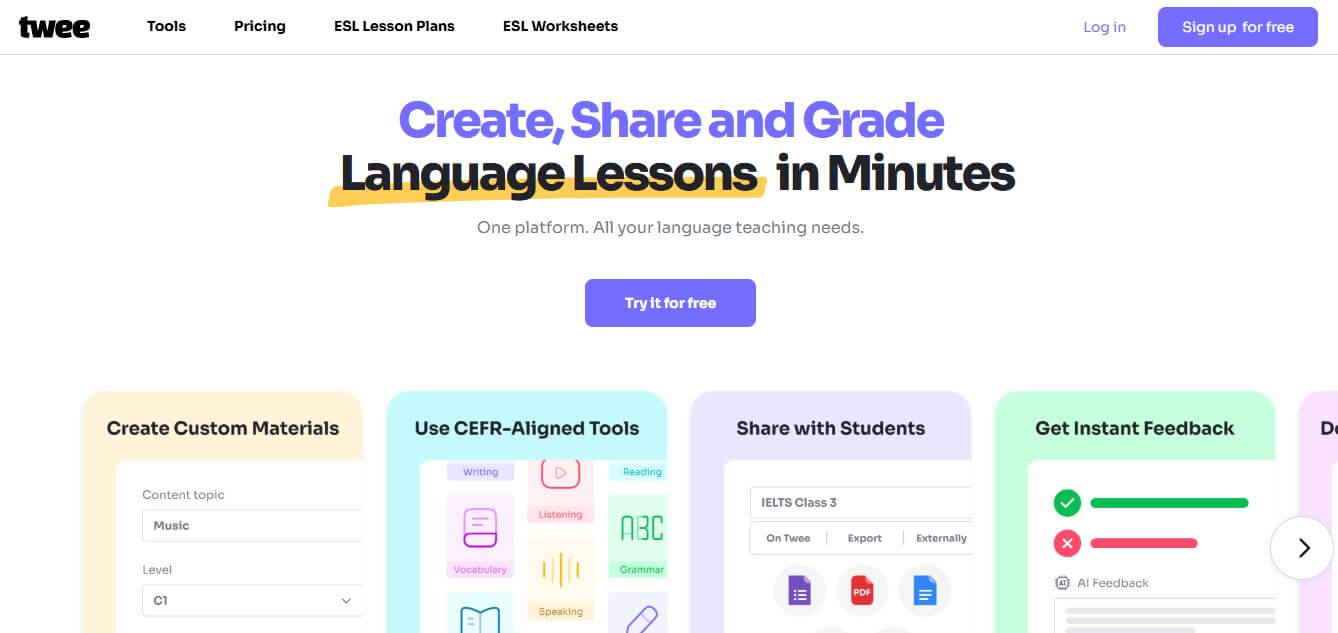
Twee is an AI-powered teaching assistant designed to help educators create lessons, quizzes, and classroom materials quickly. It can generate questions, explanations, and activities from any topic or text, making it easier for teachers to plan engaging and personalized learning experiences.
What is Twee?
Twee is an AI-powered platform designed for language teachers to create lesson materials quickly and efficiently. It helps generate worksheets, quizzes, dialogues, and interactive activities based on topics, texts, or vocabulary. Teachers can adapt content for different skill levels, saving hours of preparation time. The platform also offers ready-made ESL resources, classroom management tools, and export options like PDFs or Google Docs. By automating lesson planning, Twee makes teaching more flexible, personalized, and engaging for both educators and students.
Twee was developed to eliminate the hours educators spend manually designing language worksheets and assessments. Serving hundreds of thousands of language teachers, tutors, and schools globally, Twee aligns all generated content with the Common European Framework of Reference for Languages (CEFR levels A1 through C2). By enabling educators to extract exercises directly from YouTube dialogues and audio clips in seconds, Twee cuts weekly lesson preparation time by up to 70 percent.
- Founder / Creator: Twee Educational Technology Team
- Launch Year: 2022
Use Cases:
- Generating CEFR-leveled reading comprehension passages, multiple-choice quizzes, and discussion questions
- Transcribing YouTube videos and audio clips into listening exercises and fill-in-the-blank worksheets
- Brainstorming topic-specific vocabulary lists, matching exercises, and grammar drill tasks
- Sharing interactive digital assignments with students and grading open-ended responses with AI assessment
Technology:
- Educational Natural Language Processing (NLP) models tuned for CEFR linguistic difficulty benchmarks
- Automated multimedia transcription and syntactic sentence decomposition for exercise generation
- Export compilation pipeline supporting PDF generation, Google Forms quizzes, and interactive web assignments
Target Users:
- ESL, EFL, and foreign language teachers in K-12 schools, colleges, and language academies
- Independent private language tutors and online course creators
- Curriculum designers developing structured language learning modules
- School administrators seeking standardized, level-appropriate teaching resources
Corporate Entity: Operates as an independent educational technology software company (Twee)

Key features of Twee
Twee's key features are
- CEFR-Aligned Content Generation: Automatically adapt reading passages, dialogues, and vocabulary complexity across A1, A2, B1, B2, C1, and C2 proficiency levels.
- YouTube & Media Activity Builder: Paste any YouTube video link or audio file up to 10 minutes to auto-extract transcripts, discussion questions, and listening comprehension drills.
- Reading & Writing Generators: Create custom texts on any topic paired with True/False questions, open-ended comprehension prompts, and creative writing scenarios.
- Grammar & Vocabulary Drills: Instantly build fill-in-the-gap exercises, word-definition matching games, and context-specific sentence transformations.
- AI Student Response Assessment: Evaluate student answers, gap fills, and open-ended written submissions automatically with actionable feedback and scoring.
- CEFR Level Checker: Analyze existing texts, articles, or transcripts to evaluate vocabulary difficulty and determine exact CEFR grade readability.
- Multi-Format Exports: Download print-ready PDF worksheets, export quizzes directly into Google Forms, or transfer text into Google Docs and Microsoft Word.
- Classroom & Assignment Management: Distribute interactive homework links directly to student groups and monitor completion rates without external grading tools.
Twee Pricing
Twee operates on a freemium subscription model offering trial access alongside affordable monthly and annual plans for individual teachers and schools.
Free Trial:
- $0 (Free trial access)
- 5 trial tool runs across basic tools, 500 audio credits, free lesson library access, and classroom management
Basic Plan:
- Starts at $6.50/month (billed annually)
- 100 runs per month for all basic tools, 2,500 audio text-to-speech credits, unlimited interactive sharing, and classroom management
Pro Plan:
- Starts at $10.50/month (billed annually) or $11.95/month (billed monthly)
- Unlimited runs for basic tools, 100 runs/month for media tools (YouTube/audio), 5,000 audio credits/month, CEFR level checker, 100 AI response checks/month, and full export to PDF, Google Docs, and Google Forms
Schools / Teams Plan:
- Starts from $6.25 to $8.33/seat/month (billed annually, volume discounted for 3 to 50+ teachers)
- All Pro features per teacher, 7,000 audio credits/seat/month, custom school logo branding on PDFs, and centralized administrative management
Disclaimer: For the latest feature updates, educational institution discounts, and subscription terms, please visit the official Twee website at twee.com/price.
Who is using Twee?
Twee is designed for a broad range of language educators and educational institutions, including
- ESL & EFL Teachers: Generating level-appropriate reading texts, grammar exercises, and vocabulary worksheets in minutes
- Online Language Tutors: Creating engaging conversational warm-ups, quote lists, and multimedia listening homework
- Language Schools & Academies: Standardizing CEFR curriculum materials and sharing digital assignments across teacher teams
- Content Creators: Using writing tools to draft language learning blogs, lesson plans, and grammar study guides
- University Language Departments: Analyzing text difficulty and building listening comprehension tests from academic YouTube lectures
Best Twee Alternatives
Some of the strongest Twee alternatives include
- MagicSchool AI
- Diffit
- Brisk Teaching
- Curipod
- Eduaide.AI
- ChatGPT (with custom prompts)
Pros and Cons of Twee
Pros
- Purpose-built for language instruction with native CEFR (A1–C2) difficulty alignment
- Converts YouTube videos into complete listening comprehension activities in under a minute
- Generates both student worksheets and teacher answer keys automatically
- Direct export to Google Forms, Google Docs, and formatted printable PDFs
- Affordable pricing model tailored to independent educators and language tutors
Cons
- Free access is limited to a trial with 5 tool runs rather than an unmetered free tier
- YouTube and audio media tools have a 10-minute length cap on standard plans
- Primarily optimized for English language teaching (ESL/EFL), with fewer tools for non-English languages
- Requires teacher verification of cultural nuances and specialized idiom usage
Why Choose Twee?
Twee is the ideal choice for language instructors and schools looking to streamline lesson prep without sacrificing pedagogical structure.
- Tailors vocabulary and reading complexity precisely to your students' CEFR proficiency level
- Transforms authentic YouTube videos and podcasts into interactive classroom tasks
- Automates grading of student responses using specialized educational AI
- Exports easily to Google Forms and printable PDFs with answer keys included
- Saves language educators up to 5 hours of manual lesson planning every week
Twee vs. Competitors
The main difference between Twee, MagicSchool AI, Diffit, and Brisk Teaching is that Twee is tailored specifically for language and ESL educators with deep CEFR level controls, YouTube dialogue extraction, and vocabulary matching tools, whereas MagicSchool AI offers general K-12 administrative tools, Diffit specializes in cross-grade reading adaptation, and Brisk Teaching operates primarily as a Chrome browser extension overlay. Twee stands out for its specialized ESL pedagogy and multimedia exercise generation.
| Feature / Tool | Twee (twee.com) | MagicSchool AI | Diffit | Brisk Teaching |
|---|---|---|---|---|
| Core Focus | Language & ESL Lesson Planning | General K-12 Teacher Assistant | Differentiated Reading & Docs | Chrome Extension Educator AI |
| CEFR Level Alignment | Yes (A1 through C2 Precise) | Grade Levels Only | Reading Lexile / Grade | Reading Level Adjustment |
| YouTube Activity Generator | Yes (Transcripts & Questions) | YouTube Video Questions | Video to Worksheet | Browser Video Integration |
| AI Student Checking | Yes (100 checks/mo on Pro) | Rubric Grading Tools | No Direct Grading | Student Feedback Tool |
| Starting Paid Price | $6.50 – $10.50/month | ~$8.33 – $12.99/month | ~$14.99/month | ~$9.99/month |
| Best For | Language & ESL Instructors | All-Subject K-12 Educators | Differentiated Reading Material | In-Browser Google Docs Work |
How do we rate Twee?
| Parameter | Rating (out of 5) |
|---|---|
| Language Pedagogy & CEFR Accuracy | 5.0 |
| Multimedia & YouTube Exercise Generation | 4.9 |
| Export Flexibility (PDF, Forms, Docs) | 4.8 |
| AI Response Assessment & Interactive Tasks | 4.7 |
| Value for Money | 4.8 |
| Overall Score | 4.84 |
Twee Review
Twee addresses the unique workflow challenges faced by language teachers. Generic AI chat tools can produce generic stories or vocab lists, but they often lack the linguistic discipline required for language learners at specific proficiency benchmarks. Twee bridges this gap by grounding its generative tools in the CEFR framework. Its ability to take an engaging YouTube video or a raw news paragraph and immediately produce vocabulary drills, comprehension questions, and conversational discussion points makes it an exceptional productivity asset for language educators.
Conclusion
Twee helps educators save time by generating lesson plans, exercises, and classroom activities using AI. Instead of creating materials from scratch, teachers can quickly build engaging content tailored to their students’ needs. This makes it especially useful for language learning and ESL classrooms. Overall, Twee simplifies teaching workflows, helping educators stay organized, deliver better lessons, and focus more on student engagement rather than preparation.
FAQ
What is Twee and how does it work?
Twee is an AI-powered platform designed specifically for language teachers to create lesson materials quickly and efficiently. It works by taking inputs like a topic, text, link, or vocabulary list and generating ready-to-use resources such as exercises, questions, and worksheets. The platform uses pre-trained AI models to automate lesson planning, allowing teachers to produce high-quality materials in minutes instead of hours.
What can you create with Twee?
With Twee, teachers can create a wide range of materials including reading texts, comprehension questions, vocabulary exercises, dialogues, quizzes, and interactive classroom activities. It also supports formats like fill-in-the-gap tasks, true/false questions, and discussion prompts, making it suitable for complete lesson creation across reading, writing, speaking, and listening skills.
How does Twee help teachers save time?
Twee automates time-consuming tasks like lesson planning, content creation, and exercise generation. Instead of manually preparing worksheets or questions, teachers can generate complete lesson materials instantly and customize them as needed. Many educators report saving hours each week by using Twee to handle repetitive preparation work.
Is Twee suitable for ESL and language learning?
Yes, Twee is especially built for ESL/EFL teachers and language educators. It generates CEFR-aligned content tailored to different proficiency levels, helping teachers adapt lessons for beginners, intermediate, and advanced learners. This makes it highly effective for structured language teaching and exam preparation.
Does Twee support audio, video, and text-based content?
Yes, Twee supports multiple content formats including text, audio, and video. Teachers can upload or link media files and generate exercises, transcripts, or questions based on that content. It also includes features like converting audio/video to text and creating listening-based activities.
Is Twee free to use?
Twee offers a free trial plan with limited usage, allowing users to test its tools and features. Paid plans start at an affordable monthly price and unlock additional capabilities such as unlimited runs, advanced AI tools, higher content limits, and access to a full lesson and worksheet library.
Who should use Twee?
Twee is ideal for language teachers, tutors, educators, and institutions that want to streamline lesson planning and create engaging classroom content. It is particularly useful for teachers handling multiple classes, mixed-ability students, or those looking to integrate AI into their teaching workflow.
User Reviews
No reviews yet for Twee.
Featured Tools
Featured AI tools from TechShark

Melody Genie
MelodyGenie is an AI-powered music generator that creates original songs from simple text prompts. Users can choose styles, moods, and genres, then instantly generate melodies and full tracks, making it easy for creators, marketers, and hobbyists to produce custom music without musical expertise.
Freemium

Kimi AI
Kimi AI is an advanced AI assistant developed by Moonshot AI that helps you chat, research, write, code, and automate tasks in one place. It supports web search, file analysis, and multimodal inputs, and can even run autonomous “agent” workflows to complete complex tasks end-to-end.
Freemium

Fashion Diffusion AI
Fashion Diffusion is an AI-powered fashion design platform that helps brands and designers create clothing designs, virtual try-ons, AI models, product photos, and marketing visuals faster and cost-effectively.
Paid

Veo 4
Veo 4 AI is an AI video creation platform that generates dramatic videos from text, images, audio, and video prompts using realistic motion and synchronized sound.
Paid
Alternatives
Alternatives to Twee
The best Twee alternatives include MagicSchool AI, Diffit, Brisk Teaching, Curipod, Eduaide.AI, and ChatGPT. These platforms provide AI lesson planning, worksheet generation, and educational content adaptation. While Twee specializes in language and ESL teaching with strict CEFR difficulty controls and automated YouTube exercise generation, alternatives like MagicSchool AI cater to all-subject K-12 educator workflows, and Diffit specializes in reading level adaptation. Choosing the right tool depends on whether you require language-specific CEFR tools or general classroom teacher assistants.
 4.7
4.7Flowrite (by Maestro Labs)
Writing
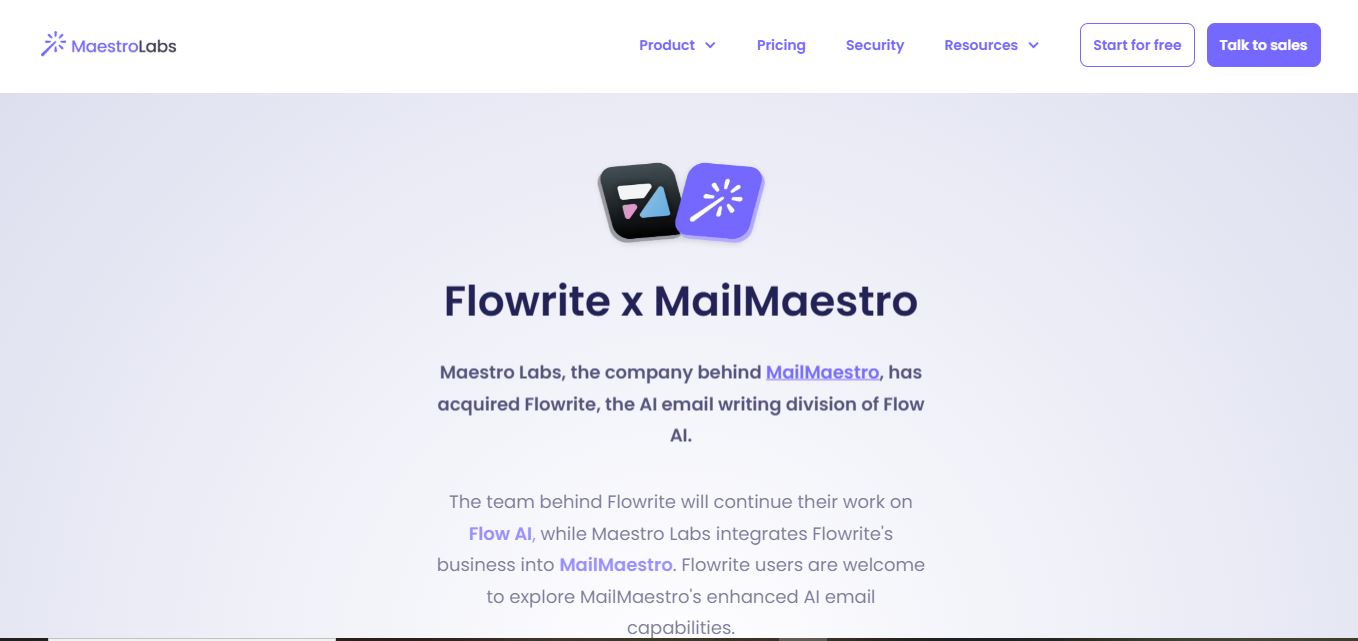
Flowrite is an AI email writing solution that turns brief instructions into polished messages. Following its acquisition by Maestro Labs, Flowrite’s capabilities are being integrated into MailMaestro. Users can create, rewrite, improve, and respond to emails, use templates and shortcuts, and work across Outlook and Gmail with multilingual support today.
 4.8
4.8LogicBalls
Writing
LogicBalls is a verification-first AI toolkit offering thousands of specialized tools for writing, research, business, marketing, productivity, and everyday tasks. Its clarification-first approach aims to reduce guesswork by gathering context before generating results. Users can start with a free plan and upgrade for higher limits, additional models, and advanced capabilities.
 4.7
4.7Book AI Writer
Writing
BookAIWriter helps turn an idea into a book by using AI to develop outlines, characters, writing styles, chapters, narratives, and cover art. Users provide their story preferences, and the service generates the book around those instructions. It is designed for creators who want a faster route from concept to finished storytelling.
 4.9
4.9Copy AI
Writing
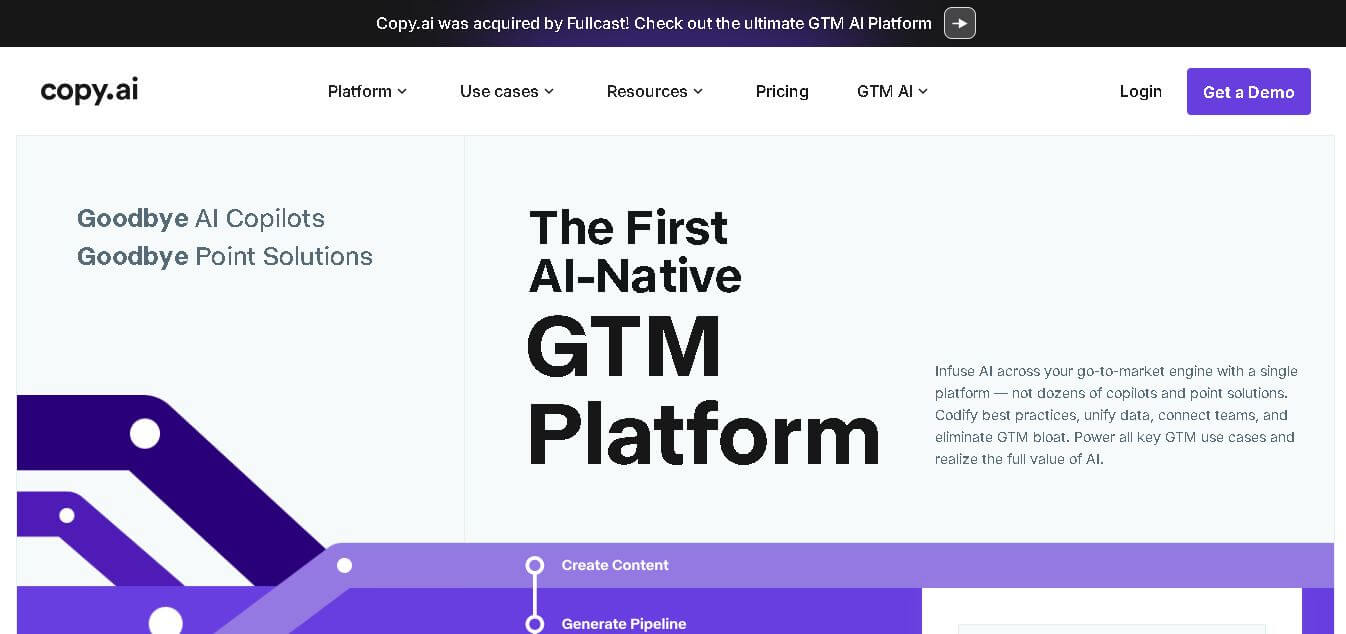
Copy.ai is an AI-powered go-to-market platform that helps businesses create content, automate marketing workflows, and scale sales outreach. It combines AI writing, multi-step workflows, and data integrations to generate blogs, ads, emails, and personalized campaigns, enabling faster content production and revenue growth.
 4.9
4.9QuillBot
Writing
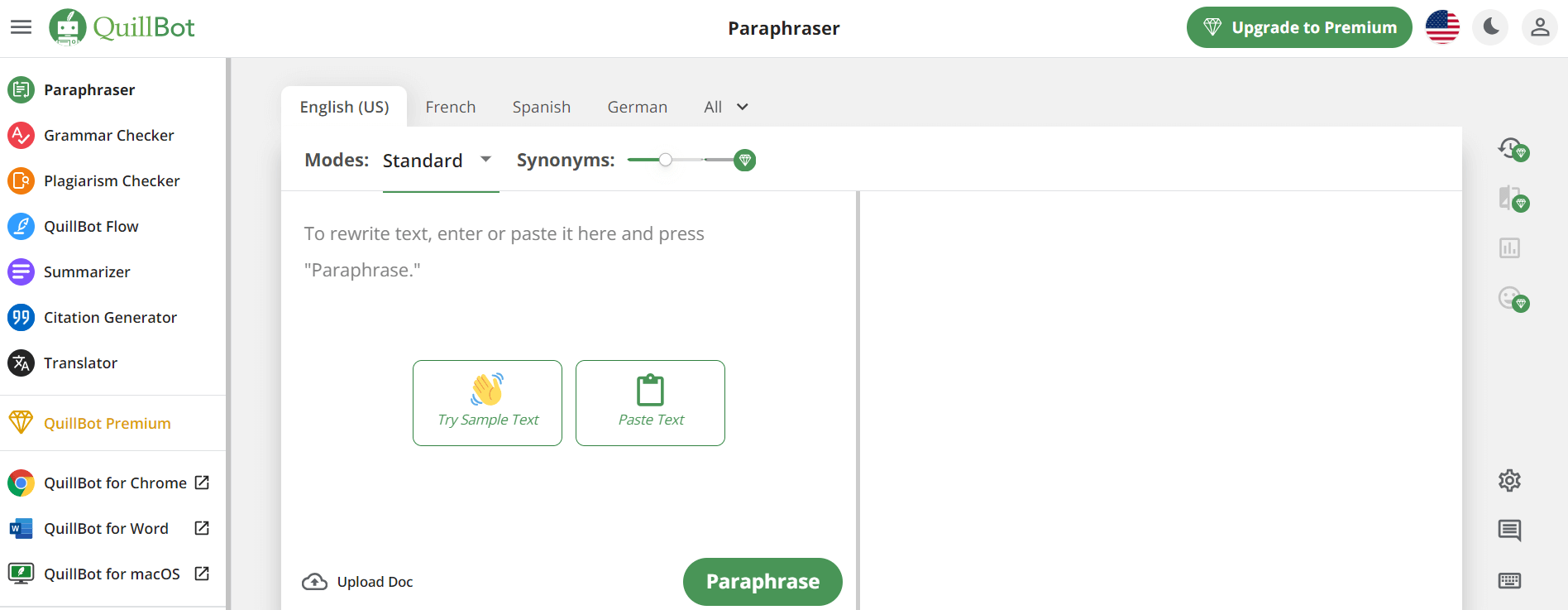
QuillBot is an AI-powered writing assistant that helps users paraphrase, check grammar, summarize content, and generate ideas in one platform. It combines tools like paraphraser, AI chat, plagiarism checker, and translator to improve writing clarity, accuracy, and productivity across academic, professional, and everyday tasks.
 4.6
4.6Article-flow
Writing
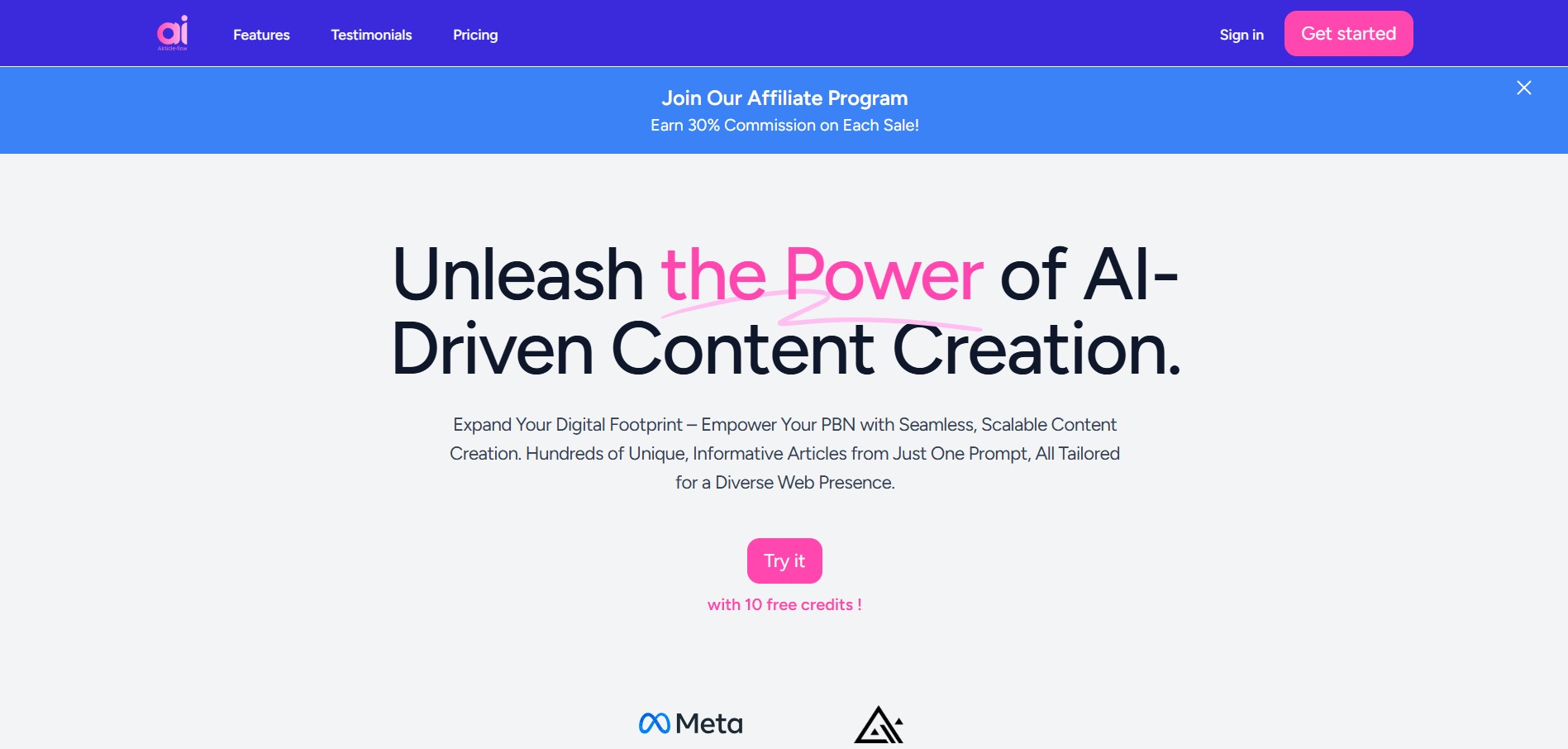
AIrticle-flow is an AI-powered content creation tool that helps users generate blog articles in bulk, create relevant images, and streamline publishing. It supports multilingual content generation and WordPress integration, making it useful for bloggers, SEO professionals, digital marketers, and businesses looking to scale content production efficiently.
 4.9
4.9SchoolAI
Education
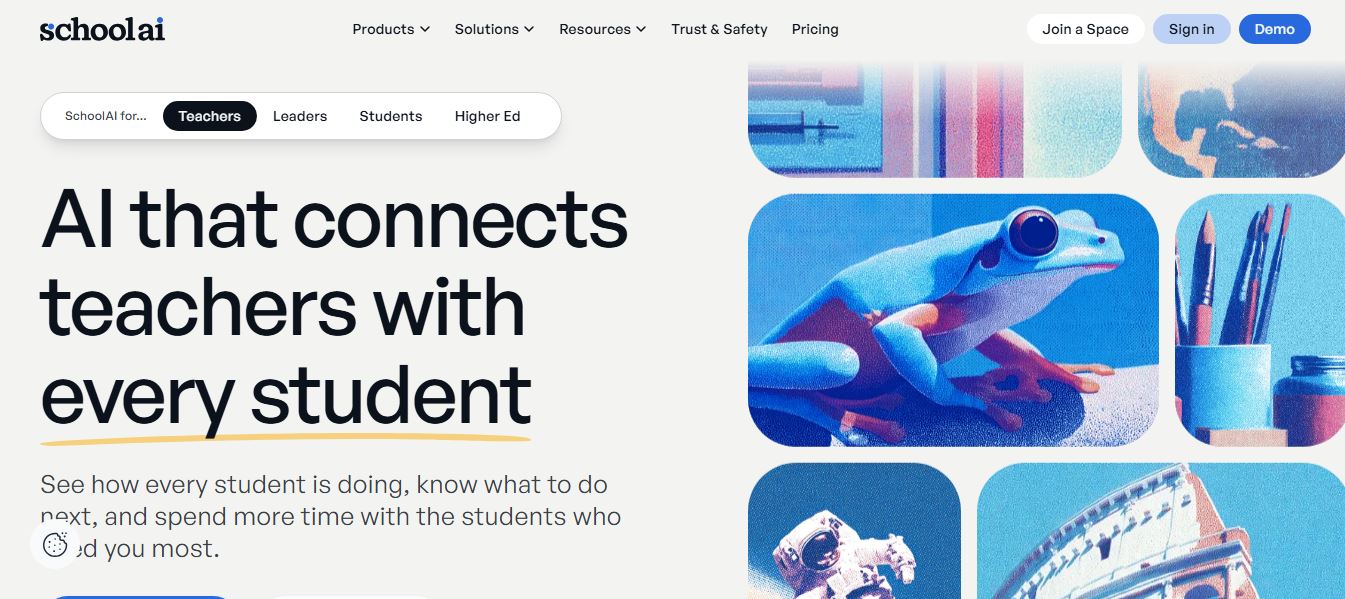
SchoolAI is an AI-powered education platform that helps teachers create lessons, assignments, and classroom activities while giving students personalized learning support. It uses AI assistants to guide learning, answer questions, and adapt to different skill levels, making education more interactive and efficient.
 4.9
4.9Writesonic
SEO
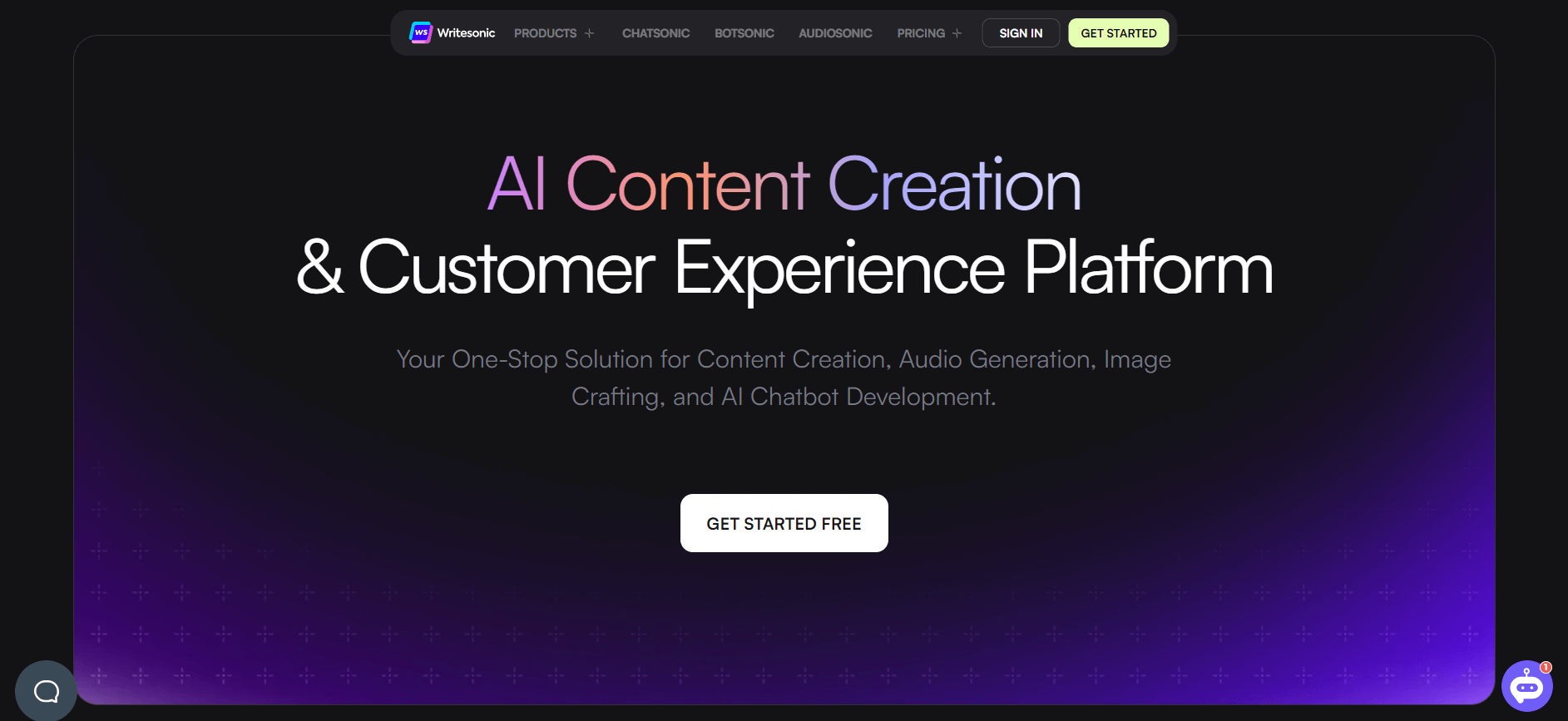
Writesonic is an AI-powered content creation platform that helps users generate blogs, ads, landing pages, and SEO content quickly. It includes tools like Chatsonic for conversational AI and supports real-time data, making it useful for marketers, creators, and businesses looking to scale content production.
 4.9
4.9GravityWrite
Writing
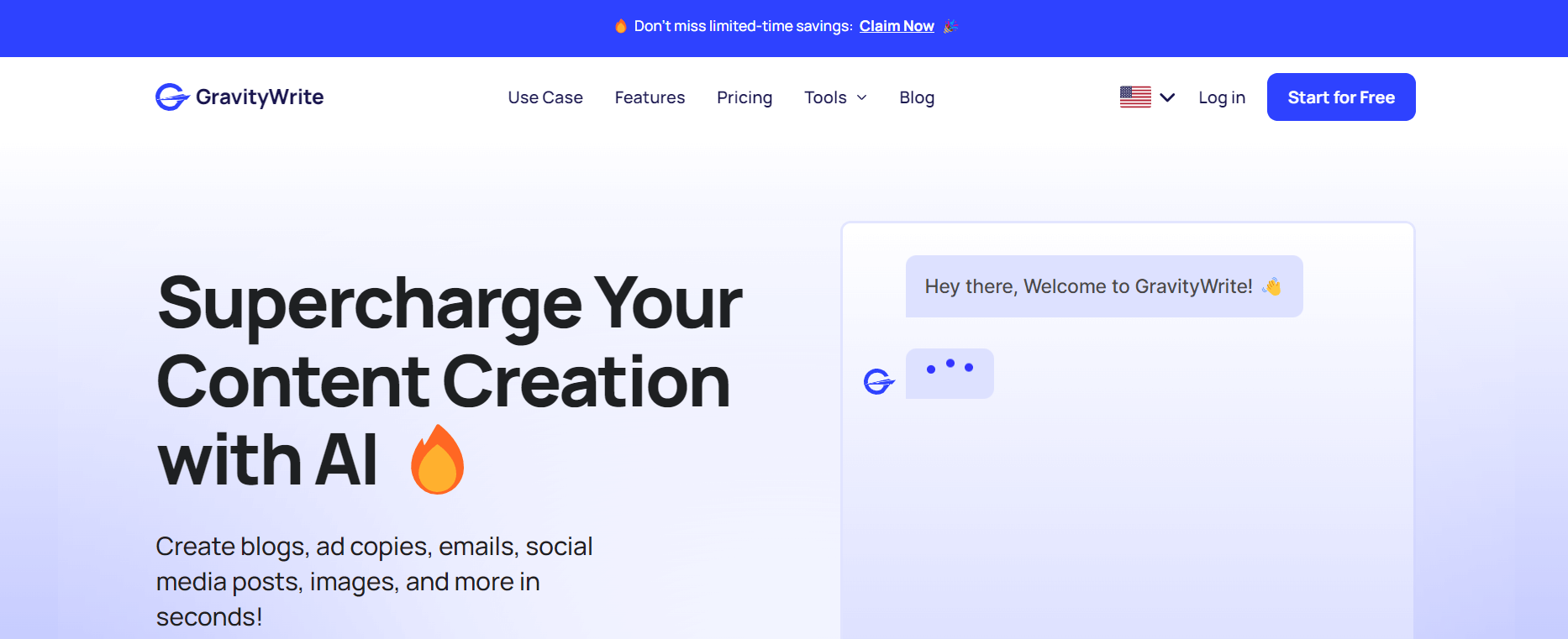
GravityWrite is an AI-powered content creation platform that helps users generate blogs, ads, emails, and social media content quickly. It offers ready-to-use templates, SEO-focused writing, and automation tools, making it easier for marketers and businesses to create high-quality content at scale with minimal effort.