
Flowrite (by Maestro Labs)
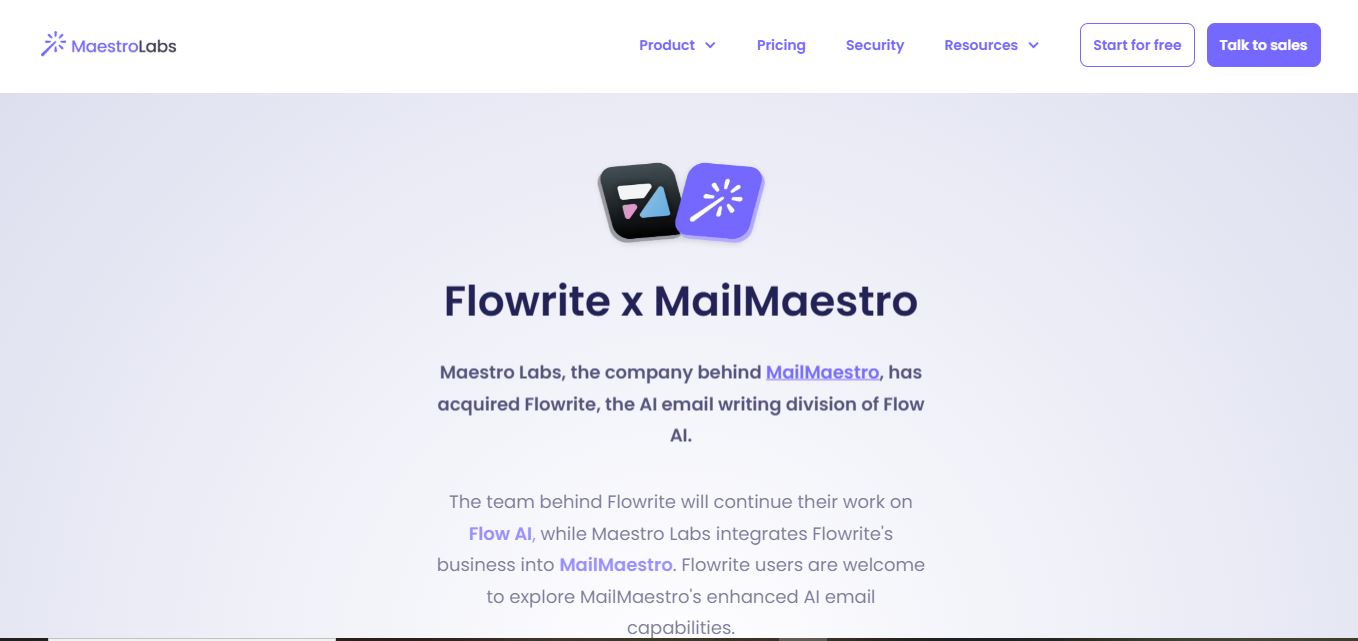
Flowrite is an AI email writing solution that turns brief instructions into polished messages. Following its acquisition by Maestro Labs, Flowrite’s capabilities are being integrated into MailMaestro. Users can create, rewrite, improve, and respond to emails, use templates and shortcuts, and work across Outlook and Gmail with multilingual support today.
What is Flowrite?
Flowrite is an AI writing tool designed to turn short instructions into ready-to-send emails and messages. It adapts generated text to the situation, recipient, and previous conversation, helping professionals communicate faster and more naturally. Today, Flowrite’s business has been acquired by Maestro Labs and integrated into MailMaestro, which continues its email-writing capabilities through drafting, rewriting, responses, summaries, templates, and multilingual support.
Flowrite was acquired by Maestro Labs, which now integrates its business into MailMaestro. The product supports email writing, responses, summaries, management, Magic Templates, and Keyword Shortcuts. MailMaestro works with Outlook and Gmail and supports 20+ languages. Its free plan offers 3 combined Compose, Reply, and Improve requests per week, while Professional costs $15 per seat monthly. Maestro Labs says more than 300,000 teams use its products. There is no need for software installation or a credit card to start.
- Platform Role: AI Email Assistant & Communication Writing Engine
- Developer & Organization: Maestro Labs Inc. (formerly Flow AI)
- Cross-Platform Access: Web Application, Chrome Extension, Gmail Add-on, and Outlook Integration
Use Cases:
- Converting brief outline notes into structured client follow-ups, pitch emails, and sales outreach
- Summarizing lengthy email threads and automatically drafting context-aware replies
- Standardizing customer support responses across team members using customizable Magic Templates
- Polishing informal drafts to ensure appropriate tone, professional tone, and correct grammar
- Translating and drafting emails across 35+ languages for global teams
Technology:
- Large Language Model (LLM) fine-tuned specifically for workplace email etiquette and sales communication
- Context-aware thread reading engine that incorporates previous email history into drafted responses
- Magic Templates & Snippets library allowing users to bind shortcut triggers to frequently used message structures
- Enterprise-grade encryption and data obfuscation protocols protecting user data
Target Users:
- Sales reps, account managers, and recruiters handling high daily email volumes
- Busy executives and founders looking to clear their inbox faster
- Customer support teams and academic professionals requiring clear, multi-language email communication
Acquisition: Direct access and MailMaestro platform migration available at maestrolabs.com/flowrite.

What are the key features of Flowrite?
Flowrite's key platform features are
- Bullet-to-Email Writer: Input a few short keywords or bullet points to generate complete, well-structured email drafts.
- Context-Aware Reply Generation: Automatically analyzes incoming email threads to offer relevant, ready-to-edit response options.
- Magic Templates: Access pre-built templates for common email scenarios like scheduling, cold outreach, and follow-ups.
- Tone & Style Selector: Choose between formal, friendly, persuasive, or concise tones to suit target recipients.
- Multi-Draft Options: Receive three AI-curated response drafts simultaneously to compare and select the best version.
- Multi-Language Translation: Draft, polish, and translate messages across more than 35 languages seamlessly.
How much does Flowrite cost?
Following its acquisition by Maestro Labs, Flowrite features are available through MailMaestro subscription tiers.
Standard Subscription Plans:
- Professional Plan (Starts at ~$10 - $17 / month): Core AI email generation, smart reply suggestions, thread summaries, and standard template access.
- Enterprise Plan (Custom Pricing): Custom volume usage, team shared templates, central administrative controls, dedicated account support, and enterprise security compliance.
Disclaimer: Legacy Flowrite subscribers retain existing pricing terms, while new users access features via MailMaestro plans. Visit maestrolabs.com/flowrite for current details.
Who should use Flowrite?
Flowrite (via MailMaestro) is designed for busy professionals, including
- Sales & Business Development Reps: Representatives aiming to increase outreach velocity without sacrificing personalization.
- Customer Success Managers: CSMs coordinating multi-client communications, onboarding, and issue resolution.
- Global & Remote Teams: Multilingual professionals writing emails in non-native languages.
What are the best alternatives to Flowrite?
Some of the strongest Flowrite alternatives include
- Grammarly
- Superhuman
- Jasper AI
- Copy.ai
- Lavender.ai
What are the pros and cons of Flowrite?
What are the pros of Flowrite?
- Converts short, informal bullet points into polished, professional prose quickly
- Deep integration with MailMaestro provides thread summarization alongside writing
- Generates three draft options per prompt for quick side-by-side selection
- Seamless operation inside existing webmail clients via browser extension
What are the cons of Flowrite?
- Standalone Flowrite app is now merged into MailMaestro, requiring migration for new users
- Requires manual editing and fact-checking for complex or highly specific business details
- Browser-dependent execution limits standalone desktop usage
Why should you choose Flowrite?
Writing routine workplace emails consumes hours of valuable professional time every week. Flowrite bridges the gap between raw thought and finished communication by turning rough notes into context-aware email copy. Backed by Maestro Labs' MailMaestro platform, it offers a fast, dependable way to manage daily email workflows.
How does Flowrite compare to competitors?
While general tools like Grammarly focus on correcting already-written text, Flowrite focuses on full-draft generation from short prompts. Unlike sales-only tools like Lavender, Flowrite handles general business communication, thread summaries, and team templates across departments.
| Feature / Platform | Flowrite (MailMaestro) | Grammarly | Superhuman AI | Lavender |
|---|---|---|---|---|
| Primary Focus | Bullet-to-Email Generation & Summaries | Grammar, Tone & Sentence Polish | High-Speed Email Client & AI Copilot | Sales Cold Email Optimization |
| Multi-Draft Suggestions | Yes (3 Drafts Generated) | Single Inline Suggestion | Single Draft Generation | Single Draft + Scoring |
| Template System | Magic Templates & Snippets | Basic Snippets | Snippets & AI Prompts | Sales Templates |
| Multi-Language Support | 35+ Languages | English Primary | English Primary | English Primary |
How do we rate Flowrite?
| Parameter | Rating (out of 5) |
|---|---|
| Email Draft Generation Quality | 4.8 |
| Ease of Use & Browser Integration | 4.8 |
| Thread Summarization & Context Awareness | 4.7 |
| Template & Multi-Language Capabilities | 4.8 |
| Value for Money | 4.6 |
| Overall Score | 4.74 |
What is our review and verdict on Flowrite?
Flowrite is an effective AI writing assistant that takes the frustration out of daily email drafting. Its integration into Maestro Labs' MailMaestro suite adds thread summarization and inbox management tools, making it a valuable productivity asset for sales, support, and business operations teams.
Conclusion
Flowrite remains relevant as the foundation of email-writing capabilities now integrated into MailMaestro. If you want faster drafting, contextual replies, reusable templates, and multilingual email support, the current Maestro Labs ecosystem is worth considering. Its Outlook and Gmail integration makes it practical for professionals handling high email volumes, while summaries and inbox-management features extend its usefulness beyond basic writing. For many teams, that combination can reduce repetitive work.
FAQ
What is Flowrite used for?
Flowrite is used to create professional emails, messages, and content drafts quickly with short instructions.
Who can benefit from Flowrite?
Business professionals, teams, entrepreneurs, customer support agents, and sales representatives can benefit from Flowrite.
Does Flowrite support different writing tones?
Yes, Flowrite allows users to choose and customize tones to match formal, casual, or persuasive communication styles.
Is Flowrite suitable for team use?
Yes, Flowrite is designed for both individuals and teams to improve communication efficiency across workflows.
What technology powers Flowrite?
Flowrite is powered by AI, natural language processing, and machine learning to generate contextually accurate and natural-sounding text.
User Reviews
No reviews yet for Flowrite (by Maestro Labs).
Featured Tools
Featured AI tools from TechShark

Melody Genie
MelodyGenie is an AI-powered music generator that creates original songs from simple text prompts. Users can choose styles, moods, and genres, then instantly generate melodies and full tracks, making it easy for creators, marketers, and hobbyists to produce custom music without musical expertise.
Freemium

Kimi AI
Kimi AI is an advanced AI assistant developed by Moonshot AI that helps you chat, research, write, code, and automate tasks in one place. It supports web search, file analysis, and multimodal inputs, and can even run autonomous “agent” workflows to complete complex tasks end-to-end.
Freemium

Fashion Diffusion AI
Fashion Diffusion is an AI-powered fashion design platform that helps brands and designers create clothing designs, virtual try-ons, AI models, product photos, and marketing visuals faster and cost-effectively.
Paid

Veo 4
Veo 4 AI is an AI video creation platform that generates dramatic videos from text, images, audio, and video prompts using realistic motion and synchronized sound.
Paid
Alternatives
Alternatives to Flowrite (by Maestro Labs)
The best Flowrite alternatives include Grammarly Go, Superhuman AI, Jasper AI, and Lavender. While Grammarly provides inline grammar correction, Flowrite (via MailMaestro) converts short bullet points into full contextual email drafts across multiple languages.
 4.8
4.8LogicBalls
Writing
LogicBalls is a verification-first AI toolkit offering thousands of specialized tools for writing, research, business, marketing, productivity, and everyday tasks. Its clarification-first approach aims to reduce guesswork by gathering context before generating results. Users can start with a free plan and upgrade for higher limits, additional models, and advanced capabilities.
 4.7
4.7Book AI Writer
Writing
BookAIWriter helps turn an idea into a book by using AI to develop outlines, characters, writing styles, chapters, narratives, and cover art. Users provide their story preferences, and the service generates the book around those instructions. It is designed for creators who want a faster route from concept to finished storytelling.
 4.9
4.9Copy AI
Writing
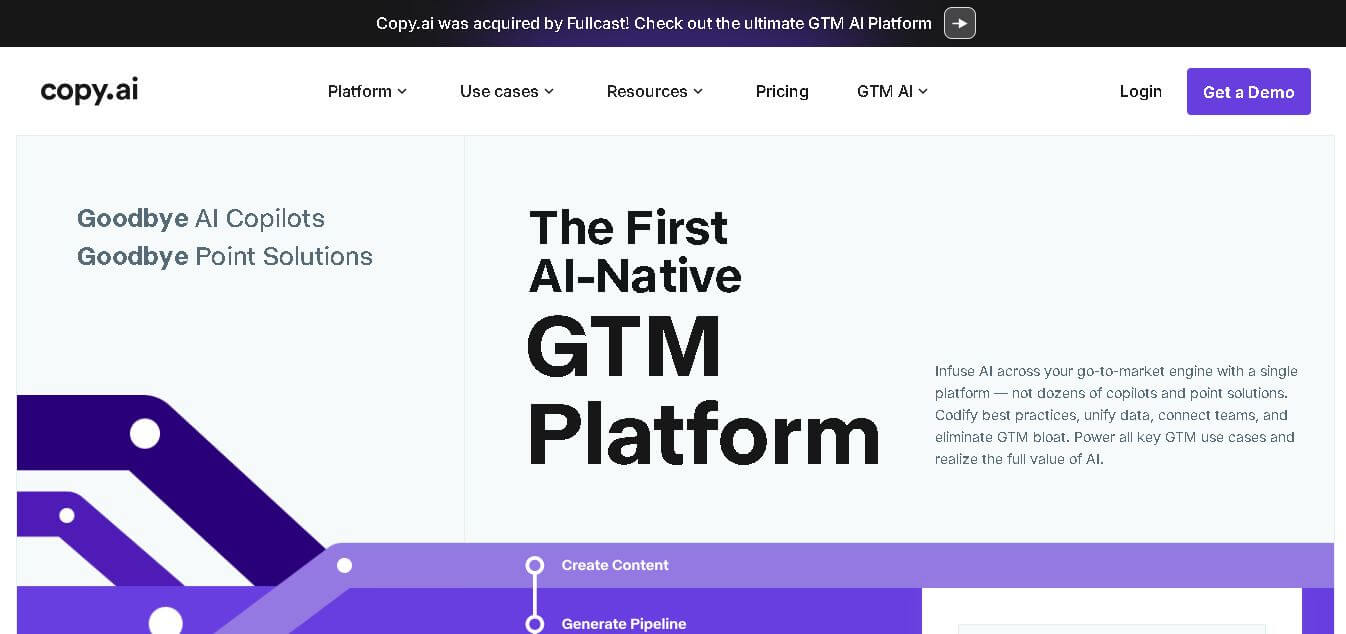
Copy.ai is an AI-powered go-to-market platform that helps businesses create content, automate marketing workflows, and scale sales outreach. It combines AI writing, multi-step workflows, and data integrations to generate blogs, ads, emails, and personalized campaigns, enabling faster content production and revenue growth.
 4.9
4.9QuillBot
Writing
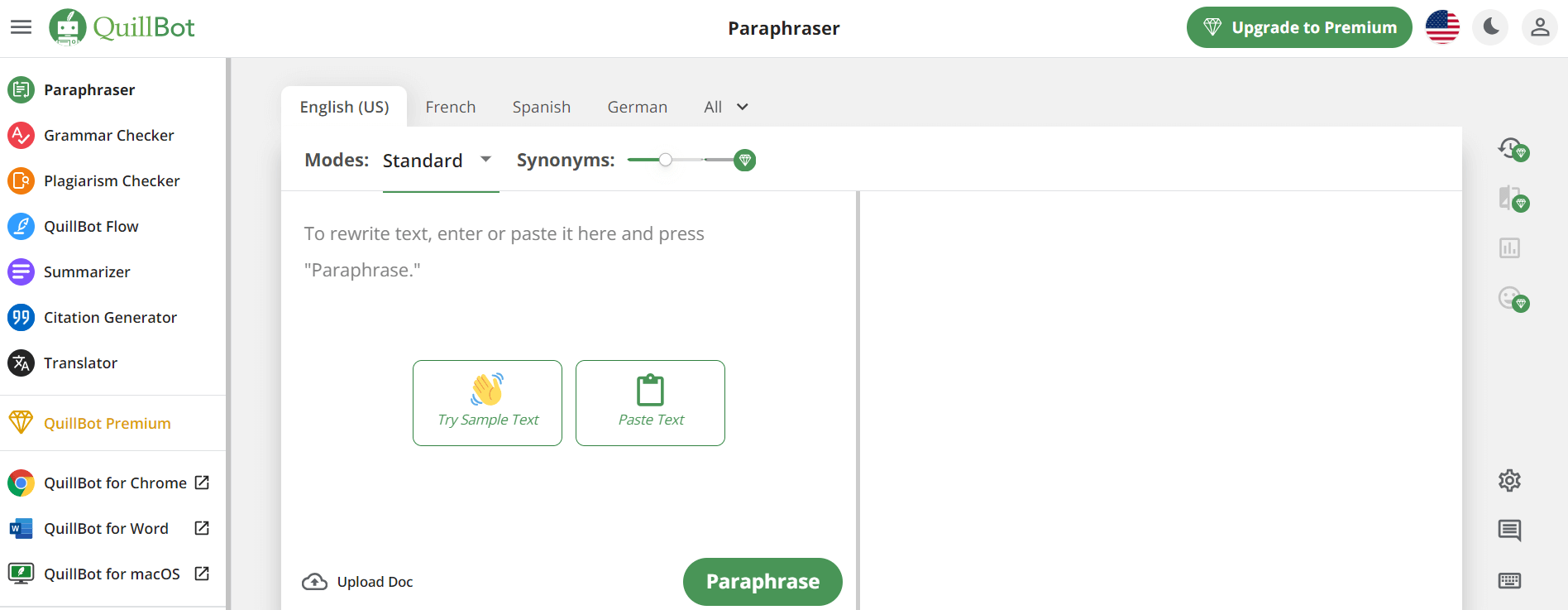
QuillBot is an AI-powered writing assistant that helps users paraphrase, check grammar, summarize content, and generate ideas in one platform. It combines tools like paraphraser, AI chat, plagiarism checker, and translator to improve writing clarity, accuracy, and productivity across academic, professional, and everyday tasks.
 4.6
4.6Article-flow
Writing
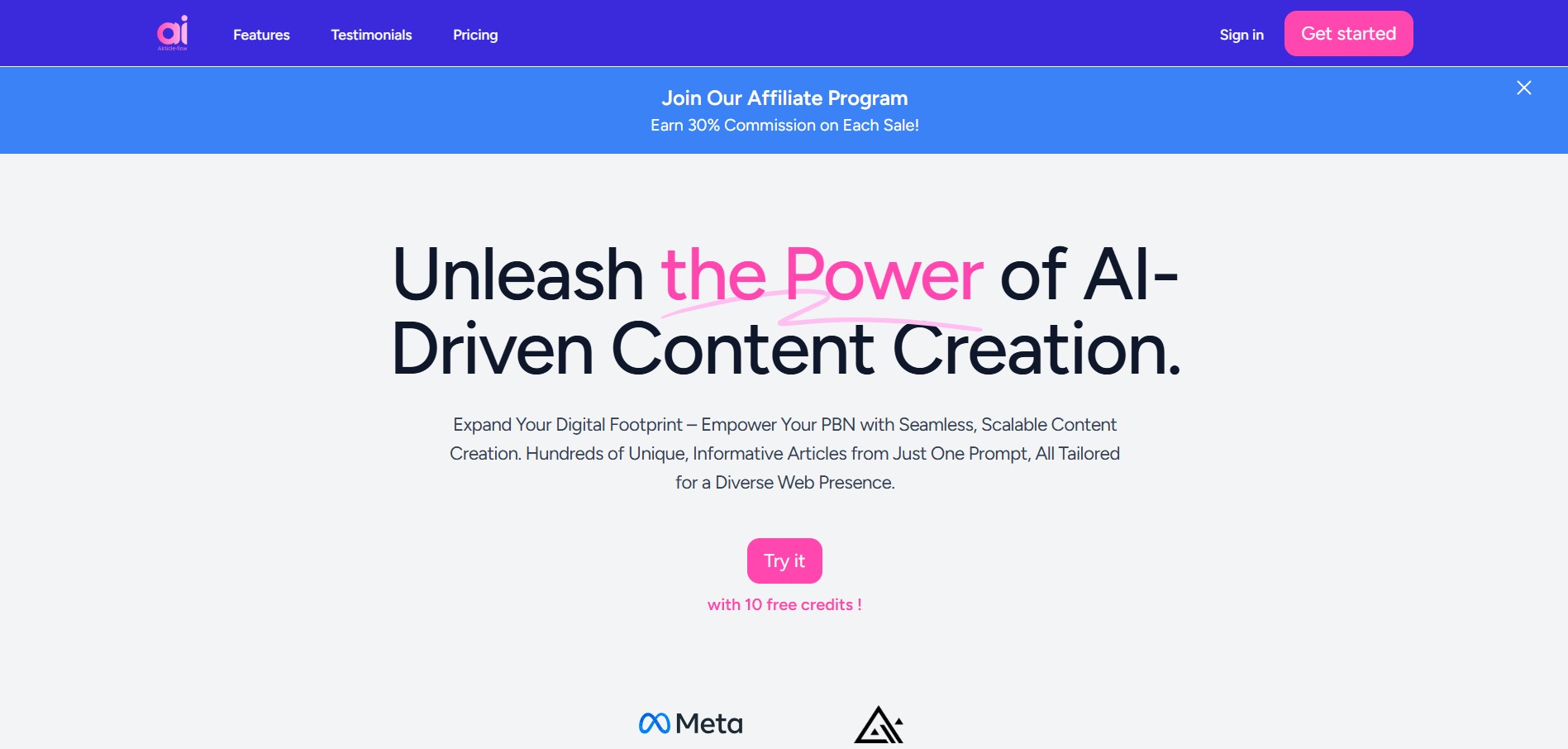
AIrticle-flow is an AI-powered content creation tool that helps users generate blog articles in bulk, create relevant images, and streamline publishing. It supports multilingual content generation and WordPress integration, making it useful for bloggers, SEO professionals, digital marketers, and businesses looking to scale content production efficiently.
 4.9
4.9Writesonic
SEO
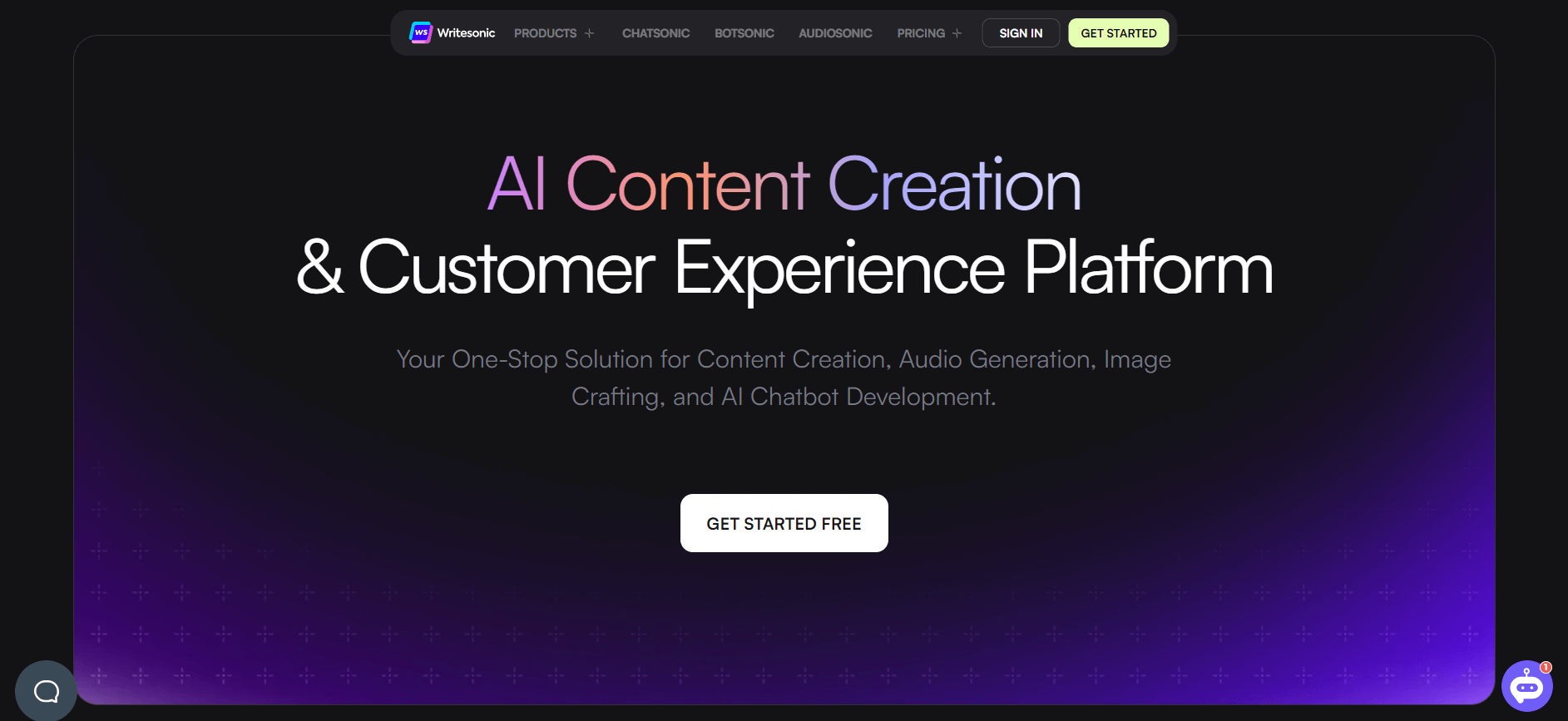
Writesonic is an AI-powered content creation platform that helps users generate blogs, ads, landing pages, and SEO content quickly. It includes tools like Chatsonic for conversational AI and supports real-time data, making it useful for marketers, creators, and businesses looking to scale content production.
 4.9
4.9GravityWrite
Writing
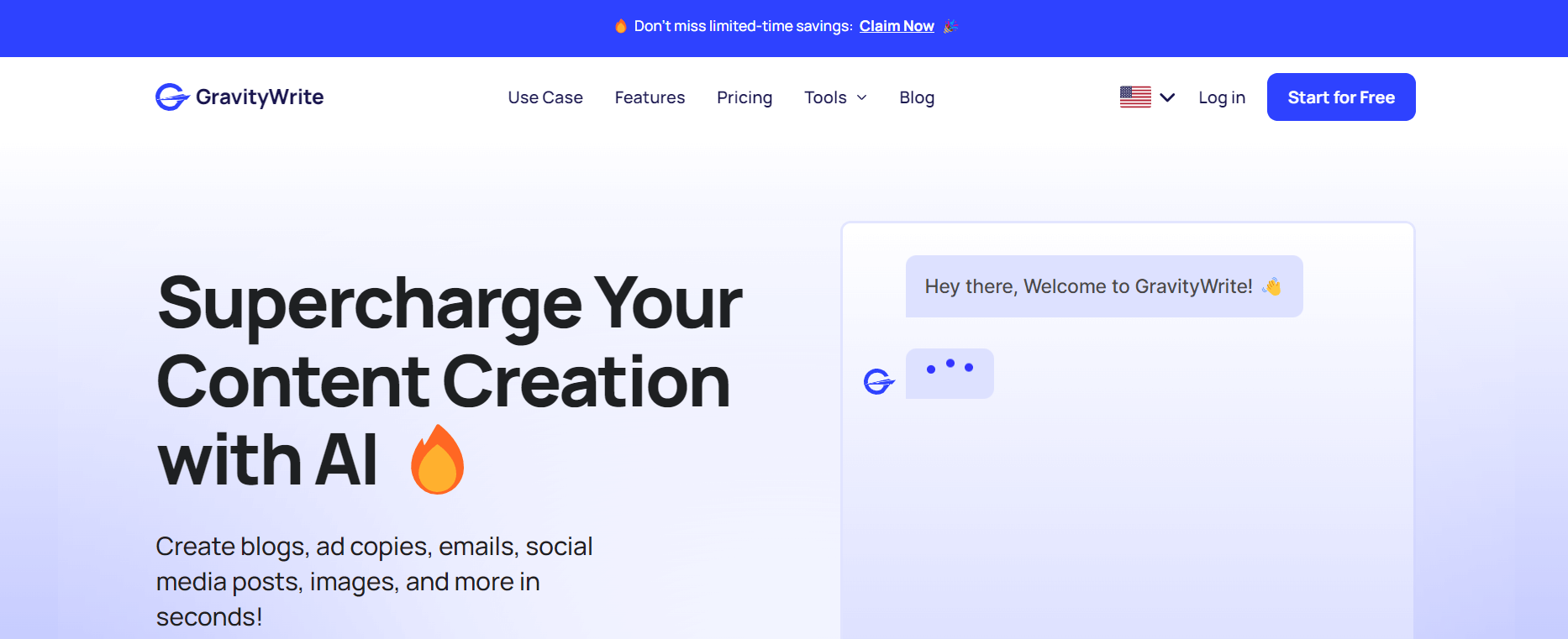
GravityWrite is an AI-powered content creation platform that helps users generate blogs, ads, emails, and social media content quickly. It offers ready-to-use templates, SEO-focused writing, and automation tools, making it easier for marketers and businesses to create high-quality content at scale with minimal effort.
 4.8
4.8Twee
Education
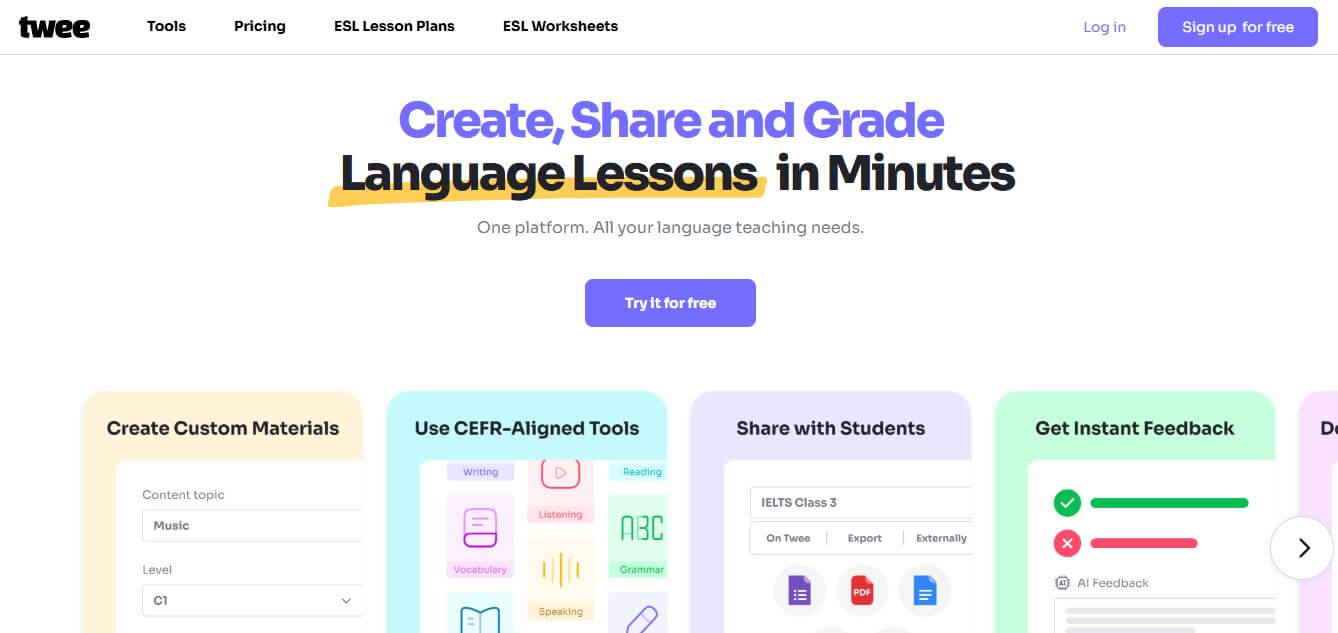
Twee is an AI-powered teaching assistant designed to help educators create lessons, quizzes, and classroom materials quickly. It can generate questions, explanations, and activities from any topic or text, making it easier for teachers to plan engaging and personalized learning experiences.
 4.8
4.8YouMind
Writing
YouMind is an AI-powered knowledge management tool that helps users capture, organize, and connect ideas from notes, links, PDFs, and media in one place. It acts like a visual second brain, using AI to surface insights, summarize content, and make information easier to explore and use.