
Dictation IO
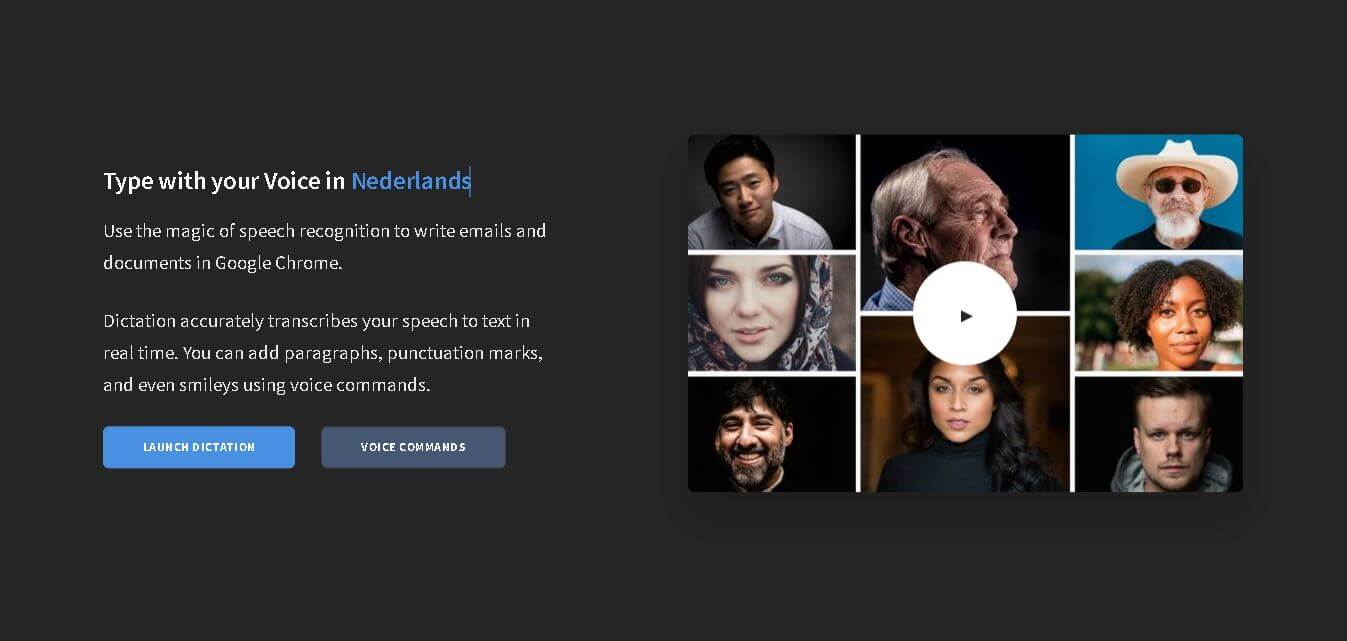
Dictation.io converts speech into text in real time, helping users write emails, documents, notes, and other content using voice commands in Chrome.
What is Dictation.io?
Dictation.io is an online speech-to-text tool that lets users type using their voice instead of a keyboard. It works through Google Chrome and converts spoken words into text in real time using Google's Speech Recognition engine. Users can dictate emails, documents, notes, and other written content while using voice commands for paragraphs, punctuation, smileys, and special characters. Dictation.io supports more than 100 language and regional variations through its speech-recognition language list. The service stores converted text locally in the browser, while spoken audio is processed through Google's speech-recognition service. It is designed as a simple browser-based solution rather than a full document editor.
Dictation.io supports speech recognition in more than 100 languages and regional variants, including English, Hindi, Spanish, French, Portuguese, Arabic, Bengali, Gujarati, Kannada, Marathi, Tamil, Telugu, and others. It supports voice commands for punctuation, paragraphs, symbols, and smileys. The service requires Google Chrome, works on Windows, Mac, and Linux, and requires an internet connection. Amit Agarwal, founder of Digital Inspiration, developed Dictation.io, and its website carries a 2019 copyright notice.
- Founder: Dictation.io was developed by Amit Agarwal, a Google Developer Expert and founder of Digital Inspiration.
- Launch: The official website carries a 2019 Digital Inspiration copyright notice, although it does not provide a specific launch date.
- Use Cases: Voice typing, writing emails, creating documents, taking notes, drafting text, adding punctuation, inserting symbols, and creating written content through speech.
- Technology: Dictation.io uses Google's Speech Recognition engine to convert spoken language into text.
- Target Users: Writers, students, professionals, users with repetitive strain concerns, people who prefer voice typing, and anyone who wants to create text without using a keyboard.
- Acquisition: The official website does not disclose any acquisition of Dictation.io.

What Are the Key Features of Dictation.io?
Dictation.io key features are
- Real-Time Speech to Text: Dictation.io converts spoken words into written text in real time, allowing users to compose content by speaking instead of typing.
- Voice Typing in Chrome: The service is designed to work inside Google Chrome and provides a browser-based way to dictate emails, documents, and notes.
- 100+ Language Support: Dictation.io can recognize speech in more than 100 languages and regional variants, covering widely spoken languages and multiple country-specific versions.
- Voice Commands: Users can control text formatting and insert elements by speaking commands such as "New paragraph," "New line," "Copy to Clipboard," and other supported commands.
- Punctuation Commands: Dictation.io supports spoken commands for punctuation marks such as periods, commas, question marks, exclamation marks, colons, semicolons, quotation marks, brackets, and other symbols.
- Smiley Commands: Users can insert smileys through voice commands, including commands for smile, wink, sad, furious, and other supported expressions.
- Special Character Commands: Users can dictate symbols such as currency signs, mathematical symbols, copyright marks, hashtags, percentages, and other special characters using voice commands.
- Local Text Storage: Dictation.io states that converted text is stored locally in the browser rather than being saved online.
- Publish and Share: Users can publish dictated notes online through the service's Publish option, with published notes hosted on Gist and accessible through a secret URL.
- Text to Speech: The Dictation interface also provides text-to-speech controls, including voice selection, pitch, and speech speed.
Dictation.io Pricing
Dictation.io's official website does not currently publish a conventional paid pricing plan for the core dictation service. The main site provides access to its voice-dictation functionality and does not list monthly or annual subscription tiers.
| Plan | Price | Main Access |
|---|---|---|
| Dictation.io | Free | Voice dictation and speech-to-text |
| Voice Commands | Free | Voice-based punctuation and formatting commands |
| Supported Languages | Free | Speech recognition across supported languages |
The service's official website provides a direct "Launch Dictation" option rather than presenting paid subscription tiers.
Disclaimer: For the latest and most accurate pricing information, please visit the official Dictation.io website.
Who is using Dictation.io?
Dictation.io is designed for a broad range of presentation-heavy users, including
- Students taking notes through voice
- Writers drafting content
- Professionals creating emails and documents
- People who prefer voice typing
- Users looking to reduce keyboard use
- People with repetitive strain or carpal tunnel concerns
- Multilingual users
- Users creating quick notes
- Professionals working with long-form text
- People who want browser-based speech recognition
What Are the Best Dictation.io Alternatives?
Some of the strongest Dictation.io alternatives include
- Runway ML
- Midjourney
- Pika Labs
- Stability AI (Stable Diffusion)
- Leonardo AI
- Synthesia
- Kaiber AI
- Luma AI
Dictation.io Pros and Cons
Pros
- Free browser-based speech-to-text tool
- Real-time transcription
- Supports more than 100 languages and variants
- Works on Windows, Mac, and Linux through Chrome
- Includes voice commands
- Supports punctuation commands
- Supports special-character commands
- Allows smiley insertion through voice
- Stores converted text locally in the browser
- Simple interface
- Includes text-to-speech functionality
- Useful for accessibility and reduced keyboard use
Cons
- Google Chrome is required for speech recognition
- An internet connection is required
- Speech recognition relies on Google's cloud service
- Recognition accuracy can be affected by background noise
- iPhone and iPad are not supported
- Voice commands vary by language
- It is more focused on dictation than full document editing
- Publishing notes online requires an additional action
The official FAQ recommends using Dictation in a quiet environment because background noise can affect speech-recognition accuracy. It also states that Dictation does not work offline because it relies on Google's speech-recognition engine.
Why Choose Dictation.io?
Dictation.io is a practical option for users who want straightforward voice typing without installing dedicated software.
- Type emails by speaking.
- Draft documents using your voice.
- Create notes quickly.
- Use voice commands for punctuation.
- Insert paragraphs without touching the keyboard.
- Add symbols and special characters through speech.
- Dictate in more than 100 language variants.
- Keep converted text stored locally in your browser.
- Use Chrome on Windows, Mac, or Linux.
- Use dictation as an assistive writing technology.
- Convert speech into editable text in real time.
Its biggest advantage is simplicity. Instead of combining transcription with a complex editing interface, Dictation.io focuses on one core task: turning spoken words into written text with useful voice commands.
Dictation.io vs. Competitors
The main difference between Dictation.io and broader speech-to-text solutions is its lightweight browser-based approach. Dictation.io focuses on real-time voice typing in Chrome, with commands for punctuation, paragraphs, symbols, and smileys. Its official website also emphasizes local browser storage for converted text and support for more than 100 languages and regional variants. Since Dictation.io does not publish competitor specifications, the table avoids unsupported claims about other products.
| Feature | Dictation.io | Browser Voice Typing Tools | Speech-to-Text Software | Transcription Tools |
|---|---|---|---|---|
| Real-time dictation | Yes | Varies | Varies | Varies |
| Voice commands | Yes | Varies | Varies | Varies |
| Punctuation commands | Yes | Varies | Varies | Varies |
| 100+ language variants | Yes | Varies | Varies | Varies |
| Chrome support | Yes | Varies | Varies | Varies |
| Local browser text storage | Yes | Varies | Varies | Varies |
| Text-to-speech | Yes | Varies | Varies | Varies |
| Offline operation | No | Varies | Varies | Varies |
| Free access | Yes | Varies | Varies | Varies |
How Do We Rate Dictation.io?
| Rating Factor | Score |
|---|---|
| Speech Recognition | 4.5/5 |
| Language Support | 4.8/5 |
| Voice Commands | 4.7/5 |
| Ease of Use | 4.8/5 |
| Real-Time Transcription | 4.6/5 |
| Privacy Approach | 4.5/5 |
| Accessibility | 4.7/5 |
| Browser Compatibility | 4.1/5 |
| Editing Features | 3.8/5 |
| Overall | 4.5/5 |
These are TechShark editorial ratings based on Dictation.io's documented features, supported languages, workflow, system requirements, and privacy information.
Dictation.io Review
Dictation.io is a straightforward speech-to-text tool that focuses on making voice typing accessible through a web browser. Its biggest strength is the simplicity of its workflow. Users open Dictation in Chrome, allow microphone access, speak, and see their words converted into text in real time. The voice-command system adds more control than basic speech transcription. Users can say commands for new paragraphs, punctuation marks, brackets, currency symbols, mathematical characters, and smileys. This makes it possible to create more structured text without repeatedly switching between voice input and keyboard controls.
Language support is another major advantage. Dictation.io's official language directory lists more than 100 language and regional variants, including Indian English, Hindi, Tamil, Telugu, Marathi, Gujarati, Bengali, Kannada, and many others. Privacy is worth understanding carefully. Dictation.io says converted text is stored locally in the browser and is not stored online. However, its FAQ explains that spoken audio is sent to Google's servers through Chrome for speech recognition. As a result, users need to differentiate between the local storage of the resulting text and the cloud processing of speech. The main drawback is platform dependency. Speech recognition requires Google Chrome and an internet connection, and Dictation.io is incompatible with iPhone or iPad, according to its official FAQ.
Overall, Dictation.io is best suited to users who need simple, fast, multilingual voice typing rather than a sophisticated transcription or document-management platform.
Conclusion
Dictation.io is a simple and useful browser-based speech-to-text tool for people who want to write using their voice. It provides real-time transcription, voice commands, punctuation controls, special characters, smileys, and support for more than 100 language and regional variants. Its local browser storage approach is also useful for users concerned about where converted text is stored. However, Chrome and an internet connection are required, and speech processing relies on Google's recognition service. For everyday dictation, note-taking, emails, and voice-based writing, Dictation.io remains a practical option.
FAQ
What is Dictation.io?
Dictation.io is an online speech-to-text tool that converts spoken words into text in real time through Google Chrome. It also supports voice commands for punctuation, paragraphs, symbols, and smileys.
Is Dictation.io free?
The official Dictation.io website provides its core dictation functionality without listing a paid subscription plan. Its main page offers a direct option to launch Dictation.
Does Dictation.io work on Chrome?
Yes. Google Chrome is required for Dictation's speech-recognition functionality. The official system requirements list Google Chrome along with Windows, Mac, or Linux and an internet connection.
Does Dictation.io work offline?
No. Dictation.io requires an internet connection because it relies on Google's speech-recognition engine for transcription.
How many languages does Dictation.io support?
Dictation.io's official language directory lists more than 100 languages and regional variants. These include English, Hindi, Spanish, French, Portuguese, Arabic, Bengali, Gujarati, Kannada, Marathi, Tamil, Telugu, and many others.
User Reviews
No reviews yet for Dictation IO.
Featured Tools
Featured AI tools from TechShark

Melody Genie
MelodyGenie is an AI-powered music generator that creates original songs from simple text prompts. Users can choose styles, moods, and genres, then instantly generate melodies and full tracks, making it easy for creators, marketers, and hobbyists to produce custom music without musical expertise.
Freemium

Kimi AI
Kimi AI is an advanced AI assistant developed by Moonshot AI that helps you chat, research, write, code, and automate tasks in one place. It supports web search, file analysis, and multimodal inputs, and can even run autonomous “agent” workflows to complete complex tasks end-to-end.
Freemium

Fashion Diffusion AI
Fashion Diffusion is an AI-powered fashion design platform that helps brands and designers create clothing designs, virtual try-ons, AI models, product photos, and marketing visuals faster and cost-effectively.
Paid

Veo 4
Veo 4 AI is an AI video creation platform that generates dramatic videos from text, images, audio, and video prompts using realistic motion and synchronized sound.
Paid
Alternatives
Alternatives to Dictation IO
The best Dictation.io alternatives depend on what you need from voice-to-text software. For basic voice typing, browser-based dictation tools can provide a similar workflow. Dedicated speech-to-text applications may offer more editing and transcription controls, while operating-system dictation features can provide system-wide voice input. Dictation.io focuses on real-time Chrome dictation, 100+ language variants, punctuation commands, special characters, smileys, and local browser storage, making it particularly suitable for straightforward voice-based writing.
Maestra AI
Transcriber
Maestra is an AI-powered platform for transcription, translation, and voiceover generation. It converts audio and video into text, subtitles, and dubbed content in multiple languages, helping creators and businesses localize content, improve accessibility, and streamline media workflows quickly and efficiently.
 4.9
4.9HappyScribe
Transcriber
HappyScribe is an AI-powered transcription and subtitle platform that converts audio and video into accurate text. It offers automatic and human-made transcripts, translations, and subtitle editing tools, helping creators, businesses, and media teams save time and make content more accessible and globally ready.
 4.8
4.8Podsqueeze
Transcriber
Podsqueeze helps podcasters turn episodes into transcripts, show notes, blogs, newsletters, social posts, clips, audiograms, and other promotional content. It also provides AI audio enhancement and branded podcast websites, helping creators reduce repetitive production work and repurpose each episode across multiple content channels.
 4.7
4.7Whisper Memos
Transcriber
Whisper Memos helps you capture spoken ideas and instantly transforms them into organized text, summaries, and actionable notes. Instead of typing everything manually, you can record on your iPhone or Apple Watch and receive formatted transcripts through email. It also integrates with productivity apps, making voice-based note-taking faster and more convenient.
 4.9
4.9Hoocs AI
Transcriber
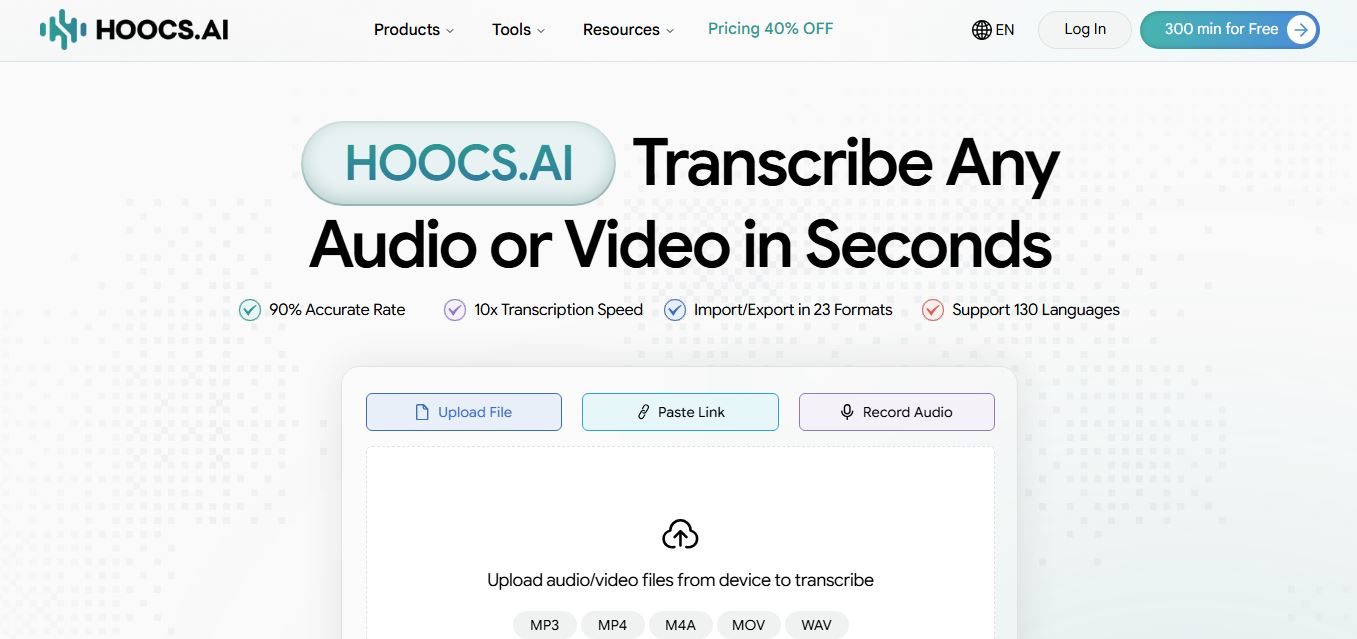
Hoocs AI is an AI-powered audio and video transcription, subtitle generation, and knowledge-extraction platform that converts media files and cloud links into searchable transcripts, editable subtitles (SRT/VTT), structured AI summaries, and visual mind maps across 130+ languages at 10x real-time processing speed.
 4.9
4.9WhisperAI
Transcriber
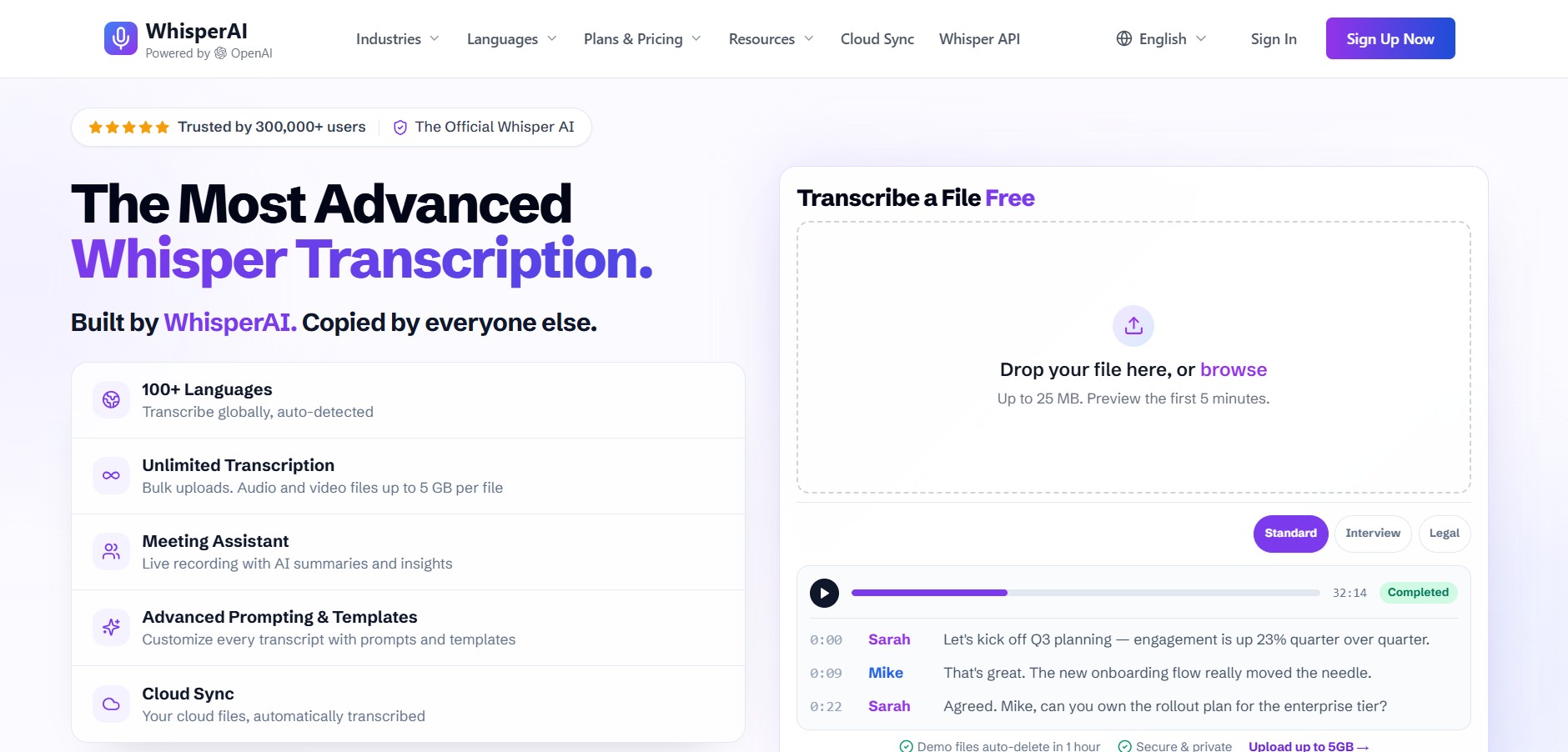
Whisper AI is a speech recognition platform that converts audio into accurate text using advanced AI models. It supports multiple languages, handles noisy audio well, and is widely used for transcription, subtitles, and voice-based apps, helping developers and creators process speech quickly and reliably.
 4.8
4.8Speak AI
Transcriber
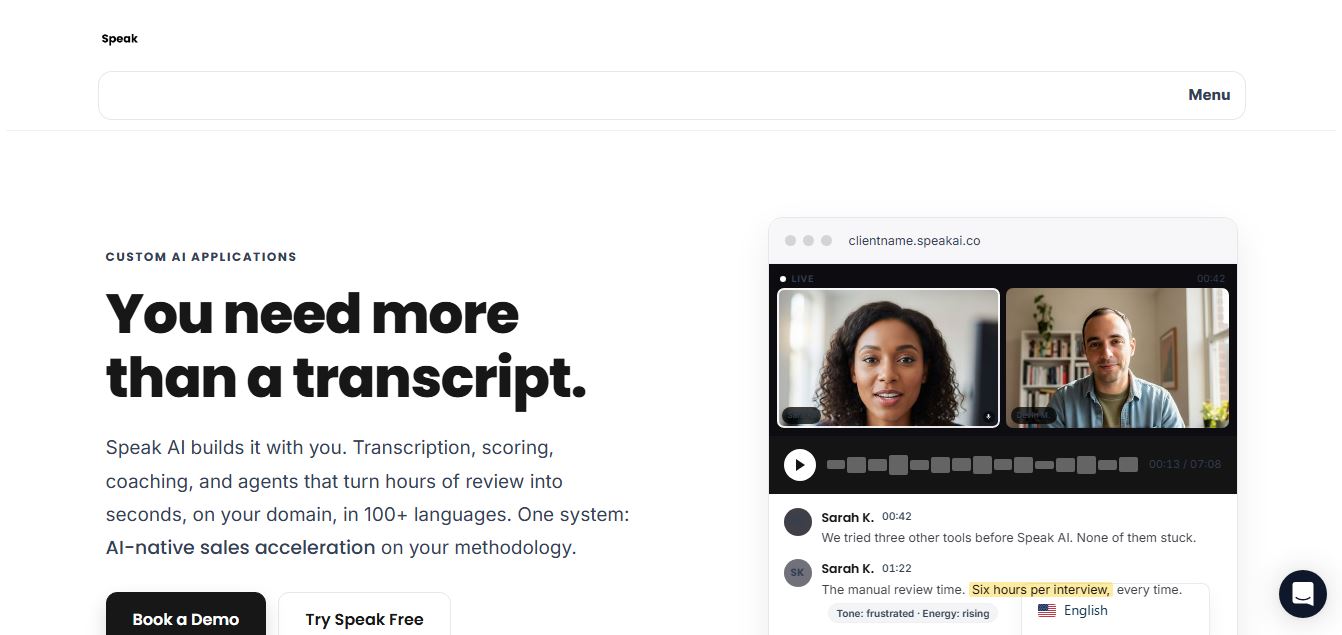
Speak AI is an AI-powered audio transcription, qualitative research, and NLP analysis platform that converts unstructured speech, video recordings, and text into searchable transcripts, sentiment insights, and multi-model AI summaries.
 4.9
4.9Cockatoo
Transcriber
Cockatoo is an AI-powered transcription and note-taking platform that converts audio and video into accurate text within minutes. It supports multiple languages, generates summaries, and exports files in various formats, helping users turn meetings, lectures, and interviews into structured, searchable content quickly and efficiently.
 4.9
4.9Carepatron
Health
Carepatron is an all-in-one healthcare practice management platform that helps clinicians manage scheduling, telehealth, clinical notes, billing, and client communication in one place. It includes AI-powered documentation tools to automate admin work, allowing healthcare professionals to save time and focus more on patient care.