Deepfake Maker
Deepfake Maker is an AI-powered face swap and media creation tool for photos, videos, and GIFs. It helps users create realistic face swaps, generate AI images, and edit visual content online. With multiple face modes and credit-based plans, it supports creative projects, memes, and digital content production.
What is DeepFakeMaker IO?
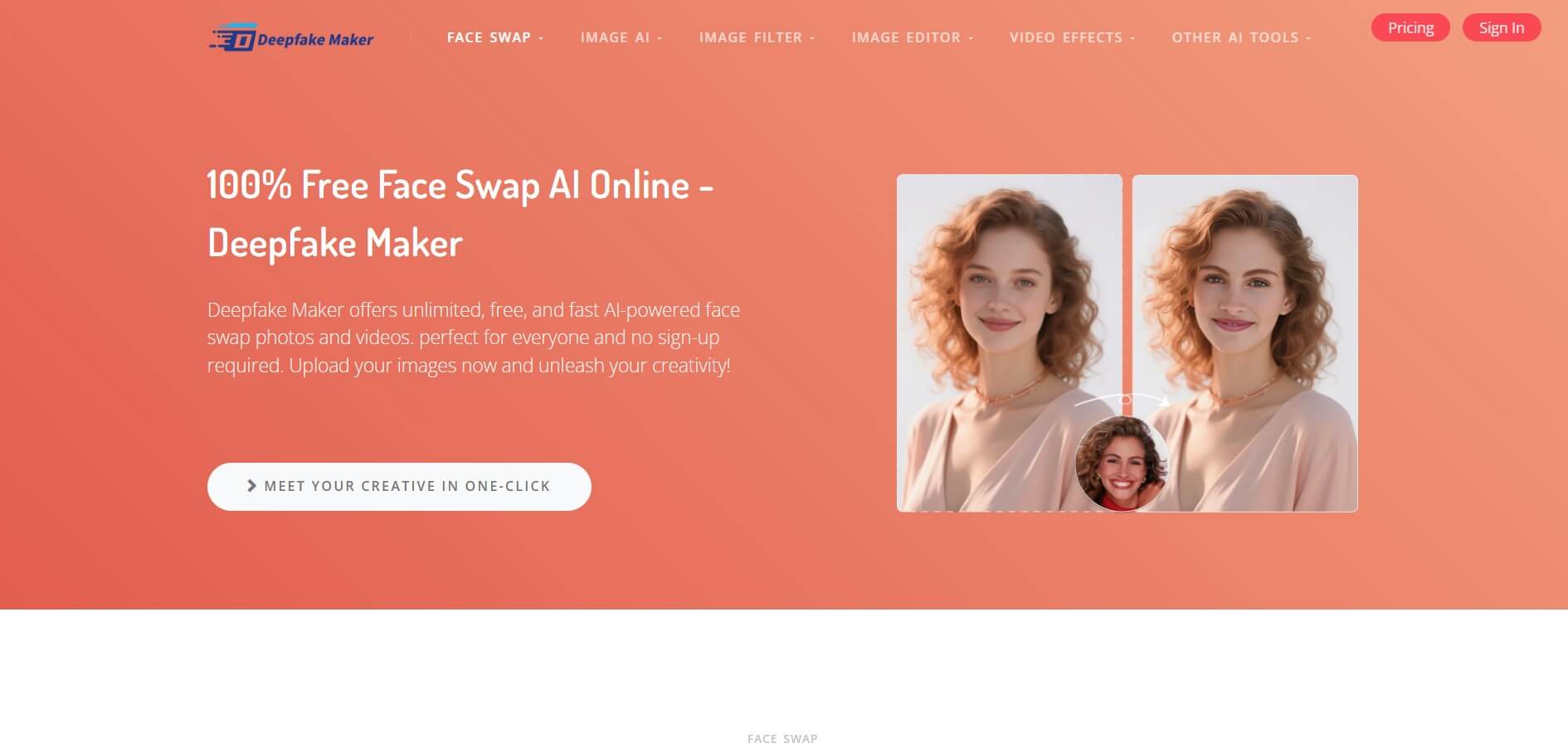
Deepfake Maker is an AI-powered face swap tool that lets users swap faces in photos, videos, and GIFs. It also offers AI image generation and additional media creation features, allowing users to create edited visuals without needing advanced video editing or graphic design skills. The platform is designed for content creators, social media users, digital artists, and people who want to experiment with AI-generated visual content. Users can upload a source face and a target image or video, select an available processing mode, and generate an edited result.
Deepfake Maker supports common image formats such as JPG, PNG, JPEG, and WebP. Its video face swap workflow supports formats including MP4, MOV, and GIF, according to its website. Available features and usage limits vary by mode and pricing tier. It helps you create AI-powered face swaps and visual edits online. It can be useful for memes, fictional characters, creative projects, and social media content, provided you have permission to use the faces and media involved.
Deepfake Maker: Key Facts
|
Category |
Details |
|---|---|
|
Tool name |
Deepfake Maker |
|
Category |
AI face swap, image generation, video editing |
|
Platform |
Web-based |
|
Photo face swap |
Yes |
|
Video face swap |
Yes |
|
GIF face swap |
Yes |
|
Multiple-face swapping |
Supported modes available |
|
Batch image processing |
Available |
|
Image formats |
JPG, JPEG, PNG, WebP |
|
Video formats |
MP4, MOV, GIF |
|
Pricing model |
Free access and paid credit packages |
|
Target users |
Creators, designers, social media users, digital artists |
|
Official website |

What are the key features of Deepfake Maker?
Deepfake Maker IO's key features are
- AI photo face swap: Deepfake Maker allows users to replace a face in a photo with another face using AI. The tool processes the uploaded images to create an edited result while attempting to preserve the target image's overall appearance. This feature can be useful for creative portraits, character concepts, fictional scenarios, and social media posts.
- AI video face swap: The video face swap feature lets users upload a video and a source face image. The platform processes the clip to create a face-swapped version. It can be useful for short-form creative videos, parody clips, and visual storytelling. Processing time and output quality depend on factors such as video length, face visibility, and the selected model.
- GIF face swap: Deepfake Maker also supports face swapping in GIFs. This makes it possible to create personalized reaction GIFs, humorous animations, and short looping visuals without manually editing every frame.
- Multiple-face and batch processing: The platform offers multiple-face swapping and batch image modes. These options can help users process several images or work with scenarios involving multiple faces. The supported number of faces, batch limits, and processing restrictions may vary by feature and plan.
- AI image generation: Beyond face swapping, Deepfake Maker offers an AI image generation workflow that uses an uploaded image and a text prompt. Users can explore different visual concepts and create images for creative projects, digital storytelling, and social media content.
- Browser-based workflow: Deepfake Maker works through its website, so users can access supported features without installing a dedicated desktop editing application. The workflow is designed around uploading media, selecting the required operation, and generating the result.
- Credit-based usage: The platform uses credits for paid generation and editing tasks. Credit consumption can depend on the selected feature, output type, and processing requirements. Reviewing the estimated credit cost before generating media can help users manage their budget.
Deepfake Maker Pricing: Is It Free?
Deepfake Maker advertises free access alongside paid, one-time credit packages. The pricing page currently lists the following packages. Prices and promotional discounts can change, so check the live page before purchasing.
|
Plan |
Listed price |
Credits |
|---|---|---|
|
Free user |
$0 |
Basic access; limits may apply |
|
Basic |
$9.90 |
2,000 |
|
Standard |
$29 |
8,000 + bonus credits |
|
Lite |
$49 |
16,000 + bonus credits |
|
Pro |
$99 |
35,000 + bonus credits |
|
Premium |
$199 |
80,000 + bonus credits |
Disclaimer: For the latest and most accurate pricing information, please visit the official Deepfake Maker IO website.
What do the paid plans offer?
According to the pricing page, credit packages can provide access to more usage and advanced features, including additional face swap options, batch processing, AI image and video tools, and priority support. The exact limits depend on the selected package.
Is Deepfake Maker worth paying for?
A paid plan may be worthwhile if you frequently create face-swapped images, videos, or GIFs and need more processing capacity than free access provides. If you only need occasional edits, start with the available free features and evaluate output quality before purchasing credits. Also review the official pricing page and refund policy before making a payment.
Who should use Deepfake Maker?
Deepfake Maker can be useful for several types of users:
- Content creators: Produce face-swapped images, reaction GIFs, and creative video edits.
- Social media marketers: Experiment with visual concepts and campaign mockups using authorized media.
- Digital artists: Explore character concepts and alternative visual treatments.
- Meme creators: Make humorous, clearly labeled edits and fictional scenarios.
- Video editors: Test face replacement for creative projects without manually editing every frame.
- Hobbyists: Experiment with AI image generation and face swapping through a browser.
It may not be the best choice for users who need professional video compositing controls, advanced manual retouching, or a guaranteed level of identity accuracy across long, complex videos.
Pros and Cons of Deepfake Maker
Pros
- Offers photo, video, and GIF face swapping in one online platform.
- Provides multiple-face and batch image processing options.
- Includes AI image generation alongside face swap tools.
- Supports common image formats such as JPG, PNG, and WebP.
- Provides free access for users who want to try the tool.
- Offers one-time credit packages rather than requiring every user to choose a recurring subscription.
Cons
- Free access and individual features may have usage restrictions.
- Credit consumption can vary depending on the task.
- Realism and consistency may vary with input quality and video complexity.
- Advanced editing controls may be more limited than those in professional creative software.
- Users must review privacy, data retention, and refund terms before uploading sensitive media or purchasing credits.
- Realistic face swaps can be misused for impersonation or misleading content, making consent and responsible publishing important.
Best Deepfake Maker Alternatives
If you want to compare other AI face swap and media creation tools, consider the following options.
Why Choose Deepfake Maker?
Deepfake Maker may be a good choice if you want a simple way to create AI face swaps without installing complicated editing software.
- Multiple media options: Create face swaps for photos, videos, and GIFs.
- Beginner-friendly workflow: Upload your media, select a tool, and generate an edited result.
- Additional AI features: Explore image generation alongside face-swapping capabilities.
- Flexible usage: Start with available free access and consider credit packages if you need more processing capacity.
- Creative applications: Produce memes, fictional character edits, social media visuals, and authorized creative projects.
The best reason to choose Deepfake Maker is convenience. However, compare the output quality, credit consumption, privacy terms, and editing controls with alternatives before committing to a paid plan.
Who Should Avoid Deepfake Maker?
Deepfake Maker may not be the right fit if you need frame-by-frame control over complex video edits, guaranteed output consistency, or verified privacy and compliance guarantees that the vendor cannot document to your satisfaction. It is also unsuitable for creating deceptive impersonations, fraudulent media, or non-consensual intimate imagery. Use face-swapping tools responsibly and obtain permission when working with another person's likeness.
DeepfakeMaker.io vs DeepSwap vs HeyGen vs Reface vs DeepFaceLab
| Feature | DeepfakeMaker.io | DeepSwap | HeyGen | Reface | DeepFaceLab |
|---|---|---|---|---|---|
| Ease of Use | Very easy | Easy | Very easy | Very easy | Difficult |
| Core Function | Face swap & deepfake videos | High-quality video face swap | AI avatars + video creation | Fun face swaps & memes | Advanced deepfake creation |
| Output Quality | Good | Very high | High | Moderate | Very high |
| Automation Level | High | High | Very high | Moderate | Low (manual setup) |
| Platform | Web | Web | Web | Mobile | Desktop |
| Customization | Moderate | Moderate | Limited templates | Low | Very high |
| Best For | Beginners & creators | Professional content creators | Marketing & business videos | Social media fun | Developers & experts |
Deepfake Maker Review
Deepfake Maker offers a straightforward way to create AI-powered face swaps across photos, videos, and GIFs. Its browser-based workflow makes it accessible to users who want to experiment with visual content without learning professional editing software. The addition of AI image generation and batch processing gives it broader creative uses than a basic photo face swap tool.
The platform is particularly useful for social media creators, meme makers, and digital artists who need quick results. However, output quality can vary depending on the source media, and users should review credit requirements before starting larger projects. Privacy is another important consideration. Before uploading personal images or someone else's likeness, review the platform's current data-handling policies and obtain the necessary consent.
Overall, Deepfake Maker is worth exploring for casual and creative face-swapping tasks, especially if you want an online tool with multiple media options. Users who need advanced editing controls or highly specialized production workflows may prefer a more technical alternative.
How Do We Rate Deepfake Maker?
The following is a provisional editorial assessment, not a score based on independently benchmarked testing.
|
Evaluation parameter |
Provisional rating |
|---|---|
|
Ease of use |
4.5/5 |
|
Photo face swapping |
4.3/5 |
|
Video and GIF features |
4.2/5 |
|
Feature variety |
4.4/5 |
|
Pricing transparency |
3.8/5 |
|
Privacy and trust transparency |
3.5/5 |
|
Overall editorial score |
4.1/5 |
Conclusion
Deepfake Maker is a useful option for people who want to experiment with AI face swapping, video edits, GIFs, and image generation through a browser. Its combination of photo and video workflows makes it worth considering for social media content, digital art, memes, and creative projects. The main advantages are its accessible workflow, multiple media formats, and free entry point. The main considerations are credit limits, output consistency, privacy terms, and the restrictions attached to paid features.
People are also reading:
FAQ
What is Deepfake Maker?
Deepfake Maker is an online AI tool for swapping faces in photos, videos, and GIFs. It also offers AI image generation and related media creation features for creative projects and digital content.
Is Deepfake Maker free to use?
Deepfake Maker offers free access with limitations and paid credit packages for additional usage and features. Check its official pricing page for current free-tier restrictions and available packages.
Can Deepfake Maker swap faces in videos?
Yes. Deepfake Maker supports video face swapping. Users can upload a video and a face image, select an available model, and generate an edited clip.
Can I use Deepfake Maker to swap faces in photos?
Yes. The platform supports AI photo face swapping, allowing users to replace a face in an image with another face using an automated workflow.
Does Deepfake Maker support GIF face swapping?
Yes. Deepfake Maker offers GIF face swapping for creating edited animations, reaction GIFs, and other short-form visual content.
What image formats does Deepfake Maker support?
The platform lists JPG, JPEG, PNG, and WebP as supported image formats. Supported formats can vary by feature, so check the relevant upload interface before processing.
Does Deepfake Maker require a software download?
Deepfake Maker provides browser-based tools that can be accessed through its website. A dedicated desktop application is not required for its supported online workflows.
How much does Deepfake Maker cost?
Its listed one-time credit packages start at $9.90 for 2,000 credits, with higher tiers priced at $29, $49, $99, and $199. Free access is also advertised. Prices and promotions may change.
What are the best Deepfake Maker alternatives?
Alternatives worth evaluating include Reface, FaceFusion, AKOOL, and DeepFaceLab. They differ in ease of use, supported workflows, setup requirements, and pricing.
Can Deepfake Maker swap multiple faces at once?
Yes. The platform provides multiple-face and batch processing modes for supported workflows. The exact number of faces and batch limits may depend on the feature and selected plan.
User Reviews
No reviews yet for Deepfake Maker.
Featured Tools
Featured AI tools from TechShark

Melody Genie
MelodyGenie is an AI-powered music generator that creates original songs from simple text prompts. Users can choose styles, moods, and genres, then instantly generate melodies and full tracks, making it easy for creators, marketers, and hobbyists to produce custom music without musical expertise.
Freemium

Kimi AI
Kimi AI is an advanced AI assistant developed by Moonshot AI that helps you chat, research, write, code, and automate tasks in one place. It supports web search, file analysis, and multimodal inputs, and can even run autonomous “agent” workflows to complete complex tasks end-to-end.
Freemium

Fashion Diffusion AI
Fashion Diffusion is an AI-powered fashion design platform that helps brands and designers create clothing designs, virtual try-ons, AI models, product photos, and marketing visuals faster and cost-effectively.
Paid

Veo 4
Veo 4 AI is an AI video creation platform that generates dramatic videos from text, images, audio, and video prompts using realistic motion and synchronized sound.
Paid
Alternatives
Alternatives to Deepfake Maker
Top DeepfakeMaker.io alternatives include DeepSwap, DeepFaceLab, HeyGen, Reface, and Deepfakes Web, each offering powerful features like face swapping, video generation, and AI-driven content creation. These tools help users create realistic deepfake videos and images with varying levels of control, ease of use, and professional capabilities.
 4.8
4.8Facecam AI
Face Swap
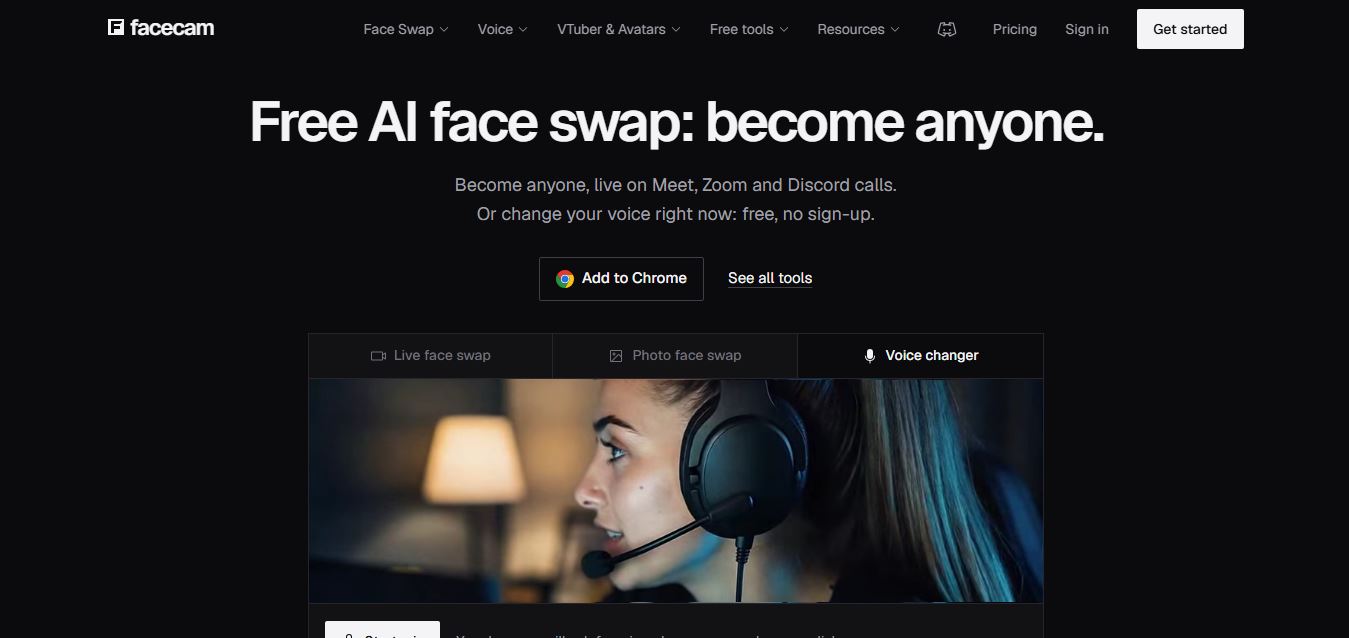
Facecam is a browser-based AI toolkit for live face swapping, voice changing, avatars, and VTubing. It lets users transform their appearance or voice during calls and streams, create AI avatars, swap faces in photos and videos, and use virtual camera effects with platforms like Zoom, Google Meet, and Discord.
 4.9
4.9QOVES
Image
QOVES is an AI-powered facial analysis and beauty consulting platform that helps users understand their facial features and improve appearance through personalized, science-backed recommendations. It analyzes hundreds of facial markers and provides a non-surgical transformation plan, enabling informed decisions about aesthetics, skincare, and overall self-improvement.
 4.8
4.8Deepswap AI
Face Swap
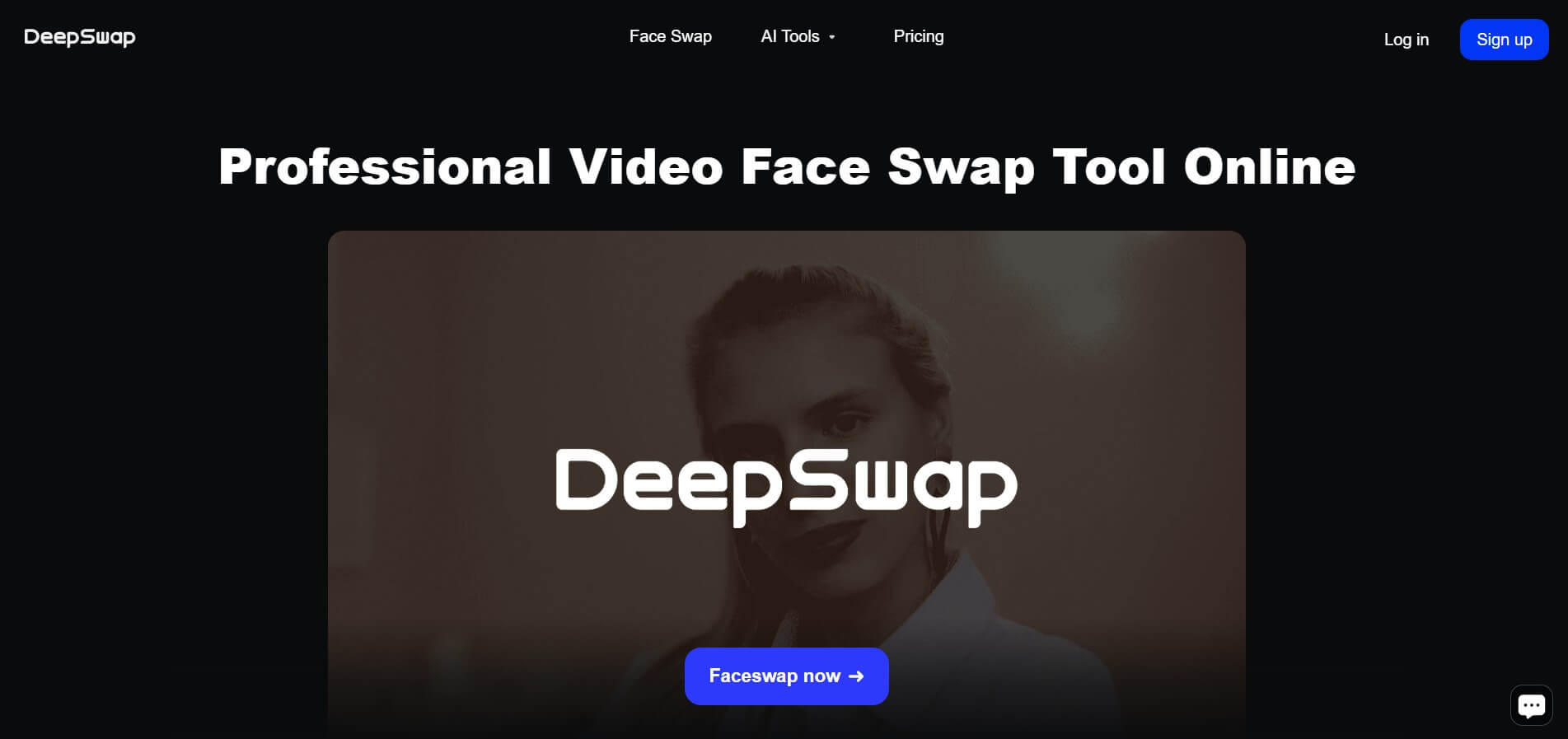
Deepswap is an AI-powered face swap platform that lets users replace faces in videos, photos, and GIFs with realistic results. It uses deep learning to match expressions, angles, and lighting, making it easy to create memes, social content, or creative edits without advanced editing skills.
 4.7
4.7AI Ease Face Swap
Face Swap
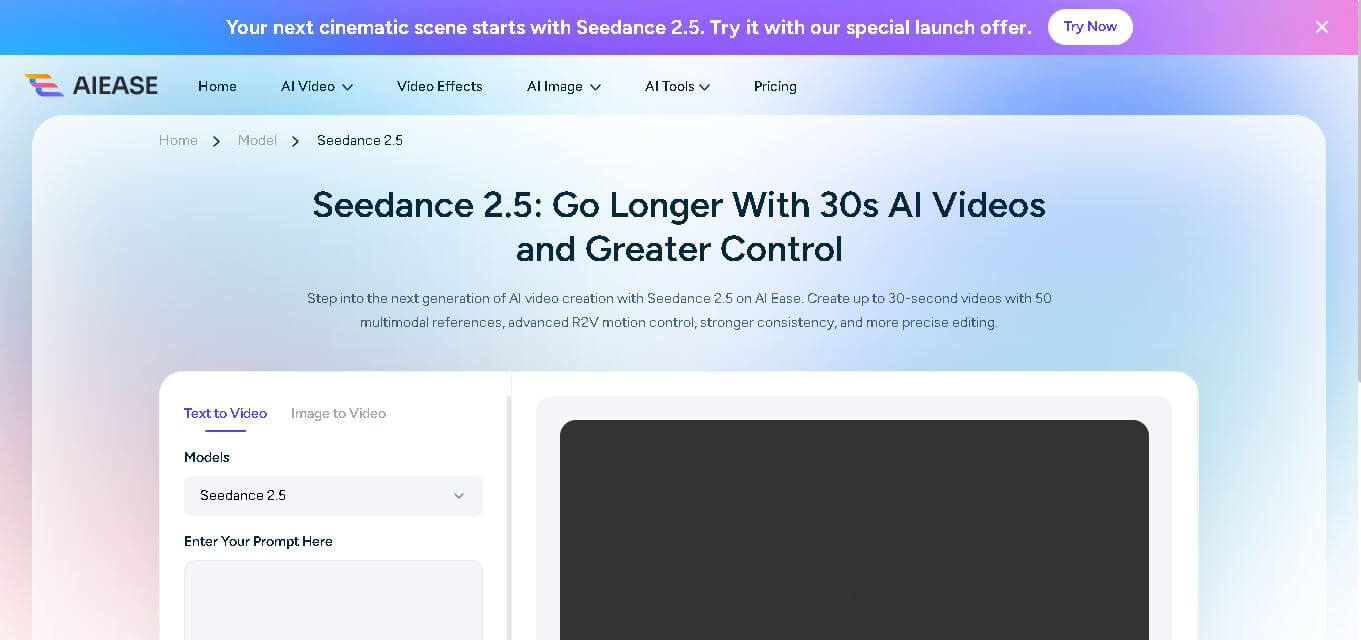
AI Ease Face Swap lets you replace faces in photos quickly using an online AI-powered editing tool. Upload a target face and source image, generate the transformation, preview the result, and download it. It can be used for creative avatars, entertainment, social media posts, headshots, group-photo edits, and other visual experiments.
 4.7
4.7AIFaceSwap.io
Face Swap
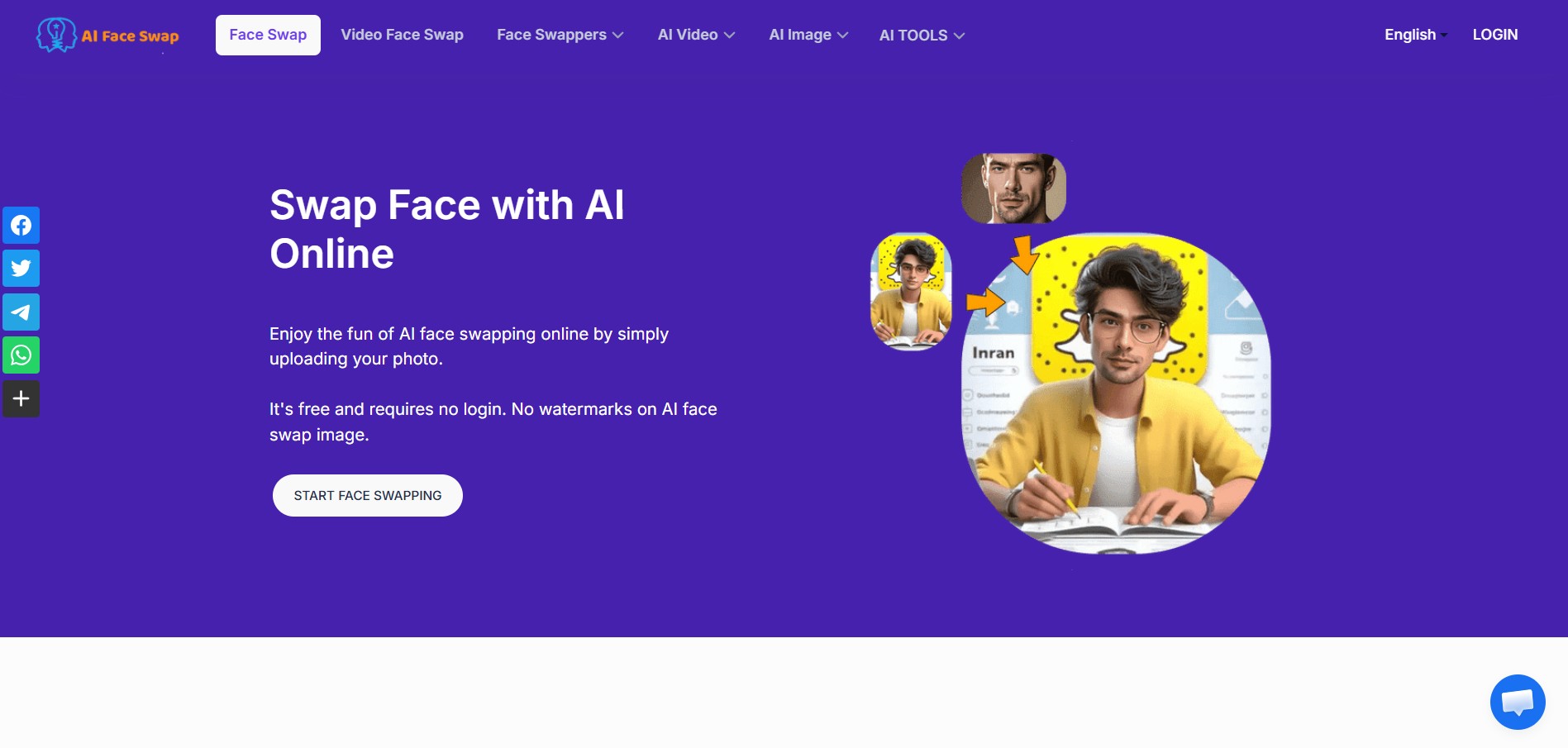
AI Face Swap lets users replace faces in photos, videos, and GIFs online with a few clicks. The tool supports JPG, PNG, and WebP images, multiple-face and batch swapping, and offers free photo face swapping without requiring an account or adding watermarks.
 4.5
4.5DeepFake Detector AI
Face Swap
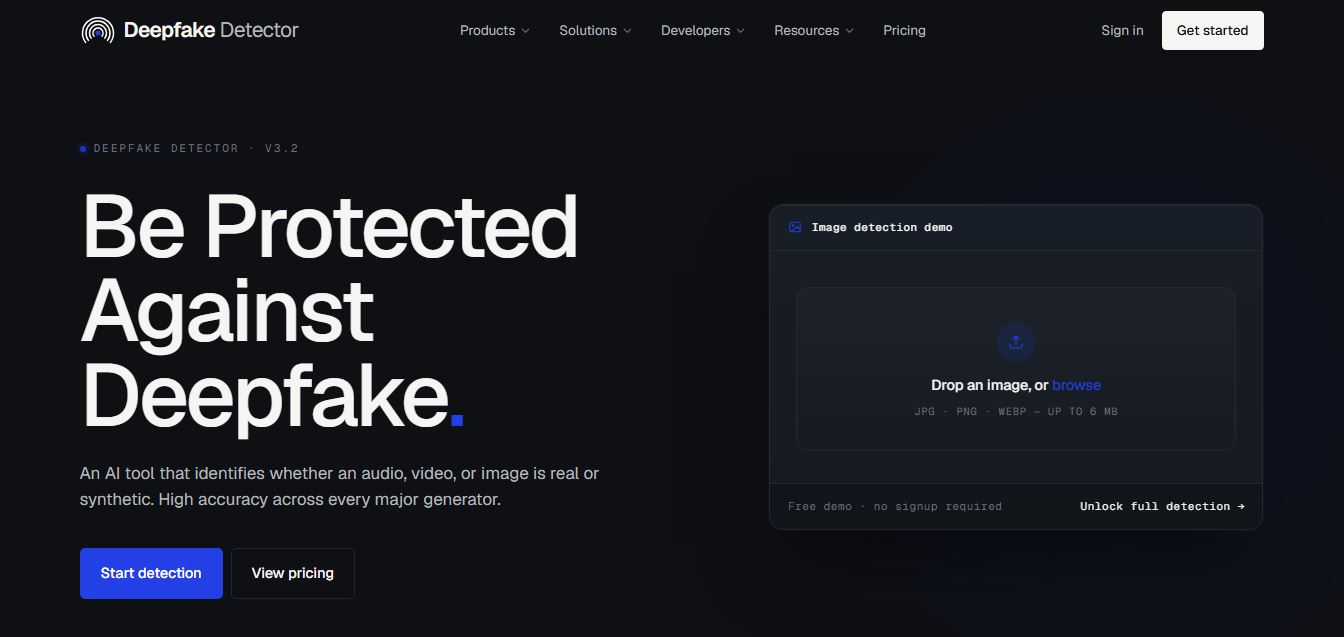
DeepFakeDetector AI is an AI-powered tool that analyzes images and videos to detect deepfakes, helping users verify authenticity with fast, accurate results and protect against manipulated or synthetic media content.
 4.6
4.6Higgsfield FaceSwap
Face Swap
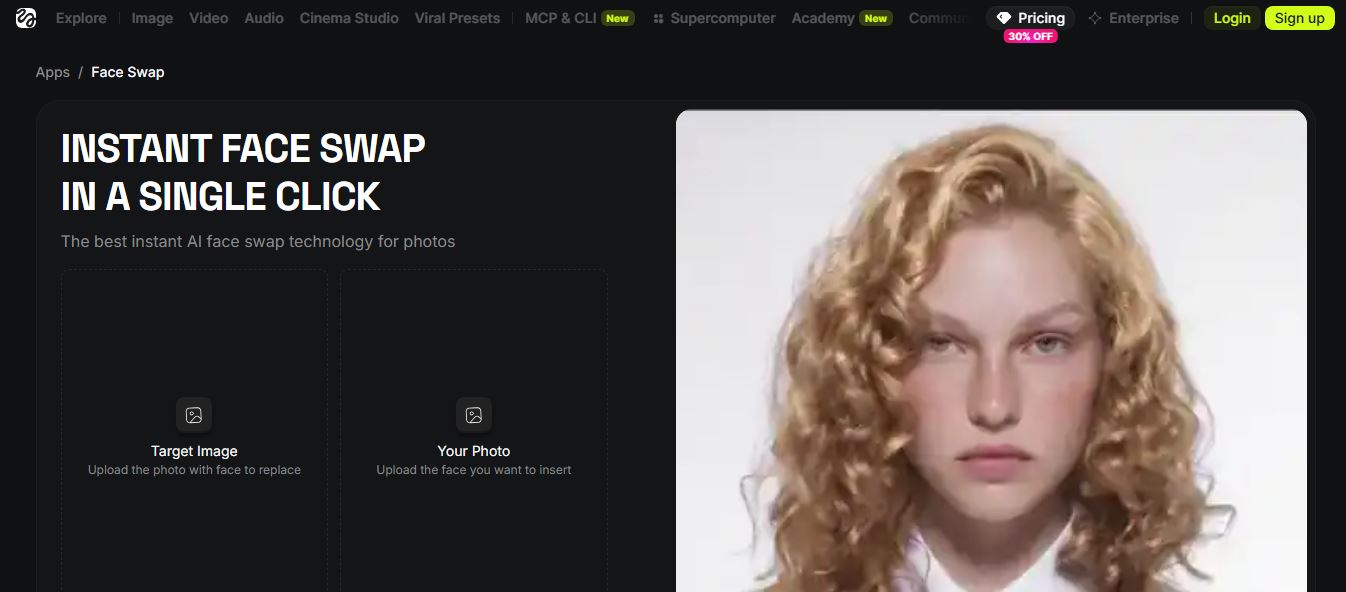
Higgsfield AI Face Swap is a one-click AI tool that swaps faces in photos with high realism, preserving lighting, texture, and identity while delivering fast, natural-looking results without manual editing or prompts.
 4.6
4.6Beauty AI
Face Swap
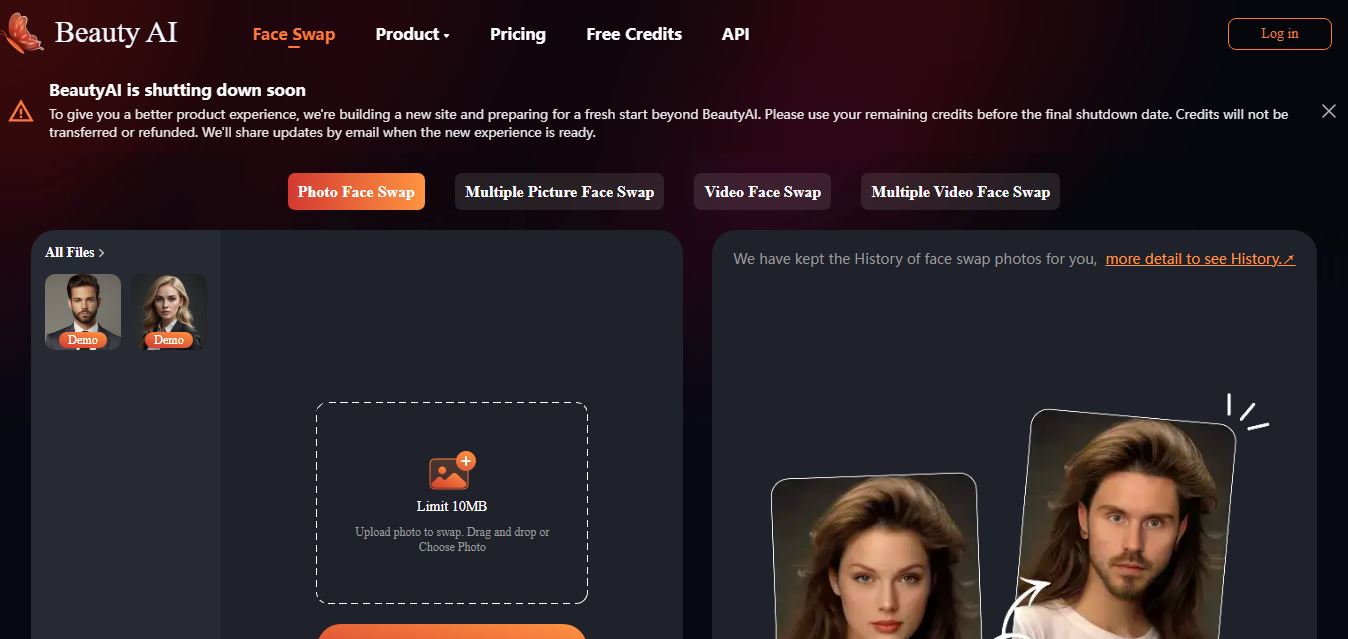
BeautyAI is an AI-powered online tool that lets users swap faces in photos and videos, generate creative images, and create engaging visual content quickly using simple uploads and fast processing.
DeepSwaper AI
Face Swap
DeepSwaper is an AI-powered online tool that lets users swap faces in photos, videos, and GIFs, and generate short animated videos from images with realistic results and simple, no-skill workflows.