Facecam AI
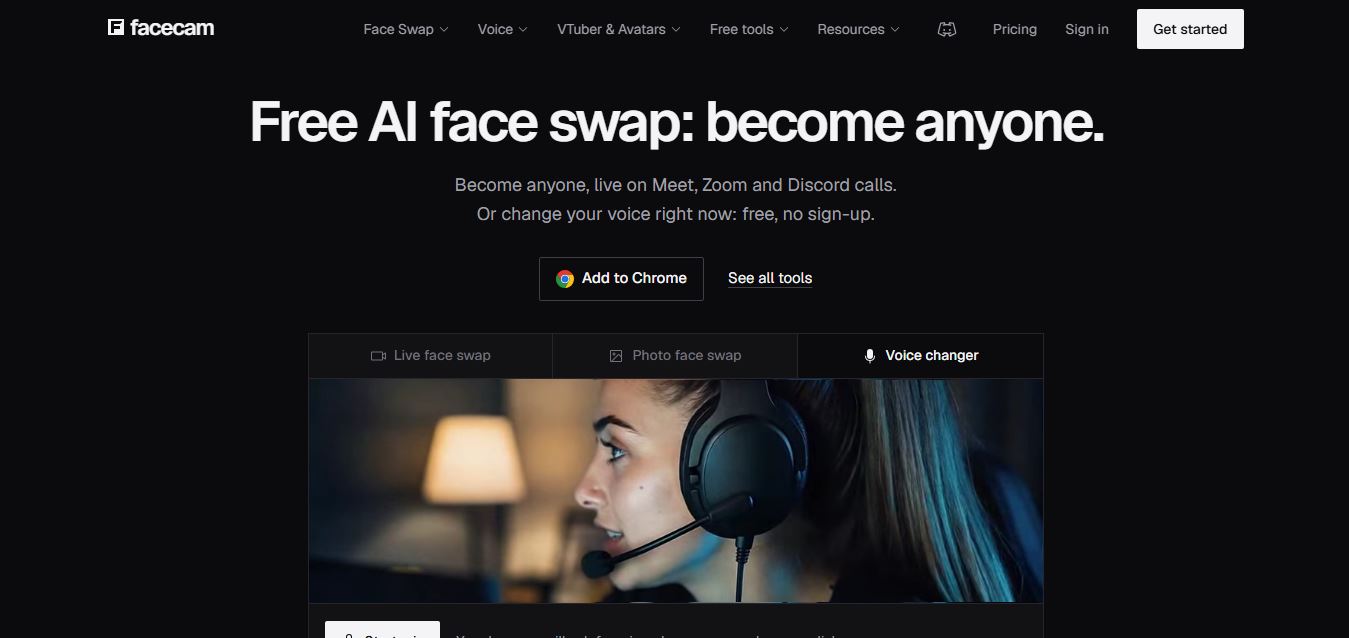
Facecam is a browser-based AI toolkit for live face swapping, voice changing, avatars, and VTubing. It lets users transform their appearance or voice during calls and streams, create AI avatars, swap faces in photos and videos, and use virtual camera effects with platforms like Zoom, Google Meet, and Discord.
What is Facecam AI?
FaceCam AI is an AI-powered face transformation tool that lets users create engaging videos and visual content using facial effects and AI technology. It can help transform faces, apply creative effects, and generate entertaining content for social media, videos, and other digital projects. The platform is designed to make face-based content creation simple without requiring advanced editing skills. FaceCam AI can be useful for creators, marketers, and anyone looking to experiment with AI-powered facial effects and personalized visual content.
Engineered as a lightweight, cloud-assisted alternative to open-source tools like Deep-Live-Cam, FaceFusion, and DeepFaceLive, Facecam AI runs across standard laptops, Mac, and Windows devices without requiring a dedicated gaming PC. Serving hundreds of thousands of active creators and callers worldwide, the platform bridges live video call face swapping with real-time AI voice changing and avatar tracking. Users can transform their appearance live across Google Meet, Zoom, Microsoft Teams, and Discord, or generate asynchronous photo face swaps, video face swaps, animated GIF swaps, 2D PNGTuber characters, and 3D VRM VTuber models.
- Platform / Developer: Facecam AI (facecam.ai; Samadhi Labs / Global AI Media)
- Core Architecture: Real-time neural face reenactment and landmark alignment engine paired with low-latency AI voice modulation and virtual camera drivers
- Cross-Platform Compatibility: Operates as a web-first application and Chrome extension compatible with Google Meet, Zoom, Microsoft Teams, Discord, and OBS Studio
Use Cases:
- Swapping faces in real time during live virtual meetings, webinars, and casual calls on Zoom, Google Meet, or Discord
- Modulating vocal pitch and timbre live with AI voice changers and custom voice clones during gaming streams
- Streaming as a 2D PNGTuber or 3D VTuber avatar using camera-based facial landmark tracking without specialized mocap gear
- Creating photo face swaps, marketing headshots, and high-definition video swaps without complex video editing software
Technology:
- Real-time face reenactment model mapping facial expressions, blinks, and mouth movements (lip-sync) onto target source images
- Neural voice conversion pipeline transforming audio pitch, formant, and timbre in low-latency live streams
- Virtual webcam driver feeding modified video streams directly into browser WebRTC meetings and OBS Studio
Target Users:
- Live streamers, Discord gamers, and VTubers adopting custom digital personas and characters
- Remote workers looking for fun camera overlays, virtual avatars, and background swap effects
- Social media content creators producing parody clips, reaction videos, and face-swapped memes
- Content creators using writing tools to draft stream scripts, character backstories, and creative video concepts
Corporate Entity: Operates as Facecam AI (Global AI Media)

Key features of Facecam AI
Facecam AI's key features are
- Live Face Swap: Swap your camera feed with any target face in real time during live calls on Meet, Zoom, Teams, and Discord.
- Real-Time AI Voice Changer: Modify your spoken voice live into different characters, accents, and tones with low audio latency.
- Virtual Camera Driver & Chrome Extension: Seamlessly routes modified video streams into WebRTC browsers and streaming software like OBS Studio.
- VTuber & PNGTuber Maker: Animate 2D reactive images or preview 3D VRM avatars that follow your facial expressions and speech.
- Photo & Video Face Swap: Upload existing photos, videos, or animated GIFs to swap faces in high resolution without watermarks on paid plans.
- Character Face Generator: Describe a character concept in text to generate a unique target face for live swapping.
- Voice Cloning & Soundboard: Clone your voice profile or play custom audio clips directly through your virtual microphone feed.
- Lip-Sync Preservation: Natural mouth tracking retains your exact speech articulation and facial expressions on the target face.
Facecam AI Pricing
Facecam AI operates on a freemium model offering free web-based photo face swaps and basic voice changers without sign-up, alongside Premium and Pro subscriptions for extended live stream durations and watermark-free exports.
Free Plan:
- $0 / Free access (no sign-up required for core tools)
- Includes free photo face swapping, basic online voice changing, basic soundboard tools, and limited live preview minutes (watermarked outputs)
Premium Plan:
- Starts from ~$9.99 to $14.99 / month (flexible monthly billing, cancel anytime)
- Includes 10 hours of live AI voice changer usage, 40 minutes of video face swapping, 30 minutes of voice conversion, 300 character generations, and watermark-free exports
Pro Plan:
- Starts from ~$24.99 to $29.99 / month
- Includes 25 hours of live AI voice usage, 1 hour 40 minutes of video face swapping, 1 hour 16 minutes of AI voice changing, 750 character generations, priority rendering queues, and watermark-free exports
Disclaimer: Prices are listed in USD and adjust according to active checkout promotions and subscription durations. Core photo face swap tools remain free without account registration. Visit facecam.ai for active plan terms.
Who is using Facecam AI?
Facecam AI is designed for digital creators, streamers, and online communicators, including
- Live Streamers & Gamers: Entertaining Twitch, YouTube, and Kick audiences with interactive digital personas and real-time voice modulation
- Aspiring VTubers: Piloting 2D and 3D virtual avatars without investing thousands of dollars in dedicated motion-capture hardware
- Discord Community Members: Modifying voices and faces during community hangouts, game nights, and voice channels
- Remote Workers: Using virtual avatars or subtle camera enhancements during casual team check-ins
- Content Creators: Using writing tools to draft stream scripts, character backstories, and creative video concepts
- Meme & Short-Form Creators: Producing high-resolution face-swapped video clips and reaction GIFs for TikTok and Instagram Reels
Best Facecam AI Alternatives
Some of the strongest Facecam AI alternatives include
- Deep-Live-Cam
- FaceFusion
- DeepFaceLive
- Voicemod
- VSeeFace
- EaseMate AI
Pros and Cons of Facecam AI
Pros
- Runs directly in the browser and via Chrome extension without requiring an expensive gaming PC or local GPU setup
- Pairs real-time video face swapping with live AI voice changing in a single unified tool
- Integrates seamlessly with Zoom, Google Meet, Teams, Discord, and OBS Studio via virtual webcam
- Free photo face swaps and basic voice tools are accessible immediately without registration
- Includes built-in VTuber and PNGTuber modules for rapid virtual avatar streaming
Cons
- Extended live streaming durations and video face swap minutes require monthly subscription upgrades
- Free tier outputs contain watermarks and enforce session time limits
- Fast head movements or extreme lighting variations can occasionally cause edge artifacts on live camera feeds
- Requires stable high-speed internet connections for cloud-processed video feeds
Why Choose Facecam AI?
Facecam AI is the premier choice for creators and callers who want an accessible, hardware-light platform that combines live face swapping, AI voice changing, and VTuber avatar streaming on Zoom, Meet, and Discord without technical terminal setups or dedicated GPU rigs.
- Transform your appearance and voice live on Meet, Zoom, Teams, and Discord
- Stream without an expensive gaming PC using cloud-assisted browser processing
- Animate 2D PNGTuber and 3D VTuber avatars using standard camera tracking
- Create photo, video, and GIF face swaps with natural lip-sync preservation
- Get started instantly with free, no-sign-up tools for everyday photo and voice edits
Facecam AI vs. Competitors
The main difference between Facecam AI, Deep-Live-Cam, DeepFaceLive, and Voicemod is that Facecam AI provides an all-in-one browser-first solution combining live face swapping, voice modulation, and VTuber tracking without requiring a gaming PC, whereas Deep-Live-Cam and DeepFaceLive require high-end NVIDIA GPUs and Python installations, and Voicemod focuses exclusively on audio voice changing. Facecam AI stands out for its zero-install accessibility, integrated voice-and-video controls, and seamless WebRTC meeting compatibility.
| Feature / Platform | Facecam AI (facecam.ai) | Deep-Live-Cam | DeepFaceLive | Voicemod |
|---|---|---|---|---|
| Primary Focus | Browser Live Face Swap & Voice Changer | Open-Source Live Face Swap Script | Open-Source Local Live Deepfake Tool | Real-Time AI Voice Changer & Soundboard |
| Hardware Requirement | Standard Laptop / Mac / Windows (Browser) | High-End NVIDIA GPU (Local PC) | High-End NVIDIA GPU (Local PC) | Standard Windows/Mac Desktop App |
| Integrated Voice Changer | Yes (Real-time AI voice conversion) | No (Video swap only) | No (Video swap only) | Yes (Core dedicated audio feature) |
| WebRTC Meeting Support | Native (Chrome Extension & Virtual Cam) | Requires OBS Virtual Cam setup | Requires OBS Virtual Cam setup | Virtual audio cable driver |
| Starting Price | Free basic / Premium ~$9.99–$14.99/mo | Free open-source (Self-hosted) | Free open-source (Self-hosted) | Free basic / Pro ~$4.99–$9.99/mo |
| Best For | Quick, No-Install Live Calls & VTubing | Developers with Heavy Gaming Rigs | Advanced Local Streamers on PC | Gamers Focusing Strictly on Voice Effects |
How do we rate Facecam AI?
| Parameter | Rating (out of 5) |
|---|---|
| Live Video Tracking & Face Alignment | 4.8 |
| Real-Time AI Voice Modulation | 4.8 |
| Browser & WebRTC Setup Simplicity | 5.0 |
| Feature Breadth (VTuber, PNGTuber, Swaps) | 4.9 |
| Value for Money | 4.7 |
| Overall Score | 4.84 |
Facecam AI Review
Facecam AI democratizes real-time visual and auditory transformation by removing the technical and hardware barriers associated with live AI avatars. Previously, running real-time face swaps required a dedicated gaming desktop with a high-end graphics card and manual Python dependencies. Facecam AI replaces that complexity with a browser-based workflow and lightweight Chrome extension that works on everyday laptops and Macs. Its integration of low-latency voice modulation alongside video face swapping provides a cohesive experience for live calls on Zoom, Google Meet, and Discord. While power users with high-end rigs will still evaluate open-source local packages for fine-tuned offline controls, Facecam AI provides an accessible, cloud-assisted platform for modern digital creators.
Conclusion
Facecam AI is an innovative real-time AI face swapping and voice transformation platform that simplifies how creators present themselves online. By combining browser-based live face swapping, low-latency AI voice changers, VTuber and PNGTuber avatar support, and virtual camera integration across major meeting platforms, it offers a versatile media suite. While streamers requiring unlimited local GPU runtimes may favor tools like Deep-Live-Cam, Facecam AI’s hardware-light convenience, unified audio-video tools, and accessible freemium setup make it a standout interactive camera platform.
User Reviews
No reviews yet for Facecam AI.
Featured Tools
Featured AI tools from TechShark

Melody Genie
MelodyGenie is an AI-powered music generator that creates original songs from simple text prompts. Users can choose styles, moods, and genres, then instantly generate melodies and full tracks, making it easy for creators, marketers, and hobbyists to produce custom music without musical expertise.
Freemium

Kimi AI
Kimi AI is an advanced AI assistant developed by Moonshot AI that helps you chat, research, write, code, and automate tasks in one place. It supports web search, file analysis, and multimodal inputs, and can even run autonomous “agent” workflows to complete complex tasks end-to-end.
Freemium

Fashion Diffusion AI
Fashion Diffusion is an AI-powered fashion design platform that helps brands and designers create clothing designs, virtual try-ons, AI models, product photos, and marketing visuals faster and cost-effectively.
Paid

Veo 4
Veo 4 AI is an AI video creation platform that generates dramatic videos from text, images, audio, and video prompts using realistic motion and synchronized sound.
Paid
Alternatives
Alternatives to Facecam AI
The best Facecam AI alternatives include Deep-Live-Cam, FaceFusion, DeepFaceLive, Voicemod, VSeeFace, and EaseMate AI. These tools provide real-time face swapping, live voice modulation, and virtual avatar broadcasting. While Facecam AI specializes in an accessible browser-based solution combining real-time face swapping, AI voice changes, and VTuber/PNGTuber streaming on Zoom and Discord without high-end GPUs starting from ~$9.99/month, open-source alternatives like Deep-Live-Cam and DeepFaceLive require dedicated NVIDIA GPUs, and Voicemod focuses strictly on audio voice modulation. Choosing the right platform depends on whether you seek an easy, no-install browser virtual camera, local GPU-accelerated deepfakes, or dedicated voice effects.
 4.9
4.9QOVES
Image
QOVES is an AI-powered facial analysis and beauty consulting platform that helps users understand their facial features and improve appearance through personalized, science-backed recommendations. It analyzes hundreds of facial markers and provides a non-surgical transformation plan, enabling informed decisions about aesthetics, skincare, and overall self-improvement.
 4.8
4.8Deepswap AI
Face Swap
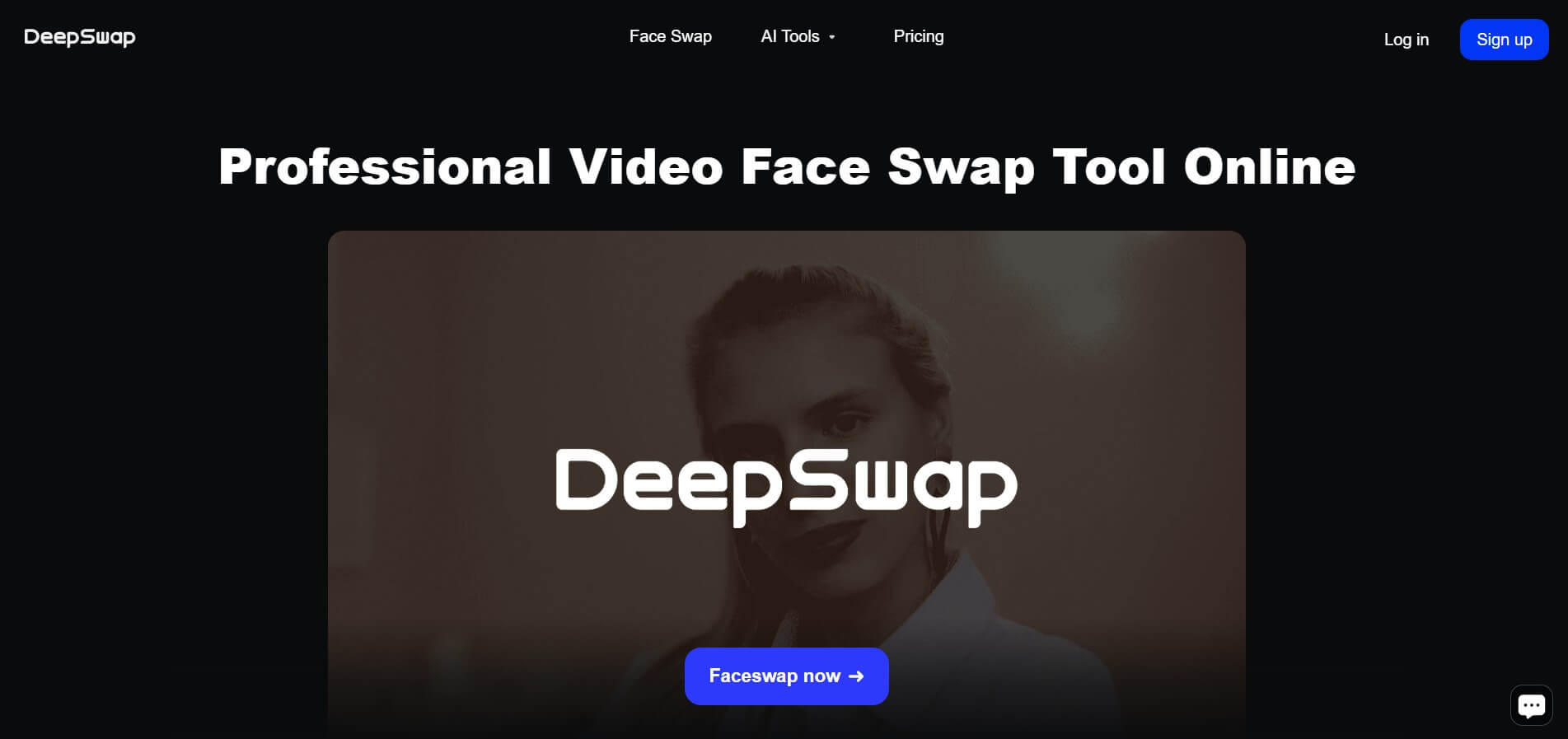
Deepswap is an AI-powered face swap platform that lets users replace faces in videos, photos, and GIFs with realistic results. It uses deep learning to match expressions, angles, and lighting, making it easy to create memes, social content, or creative edits without advanced editing skills.
 4.7
4.7AI Ease Face Swap
Face Swap
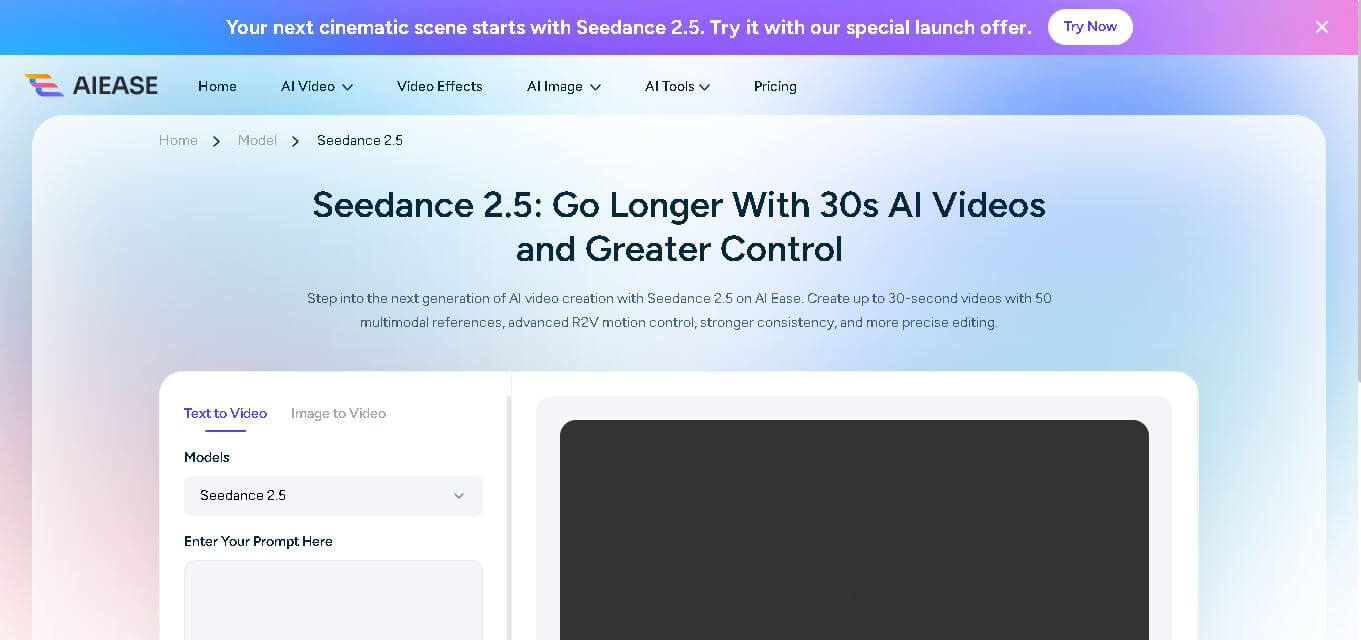
AI Ease Face Swap lets you replace faces in photos quickly using an online AI-powered editing tool. Upload a target face and source image, generate the transformation, preview the result, and download it. It can be used for creative avatars, entertainment, social media posts, headshots, group-photo edits, and other visual experiments.
 4.7
4.7AIFaceSwap.io
Face Swap
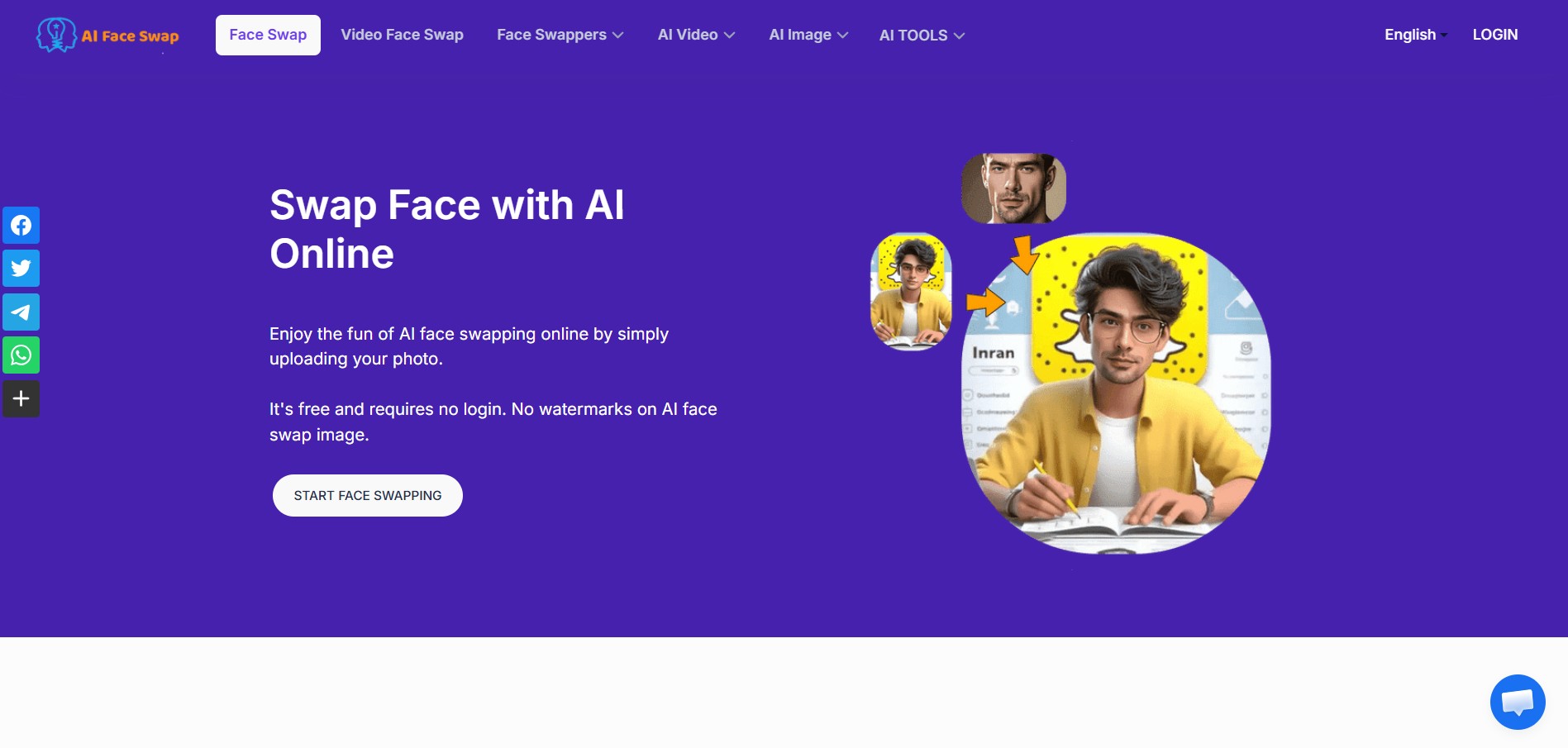
AI Face Swap lets users replace faces in photos, videos, and GIFs online with a few clicks. The tool supports JPG, PNG, and WebP images, multiple-face and batch swapping, and offers free photo face swapping without requiring an account or adding watermarks.
 4.5
4.5DeepFake Detector AI
Face Swap
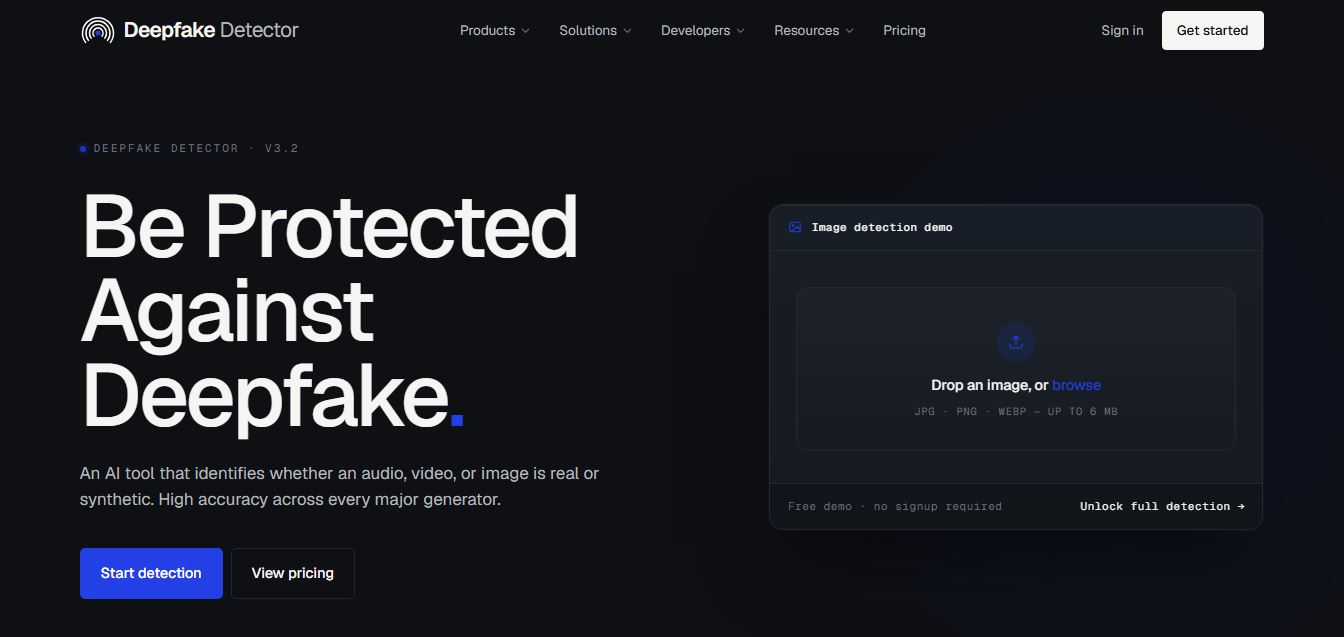
DeepFakeDetector AI is an AI-powered tool that analyzes images and videos to detect deepfakes, helping users verify authenticity with fast, accurate results and protect against manipulated or synthetic media content.
 4.6
4.6Higgsfield FaceSwap
Face Swap
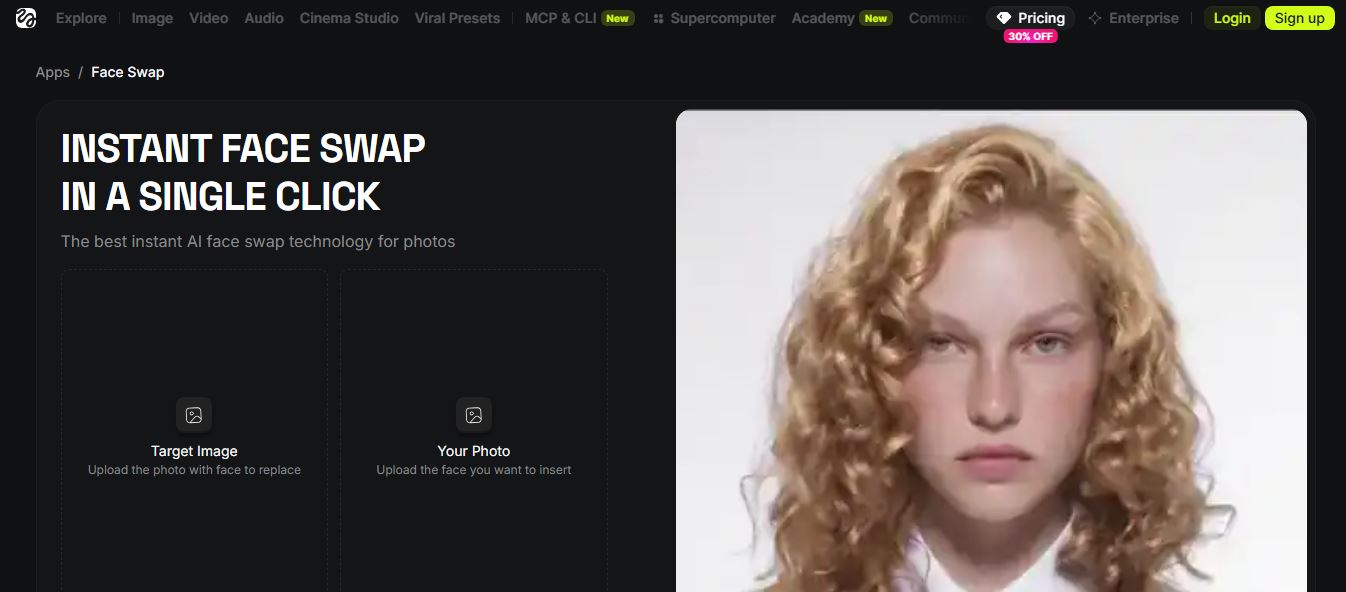
Higgsfield AI Face Swap is a one-click AI tool that swaps faces in photos with high realism, preserving lighting, texture, and identity while delivering fast, natural-looking results without manual editing or prompts.
 4.6
4.6Beauty AI
Face Swap
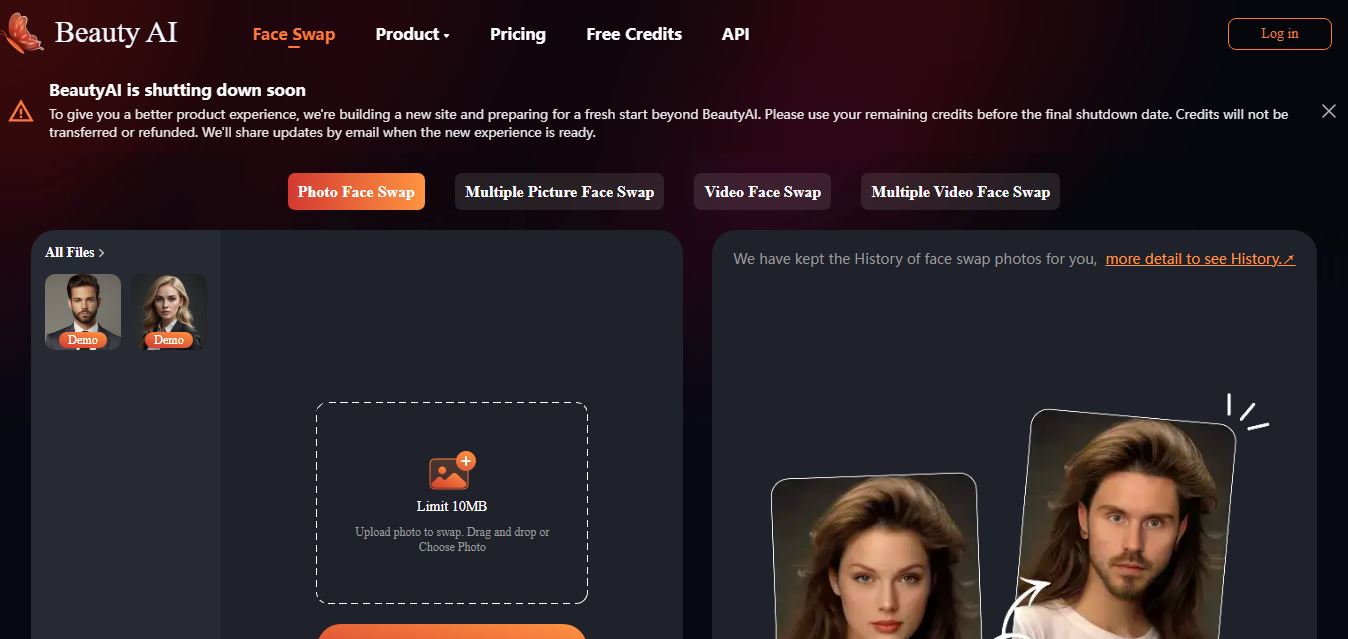
BeautyAI is an AI-powered online tool that lets users swap faces in photos and videos, generate creative images, and create engaging visual content quickly using simple uploads and fast processing.
DeepSwaper AI
Face Swap
DeepSwaper is an AI-powered online tool that lets users swap faces in photos, videos, and GIFs, and generate short animated videos from images with realistic results and simple, no-skill workflows.
Deep Swap AI
Face Swap
DeepSwapAI is an AI-powered tool for realistic face swapping in photos, videos, and GIFs, offering fast cloud-based processing, simple workflows, and high-quality results without requiring technical skills.