
Clips AI
Clips AI is an open-source Python library that converts long-form videos into shorter clips and resizes footage for different aspect ratios. Designed for podcasts, interviews, speeches, and sermons, it uses transcript-based analysis to identify relevant segments and speaker-focused reframing to help developers build automated video repurposing workflows for social media content.
What is Clips AI?
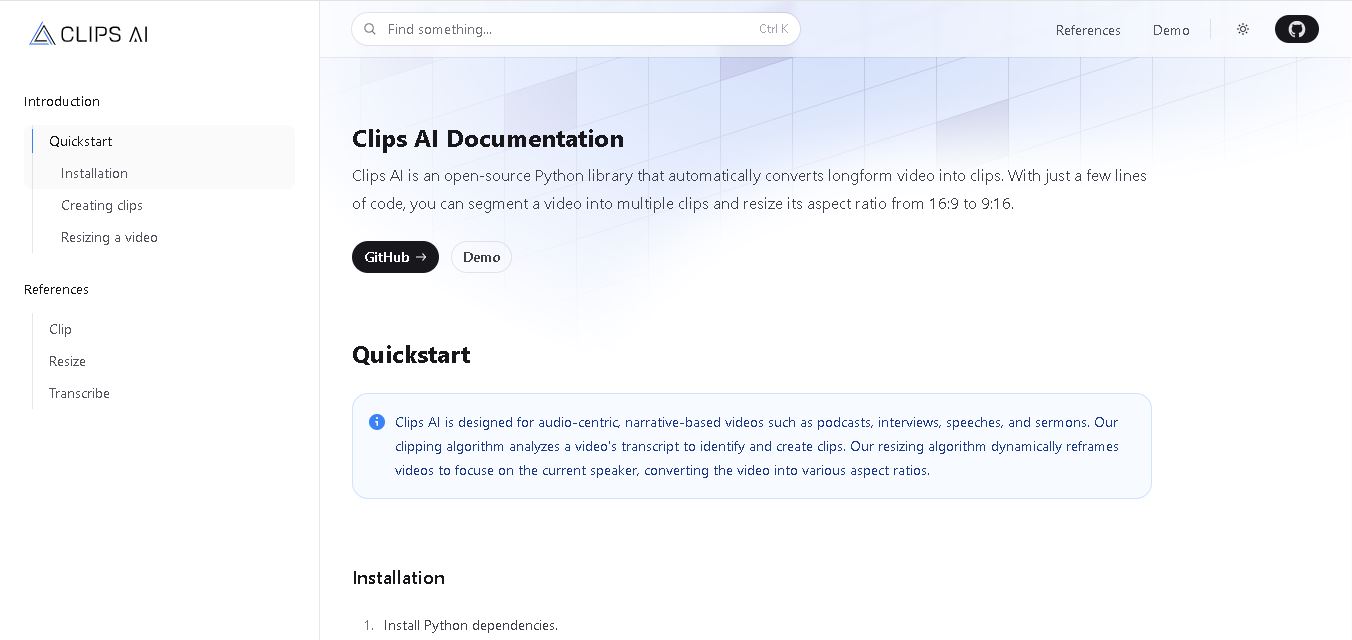
Clips AI is an open-source Python library that helps developers automatically identify and create short clips from long-form videos. It analyzes video transcripts to locate relevant segments and can reframe footage into different aspect ratios, including vertical formats for social media. Designed for podcasts, interviews, speeches, and sermons, Clips AI combines speech transcription, clip detection, and speaker-focused video resizing to simplify video repurposing through a programmable workflow.
Clips AI is an open-source video-processing library available through Python and GitHub. Its core functionality includes 2 major tasks: automatically identifying suitable video clips and resizing footage for different aspect ratios. It supports converting standard 16:9 videos into vertical 9:16 formats. The library uses transcript-based analysis and integrates with WhisperX for transcription and word-level timestamps. Its resizing workflow uses Pyannote for speaker diarization. The project is distributed under the MIT license, and installation requires Python dependencies, FFmpeg, and additional supporting packages.
- Founder / Leadership: Vedant Nair and Armel Talla
- Launch Year: 2022
Use Cases:
- Transforming full-length podcast episodes and interviews into bite-sized clips for TikTok, Reels, and Shorts
- Auto-framing horizontal videos into 9:16 vertical aspect ratios with active speaker tracking
- Generating dynamic animated subtitles and burnt-in captions automatically from audio transcripts
- Building custom automated video editing workflows using the open-source Clips AI Python SDK
Technology:
- Machine learning algorithms trained to identify high-engagement segments, emotional peaks, and story arcs
- Computer vision face-detection models for intelligent automatic reframing and dynamic speaker cropping
- Automated Whisper-based speech recognition engine providing high-accuracy transcriptions
Target Users:
- Podcasters and conversational video creators aiming to repurpose long episodes efficiently
- Digital marketing agencies and social media managers scaling short-form content output
- Python developers and media engineers building custom video automation pipelines
- Educators and webinar hosts snippetizing live streams and recorded lectures
Corporate Entity: Operates as Clips AI Inc. (clipsai.com)

Key features of Clips AI
Clips AI's key features are
- Automated Highlight Identification: Analyzes speech and narrative structure to automatically recommend the most engaging moments for short clips.
- Smart Auto-Reframe (9:16 Crop): Uses facial tracking technology to automatically keep the active speaker centered in vertical video formats.
- Animated Subtitles & Captions: Automatically generates highly accurate captions styled with custom fonts, colors, and animations.
- Open-Source Python SDK: Provides developers with programmatic access to video segmentation, transcript alignment, and reframing algorithms.
- Text-Based Video Editing: Allows users to trim video segments easily by editing the generated transcript.
- Multi-Platform Export Support: Exports optimized video files tailored for TikTok, Instagram Reels, YouTube Shorts, and LinkedIn.
Clips AI Pricing
Clips AI offers a combination of free open-source code, starter web tiers, and subscription-based plans for higher processing requirements.
Free / Open Source Tier:
- $0 / Open Source & Free Trial
- Self-hostable Python package for developers; free trial access on the web dashboard with standard watermark features
Paid / Pro Tiers:
- Starting from $25 / month (or equivalent per-minute cloud rendering plans)
- Includes removal of watermarks, expanded video upload limits, faster processing queues, high-definition exports, and priority support
Who is using Clips AI?
Clips AI is designed for content creators, media teams, and developers, including
- Podcast Hosts & Audio Producers: Extracting promotional teasers and highlight snippets from long interviews
- Social Media Agencies: Managing multi-client accounts and generating dozens of monthly posts from single video sessions
- Developers & AI Engineers: Embedding automatic video reframing and clipping logic into custom software applications
- Course Creators & Event Organizers: Converting long-form webinars and lectures into digestible learning nuggets
Best Clips AI Alternatives
Some of the strongest Clips AI alternatives include
Pros and Cons of Clips AI
Pros
- Offers an open-source Python SDK for complete customization and local/private hosting
- Saves hours of manual video editing by detecting conversational highlights automatically
- Accurate active speaker reframing ensures professional 9:16 layout formatting
- Generates stylized, highly legible captions to keep silent scrollers engaged
Cons
- Self-hosting the open-source code requires technical Python development expertise
- AI clip selection may occasionally require manual fine-tuning for complex or niche topics
- Web processing speeds depend on file length and cloud server queues
Why Choose Clips AI?
Clips AI is an ideal solution for creators and technical teams who want full flexibility—from ready-to-use web tools to developer-friendly open-source libraries—to automate their video content workflow.
- Drastically reduces editing time by converting hour-long uploads into viral social clips in minutes
- Provides open-source transparency allowing developers to build custom video pipelines
- Ensures accurate vertical speaker focus through smart automated cropping
- Enhances viewer retention with stylized, automated subtitles
Clips AI vs. Competitors
The main difference between Clips AI, Opus Clip, Munch, and Descript is that Clips AI offers an open-source developer framework alongside its web platform, whereas Opus Clip and Munch operate purely as proprietary SaaS products focused heavily on virality scoring, and Descript is a full-featured timeline-based video editing suite. Clips AI stands out for its flexibility, developer access, and efficient speaker-tracking algorithms.
| Feature / Tool | Clips AI (clipsai.com) | Opus Clip | GetMunch | Descript |
|---|---|---|---|---|
| Core Focus | AI Video Repurposing & Open-Source SDK | AI Clip Generation & Virality Scoring | Social Trend Alignment & Clipping | Full Audio/Video Editing & Transcription |
| Open-Source Availability | Yes (Python SDK) | No | No | No |
| Auto Speaker Reframing | Yes (Face Detection) | Yes | Yes | Yes (Multi-cam) |
| Starting Price Range | Free / ~$25/month | Free tier / ~$19/month | ~$49/month | Free tier / ~$12/month |
| Best For | Podcasters, Agencies & Developers | Solo Creators & Viral Shorts | Brands & Trend-Focused Marketers | Full Podcast & Video Production |
How do we rate Clips AI?
| Parameter | Rating (out of 5) |
|---|---|
| AI Highlight Detection Accuracy | 4.7 |
| Speaker Tracking & Reframing Quality | 4.8 |
| Developer Flexibility & Open Source Access | 4.9 |
| Captioning & Styling Ergonomics | 4.7 |
| Value for Money | 4.8 |
| Overall Score | 4.78 |
Clips AI Review
Clips AI delivers a powerful, versatile solution for converting long podcasts and talk-heavy videos into engaging social content. Its intelligent segmentation engine identifies true highlights rather than random cuts, while its active speaker tracking ensures vertical videos stay crisp and well-focused. The inclusion of an open-source Python SDK sets it apart, making it an invaluable asset for both non-technical creators and developers looking to scale automated video processing pipelines.
Conclusion
Clips AI is a practical option for developers who want to automate video clipping and resizing without building every component from scratch. Its transcript-based detection and speaker-focused reframing make it especially useful for podcasts, interviews, and other speech-driven content. Although technical setup and Python knowledge may limit accessibility for beginners, its open-source approach offers flexibility for custom workflows. For developers building video automation tools, Clips AI provides a useful foundation for efficient, scalable content repurposing.
FAQ
What can you use Clips AI for?
You can use Clips AI to turn lengthy videos into shorter, focused segments for easier sharing and repurposing. It is particularly useful for podcast episodes, interviews, sermons, and speeches. Developers can integrate its clipping and resizing capabilities into their own workflows, reducing repetitive editing tasks while preparing content for multiple platforms and formats.
How does Clips AI automatically create video clips?
Clips AI uses video transcription to identify meaningful segments within longer recordings. Its workflow integrates WhisperX to generate transcripts with word-level timestamps, helping locate suitable start and end points for clips. Developers can then use the library's clipping functionality to extract selected segments, making long-form content easier to repurpose efficiently.
Can Clips AI resize videos for YouTube Shorts and Instagram Reels?
Yes, Clips AI supports video resizing, including conversion from the standard 16:9 landscape format to a vertical 9:16 aspect ratio. Its resizing algorithm uses speaker information to keep the active speaker in focus. This functionality can help developers prepare interview and podcast footage for vertical video formats used across social media platforms.
Is Clips AI free to use?
Clips AI is an open-source Python library distributed under the MIT license, making its source code available for developers to use under the license's terms. However, running it may require computing resources, dependencies, and configuration. Certain integrations require access tokens. Check the official documentation for installation requirements and any applicable third-party service conditions before starting your project.
Does Clips AI require coding knowledge?
Yes, practical programming knowledge is generally necessary to use Clips AI effectively because it is a Python library rather than a conventional drag-and-drop editing application. Users need to install dependencies, configure their environment, and run Python code. Developers comfortable with Python can integrate its video clipping and resizing functions into custom applications and automated workflows.
What are the main benefits of Clips AI for content creators?
Clips AI helps content creators and developers repurpose long recordings without manually reviewing every section. Its transcript-based clip detection can identify relevant moments, while automatic resizing adapts footage to different screen formats. These capabilities are useful for building content workflows, creating social media snippets, and reducing repetitive editing work across podcasts and interviews.
User Reviews
No reviews yet for Clips AI.
Featured Tools
Featured AI tools from TechShark
Klap
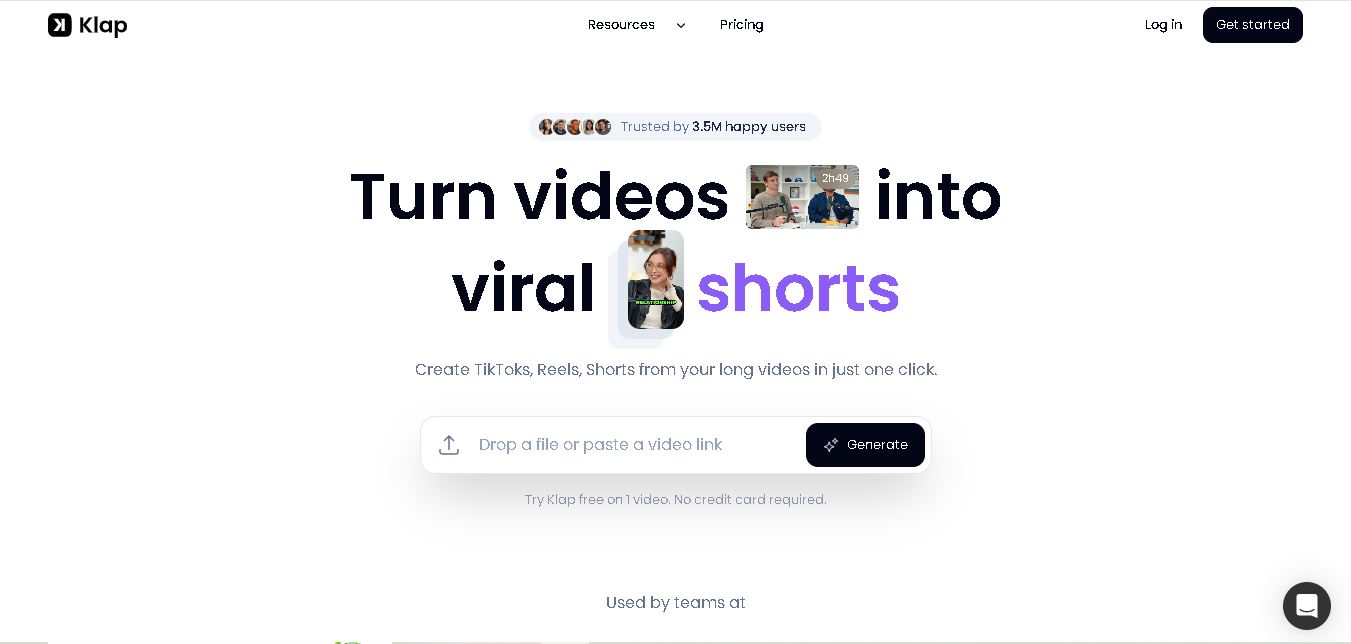
Klap is an AI-powered video editing tool that turns long videos into engaging short clips for TikTok, Instagram Reels, and YouTube Shorts. It automatically finds the best moments, adds captions, and resizes videos, helping creators save time and create more content with less effort.
Free
Melody Genie
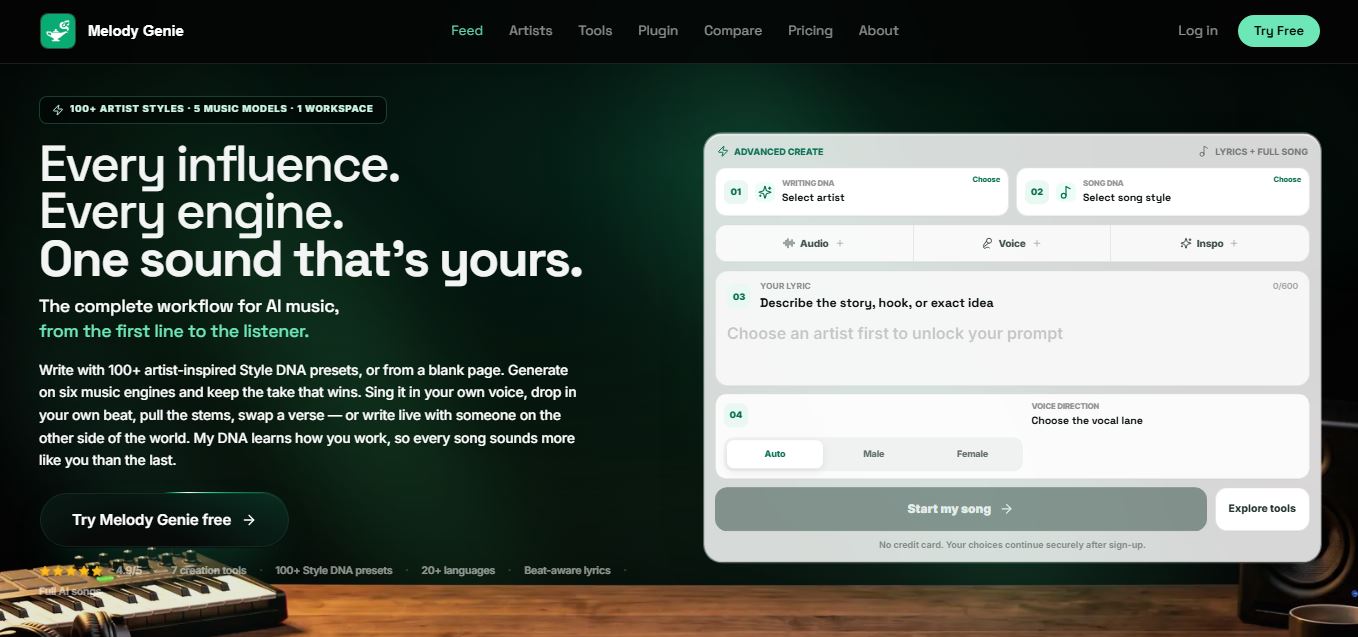
MelodyGenie is an AI-powered music generator that creates original songs from simple text prompts. Users can choose styles, moods, and genres, then instantly generate melodies and full tracks, making it easy for creators, marketers, and hobbyists to produce custom music without musical expertise.
Freemium
Fashion Diffusion AI
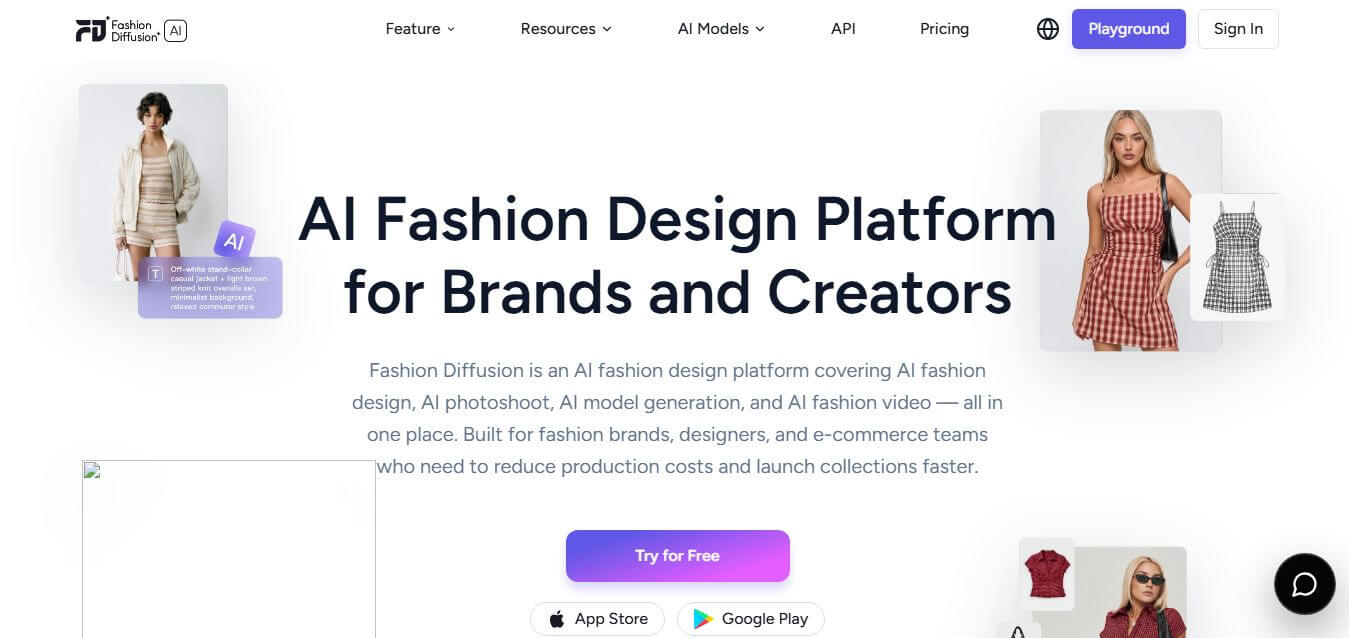
Fashion Diffusion is an AI-powered fashion design platform that helps brands and designers create clothing designs, virtual try-ons, AI models, product photos, and marketing visuals faster and cost-effectively.
Paid
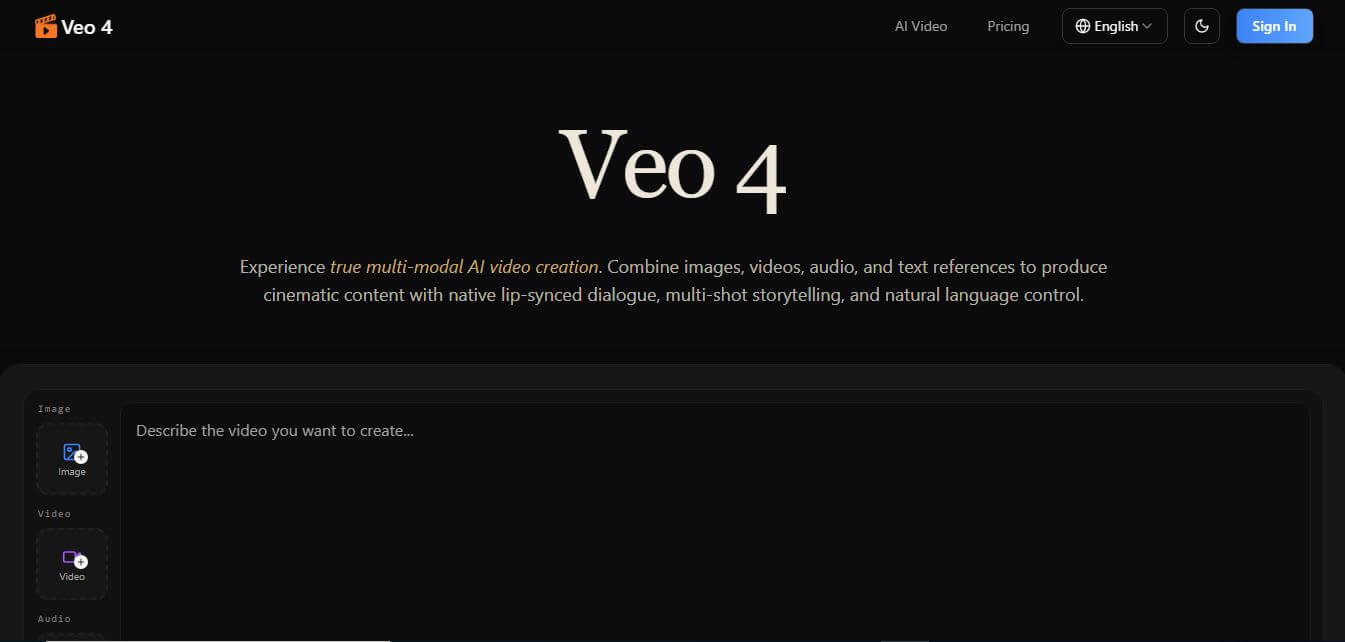
Veo 4
Veo 4 AI is an AI video creation platform that generates dramatic videos from text, images, audio, and video prompts using realistic motion and synchronized sound.
Paid
Alternatives
Alternatives to Clips AI
The best Clips AI alternatives include Opus Clip, Klap, Munch (GetMunch), Choppity, Vizard AI, and Descript. These platforms offer AI-powered video highlight extraction, auto-reframing, and transcript-based editing. While Clips AI stands out by offering an open-source SDK alongside its cloud platform, alternatives like Opus Clip focus heavily on virality scoring, Munch targets trending topics, and Descript provides full timeline audio and video editing.
4.8Klap
Social Media
Klap is an AI-powered video editing tool that turns long videos into engaging short clips for TikTok, Instagram Reels, and YouTube Shorts. It automatically finds the best moments, adds captions, and resizes videos, helping creators save time and create more content with less effort.
 4.7
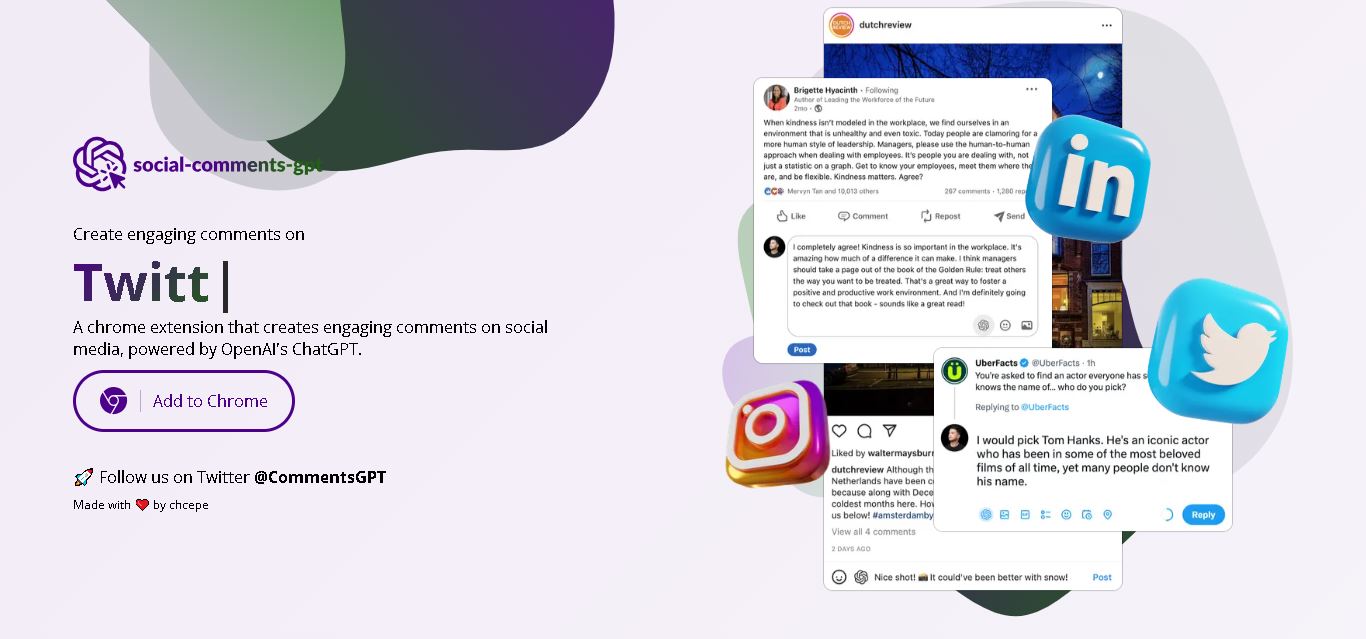
Social Comments GPT
Social Media
Social Comments GPT helps users draft engaging social media comments with ChatGPT through a Chrome extension. It is useful for professionals, influencers, creators, and marketers who want to respond to posts more efficiently. By generating comment suggestions within supported social networks, it simplifies everyday engagement while leaving users in control of their final replies.
 4.7
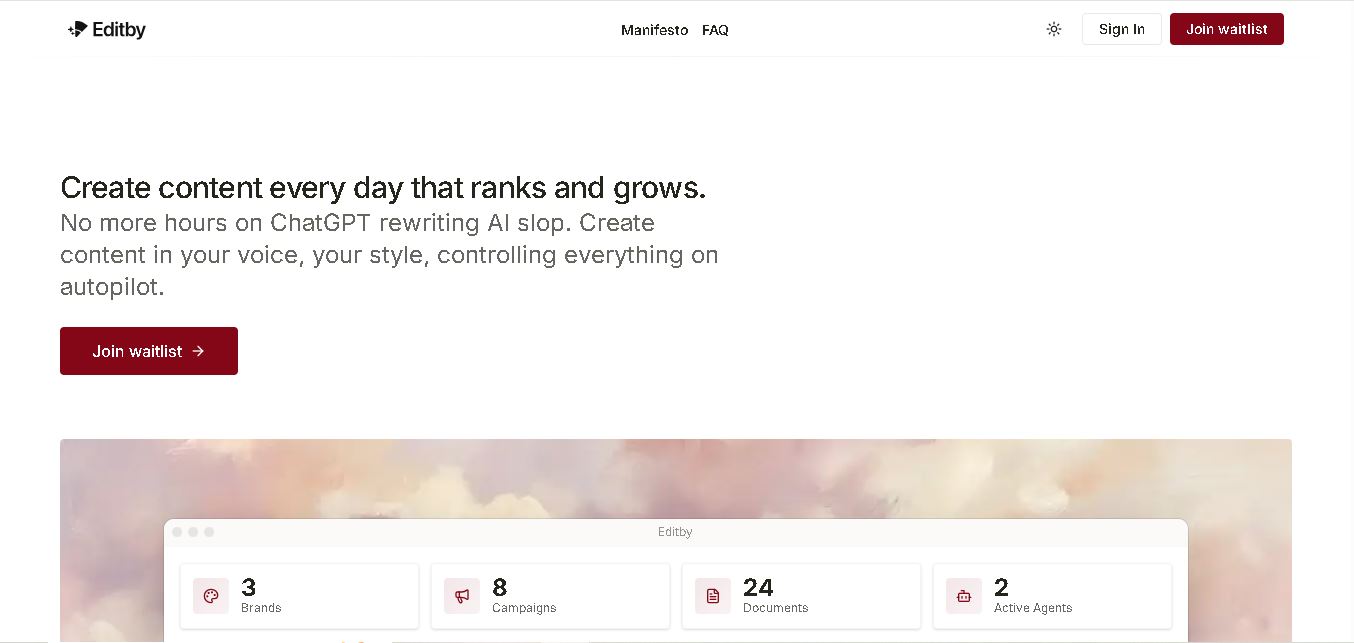
Editby
Social Media
Editby helps marketers, businesses, and creators produce brand-consistent content using AI-assisted writing, research, and automation. It supports blogs, social media posts, newsletters, and press releases while offering customizable brand voices, scheduled content generation, and team collaboration. Its organized campaign workflows help users streamline content planning and maintain a consistent publishing strategy.
 4.8
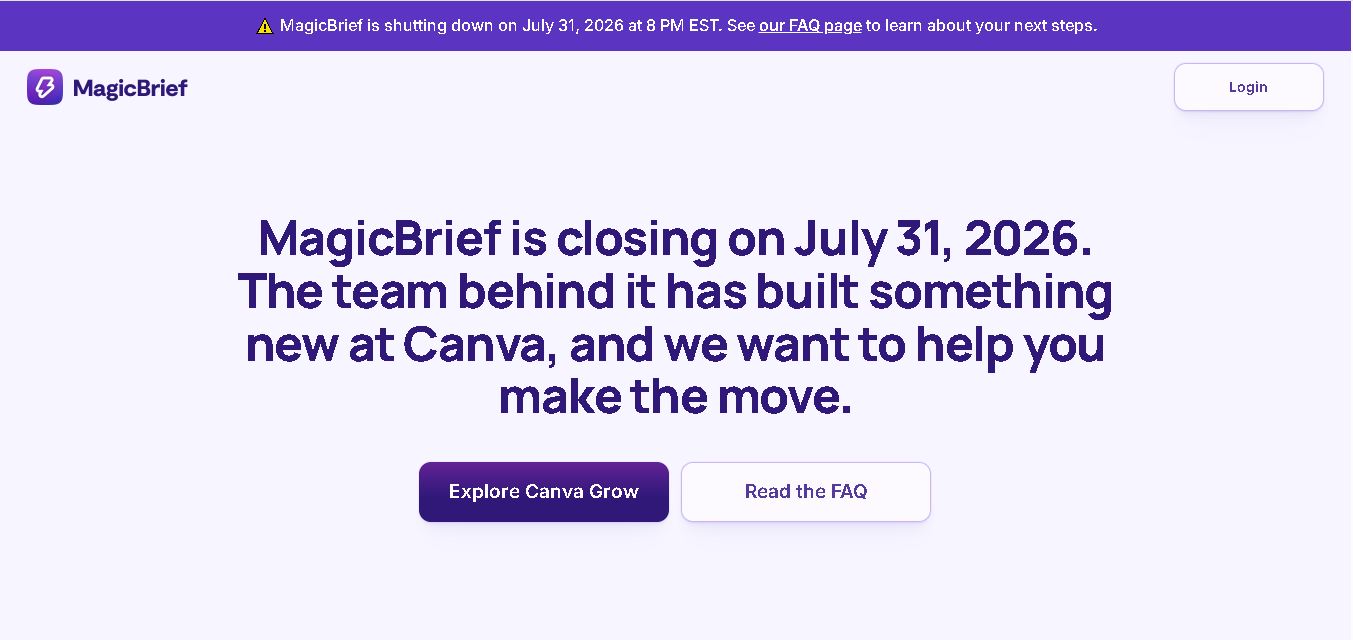
MagicBrief
Social Media
MagicBrief was an advertising creative research and collaboration tool that helped marketers discover inspiring ads, analyze competitors, build storyboards, and organize campaign briefs. It offered AI-assisted video analysis, creative performance insights, and team collaboration. Following its announced shutdown in July 2026, users seeking similar workflows can explore Canva Grow, its successor direction.
 4.7
The Dream AI
Social Media
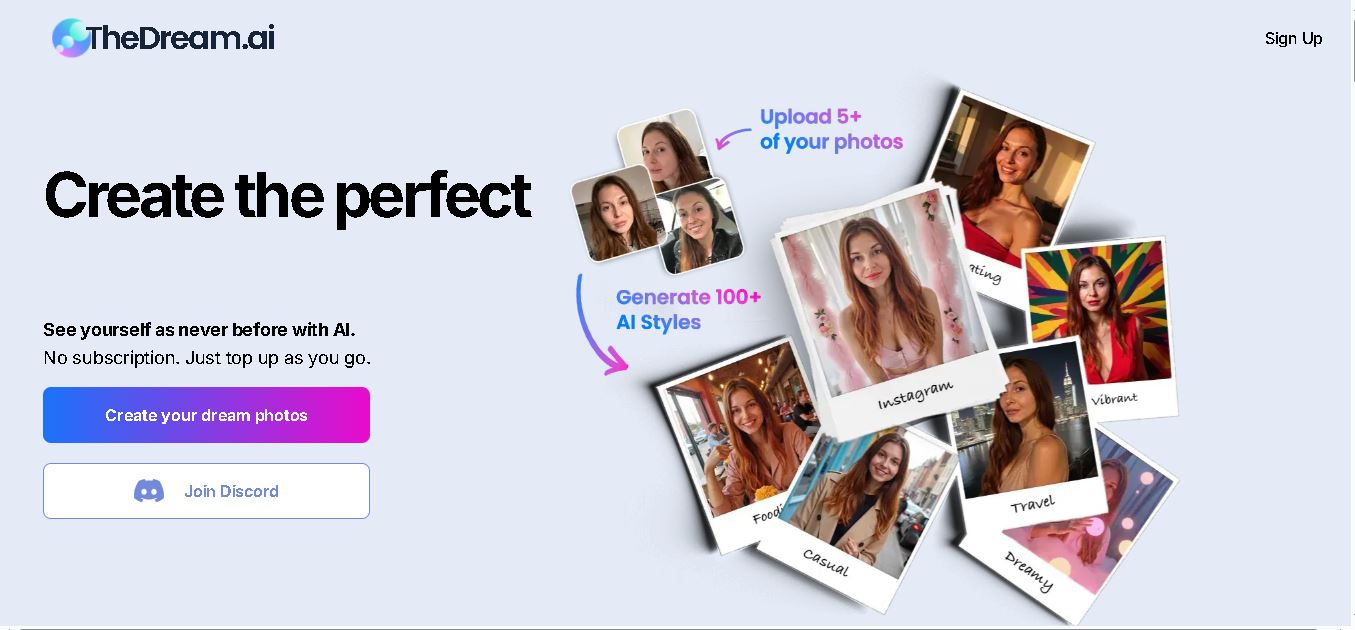
TheDream.ai helps users create personalized AI portraits, profile pictures, and photoshoot-style images from their own photographs. It offers more than 200 styles covering professional, fashion, dating, fitness, and travel themes. Its pay-as-you-go model requires no subscription, making it an option for individuals seeking distinctive digital portraits and creative profile images.
 4.7
TweetEmote
Social Media
TweetEmote helps users generate engaging tweets, replies, and article threads using customizable emotions and writing styles. It is designed for influencers, marketers, content creators, and professionals who want to communicate more expressively on X. Its AI writing features simplify content creation, save time, and help users develop varied social media messages.
 4.8
Devi AI
Social Media
Devi AI helps businesses find potential customers through social media monitoring, keyword tracking, and AI-based buying-intent detection. It generates personalized replies, flags complaints, and supports content creation and scheduling. Designed for marketers, sales professionals, entrepreneurs, and agencies, Devi simplifies lead discovery, outreach, and social media management from a centralized workflow.
 4.7
Social Studio AI
Social Media
Social Studio AI helps creators, businesses, and marketers generate Instagram content, design posts, write captions, and discover relevant hashtags. Its built-in editor supports brand customization, while scheduling features help users organize publishing in advance. The tool simplifies content planning and reduces repetitive work for individuals and agencies managing Instagram marketing activities.
 4.7
Rizz AI
Social Media
Rizz AI is a text-writing assistant that helps users generate messages, improve replies, and communicate more naturally online. Its keyboard-focused approach makes AI writing assistance convenient during everyday conversations. Whether you are drafting a message or looking for a creative response, Rizz AI aims to make digital communication faster and more expressive.