
Canva QR Code Generator
Canva QR Code Generator is a free, design-first tool that helps users create customizable static and dynamic QR codes directly within Canva. It allows color, logo, and style customization, link updates for dynamic codes, and seamless integration into designs for marketing, branding, and content creation.
What is Canva QR Code Generator?
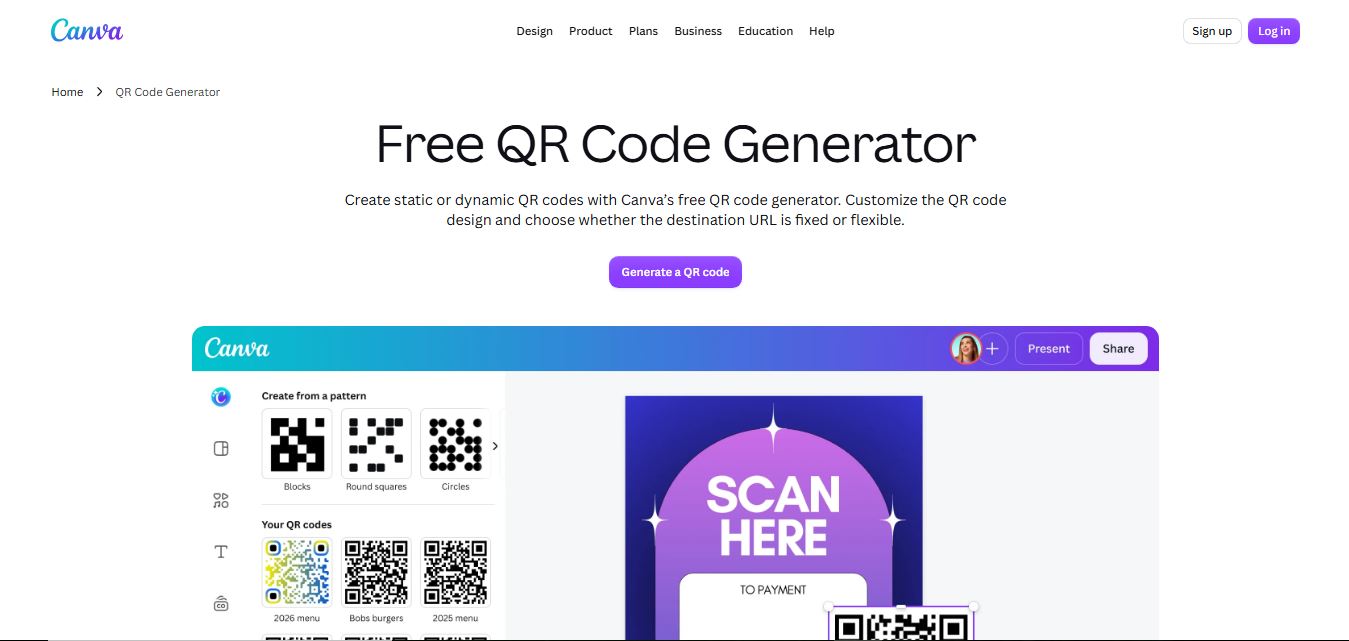
Canva QR Code Generator is a free tool that allows users to create QR codes quickly and embed them directly into designs like posters, flyers, business cards, and social media graphics. You simply add a URL, generate the QR code, and customize it within Canva’s editor using colors, shapes, and layouts to match your branding. It integrates seamlessly with Canva’s design platform, making it easy to combine QR codes with visual content. The generated codes are static, meaning they don’t expire but cannot be edited or tracked after creation
Developed under the leadership of Canva Co-founder and CEO Melanie Perkins, Cliff Obrecht, and Cameron Adams in Sydney, Australia, Canva serves over 190 million monthly active users worldwide. The Canva QR Code Generator operates within this vast design ecosystem, giving creators access to millions of pre-made templates for flyers, restaurant menus, conference badges, business cards, and packaging. Outputting clean, non-expiring static QR codes alongside high-resolution print exports (PDF Print, SVG, and high-DPI PNG), Canva ensures that marketing campaigns remain fully scannable across all mobile devices.
- Parent Company: Canva Pty Ltd (Sydney, Australia & Global)
- Launch Year: 2013 (Continuous feature expansions, Canva Apps marketplace integrations, and dynamic code apps through 2024–2026)
Use Cases:
- Adding scannable website and social profile links directly to restaurant table tents, takeout menus, and retail displays
- Designing print-ready promotional flyers, event posters, and conference badges with embedded digital check-in links
- Creating branded vCard contact QR codes for physical business cards and corporate stationery
- Connecting physical product packaging directly to customer review pages, video tutorials, or discount opt-in funnels
Technology:
- Integrated Canva Apps framework allowing direct real-time rendering within the drag-and-drop design canvas
- Standard Level M and Level Q error-correction encoding ensuring scannability even with custom color palettes
- High-fidelity vector and raster export pipeline supporting CMYK PDF Print, SVG, and lossless PNG downloads
Target Users:
- Small business owners, cafes, and retailers creating physical marketing materials without dedicated graphic designers
- Marketing teams and social media managers building multi-channel print-to-digital promotional campaigns
- Educators, event planners, and non-profit organizers sharing presentations, forms, and digital resources
- Content creators using writing tools to draft promotional print brochures, marketing copy, and event collateral
Corporate Entity: Operates as Canva Pty Ltd (Sydney, Australia & Global)

Key features of Canva QR Code Generator
Canva QR Code Generator's key features are
- Native Canvas Integration: Generate and drop scannable QR codes straight into any active Canva project without switching browser tabs or manually downloading and uploading image files.
- Permanent Non-Expiring Codes: Standard static QR codes created with the built-in tool never expire, contain zero scan limits, and require no recurring subscription fees to remain active.
- Custom Color Customization: Adjust the foreground and background colors of the QR code to seamlessly match brand guidelines and project color palettes.
- Adjustable Margins: Modify the quiet zone border padding around the matrix code to ensure smooth readability across various print surfaces.
- Multiple Print-Ready Exports: Export finished designs containing QR codes in high-resolution PNG, JPG, CMYK-ready PDF Print, or scalable vector SVG formats.
- Extensive Template Library: Combine generated codes with thousands of professionally crafted templates for menus, business cards, posters, stickers, and brochures.
- Third-Party QR App Ecosystem: Access advanced dynamic and stylistic QR generator apps directly through the Canva Apps marketplace (e.g., Dynamic QR Code, QR Code Tiger integration).
- Cross-Device Editing: Generate and adjust codes on desktop browsers, tablets, or iOS and Android mobile devices with instant cloud sync.
Canva QR Code Generator Pricing
The standard Canva QR Code Generator is completely free to use, with advanced brand asset management and vector exports accessible through Canva Pro.
Free Plan:
- $0 / Free forever
- Includes unlimited static QR code creation, custom color adjustment, full drag-and-drop canvas integration, and high-resolution PNG, JPG, and standard PDF downloads with zero watermarks
Canva Pro (Individual):
- $12.99 / month (or $119.99 / year billed annually)
- Includes scalable vector SVG exports, CMYK PDF Print format, Brand Kits (custom logos, fonts, palettes), premium templates, Magic Studio AI tools, and 1TB cloud storage
Canva for Teams:
- Starts at approximately $14.99 / month for the first 3 team members, adding collaborative brand control, centralized asset folders, and team design approvals
Disclaimer: Static QR codes generated within Canva are permanent and free. Advanced dynamic tracking depends on third-party apps integrated through the Canva Apps marketplace. Visit canva.com/pricing for active regional rates.
Who is using Canva QR Code Generator?
Canva QR Code Generator is designed for everyday designers, small businesses, and marketers, including
- Hospitality & Restaurant Staff: Designing contactless table menus, review prompt cards, and special event flyers
- Small Business Retailers: Printing counter displays that link customers to loyalty signups, Instagram feeds, and online storefronts
- Real Estate Agents: Placing property listing codes on yard signs, open house brochures, and print advertisements
- Event Coordinators: Generating digital program guides, ticketing codes, and presentation slide links for conferences
- Content Creators: Using writing tools to draft promotional print brochures, marketing copy, and event collateral
- Graphic Designers & Marketers: Incorporating brand-aligned codes into cohesive commercial print and digital marketing collateral
Best Canva QR Code Generator Alternatives
Some of the strongest Canva QR Code Generator alternatives include
- Adobe Express QR Code Generator
- QRCode Monkey
- The QR Code Generator
- Flowcode
- QR TIGER
- Bitly QR Code Generator
Pros and Cons of Canva QR Code Generator
Pros
- Completely eliminates the hassle of downloading and re-uploading QR codes by generating them directly inside your design canvas
- Standard static QR codes are 100% free, contain no watermarks, and never expire
- Access to Canva’s massive library of professional templates makes creating finished marketing collateral fast and cohesive
- Custom color pickers ensure the code visually complements the overall graphic design
- High-quality PDF Print and CMYK settings ensure clean, sharp reproduction during commercial printing
Cons
- The native default tool only generates static QR codes; dynamic link tracking requires third-party Canva Apps marketplace add-ons
- Scalable vector SVG file downloads require an active Canva Pro subscription
- Advanced styling options (such as custom eye patterns and embedded central logos) are basic compared to dedicated tools like QRCode Monkey
- Does not offer built-in bulk CSV generation within the standard free widget
Why Choose Canva QR Code Generator?
Canva QR Code Generator is the premier choice for anyone who wants to quickly generate scannable, permanent QR codes and immediately incorporate them into professional marketing designs without leaving their editor.
- Generates non-expiring static QR codes directly inside the Canva layout canvas
- Pairs instantly with thousands of professional templates for flyers, menus, and business cards
- Exports high-resolution print-ready files without third-party watermarks
- Eliminates file management friction with direct drag-and-drop placement
- Trusted by millions of small businesses, marketers, and design teams globally
Canva QR Code Generator vs. Competitors
The main difference between Canva QR Code Generator, Adobe Express QR Code Generator, QRCode Monkey, and QR TIGER is that Canva provides an integrated barcode tool deeply embedded inside a comprehensive drag-and-drop graphic design suite, whereas Adobe Express offers standalone quick actions with free SVG downloads, QRCode Monkey specializes in free logo-embedded static vectors, and QR TIGER focuses on enterprise dynamic tracking with ISO 27001 compliance. Canva stands out for its unmatched template variety, design convenience, and cohesive layout workflow.
| Feature / Tool | Canva QR Code Generator | Adobe Express QR Generator | QRCode Monkey | QR TIGER |
|---|---|---|---|---|
| Core Focus | In-Canvas Design & Layout Integration | Design-Integrated Quick Action Generator | Custom Branded Static & Vector Codes | Enterprise Dynamic QR & GS1 Barcodes |
| Workflow Placement | Direct Drag-and-Drop on Canvas | Direct Canvas / Quick Action Tool | Standalone Generator Only | Standalone Dashboard & API |
| Static Code Expiration | Never Expires (100% Free) | Never Expires (100% Free) | Never Expires (100% Free) | Never Expires (Static Only) |
| Vector Export (SVG) | Canva Pro Only | Yes (Free SVG & PDF) | Yes (Free SVG, PDF, EPS) | Paid Plans Only |
| Starting Paid Price | Free tool / Canva Pro $12.99/mo | Free tool / Express Pro $9.99/mo | Free static / ~$5–$39/mo (Dynamic) | $7.00/month (billed annually) |
| Best For | Marketers & Creators Using Canva Layouts | Adobe Express Users Needing Free Vectors | Designers Needing Free Logo Embedding | Enterprise Dynamic Campaigns & Tracking |
How do we rate Canva QR Code Generator?
| Parameter | Rating (out of 5) |
|---|---|
| Workflow Convenience & Canvas Integration | 5.0 |
| Template Variety & Design Ecosystem | 5.0 |
| Reliability & Scannability | 4.9 |
| Print Export Quality (PDF Print / SVG) | 4.8 |
| Value for Money | 5.0 |
| Overall Score | 4.94 |
Canva QR Code Generator Review
Canva QR Code Generator offers one of the most efficient design workflows available for creating marketing collateral. Instead of navigating to an external QR site, generating a barcode image, downloading it, and uploading it back into an editing program, users can generate a code with a single click inside their active Canva project. Because standard static codes generated by Canva never expire, small business owners and creators never have to worry about broken links or recurring fee traps. When combined with Canva's extensive library of commercial templates and PDF Print options, it delivers an effortless, professional solution for physical-to-digital marketing.
Conclusion
Canva QR Code Generator is an outstanding, design-integrated barcode creation tool that streamlines how individuals and businesses create marketing materials with scannable links. By integrating code generation directly into Canva's drag-and-drop workspace, offering non-expiring static codes, and supporting high-resolution print exports, it removes all friction from print collateral production. While users requiring native dynamic scan analytics will leverage third-party Canva Apps or dedicated enterprise trackers, Canva QR Code Generator's unmatched workflow ease, zero cost, and design flexibility make it an indispensable utility.
FAQ
What is Canva QR Code Generator and how does it work?
Canva QR Code Generator is a built-in feature inside Canva’s design platform that allows users to create QR codes and instantly add them to designs like posters, flyers, presentations, and social media graphics. It works by entering a URL, generating a QR code, and placing it directly into your design canvas, where you can resize, position, and style it alongside other visual elements before downloading or publishing.
Is Canva QR Code Generator free to use?
Yes, Canva’s QR code generator is free to use, and users can create unlimited QR codes without extra cost. However, if you are using Canva Pro templates, premium fonts, or design assets alongside your QR code, those may require a paid Canva subscription.
What problems does Canva QR Code Generator solve?
Canva solves the problem of combining QR codes with professional design workflows. Instead of generating a QR code separately and importing it into a design tool, Canva allows you to create and integrate QR codes directly into your creative projects, saving time and ensuring consistency in branding and layout.
What features does Canva QR Code Generator offer?
Canva QR Code Generator offers features like instant QR code creation, seamless drag-and-drop integration into designs, resizing and positioning within layouts, and export in high-quality formats. It also works alongside Canva’s full design suite, allowing users to create complete marketing assets in one place.
Does Canva support dynamic QR codes and analytics?
No, Canva primarily generates static QR codes, meaning you cannot edit the destination link after creation and there is no built-in analytics tracking. For dynamic QR codes with scan tracking and campaign management, users typically need dedicated QR platforms.
How is Canva QR Code Generator different from other QR tools?
Canva stands out because it is a design-first platform, not just a QR generator. While other tools focus on features like analytics or dynamic links, Canva focuses on ease of use and visual integration, making it ideal for creating polished marketing materials quickly without switching between tools.
Can you use Canva QR codes for commercial purposes?
Yes, Canva QR codes can be used for commercial purposes, including marketing campaigns, product packaging, and promotional materials. Users should ensure they follow Canva’s licensing terms if they use premium templates or assets in their designs.
Who should use Canva QR Code Generator?
Canva QR Code Generator is ideal for marketers, small businesses, content creators, and designers who want to quickly create and embed QR codes into visually appealing content. It is especially useful for social media campaigns, presentations, print materials, and branding projects where design quality and speed matter.
User Reviews
No reviews yet for Canva QR Code Generator.
Featured Tools
Featured AI tools from TechShark

Melody Genie
MelodyGenie is an AI-powered music generator that creates original songs from simple text prompts. Users can choose styles, moods, and genres, then instantly generate melodies and full tracks, making it easy for creators, marketers, and hobbyists to produce custom music without musical expertise.
Freemium

Kimi AI
Kimi AI is an advanced AI assistant developed by Moonshot AI that helps you chat, research, write, code, and automate tasks in one place. It supports web search, file analysis, and multimodal inputs, and can even run autonomous “agent” workflows to complete complex tasks end-to-end.
Freemium

Fashion Diffusion AI
Fashion Diffusion is an AI-powered fashion design platform that helps brands and designers create clothing designs, virtual try-ons, AI models, product photos, and marketing visuals faster and cost-effectively.
Paid

Veo 4
Veo 4 AI is an AI video creation platform that generates dramatic videos from text, images, audio, and video prompts using realistic motion and synchronized sound.
Paid
Alternatives
Alternatives to Canva QR Code Generator
The best Canva QR Code Generator alternatives include Adobe Express QR Code Generator, QRCode Monkey, The QR Code Generator, Flowcode, QR TIGER, and Bitly QR Code. These platforms provide QR code creation, design styling, and scan tracking. While Canva QR Code Generator specializes in seamless in-canvas design placement and thousands of pre-made marketing templates, alternatives like QRCode Monkey offer free central logo embedding with SVG exports, and QR TIGER delivers enterprise-grade dynamic scan analytics with ISO 27001 certification. Choosing the right tool depends on whether you prioritize template-driven graphic design workflows, free vector downloads, or dynamic scan tracking.
 4.9
4.9Uniqode (formerly Beaconstac)
QR Generator
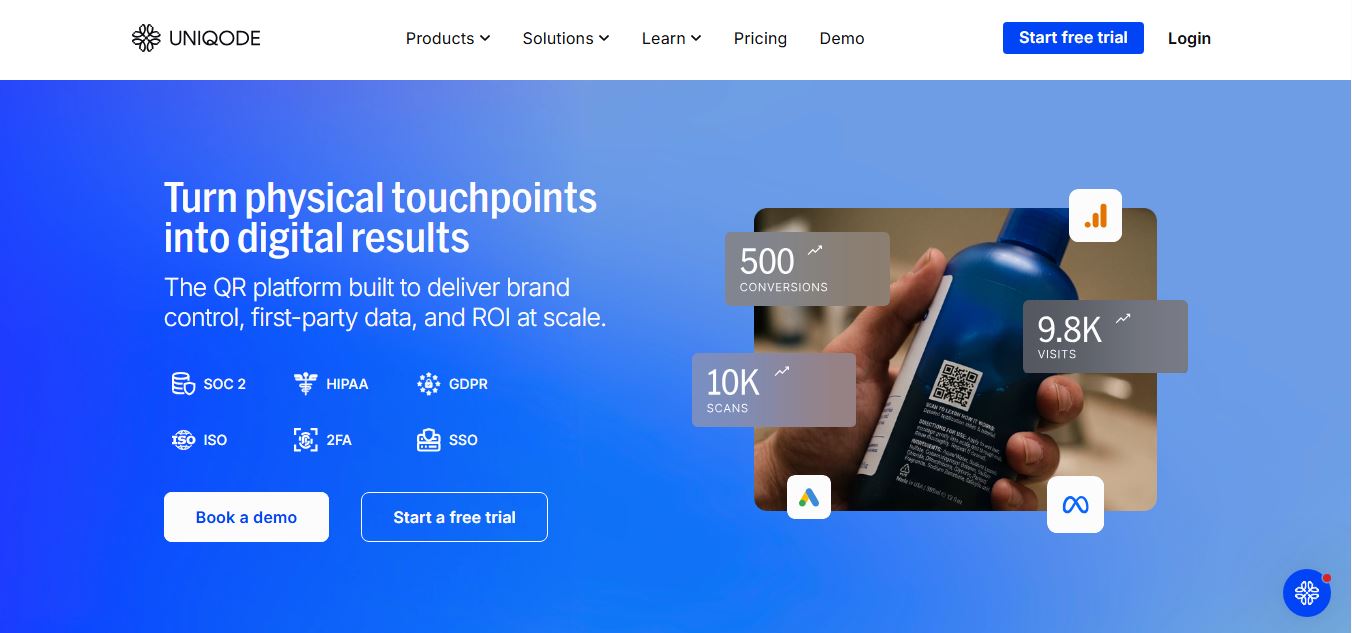
Uniqode is a QR code generator for businesses that helps teams create, customize, and track dynamic QR codes with built-in analytics. It enables companies to update links after printing, capture customer data, and measure engagement, making it easier to connect offline experiences with digital interactions.
 4.9
4.9Beaconstac (Uniqode)
QR Generator
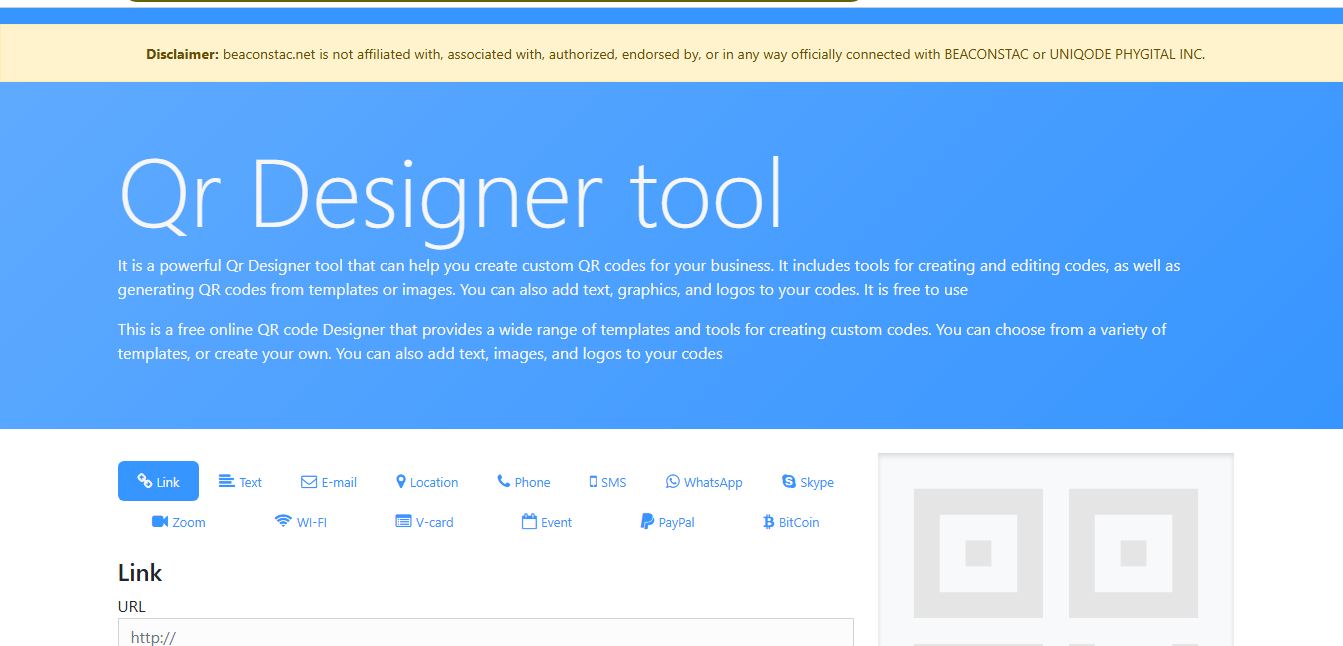
Beaconstac (now Uniqode) is a QR code marketing platform that helps businesses create, customize, and track dynamic QR codes for campaigns and customer engagement. It offers real-time analytics, bulk generation, and integrations, enabling teams to connect offline touchpoints with digital experiences and measure performance effectively.
 4.7
4.7QRFY
QR Generator
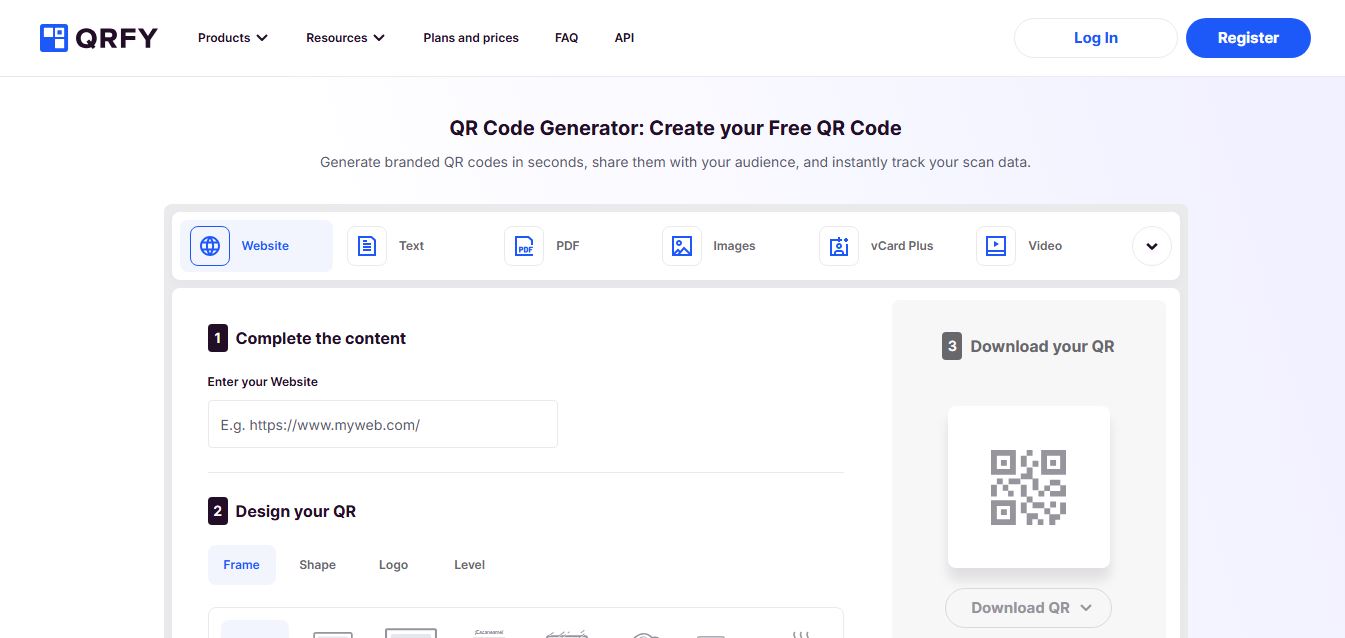
QRFY is a QR code generator platform that helps businesses create, customize, and track dynamic and static QR codes for marketing and engagement. It offers branding options, bulk creation, and detailed scan analytics, enabling teams to manage campaigns, update content anytime, and measure performance effectively.
 4.8
4.8Bitly QR Codes
QR Generator
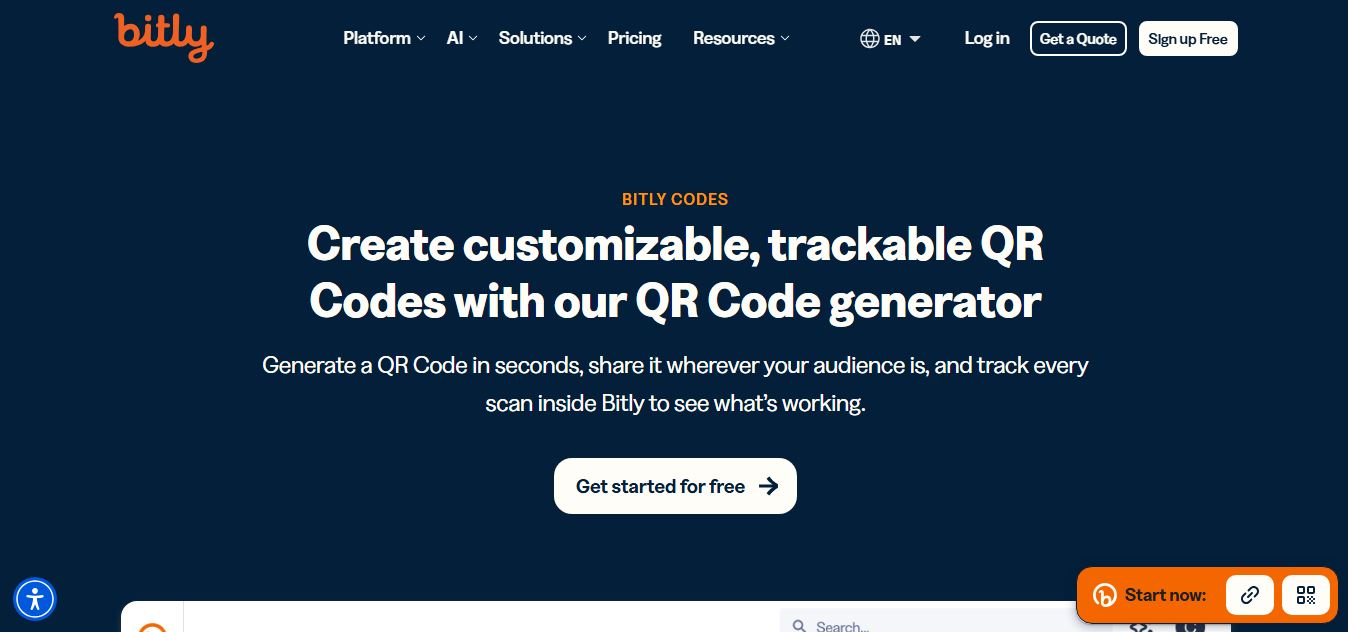
Bitly QR Codes is a marketing-focused QR code platform that helps businesses create, customize, and track dynamic QR codes linked to short URLs. It provides real-time scan analytics, branding options, and campaign insights, enabling teams to measure performance and optimize offline-to-online customer engagement.
 4.9
4.9Adobe Express QR Code Generator
QR Generator
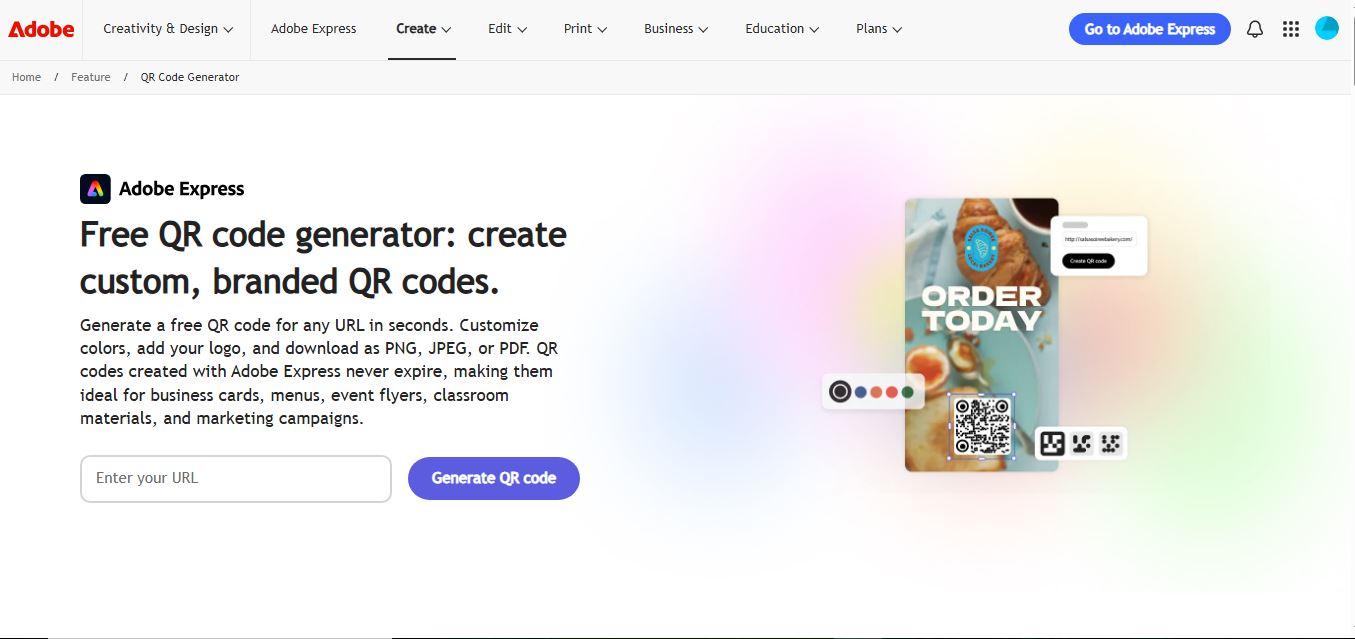
Adobe Express QR Code Generator is a free, browser-based tool that helps users create customizable QR codes for websites and campaigns in seconds. It allows color and style personalization, supports multiple download formats, and generates non-expiring codes that can be easily used across print and digital designs.
 4.9
4.9Flowcode
QR Generator
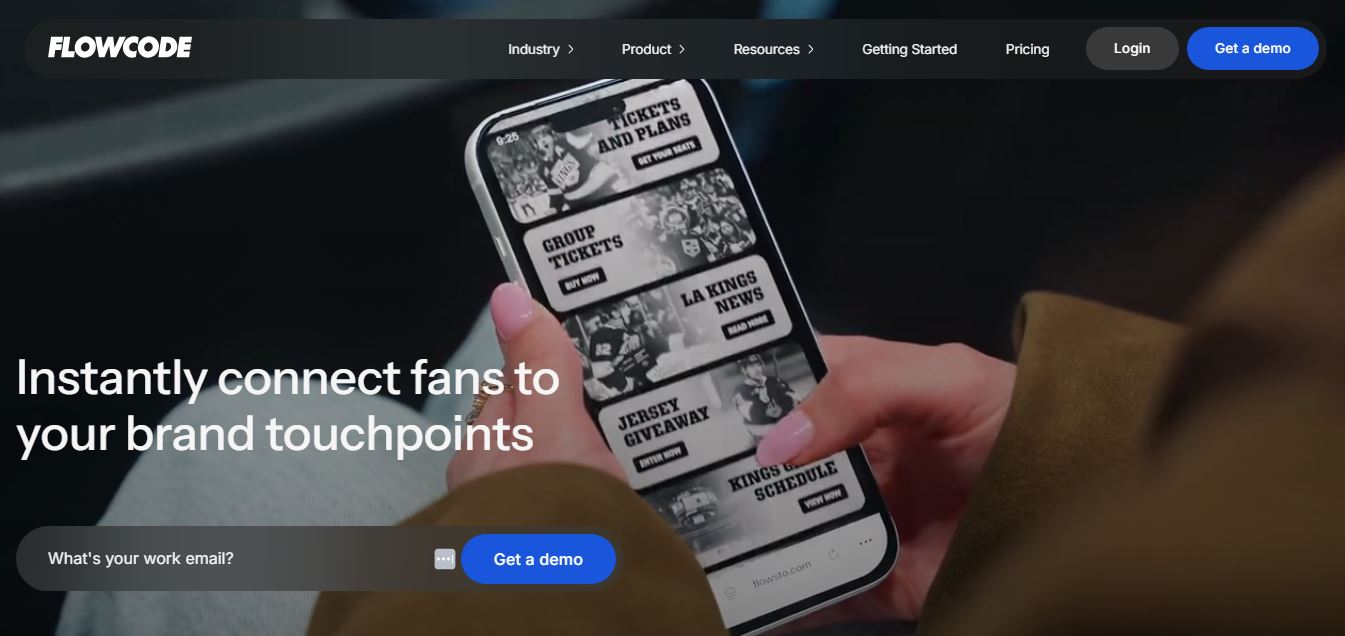
Flowcode is a QR code marketing platform that helps businesses turn offline touchpoints into measurable digital conversions. It offers customizable, dynamic QR codes with real-time analytics, personalization, and CRM integrations, enabling brands to capture data, track engagement, and optimize campaigns across physical and digital experiences.
The QR Code Generator
QR Generator
The QR Code Generator is a free QR code creation platform that helps users generate, customize, and track QR codes for websites, files, and campaigns. It supports static and dynamic codes, offers branding options, and provides scan analytics to measure performance and optimize marketing efforts.
 5.0
5.0QRCode Monkey
QR Code
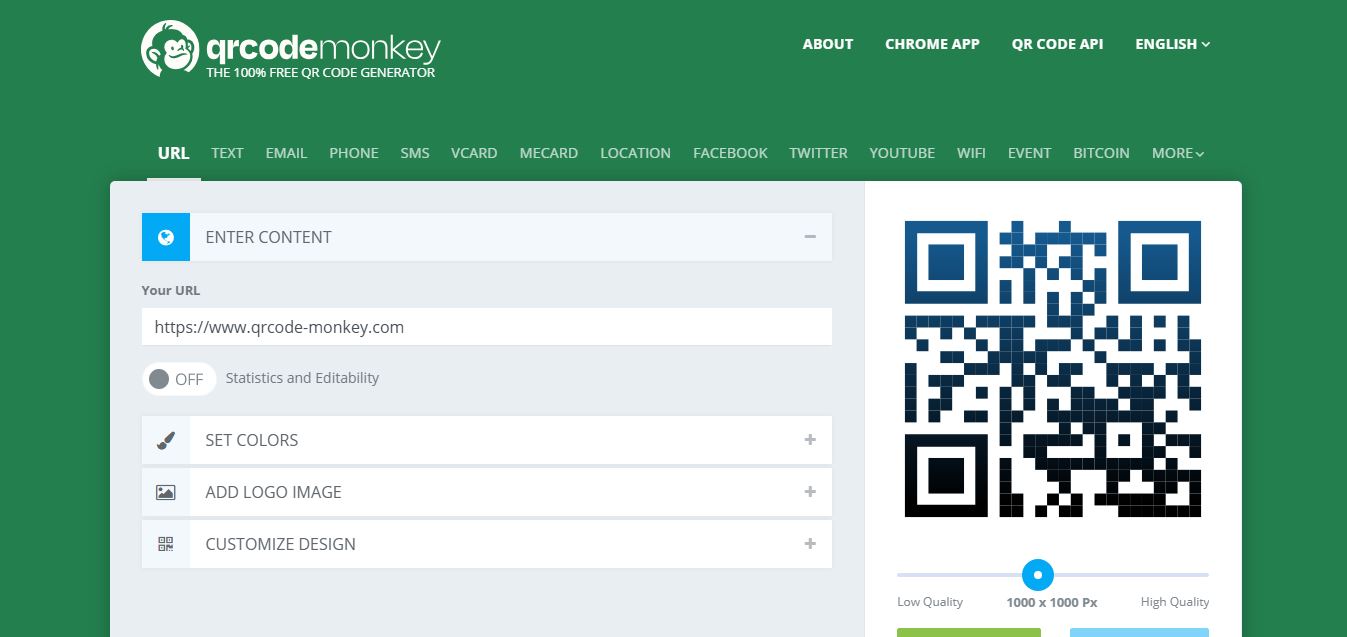
QR Code Monkey is a free QR code generator that helps users create high-quality, customizable QR codes with logos, colors, and design options. It produces static codes that never expire, supports multiple formats, and lets users download print-ready files without signup or usage limits.