
Adobe Express QR Code Generator
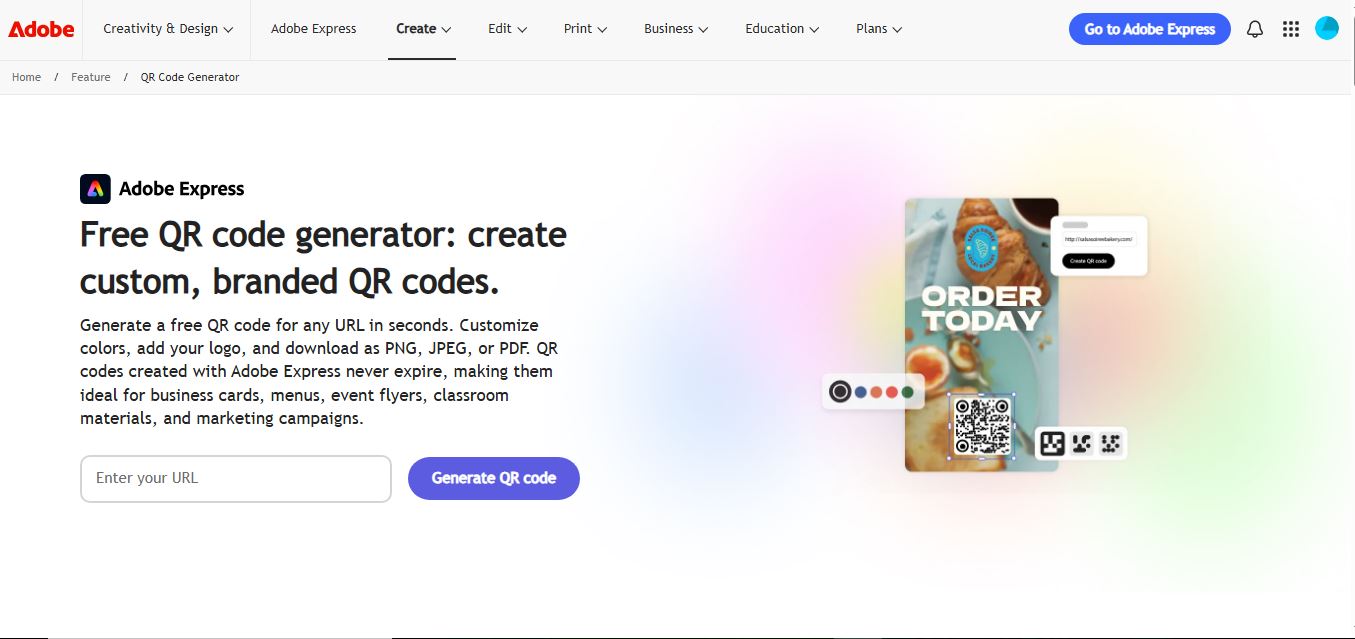
Adobe Express QR Code Generator is a free, browser-based tool that helps users create customizable QR codes for websites and campaigns in seconds. It allows color and style personalization, supports multiple download formats, and generates non-expiring codes that can be easily used across print and digital designs.
What is Adobe Express QR Code Generator?
Adobe Express QR Code Generator is a free online tool that lets users quickly create customizable QR codes for websites and links directly in the browser. You simply enter a URL, personalize the design with colors, styles, or branding, and download the code in formats like PNG, JPEG, or PDF for use in print or digital materials. These QR codes are static, meaning they don’t expire but also can’t be edited after creation, making them ideal for permanent links like business cards, menus, or marketing campaigns.
Launched as part of Adobe's flagship cloud-first creative platform Adobe Express (formerly Adobe Spark) and spearheaded under the leadership of Adobe Chairman and CEO Shantanu Narayen in San Jose, California, the QR Code Generator serves millions of global creators, educators, and enterprise teams. Backed by Adobe's trusted enterprise cloud infrastructure, the tool delivers non-expiring static QR codes, clean vector and raster downloads (PNG, SVG, PDF), and instant access to thousands of professionally designed marketing templates without watermarks.
- Developer / Parent Company: Adobe Inc. (NASDAQ: ADBE, San Jose, California)
- Launch Year: 2021 (Expanded with Adobe Express Quick Actions and vector exports through 2024–2026)
Use Cases:
- Generating print-ready QR codes for physical marketing collateral like flyers, posters, event banners, and restaurant menus
- Placing branded, custom-colored QR codes directly into active Adobe Express graphic design and social media projects
- Exporting clean, infinitely scalable vector SVG and PDF files for commercial offset printing and large-scale signage
- Directing offline foot traffic to websites, portfolio pages, mobile apps, sign-up forms, and payment portals
Technology:
- Browser-native quick action rendering engine providing instant preview updates as colors and styles are adjusted
- High-fidelity vector generation engine exporting mathematically sharp SVG and PDF formats without raster artifacting
- Cloud-connected Adobe Creative Cloud Libraries synchronization for cross-application design asset management
Target Users:
- Small business entrepreneurs and restaurateurs creating contactless table menus and payment cards
- Social media managers and marketing teams designing print-to-digital promotional campaigns in Adobe Express
- Educators and event organizers distributing digital resource links, schedules, and presentation decks
- Content creators using writing tools to draft promotional print brochures, marketing copy, and event announcements
Corporate Entity: Operates as Adobe Inc. (San Jose, CA, USA & Global)

Key features of Adobe Express QR Code Generator
Adobe Express QR Code Generator's key features are
- Instant Free Generation: Enter any valid destination URL and generate a clean, scannable QR code immediately in your web browser.
- Multiple Vector & Raster Formats: Download finished codes in PNG, JPG, or scalable vector SVG and PDF formats suitable for digital screens or professional high-DPI printing.
- Custom Color Palettes: Choose from curated color combinations or select bespoke color codes to match your brand's visual identity.
- Style & Marker Customization: Select between multiple stylish dot patterns, frame borders, and corner marker shapes for a distinctive look.
- One-Click Canvas Integration: Open your generated code directly inside the Adobe Express graphic design editor to incorporate it into flyers, menus, and business card templates.
- Permanent Non-Expiring Codes: Static QR codes created through the generator carry no expiration date, scan quotas, or hidden subscription locks.
- Zero Watermarks: Export clean, professional codes without intrusive platform watermarks or forced sign-up requirements for basic formats.
- Cross-Platform Cloud Sync: Save designs and sync completed marketing collateral across desktop browsers, iPad, and mobile apps via Adobe Creative Cloud.
Adobe Express QR Code Generator Pricing
Adobe Express QR Code Generator is completely free to use as a standalone quick action tool, with optional upgrades via the full Adobe Express Premium subscription.
Free Quick Action Tool:
- $0 / Free forever
- Includes unlimited static QR code creation, custom colors, style customization, zero watermarks, and high-resolution downloads in PNG, JPG, SVG, and PDF
Adobe Express Premium (Full Creative Suite):
- $9.99 / month (or $99.99 / year billed annually)
- Includes 250 monthly generative AI credits (Adobe Firefly), full access to 200M+ royalty-free Adobe Stock photos and assets, premium templates, custom brand kits, and 100GB cloud storage
Disclaimer: The standalone QR code generator is 100% free with no recurring fees or expiration limits on generated static codes. Visit adobe.com/express/pricing for full platform details.
Who is using Adobe Express QR Code Generator?
Adobe Express QR Code Generator is designed for marketers, creators, and business operators, including
- Small Business Owners & Retailers: Creating contactless payment codes, Wi-Fi access tags, and storefront feedback links
- Restaurant & Bar Managers: Generating table QR codes that lead directly to digital menus and ordering portals
- Graphic Designers & Marketers: Exporting clean SVG vectors to place into print flyers, event brochures, and banner stands
- Educators & Event Planners: Distributing digital course materials, attendance forms, and workshop slides effortlessly
- Content Creators: Using writing tools to draft promotional print brochures, marketing copy, and event announcements
- Social Media Managers: Directing offline audiences to YouTube channels, podcast feeds, and Linktree landing pages
Best Adobe Express QR Code Generator Alternatives
Some of the strongest Adobe Express QR Code Generator alternatives include
- QRCode Monkey
- The QR Code Generator
- Flowcode
- QR TIGER
- Canva QR Code Generator
- Bitly QR Code Generator
Pros and Cons of Adobe Express QR Code Generator
Pros
- 100% free static QR code creation with zero expiration dates or scan volume caps
- Exports high-quality vector formats (SVG, PDF) natively without forced subscriptions
- Seamless integration into Adobe Express allows direct placement onto professional print templates
- No watermarks or unwanted ads applied to generated codes
- Clean, modern interface backed by Adobe's reliable cloud infrastructure
Cons
- Focuses purely on static QR codes; does not offer native dynamic link redirection or scan tracking analytics
- Custom central logo uploads require opening the code inside the full Adobe Express editor rather than during the initial quick action step
- Advanced enterprise features like bulk CSV batch generation are not supported in the standalone utility
- Requires an Adobe ID login to download vector formats and edit within the Express canvas
Why Choose Adobe Express QR Code Generator?
Adobe Express QR Code Generator is the premier choice for users who want a free, trustworthy, and watermark-free tool to produce print-ready vector QR codes that integrate straight into design projects.
- Generate permanent static QR codes that never expire or cut off traffic
- Download free SVG and PDF vector files suitable for high-resolution commercial printing
- Incorporate codes seamlessly into Adobe Express flyers, menus, and marketing collateral
- Enjoy a completely watermark-free output backed by Adobe's trusted ecosystem
- Trusted by millions of marketers, educators, and design professionals worldwide
Adobe Express QR Code Generator vs. Competitors
The main difference between Adobe Express QR Code Generator, QRCode Monkey, The QR Code Generator, and Flowcode is that Adobe Express focuses on quick static generation tightly linked to a professional graphic design canvas with free SVG/PDF exports, whereas QRCode Monkey offers in-depth central logo embedding on static codes, The QR Code Generator provides Google Workspace integrations, and Flowcode specializes in circular dynamic codes and broadcast analytics. Adobe Express stands out for its seamless template workflow, vector export reliability, and enterprise brand trust.
| Feature / Tool | Adobe Express QR Generator | QRCode Monkey | The QR Code Generator | Flowcode |
|---|---|---|---|---|
| Core Focus | Design-Integrated Static QR Creation | Custom Branded Static & Vector Codes | Lightweight Static & Dynamic Tracking | Circular O2O Codes & Mobile Pages |
| Design Editor Integration | Yes (Direct Adobe Express Canvas) | Standalone Generator Only | Standalone / Google Workspace | Flowpage Mobile Page Builder |
| Free Vector Export (SVG/PDF) | Yes (SVG & PDF Included) | Yes (SVG, PDF, EPS Included) | Paid Tiers (SVG/EPS) | Paid Tiers Only |
| Static Code Expiration | Never Expires | Never Expires | Never Expires | Trial Dependent |
| Starting Paid Price | Free (Express Premium $9.99/mo) | Free static / ~$5–$39/mo | Free static / ~$5–$12/mo | $5.00/month (Pro) |
| Best For | Designers, Marketers & Express Users | Print Designers Needing Free Custom Logos | Educators & Small Business Trackers | Direct-to-Consumer Brands & Live TV |
How do we rate Adobe Express QR Code Generator?
| Parameter | Rating (out of 5) |
|---|---|
| Ease of Use & Generation Speed | 5.0 |
| Vector Export Quality (SVG/PDF) | 5.0 |
| Design Canvas & Template Integration | 4.9 |
| Reliability & Code Longevity | 5.0 |
| Value for Money | 5.0 |
| Overall Score | 4.98 |
Adobe Express QR Code Generator Review
Adobe Express QR Code Generator is one of the most reliable and user-friendly static QR utilities available today. Many independent QR sites trick users with hidden subscription traps or deactivate codes after thirty days unless a paid plan is purchased. Adobe removes this frustration entirely: the generator produces permanent static codes that never expire, does not apply watermarks, and offers free vector exports in SVG and PDF formats. Its greatest strength lies in its direct bridge to the Adobe Express design canvas, enabling users to jump straight from creating a code into assembling a flyer, social post, or brochure. For anyone looking for a clean, permanent, and free QR solution from a globally trusted design brand, this tool is an exceptional resource.
Conclusion
Adobe Express QR Code Generator is an indispensable free online design utility that simplifies the process of creating scannable, high-resolution QR codes for print and digital applications. By combining custom styling, free vector exports, zero expiration dates, and native integration into the Adobe Express marketing canvas, it delivers unmatched convenience for marketers and creators. While organizations requiring dynamic scan tracking will pair it with specialized analytics suites, Adobe Express QR Code Generator’s design workflow, export fidelity, and zero-cost structure make it an outstanding utility.
FAQ
What is Adobe Express QR Code Generator and how does it work?
Adobe Express QR Code Generator is a free online tool by Adobe that allows users to quickly create QR codes for URLs and digital content. It works by entering a link, generating a QR code instantly, and then customizing it within Adobe Express using colors, templates, and design elements. Users can download the QR code or directly integrate it into social posts, flyers, or marketing creatives using Adobe’s design ecosystem.
Is Adobe Express QR Code Generator free to use?
Yes, the QR code generator inside Adobe Express is completely free to use, and users can create and download QR codes without paying. However, some advanced design features, templates, and premium assets within Adobe Express may require a paid subscription if you want more customization or branding options.
What problems does Adobe Express QR Code Generator solve?
This tool solves the problem of creating visually appealing QR codes that fit into branded designs. Many QR generators lack design flexibility, but Adobe Express allows users to seamlessly combine QR codes with professional-quality templates, making it ideal for marketing materials like posters, social media graphics, and business cards.
What features does Adobe Express QR Code Generator offer?
Adobe Express QR Code Generator offers features like instant QR code creation, color customization, integration with design templates, and high-quality downloads. It also connects with Adobe Express tools, allowing users to edit, resize, and incorporate QR codes into creative assets without switching platforms.
Does Adobe Express support dynamic QR codes and analytics?
No, Adobe Express primarily creates static QR codes, meaning the destination cannot be changed after creation and there is no built-in tracking or analytics. For dynamic QR codes with tracking, users typically need specialized QR platforms.
How is Adobe Express QR Code Generator different from other QR tools?
Adobe Express stands out because of its design-first approach. While many QR tools focus on functionality like analytics or dynamic links, Adobe focuses on aesthetics and ease of integration into creative projects, making it more suitable for designers and marketers who care about visual presentation.
Can you use Adobe QR codes for commercial purposes?
Yes, QR codes created with Adobe Express can be used for commercial purposes, including marketing campaigns, packaging, and branding materials. However, users should ensure compliance with Adobe’s licensing terms if they use premium templates or assets within their designs.
Who should use Adobe Express QR Code Generator?
Adobe Express QR Code Generator is ideal for designers, marketers, small businesses, and creators who want to create visually polished QR codes as part of larger design projects. It is especially useful for social media campaigns, flyers, posters, and branded content where design quality matters.
User Reviews
No reviews yet for Adobe Express QR Code Generator.
Featured Tools
Featured AI tools from TechShark
Klap
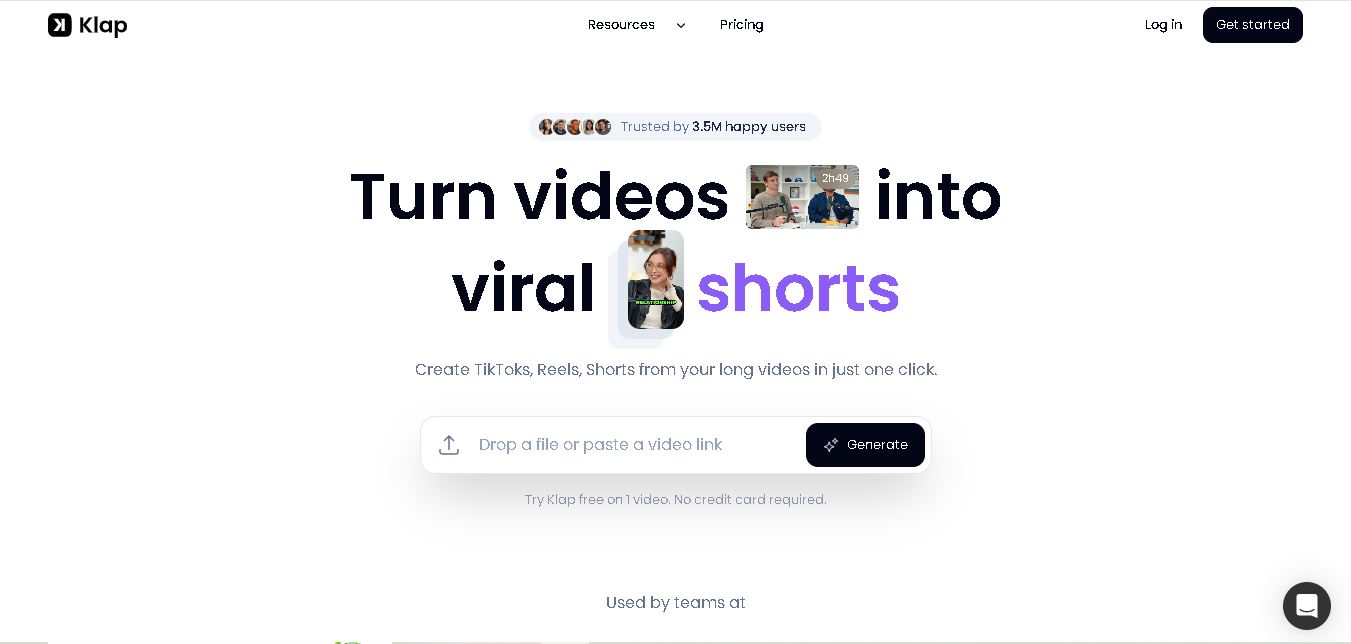
Klap is an AI-powered video editing tool that turns long videos into engaging short clips for TikTok, Instagram Reels, and YouTube Shorts. It automatically finds the best moments, adds captions, and resizes videos, helping creators save time and create more content with less effort.
Free
Melody Genie
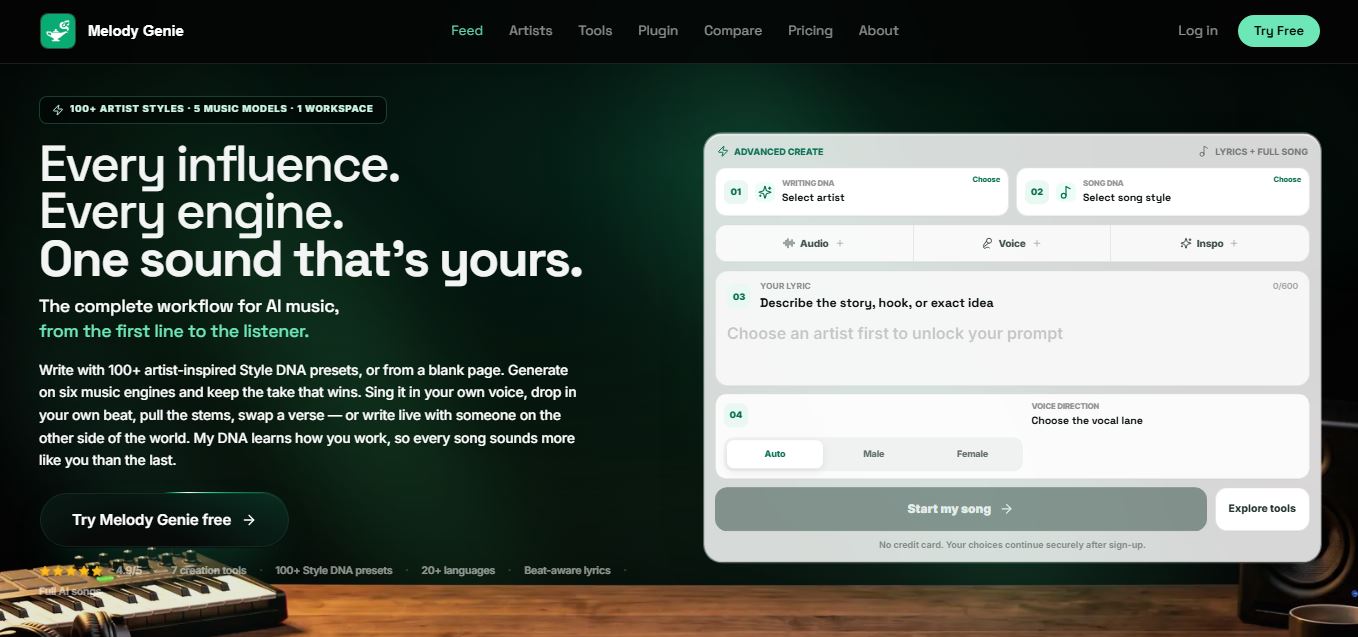
MelodyGenie is an AI-powered music generator that creates original songs from simple text prompts. Users can choose styles, moods, and genres, then instantly generate melodies and full tracks, making it easy for creators, marketers, and hobbyists to produce custom music without musical expertise.
Freemium

Fashion Diffusion AI
Fashion Diffusion is an AI-powered fashion design platform that helps brands and designers create clothing designs, virtual try-ons, AI models, product photos, and marketing visuals faster and cost-effectively.
Paid
Veo 4
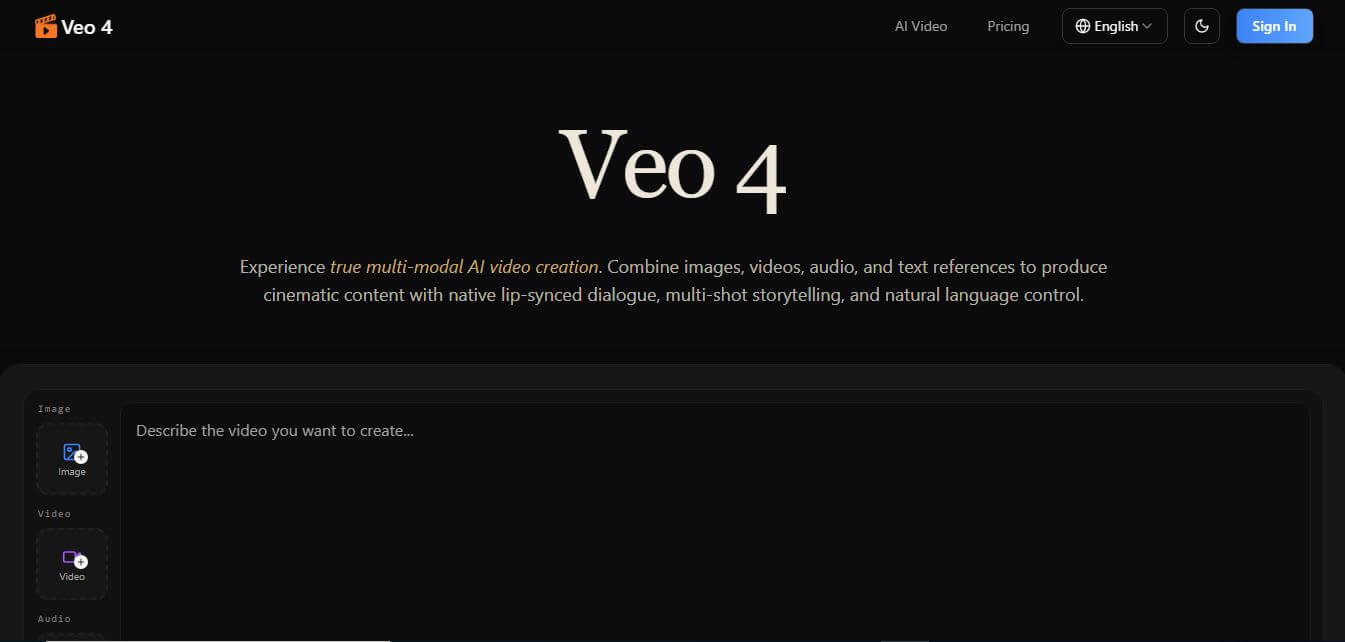
Veo 4 AI is an AI video creation platform that generates dramatic videos from text, images, audio, and video prompts using realistic motion and synchronized sound.
Paid
Alternatives
Alternatives to Adobe Express QR Code Generator
The best Adobe Express QR Code Generator alternatives include QRCode Monkey, The QR Code Generator, Flowcode, QR TIGER, Canva QR Code Generator, and Bitly QR Code. These platforms provide static and dynamic QR code generation, design customization, and scan analytics. While Adobe Express QR Code Generator specializes in a fast, free, watermark-free static workflow integrated directly into Adobe Express with high-quality SVG and PDF vector exports, alternatives like Flowcode offer proprietary circular dynamic codes with mobile landing pages, and QR TIGER provides enterprise-grade ISO 27001-certified dynamic scan tracking. Choosing the right tool depends on whether you require seamless design canvas integration and free vectors, or advanced dynamic campaign tracking.
 4.7
QR Maker
QR Code
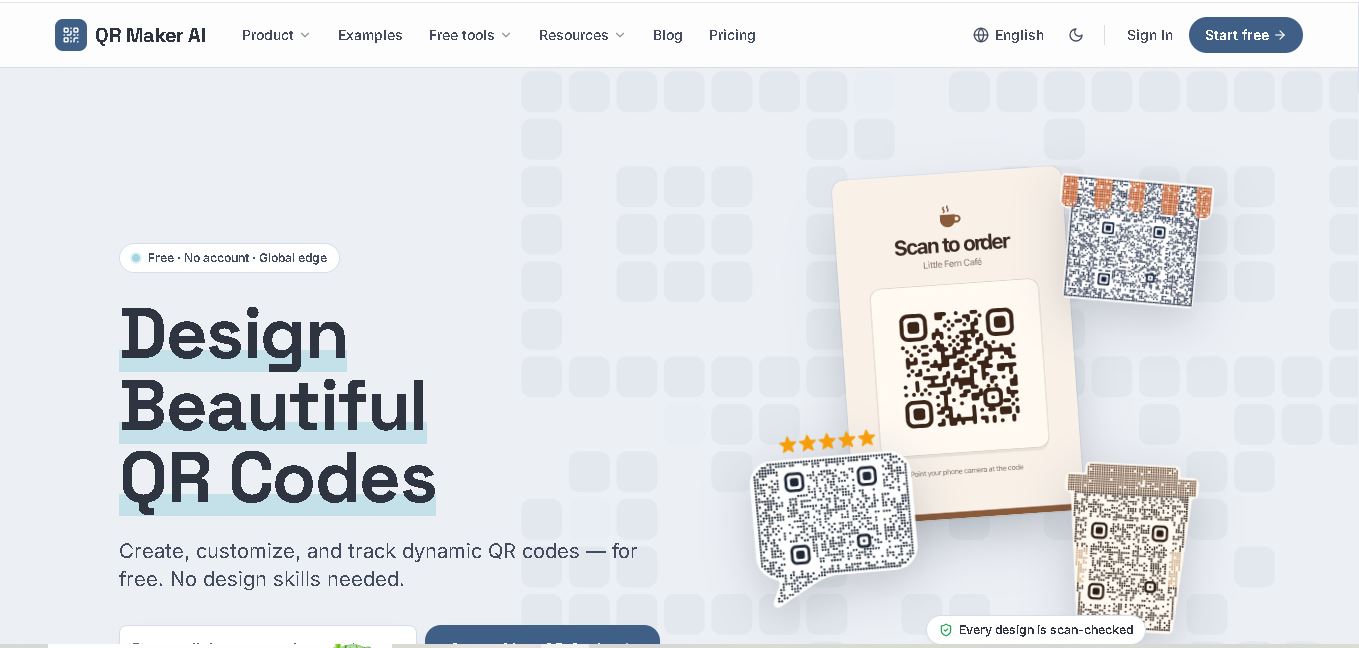
QR Maker AI is a QR code creation and management tool designed for businesses, marketers, and individuals. It offers customizable QR designs, dynamic links, scan analytics, and multiple QR code formats. Users can create branded codes, monitor engagement, and update destinations without replacing printed QR codes.
 4.8
QR Nova
QR Code
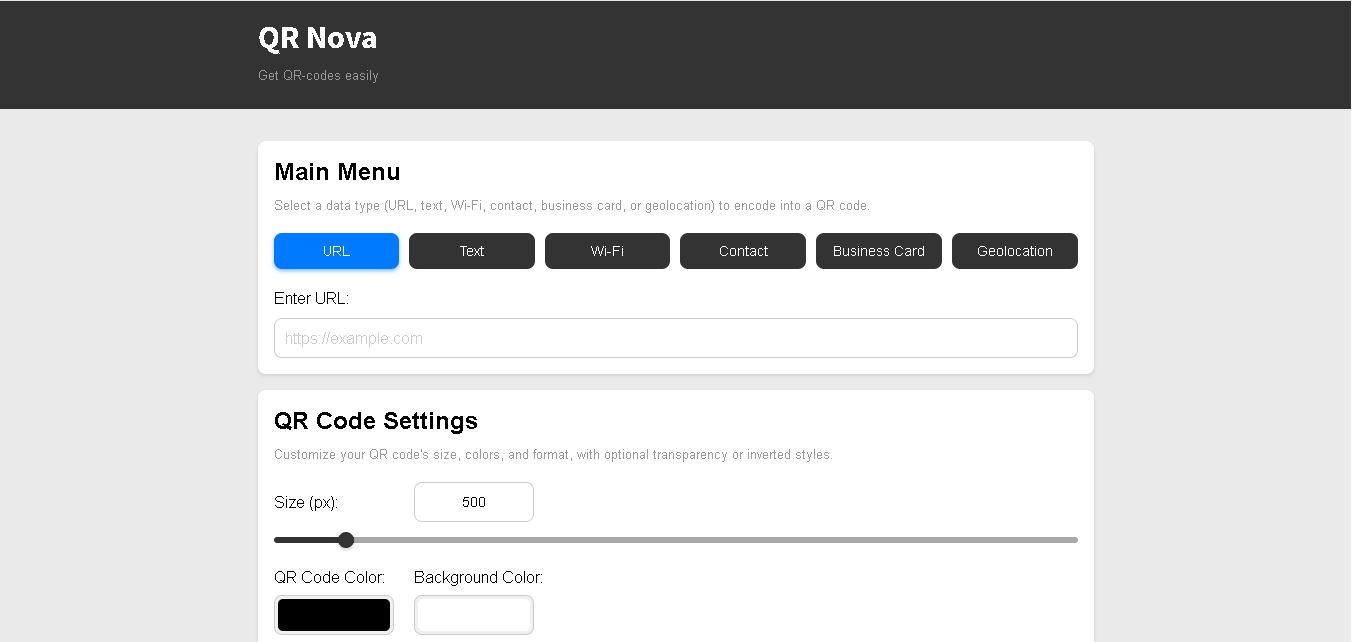
QR Nova is a QR code generator that allows users to create, customize, and manage QR codes for business and personal use. It supports static and dynamic codes, editable destinations, scan analytics, and multiple QR formats. Its free plan makes basic QR code creation accessible without requiring registration.
 4.7
QRCodeStack
QR Code
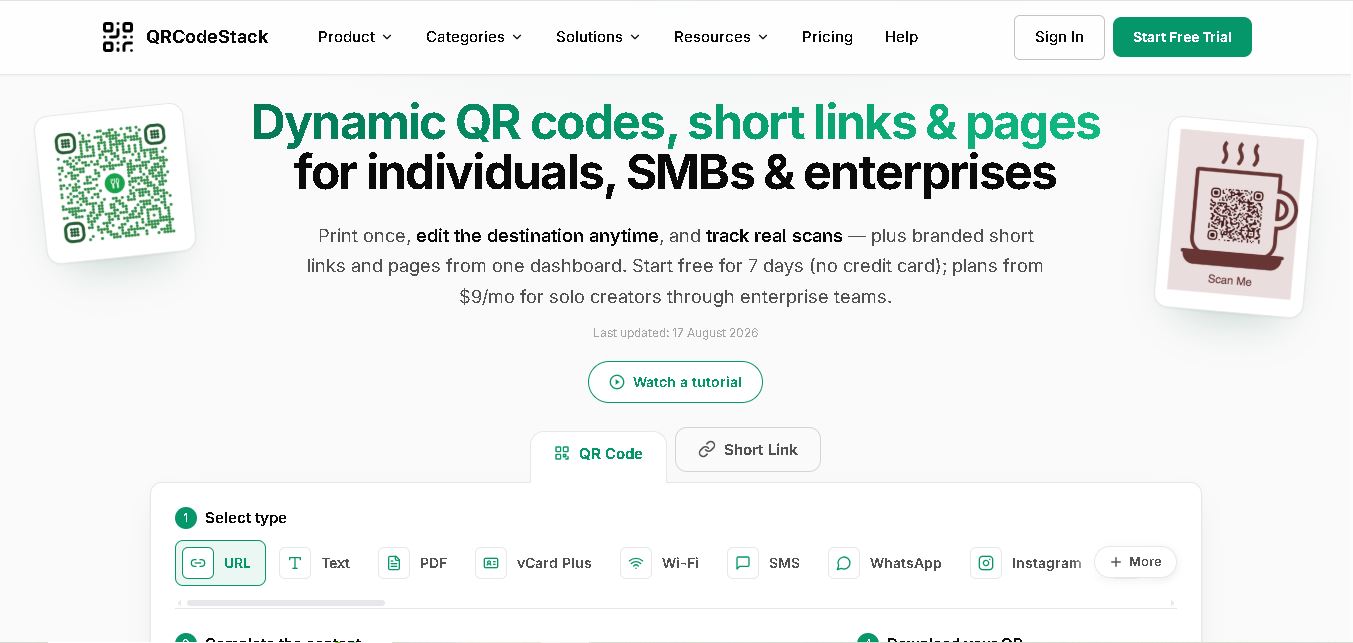
QRCodeStack lets you create branded QR codes, dynamic links, and trackable short URLs from one dashboard. Choose from 37+ QR types, customize colors and logos, update destinations after printing, and review scan or click analytics. It suits creators, small businesses, marketers, agencies, and teams managing campaigns across multiple locations.
 4.7
BulkQR
QR Code
BulkQR is a bulk QR code generator that transforms Excel, CSV, and text data into unique QR codes. It offers customizable colors, sizes, and filenames, along with convenient ZIP downloads. Supporting PNG and SVG exports through different plans, it helps businesses simplify large-scale QR code creation and management.
 4.7
OpenQR
QR Code
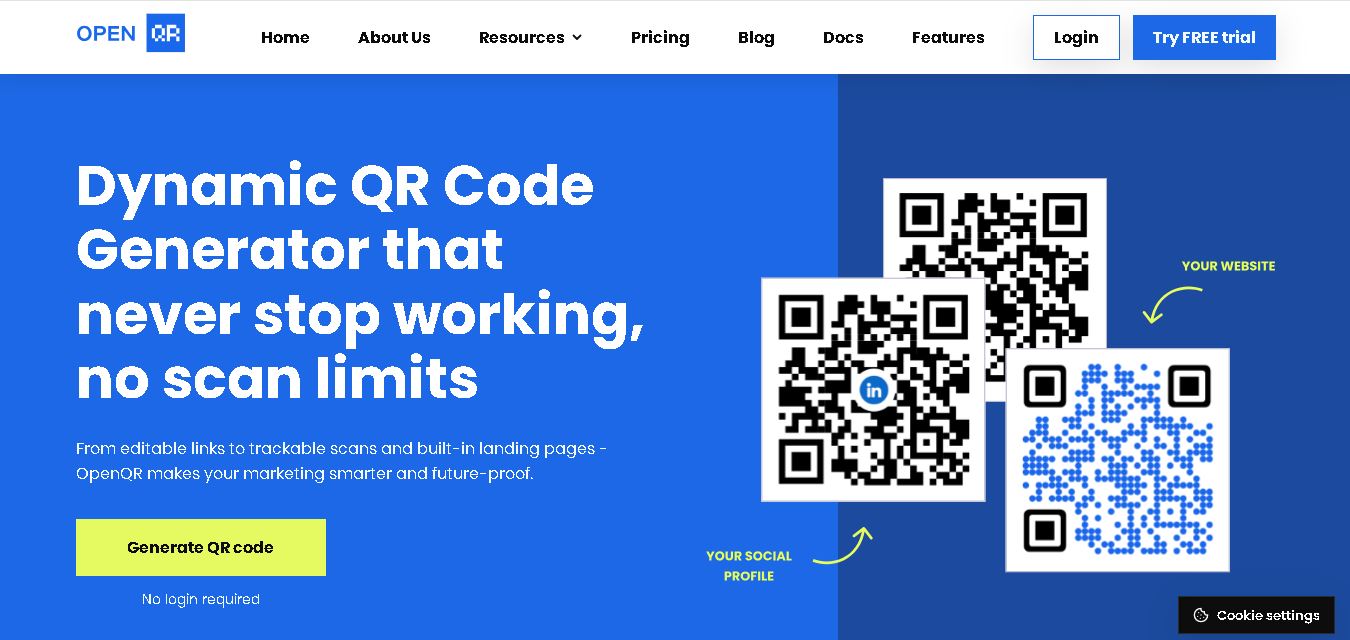
OpenQR.io is a versatile QR code generator for creating customized, trackable, and editable QR codes. It supports website links, PDFs, Wi-Fi, contact information, and event details. With dynamic QR codes, scan analytics, branding options, API integration, and unlimited scans, it helps businesses simplify information sharing and marketing campaigns.
 4.8
Pageloot
QR Code
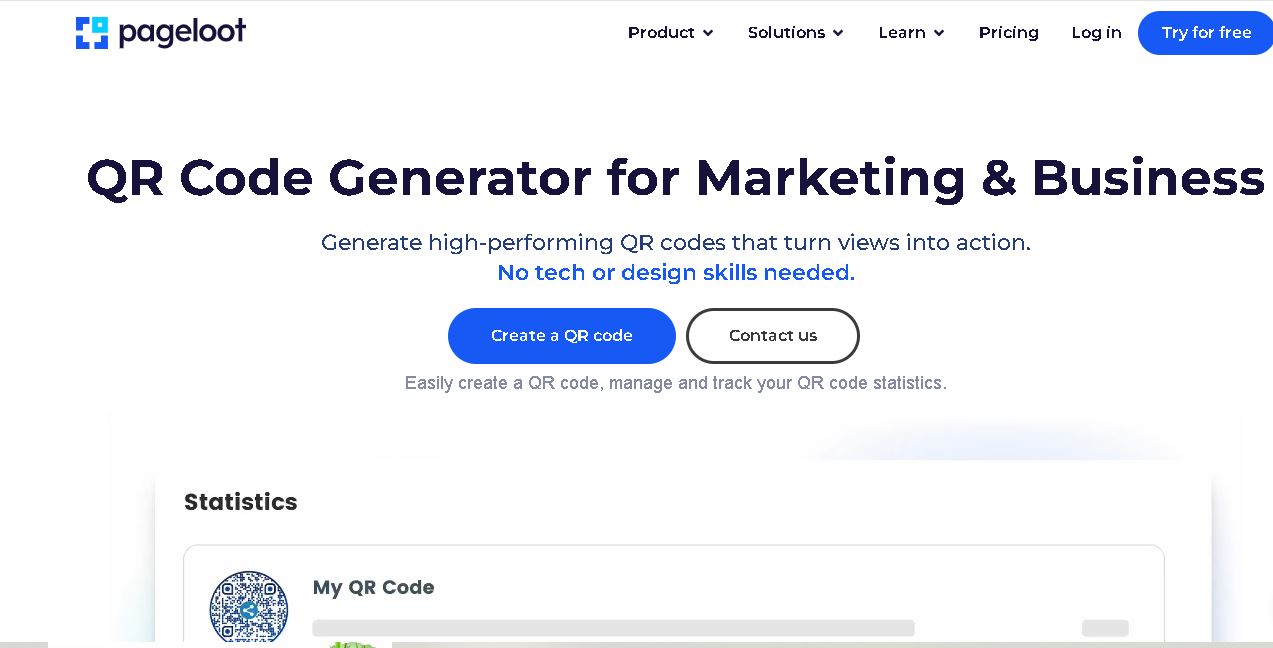
Pageloot is a QR code generator that helps users create, customize, and track QR codes for websites, files, social media, business cards, and marketing campaigns. It offers dynamic QR codes, branding options, scan analytics, and centralized code management, making digital information sharing easier for businesses and individuals.
 4.6
QR Chameleon
QR Code
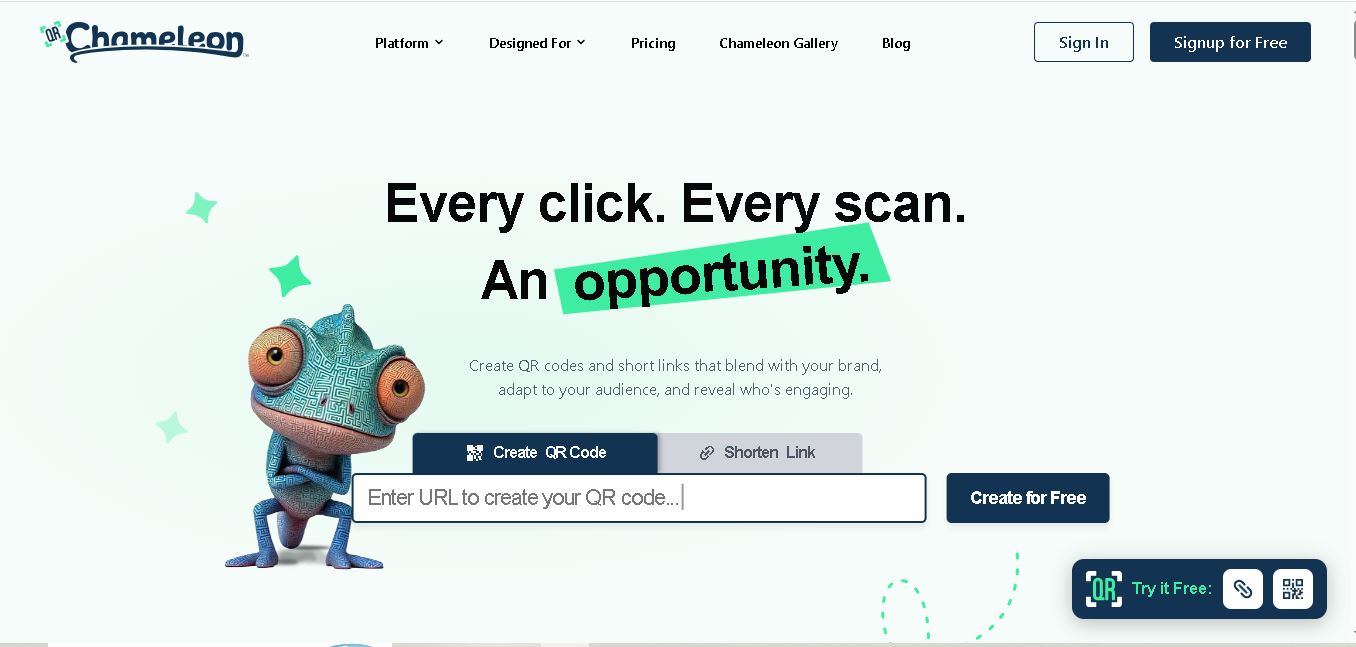
QR Chameleon helps businesses create customized dynamic QR codes and branded short links for marketing campaigns. It offers logo placement, color customization, link tracking, scan analytics, and campaign management. Users can update destinations without reprinting codes, making it useful for restaurants, retailers, marketers, agencies, and event organizers managing digital engagement.
 4.5
Kaywa QR Code
QR Code
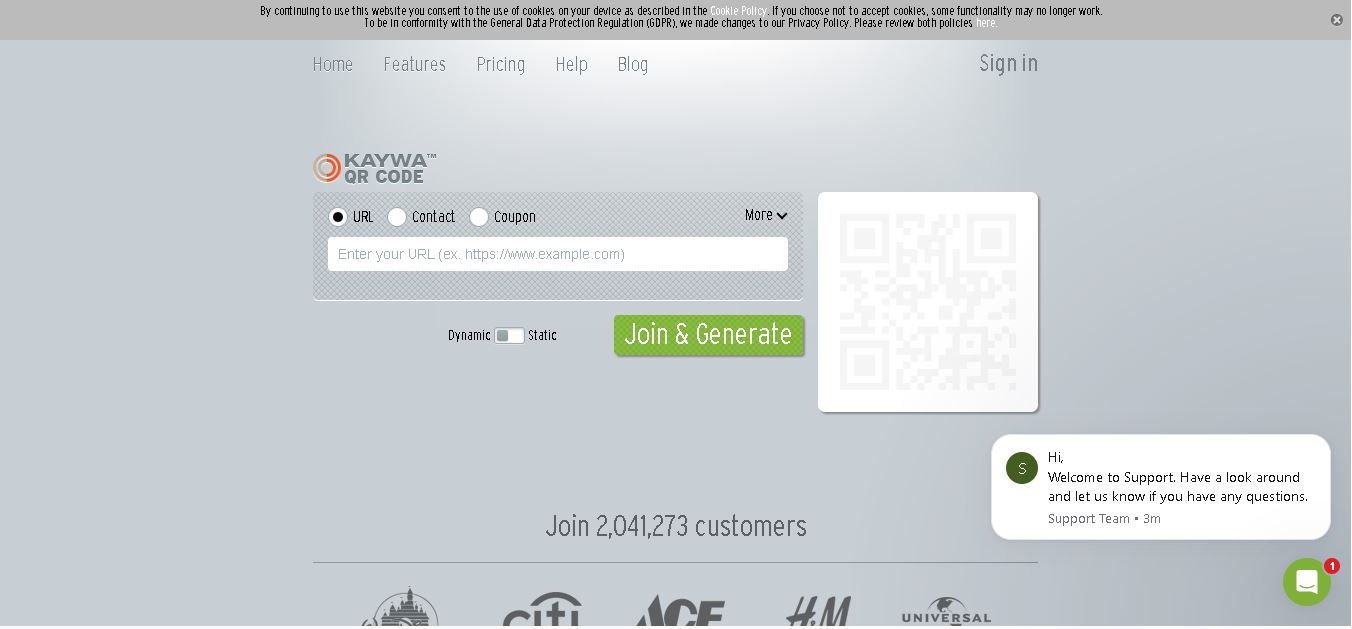
Kaywa QR Code Generator helps individuals and businesses create QR codes for websites, contact information, coupons, and text. It offers static and dynamic QR code options, customization, scan tracking, and campaign analytics. Its management features make it useful for marketers, retailers, event organizers, and businesses connecting customers with digital experiences.
 4.6
Unitag
QR Code
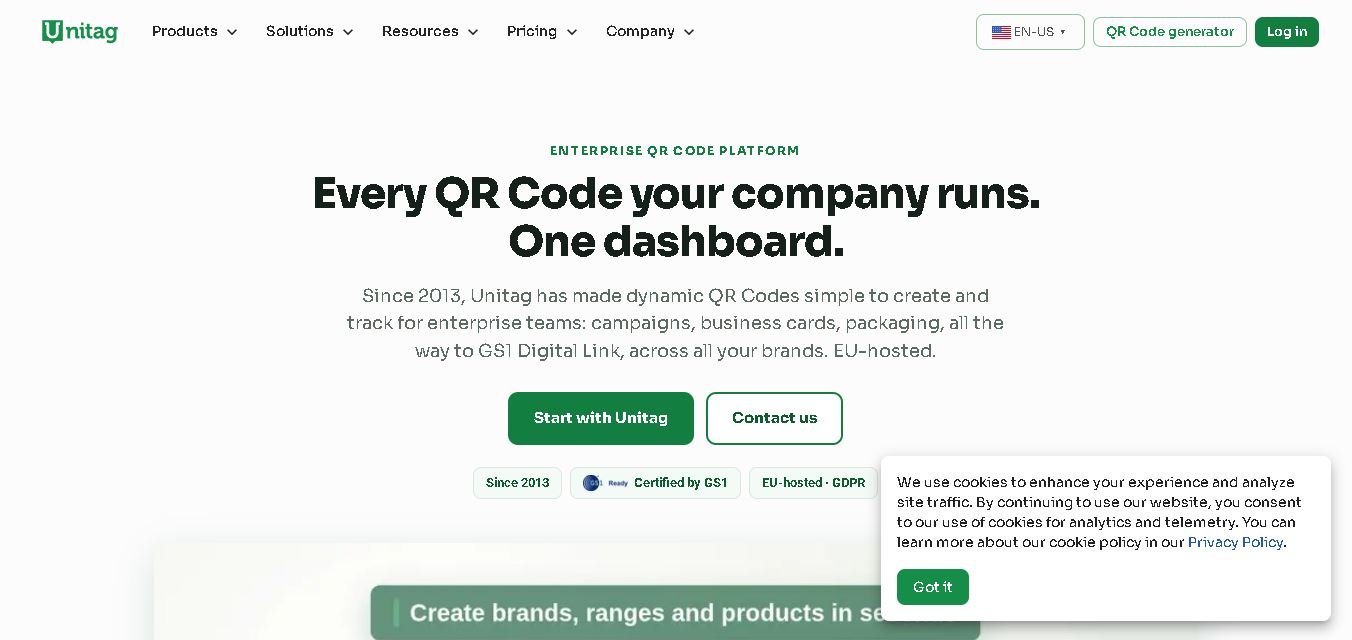
Unitag helps users create, customize, and manage QR codes for marketing, business, and personal purposes. It supports dynamic QR codes, branded designs, scan tracking, and campaign management. Users can connect websites, contact information, documents, and other digital content through scannable codes while monitoring engagement and updating destinations when necessary.